Cloudtalk
Languages:
Dansk
Deutsch
English
Español
Italiana
Polski
Portuguese
Slovensky
Svenska
Türk
Localization:
World

What is CloudTalk Cloud Call Center Platform?
CloudTalk Cloud Call Center Platform is a cloud-based business phone and contact center solution designed for sales, support, and operations teams that live on the phone. Instead of relying on legacy PBX hardware or fragmented VoIP tools, CloudTalk centralizes inbound and outbound calling, routing, analytics, and integrations into one browser and mobile app–driven environment. Teams can purchase local or international phone numbers, configure routing rules and IVR flows, and connect CloudTalk directly with CRM or help desk tools so every call is tracked, recorded, and attached to the right customer record. The service targets growing SMBs and mid-market companies that need predictable call handling, performance reporting, and AI-enhanced insights without building their own telephony stack or maintaining complex infrastructure.
What are the key features of CloudTalk?
-
Global cloud calling and numbers
CloudTalk provides local, mobile, and toll-free numbers in many countries, letting companies appear local in multiple markets while managing everything from one platform. Calls can be handled via softphone apps in the browser, desktop, or mobile, removing the need for on-premise phone hardware. -
Smart call routing and IVR
The platform supports skill-based routing, preferred-agent routing, ring groups, call queues, and time-based rules. Visual call flow designers and IVR menus allow teams to send callers to the right department, language, or priority queue, reducing transfers and wait times. -
Inbound and outbound call center tools
CloudTalk includes automatic call distribution, queue callbacks, voicemail, and queue handling for inbound scenarios, along with power, smart, and preview dialers for outbound campaigns. Click-to-call, voicemail drop, and automated list dialing help sales teams increase contact rates. -
Call recording, monitoring, and analytics
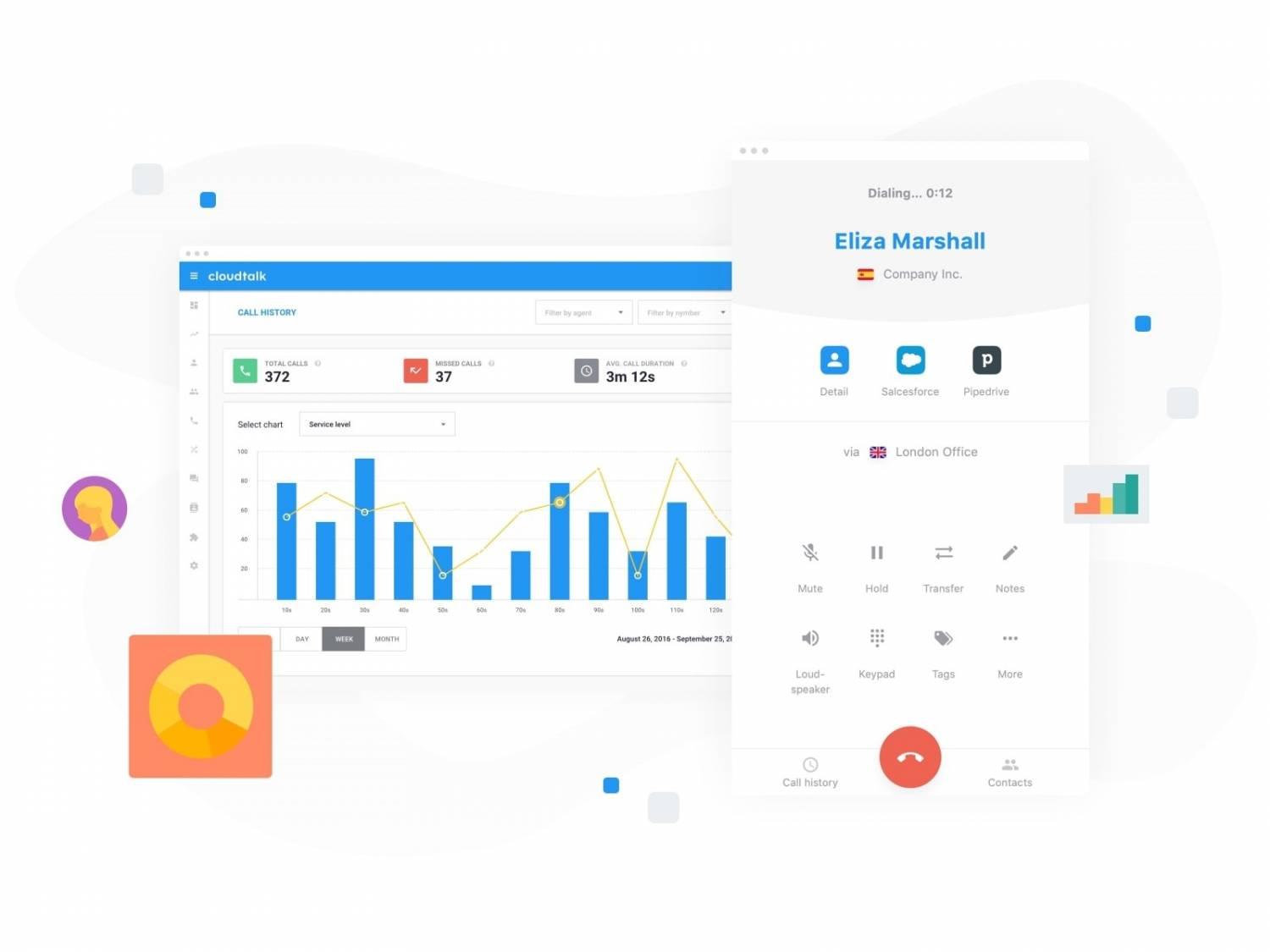
Managers can record calls for training and compliance, monitor live conversations, whisper to agents, or barge into calls when necessary. Historical analytics and real-time dashboards show call volumes, handle times, service levels, agent performance, and queue health. -
AI voice agents and conversation intelligence
CloudTalk offers AI voice agents and AI-powered conversation features such as transcription, call summaries, sentiment indicators, and call scoring. These tools reduce time spent on manual note-taking and speed up quality assurance and coaching. -
Integrations and API
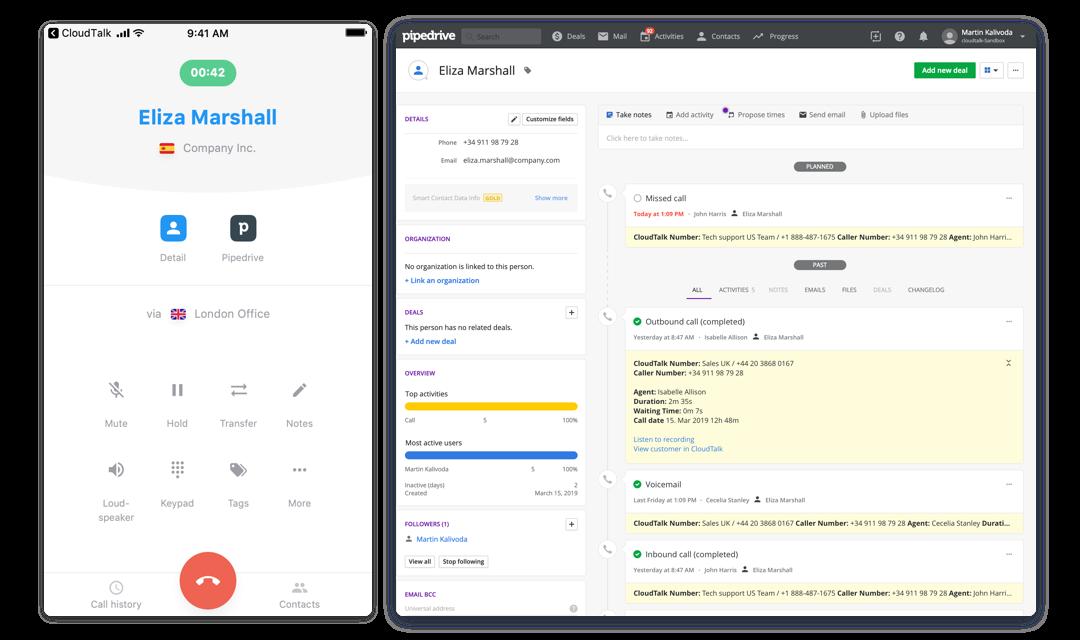
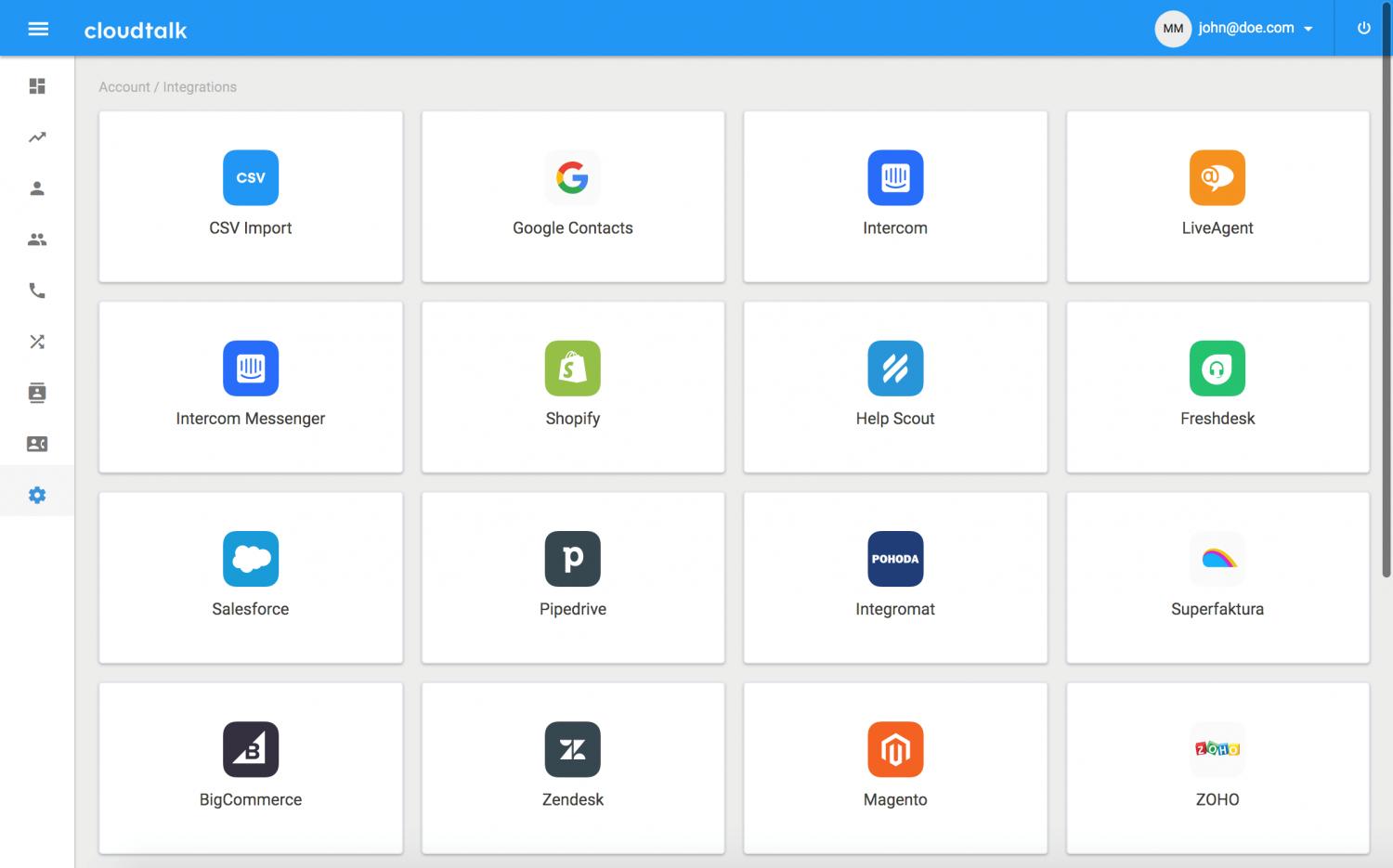
The platform connects with popular CRMs and help desks, including tools like HubSpot, Salesforce (on higher tiers), and others. Activities, recordings, and notes can be synced automatically, and an open API enables custom workflows and internal tools. -
Flexible pricing and scalable plans
CloudTalk provides multiple subscription tiers with per-user pricing, unlimited inbound calling in some regions, bundled outbound minutes, and the ability to add AI or advanced dialer features as paid add-ons. This lets teams start small and scale capacity, capabilities, and automation as needs grow.
What are typical use cases for CloudTalk?
-
Outbound sales and business development
Sales teams use CloudTalk’s power and smart dialers to work through lead lists efficiently, with click-to-call inside the CRM, automatic activity logging, and call recordings for coaching. This setup is suited for SDR/BDR teams that need volume and predictable metrics. -
Customer support and service centers
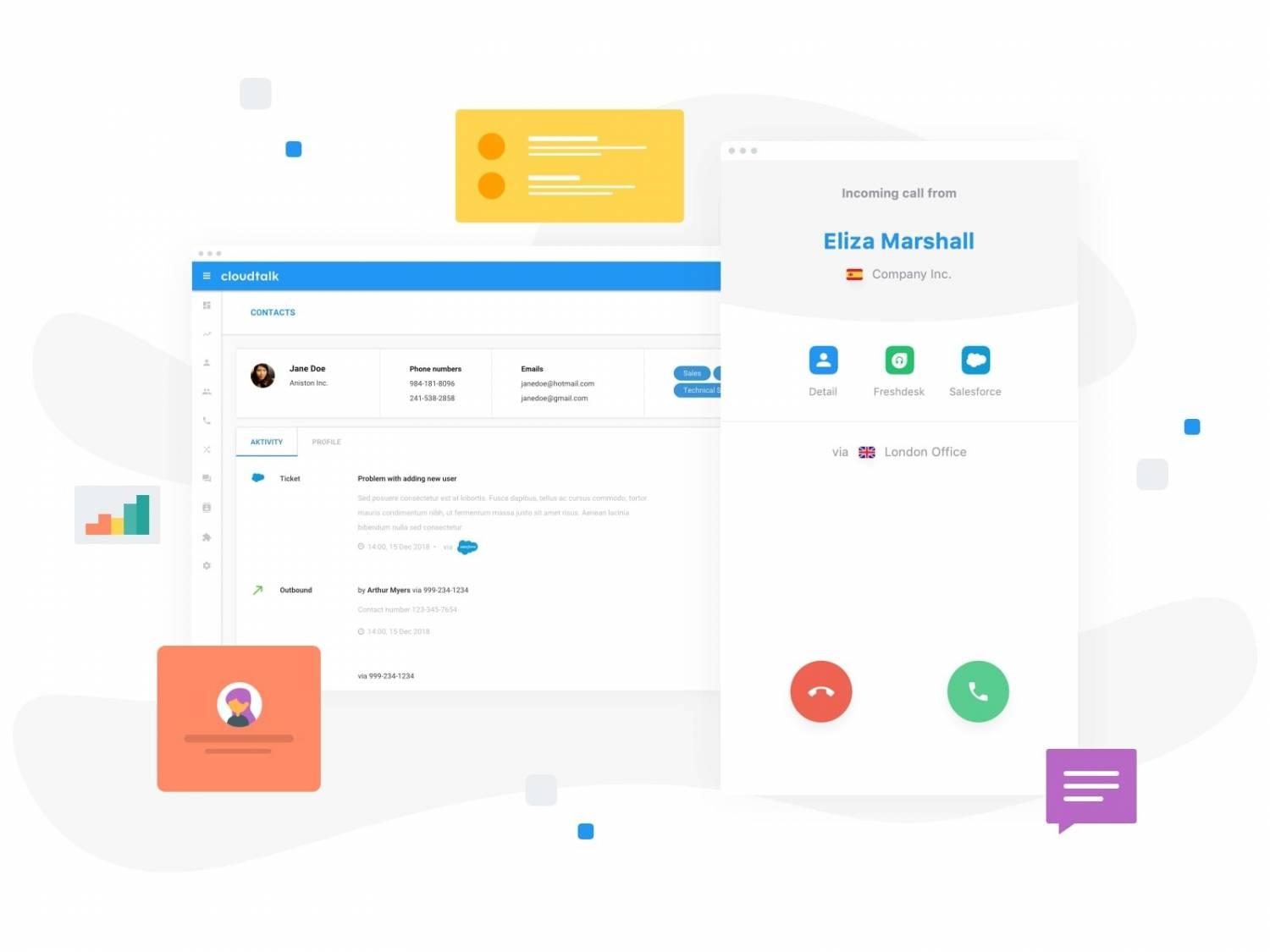
Support teams run inbound queues with IVR, skill-based routing, and callbacks. Integration with ticketing systems ensures that caller data and previous interactions are visible before agents accept a call, which improves first-contact resolution and reduces average handle time. -
Remote and hybrid teams
Distributed teams use CloudTalk to provide a unified phone presence without physical offices. Agents can log in from anywhere while managers oversee activity, listen in on calls, and track KPIs across locations from a single dashboard. -
Customer success and account management
Success teams rely on CloudTalk for scheduled check-ins, onboarding calls, and renewal conversations. AI-based transcription and summaries help capture key points from strategic calls and feed them back into CRM records and internal notes. -
Recruiting and hiring workflows
Recruitment teams can handle candidate outreach, screening calls, and interview scheduling via CloudTalk, logging interactions directly in applicant tracking or CRM systems. Call recordings and transcripts can support fair, consistent evaluation.
What benefits does CloudTalk provide to organizations?
CloudTalk’s main benefit is the shift from unstructured phone chaos to measurable, repeatable call operations. Teams gain clear visibility into who is calling, how long calls take, what outcomes they produce, and where bottlenecks appear. For sales, that means higher connect rates and easier follow-ups because calls are logged automatically and sequences can be run through dialers. For support, it means fewer missed or misrouted calls, clearer service-level tracking, and a better understanding of why customers reach out.
Operationally, leaders get reliable metrics, from agent occupancy to talk time and queue performance, which makes staffing and coaching decisions more data-driven. AI transcription and call intelligence reduce the manual overhead of note-taking and quality reviews, freeing managers to focus on targeted coaching instead of random call sampling. Because CloudTalk is cloud-based, organizations avoid capex-heavy phone hardware and can scale up or down quickly as headcount or call volumes change.
What is the user experience like in CloudTalk?
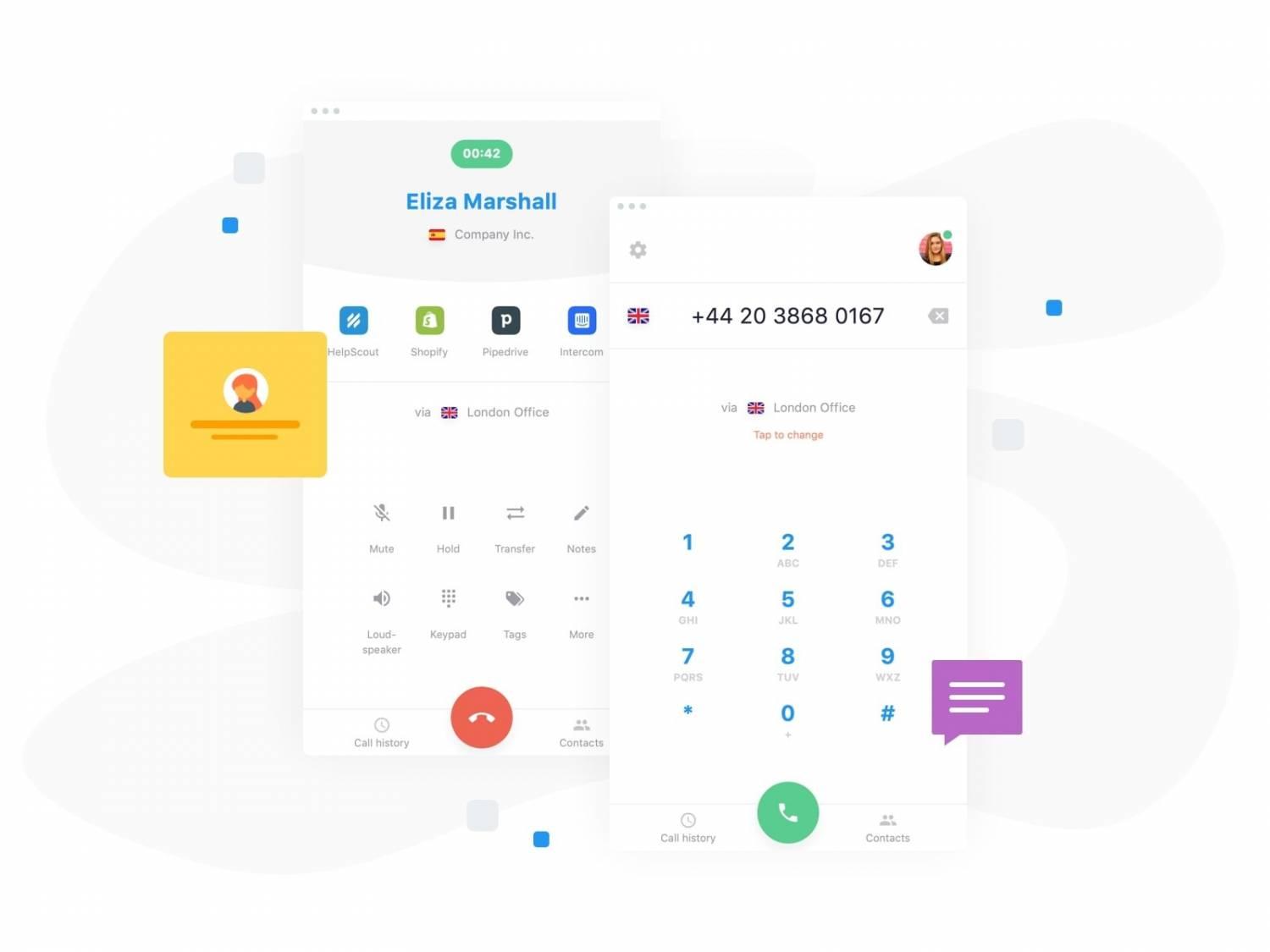
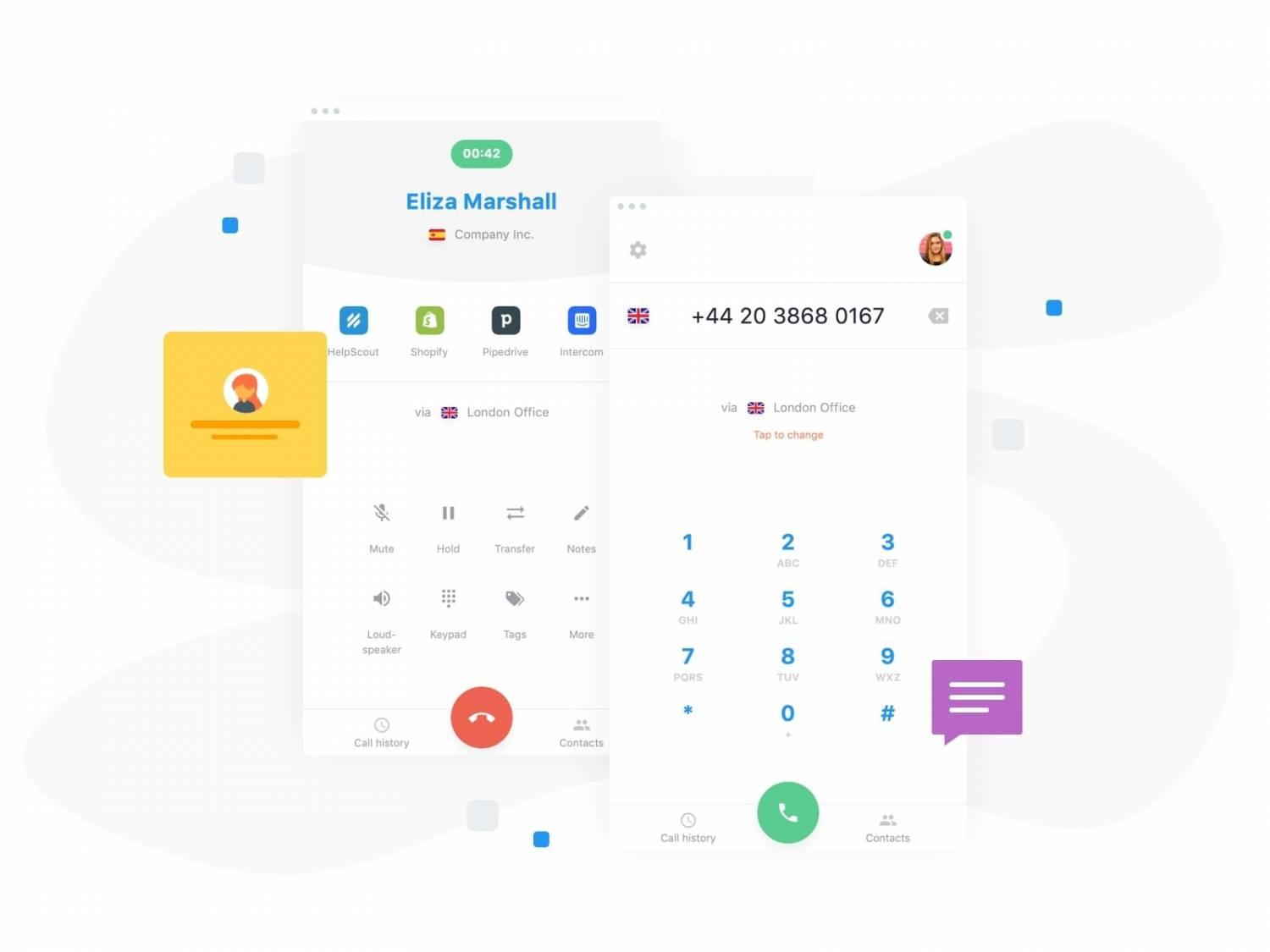
Day to day, agents work inside the CloudTalk web or desktop app, or a supported mobile app, where they see their call queues, recent history, and basic caller context. Incoming calls display relevant data pulled from connected CRMs or help desks, so agents know who is calling and why before they answer. With one click they can transfer, tag, or wrap up calls, while the platform handles logging, recording, and syncing in the background.
Supervisors and admins typically live in dashboards and configuration screens. They design call flows, set up queues and IVR paths, assign numbers, and manage user permissions. Monitoring tools allow them to watch live metrics, listen to live calls, and review recordings or transcripts for QA. Overall, CloudTalk Cloud Call Center Platform aims to feel like a single, unified telephony workspace embedded into a company’s existing stack, rather than another siloed tool agents have to wrestle with.
⚠️ This page may contain affiliate links. Hellip.com may earn a commission for sign-ups or purchases made through them — at no extra cost to you.
💡 After you become a Cloudtalk customer, Hellip will send you a short Pro Tips & Advanced Features Guide with hidden features and pro tips.
2026-10-08 14:55:15: How to Handle Any Sales Objection in 2026 Youtube
2026-10-06 15:00:00: My Cloudtalk built an AI Voice Agent by itself. Youtube
2026-10-01 16:00:18: CloudTalk vs Ringover — In Under 2 Minutes Youtube
2026-09-30 16:00:37: I Gave GPT-6 Astra a Sales Job (It Did Everything But the Call) Youtube
2026-09-23 15:00:37: I Ranked VoIP Providers from Best to Worst in 2026 Youtube
2026-09-17 19:22:29: CloudTalk vs HubSpot Calling — In Under 2 Minutes Youtube
2026-09-17 19:05:06: Best AI Voice Agent for Call Centers in 2026 Youtube
2026-09-10 16:15:17: CloudTalk Official Platform Overview Youtube
2026-09-09 16:00:04: CloudTalk vs JustCall — In Under 2 Minutes Youtube
2026-09-08 16:00:19: Cold Calling in 2026? You NEED to Watch This Youtube
Cloudtalk Alternatives



Cloudtalk Integrations