Zoho Desk
Languages:
English
Localization:
World

Zoho Desk is a cloud-based customer support and help desk platform designed to help businesses manage, prioritize, and resolve customer inquiries across multiple channels. It centralizes support interactions from email, chat, phone, social media, and web forms into a single, structured ticketing system. This approach eliminates fragmented communication and gives support teams full visibility into every customer request.
The platform is built for scalability, making it suitable for startups, growing companies, and mature organizations with high support volumes. Zoho Desk focuses on operational clarity: every ticket has ownership, priority, deadlines, and context. Automation and AI-assisted features reduce repetitive work, while reporting tools help teams measure performance and improve service quality over time. Deep integration with CRM and business systems allows support agents to see customer history and business context while responding, which leads to faster resolutions and more personalized support experiences.
Key Features
-
Omnichannel Ticket Management
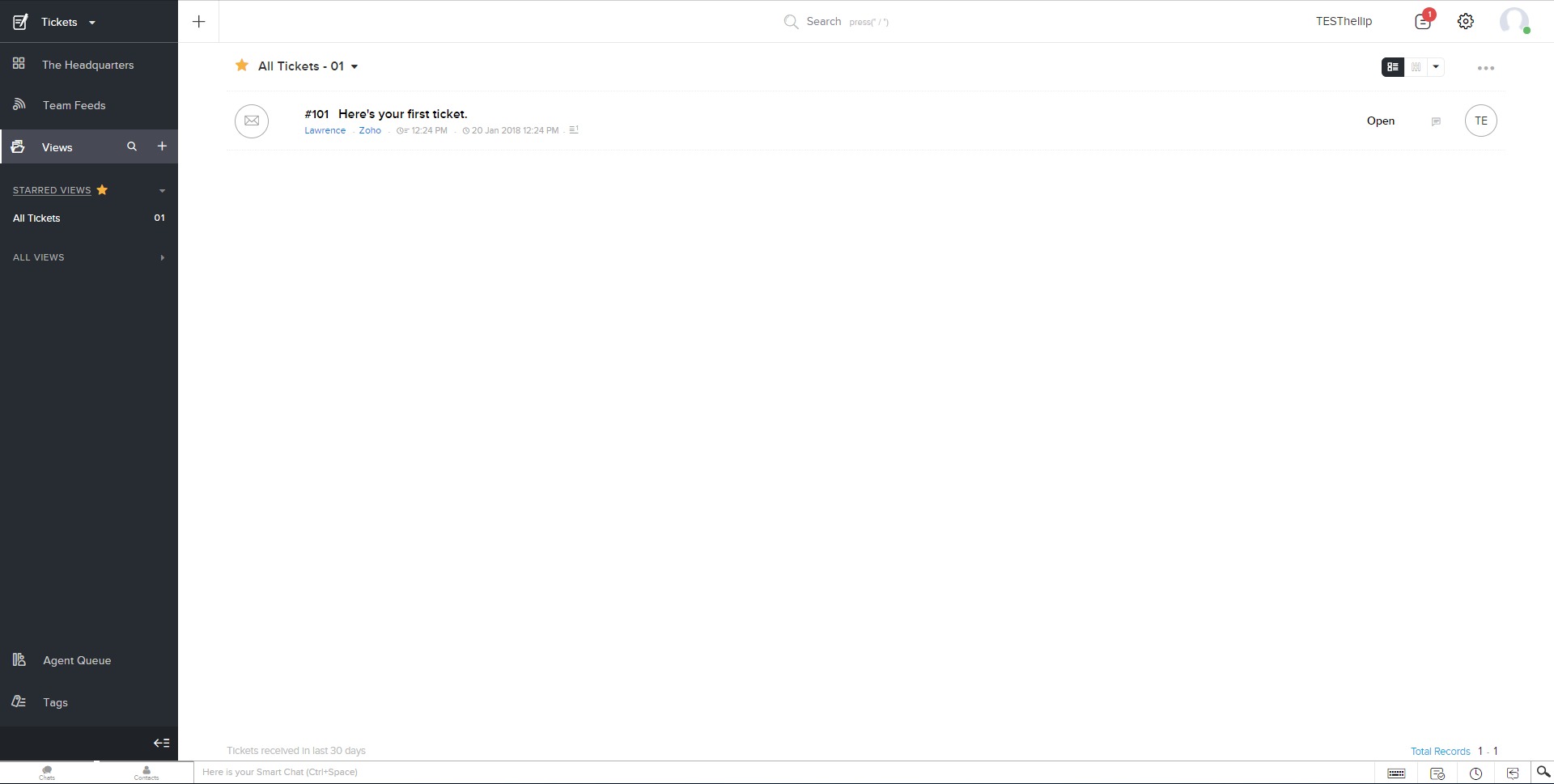
All customer conversations from different channels are converted into tickets and managed in a single interface, ensuring no request is missed and every interaction is traceable. -
Automation Rules and Workflows
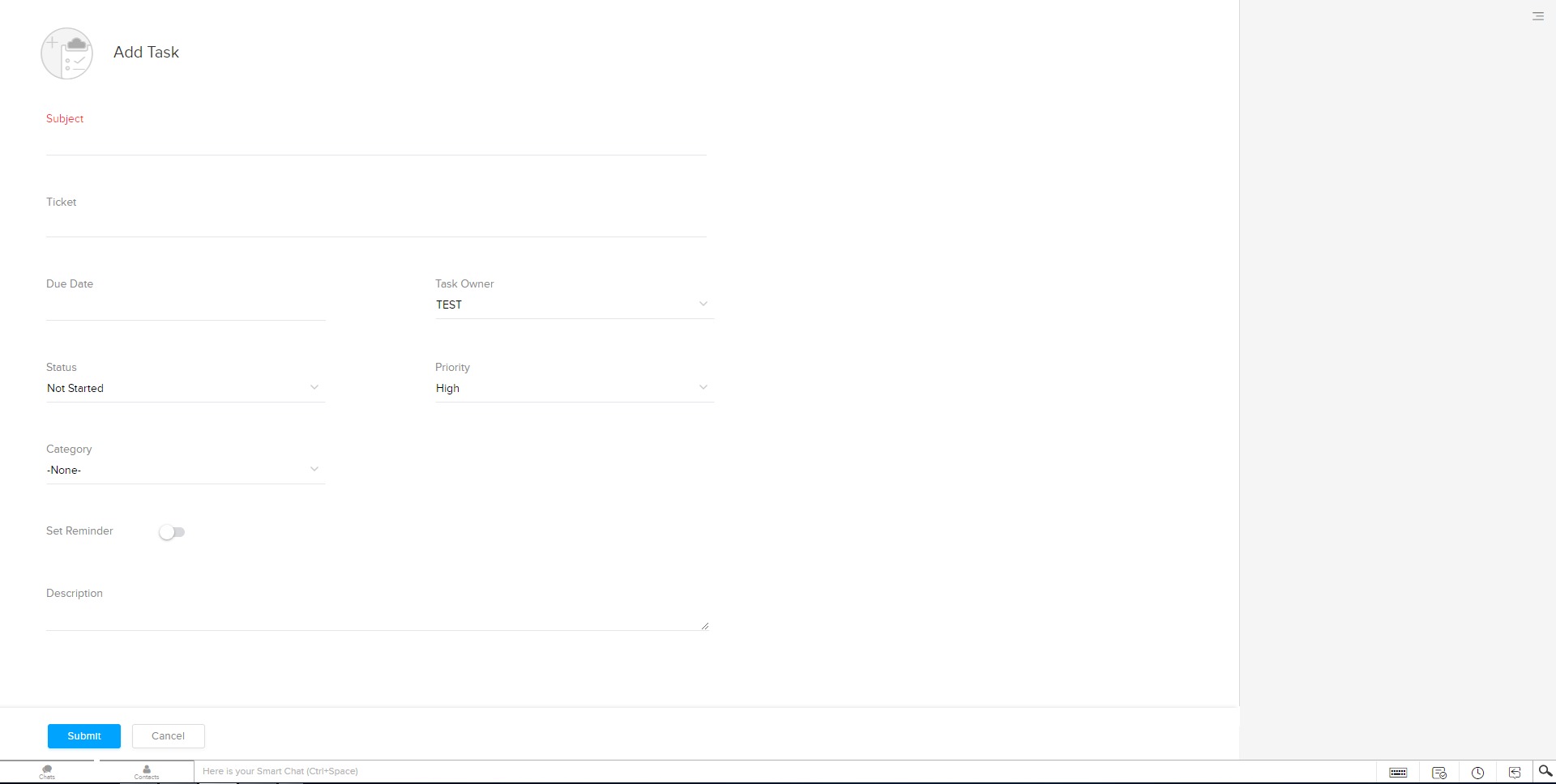
Tickets can be automatically assigned, prioritized, escalated, or updated based on predefined conditions such as urgency, keywords, customer type, or response time. -
AI-Powered Assistance
Built-in AI analyzes ticket sentiment, suggests responses, highlights anomalies, and helps agents focus on high-impact issues rather than routine questions. -
Service Level Agreements (SLA)
Configurable SLAs define response and resolution time targets, with alerts and escalations to ensure commitments are consistently met. -
Knowledge Base and Self-Service
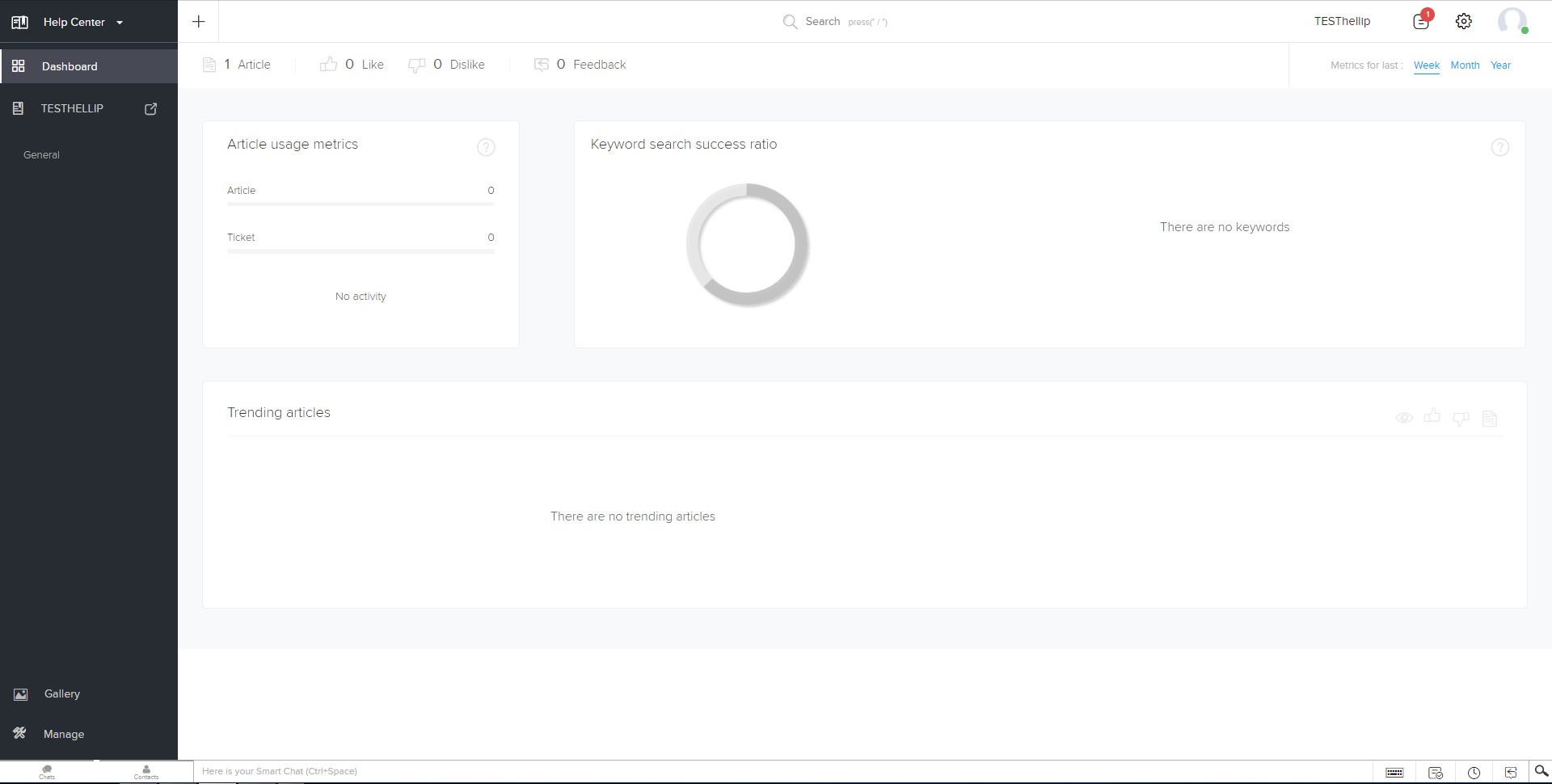
Businesses can create help centers and FAQs that allow customers to resolve common issues without contacting support, reducing ticket volume. -
CRM and App Integrations
Customer data from CRM systems and other business tools is available directly within tickets, providing full context during support interactions. -
Analytics and Performance Reporting
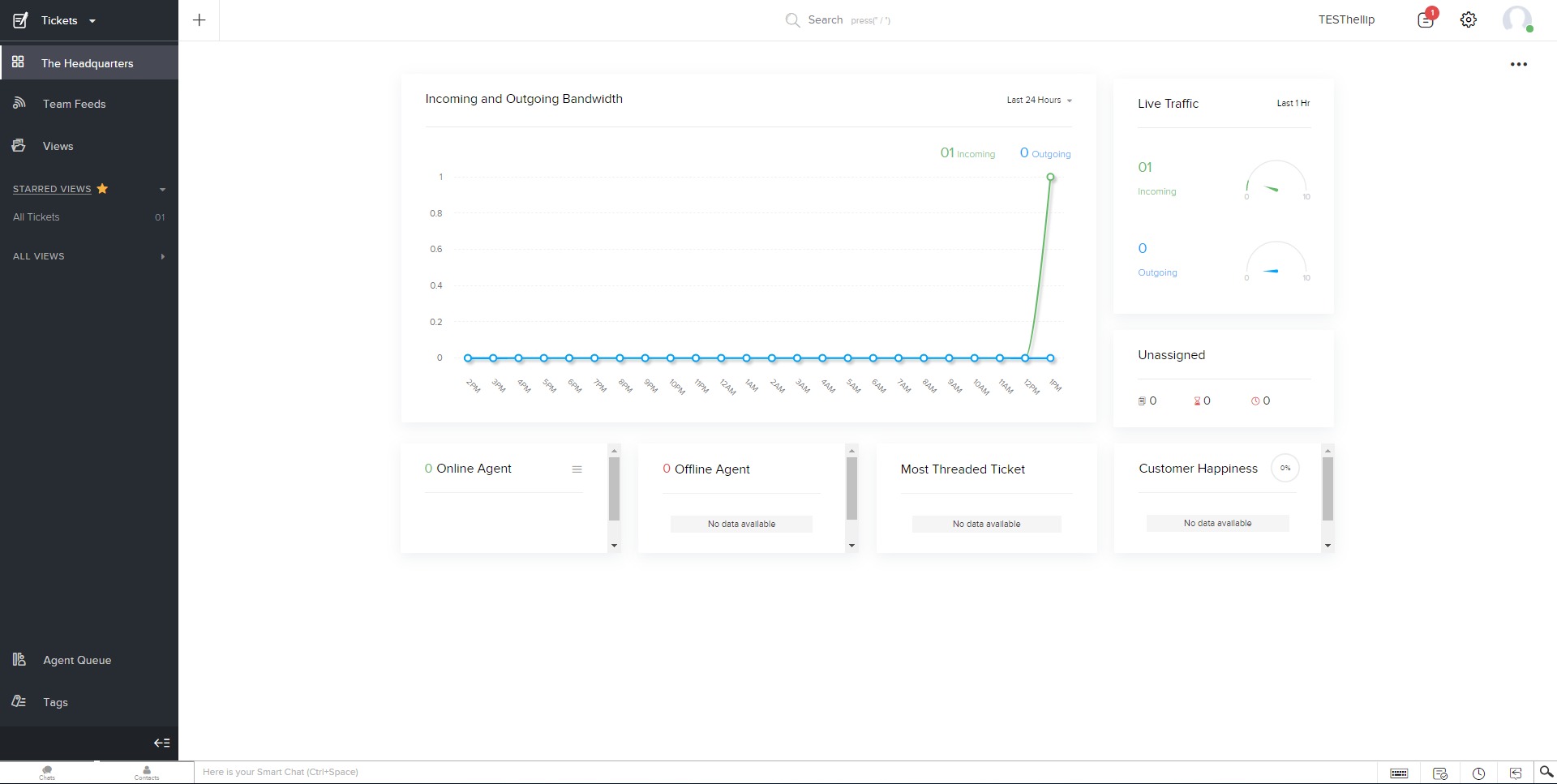
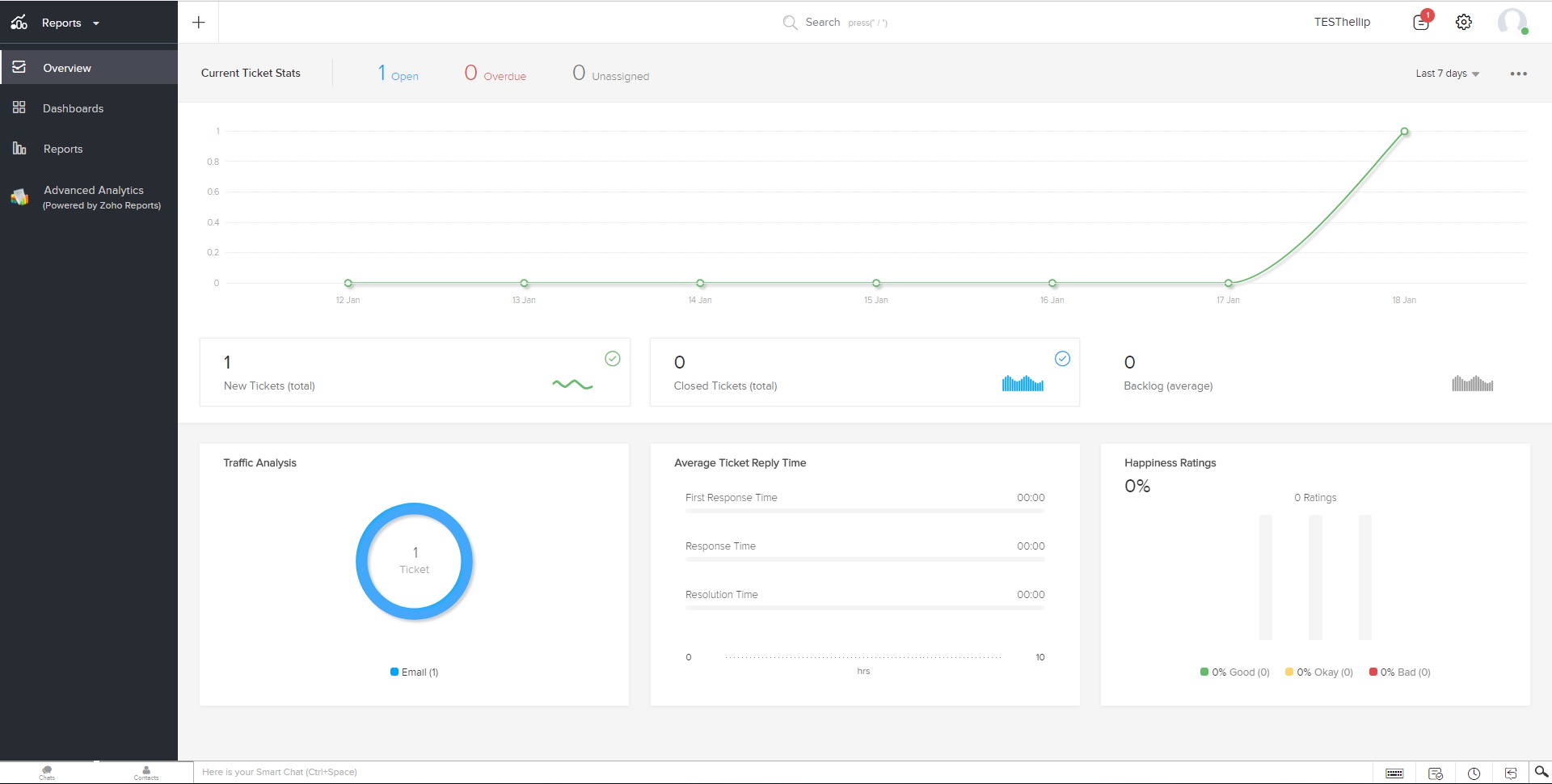
Dashboards track response times, resolution rates, agent productivity, customer satisfaction, and workload distribution. -
Mobile Support Tools
Mobile apps allow agents and managers to handle tickets, receive alerts, and monitor performance on the go.
Use Case Highlights
-
Customer Support Teams
Manage high volumes of inquiries efficiently with structured workflows, automation, and clear accountability across agents. -
SaaS and Tech Companies
Handle technical issues, feature requests, and user feedback with full customer history and product context available in each ticket. -
E-commerce Businesses
Support order-related questions, refunds, shipping issues, and post-purchase inquiries across multiple communication channels. -
Service-Based Companies
Track client requests, incidents, and follow-ups while maintaining service-level commitments and clear communication. -
Growing Organizations
Start with basic ticketing and gradually enable advanced automation, analytics, and AI features as support operations scale.
Benefits
Zoho Desk improves customer support operations by creating structure, transparency, and consistency. Automation reduces manual workload and human error, while AI assistance accelerates response times. Centralized ticket management ensures that no customer request is lost, even when support volume increases. Integrated analytics provide actionable insights that help teams optimize staffing, processes, and service quality. By combining support data with CRM context, businesses can deliver more personalized and informed customer interactions without increasing complexity.
User Experience
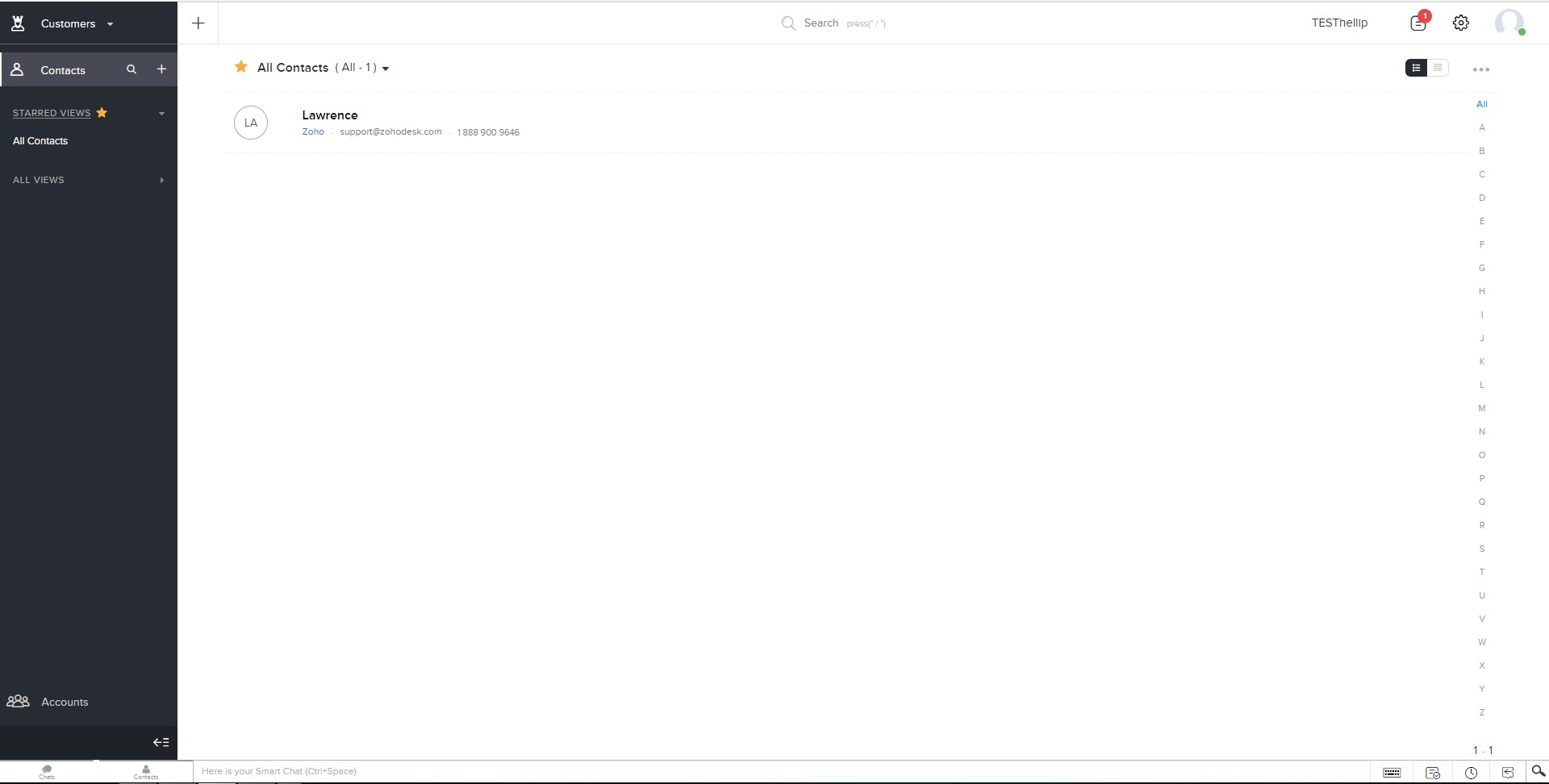
The user experience is designed around clarity and control. Agents work from a unified dashboard where tickets, customer details, and internal notes are easily accessible. Managers gain visibility into team performance and bottlenecks through real-time reports and alerts. Customization options allow teams to adapt workflows, views, and automations to their specific processes. While the platform is feature-rich, its modular structure lets teams adopt functionality gradually, avoiding overwhelm while still supporting advanced support operations.
What is Zoho Desk used for?
Zoho Desk is used to manage customer support requests, track issues, automate support workflows, and measure service performance across multiple communication channels.
How does Zoho Desk improve customer support efficiency?
It improves efficiency by automating ticket handling, prioritizing urgent issues, providing AI-assisted responses, and giving agents full customer context within each interaction.
Can Zoho Desk scale with business growth?
Zoho Desk is designed to scale from small teams to large organizations, supporting increased ticket volumes, advanced automation, and detailed analytics as needs evolve.
Is Zoho Desk suitable for non-technical teams?
Yes, the platform is configurable without deep technical knowledge, allowing non-technical teams to manage workflows, reports, and customer communications effectively.
Zoho Desk Alternatives




Zoho Desk Integrations