WordPress
Languages:
العربيه
Deutsch
English
Español
Français
Bahasa Indonesia
Italiana
日本語
한국어
Netherlands
Polski
Portuguese
Русский
ไทย
Türk
Український
Tiếng Việt
简体中文
Localization:
World

What is the WordPress.com website platform?
WordPress.com Website Platform is a fully hosted environment for building websites, blogs, and online stores without managing servers, databases, or complex configuration. It runs on the same core engine as open-source WordPress, but wraps it in a managed service: hosting, security, updates, and performance are handled for the user.
Instead of worrying about infrastructure, the user focuses on content, design, and business goals. The platform offers ready-made templates, a block-based visual editor, built-in tools for SEO and marketing, and options for monetization. Beginners can get started quickly with guided setup, while advanced users can upgrade to plans that unlock custom plugins, themes, and more developer-oriented features.
In short, WordPress.com Website Platform is a “launch and grow” environment: suitable for personal blogs, professional portfolios, media projects, and serious business sites that need stability and scalability without deep technical overhead.
What are the key features of WordPress.com?
-
Managed hosting and security
Servers, backups, software updates, and security patches are handled by the platform. This reduces technical risk and frees users from dealing with hosting providers, control panels, and manual maintenance. -
Custom domains and SSL
Users can start with a freesitename.wordpress.comaddress and later connect a custom domain. SSL certificates are provided automatically, so the site is served over HTTPS without manual configuration. -
Theme library and design tools
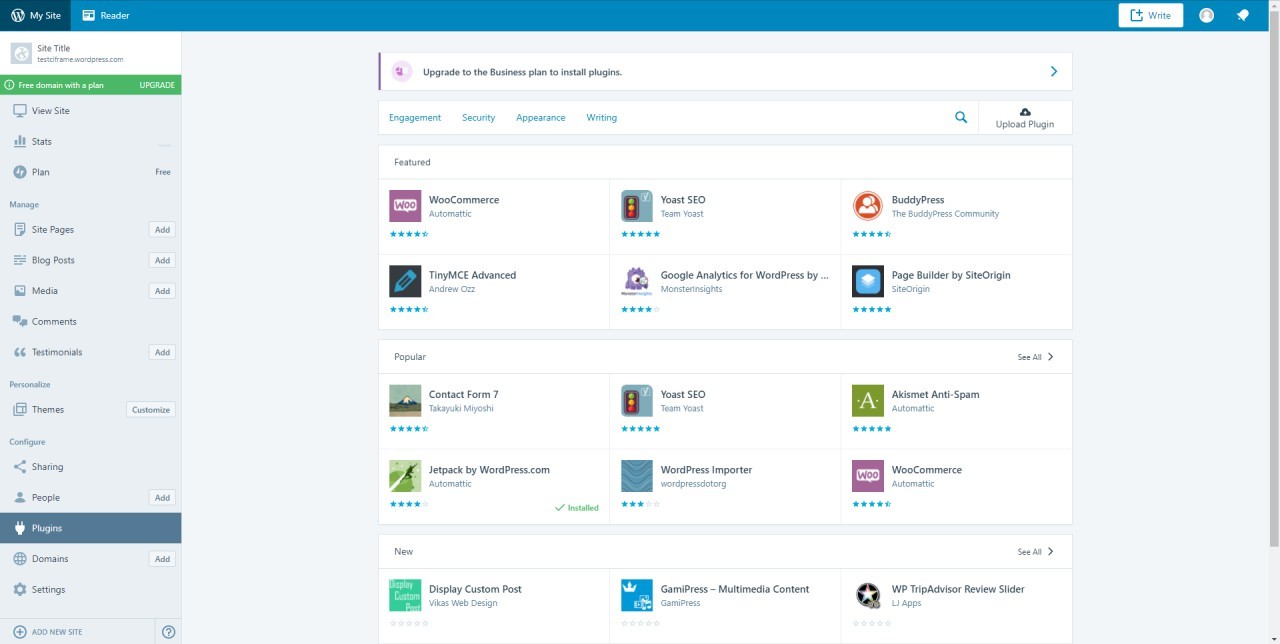
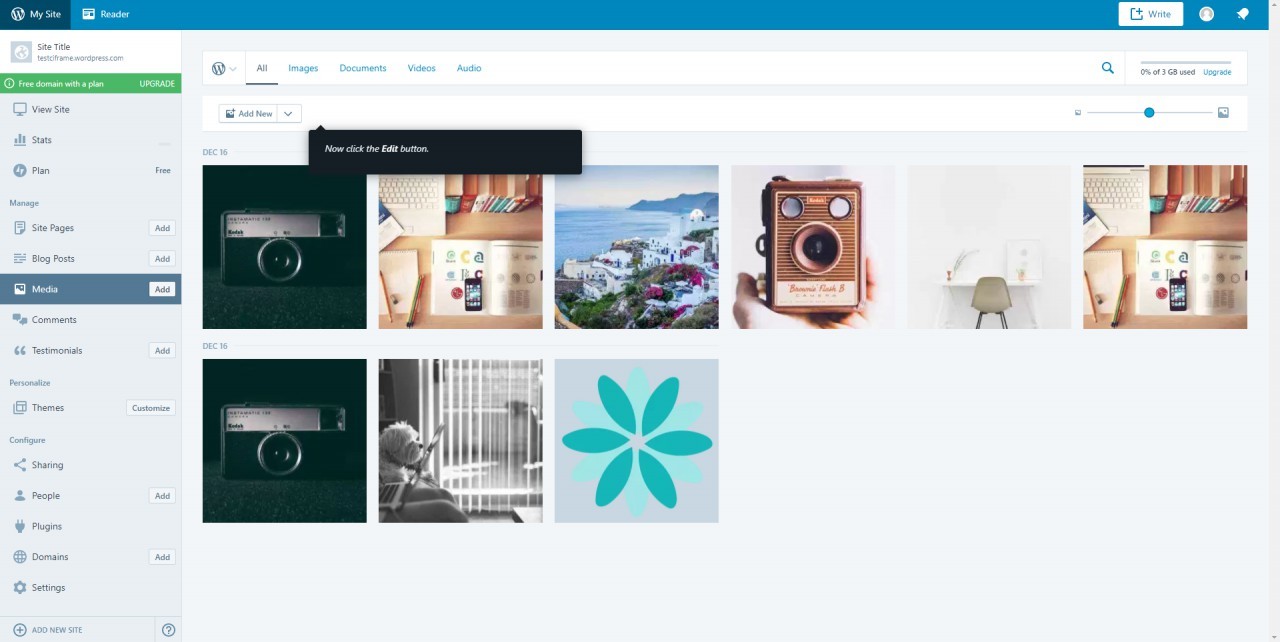
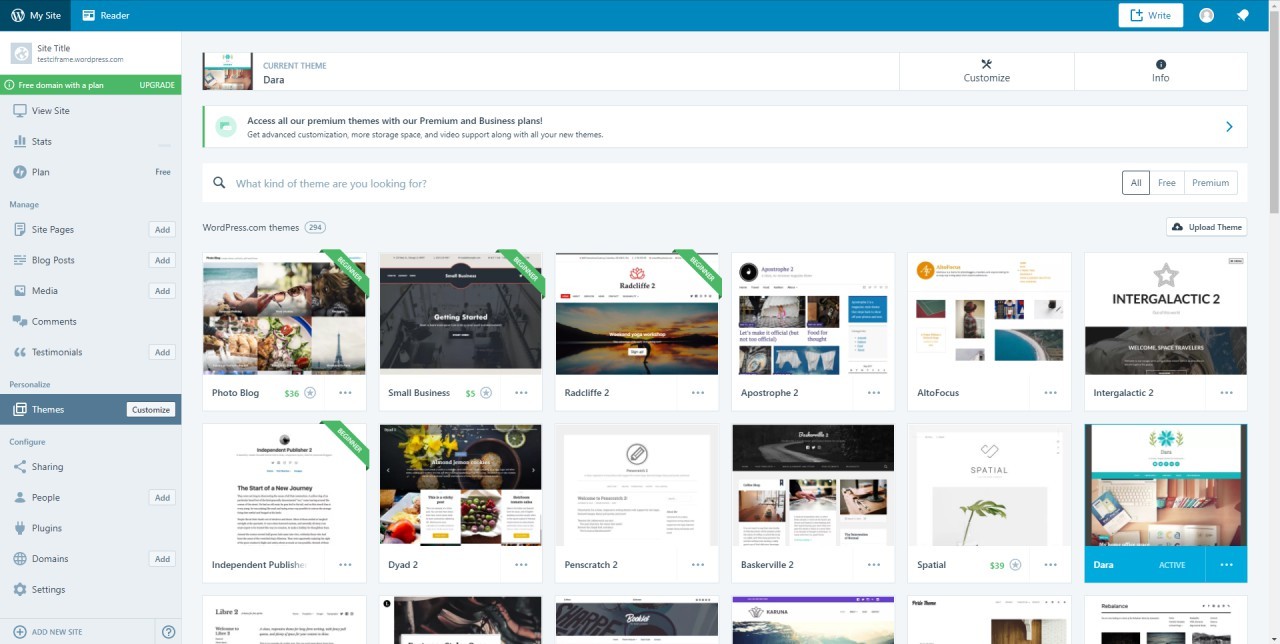
A large collection of themes covers blogs, business sites, portfolios, and shops. Layouts, colors, fonts, and blocks can be adjusted inside the visual editor, allowing customization without custom code, while still leaving room for CSS tweaks on higher plans. -
Block-based visual editor
Content is built from blocks: text, images, videos, galleries, buttons, columns, forms, and more. Blocks can be moved, duplicated, and reused, making it simple to design complex pages with consistent structure. -
Ecommerce and payments
With appropriate plans, the platform supports online stores, digital products, subscriptions, and paid memberships. Integration with payment providers lets users accept payments directly from their site. -
Built-in SEO and marketing tools
Essential SEO options (titles, descriptions, permalinks) are built in, along with social sharing, basic analytics, and tools for promoting posts. Email subscriptions and newsletters can be managed from the same dashboard. -
Scalability and performance optimization
Global infrastructure, caching, and content delivery are managed automatically. Sites can handle spikes in traffic without users needing to reconfigure hosting or upgrade servers manually.
How can WordPress.com be used in real projects?
-
Personal or professional blog
Ideal for writers, journalists, and experts who want to publish articles regularly. Categories, tags, and archives make it easy for readers to navigate content, and newsletters help turn readers into a community. -
Business website or landing page
Small businesses can present services, pricing, and contact forms on a clean, mobile-friendly site. Multiple pages, FAQs, and portfolios can be combined into a structured, credible online presence. -
Online store for products or digital goods
Creators can sell physical products, ebooks, courses, or templates from a single storefront. Inventory, orders, and payments are tracked from the same dashboard that manages the rest of the site. -
Portfolio for creatives and freelancers
Designers, developers, photographers, and agencies can showcase work in galleries, case-study pages, and project grids. Contact forms and booking options help convert visitors into clients. -
Community hub or niche publication
Clubs, communities, and niche media projects can use WordPress.com for multi-author blogs, announcements, and event posts. Commenting and subscriptions keep the audience engaged and returning.
What benefits does WordPress.com offer?
WordPress.com reduces friction at every stage: launch, growth, and scaling. The user does not have to compare hosting providers, configure databases, or worry about uptime. This lowers the barrier to starting new projects and experimenting with ideas.
Because the platform is built on WordPress, it benefits from a huge ecosystem of themes, plugins, and integrations. As needs grow, the site can evolve from a basic blog into a complex, feature-rich presence without migrating to a different system.
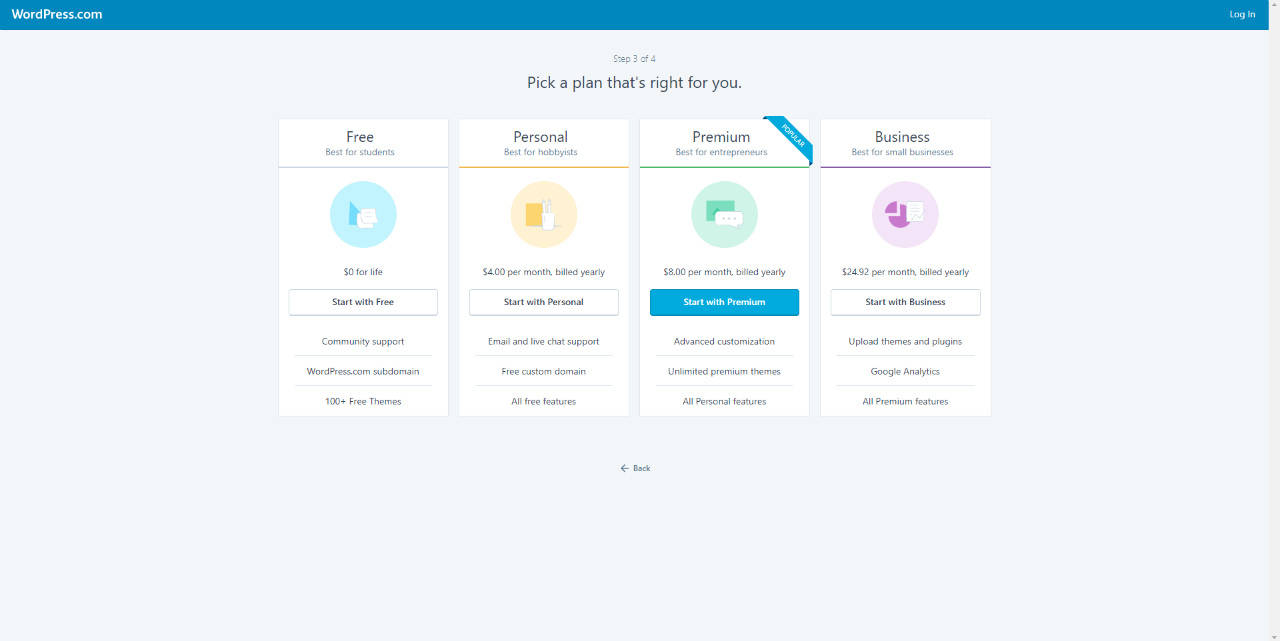
Pricing tiers allow gradual progression. A user can begin on a free or low-cost plan and upgrade only when custom domains, ecommerce features, or advanced integrations become necessary. That makes the platform attractive for individuals, startups, and small businesses that want to control costs while keeping a clear upgrade path.
What is the user experience like on WordPress.com?
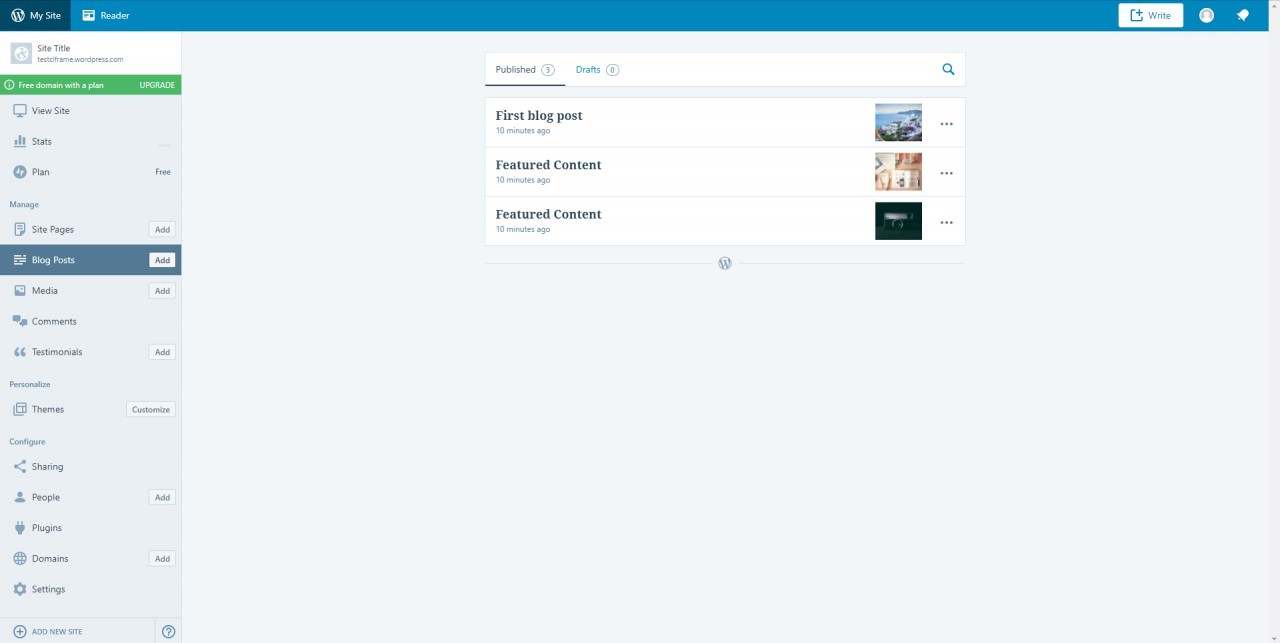
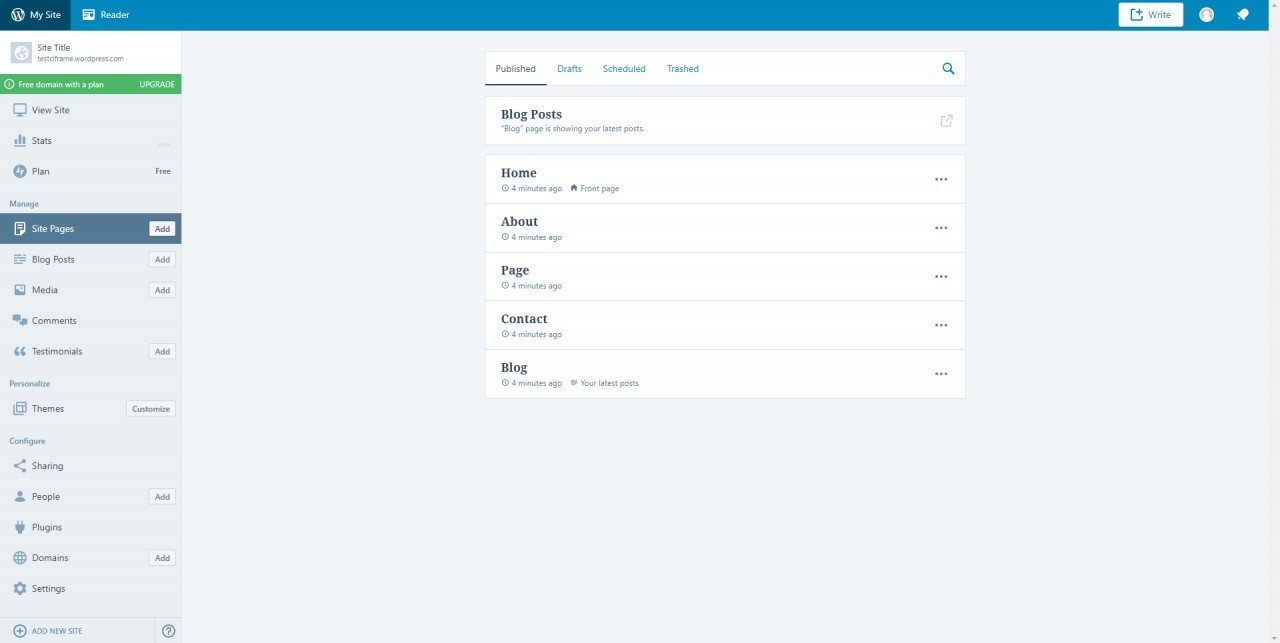
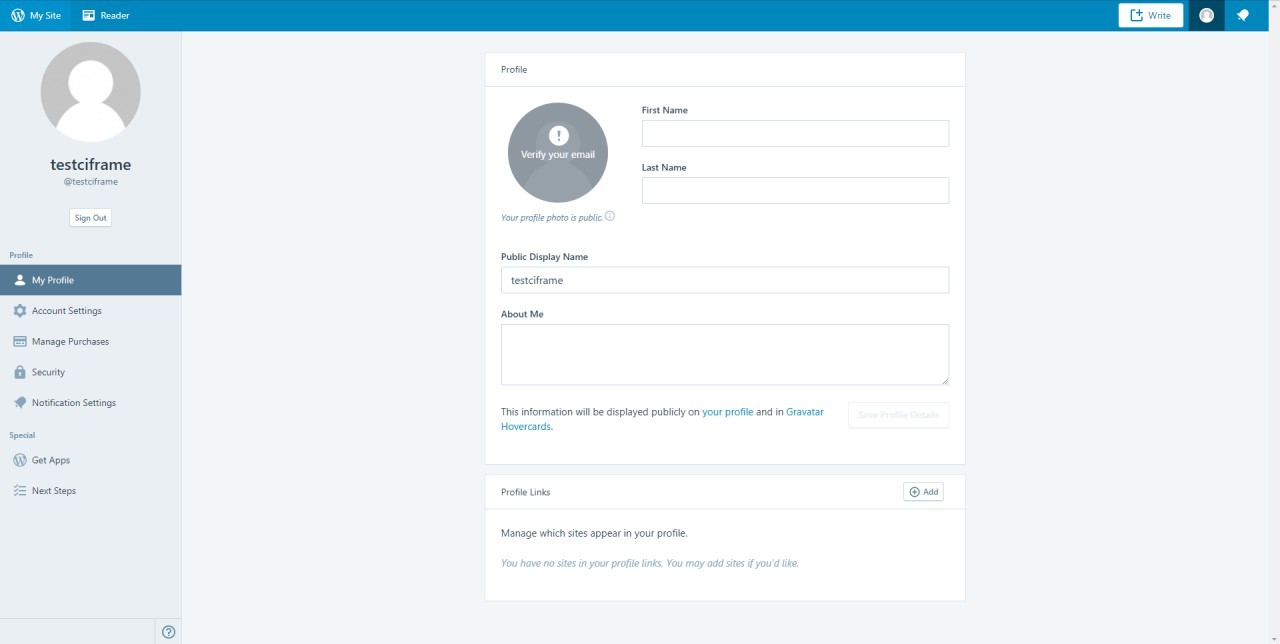
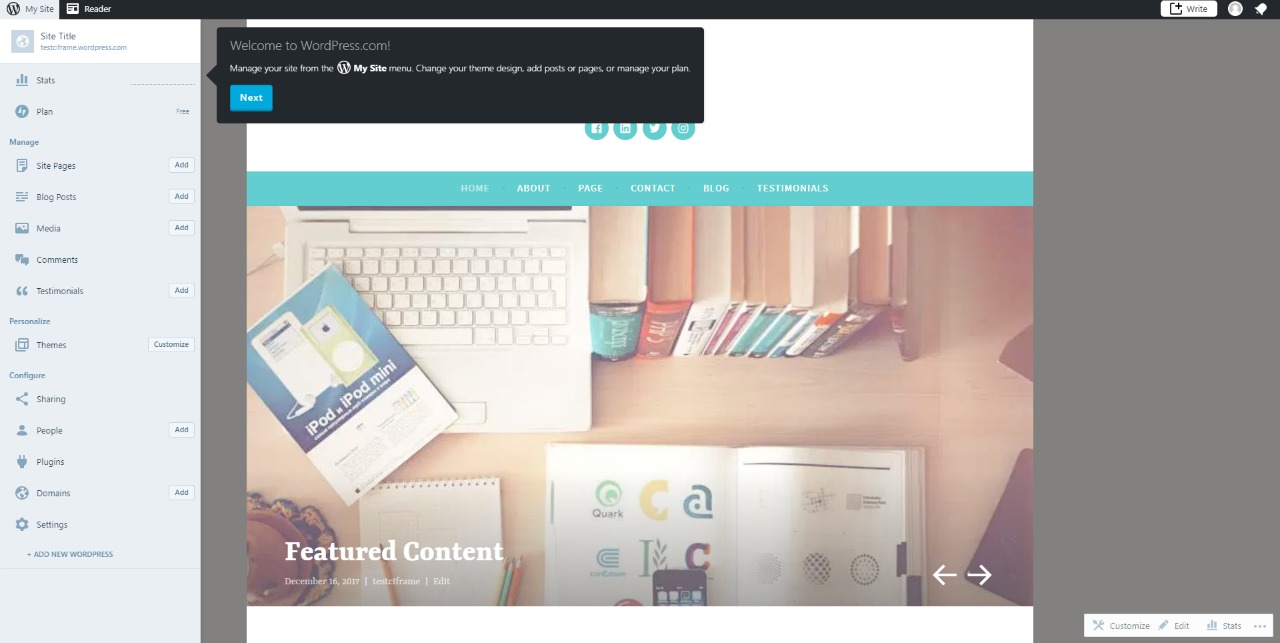
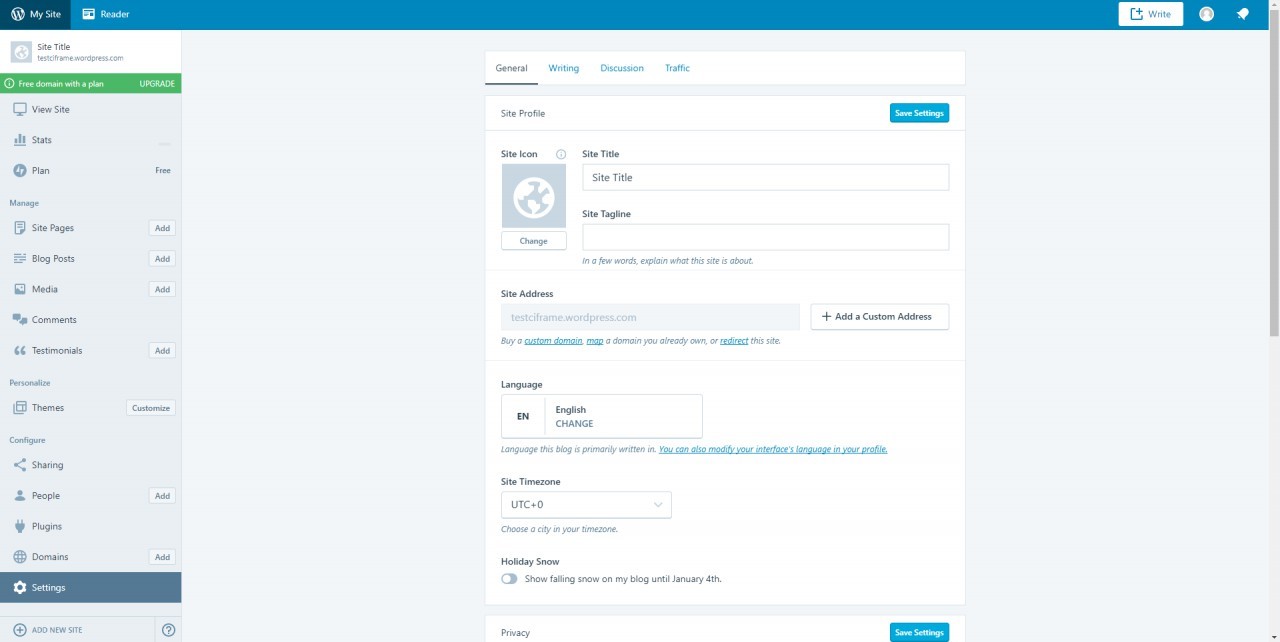
The user experience centers around a unified dashboard where content, design, settings, and statistics live in one place. New posts and pages can be created directly from the browser, with real-time previews showing how changes will look on desktop and mobile.
Guided flows help with initial setup, such as choosing a template and defining the site’s main goal. The block editor keeps layout and content editing consistent, so once a user understands the blocks, the same logic applies across the entire site.
Support resources, including documentation and community forums, are integrated into the interface, reducing the learning curve. For users who are not developers but still want serious control over their site, WordPress.com Website Platform offers a balance: enough power to build something professional, without demanding deep technical skills to keep it running.
2024-12-16 16:14:16: State of the Word 2024 Youtube
2024-11-21 13:30:12: WordPress Quick Start Guide Youtube
2024-11-12 13:30:18: The Official WordPress 6.7 release video. Youtube
2024-10-29 13:15:06: WordPress Layouts! A Beginner's Guide? Youtube
2024-10-20 12:15:51: WordPress 6.7 Highlights and Q & A Youtube
2024-10-16 04:12:29: How to Simplify Client Editing in WordPress Youtube
2024-10-15 04:02:22: Introduction to WordPress Youtube
2024-10-13 15:33:23: Fetching WordPress Data Youtube
2024-10-13 15:00:26: Block Variations Youtube
2024-10-13 14:50:46: Developing WordPress Blocks without JSX or a build process Youtube
2023-04-06 13:50:06: We offer free, world-class courses taught by WordPress experts... and you don't even need to sign up or register!
It's as easy as going to https://t.co/Q7i0GxgM6T and clicking on the specific topic you need some help with. So what are you waiting for? Start learning today 📚 https://t.co/RfmvPEuU7zTwitter
2023-04-05 01:59:01: We have regained access to the Twitter API, and Jetpack Social should be fully functional on all sites again!
Please read our latest post, and reach out to support if you continue to have issues https://t.co/q11FUrLOgkTwitter
2023-04-05 01:47:35: Twitter Functionality is Restored https://t.co/2X8bwMGK0WTwitter
2023-03-28 21:37:05: A catchy newsletter name makes all the difference. Great names reflect your brand, show off your purpose, make your newsletter more memorable, and improve its findability.
Check out our tips for coming up with the perfect name for your newsletter here: https://t.co/oJ7gyG2VPI https://t.co/6u6LPO6sNqTwitter
2023-03-27 11:31:05: Our WooCommerce 101:
How to Set Up a Store webinar will be TOMORROW -- and it is totally free to join! We will walk you through everything you need to know about setting up a store with WooCommerce. Register today at https://t.co/Fk4bevW20p https://t.co/nclSOWX2MYTwitter
2023-03-25 09:00:06: Today, March 25, at 8:30pm local time, what will you do to help our planet? (Don't worry–we'll keep our servers running!) Learn more about https://t.co/jgfruMfBKJ #EarthHour https://t.co/SJzvkUQ7ZvTwitter
WordPress Alternatives




WordPress Integrations


















































WordPress. Implementation & Enablement

Klaviyo and Wordpress Woocommerce integration
Implementation Partner: Premium
CiFrame Ltd.
Installation of Signup Forms. Automatic unloading of customers who completed the order to a specific Klaviyo list (phone and email).

ClickUp and WooCommerce Integration
Implementation Partner: Premium
CiFrame Ltd.
Click Up and Woo Commerce integration connects a Word Press-based online store with a task and project management system. New orders, payments, refunds, status changes, or customer requests can automatically create tasks in Click Up for managers, warehouse teams, support agents, or operations staff. Click Up can receive order details, customer contact information, product lists, order amount, delivery method, payment status, buyer comments, and internal processing notes. This helps teams manage...
WooCommerce Store Optimization and Integration
Implementation Partner: Premium
ProcessPilot
Woo Commerce setup and integration with CRM, ERP, inventory systems, marketplaces, payment providers, and shipping services. We automate orders, products, stock levels, customer data, and status updates.
Are you an Implementation Partner
This platform doesn’t offer implementation services directly.
Businesses work with independent Implementation Partners for setup, integrations, customization, consulting, and ongoing support.
If you help clients implement or extend this platform, you can list your expertise here and get discovered by teams looking for help.
Add your Implementation Services