vTiger CRM
Languages:
English
Localization:
World
What is Vtiger CRM as an all-in-one solution?
Vtiger CRM is an all-in-one customer relationship management platform that unifies sales, marketing, and customer support into a single workspace. Born as an open-source CRM and expanded into a cloud, fully managed SaaS solution, it is aimed primarily at small and midsize businesses that want a 360° view of each customer without running separate tools. Vtiger combines contact records, communication history, deal pipelines, support tickets, projects, and even inventory in one database. This helps teams reduce manual work, avoid data silos, and coordinate every step of the customer journey — from first lead capture through closing deals, onboarding, and long-term support.
Instead of stitching together multiple apps for sales automation, email campaigns, help desk, and billing, companies can configure Vtiger as a central operating hub. With role-based access, configurable modules, and both cloud and open-source editions, it adapts to different industries while keeping ownership of processes and data inside one system.
What are the key features of Vtiger CRM?
-
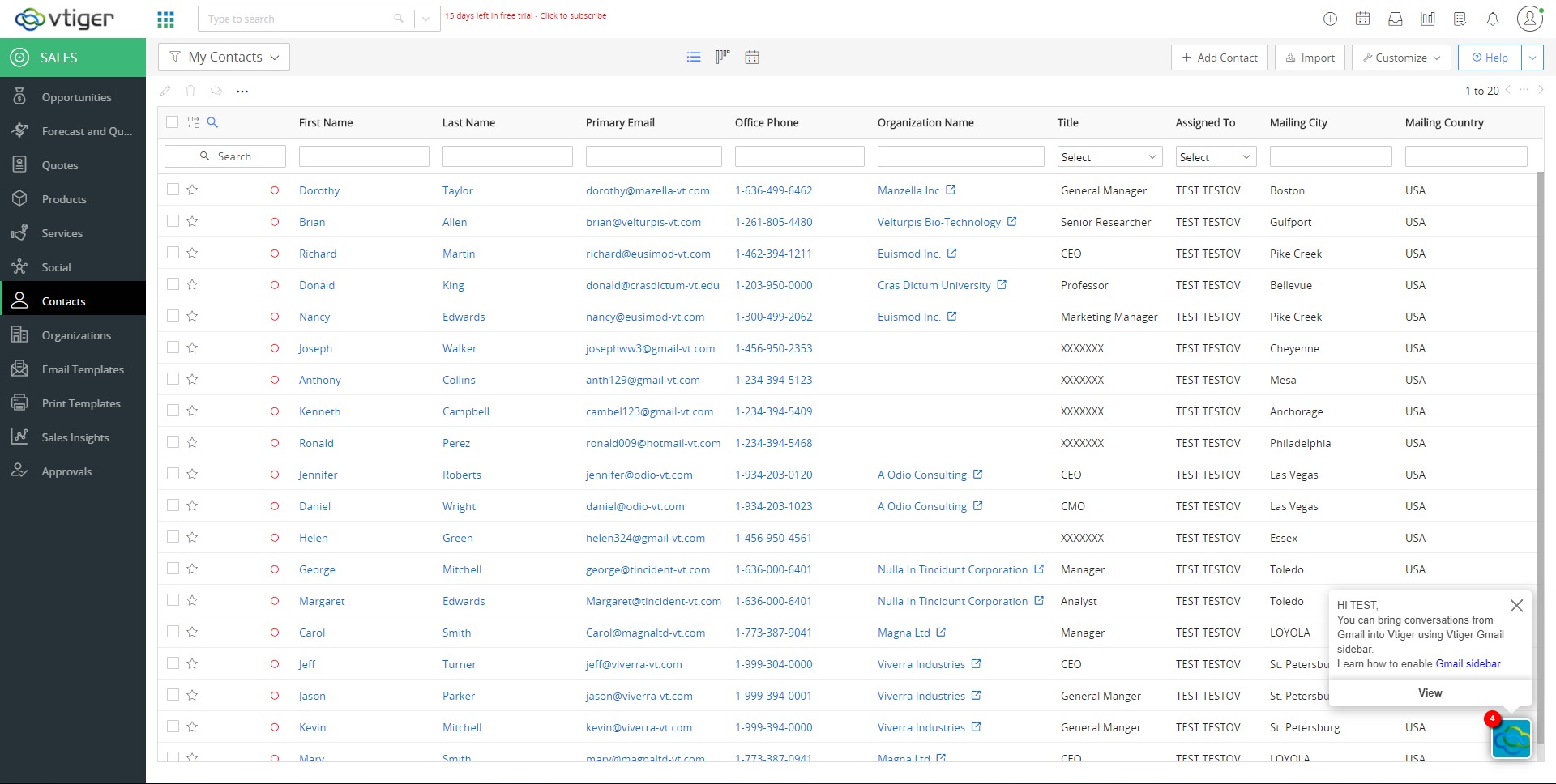
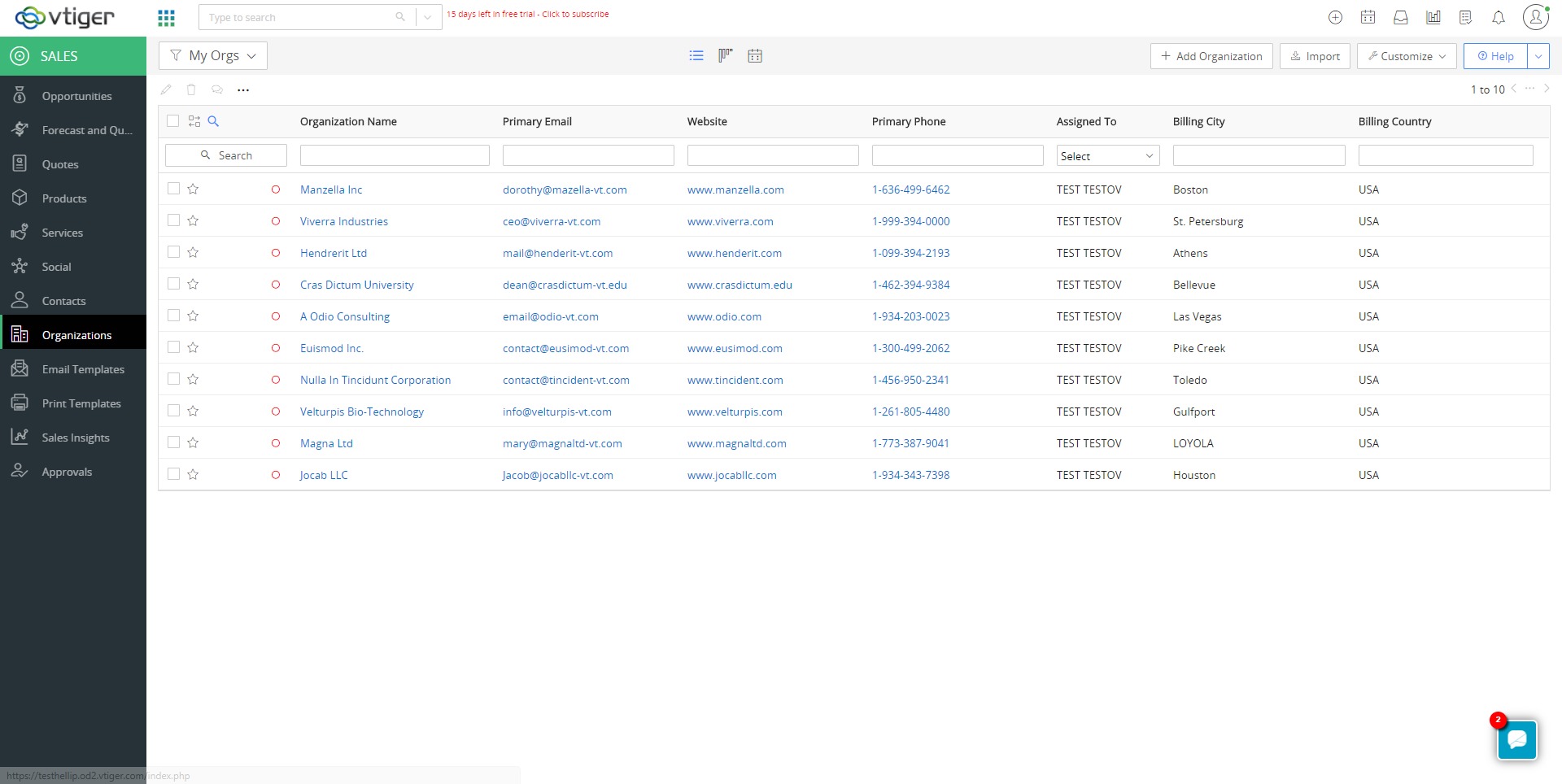
Unified contact, lead, and account management
Centralized modules for leads, contacts, and organizations store every interaction in one record: calls, emails, meetings, notes, documents, and deals. Lead scoring and segmentation help prioritize the most promising opportunities and keep outreach organized. -
Sales automation and pipeline management
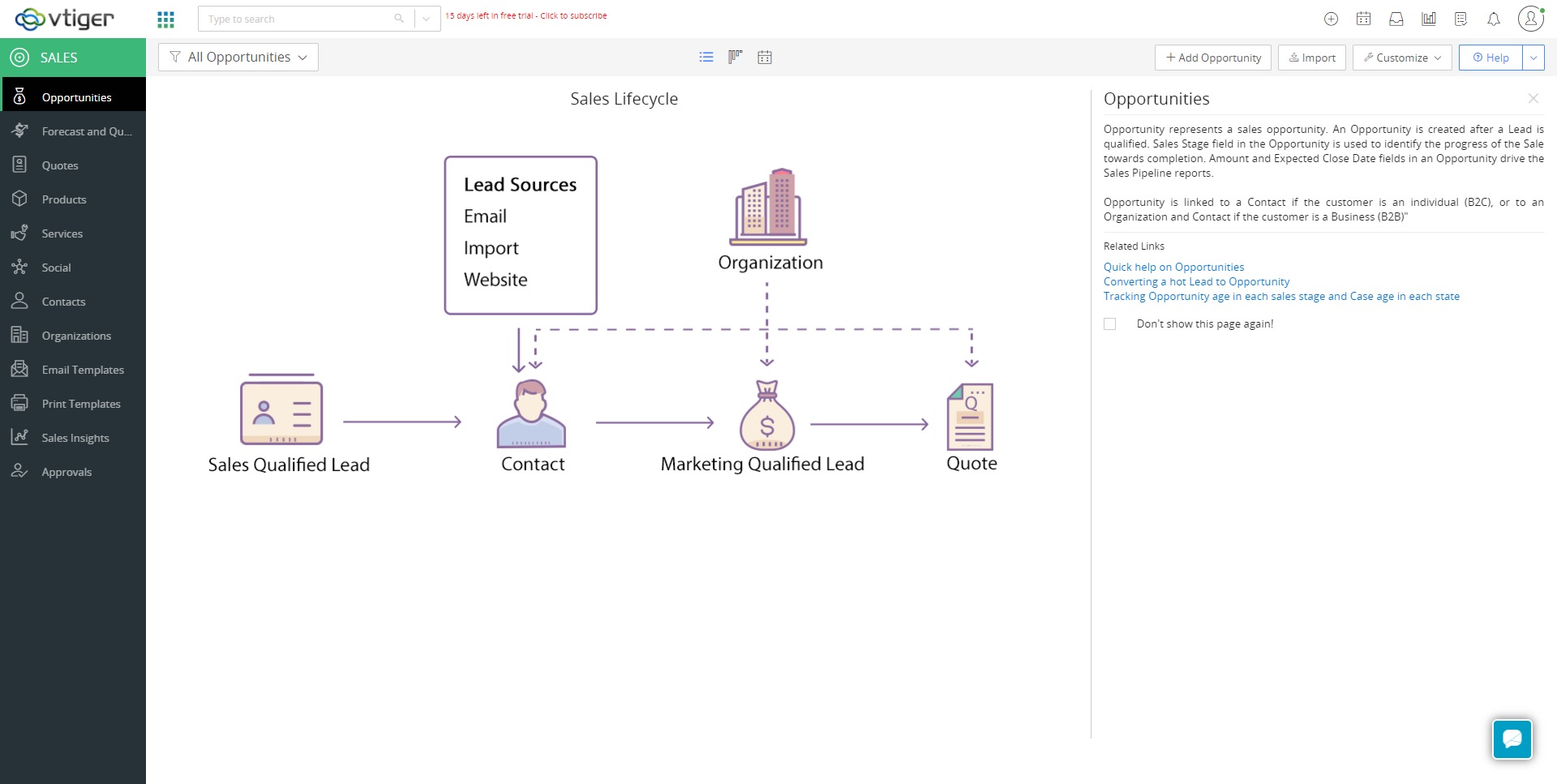
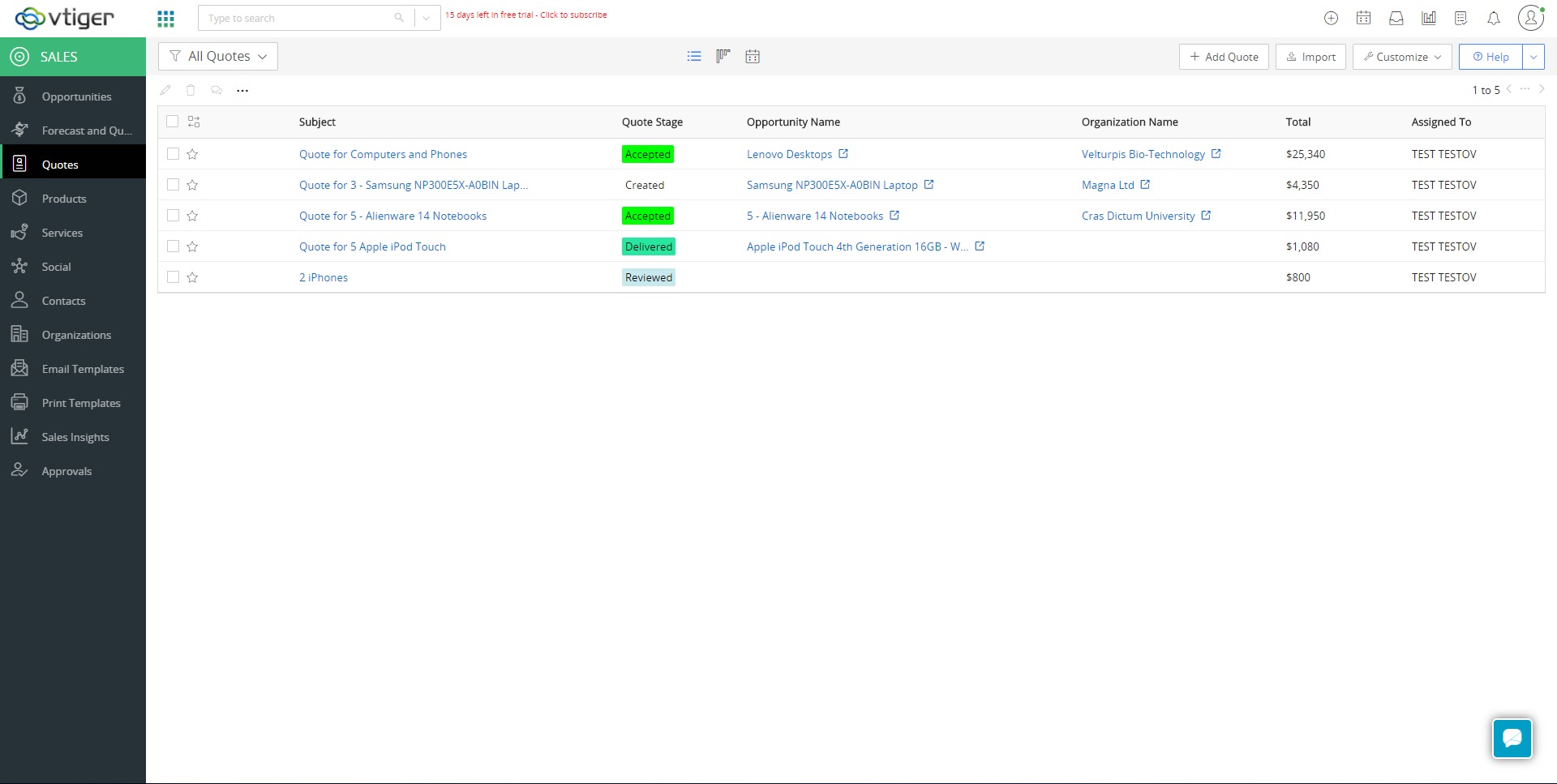
Visual pipelines, deal stages, products, and price books support structured sales processes. Built-in quoting, forecasting, tasks, and reminders keep deals moving, while managers get clear visibility into revenue trends and team performance. -
Marketing campaigns and automation
Email campaigns, webforms, basic landing flows, and list management are integrated directly into the CRM. Automation rules trigger welcome sequences, follow-ups, and drip campaigns based on contact behavior, giving marketing teams a way to nurture leads without exporting data. -
Help desk and customer support center
A full help desk module lets teams manage support tickets across email, phone, chat, portal, and social channels. SLAs, escalation rules, and a knowledge base help standardize responses and reduce time to resolution, while a self-service portal can offload routine questions. -
Projects, inventory, and billing
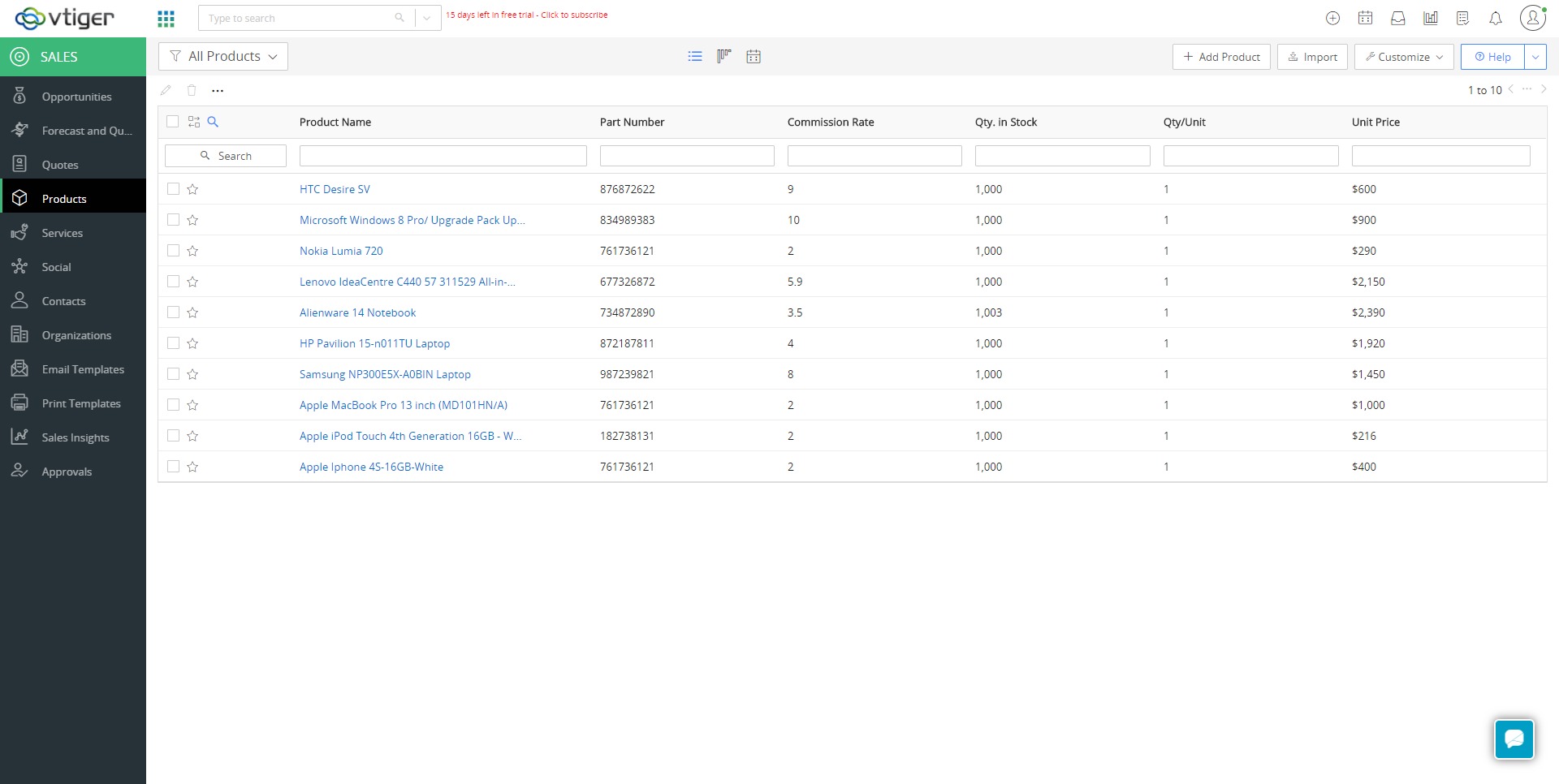
Vtiger extends beyond pure CRM into light ERP territory: product catalogs, stock tracking, quotes, sales orders, purchase orders, and invoices can all be managed inside the platform. Project and task management features help service teams track implementations and ongoing work for each customer. -
Workflow automation, analytics, and AI assistance
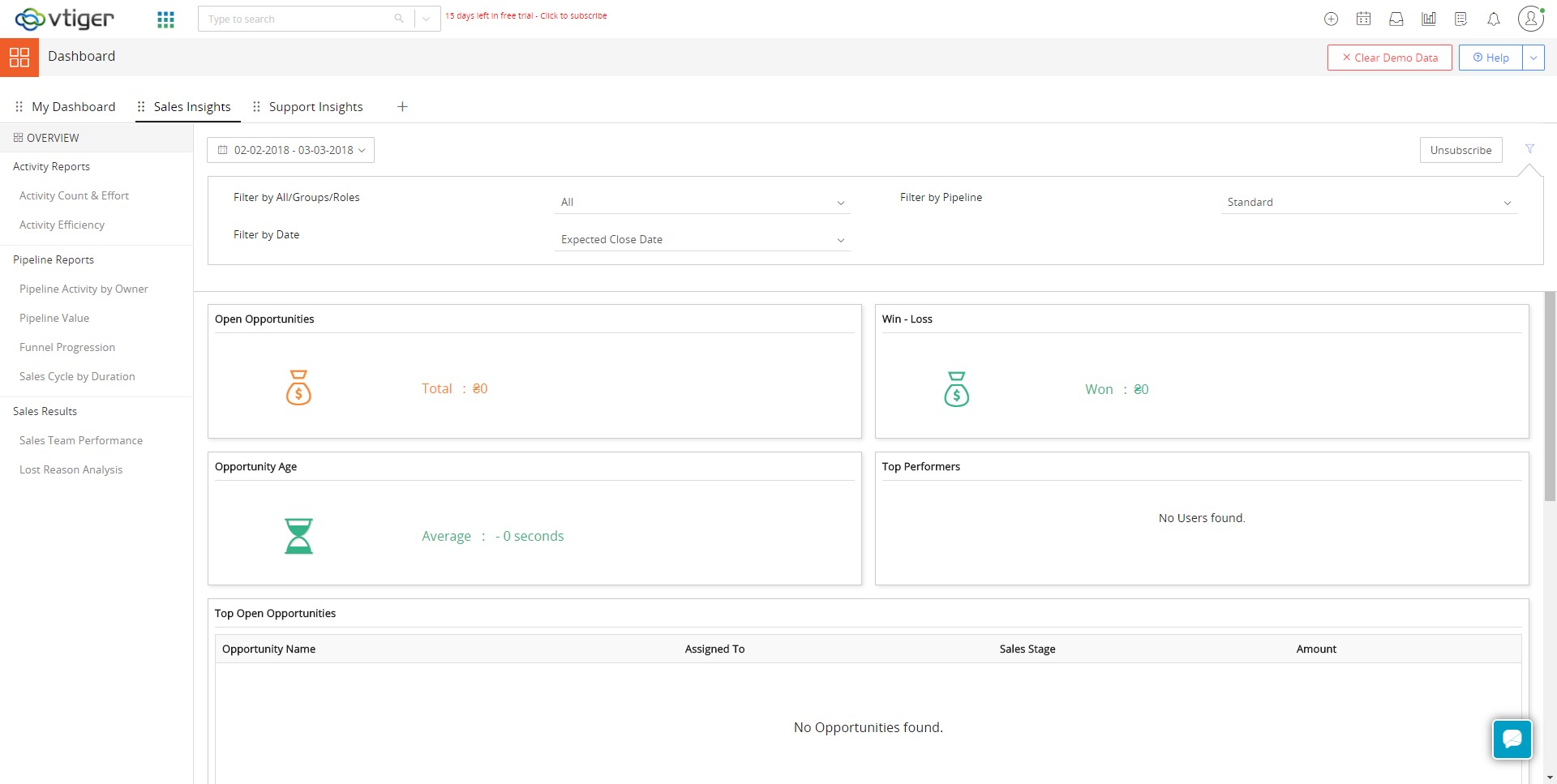
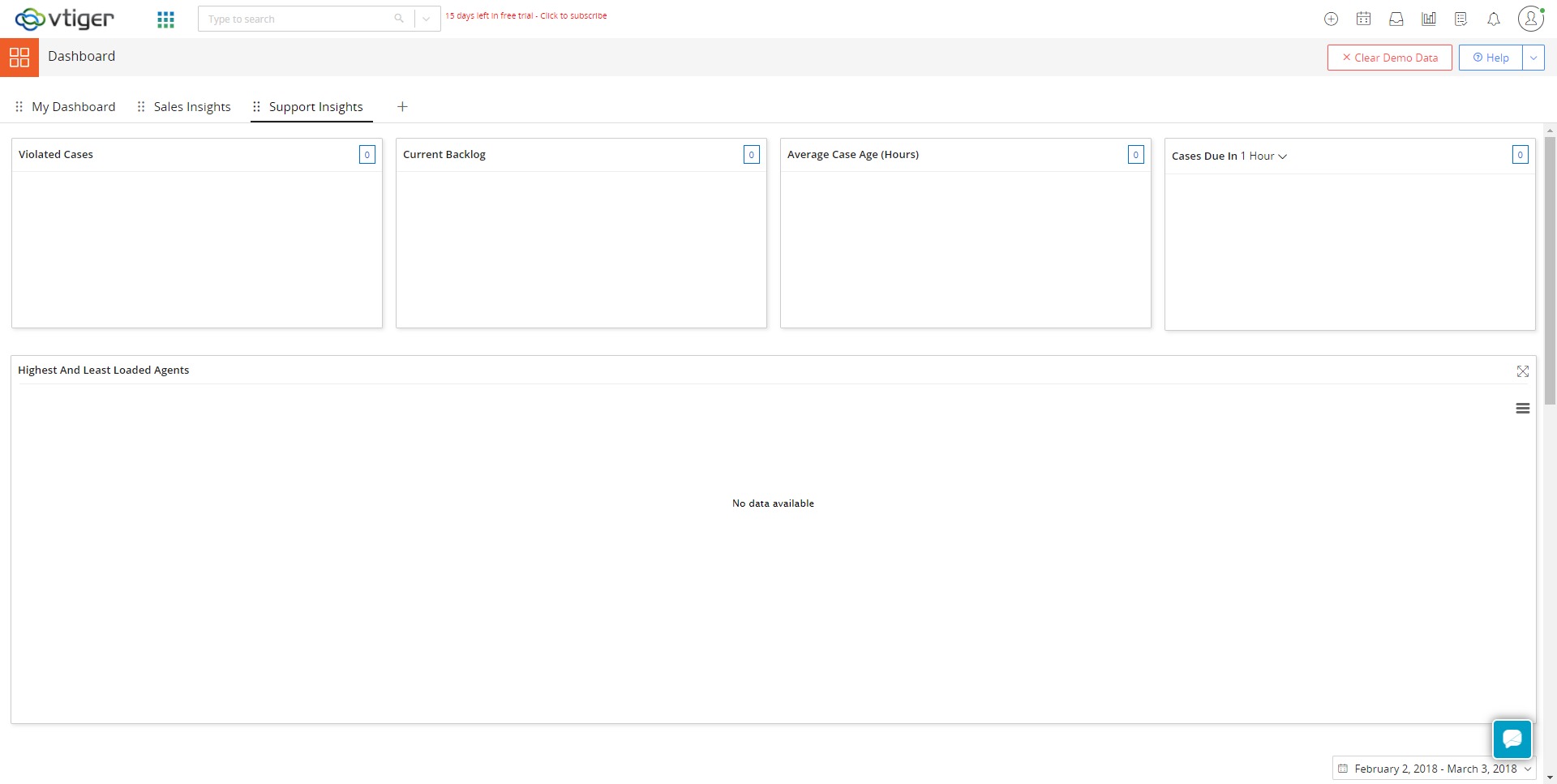
Custom workflows automate repetitive tasks such as field updates, assignments, notifications, and approvals. Dashboards and reports show sales, marketing, and support KPIs. AI-powered insights and deal health indicators can highlight at-risk opportunities and next best actions.
Which use cases are best suited for Vtiger CRM?
-
B2B sales teams managing complex cycles
Companies selling services, SaaS, consulting, or solutions with multiple stakeholders can use Vtiger to track every step of long deal cycles, coordinate activities between reps, and manage renewals in the same pipeline. -
Service-driven businesses needing strong after-sales support
IT providers, agencies, and professional services firms benefit from having contracts, tickets, and projects tied directly to each account. Support agents and account managers see the same data, which simplifies renewals and upsell conversations. -
Product-based SMBs with simple inventory needs
Small and midsize businesses that sell physical products can manage product catalogs, stock levels, orders, and invoices inside the CRM instead of maintaining a separate inventory tool, keeping commercial and operational data aligned. -
Growing teams standardizing processes across departments
Organizations that want sales, marketing, and support to collaborate on a single platform can use Vtiger to align workflows, enforce consistent data entry, and build cross-functional dashboards without heavy custom development.
What benefits does Vtiger CRM bring to organizations?
Vtiger CRM helps reduce tool sprawl and the overhead of maintaining multiple disconnected systems. With one shared database and unified interface, teams spend less time copying data between spreadsheets, email tools, and ticketing systems. This improves productivity and also reduces the risk of losing leads or missing follow-ups.
The platform’s broad set of modules means companies can gradually expand their use of the system: starting, for example, with sales CRM and adding marketing automation, help desk, or project management later. Cloud deployment removes the need to manage servers, while the open-source edition remains an option for organizations that require maximum control and deep customization. Overall, the result is more predictable processes, clearer visibility into performance, and a better experience for customers who interact with a business through multiple channels.
How is the user experience organized in Vtiger CRM?
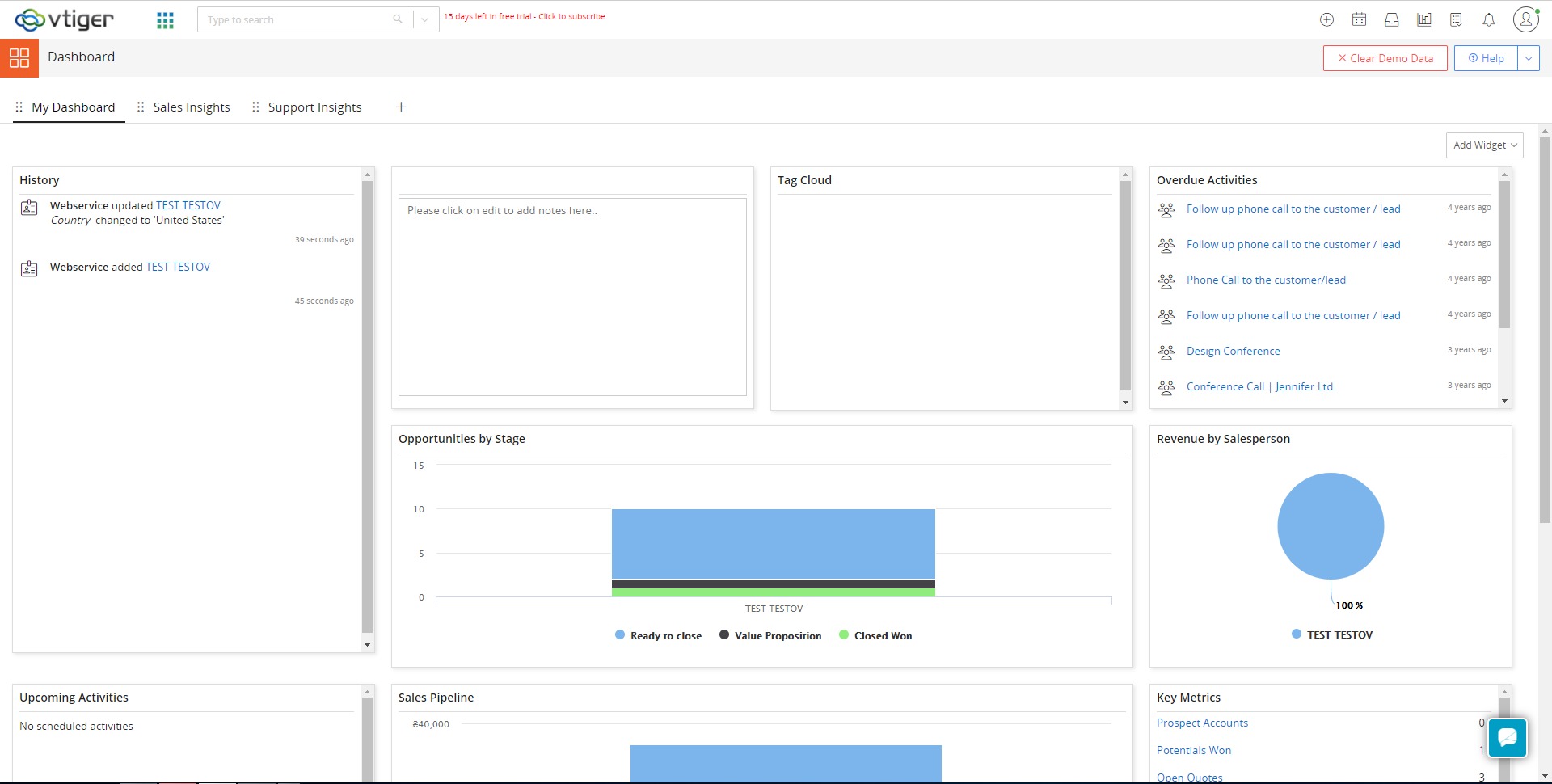
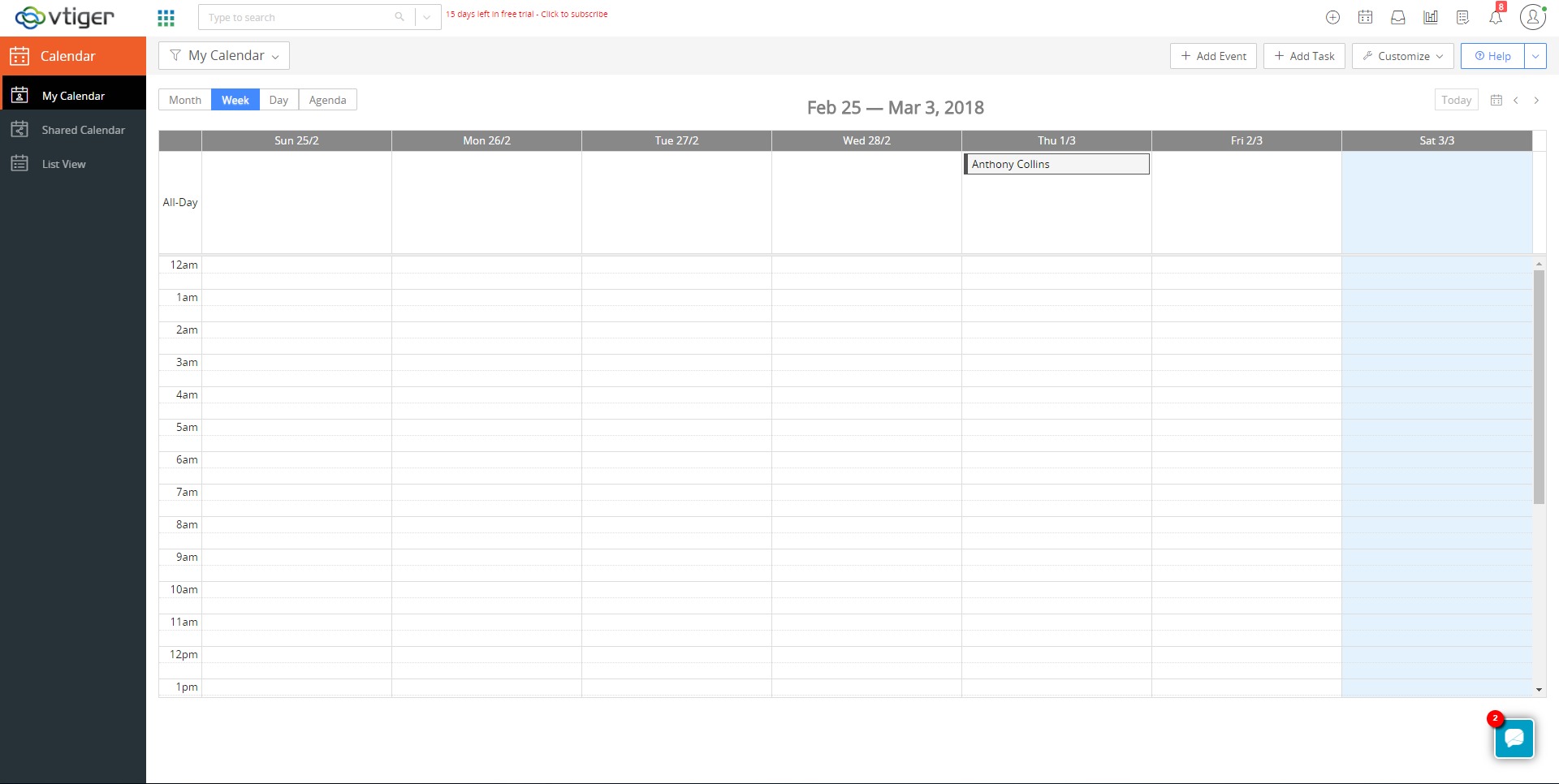
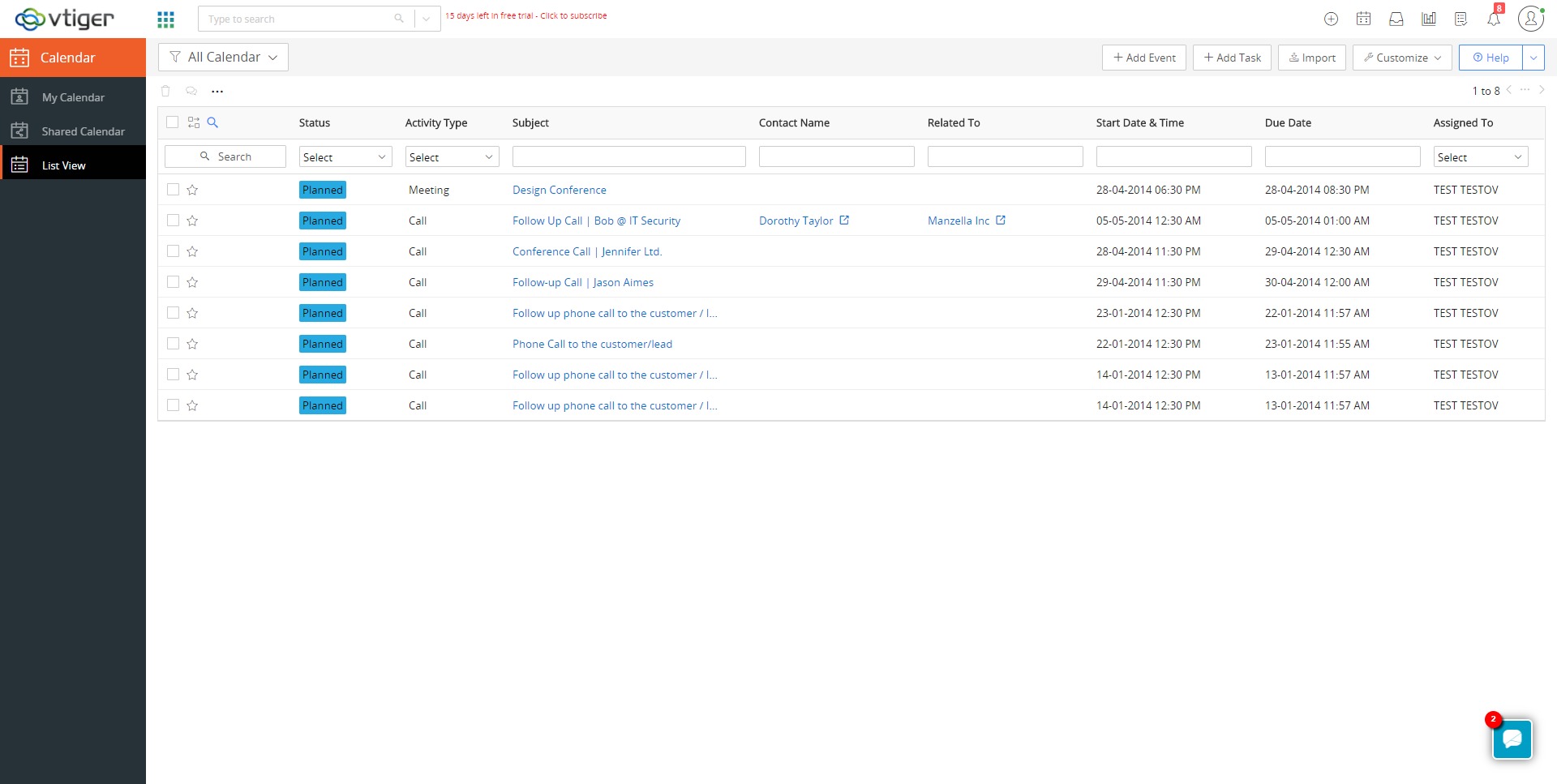
Vtiger provides a web-based interface with list views, detailed record pages, Kanban-style pipelines, and dashboards. Users can work from any modern browser, and mobile apps let field staff access and update records on the go. Integrated email, calendar, and telephony features reduce context switching, allowing reps to log calls, send emails, and schedule meetings directly from contact or deal views.
Admins can customize fields, layouts, automation rules, roles, and profiles to match existing processes rather than forcing the business to adapt to the tool. As teams grow, new modules and apps can be enabled without changing the core system. This combination of breadth, configurability, and a unified interface makes Vtiger CRM a practical choice for organizations that want a single platform to manage the full customer lifecycle.
2026-09-30 04:15:23: Introduction to Vtiger Calculus AI Youtube
2026-09-30 04:07:30: Best Time to Contact Youtube
2026-09-30 04:05:40: How Vtiger Calculus AI works Youtube
2026-08-31 04:12:49: Vtiger Mailroom Youtube
2026-08-31 04:11:36: Email Authentication using SPF, DKIM, and DMARC Youtube
2026-08-31 04:10:30: Vtiger Inbox Youtube
2026-08-25 04:24:41: Email Deliverability in vTiger CRM Youtube
2026-08-25 04:23:05: Tracking Email Campaign Performance Youtube
2026-08-17 04:43:53: How to create Autoresponder Email Campaigns | vTiger CRM Youtube
2026-08-17 04:42:32: How to manage Marketing Lists | Vtiger CRM Youtube
2023-04-07 15:43:43: Do you want to be a part of an interactive Live AMA session & get insider tips to use our #CRM the best way?
Join our #LiveWebinar on April 13th at 1:00 PM CST and get to know CRM better from our experts. Register now ➡️ https://t.co/lymg3xbadX
#VtigerCRM #CRM #AskTheExperts https://t.co/IYOExhSMQsTwitter
2023-04-07 13:38:16: 🤔 Have you ever wondered how effective communication can transform your life and career?
Learn how to connect better, communicate effectively, and achieve your goals. 👉 Read more here: https://t.co/jV1kERYT8K
#Blog #CommunicationSkills #VtigerCRMTwitter
2023-04-07 10:04:26: Get started with Vtiger's #Mailroom today & automate your inbox! 📧🚀
Save time and boost productivity by letting Mailroom create or update CRM records from emails. Learn more: https://t.co/GImYjZuhrc
#VtigerMailroom #EmailAutomation #VtigerCRM #CRM https://t.co/9NLe6G97HlTwitter
2023-04-06 17:00:00: Join us #Live for a FREE AMA session this Thursday, 13 April at 1:00 PM CST and get your questions answered by our CRM experts.
Register now 📷 https://t.co/lymg3xaCop
#LiveWebinar #VtigerCRM #CRM #AskTheExperts https://t.co/datSckw7yRTwitter
2023-04-06 15:42:08: 🤝 Is closing a deal enough?
🤔 How should you proceed once your lead becomes a customer?
Learn the key steps to take after closing a deal for customer retention in our latest blog post. 👉 Read here: https://t.co/eAaaxkoJk2
#Blog #SalesStrategies #VtigerCRM https://t.co/s6Tx4lnEVbTwitter
2023-04-05 17:01:04: Join us #Live for a FREE AMA session this Thursday, 13 April at 1:00 PM CST and get your questions answered by our CRM experts.
Register now ➡️ https://t.co/lymg3xaCop
#LiveWebinar #VtigerCRM #CRM #AskTheExperts https://t.co/RUpOk8f6DhTwitter
2023-04-05 15:53:26: Did you know that simply generating a good number of leads may not be enough to increase your business revenue?
Learn the tips and tricks to win more deals in our latest blog post 👉 https://t.co/eX89UWRiyq
#Blog #SalesStrategies #VtigerCRM https://t.co/rkNHrSWwfqTwitter
2023-04-05 12:54:40: Don't let deals slip through the cracks!
With advanced lead scoring, effective sales progression & flexible deal views, enhance your sales productivity and achieve your targets with Vtiger CRM's #DealManagement. Learn more: https://t.co/5rAkUGTxiQ
#DealManagement #VtigerCRM https://t.co/yAOC1po5NBTwitter
2023-04-04 16:01:09: Are you tired of managing your inventory manually?
Learn how to streamline your order management with Vtiger CRM's Inventory Add-on & boost your efficiency in our latest blog post. 📑 Read here: https://t.co/hNQuILP9dA
#InventoryAddOn #VtigerCRM #CRM https://t.co/oiP5qfjkN4Twitter
2023-04-04 14:47:30: Join us #Live for a FREE AMA session this Thursday, 13 April at 1:00 PM CST and get your questions answered by our CRM experts.
Register now ➡️ https://t.co/lymg3xbadX
#LiveWebinar #VtigerCRM #CRM #AskTheExperts https://t.co/dCMZXeVlKLTwitter
vTiger CRM Alternatives




vTiger CRM Reviews & Demos
vTiger CRM Integrations






vTiger CRM. Implementation & Enablement
Are you an Implementation Partner
This platform doesn’t offer implementation services directly.
Businesses work with independent Implementation Partners for setup, integrations, customization, consulting, and ongoing support.
If you help clients implement or extend this platform, you can list your expertise here and get discovered by teams looking for help.
Add your Implementation Services