Snapforce CRM
Languages:
English
Localization:
World

What is Snapforce CRM Platform?
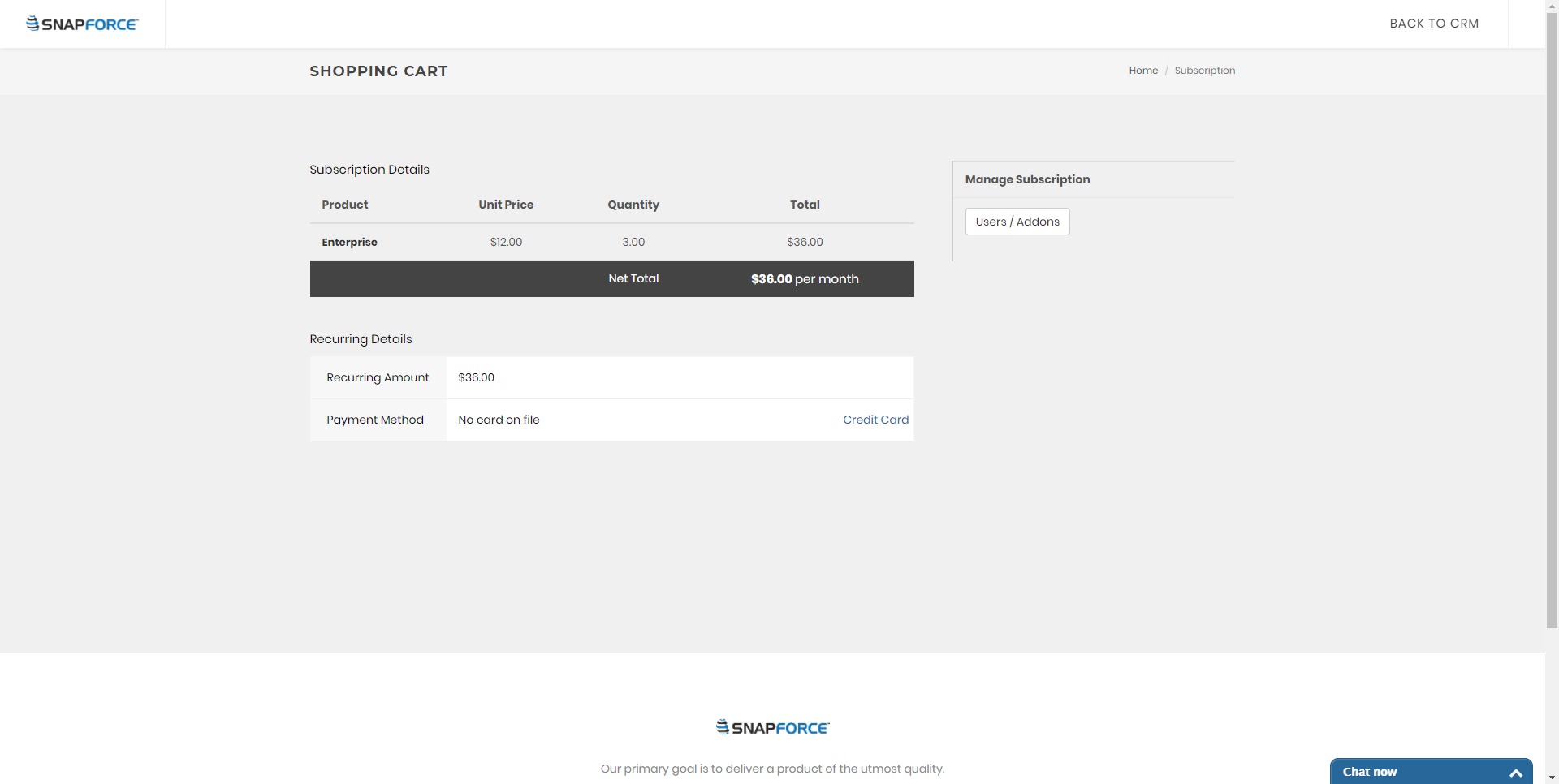
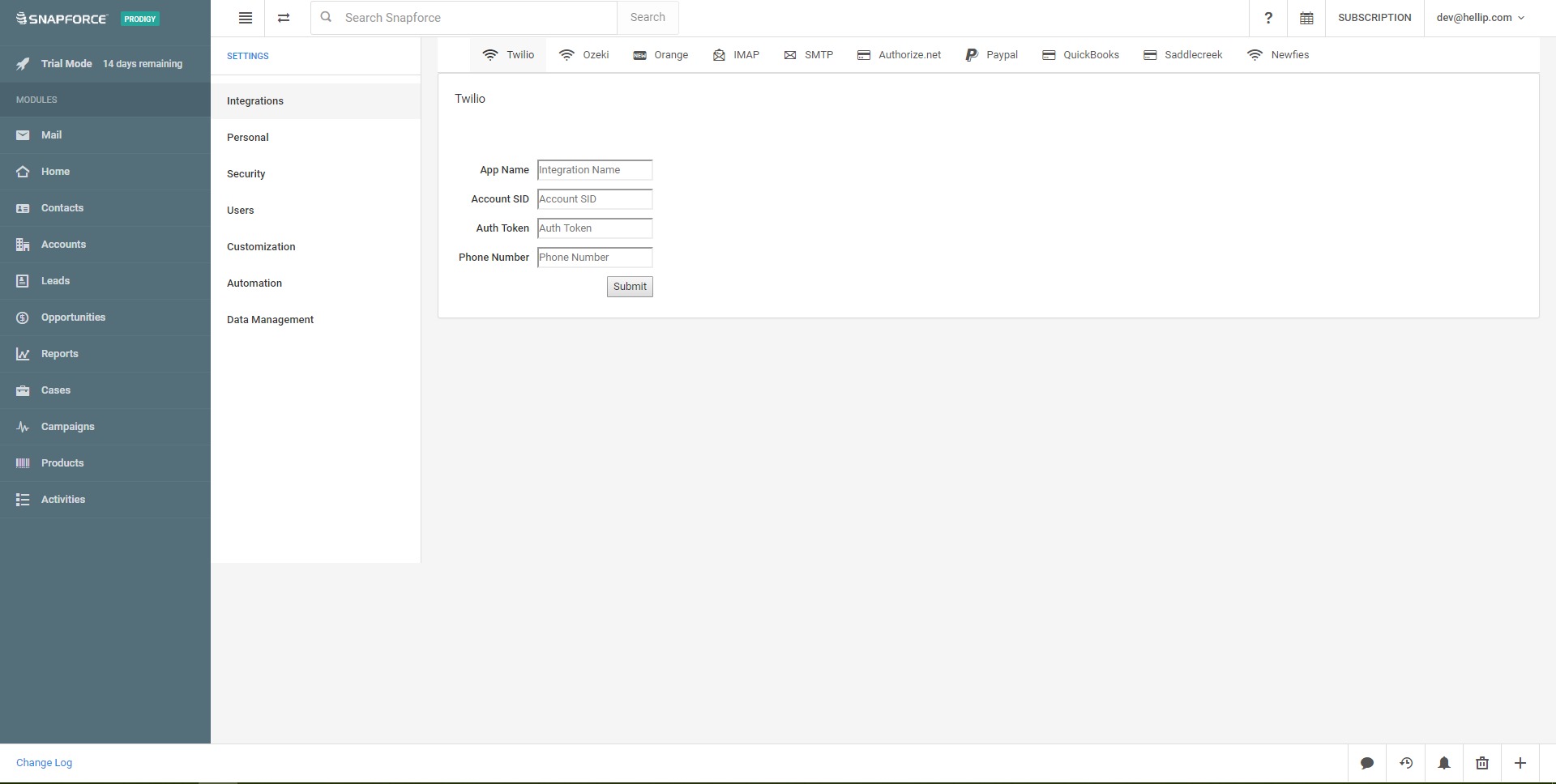
Snapforce CRM Platform is a cloud-based customer relationship management system designed to help businesses manage leads, contacts, sales opportunities, communication history, and daily sales activity from one centralized workspace. It is built for companies that need a practical CRM solution with sales pipeline management, workflow automation, reporting, email synchronization, and call center capabilities.
The platform is especially relevant for sales teams, customer support departments, service companies, agencies, and small or medium-sized businesses that want to organize customer interactions without using many disconnected tools. Snapforce combines core CRM functionality with communication tools, helping teams track conversations, follow-ups, deals, and customer records in one place.
Instead of relying on spreadsheets, inboxes, separate phone systems, and manual reminders, Snapforce gives teams a structured environment for managing the customer lifecycle. It can support lead qualification, sales tracking, outbound calling, performance monitoring, and relationship management. For businesses that want both CRM and communication tools inside one system, Snapforce works as an operational sales hub.
What are the key features of Snapforce?
- Contact and lead management
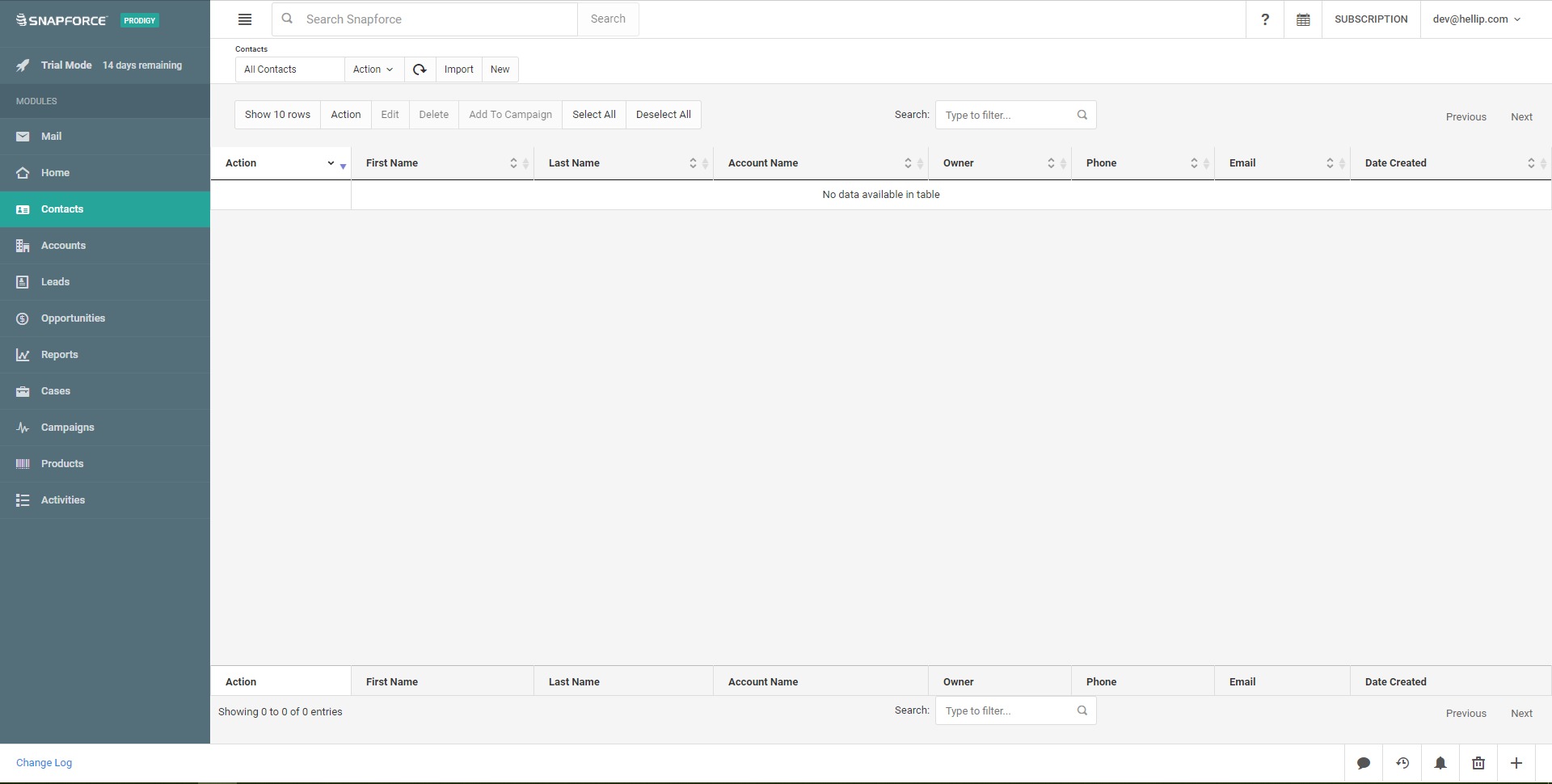
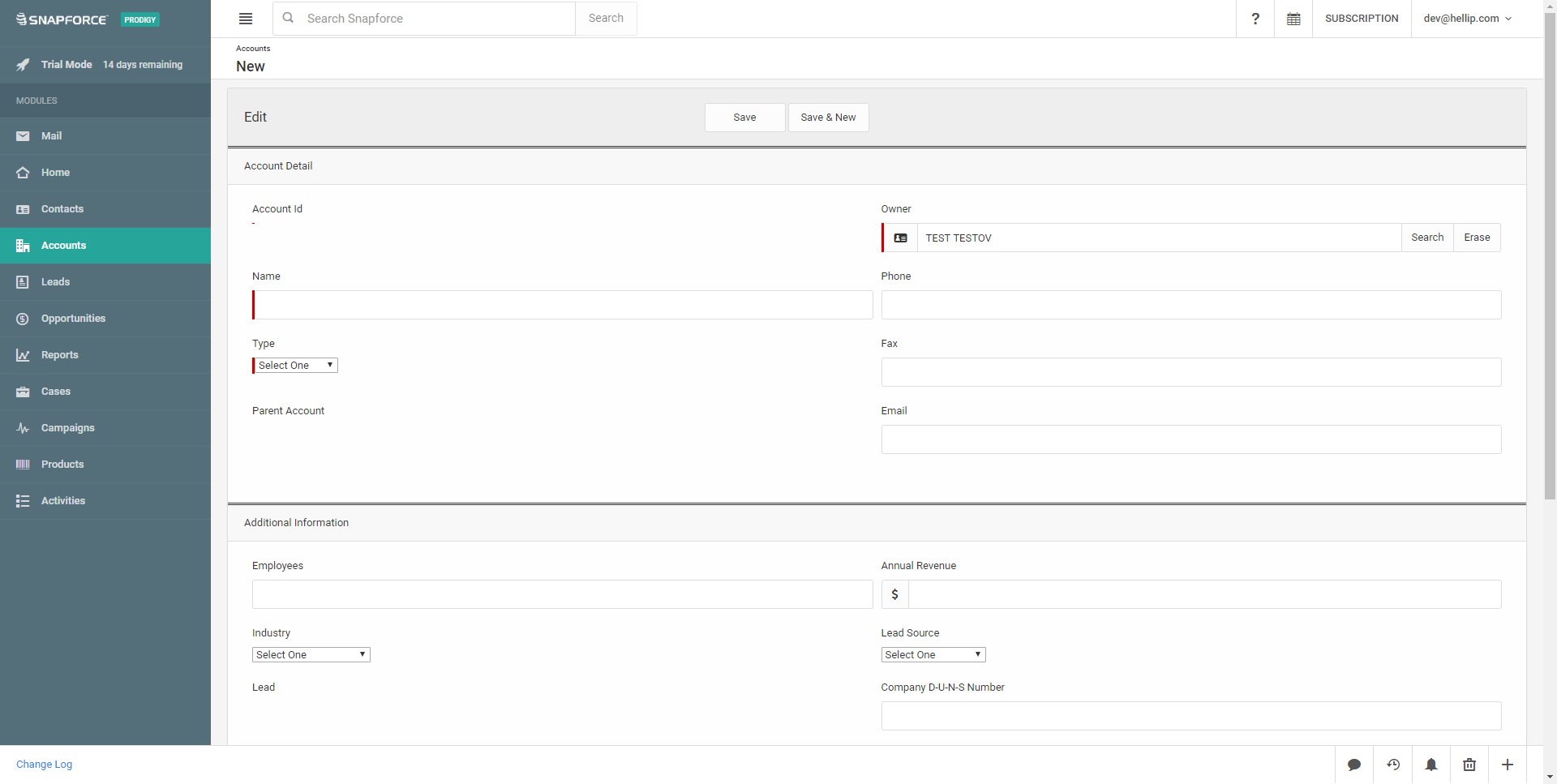
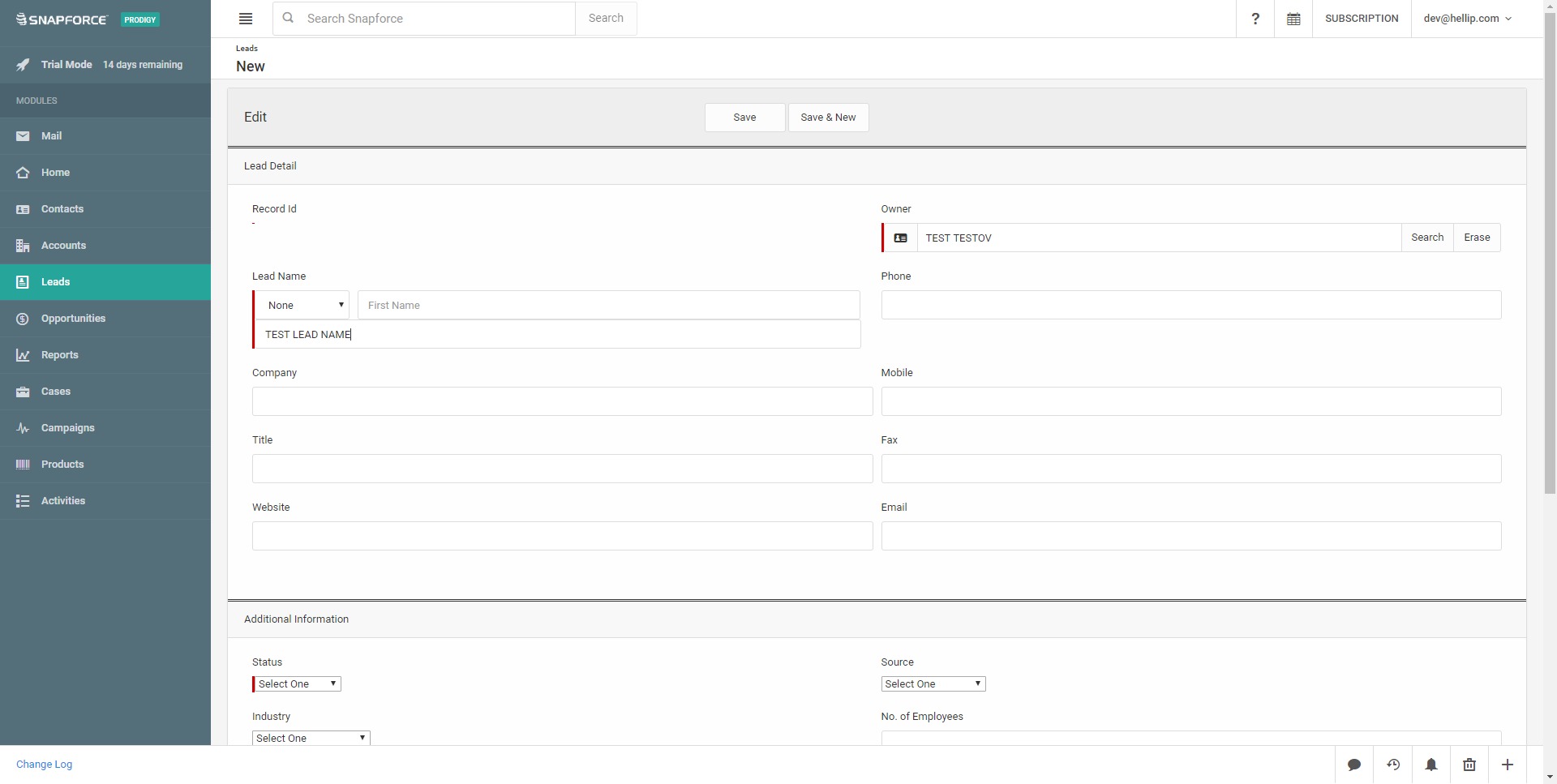
Snapforce allows businesses to store and organize customer records, leads, companies, and related communication history. Sales representatives can access key customer details, previous interactions, notes, activities, and deal information from one profile. - Sales pipeline tracking
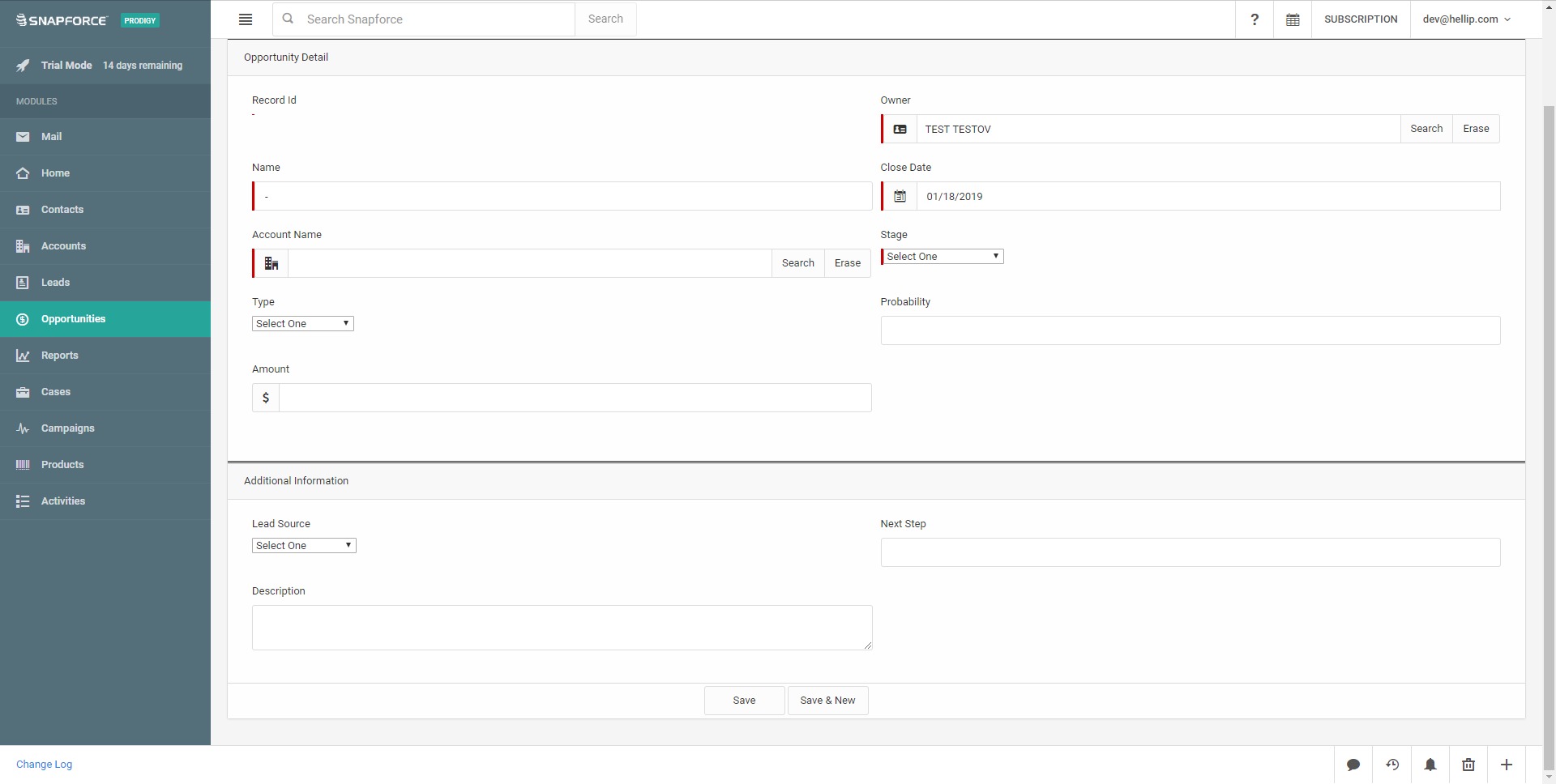
The platform helps teams manage sales opportunities through different pipeline stages. Users can monitor deal value, probability, expected close dates, assigned representatives, and current sales status. This gives managers better visibility into active opportunities and possible revenue. - Sales automation tools
Snapforce supports automation for repetitive sales tasks. Businesses can create rules for lead assignment, follow-up reminders, task creation, and activity tracking. This reduces manual work and helps sales teams maintain a more consistent process. - Email synchronization
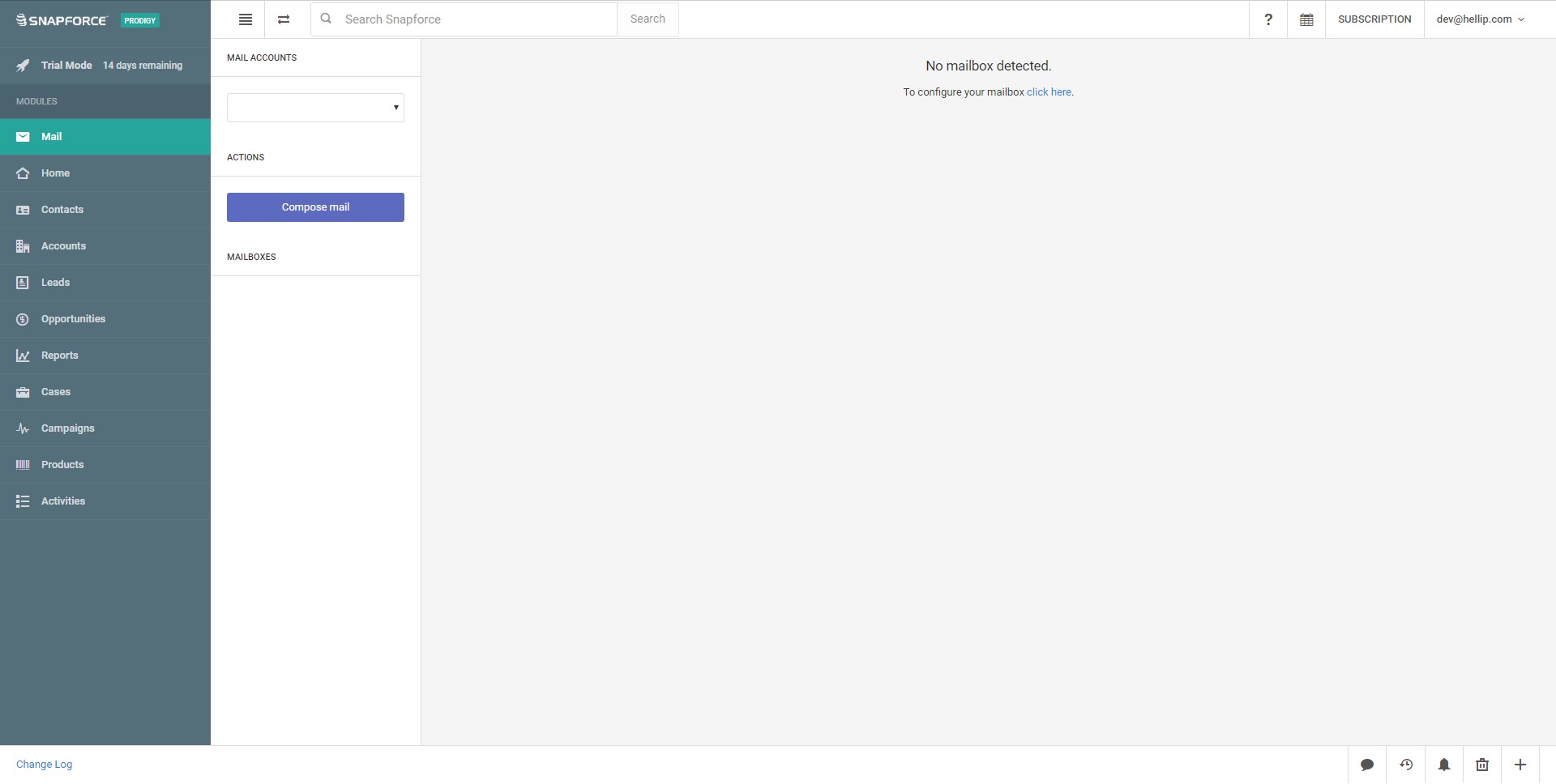
Users can connect email communication with CRM records. This helps teams keep messages attached to the right contact, lead, or opportunity, reducing the risk of losing important customer context inside personal inboxes. - Call center functionality
Snapforce includes communication features for teams that rely on phone calls. Users can make calls from the CRM environment, log call activity, and connect phone conversations with customer records. This is useful for inside sales, outbound campaigns, and support operations. - Workflow management
The system allows businesses to build workflows around sales and customer management processes. These workflows can help standardize internal operations, guide representatives through required steps, and improve follow-up discipline. - Dashboards and reporting
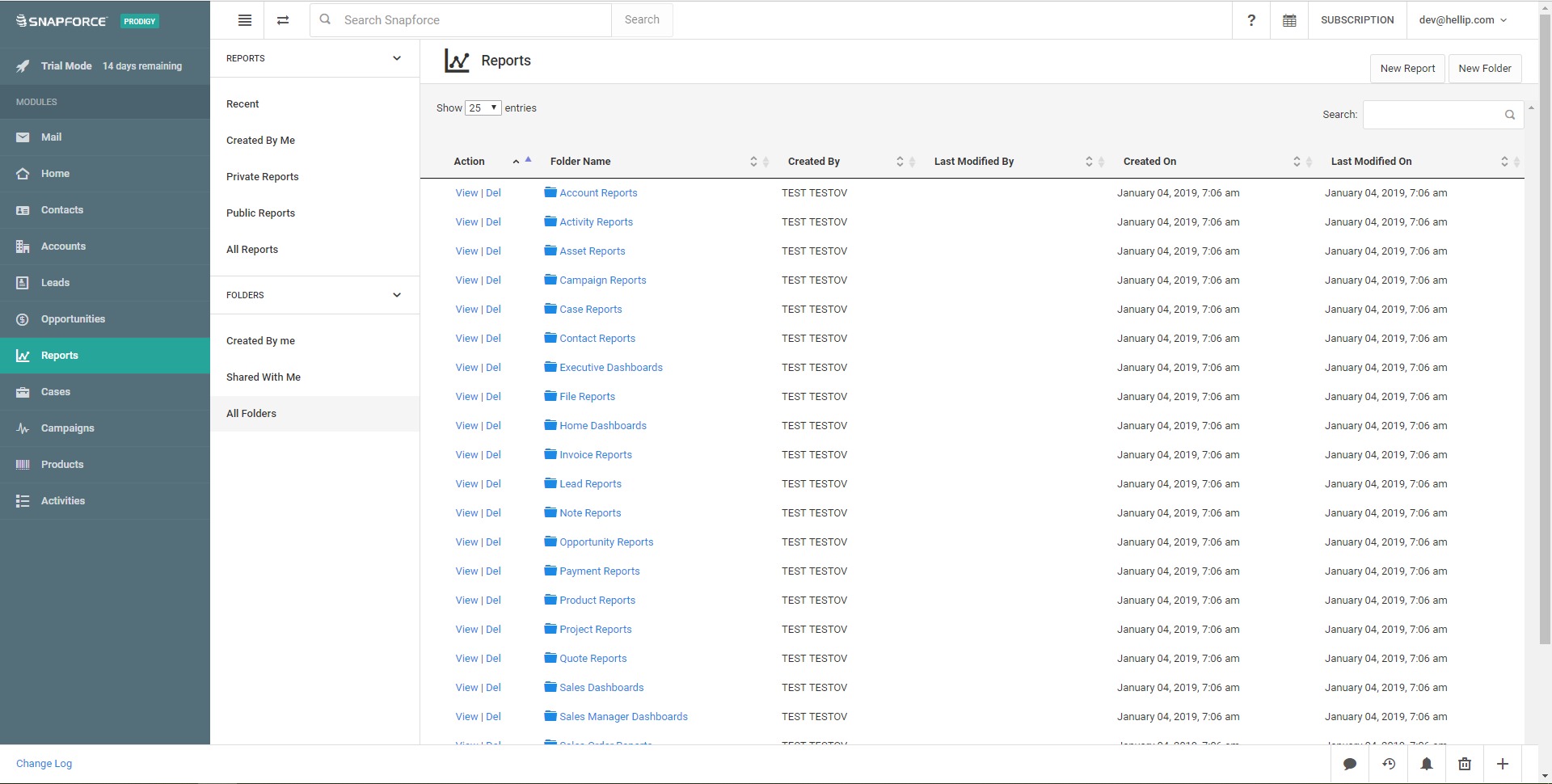
Snapforce provides reporting tools for tracking sales activity, team performance, pipeline health, and revenue expectations. Managers can use these insights to identify bottlenecks, compare performance, and make better sales decisions. - Task and activity management
Teams can create tasks, schedule follow-ups, manage appointments, and track daily activity. This helps sales representatives stay organized and prevents leads from being forgotten after the first contact.
How can businesses use Snapforce?
- Managing sales pipelines
Businesses can use Snapforce to track every deal from first contact to closing. Sales managers can see which opportunities are active, which deals are delayed, and which representatives need support. - Organizing lead follow-up
Snapforce helps teams handle incoming leads, assign them to the right person, and schedule next steps. This is useful for companies that receive leads from websites, campaigns, referrals, or outbound prospecting. - Running outbound sales campaigns
Teams that contact prospects by phone or email can use Snapforce to manage lists, record outreach activity, and keep all communication connected to CRM records. - Supporting call center operations
Businesses with customer service or inside sales teams can use the built-in call center features to connect calling activity with CRM data. This creates a more complete customer interaction history. - Improving sales management
Managers can use dashboards and reports to understand sales performance, forecast revenue, review team activity, and identify weak points in the sales process. - Replacing spreadsheets and scattered tools
Snapforce can help companies move from manual spreadsheets, disconnected inboxes, and separate communication tools into a more structured CRM environment.
What are the benefits of Snapforce?
Snapforce helps businesses centralize customer data and improve sales organization. When all customer records, deals, calls, emails, notes, and tasks are kept in one place, teams can work with clearer context and fewer operational gaps.
The platform can also improve follow-up consistency. Automated reminders, task management, and workflow rules reduce the chance that leads are ignored or customer requests are missed. This is important for companies where revenue depends on timely communication.
Another benefit is visibility. Sales managers can use pipeline views and reports to understand what is happening across the team instead of relying only on verbal updates or manual reports. This supports better forecasting, planning, and accountability.
Snapforce may also reduce software fragmentation for teams that need CRM and calling tools together. By combining customer management with communication features, it can simplify daily operations and reduce the need to switch between multiple platforms.
For small and medium-sized businesses, the main value is practical structure: clearer lead tracking, better customer history, stronger sales discipline, and more organized communication.
What is the user experience like in Snapforce?
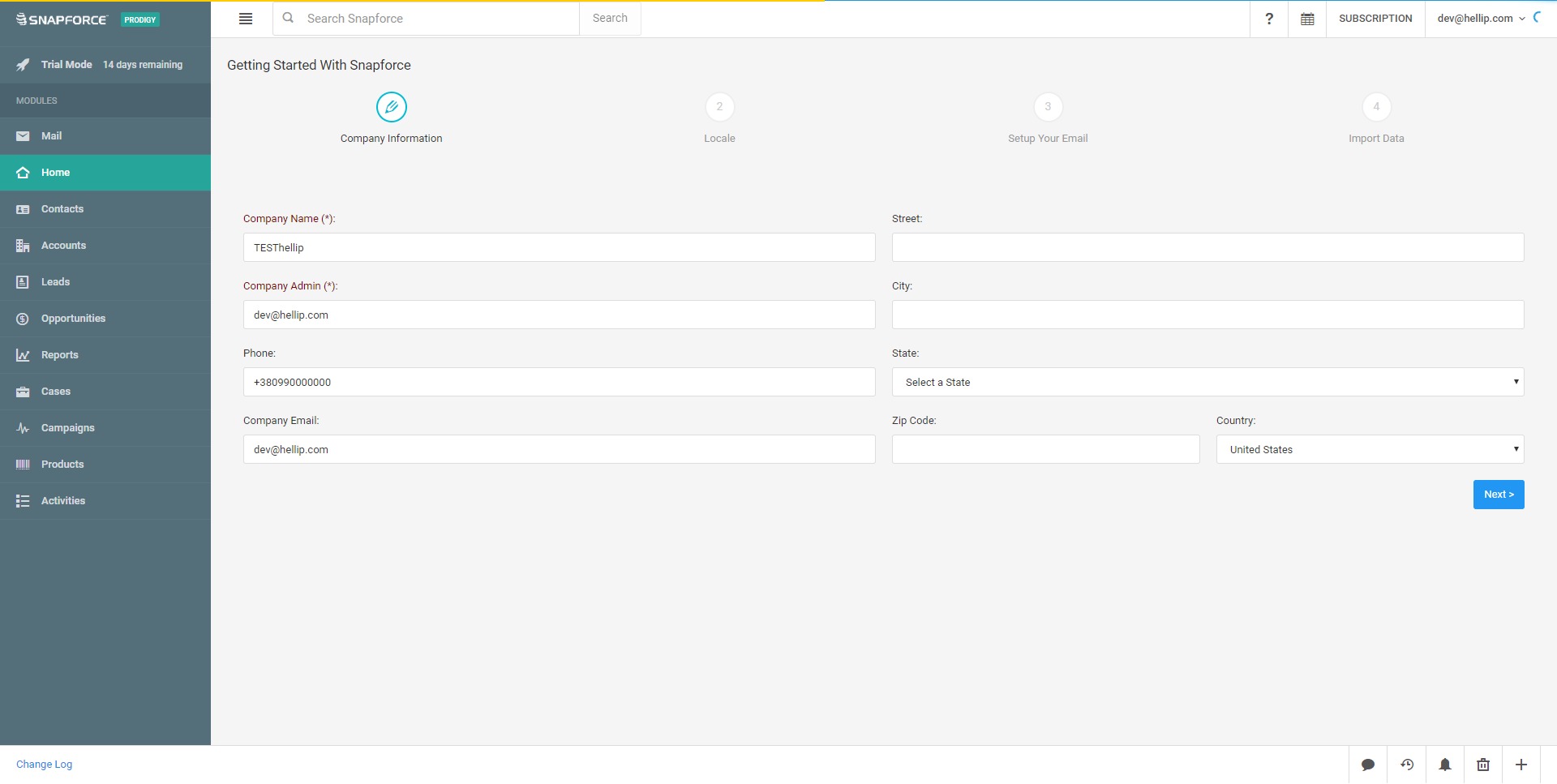
Snapforce is designed around daily CRM work: managing contacts, updating deals, making calls, sending emails, reviewing tasks, and monitoring sales activity. Sales representatives can work from customer records, pipeline views, and activity lists, while managers can use dashboards and reports to track progress.
The experience is best suited for teams that want a functional CRM with communication tools rather than a highly complex enterprise system. Users can manage customer conversations, sales stages, tasks, and follow-ups in one workspace, which makes the platform useful for active sales environments.
For businesses with phone-based sales or support processes, the call-related features are especially valuable because communication activity can be connected directly to CRM records. This creates a cleaner customer timeline and helps teams understand previous interactions before making the next contact.
Overall, Snapforce CRM Platform provides a practical CRM environment for companies that need organized sales processes, centralized communication, and better visibility into customer relationships.
2023-04-03 12:29:33: Snapforce #RealEstate Insights has finalized Redfin's datasets, you can now visualize all of the big three, https://t.co/FJAEKcoM3s, Zillow, and finally Redfin.
Enjoy!
#HousingMarket https://t.co/U9J6Nv6TYdTwitter
2023-04-01 16:15:42: If you didn't already know, https://t.co/FJAEKcoM3s's March data synced a few days ago. #Zillow is releasing March in two weeks. https://t.co/0p5ag4E0zyTwitter
2023-03-27 00:45:01: Newest dataset released on #Snapforce #RealEstate Insights, track and manage the cost of Buying vs. Renting across the US #housingmarket. https://t.co/DaQ5uQnAN3Twitter
2023-03-11 22:56:32: #Snapforce #RealEstate Insights now completed it's https://t.co/FJAEKcoM3s integration, you can now analyze https://t.co/FJAEKcoM3s's data and compare it to Zillow with our interactive maps and charts.
Enjoy!
#housingmarket #rjtalks https://t.co/xw8HbwLwA7Twitter
2023-02-17 13:28:09: Snapforce #RealEstate Insights now syncs building permit census data. Want to see your market's b breakdown of authorized building permits?
#housingmarket https://t.co/0CZlcPX8wnTwitter
2023-02-06 16:32:27: Custom reporting is now available inside #Snapforce Real Estate Insights. Active listings vs. Median Home Price, Months Supply, Home Price Index, and more. Enjoy!
You can get started here: https://t.co/2LstS0zXzO
#housingmarket #realestate #RealEstateInsights https://t.co/ntg9uC84eqTwitter
2023-01-23 16:34:26: #Snapforce Real Estate Insights just launched our newest map, Net Inflow/Outflow #Migration, and includes all the #housing peak to trough price declines you all love. https://t.co/EGy4N2bPRmTwitter
2023-01-23 16:30:48: Our newest SaaS product, Snapforce Real Estate Insights is live and available for anyone and everyone looking to analyze and stay up to date on the #housing and #realestate market.
Get started now: https://t.co/2LstS0Avpm https://t.co/Y5bjo1AO37Twitter
2022-07-05 17:20:42: Learn the process behind building a growth-worthy website from our newest guest writer at #Snapforce.
#website #crm #web #webdev #growth
https://t.co/9rjRqmy0XITwitter
2022-06-21 17:44:47: Does your product or service have a competitive advantage? If not, you should read this article to see why it's necessary and how to go about doing it 👇
#sales #competition #competitive #competitiveadvantage #crm
https://t.co/MMSiqpu9rzTwitter
Snapforce CRM Alternatives