Kayako
Languages:
English
Localization:
World
What is Kayako and how does it work?
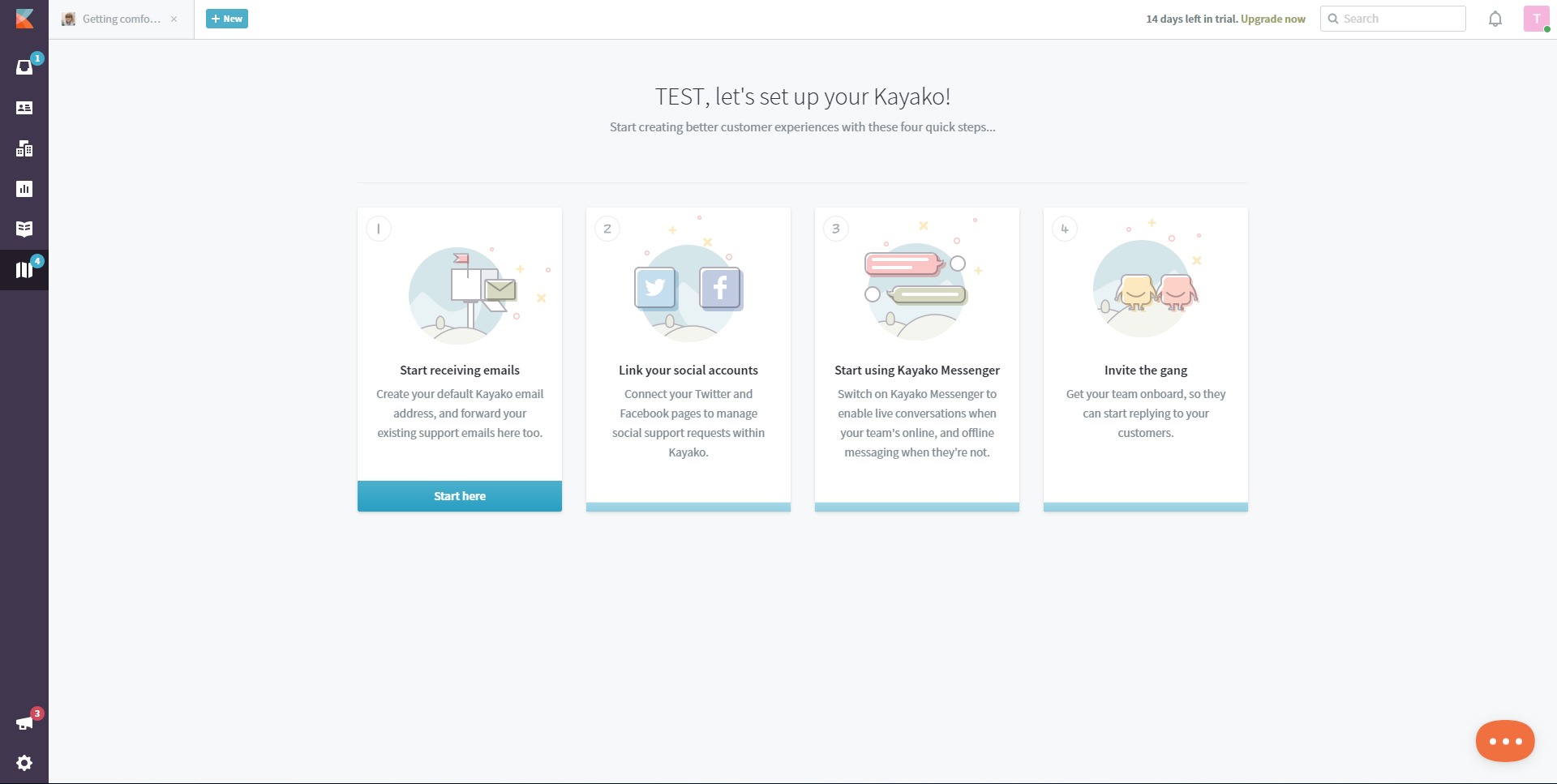
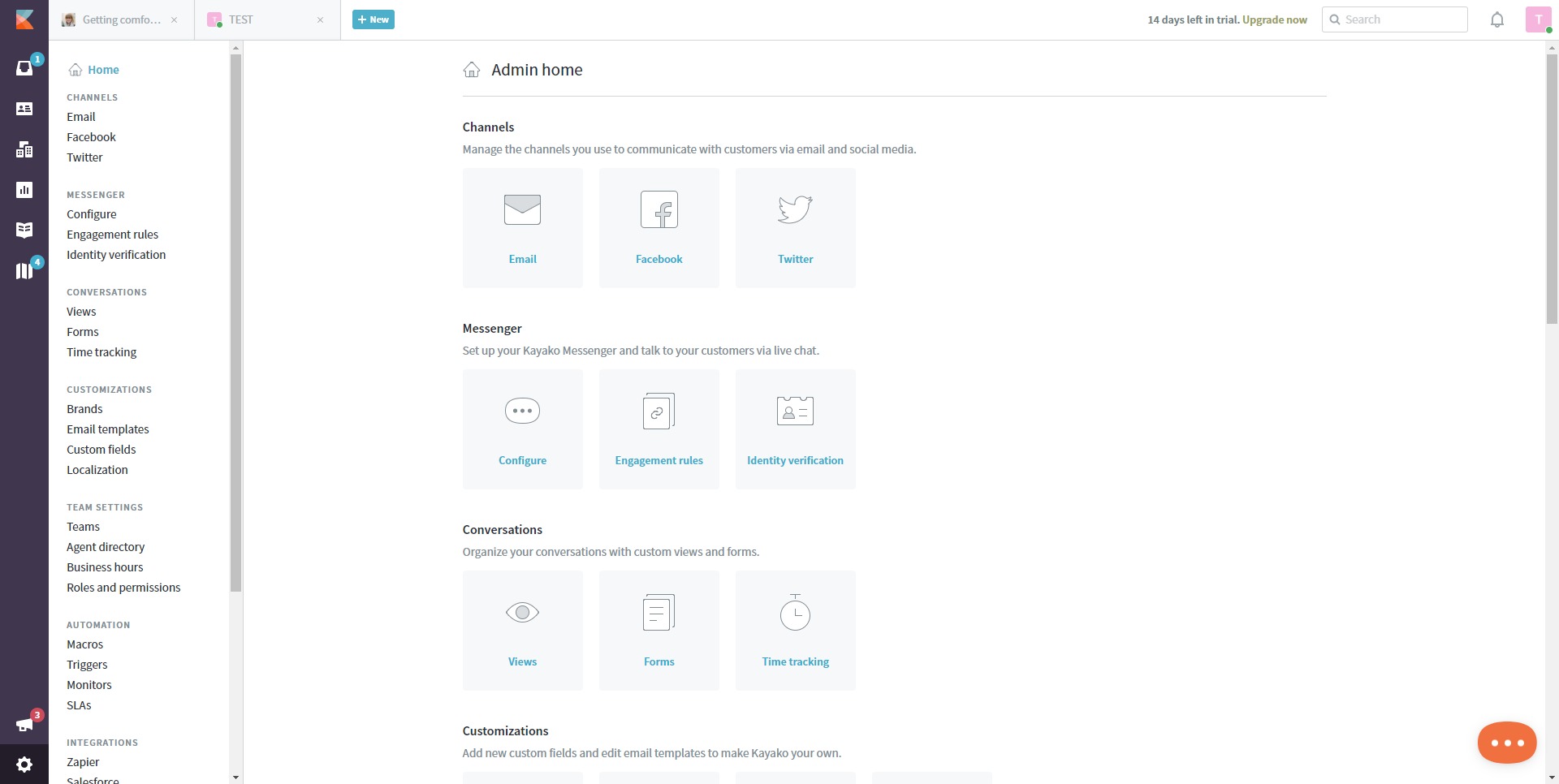
Kayako is a customer support and help desk platform built to centralize all customer communication into a single, structured workspace. It is designed for teams that handle conversations across multiple channels and want to manage them without losing context or speed. Instead of treating emails, chats, and messages as separate streams, Kayako unifies them into one continuous customer timeline.
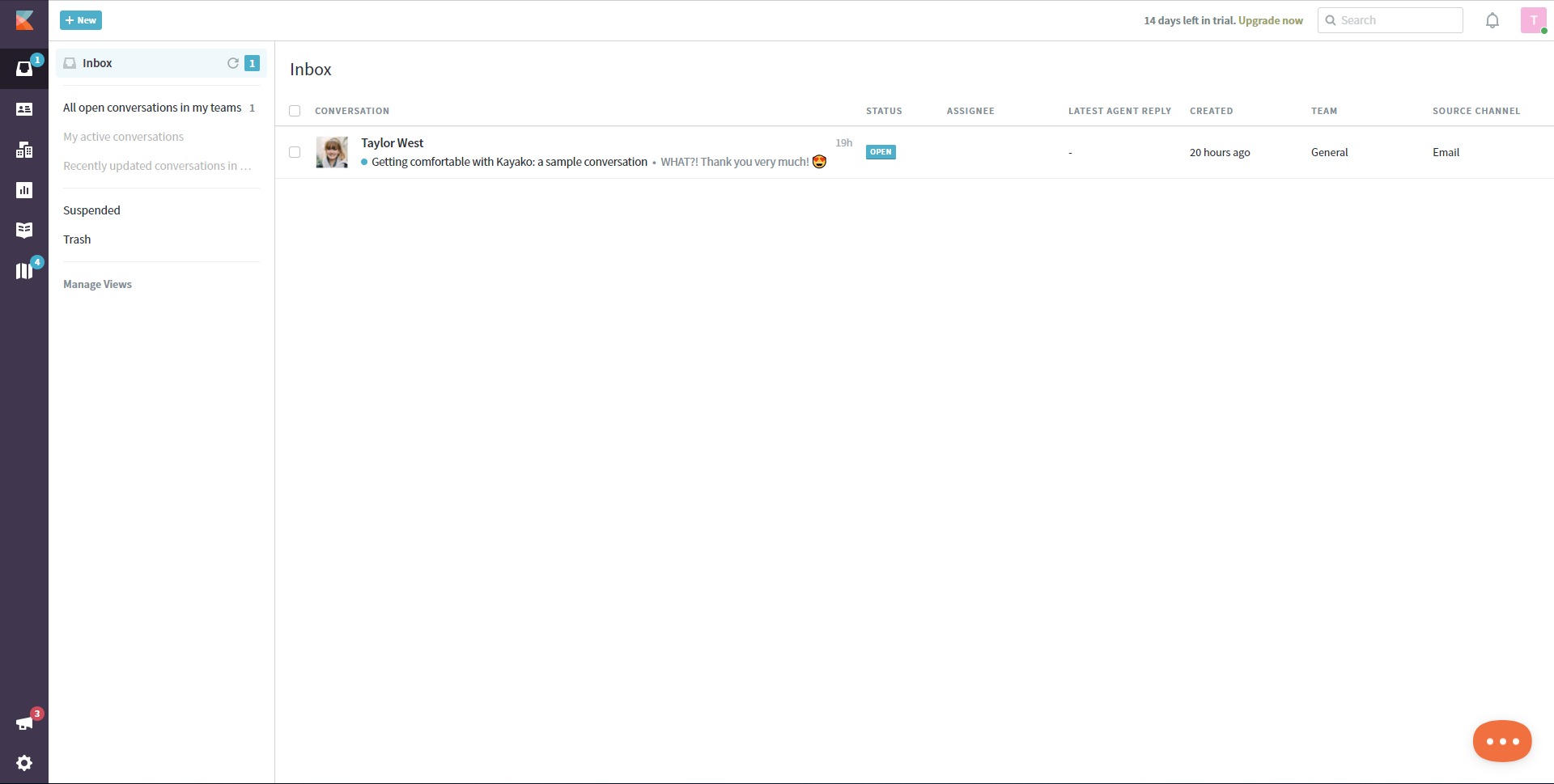
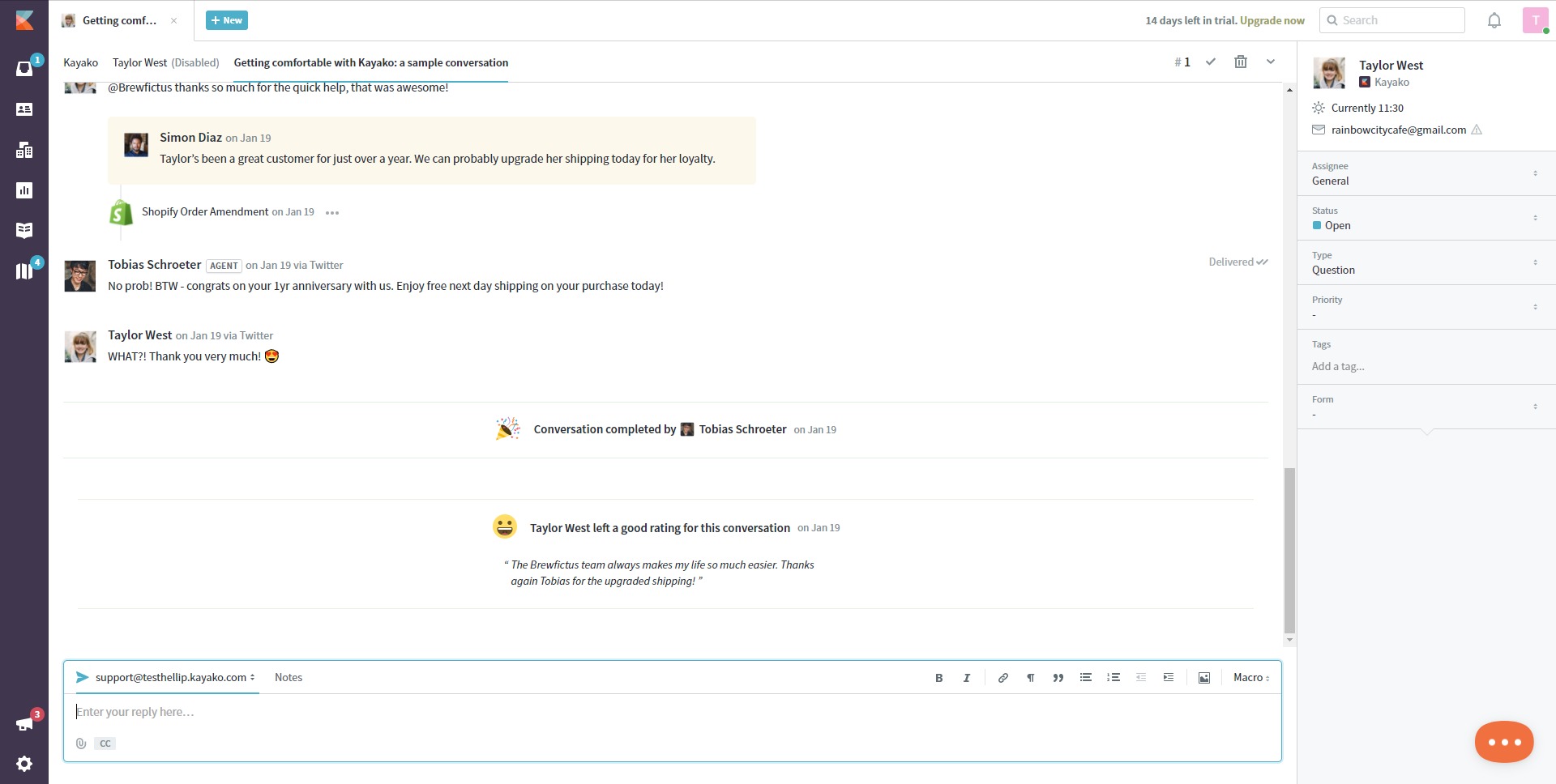
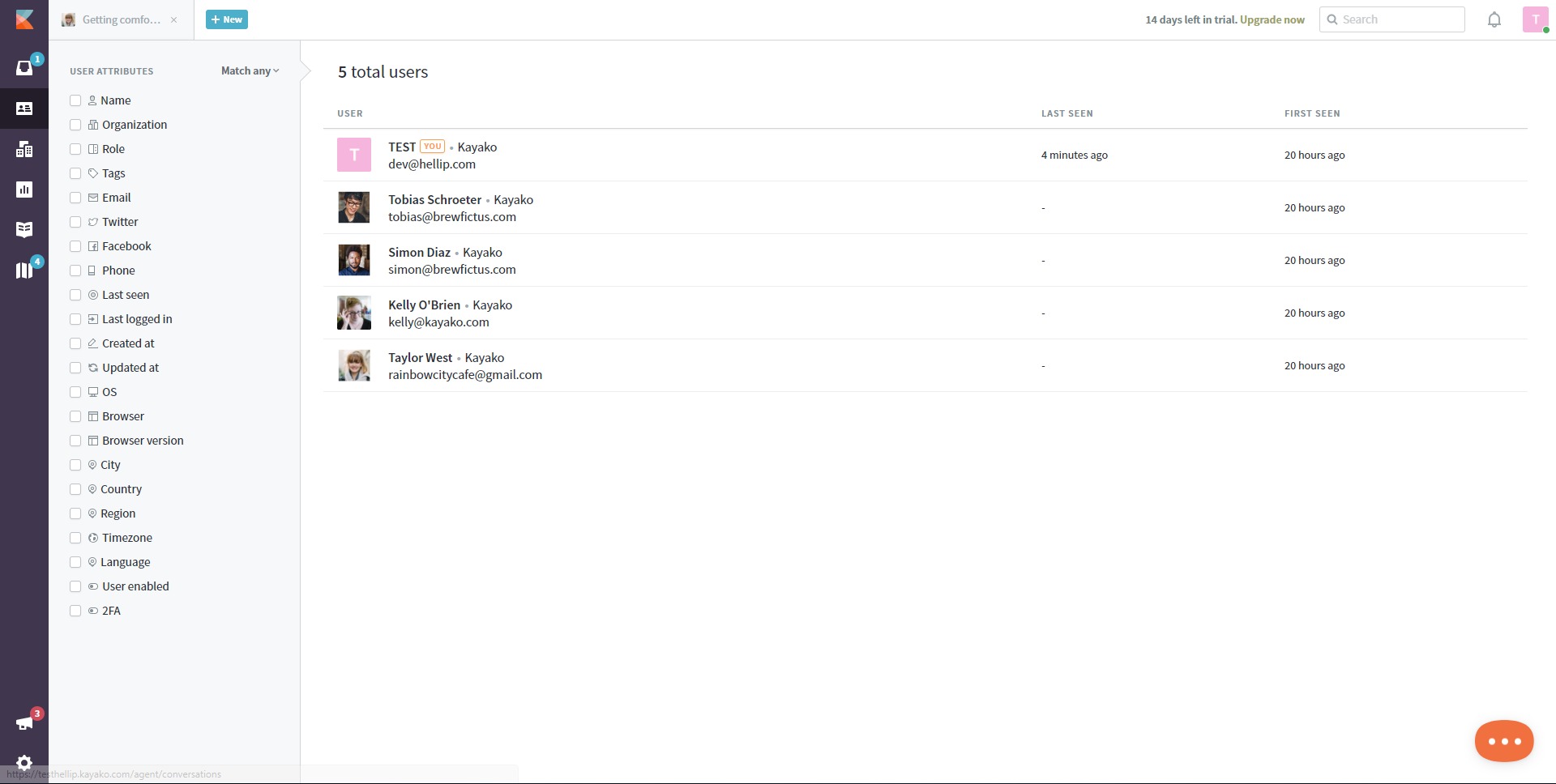
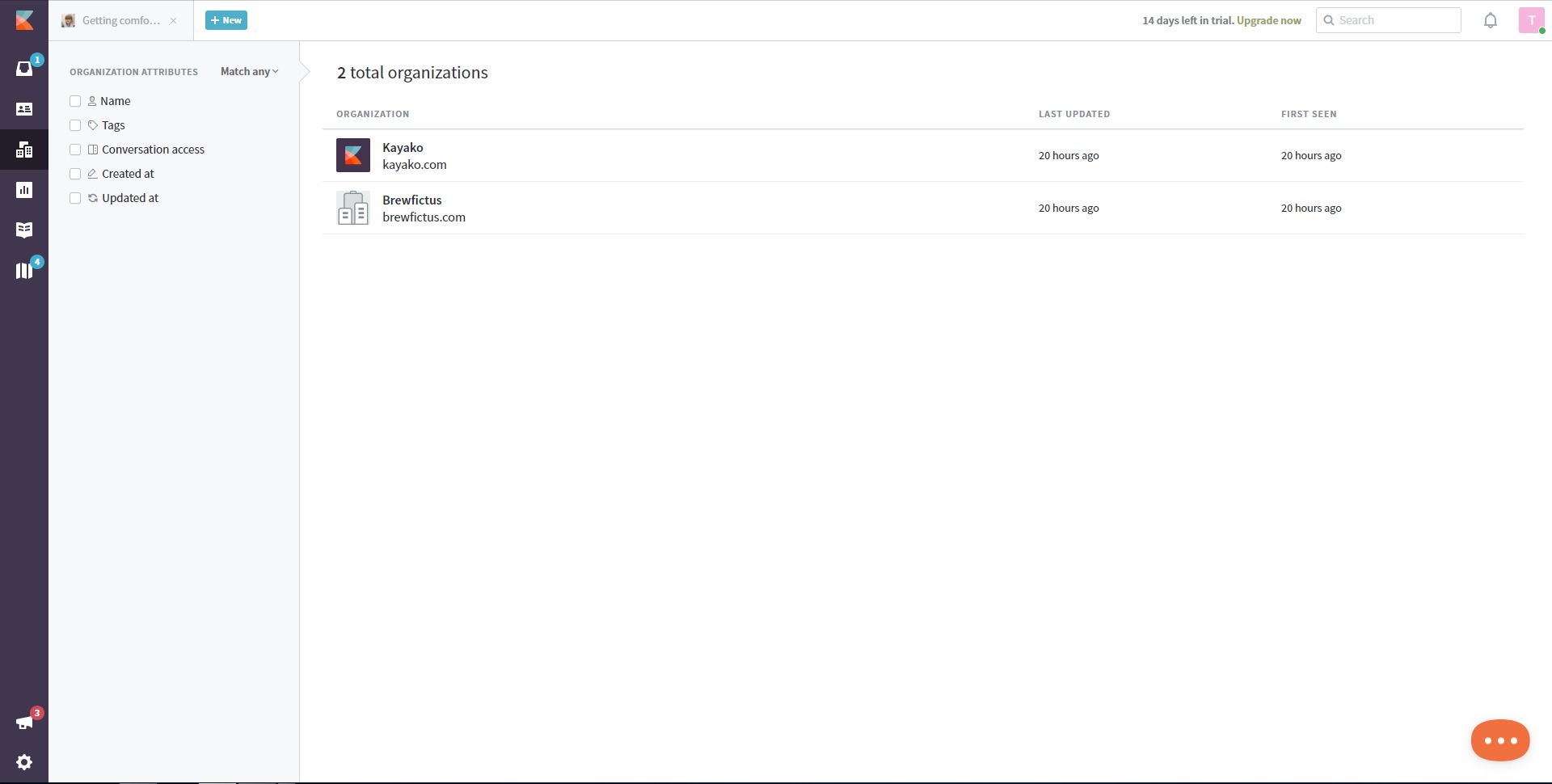
At its core, Kayako works around a shared inbox and ticketing system. Incoming requests from email, live chat, web forms, messaging apps, and APIs are collected into one place, where they can be assigned, prioritized, and resolved collaboratively. Each customer has a complete interaction history, allowing support agents to respond with full context rather than fragmented information.
Kayako is commonly used by SaaS companies, e-commerce businesses, and service teams that need consistent, scalable support operations. Its focus is on reducing friction for both customers and agents by combining omnichannel communication, automation, and self-service tools in one platform.
What key features does Kayako offer?
-
Unified Omnichannel Inbox
All customer conversations from different channels appear in one inbox, giving agents a single source of truth and eliminating the need to switch between tools. -
Ticket and Workflow Management
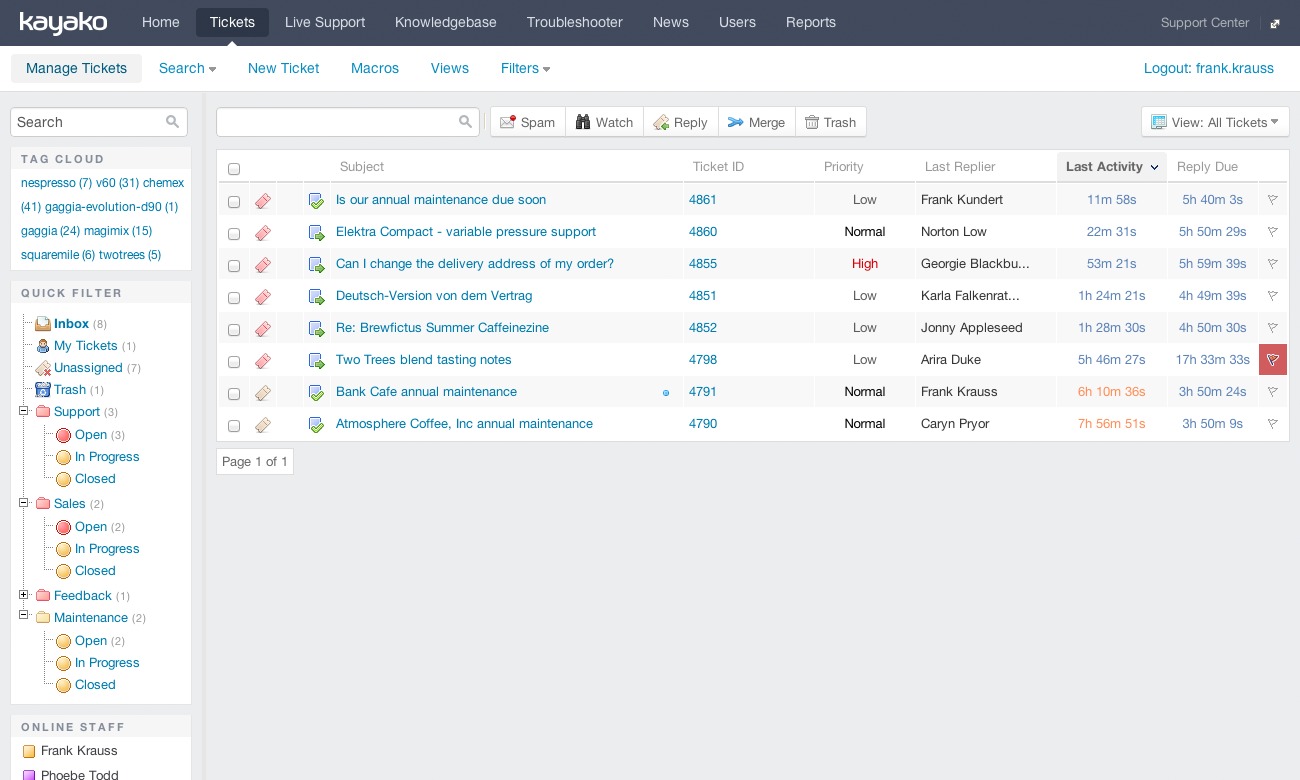
Requests are organized into tickets that can be assigned, tagged, prioritized, merged, or escalated, ensuring nothing is missed and workflows stay predictable. -
Conversation Timeline and Context
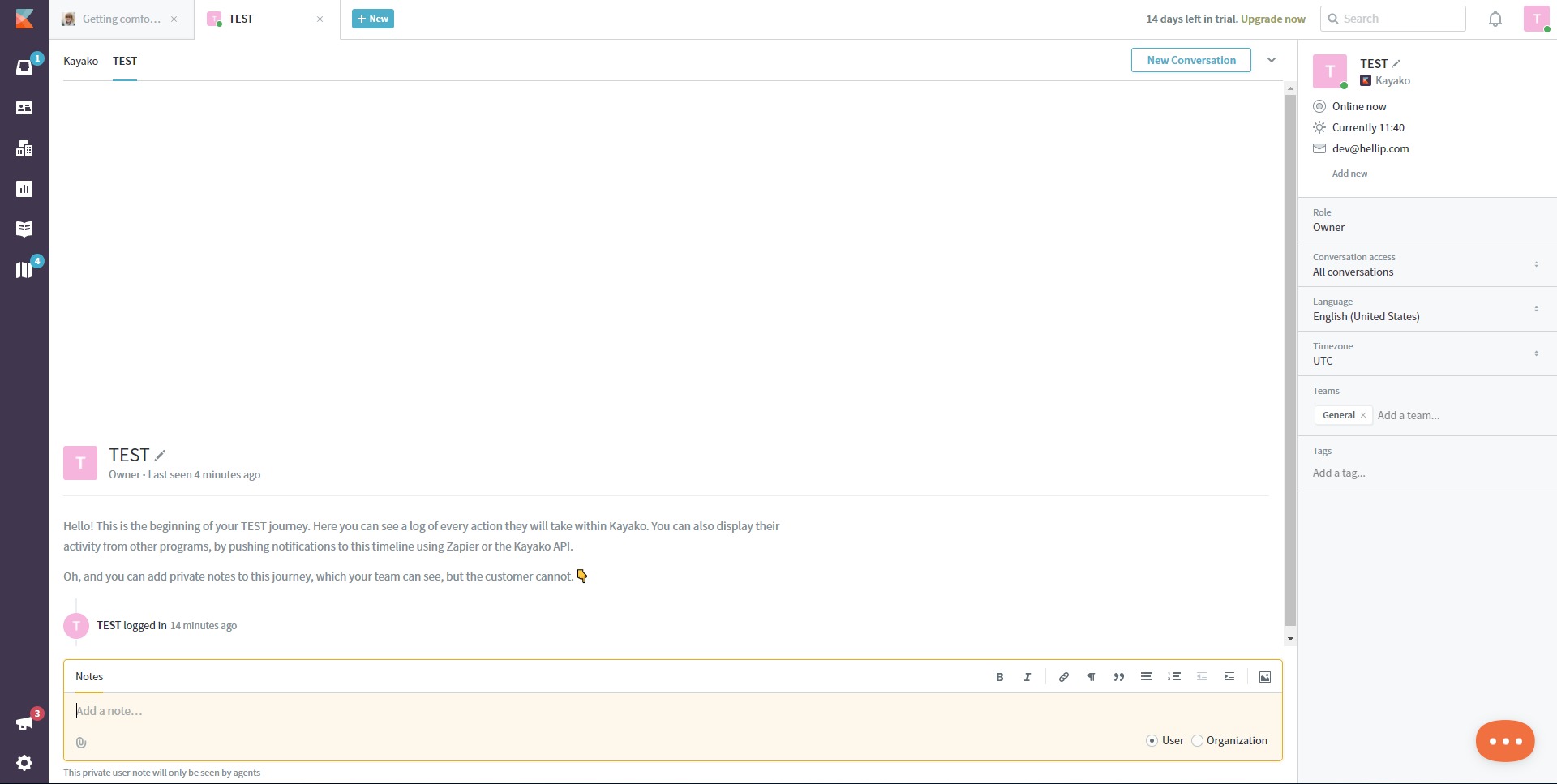
Every interaction is stored in a customer timeline, allowing agents to see previous issues, responses, and behavior before replying. -
Live Chat and Messaging
Built-in live chat and messaging capabilities enable real-time support directly from websites or applications. -
Automation and AI Assistance
Automation rules and AI tools help categorize requests, suggest replies, and handle repetitive tasks to reduce manual workload. -
Knowledge Base and Help Center
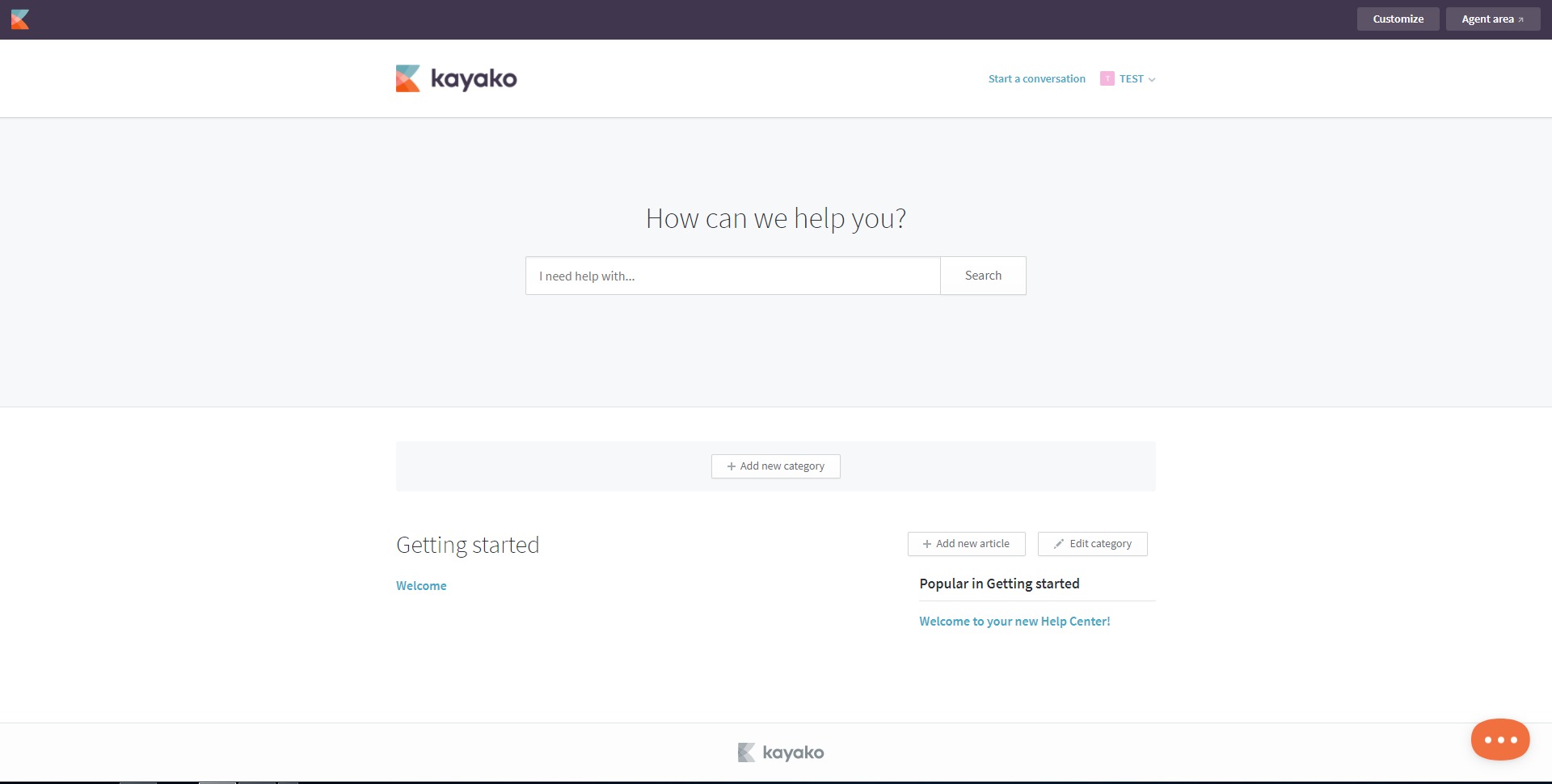
Teams can create self-service articles and FAQs so customers can resolve common issues without contacting support. -
Reporting and Analytics
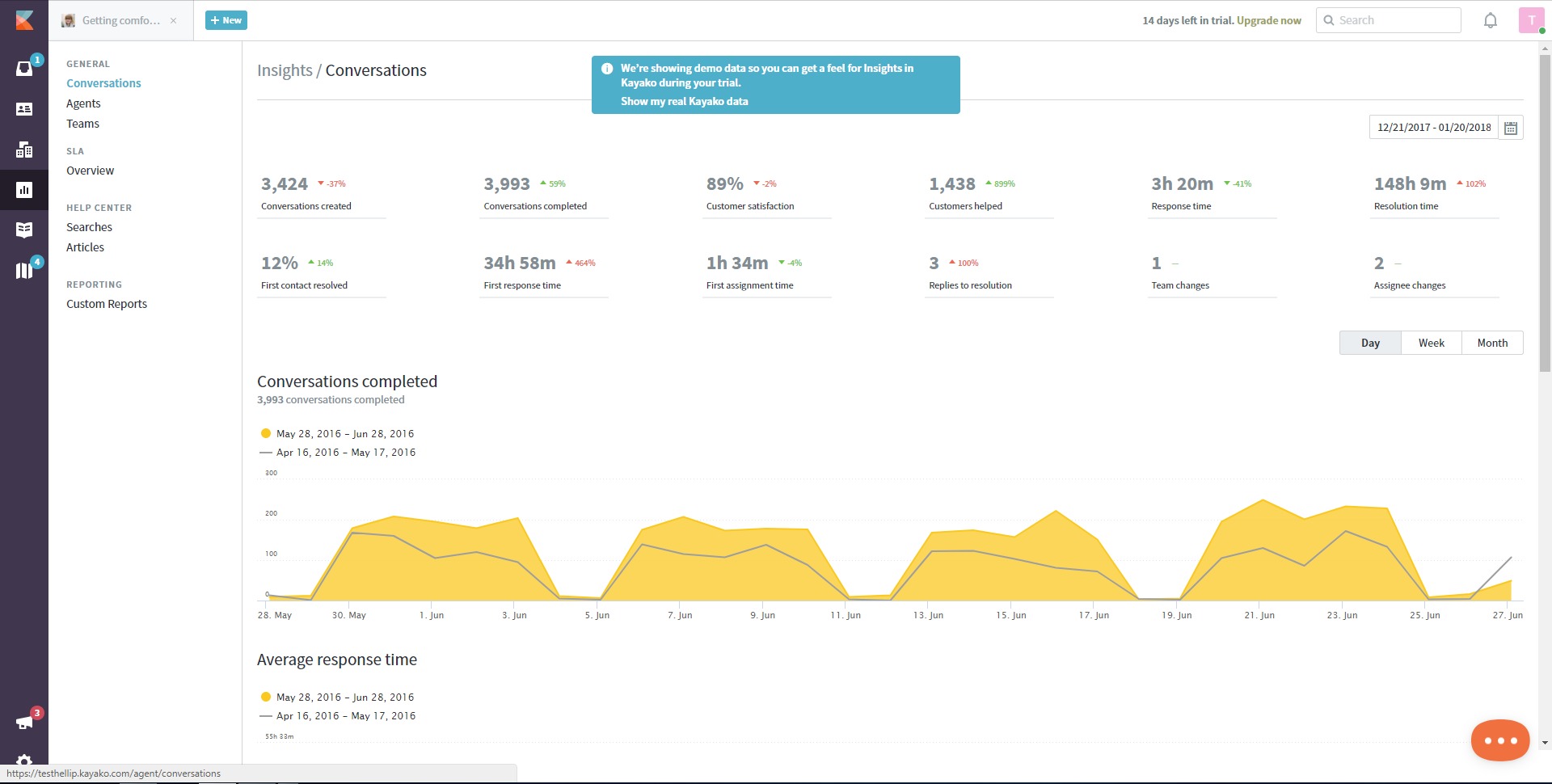
Dashboards and reports provide insights into response times, resolution rates, workload distribution, and customer satisfaction.
What are common use cases for Kayako?
-
SaaS Customer Support
SaaS teams use Kayako to manage onboarding questions, technical issues, and account-related requests across email and chat while keeping full customer context. -
E-commerce Customer Service
Online stores rely on Kayako to handle order inquiries, delivery issues, refunds, and product questions from multiple channels in one place. -
IT and Internal Help Desks
Internal support teams use Kayako to track employee requests, manage incidents, and standardize internal service workflows. -
Growing Support Teams
Businesses with expanding support operations use Kayako to scale without adding complexity or losing visibility over performance. -
Self-Service-Driven Support Models
Companies aiming to reduce ticket volume use the knowledge base and automation features to deflect repetitive questions.
What benefits does Kayako provide to businesses?
Kayako helps businesses reduce operational friction in customer support. By centralizing communication, teams spend less time switching tools and more time resolving issues. Automation and AI assistance reduce repetitive work, allowing agents to focus on complex or high-value conversations.
Another key benefit is consistency. With shared inboxes and standardized workflows, customers receive more predictable and reliable responses regardless of channel or agent. Managers benefit from clear visibility into performance metrics, making it easier to identify bottlenecks and improve processes.
Kayako also supports long-term customer satisfaction by enabling context-rich interactions. When agents understand the full customer history, responses feel more personal and accurate, which improves trust and retention.
What is the user experience like in Kayako?
Kayako is designed to be practical and agent-friendly rather than overly complex. The interface focuses on conversations, tickets, and customer context, making it easy for new agents to understand their tasks quickly. Navigation is centered around the shared inbox and ticket views, reducing cognitive load during busy support periods.
For customers, the experience is seamless across channels. They can switch between email, chat, or messaging without repeating themselves, since the conversation history is preserved. The help center provides a clean, searchable way to find answers without contacting support.
For managers and administrators, Kayako offers configuration options without requiring heavy technical setup. Workflows, automation rules, and reports can be adjusted to match how the team actually works. Overall, the platform prioritizes clarity, speed, and continuity in support interactions rather than feature overload.
2022-08-10 15:31:03: Ever heard of Knowledge Management?
https://t.co/Q00qftpKYSTwitter
2022-07-27 16:32:18: Ever thought about how customers perceive you and how that impacts customer experience?
#customersuccess #success #omnichannel
https://t.co/lqEN0eiwYvTwitter
2022-07-20 13:27:10: What is the best way to engage with your customers: Social media, website, messenger app, live support? You no longer have to settle for one, you can use all of them and still be on top of customer requests.
#success #customerexperience #CustomerSuccess
https://t.co/C0BO0PloStTwitter
2022-06-15 07:05:22: What is the Customer Journey and why is it important?
#customersuccess #success #customerjourney #customerservice
https://t.co/Cv8ZtoY4ACTwitter
2022-06-08 14:54:58: #changelog Kayako Engineering Update.
👉 https://t.co/Z5vuEr1zurTwitter
2022-06-08 10:23:02: Still handling customer queries using your email? Highly inefficient particularly if you want to scale. Here are 5 best shared inbox tools to help your team stay on top of customer requests.
#success #customersuccess #customerservice
https://t.co/sGWStn0UB3Twitter
2022-05-26 07:57:51: Did you know that 79% of US consumers say they have used a self-service portal for customer service, and 88% of customers expect companies to have self-service options?
#success #CustomerSuccess #selfservice #helpdesk
https://t.co/3ZaeCJWhr6Twitter
2022-05-18 11:02:11: What does a good customer service experience mean to your customers?
#frictionless #success #customersuccess #customerexperience
https://t.co/A2psjsjZUlTwitter
2022-05-16 12:44:00: #changelog Kayako Release Notes - April 2022.
Kayako Release Notes for April 2022 are published below:
https://t.co/BbjKF89Hdr.
👉 https://t.co/VJkN2cNjy0Twitter
2022-05-04 10:32:57: All organizations have an Internal Knowledge Base under one from or the other. Why not provide the same functionality to your users?
#CustomerSuccess #success #customersatisfaction
https://t.co/AfSGxwsL3vTwitter
Kayako Alternatives