Copper
Languages:
English
Localization:
World
What is Copper CRM – Google Workspace Sales Hub?
Copper is a customer relationship management platform built specifically for companies that work inside Google Workspace. Instead of forcing teams into a separate system, Copper lives next to Gmail, Google Calendar and Google Drive, so emails, meetings and files automatically connect to contacts, leads and opportunities. Sales reps and account managers can see the full conversation history with a lead right inside their inbox, update deal stages with a couple of clicks and log activities without manual copy-paste. Copper focuses on small and mid-sized businesses that want a structured pipeline, clean reporting and better collaboration, but do not want to hire a full-time CRM administrator. The result is a lightweight, visual CRM that supports the entire customer journey from first touch to closed deal and ongoing account management.
Which key features does Copper CRM provide?
Key Features
-
Native Google Workspace integration
Copper embeds into Gmail and Google Calendar, shows contact and deal context in a sidebar and syncs emails, events and tasks automatically, so the CRM reflects communication in real time. -
Visual pipelines and opportunity tracking
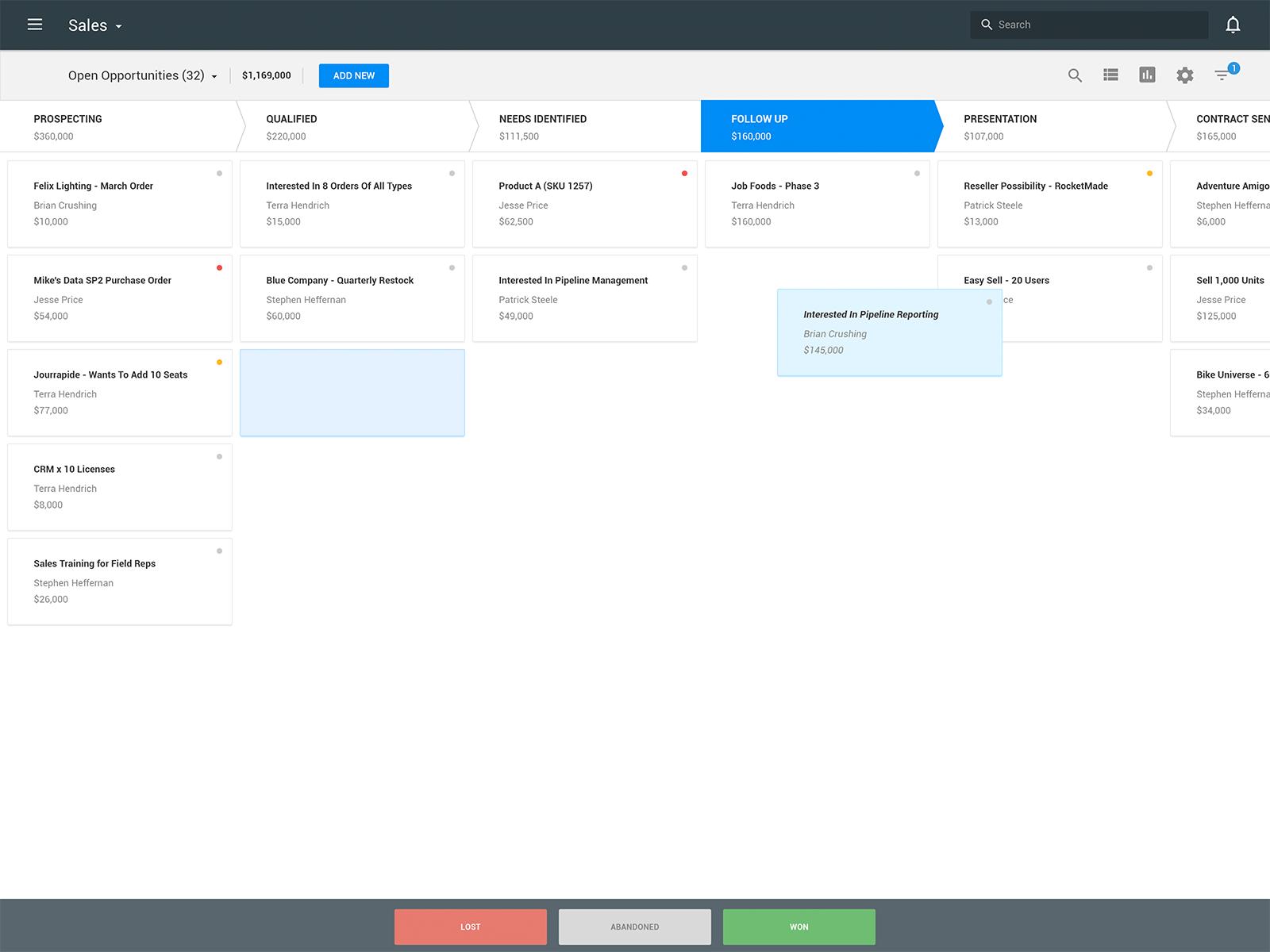
Teams manage deals in kanban-style pipelines with customizable stages, drag-and-drop updates, expected values and close dates, making it easier to forecast revenue and spot bottlenecks. -
Automated contact and lead capture
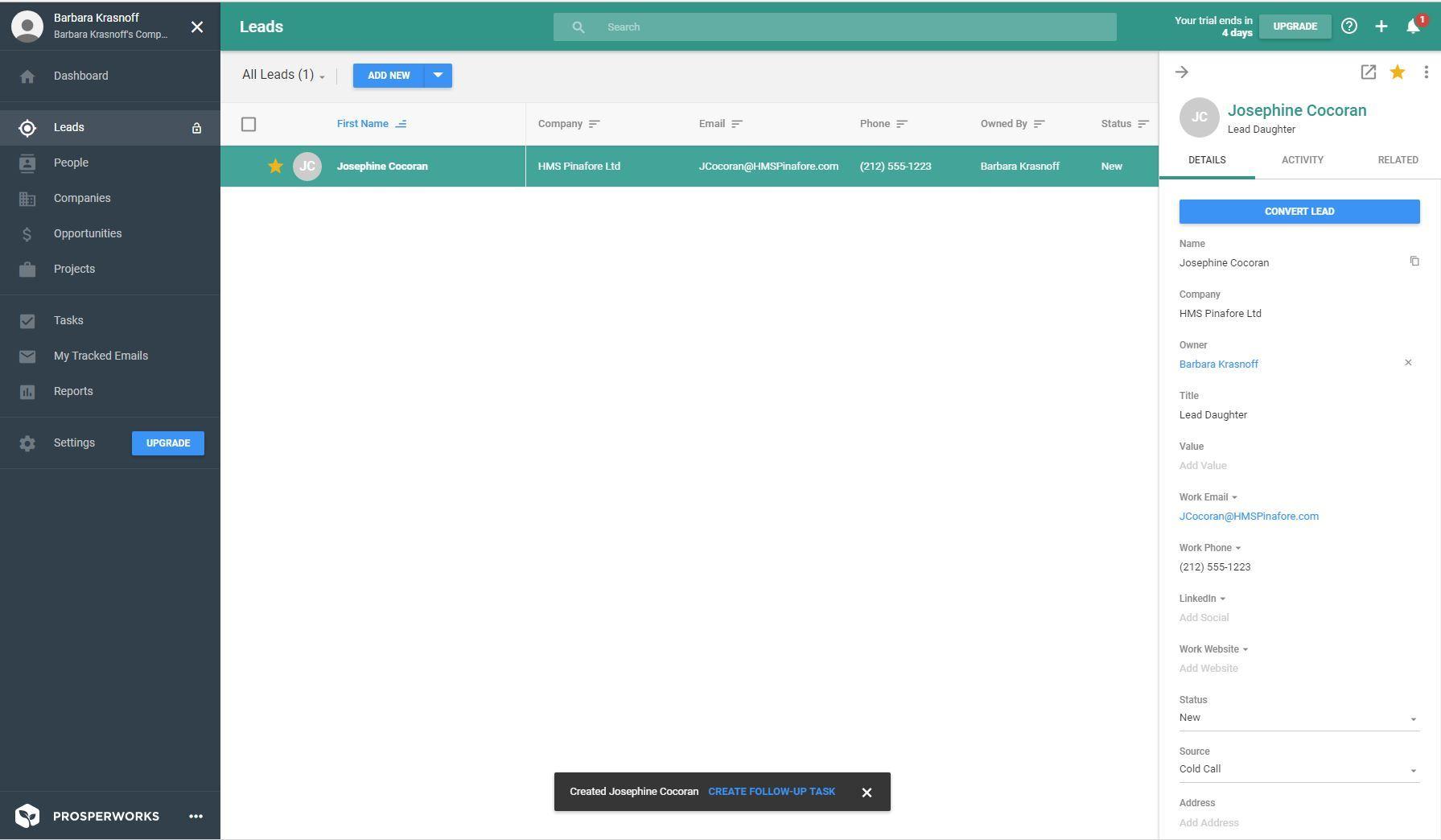
New people and companies can be created from email threads, with enrichment of basic details, so sales teams spend less time on data entry and more on outreach. -
Task and workflow automation
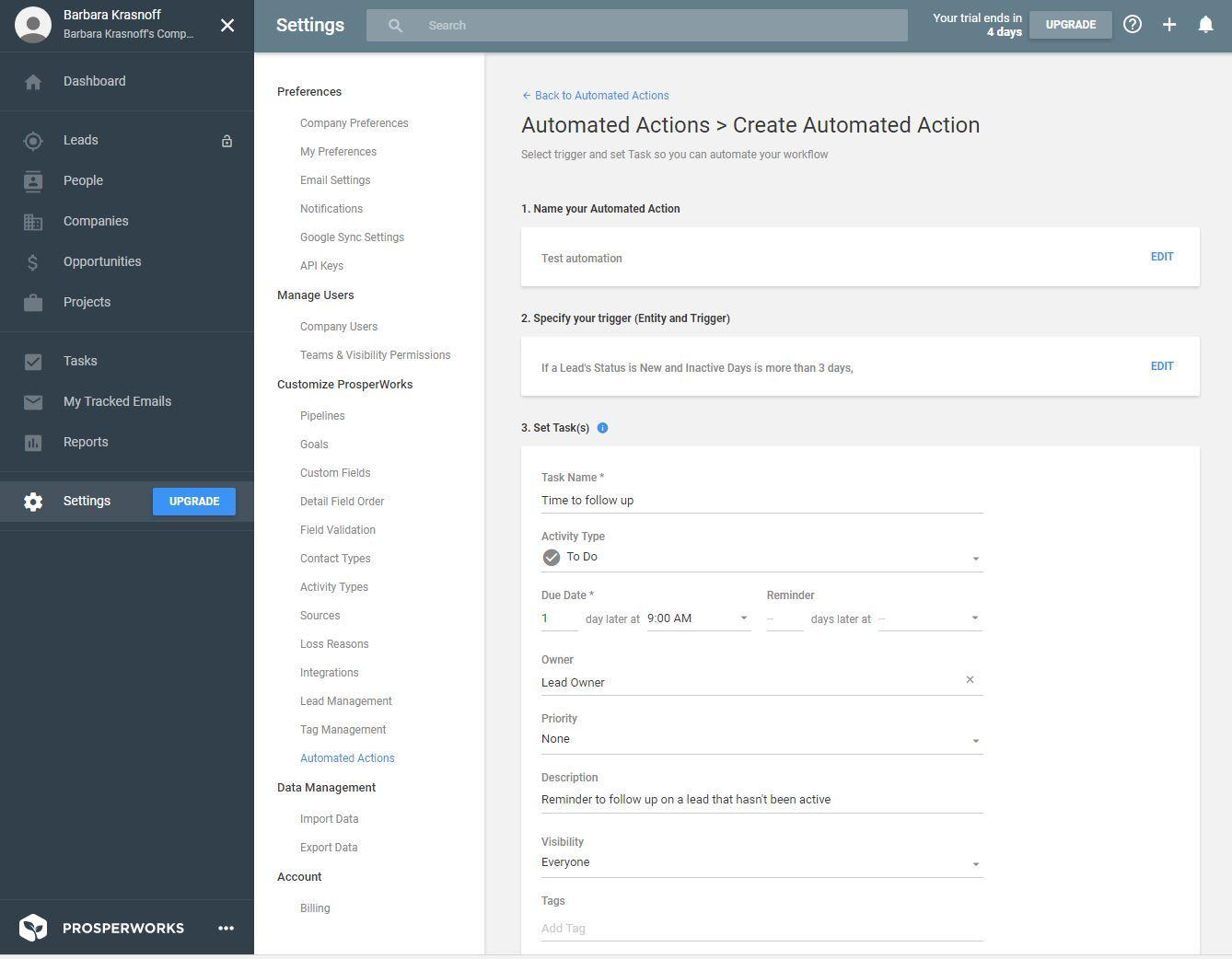
Rules route new leads to the right owner, trigger follow-up reminders, update deal stages and send internal notifications when key events happen, reducing routine manual work. -
Reporting and dashboards
Built-in dashboards track pipeline volume, win rates, deal velocity and activity levels by rep or team, helping managers understand what drives performance and where processes break. -
Project and post-sale tracking
Copper also supports simple project-style boards to manage onboarding, implementation or account expansion, keeping everything tied to the original opportunity and customer record. -
Mobile apps and Sheets add-on
Mobile apps keep pipelines and contacts available on the go, while a Google Sheets add-on enables bulk edits, exports and custom reporting for teams that love spreadsheets.
In which scenarios is Copper CRM most effective?
Use Case Highlights
-
Google-first sales teams
Companies that already rely on Gmail, Calendar and Drive use Copper as a natural extension of their existing workflow, turning the inbox into a sales command center. -
Agencies and consultancies
Service businesses manage inbound leads, proposals, contracts and renewals in one place, with all communication history attached, making client handover between team members smoother. -
Growing startups
Startups use Copper to bring structure to an informal sales process, define a clear pipeline, automate follow-ups and get basic forecasting without building a complex CRM stack. -
Account management and customer success
Teams responsible for renewals and upsells track touchpoints, schedule regular check-ins and log support conversations against each account to reduce churn and find expansion opportunities.
What benefits does Copper CRM deliver for teams?
Benefits
Copper reduces friction around CRM adoption because it sits where people already work. Automatic logging of emails and meetings cuts admin time and lowers the risk of missed follow-ups. Centralized contact and deal data make the business less dependent on individual inboxes, improving continuity when roles change. Managers gain a reliable view of pipeline health and team activity, which supports more accurate planning and coaching. With flexible pipelines, basic automation and clear reports, organizations can standardize their sales process while staying agile and avoiding enterprise-level complexity.
How does the Copper CRM user experience feel in daily work?
User Experience
The interface follows a clean, familiar layout similar to other Google tools, with minimal clutter and clear navigation. Users move between pipelines, contact timelines and reports with a few clicks, and most daily actions can be performed directly from Gmail via the Copper panel. Drag-and-drop deal stages, inline editing of fields and quick filters keep the system fast to update. Setup is relatively simple, with short onboarding time and no need for heavy customization before seeing value. Overall, Copper is designed to feel like a natural layer on top of Google Workspace, giving teams structure and visibility without overwhelming them with features they will never use.
2025-10-08 19:38:51: The tool that’s helped me land $50,000 in brand partnerships. Youtube
2025-09-25 14:04:31: Downloading and pinning the Copper Chrome Extension Youtube
2025-09-16 19:34:53: Turn Form Submissions Into Pipeline Records in Copper Youtube
2025-08-20 17:34:28: Copper New & Improved - Q2 2025 Round Up Youtube
2025-06-11 17:33:29: Hot take: Producing isn’t the end of creativity #production #creative #agencylife Youtube
2025-06-11 17:31:36: Full circle: Sell, deliver, nurture, repeat ? #crm #projectmanagement Youtube
2025-06-11 15:46:01: Big client expectations and tiny budgets? #marketingtips #agencylife Youtube
2025-06-11 12:56:25: How Kontent Partners brought order to production chaos Youtube
2025-06-06 18:19:31: Day in the life of a project manager ✨ Youtube
2025-05-30 14:45:27: Snap → Sync → Sell! Youtube
2023-04-04 00:11:05: Got account management experience? Come join our team at Copper. Apply here: https://t.co/1vxyDVUrKU
#coppercrm #copperjobs #saasjobs #techjobs #accountmanager #accountmanagement https://t.co/0LFVBs28vxTwitter
2023-03-29 18:12:14: Does your company need a #CRM system? 🤔 It might be a good addition to your tech stack if... 👍 For more ways CRM can add value to your biz, check out our CRM playbook: https://t.co/LGq6LpnZuT
#whatiscrm #crmtips #crmguide #coppercrm #googlecrm #gsuitecrm #gmailcrm https://t.co/BjNJRIlDbnTwitter
2023-03-28 17:49:10: New to #Copper? Join our live user training tomorrow at 10am PST for a walkthrough with our friendly expert, Chris 😎 Sign up here: https://t.co/QrK7UDAza5
#coppercrm #coppertraining #livewebinar #coppertips https://t.co/cqLX2VysrxTwitter
2023-03-27 22:52:08: Know someone who's a pro at managing B2B partner relationships? Send them our way for our Partnerships Manager role! All the details here: https://t.co/EVbgLsLO9F
#copperjobs #saasjobs #techjobs #b2bpartnerships #partnershipsmanager #coppercrm https://t.co/HKM5HbJKMpTwitter
2023-03-07 16:46:09: You don't need a special occasion to #saythanks – to customers, colleagues, or business partners 🙏 If you're looking for a unique sentiment to show your gratitude, check out our Big anthology of business thank yous – just copy, paste, and send 💌 https://t.co/H54Iax9T1X https://t.co/tSD6UtgchPTwitter
2023-03-07 00:51:05: How you structure your sales pipeline makes a difference in the accuracy of your sales tracking 📈 We've got plenty of ideas for how to customize your pipeline based on industry, business structure, and workflow: https://t.co/jCq0a0TxCp
#salespipeline #salestracking #salescrm https://t.co/MjW5a45zaQTwitter
2023-03-04 20:12:01: 🚨SCHEDULED MAINTENANCE: Maintenance is now complete and #Copper is fully accessible.Twitter
2023-03-04 16:30:04: 🚨SCHEDULED MAINTENANCE: Copper Maintenance is starting now. #Copper will be inaccessible until 4pm PST at the latest. Get updates 👉 https://t.co/kXSlQx8xh4Twitter
2023-03-02 20:50:39: 🚨SCHEDULED MAINTENANCE: Don’t forget, #Copper users. Copper is undergoing maintenance starting Sat. 03/04 at 6:30am PST. Get updates 👉 https://t.co/kXSlQx956CTwitter
2023-02-28 23:39:52: 🚨SCHEDULED MAINTENANCE: Heads up, #Copper users. Copper is undergoing maintenance starting Sat. 03/04 at 6:30am PST. Get updates 👉 https://t.co/kXSlQx8xh4Twitter
Copper Alternatives




Copper Reviews & Demos
Copper Integrations