Appcues
Languages:
English
Localization:
World

What is Appcues Product Adoption Platform?
Appcues Product Adoption Platform helps SaaS and digital product teams improve user onboarding, feature adoption, customer engagement, and retention through no-code in-app experiences. Instead of relying on developers to build every tooltip, modal, checklist, or product announcement manually, Appcues gives product, marketing, growth, and customer success teams a visual way to guide users inside the product.
The platform is designed for companies that need to turn new signups into active users, explain complex features, reduce support tickets, and keep customers moving toward valuable actions. Appcues can be used to create onboarding flows, product tours, checklists, surveys, announcements, and targeted messages based on user behavior. This makes it especially useful for SaaS products where the first few sessions are critical. If users do not understand what to do next, they disappear. Appcues helps close that gap with contextual guidance.
What are the key features of Appcues?
-
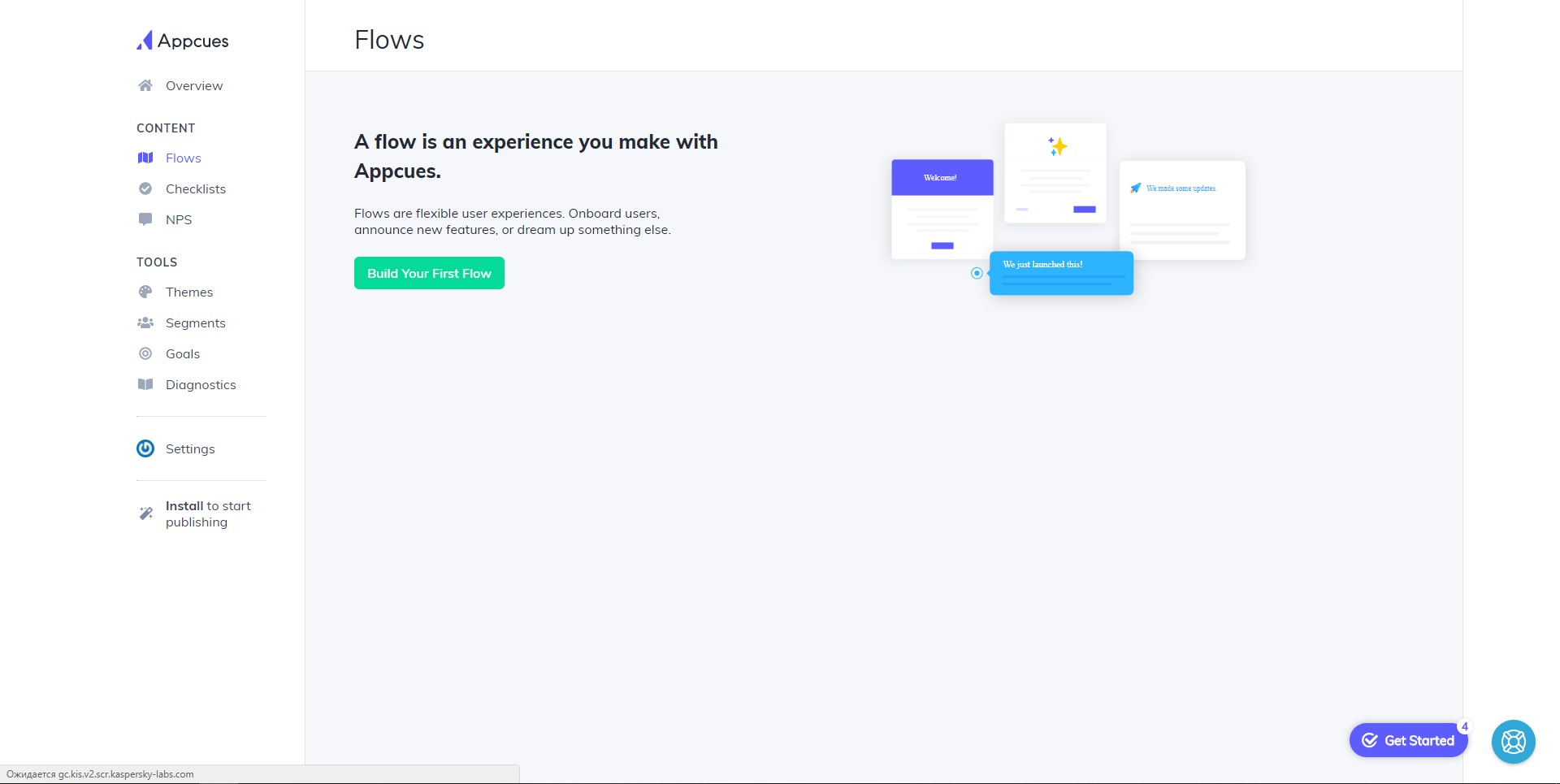
No-code in-app onboarding flows
Appcues allows teams to create onboarding experiences without custom development for every change. These flows can include modals, slideouts, tooltips, hotspots, banners, and guided walkthroughs. This is useful for explaining product value, showing the first important action, or helping users complete setup. -
Product tours and feature guidance
Teams can introduce new or existing features directly inside the application. Instead of sending users to a help article or hoping they notice a new menu item, Appcues can guide them step by step through the feature. This helps increase adoption of tools that might otherwise stay hidden. -
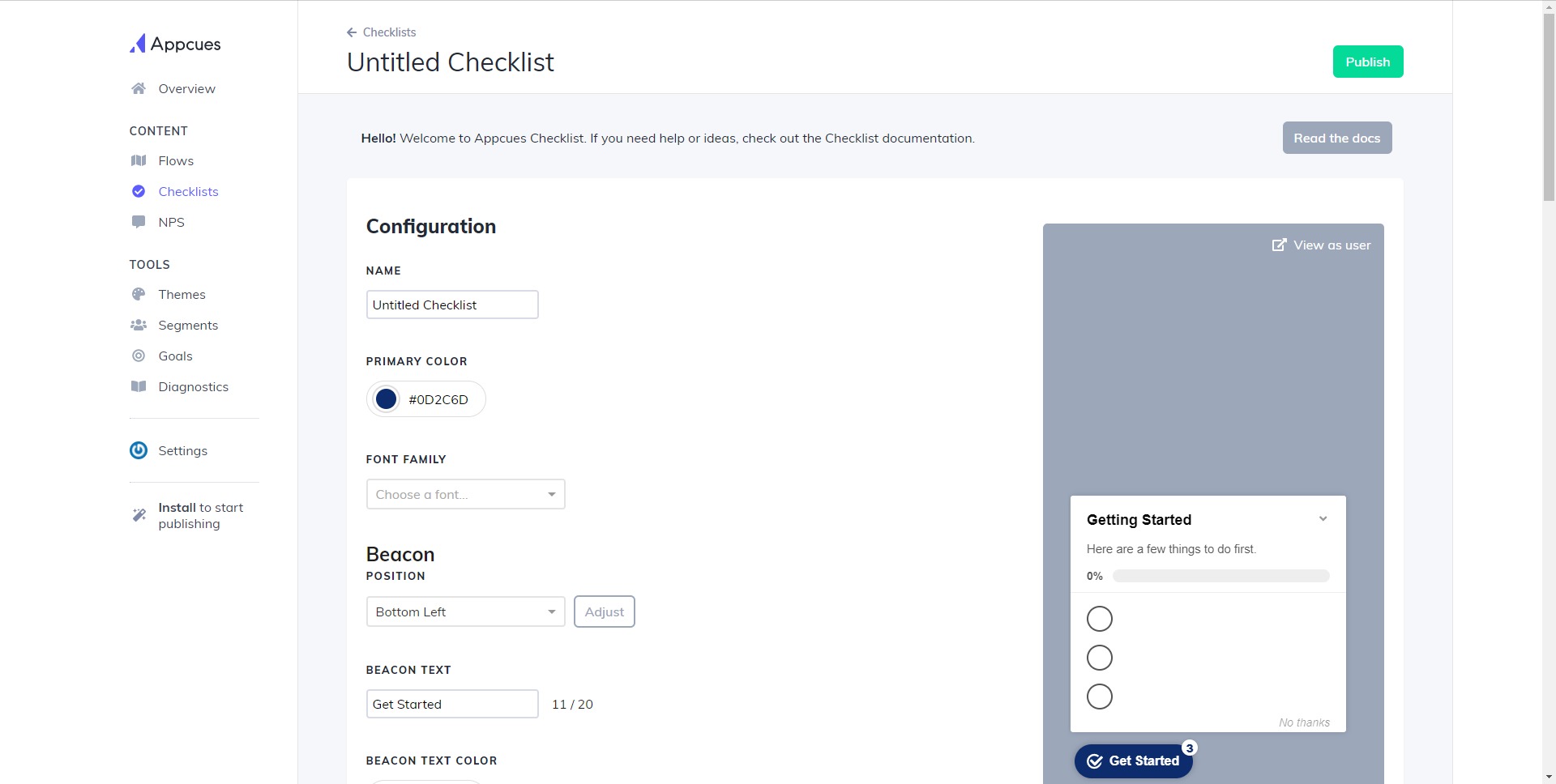
User onboarding checklists
Appcues supports checklists that help users complete activation steps. These checklists can show progress, reduce confusion, and make onboarding feel more structured. A checklist can guide users through actions such as connecting an integration, inviting a teammate, creating a project, or completing account setup. -
Behavior-based targeting
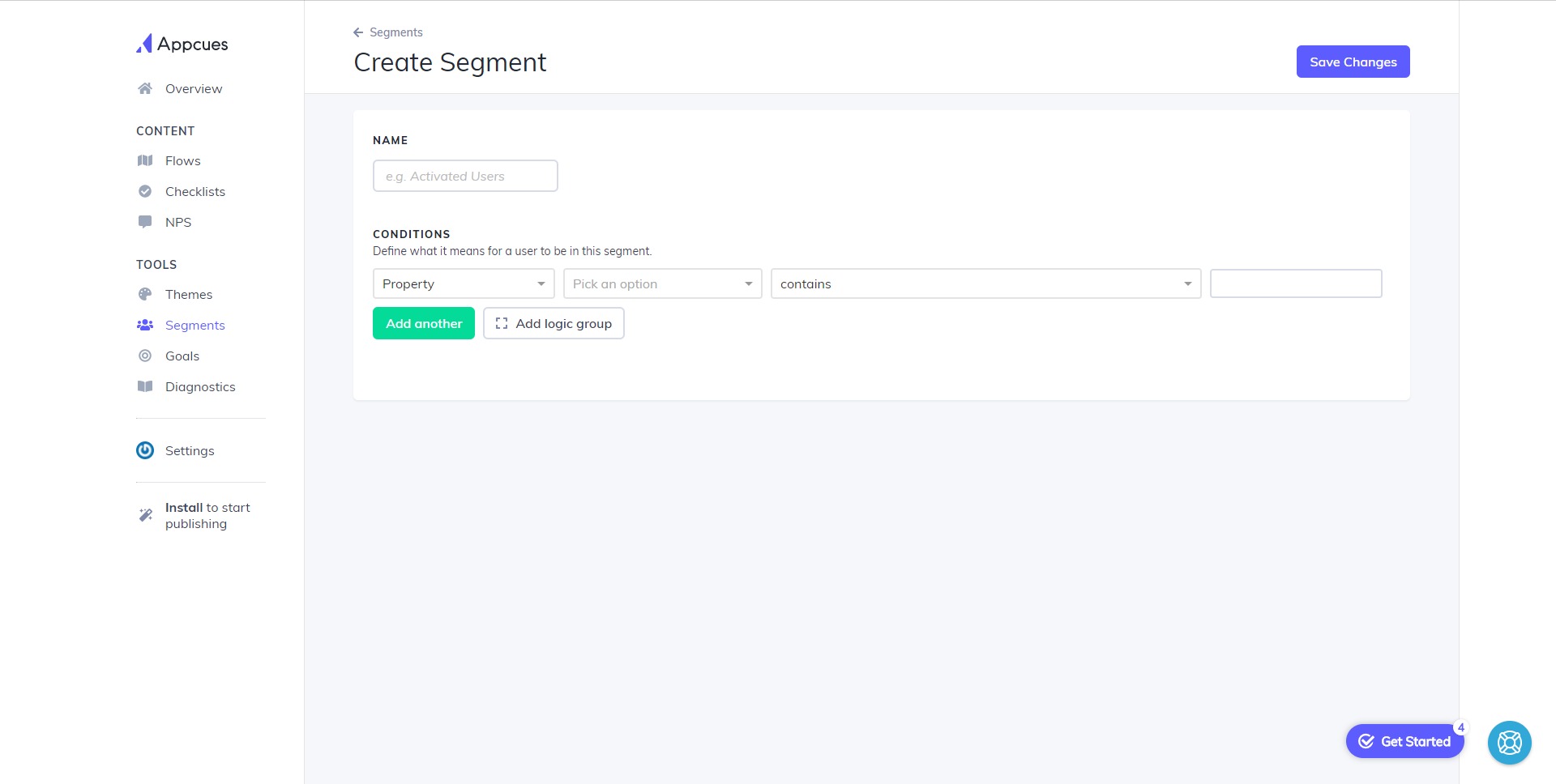
Experiences can be shown to specific user segments based on product usage, account type, lifecycle stage, or user behavior. This means a new trial user, an inactive customer, and an advanced user can each receive different guidance. Good targeting keeps messages relevant and avoids unnecessary product noise. -
In-app surveys and feedback collection
Appcues can collect feedback directly inside the product. Teams can use surveys to understand user satisfaction, identify friction points, gather feature feedback, or ask why users did not complete an important action. -
Multi-channel engagement
Appcues can support user journeys that go beyond the product interface. Teams can combine in-app messages with email or push-style follow-ups, making it easier to re-engage users who started but did not finish an important workflow. -
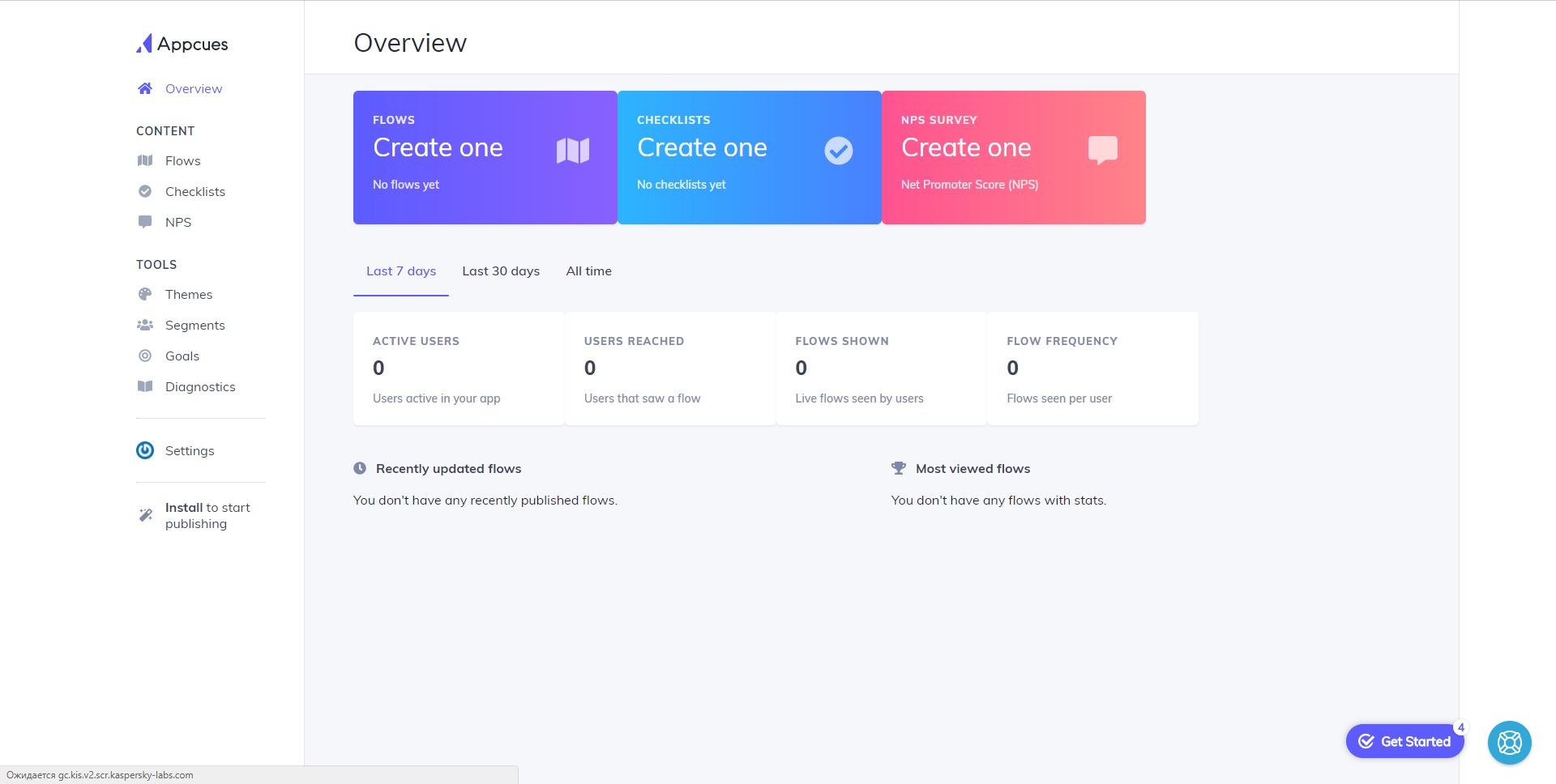
Analytics and goal tracking
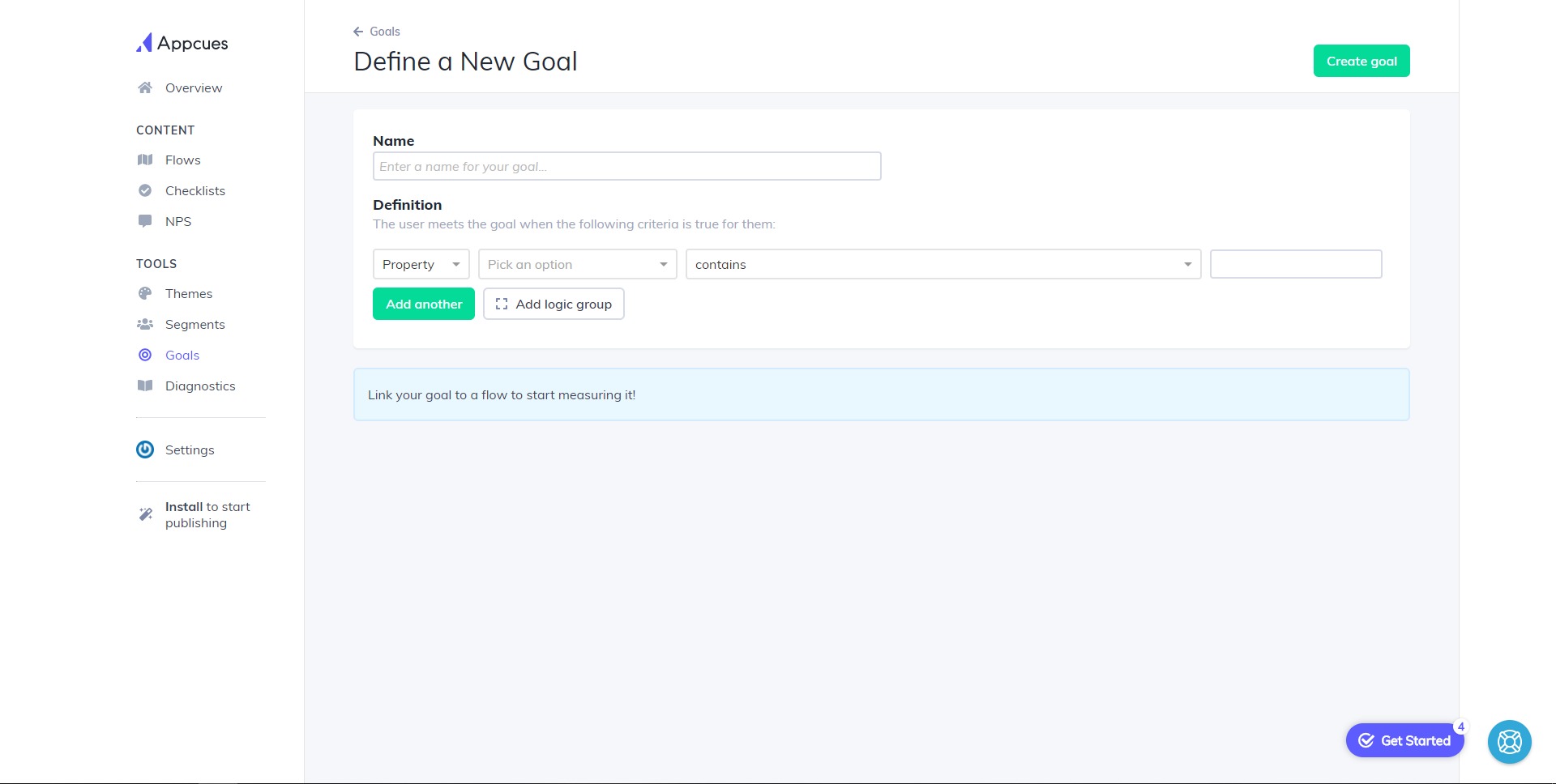
Product teams can measure whether onboarding flows, checklists, and campaigns are helping users reach key goals. This turns product communication into an experiment-driven process rather than a guessing game.
How can Appcues be used in real products?
-
New user onboarding
Appcues can guide new users through the first meaningful steps after signup. This is useful for products with dashboards, setup processes, integrations, or configuration-heavy workflows. -
Trial activation
SaaS teams can use Appcues to move trial users toward actions that increase the chance of conversion. For example, a trial user might be guided to import data, create a first campaign, invite a team member, or connect a payment account. -
Feature adoption campaigns
When a company launches a new feature, Appcues can announce it inside the product and show users how to use it. This is more effective than a generic email because the message appears close to the moment of action. -
Customer success automation
Customer success teams can reduce repetitive explanations by building in-product guidance for common workflows. This can lower support volume and help users solve simple problems on their own. -
Feedback and product research
Appcues can help teams ask users short questions at specific moments. This is valuable when a team needs to understand why users abandon a flow, ignore a feature, or struggle with setup.
What are the benefits of Appcues?
Appcues reduces dependency on engineering teams for product communication and user guidance. This is one of its strongest benefits. Product and growth teams can test onboarding changes, update feature announcements, and improve user journeys faster without waiting for a full development cycle.
The platform also helps improve activation and retention by making guidance contextual. Instead of showing every user the same tutorial, Appcues can show the right message to the right segment at the right time. This creates a more personalized product experience and can help users reach value faster.
For companies with complex SaaS products, Appcues can also reduce support pressure. If users receive clear guidance inside the product, they are less likely to open support tickets for basic navigation or setup issues. Over time, this can improve both user experience and operational efficiency.
What is the user experience like in Appcues?
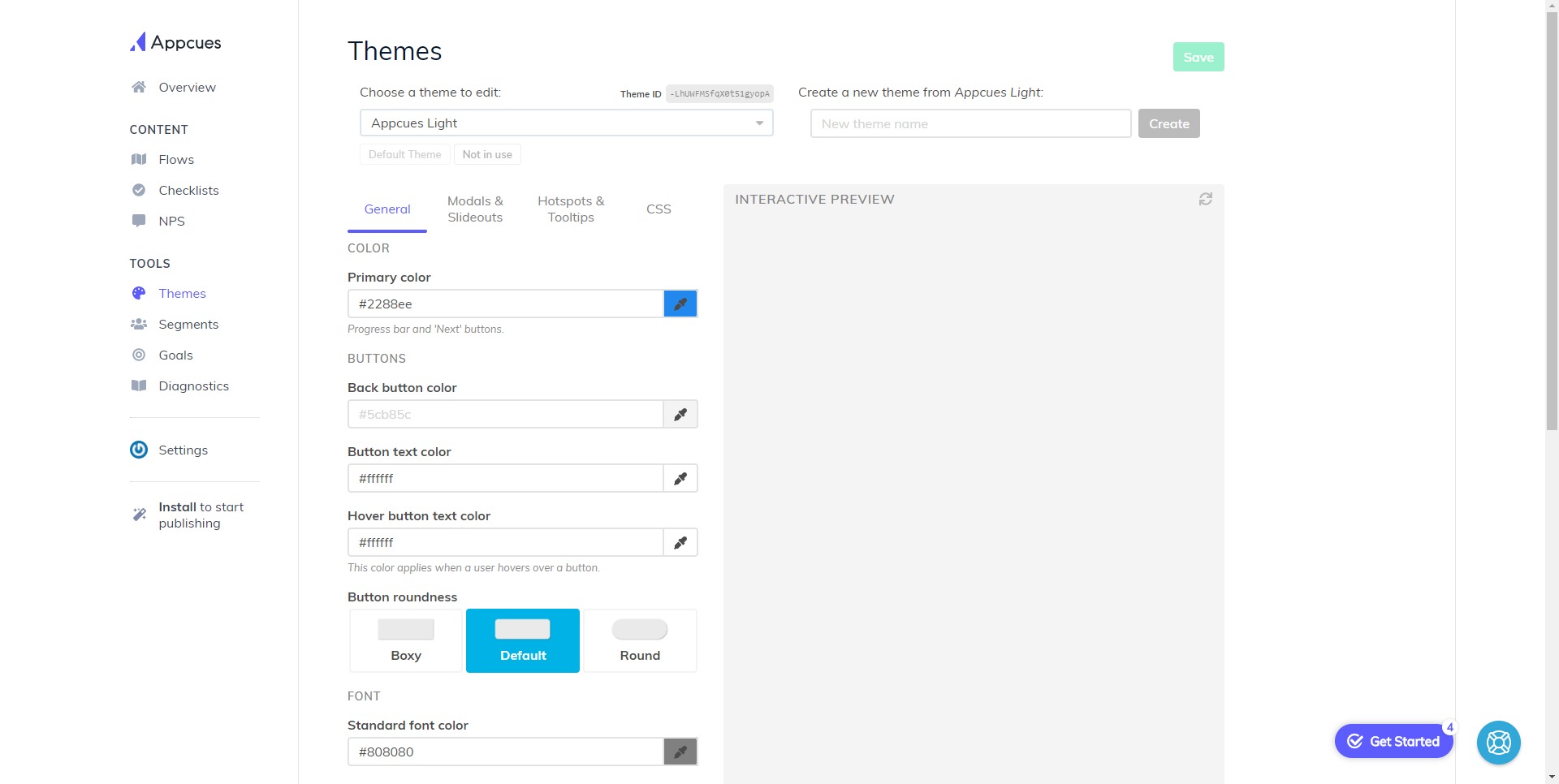
For internal teams, Appcues offers a visual, no-code environment for building and managing product experiences. Product managers, marketers, and customer success teams can create flows, checklists, messages, and surveys without needing to write code for every small change.
For end users, Appcues appears as native-looking guidance inside the product. The experience may look like a checklist, a tooltip, a short product tour, a banner, or a feedback prompt. When used well, it feels like a quiet navigation layer rather than an aggressive popup system.
The best Appcues experience is focused, timely, and minimal. It should not interrupt users with unnecessary messages. Its real value comes from helping users understand what matters next, complete key actions, and discover useful features without feeling lost inside the product.
2023-03-24 16:36:10: Customer feedback is the antidote to churn.
Listening once & making a single improvement isn’t going to cut it.
The way customers use your product changes—& every improvement you make prevents churn.
Get our tips on how to collect feedback at scale: https://t.co/x15khajT0ATwitter
2023-03-23 17:00:02: The results are in: The fastest-growing SaaS companies have the easiest products to use.
We examined the 40 fastest and slowest-growing companies in SaaS and found a positive relationship between product usability and growth.
♻️ Simplify. Grow. Repeat.
https://t.co/KBo97v1BA4 https://t.co/Uur0ln8kOfTwitter
2023-03-21 18:11:54: Users don’t want to be sold to.
Gone are the days of exclusively top-down sales.
You can skip right to demonstrating value to the end user.
That's why so many SaaS orgs have embraced a product-led GTM approach—here's why else: https://t.co/jhMHNLEoob https://t.co/wBHHcgmwVLTwitter
2023-03-15 21:20:00: In a climate of belt-tightening & boot-strapped budgets, knowing how to turn free users into paying customers is more important than ever.
The key to lowering your customer acquisition costs?
Let your product close deals.
We've got 9 strategies to try: https://t.co/4UqMk731t8Twitter
2023-03-08 17:43:06: Happy International Women's Day! 💜 Want to #EmbraceEquity in the workplace? Take a cue from the amazing women at Appcues.
Discover their tips on mentorship, promoting flexibility, and creating an inclusive work environment.
https://t.co/s6wEuXPRml
#IWD2023 https://t.co/zSbbQP6OCRTwitter
2023-03-07 18:00:11: 🌐 It’s a product-led world, and we’re just living in it!
Running a PLG motion is chock full of benefits—we break down the 10 most important over on our Product-Led Growth Collective:
https://t.co/jhMHNLEoob https://t.co/uQwzJ3b0HpTwitter
2023-03-02 17:48:13: Effective release notes re-engage users & keep customers up-to-date—but that gets trickier in mobile apps when you've got a smaller screen to work with.
Check out our new video & see how to create visually attractive mobile release notes *without* code.
https://t.co/1JQIS5TqHr https://t.co/otCsTVWIyLTwitter
2023-02-28 17:56:48: 5 in-app messaging best practices
1️⃣ Use concise language
2️⃣ Personalize your messages
3️⃣ Time each message appropriately
4️⃣ Create a clear call to action
5️⃣ Get feedback from your users
And we've got a whole lot more in our ultimate guide!
https://t.co/278VsxRyFgTwitter
Appcues Alternatives