Zenkit
Languages:
Deutsch
English
Español
Français
Italiana
日本語
한국어
Portuguese
Русский
简体中文
Localization:
World
What is Zenkit and who is it for?
Zenkit is a flexible work management platform designed for teams that need more than a basic task app but do not want the weight and complexity of a large enterprise system. It brings together project planning, task management, collaboration, documentation, scheduling, and reporting in one workspace. This makes Zenkit useful for startups, small businesses, operations teams, product teams, agencies, and internal departments that need visibility across ongoing work.
One of the strongest parts of Zenkit is its ability to adapt to different working styles. Some teams want simple task lists, while others need Kanban boards, Gantt charts, tables, calendars, dashboards, and structured workflows. Zenkit supports these different views without forcing teams to rebuild the same data again and again. It is especially valuable for organizations trying to reduce tool sprawl and centralize tasks, notes, plans, and team communication inside one system.
What key features does Zenkit offer?
-
Multiple project views
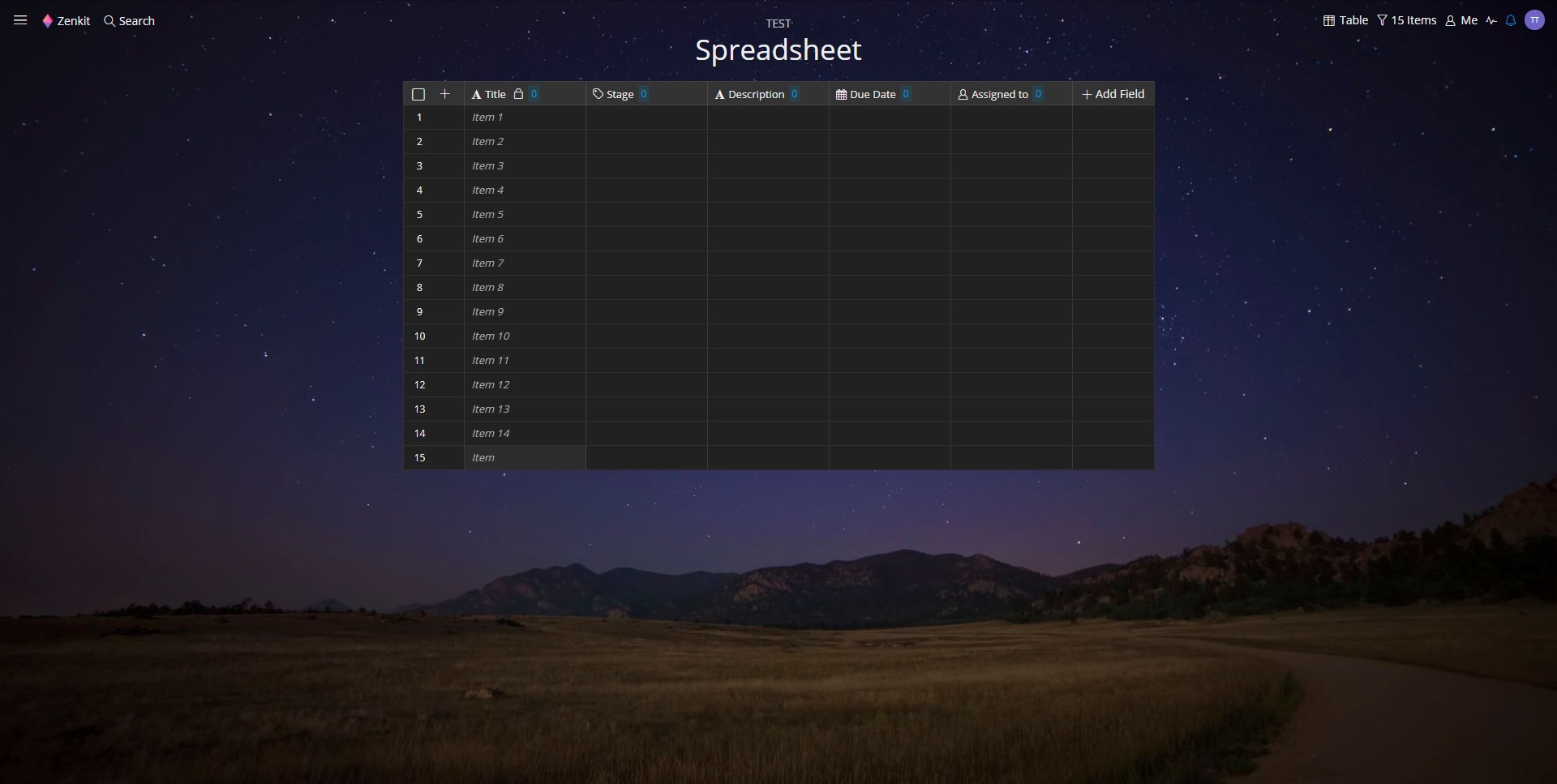
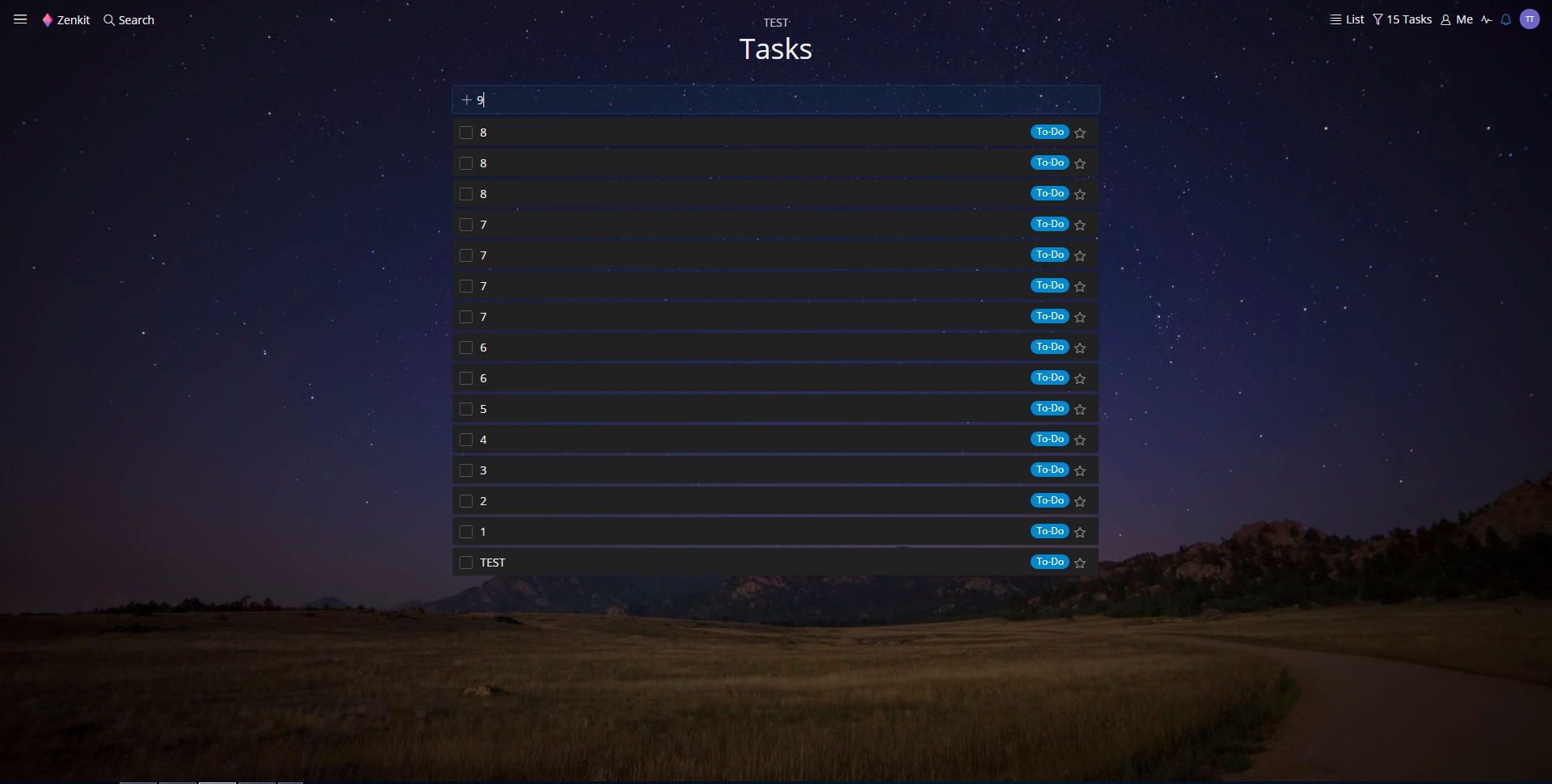
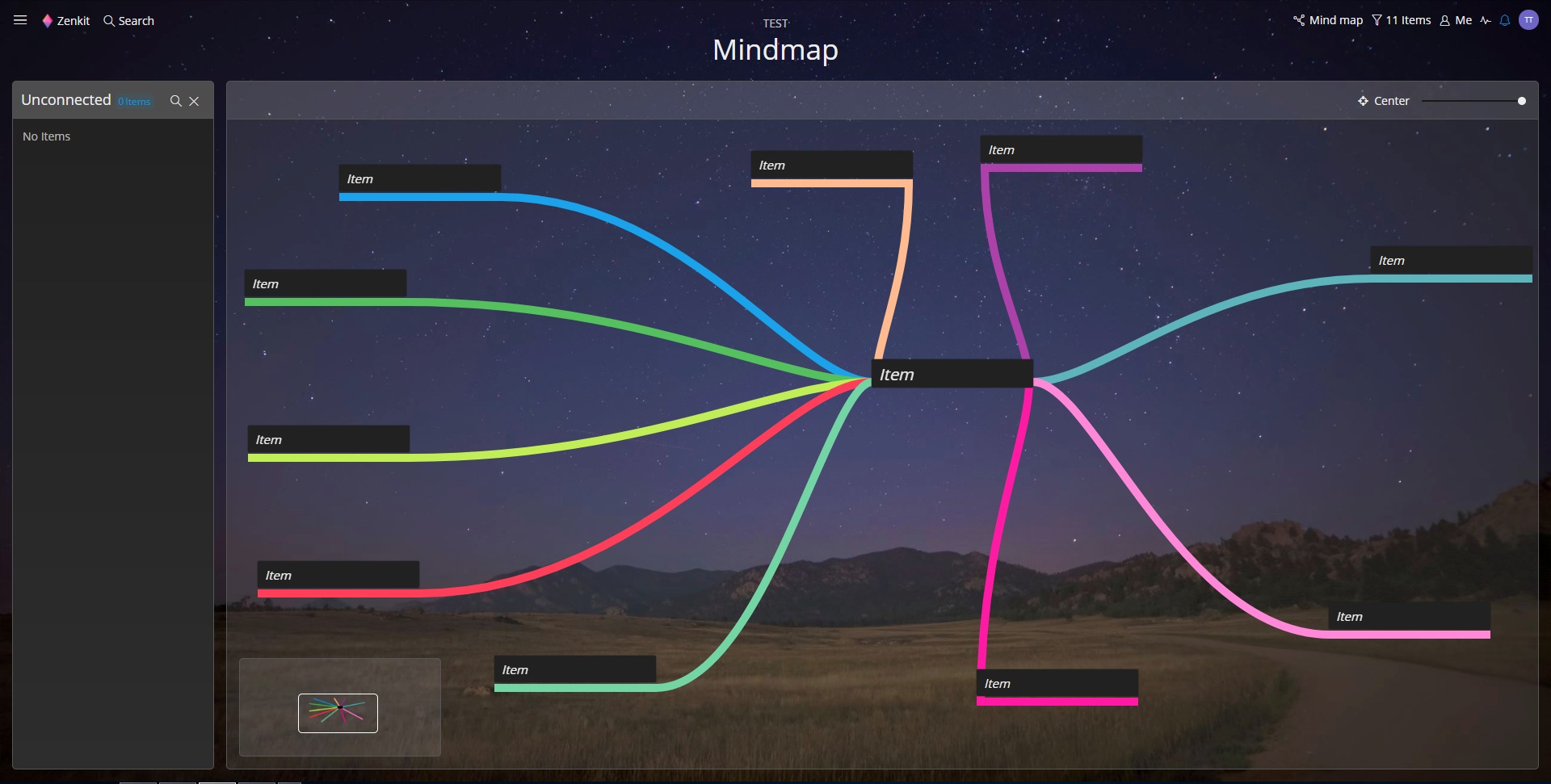
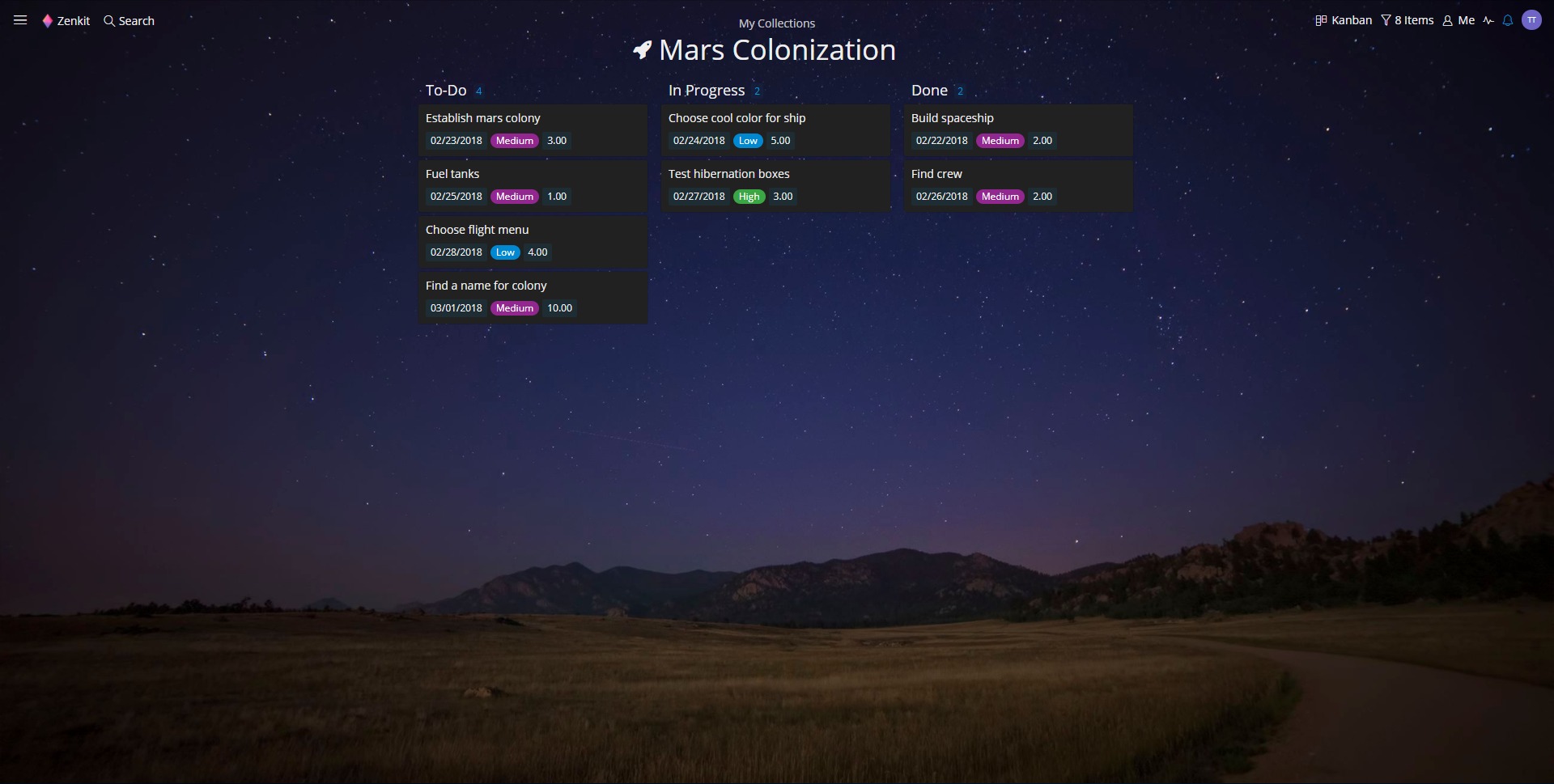
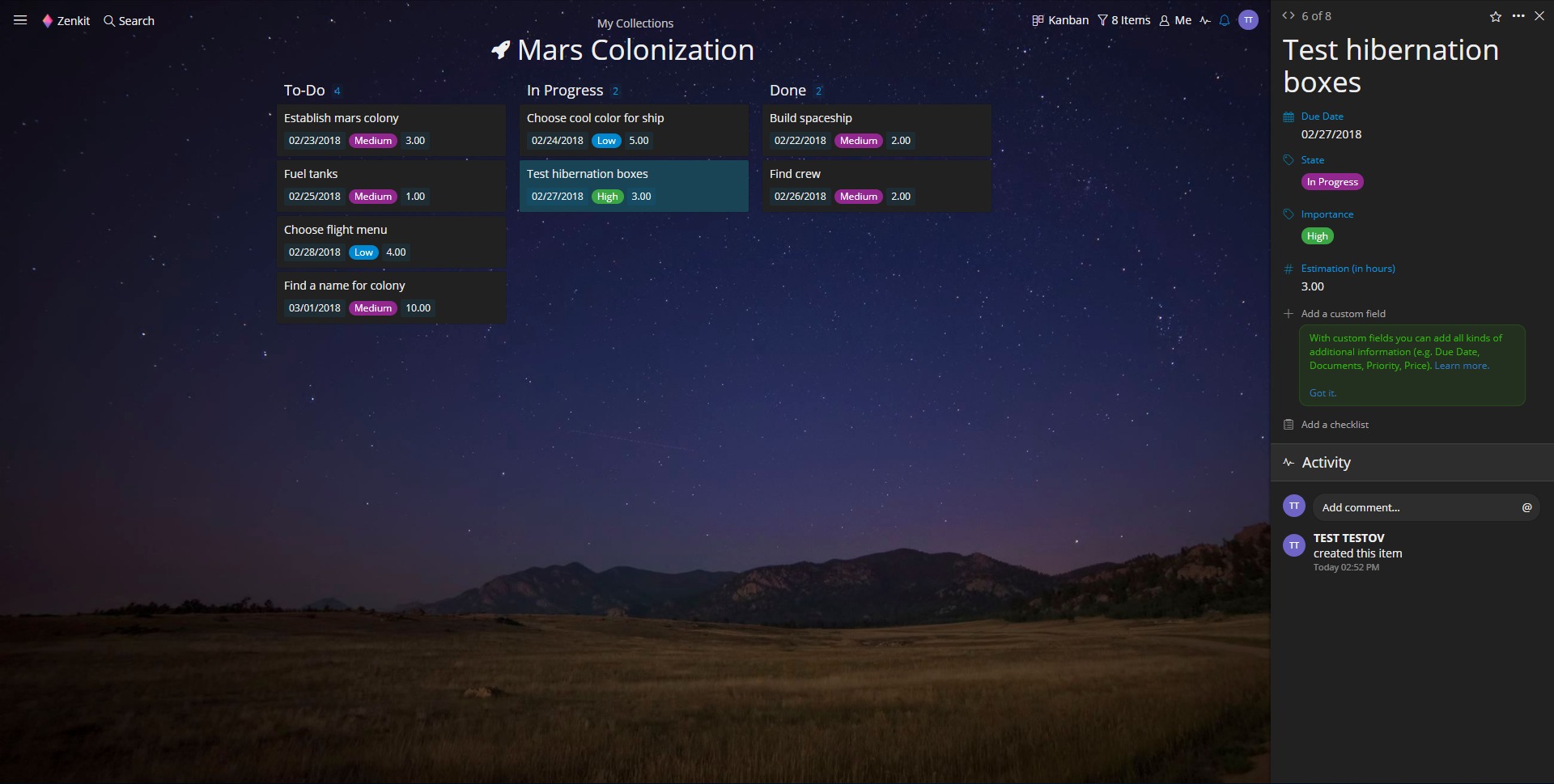
Zenkit allows the same project data to be displayed in different formats, including Kanban, table, calendar, mind map, dashboard, and Gantt. This gives managers, contributors, and planners the ability to work in the layout that fits their role without disconnecting from the rest of the team. -
Task and project management
Teams can create tasks, subtasks, checklists, due dates, recurring tasks, priorities, and dependencies. This helps turn broad plans into trackable workflows and keeps execution from slipping into chaos. -
Customizable workflows and fields
Zenkit supports custom fields, labels, statuses, and data structures. This makes it possible to adapt the platform for marketing pipelines, HR processes, software projects, operations tracking, editorial planning, or internal business systems. -
Collaboration tools
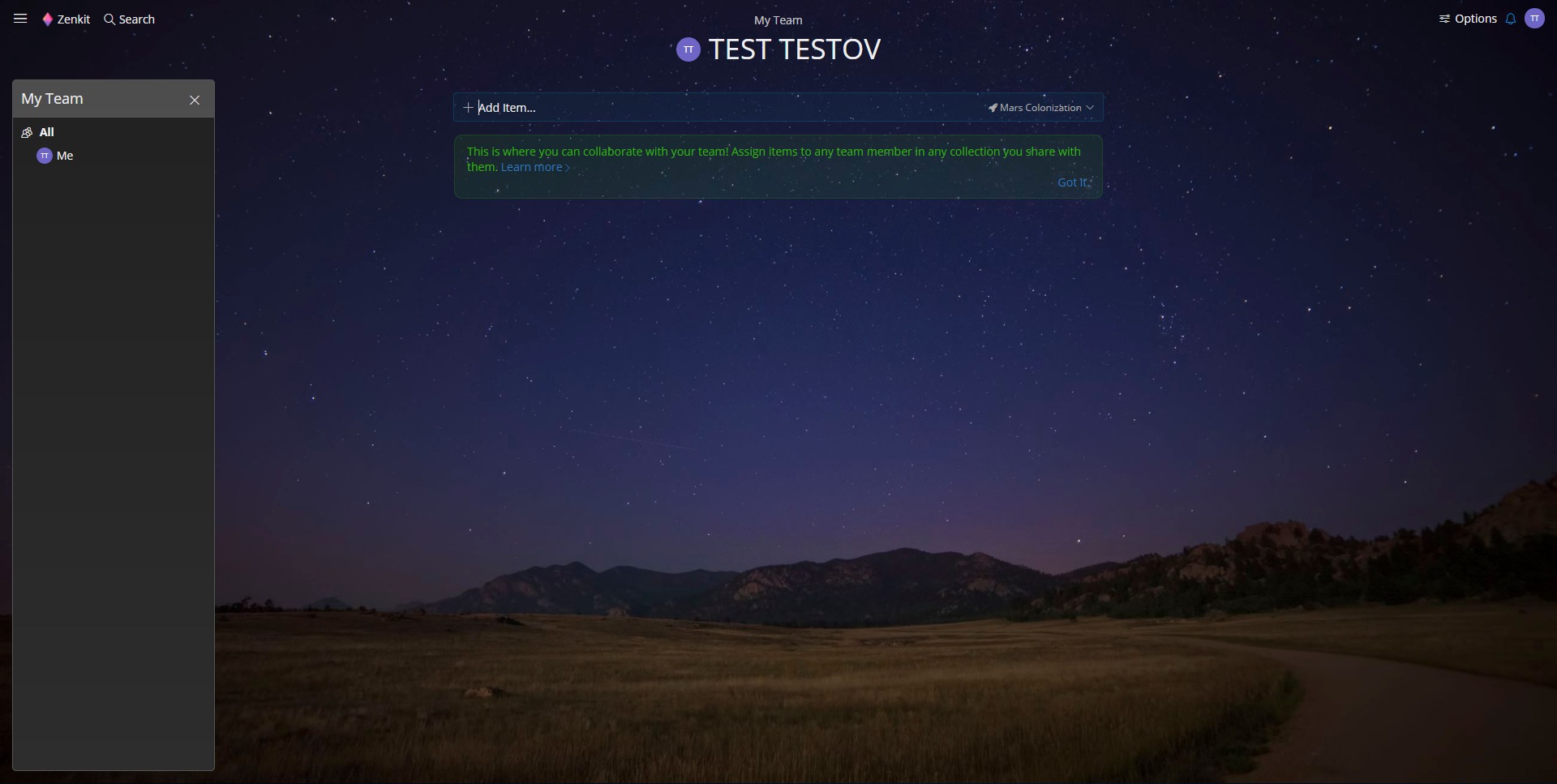
Team members can comment on work items, mention colleagues, share files, and track updates in real time. This keeps discussions close to the work itself instead of scattering them across email threads and random chats. -
Knowledge and documentation support
Zenkit is not limited to task boards. It also supports richer information management, making it useful for team documentation, internal knowledge bases, and process notes connected to actual execution. -
Reporting and dashboards
Managers can use dashboards, filters, and structured views to monitor progress, bottlenecks, deadlines, and team activity. This is useful for teams that need visibility without exporting everything into spreadsheets. -
Automation and integrations
Zenkit supports workflow automation and can connect with other business tools. That makes it easier to reduce repetitive work and fit the platform into an existing stack instead of forcing a full operational reset.
How can Zenkit be used in real work scenarios?
-
Project delivery for teams
Zenkit works well for managing multi-step projects with deadlines, owners, status tracking, and collaboration. Teams can coordinate planning and execution in one place rather than splitting everything across separate tools. -
Marketing and content operations
Content calendars, campaign planning, production workflows, approval stages, and publishing schedules can all be structured inside Zenkit. This is especially useful for teams that need both editorial visibility and task-level control. -
Product and software planning
Product teams can manage backlogs, sprint workflows, roadmaps, feature discussions, bug tracking, and team coordination. Multiple views make it easier for technical and non-technical stakeholders to stay aligned. -
Business operations and admin processes
Internal workflows such as onboarding, approvals, documentation, recurring tasks, and cross-team coordination can be organized in a more structured way than with shared documents alone. -
Agency and client work management
Agencies can use Zenkit to track deliverables, deadlines, internal tasks, team responsibilities, and recurring work across multiple clients without losing visibility.
Why do teams choose Zenkit over simpler tools?
Zenkit stands out because it balances usability and structure. Many lightweight tools are easy to start with but become messy as workflows grow. On the other side, large enterprise platforms often feel too heavy for small and mid-sized teams. Zenkit sits in the middle. It provides enough structure for real operational work while staying flexible enough for teams with changing processes.
Another advantage is the shared data model across multiple views. Instead of forcing everyone to work in the same interface, Zenkit lets each person use the format that helps them think clearly. A manager may prefer dashboards, a coordinator may rely on tables, and a team member may live in Kanban. The work stays connected.
Zenkit also helps reduce fragmentation. When tasks, notes, planning, timelines, and collaboration are spread across too many tools, teams lose time and context. Zenkit addresses that problem directly.
What is the user experience like in Zenkit?
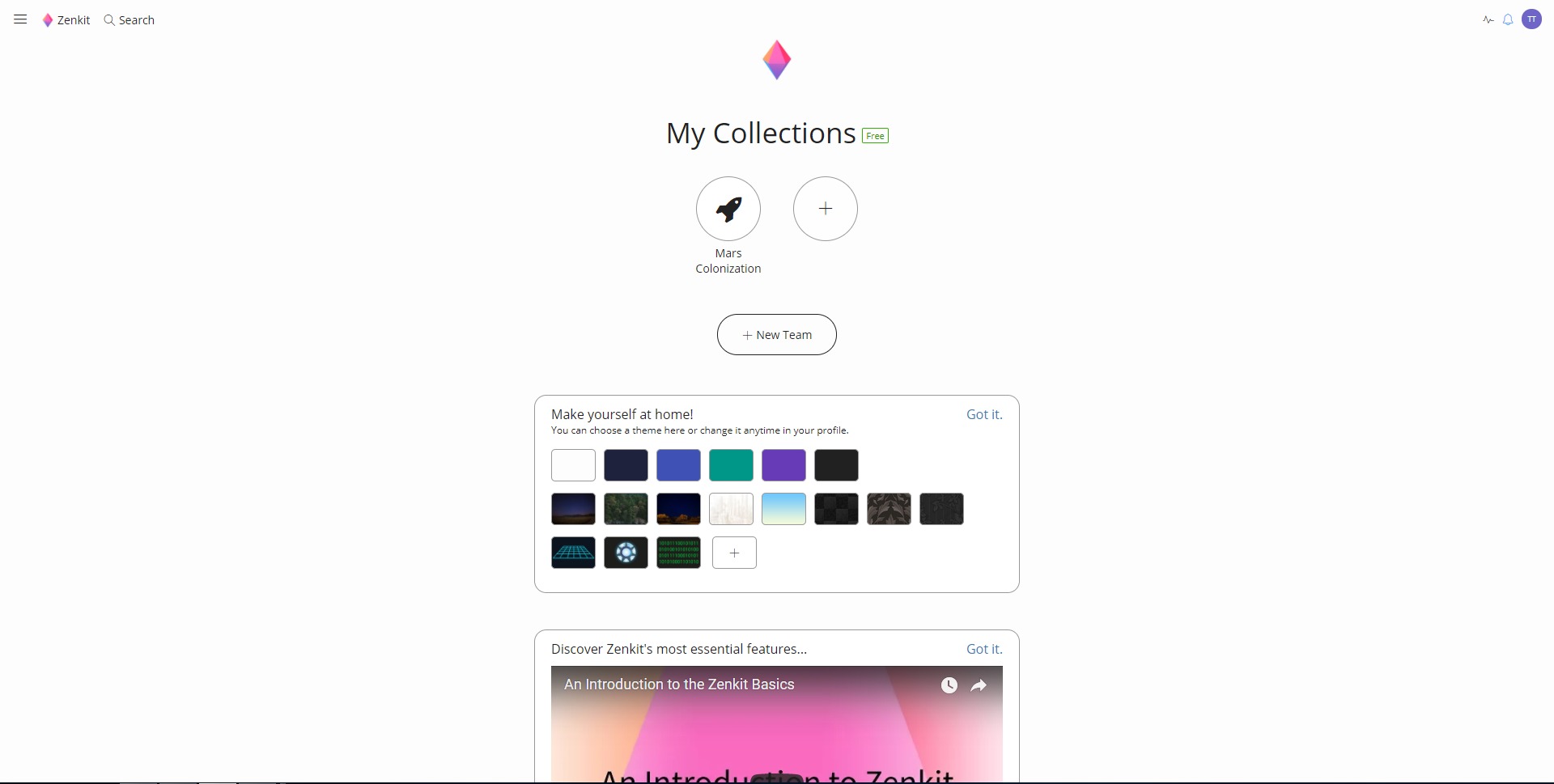
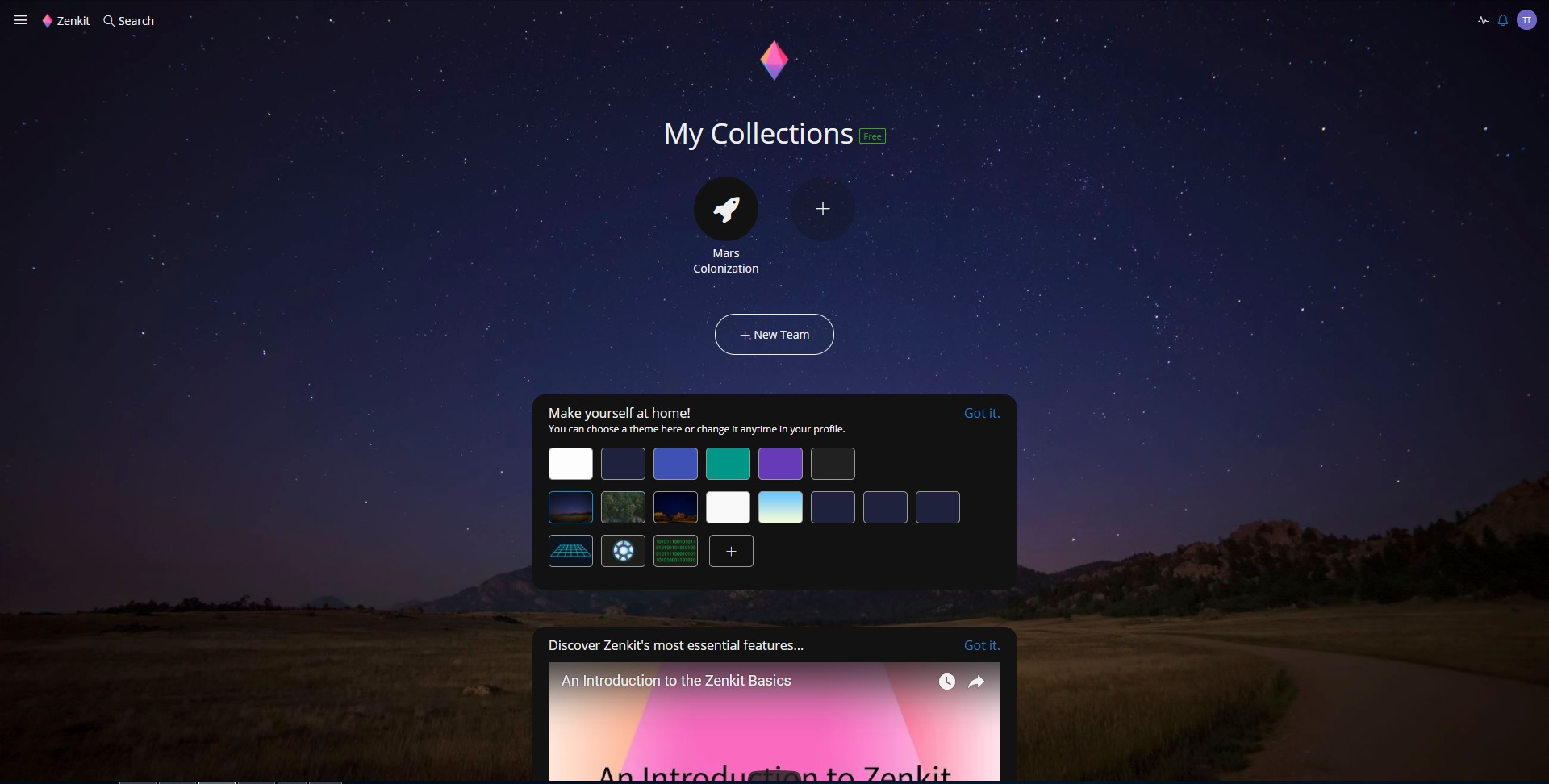
The Zenkit user experience is built around flexibility, clarity, and workspace control. The interface is modern and structured, with enough visual organization to support complex workflows without feeling overloaded from the start. Teams can begin with a simple setup and gradually expand into more advanced use cases.
For everyday users, the platform feels accessible because tasks and collaboration features are easy to understand. For power users and managers, the deeper customization options make the system much more valuable over time. This combination is important because many tools are either too shallow for serious operations or too technical for broad team adoption.
Zenkit is best suited for teams that want a central operational hub rather than a single-purpose app. It works especially well when the goal is to combine project execution, information management, and team coordination in one place. For companies trying to build cleaner processes and reduce operational noise, Zenkit is a strong and practical option.
2026-10-20 15:00:04: With AI from process design to digital workflow. Youtube
2026-10-13 15:03:20: What if AI builds processes instead of software? Youtube
2026-10-08 15:00:33: Automated – but still far from a process. Youtube
2026-10-06 17:15:29: 2 agents. Over 200 specialized procedures. Youtube
2026-10-06 15:43:47: BPMN + AI: From Process Model to Ongoing Workflow | All About Process Management 2026 Youtube
2026-10-02 10:25:44: The AI that truly advances your business. Youtube
2026-09-30 21:15:47: AI for Your Business. Youtube
2026-09-29 15:00:35: The better AI becomes, the more blindly we trust it? Youtube
2026-09-28 19:00:43: AI in the company? Here’s what you MUST pay attention to! Youtube
2026-09-28 18:24:28: Do you want to implement AI in your company? Youtube
2023-04-06 15:01:29: Base: Make your project work more legible with coloured items!
#projectmanagementsoftware #projectmanagement #taskmanagementsoftware #taskmanagement #knowledge #knowledgesharing #knowledgecapture #innovation #teamwork #collaboration https://t.co/hN7OMfEvPyTwitter
2023-04-05 12:33:36: What is the MoSCoW method in project management?
This week, we'll look at the significance of feature prioritization in project development using the MoSCoW method!
Article: https://t.co/9Yb3ixqxmT
#projectmanagerlife #projectmanagerdigital #projectmanagement #productivityTwitter
2023-04-04 15:30:12: A Project Management Saying.
#projectmanagement #taskmanagement #projectmanager #projectmanagementsoftware #projects https://t.co/eZCtr7eQbSTwitter
2023-04-03 10:00:15: Happy Monday!
Here's to a strong start to what we hope will be a successful 5-day streak.
#mondaymotivations #mondaymorning #mondaythoughts #inspiration #inspirationalquote https://t.co/vfPq0MUFzlTwitter
2023-03-31 15:00:22: Learn how to search, filter, and find respondent answers in Zenforms (in 17.5 seconds) with our latest FAQ feature!
Discover more about the Suite in our Knowledge Base.
#projectmanagement #productivity #productivitytips #teamwork #collaboration #nocode #lowcode #nocodelowcode https://t.co/aHyrhAPPENTwitter
2023-03-30 15:01:56: Zenforms: Create, share, and collect fully GDPR-compliant forms and surveys!
#projectmanagementsoftware #projectmanagement #taskmanagementsoftware #taskmanagement #knowledge #knowledgesharing #knowledgecapture #innovation #teamwork #collaboration #nocode https://t.co/mQf6xwMB2UTwitter
2023-03-29 11:40:34: How do you prioritize feature requests in project development?
This week, we'll look at the best practices for feature request prioritization, as well as some useful models!
Article: https://t.co/0tob7F77VT
#software #softwaredevelopment #sofwaredeveloperTwitter
2023-03-28 15:30:16: A Project Management Saying.
#projectmanagement #taskmanagement #projectmanager #projectmanagementsoftware #projects https://t.co/dichqLffHkTwitter
2023-03-27 10:00:16: Happy Monday!
It may not be Doomsday, but working in project management can certainly feel like you're getting closer to it.
Have a wonderful Monday.
#mondaymotivations #mondaymorning #mondaythoughts #inspiration #inspirationalquote https://t.co/ZCPub48DRdTwitter
2023-03-24 15:00:19: Learn how to track your projects and tasks in Zenkit Projects (in 17.5 seconds) with our latest FAQ feature!
Discover more about the Suite in our Knowledge Base.
#taskmanagementsoftware #projectmanagement #projectmanagementsoftware #productivity #productivitytips #teamwork https://t.co/HbJM6omHAQTwitter
Zenkit Alternatives




Zenkit Integrations