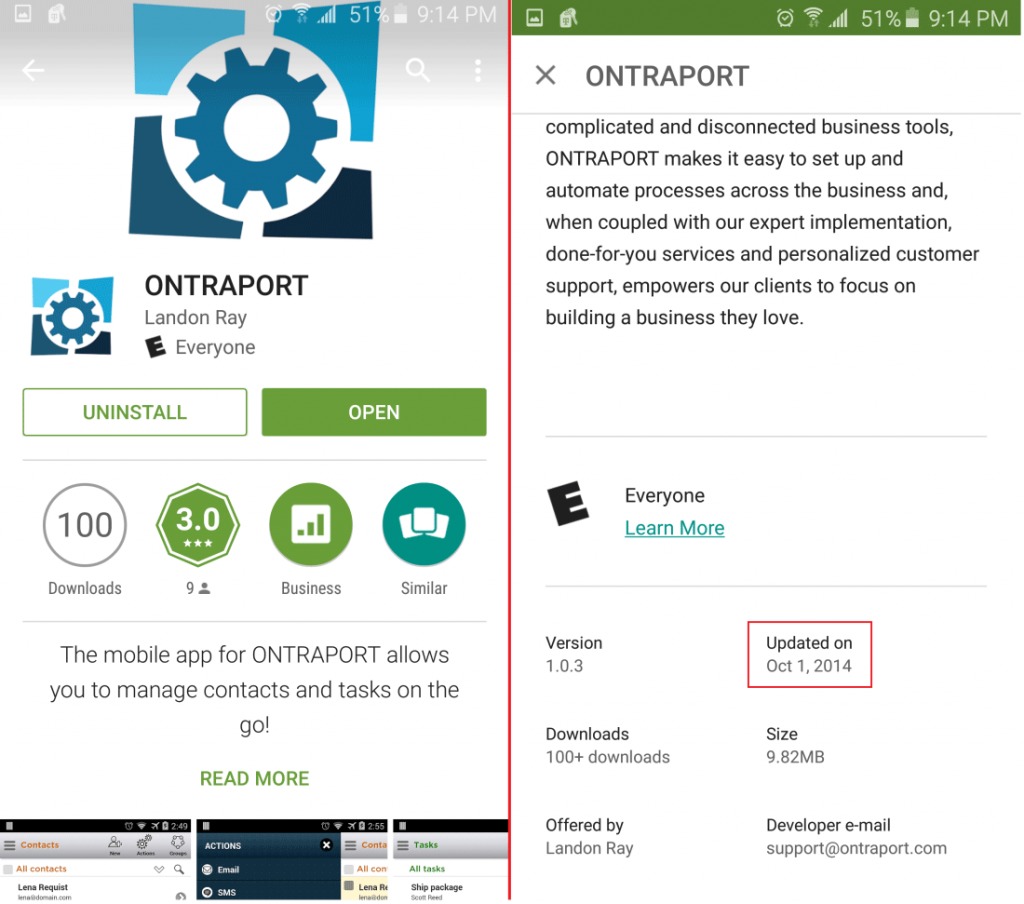
ONTRAPORT
Languages:
English
Localization:
World
What is Ontraport and who is it for?
Ontraport is a business platform built for companies that want CRM, marketing automation, sales workflows, payments, customer communication, and web experiences in one system. The current positioning is very clear: it targets growing businesses that need enterprise-style coordination without the cost and sprawl of heavier stacks. Ontraport presents itself as an “enterprise-grade CRM” for growing teams and highlights support for marketing, sales, support, payments, and CMS-style experiences from one platform.
The main appeal is not just contact management. Ontraport is built around the idea that customer data, automation, communication, and transactions should sit closer together. Instead of stitching together separate tools for email, forms, sales pipelines, payment flows, and member or client portals, businesses can manage those functions from a more centralized setup. That matters for teams that have outgrown basic tools but do not want the cost or operational drag of large enterprise platforms.
Ontraport is especially relevant for service businesses, education businesses, membership or subscription models, consultants, coaches, and operationally busy mid-sized teams. It also signals support for industries such as education, financial services, healthcare, nonprofit, retail and ecommerce, services, and technology.
What key features does Ontraport offer?
- Sales automation and CRM
Ontraport includes CRM functionality for tracking prospects and customers, with tools aimed at lead management and relationship visibility. Its drag-and-drop pipelines help teams move leads through stages while automating follow-up and task flow. - Marketing automation
The platform includes campaign automation with a visual builder for multi-step funnels. This makes it possible to build automated journeys for lead capture, nurturing, follow-up, and conversion without relying on a patchwork of separate tools. - Email and SMS messaging
Ontraport supports email and SMS as native communication channels. It emphasizes more advanced segmentation, which suggests businesses can tailor messaging using richer customer data rather than only simple tag-based lists. - Payments and transaction management
Payments are part of the platform, which is useful for businesses selling services, subscriptions, coaching, digital products, or other offers that need smoother billing and customer lifecycle management in the same environment. - CMS and customer portals
Ontraport includes a CMS-oriented layer for building online courses, customer portals, and other custom web experiences without code. That expands the platform beyond back-office CRM into customer-facing operations. - Shared inbox and communication management
A shared inbox helps teams manage customer and lead conversations in one place. This can reduce scattered communication across individual inboxes and improve visibility across sales or support workflows. - Custom objects and database flexibility
OntraportDB is described as a cloud-based relational database powering business functions across sales, marketing, payments, and support. The platform also highlights custom objects, which is important for businesses with more complex processes or data structures.
How can businesses use Ontraport in practice?
- Lead nurturing and conversion
A company can capture leads through forms and pages, send automated follow-up sequences, move prospects through a pipeline, and trigger booking or sales actions based on behavior. - Client onboarding and service delivery
Businesses selling services can use automation, shared communications, self-scheduling, and payments together, which helps reduce manual coordination. - Memberships, courses, and portals
Organizations offering gated content, education, or client access can use the CMS and portal capabilities to provide personalized digital experiences tied directly to CRM data. - Operational process management
Teams with more complex workflows can organize data with custom objects and manage stages with smart pipelines, making Ontraport more than a marketing tool.
What are the benefits of using Ontraport?
The biggest benefit is consolidation. Ontraport is trying to solve a common mid-market problem: too many disconnected tools creating friction between departments. When marketing, sales, communications, payments, and customer experiences share one system, teams can reduce duplication, manual syncing, and context loss.
Another benefit is scalability without immediate enterprise overhead. Ontraport directly compares itself to larger platforms by arguing that businesses can access similar strategic power while keeping complexity and cost more manageable. It also promotes security, scalability, onboarding, and support for mid-sized businesses, which reinforces that positioning.
There is also a strong data advantage. A centralized relational database can improve reporting, segmentation, automation accuracy, and customer experience consistency. For businesses trying to move from hustle-driven operations to process-driven growth, that is where the real value often sits.
What is the Ontraport user experience like?
Ontraport appears to be designed for businesses that want robust capabilities but not a fully enterprise implementation burden. The product language emphasizes visual builders, drag-and-drop workflows, centralized management, and no-code web experiences, which suggests an attempt to make sophisticated operations more approachable for non-developer teams.
That said, this is still a serious platform. It is likely best suited to companies that already have repeatable processes and enough operational maturity to benefit from automation, structured data, and cross-team coordination. For a very small business, it may feel like bringing a control tower to a lemonade stand. For a growing business with fragmented tools and real customer lifecycle complexity, it looks much more like a platform that can replace chaos with a system.
2024-11-14 00:13:06: Ontraport brings the power of enterprise CRM to your team. Youtube
2024-10-01 22:24:22: How should you spend your 20s and 30s: building wealth or enjoying youth? Youtube
2024-09-30 23:35:07: Hiring a buddy? Hard pass.... I never offer jobs to my closest friends. Do you? Youtube
2024-09-25 22:15:02: How door-to-door sales taught me the core skill needed for entrepreneurship Youtube
2024-09-24 22:15:00: From a 7-year-old selling seeds to being a multi-million tech CEO... Youtube
2024-09-16 22:15:00: How to handle your next bad review? Youtube
2024-09-13 22:15:01: The *right way* to respond to backlash in your business? Youtube
2024-09-12 22:15:00: The pros and cons of discounts? Youtube
2024-09-11 22:15:00: How much personalization is TOO much? Youtube
2024-09-05 22:15:06: The 3 science-backed strategies behind HelloFresh’s success? Youtube
2023-02-27 18:45:09: What happens when you combine automation with stellar email deliverability? Messages that always land in your customers' inbox at the right time. 🤝
Ready to improve your email deliverability? Try Ontraport free for 14 days.
https://t.co/OKWq4vLSFyTwitter
2023-02-20 16:50:04: Signing up for Ontraport will get you more than software – you'll have a team committed to your success – from day one – including:
✔️ A free strategy session with our experts
✔️ Support migrating data from any tools
Learn more here:
https://t.co/gT7AgZJGcCTwitter
2023-02-14 02:10:05: Ontraport’s behind-the-scenes tracking means your forms can be shorter and pre-filled so people will actually complete them.
And you can do targeted follow-up afterward.
Get started here: https://t.co/z13qdqFW7dTwitter
2023-02-06 23:50:05: Static websites are going extinct – are you prepared to make the switch to a dynamic site?
Here's how upgrading your static site can create more personal experiences for your clients and help you grow faster:Twitter
2023-01-31 18:50:05: Ready to reclaim your time? You can do it today w/ Ontraport’s business and marketing platform — for half the price.
You'll get...
✅ 50% off your first month
✅ Free account setup
✅ All kinds of new possibilities for your biz
Claim your offer. 👇 https://t.co/fDPJqxmE4aTwitter
2023-01-30 20:55:10: "The ability to know each and every touchpoint that clients/prospects have with my business is so important. We would be lost without Ontraport.” — Matthew Watts, Freedompreneur Business Academy
https://t.co/6cIA2T6y1NTwitter
2023-01-27 01:40:14: Thousands of entrepreneurs use Ontraport to grow faster and make a bigger impact. And for a limited time, you can get 50% your first month, plus FREE account setup.
We *never* do this kind of thing — so don’t wait! Claim your offer now. 👇
https://t.co/fDPJqxmE4aTwitter
2023-01-23 23:45:04: Want a faster path to launching your marketing campaigns?
Ontraport's Setup Wizards come prebuilt with all the automation and content you need to launch.
Here's a free trial to get started: https://t.co/p0X1epHtzhTwitter
2023-01-16 18:30:08: Most CRMs limit you to three different record types, which can result in disorganization & chaos for your business.
Ontraport's Custom Objects gives you the ability to create endless record types so you can get the most out of your data & grow your biz. https://t.co/C9Vll9T8cqTwitter
2023-01-09 22:10:06: It's easy to make the right decisions for your business when you have the numbers to back them up.
With Ontraport's visual reporting tools, you can get the data insight you need to move your business forward. Here's how Ontraport can work for your biz: https://t.co/H2BWlEbifrTwitter
ONTRAPORT Alternatives




ONTRAPORT Integrations