What Is Basecamp and How Does It Work?
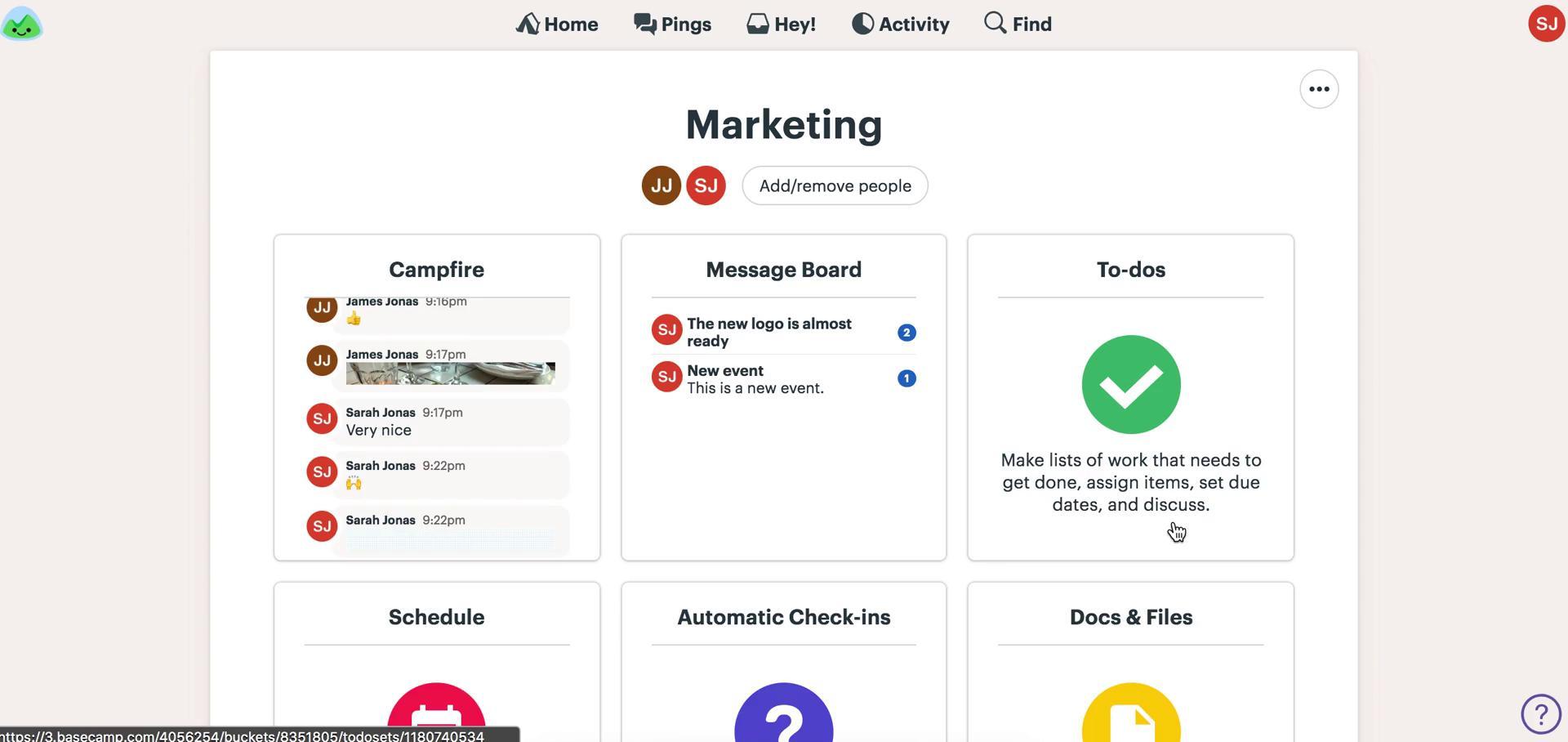
Basecamp is a project management and team collaboration platform designed to keep tasks, discussions, files, schedules, and decisions in one organized workspace. Instead of distributing work across email, chat applications, spreadsheets, and separate task managers, teams can create a dedicated Basecamp project containing everything needed to complete the job.
Basecamp Project Management Made Simple reflects the platform’s core philosophy: provide practical coordination tools without the complexity commonly associated with enterprise project management software. Each project can include to-do lists, message boards, calendars, real-time chats, files, documents, and visual workflows. Basecamp supports internal teamwork as well as controlled collaboration with clients, contractors, and external partners. Basecamp 5 also adds improved navigation, subtasks, account-wide content views, stronger search, Markdown support, voice notes, updated developer tools, and compatibility with AI agents.
What Are the Key Features of Basecamp?
- Project Workspaces: Every project receives a dedicated page that can be customized with the tools required by the team. Tasks, conversations, documents, deadlines, and participants remain connected to the relevant project.
- To-Do Lists and Subtasks: Teams can create multiple lists, assign work, set deadlines, attach files, add subtasks, and discuss individual assignments. Loose to-dos can be captured before they are organized into formal lists.
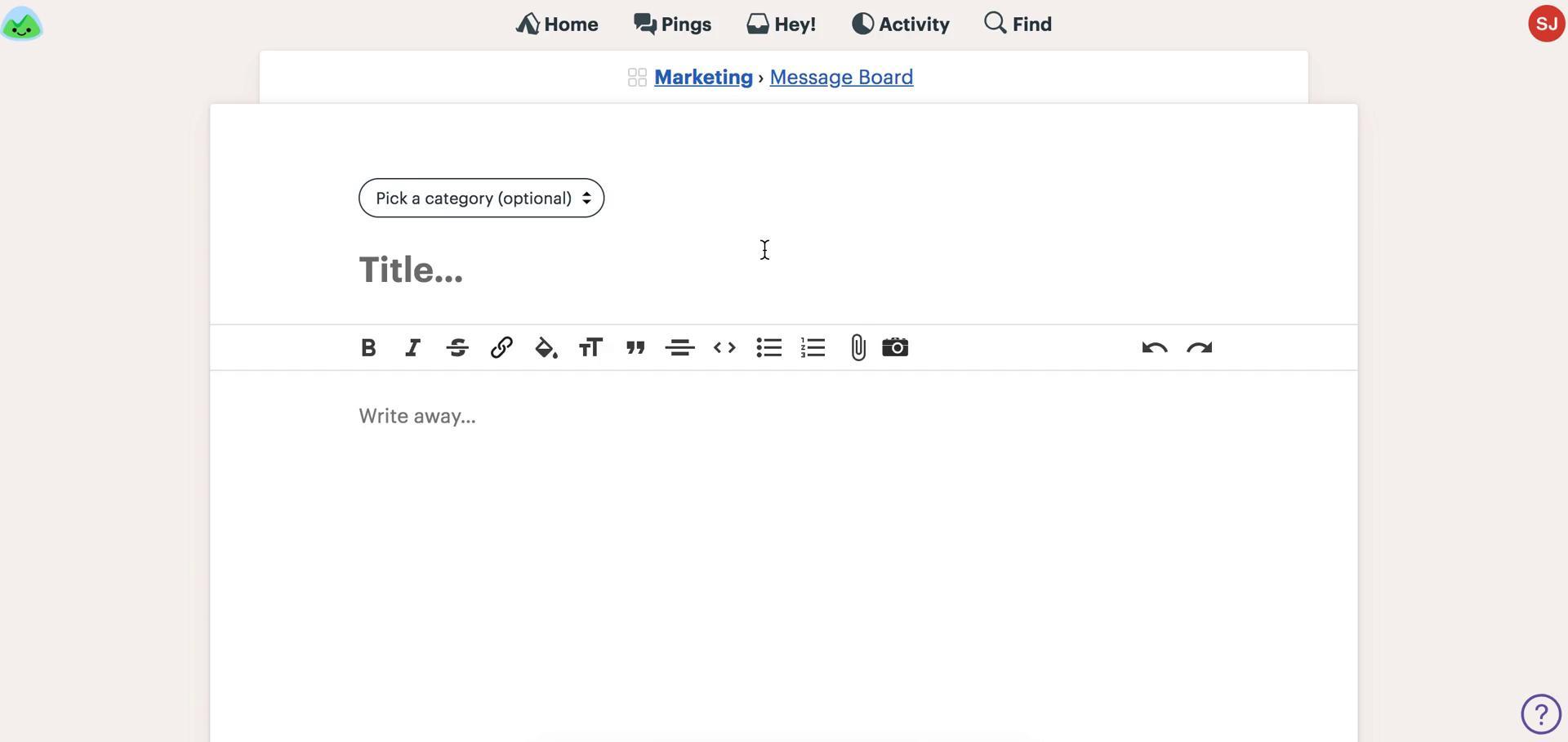
- Message Boards: Structured posts and threaded comments provide a more organized alternative to lengthy email chains. Announcements, proposals, decisions, and feedback remain searchable and accessible to future project participants.
- Card Tables: Basecamp’s Kanban-style boards visualize work moving through defined stages. They are useful for production pipelines, issue tracking, content workflows, development tasks, and approval processes.
- Campfire Chat: Project-based chat rooms support informal conversations, quick questions, and file sharing without requiring a separate messaging application.
- Calendars and Scheduling: Project and account-wide calendars display assignments, milestones, events, meetings, and repeating activities. Calendars can also be connected with external calendar applications.
- Automatic Check-Ins: Recurring questions collect status updates from team members on a schedule. This can replace some routine meetings while preserving answers in a reviewable history.
- Documents and Files: Teams can store documents, images, PDFs, links, and references to cloud files from other services. Filtering and folders make approved materials easier to locate.
- Reports and Portfolio Views: Mission Control, Hill Charts, the Lineup, overdue reports, assignments, activity summaries, and timesheets help managers understand progress across multiple projects.
- API and AI Support: Basecamp provides an API, command-line tools, integrations, and AI-agent capabilities for organizations that want to connect projects with external systems or automated workflows.
What Can Teams Use Basecamp For?
- Client Project Delivery: Agencies and consultants can coordinate tasks, collect feedback, document approvals, and share selected materials while keeping unfinished or internal work hidden.
- Marketing and Content Production: Teams can move campaigns, articles, videos, and creative assets through planning, production, review, and publication stages.
- Software and Product Development: To-dos, Card Tables, discussions, files, and progress reports can support feature delivery, bug tracking, releases, and documentation.
- Remote Team Coordination: Distributed teams can share updates asynchronously, reduce status meetings, and maintain a visible record of responsibilities and decisions.
- Operations and Internal Initiatives: Businesses can organize onboarding, recurring processes, events, administrative projects, and cross-departmental work in consistent workspaces.
What Benefits Does Basecamp Provide?
Basecamp reduces fragmentation by creating a central source of truth for project activity. Team members spend less time searching through disconnected messages or asking for status updates. Clear assignments and deadlines improve accountability, while recorded discussions preserve the reasoning behind important decisions.
Its emphasis on asynchronous communication can reduce unnecessary meetings and interruptions. Client controls also make external collaboration safer and more professional. Because the platform combines several everyday tools, organizations may be able to simplify their software stack and introduce a more consistent method for managing projects.
What Is the Basecamp User Experience Like?
Basecamp offers a clean, approachable interface built around projects rather than complex configuration. The home screen highlights recent activity and frequently accessed work, while universal navigation, live filtering, keyboard shortcuts, and improved search make information easier to reach.
The platform is particularly comfortable for teams that value clarity and straightforward processes. It may be less suitable for organizations requiring advanced resource planning, complex dependencies, or highly customized analytics. For small and midsize teams, agencies, and client-service businesses, however, Basecamp provides a balanced combination of structure, communication, and usability.
Basecamp Alternatives




Basecamp Reviews & Demos
Basecamp Integrations














Basecamp. Implementation & Enablement
Are you an Implementation Partner
This platform doesn’t offer implementation services directly.
Businesses work with independent Implementation Partners for setup, integrations, customization, consulting, and ongoing support.
If you help clients implement or extend this platform, you can list your expertise here and get discovered by teams looking for help.
Add your Implementation Services