Zoho Projects
Languages:
Deutsch
English
Español
Français
Portuguese
Localization:
World

What is Zoho Projects?
Zoho Projects is a cloud-based project management platform designed to help teams plan, organize, track, and complete work. It brings task management, scheduling, collaboration, time tracking, automation, reporting, budgeting, and issue management into one workspace. The service supports projects ranging from straightforward marketing campaigns to complex software development, construction, consulting, and operational initiatives.
Managers can break projects into milestones, task lists, tasks, and subtasks while assigning responsibilities and deadlines. Zoho Projects provides several ways to view progress, including Gantt charts, Kanban boards, calendars, lists, dashboards, and reports. Planned schedules can be compared with actual performance, helping teams identify delays and dependencies early. Custom fields, statuses, layouts, modules, and workflows allow organizations to adapt the platform to their existing processes.
What are the key features of Zoho Projects?
- Task and milestone management: Organize work into milestones, task lists, tasks, and subtasks. Assign owners, priorities, start dates, deadlines, dependencies, and recurring schedules.
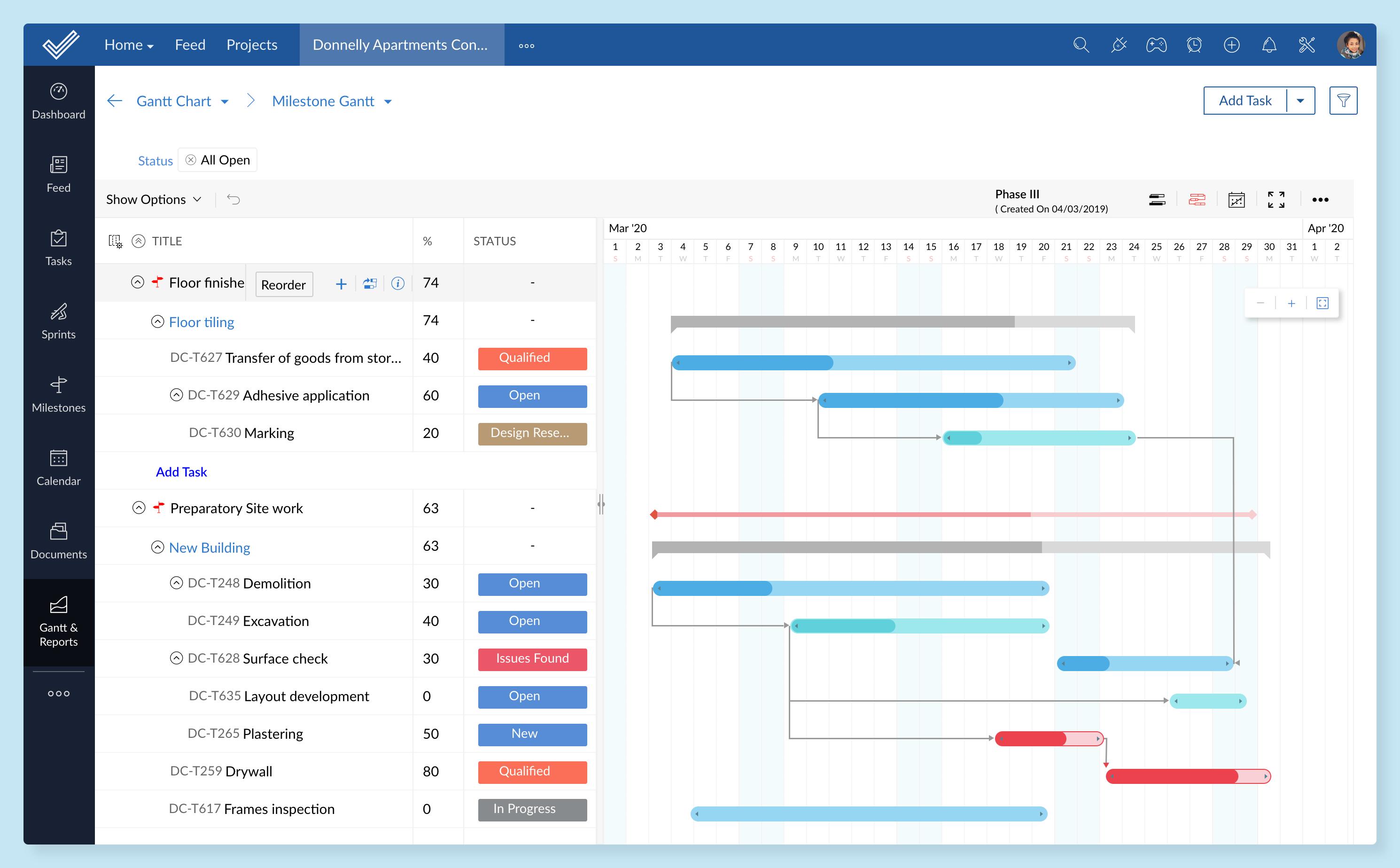
- Gantt charts: Build visual project plans, connect dependent tasks, identify critical activities, establish baselines, and compare planned schedules with actual progress.
- Kanban boards: Move work through configurable stages using a visual, drag-and-drop interface that makes status changes and bottlenecks easy to understand.
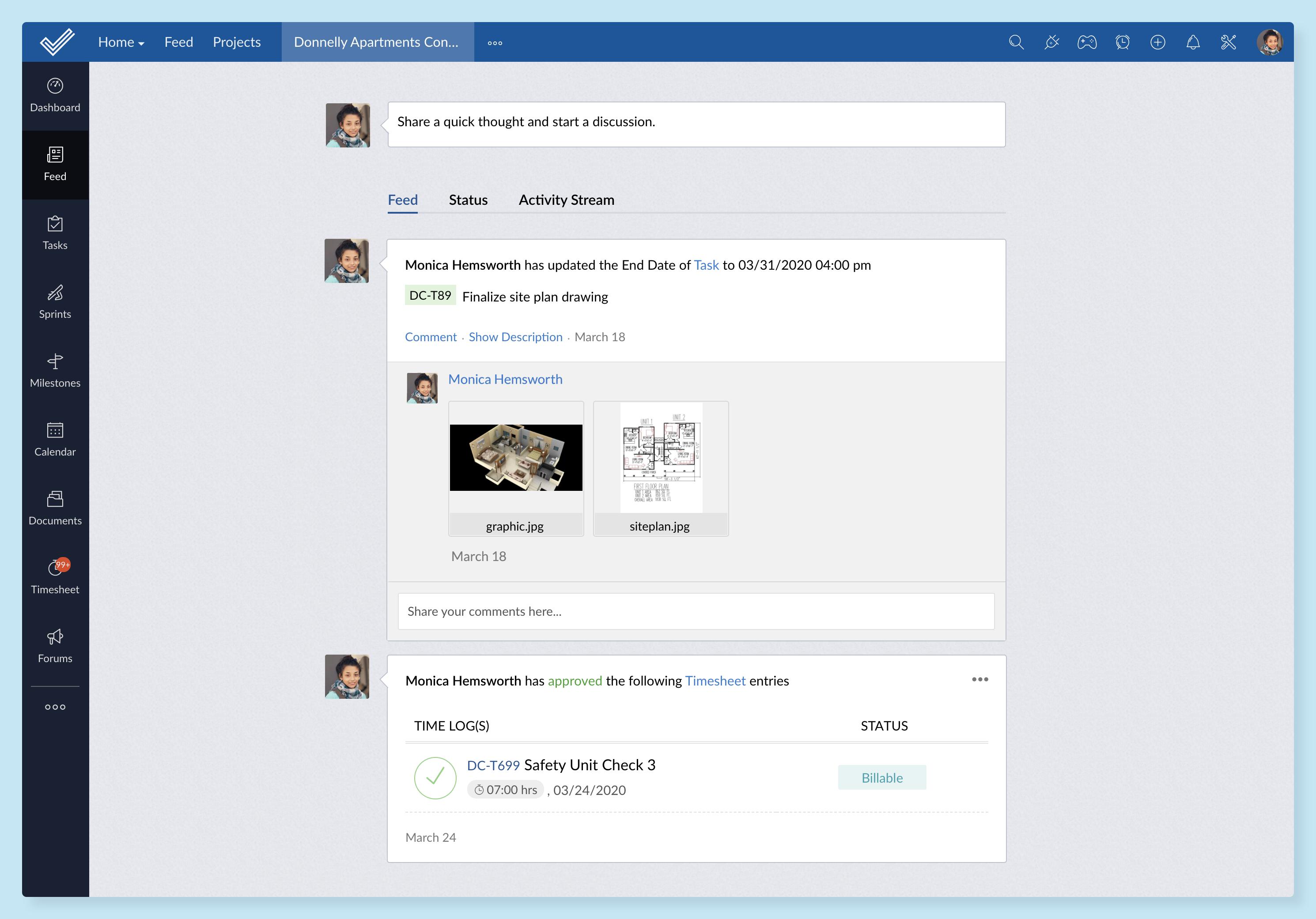
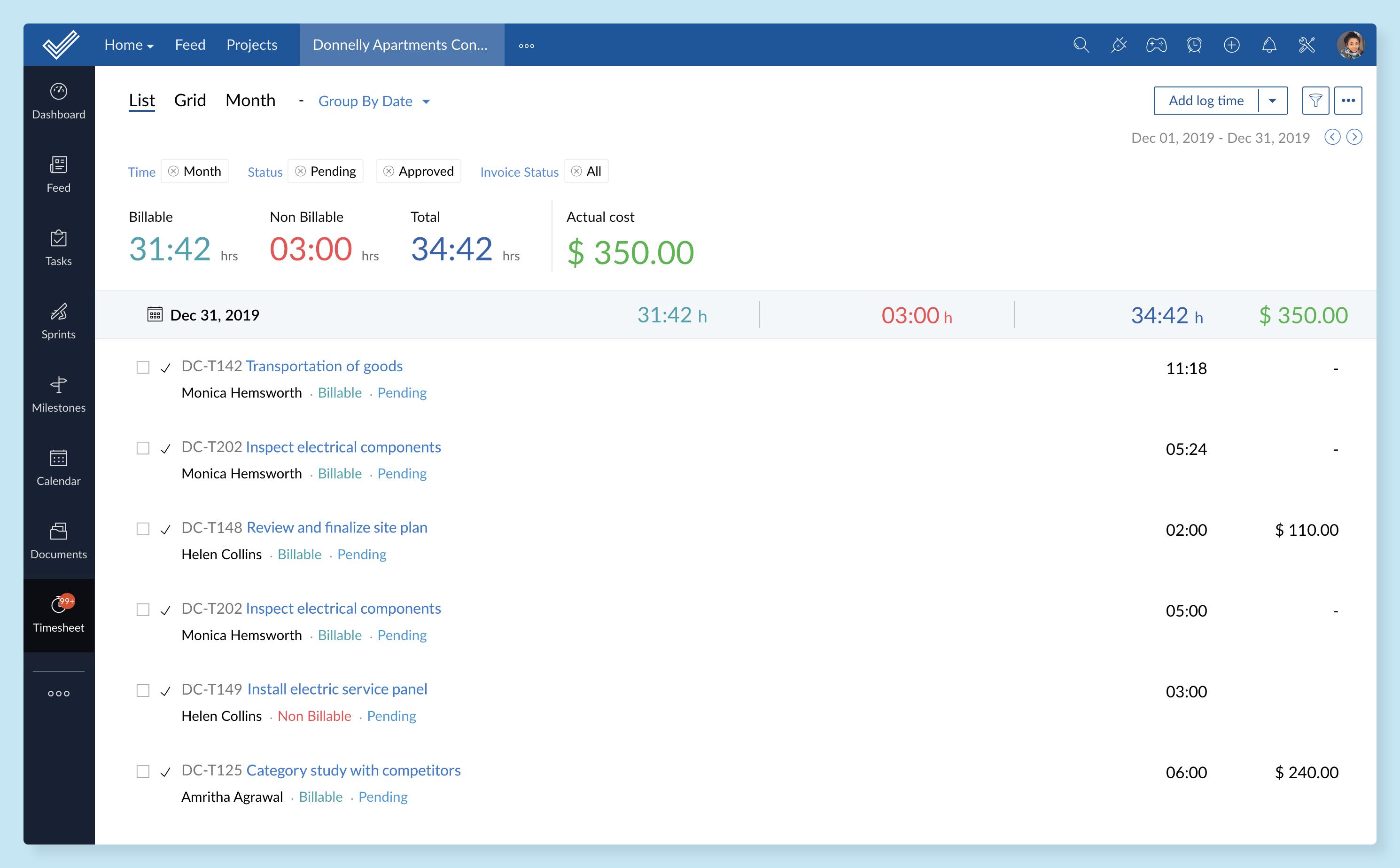
- Time tracking and timesheets: Record billable and non-billable hours manually or with timers. Managers can review timesheets and use approved records for billing.
- Team collaboration: Keep discussions connected to projects through comments, feeds, mentions, forums, documents, notifications, and shared updates.
- Resource management: Review employee workloads and redistribute assignments to reduce overbooking, underutilization, and delivery risks.
- Workflow automation: Create rules, blueprints, alerts, webhooks, and scheduled actions that automate repetitive processes and enforce consistent working procedures.
- Issue tracking: Record bugs and operational problems, assign responsibility, set severity levels, follow resolution progress, and connect issues to relevant tasks.
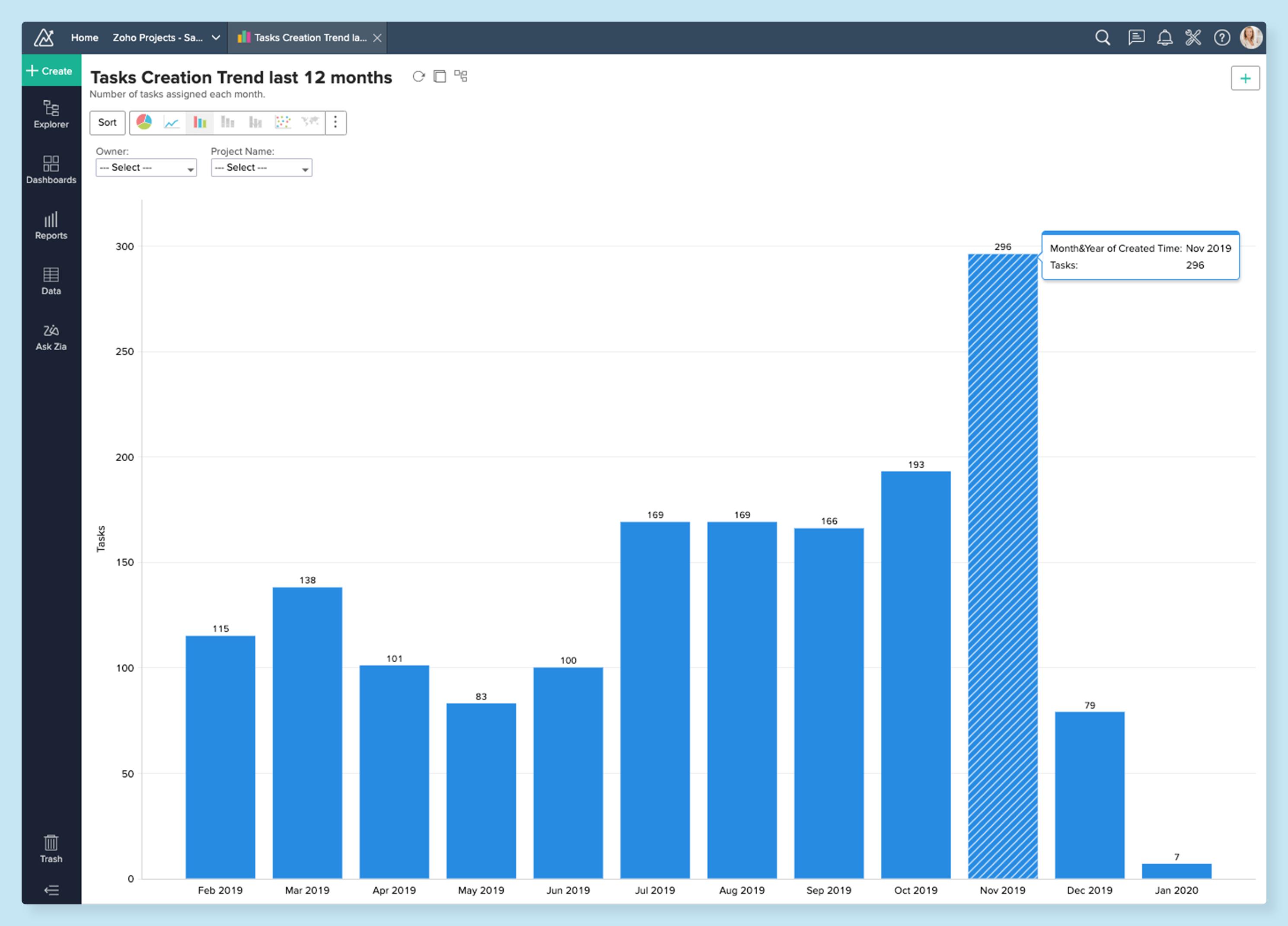
- Reports and dashboards: Monitor task completion, schedules, workloads, costs, timesheets, and overall performance using charts and customizable reports.
- Integrations and mobile access: Connect Zoho Projects with Zoho applications and third-party services such as Slack, GitHub, Jira, Zendesk, Dropbox, and Zapier. Mobile apps support work away from a desktop.
How can teams use Zoho Projects?
- Software development: Coordinate releases, development tasks, dependencies, bugs, documentation, testing, and communication between technical and business teams.
- Marketing campaigns: Plan content, design, advertising, approvals, launch dates, and campaign deliverables in a shared schedule.
- Professional services: Track client projects, employee hours, billable work, budgets, approvals, and delivery deadlines.
- Construction and engineering: Structure work around phases and milestones while monitoring schedules, dependencies, resources, documents, and project costs.
- Remote team coordination: Centralize conversations, assignments, files, progress updates, and time records for employees working across different locations.
- Recurring operations: Standardize onboarding, reporting, maintenance, procurement, and other repeatable workflows using templates and automation.
What benefits does Zoho Projects provide?
Zoho Projects improves visibility by placing schedules, responsibilities, discussions, documents, and performance data in one system. Managers can detect overdue tasks, workload imbalances, and schedule deviations before they become serious delivery problems. Automation reduces manual status changes and routine notifications, while templates help teams launch similar projects faster.
The platform is particularly valuable for organizations already using the Zoho ecosystem because project data can connect with CRM, invoicing, analytics, communication, and document tools. Its customization options also make it suitable for businesses that need more structure than a basic task manager provides.
What is the Zoho Projects user experience like?
Zoho Projects offers a structured interface with multiple views for different working styles. Team members can focus on assigned tasks, while managers can use Gantt charts, dashboards, reports, and workload views for broader oversight. The number of features may require initial configuration and training, especially for smaller teams. Once workflows, permissions, templates, and notifications are properly configured, the platform provides a flexible and scalable environment for managing both individual projects and larger portfolios.
Zoho Projects Alternatives




Zoho Projects Integrations