Zoho Meeting
Languages:
Deutsch
English
Español
Français
Portuguese
Localization:
World

What is Zoho Meeting?
Zoho Meeting is a cloud-based platform for hosting online meetings, video conferences, webinars, and business calls. It helps remote and hybrid teams communicate through real-time audio, video, screen sharing, file sharing, whiteboards, and session chat. Participants can join from a browser without creating an account or installing additional software, reducing friction for clients, partners, and occasional attendees.
The platform supports everything from internal team discussions and customer demonstrations to online training and large virtual events. Hosts can schedule sessions, invite participants, control access, record meetings, and review engagement data afterward. Zoho Meeting also connects with Zoho CRM, Zoho Projects, Gmail, Outlook, Slack, and Microsoft Teams. This combination makes it particularly useful for organizations already working within the Zoho ecosystem.
What are the key features of Zoho Meeting?
- Online video meetings: Teams can organize scheduled or instant meetings with live audio and video. Multiple participants can communicate, present ideas, and collaborate regardless of their location.
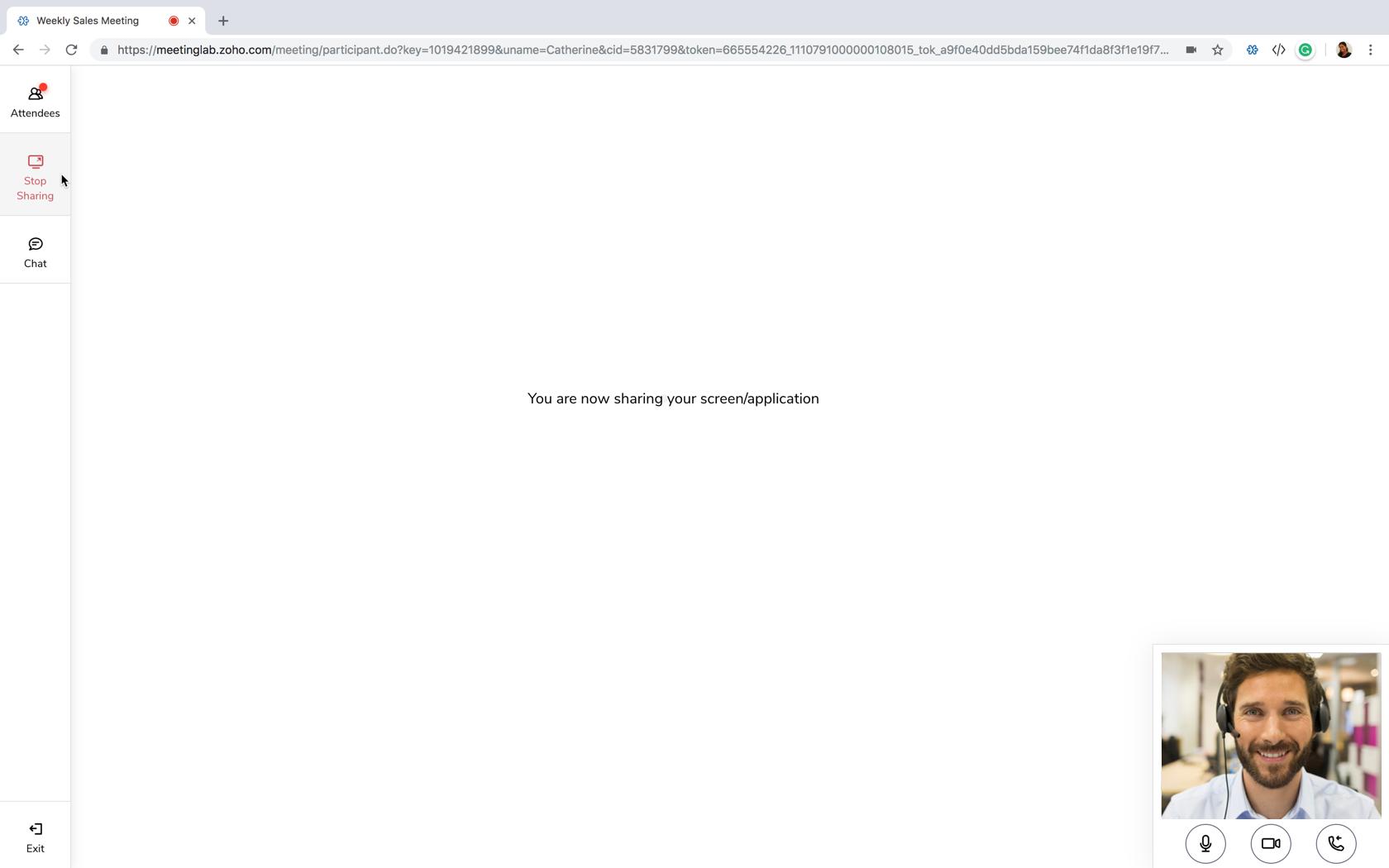
- Screen and file sharing: Hosts and authorized participants can share screens, applications, presentations, and files. This is useful for product demonstrations, technical support, project reviews, and collaborative work.
- Interactive whiteboards: Meeting participants can visually explain processes, sketch concepts, annotate information, and develop ideas together during a session.
- Meeting recordings: Sessions can be recorded, replayed, downloaded, or shared with people who could not attend. Recordings also provide reusable material for onboarding and training.
- AI-generated meeting content: Automatic transcription and AI-generated keynotes summarize important discussion points, reducing the need for manual note-taking.
- Webinar management: Businesses can host video webinars with customized registration forms, invitation emails, audience polls, moderated questions and answers, and post-event reports.
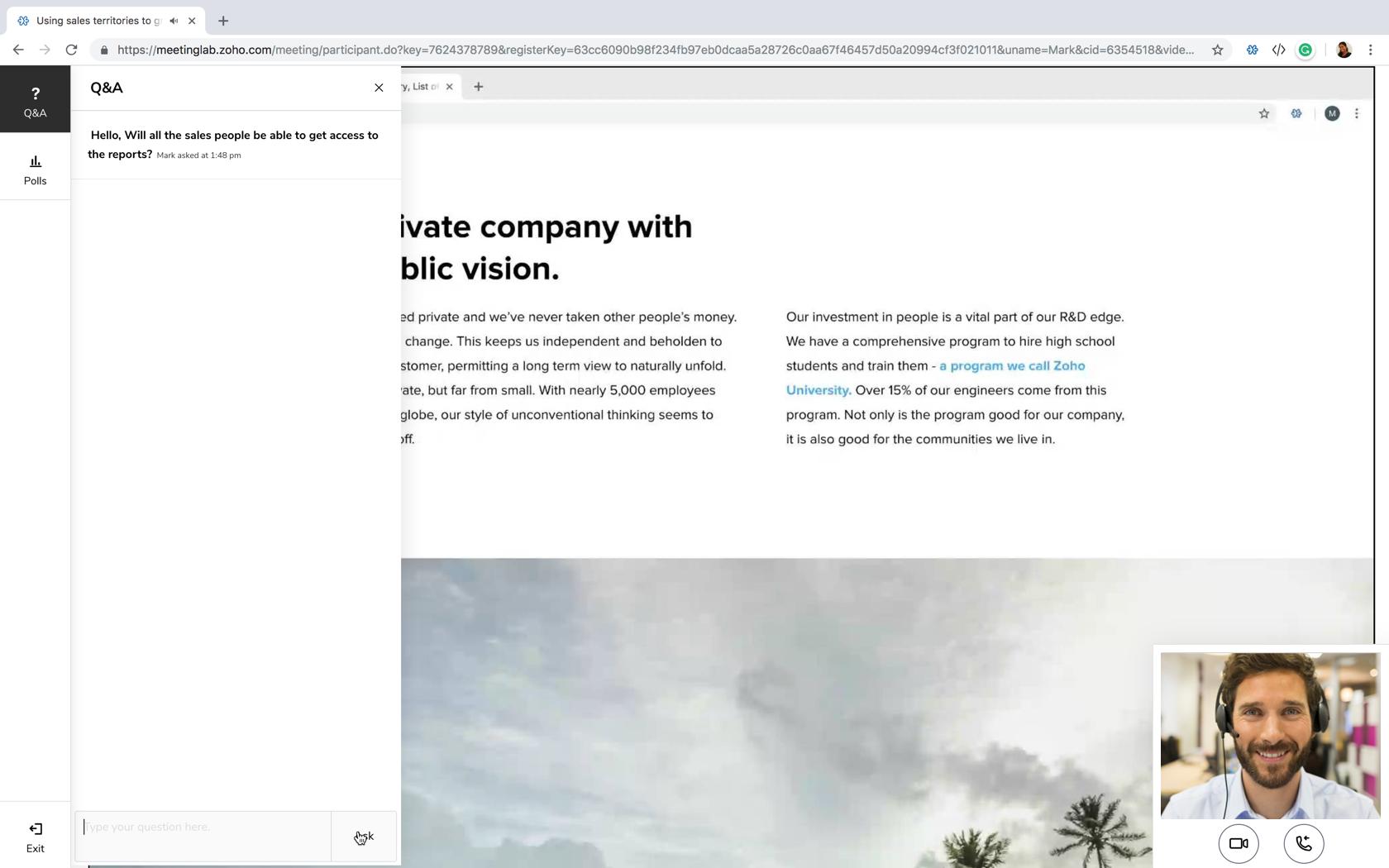
- Audience engagement tools: Polls, hand raising, chat, and Q&A sessions help presenters maintain interaction during webinars and larger virtual events.
- Calendar and application integrations: Meetings can be created and managed through calendars and connected business applications, including Zoho CRM, Gmail, Outlook, Slack, and Microsoft Teams.
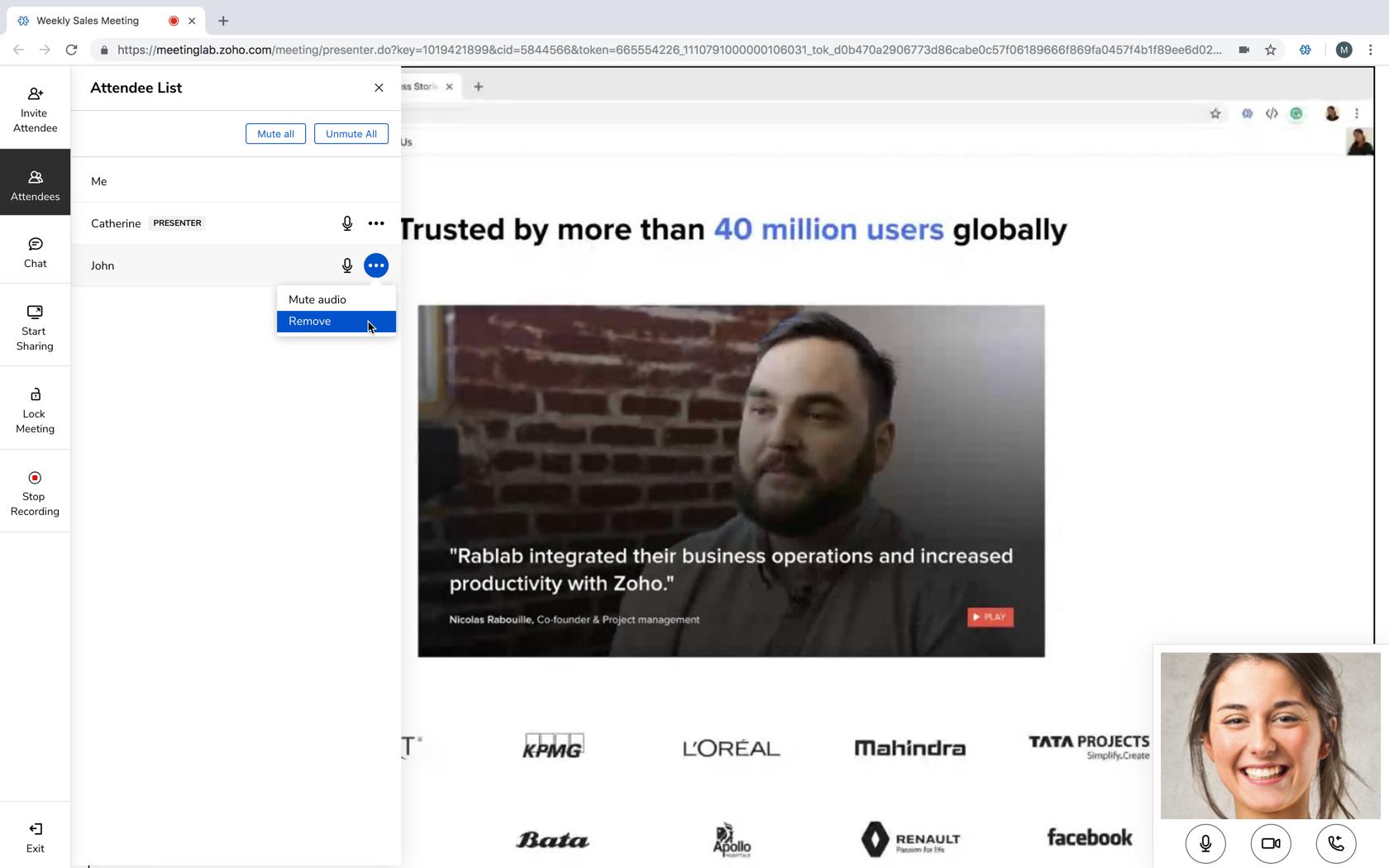
- Security controls: Hosts can lock meetings, approve or remove participants, mute attendees, anonymize personal data, and monitor entry or exit notifications. Audio, video, and screen-sharing data are encrypted.
- Cross-device access: Users can join through browsers, desktop applications, or dedicated iOS and Android apps.
What are the main use cases for Zoho Meeting?
- Remote team collaboration: Distributed employees can conduct regular meetings, project reviews, planning sessions, and departmental discussions.
- Sales presentations: Sales teams can demonstrate products, discuss proposals, and organize client consultations without requiring customers to install software.
- Online training: Companies and educational organizations can provide interactive lessons, employee onboarding, certification programs, and professional workshops.
- Marketing webinars: Businesses can collect registrations, present expertise, engage prospects, and analyze audience participation after an event.
- Customer support: Support specialists can use screen sharing to identify problems, guide customers through processes, and demonstrate solutions.
- Remote consultations: Healthcare, banking, professional services, and government organizations can conduct structured virtual appointments with clients.
- Public broadcasts: Webinar organizers can stream selected sessions to YouTube and interact with a wider audience in real time.
What benefits does Zoho Meeting provide?
Zoho Meeting brings meetings, webinars, recordings, engagement tools, and analytics into one platform. Browser-based participation makes sessions easier to access, while integrations reduce scheduling and administrative work. Recording, transcription, and AI summaries help organizations preserve knowledge and turn conversations into practical follow-up actions.
The service can also reduce travel expenses and support communication across different locations and time zones. Its security and moderation controls make it appropriate for both everyday collaboration and controlled business events. Flexible plans allow smaller organizations to begin with essential functionality and expand as attendance or operational requirements increase.
What is the Zoho Meeting user experience like?
Zoho Meeting offers a clean, business-oriented interface designed for quick session setup and straightforward participation. Hosts can manage meetings, webinars, recordings, reports, and schedules from a centralized dashboard. Attendees can usually enter through a shared link without registering for an account.
Controls for microphones, cameras, screen sharing, chat, polls, and participant management are easy to locate during sessions. Mobile applications provide access when users are away from their computers. The experience is especially consistent for organizations using other Zoho products, as meetings can become part of existing sales, project management, and customer communication workflows.
Zoho Meeting Alternatives