Wufoo
Languages:
English
Localization:
World

What is Wufoo and what does it do?
Wufoo is a hosted online form builder designed to create forms quickly and turn submissions into usable workflow data. It covers the full loop: build and publish a form, collect entries, notify the right people, and route data into other tools through integrations or exports. Wufoo fits teams that need reliable intake without engineering effort—lead capture, support requests, registrations, internal requests, and lightweight payments. Forms can be embedded on a website or shared as a standalone link, then styled to match a brand with themes and customization. Beyond collecting responses, Wufoo focuses on operational handling: conditional logic to reduce irrelevant questions, file uploads for document-heavy processes, reporting to understand submission patterns, and controls that help keep data consistent and manageable.
What are Wufoo’s key features?
-
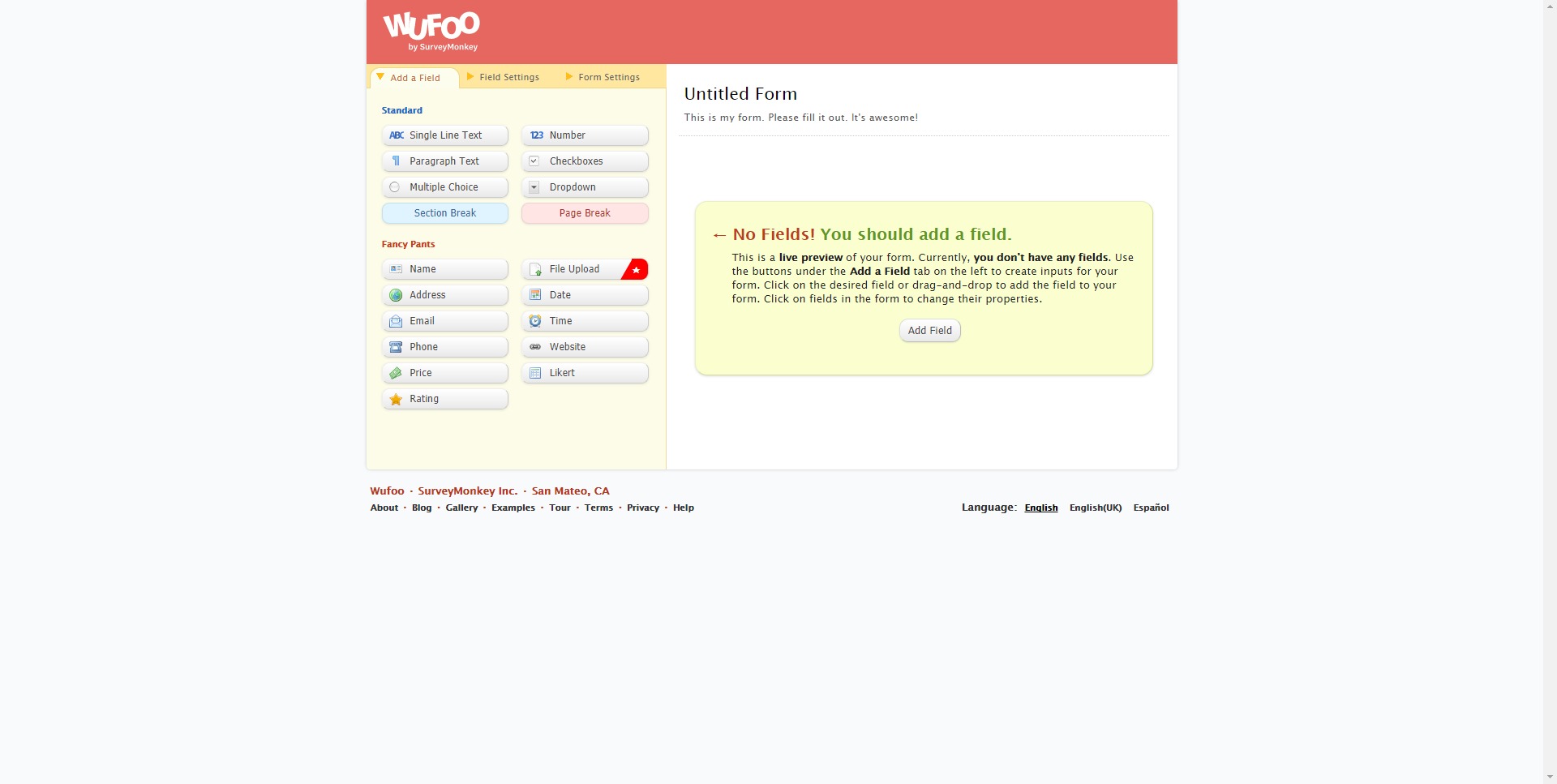
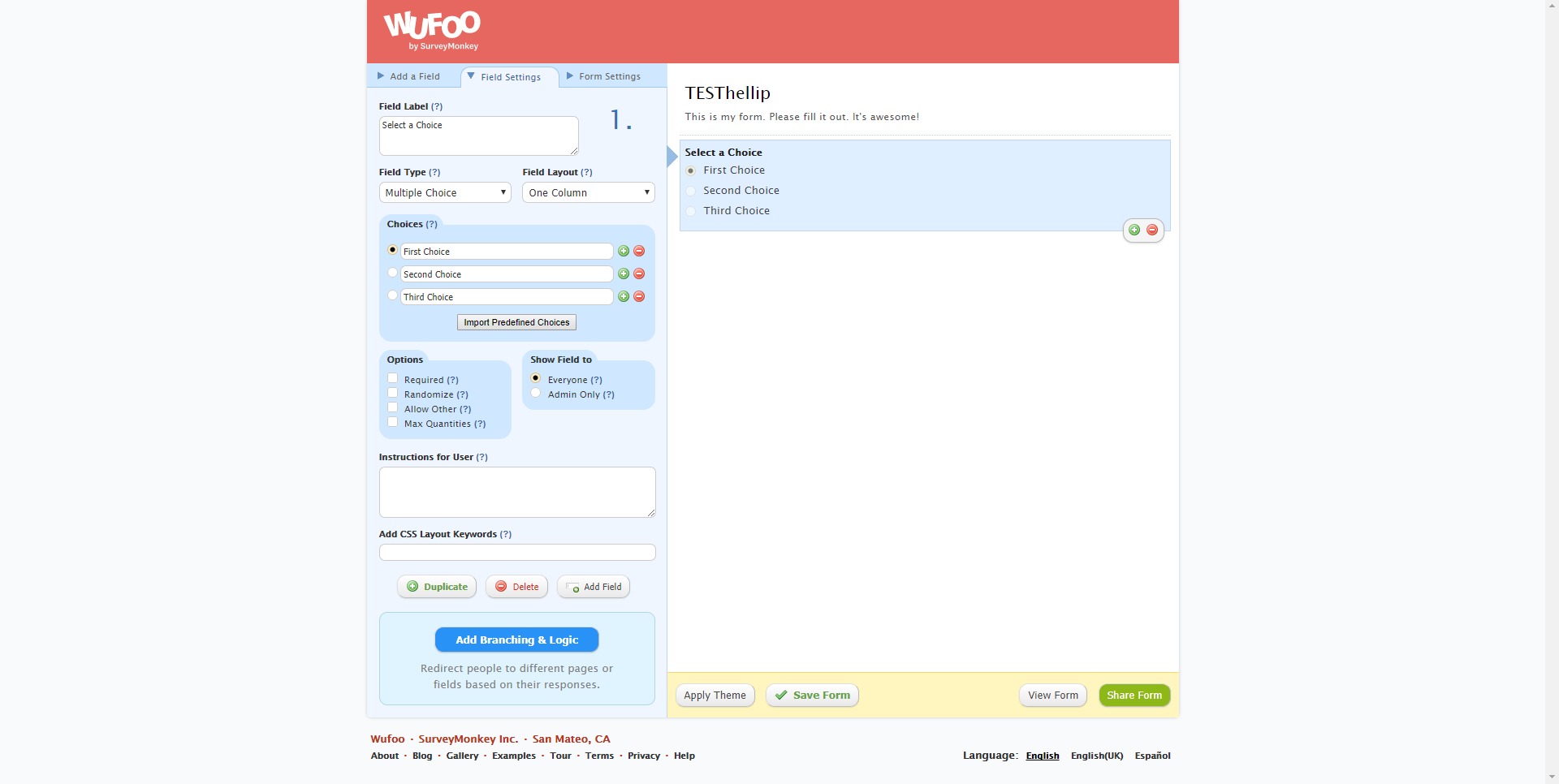
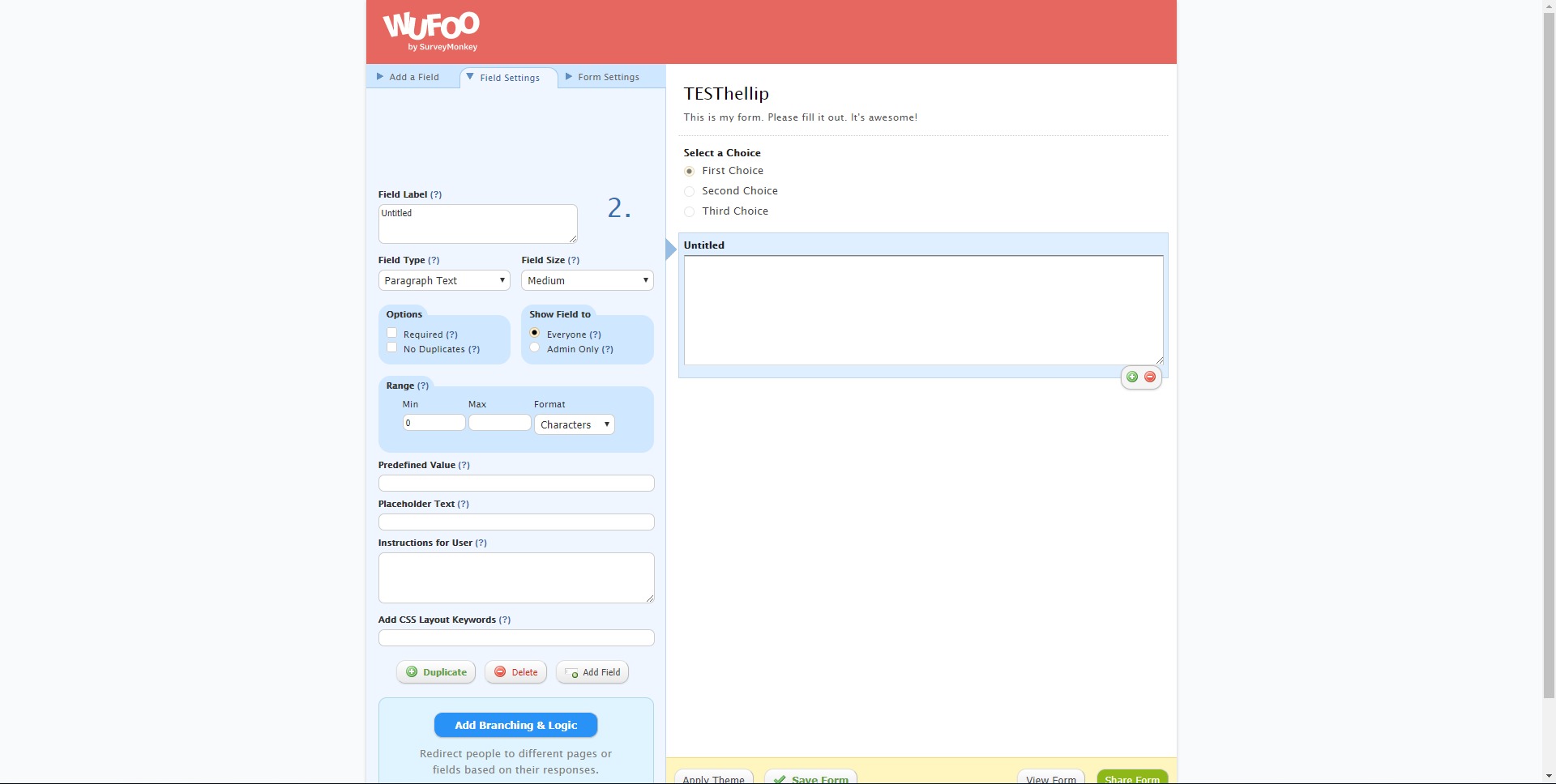
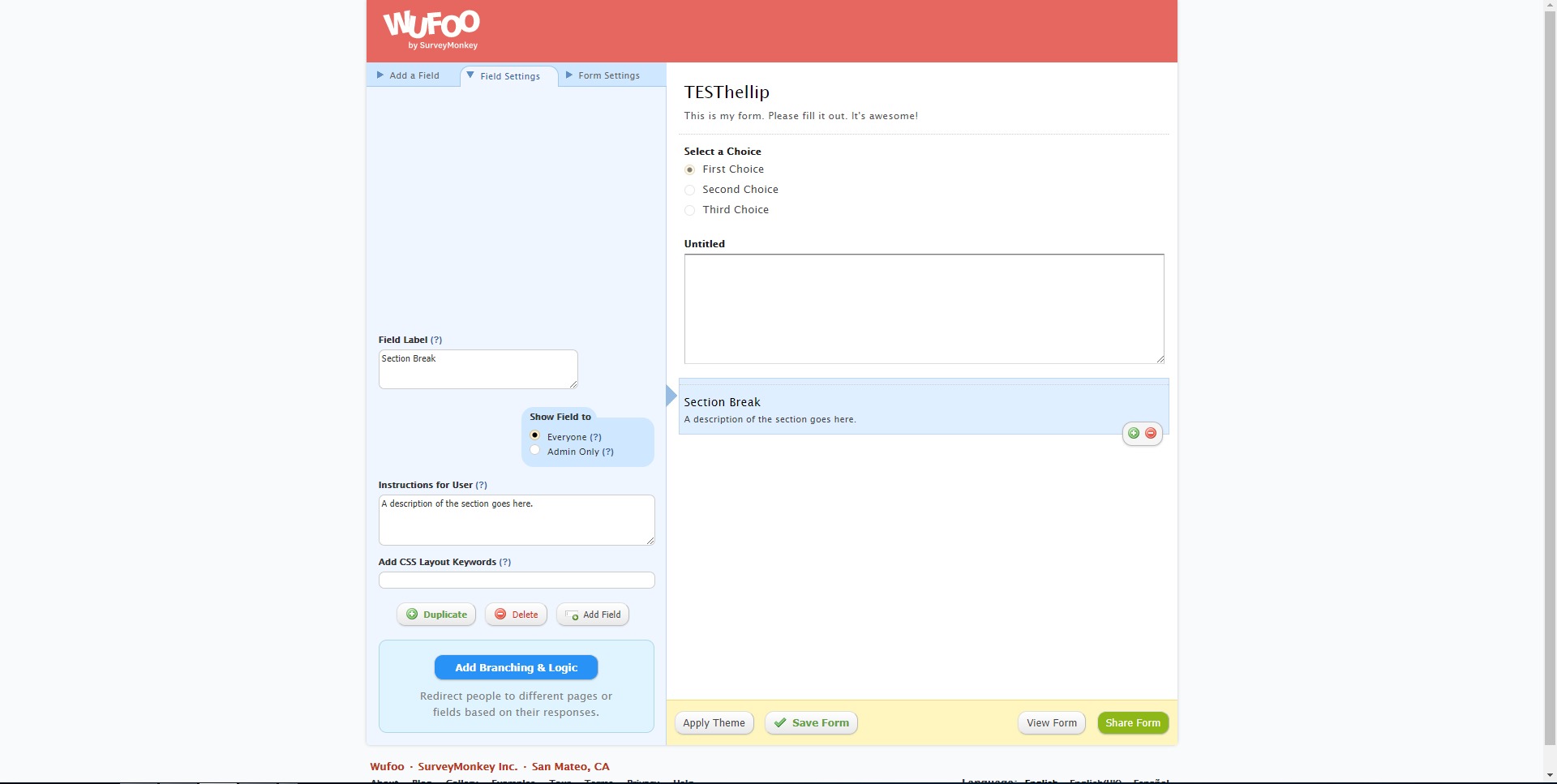
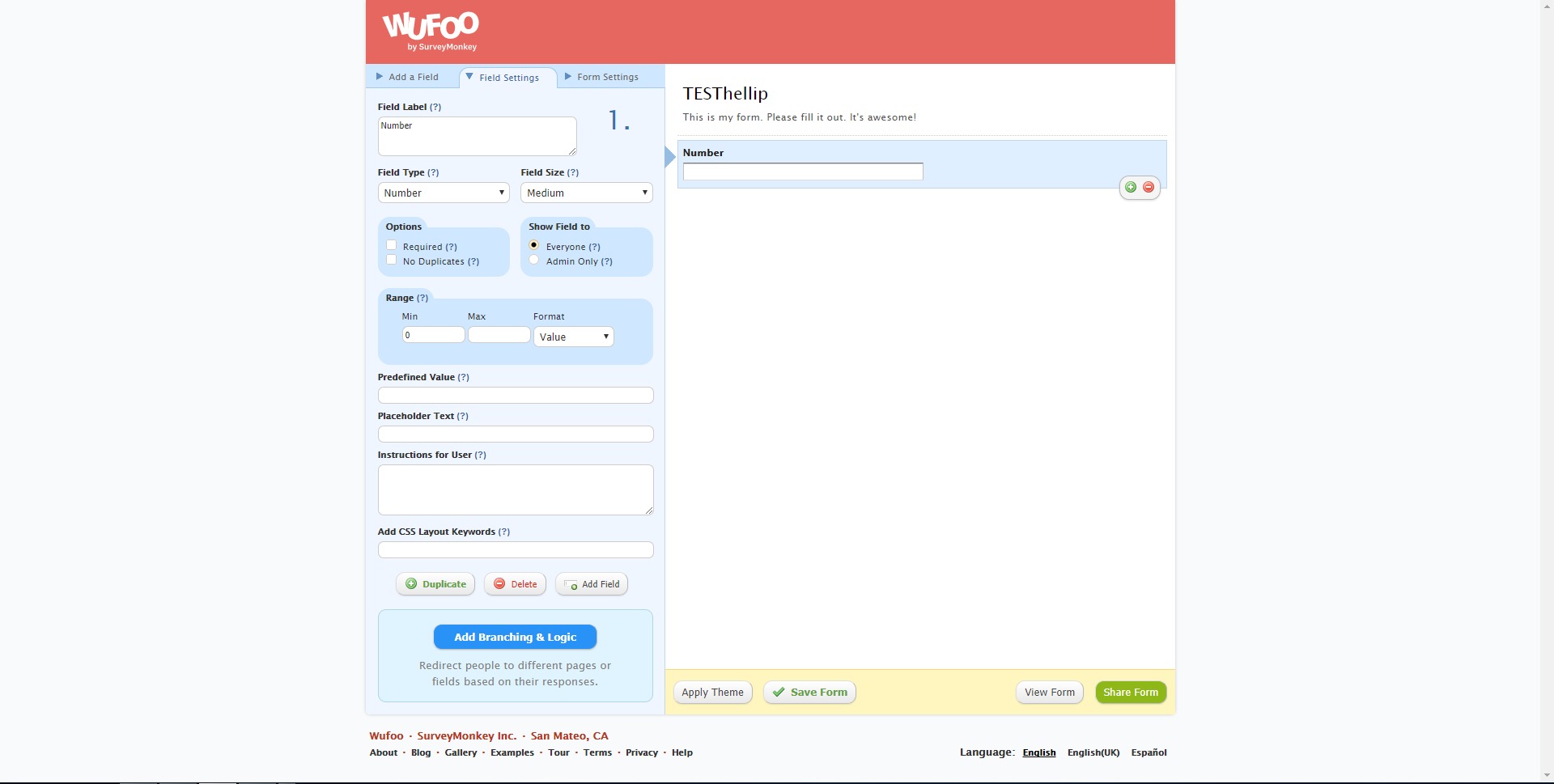
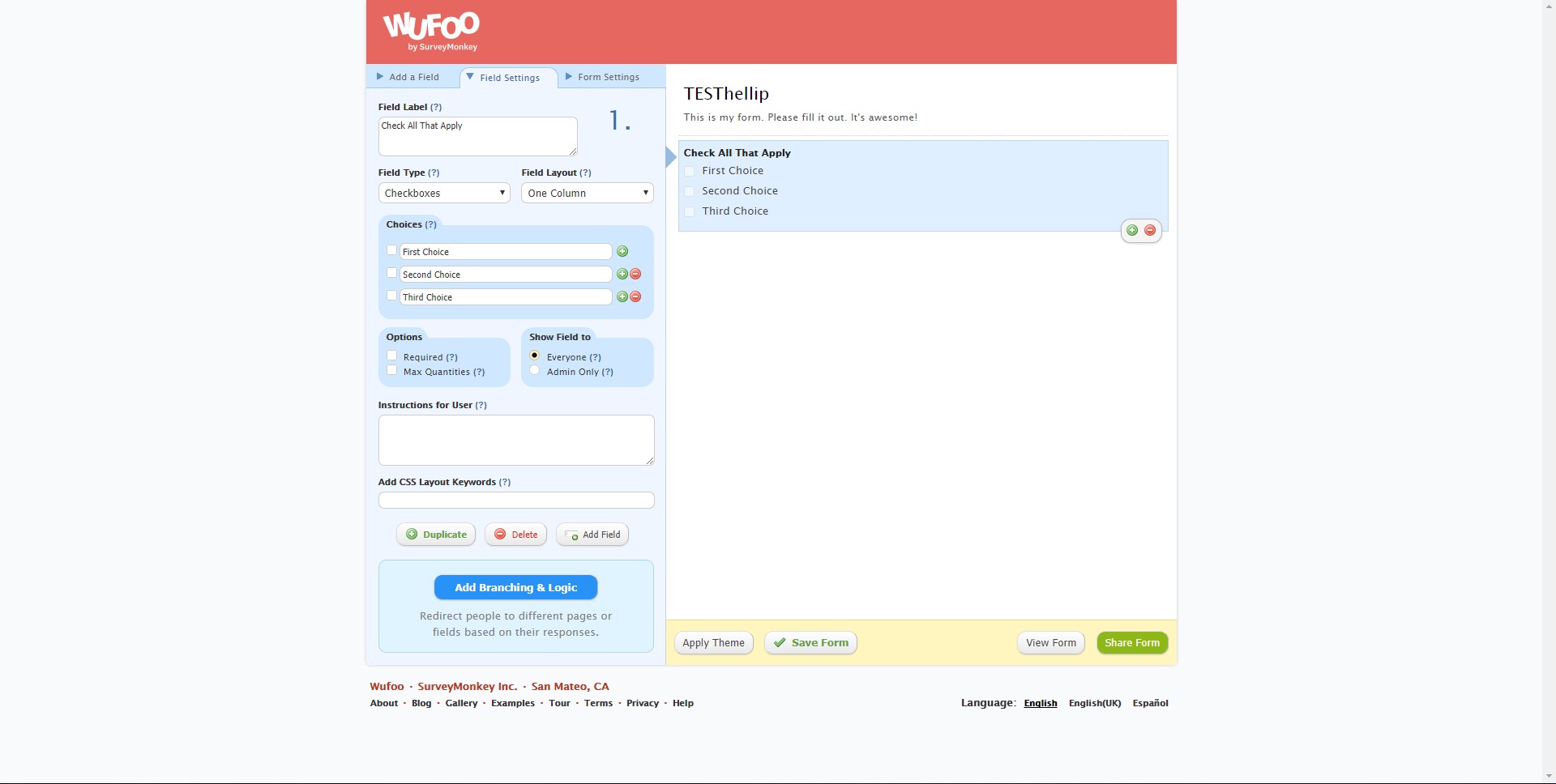
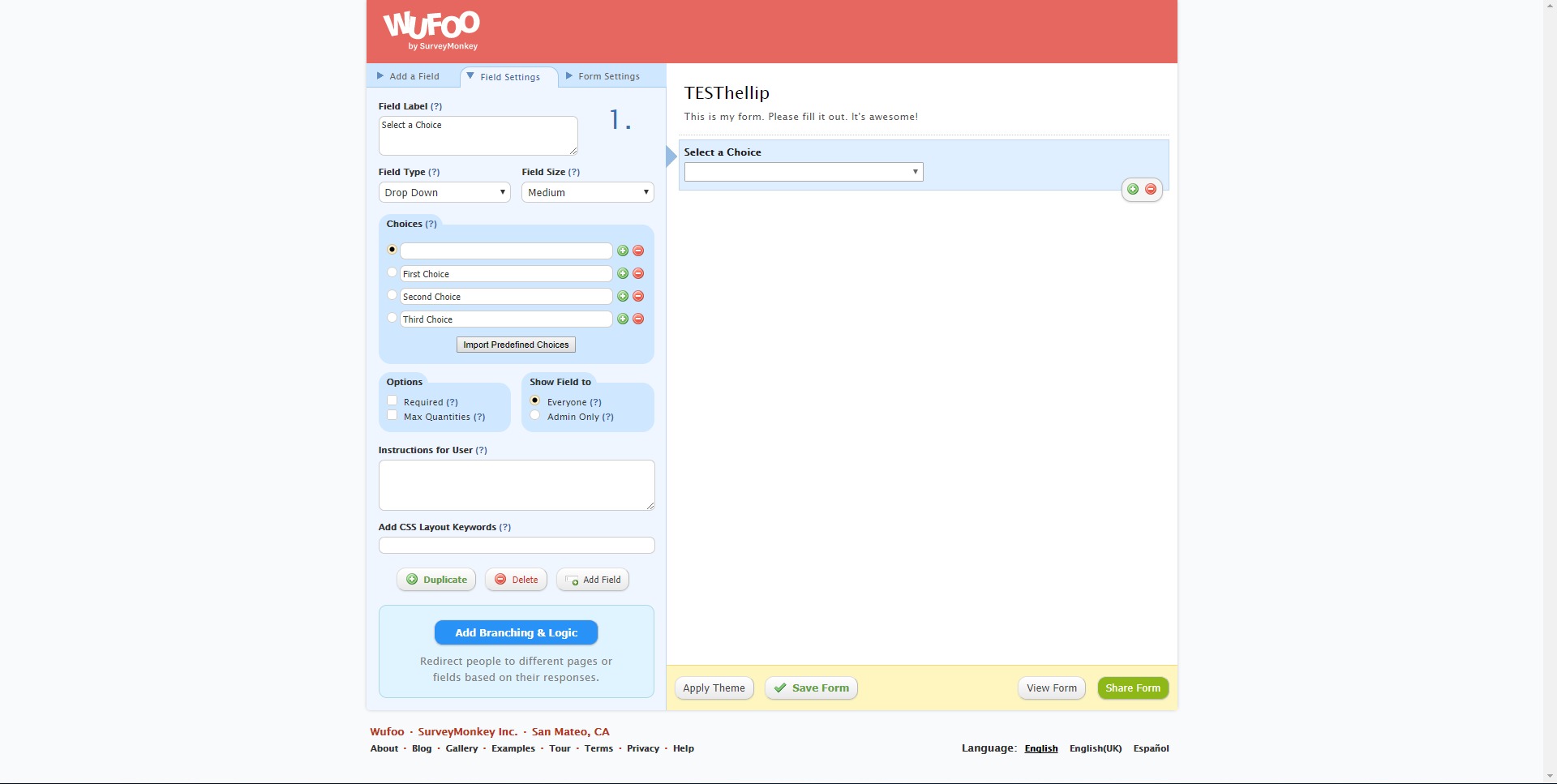
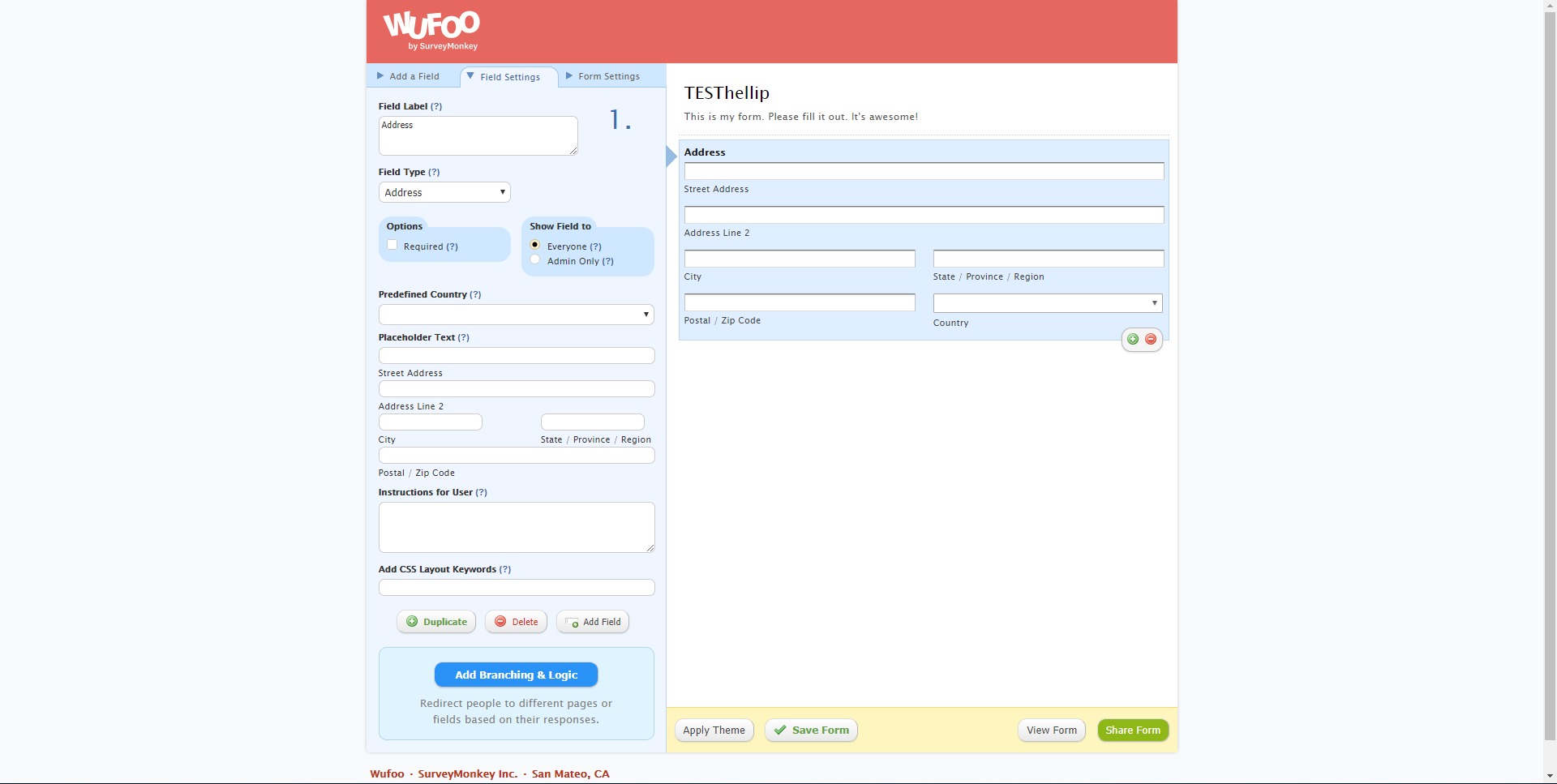
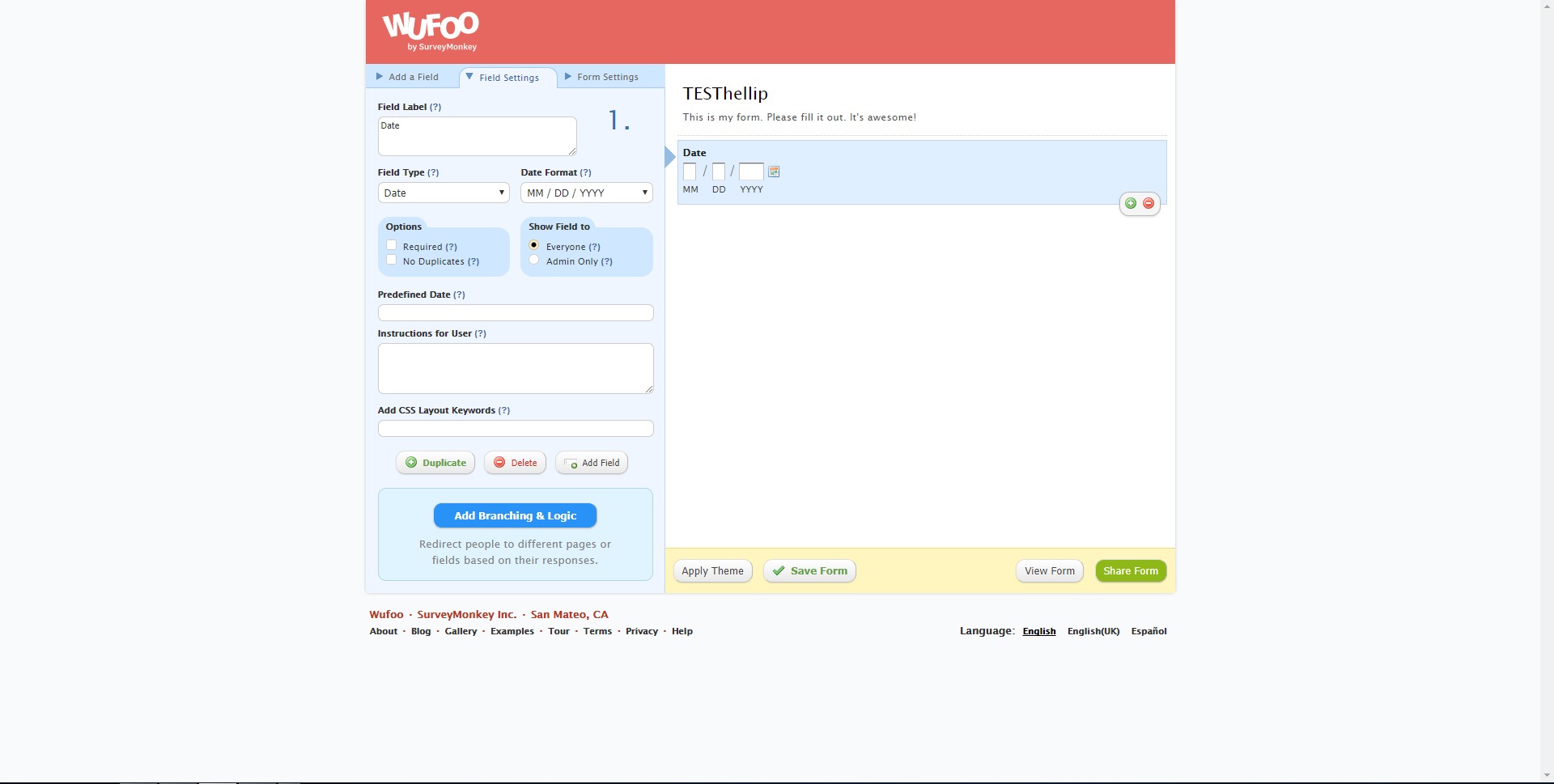
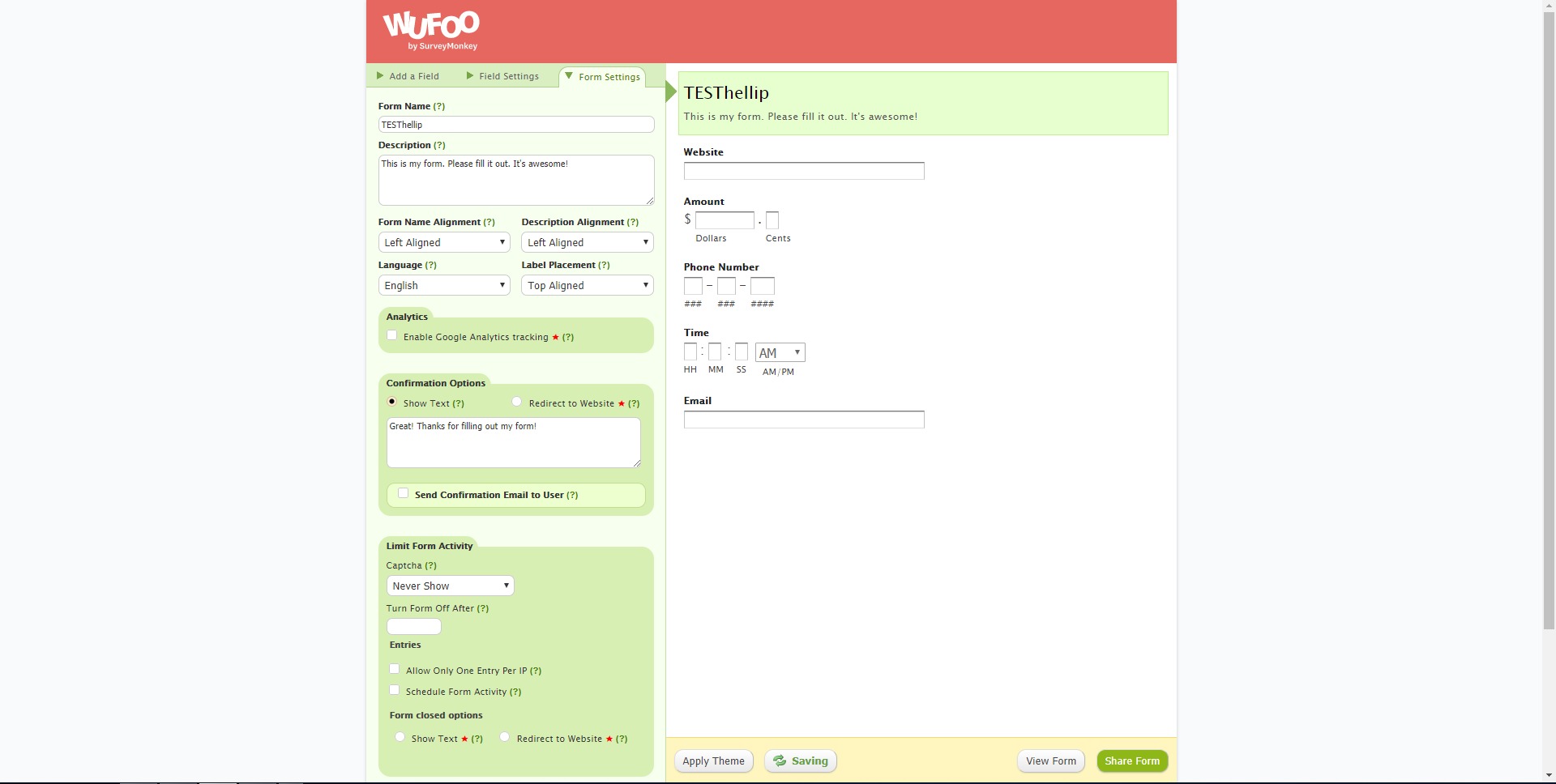
Drag-and-drop form builder: Create forms with common field types, required rules, and validation without writing code.
-
Conditional logic and branching: Show or hide questions based on prior answers to keep forms shorter and more relevant.
-
Themes and visual customization: Apply styling, logos, and layout tweaks so forms look consistent with a brand or product.
-
Multiple publishing options: Embed forms on websites or share a hosted link for fast distribution.
-
Payments collection: Accept fees or donations by connecting supported payment processors for simple checkout-style flows.
-
File uploads: Collect documents and images directly through the form for applications, onboarding, and intake.
-
Notifications and alerts: Trigger email-style notifications to teams when new submissions arrive for faster response times.
-
Integrations and automation: Send entries to CRMs, spreadsheets, email marketing tools, and other systems via connectors and automation platforms.
-
Reporting and exports: Review submission data, generate reports, and export to common formats for analysis and record keeping.
-
Security and anti-spam controls: Use encrypted transport, spam defenses, and access controls to reduce junk submissions and protect data.
What are the best use cases for Wufoo?
-
Lead capture and qualification: Build conversion-focused forms that gather the exact fields needed for sales follow-up and segmentation.
-
Event registration and RSVPs: Collect attendee details, preferences, and optional fees while keeping the form simple with conditional logic.
-
Support and service intake: Standardize request collection so teams receive complete details, attachments, and priority signals up front.
-
HR and internal requests: Centralize employee requests (equipment, access, approvals) with consistent fields and routing.
-
Customer onboarding questionnaires: Collect requirements, assets, and context in one place, including files, to reduce back-and-forth.
-
Surveys and feedback loops: Run lightweight surveys that feed directly into reporting or external dashboards.
-
Quote and booking requests: Capture scope details and constraints to speed up estimating and scheduling.
-
Document collection workflows: Replace email attachments with structured upload forms for cleaner tracking and fewer missing files.
What benefits does Wufoo deliver?
Wufoo reduces the cost of collecting and organizing information. Instead of ad-hoc emails and messy spreadsheets, forms enforce structure: required fields, consistent formats, and fewer incomplete submissions. Conditional logic improves completion rates by removing irrelevant questions, while notifications shorten response time by getting entries to the right person immediately. Payments and file uploads eliminate extra tools for basic transactions and document-heavy intake. Integrations keep data from getting stuck in a single inbox—submissions can flow into CRM pipelines, spreadsheets, or automation rules that trigger follow-ups. The result is simpler operations: less manual data entry, fewer mistakes, faster handling, and more predictable workflows.
What is the Wufoo user experience like?
The experience is designed for speed and low friction. Building a form is mainly selecting fields, arranging them, and setting rules. Publishing is straightforward—embed it or share a link—and the admin view focuses on entry management and reporting. For end users, forms are clean and guided, especially when conditional logic is used to keep the flow short. For teams, the value shows up after launch: submissions are centralized, searchable, and exportable, and alerts reduce missed requests. Wufoo works best when treated as a workflow front door—simple on the surface, but connected to a clear back-office process for routing, follow-up, and data ownership.
2020-06-05 07:53:21: How to create an online order form with Wufoo Youtube
2020-03-23 20:16:27: How to use Wufoo forms to collect webinar registrations Youtube
2018-11-08 00:56:22: Wufoo - Formulaires en ligne simplifiés Youtube
2015-11-13 05:16:13: Wufoo User Management Youtube
2015-11-02 23:50:10: How to Create a Wufoo Form in 5 Minutes Youtube
2014-07-02 21:19:54: Introduction to Multi-Page Forms in Wufoo Youtube
Wufoo Alternatives




Wufoo Integrations