Workbooks
Languages:
English
Localization:
World
What is Workbooks CRM and how does it help businesses grow?
Workbooks CRM is a cloud-based customer relationship management platform designed for growing businesses that need more than basic contact tracking but want to avoid enterprise-level complexity. It combines sales, marketing, and customer service tools into a single system, allowing companies to manage the full customer lifecycle without switching between multiple platforms. The system is structured around operational clarity, giving teams a shared view of customers, deals, campaigns, and support interactions.
The platform is particularly suited for mid-sized organizations that are scaling processes and need tighter coordination between departments. Instead of fragmented tools for email campaigns, pipeline tracking, and support tickets, Workbooks CRM provides a unified data layer where all interactions are stored and accessible. This enables better decision-making, improved visibility into performance, and reduced manual work. By centralizing workflows and automating repetitive tasks, businesses can focus more on growth activities and less on administrative overhead.
What are the key features of Workbooks CRM?
- Sales Pipeline Management
Track opportunities across multiple stages with clear visibility into deal progress, expected revenue, and team performance. Forecasting tools help predict outcomes and prioritize high-value deals. - Marketing Automation and Segmentation
Create targeted campaigns using detailed customer segmentation. Build automated journeys that respond to user behavior, improving engagement and conversion rates. - Customer Service and Case Management
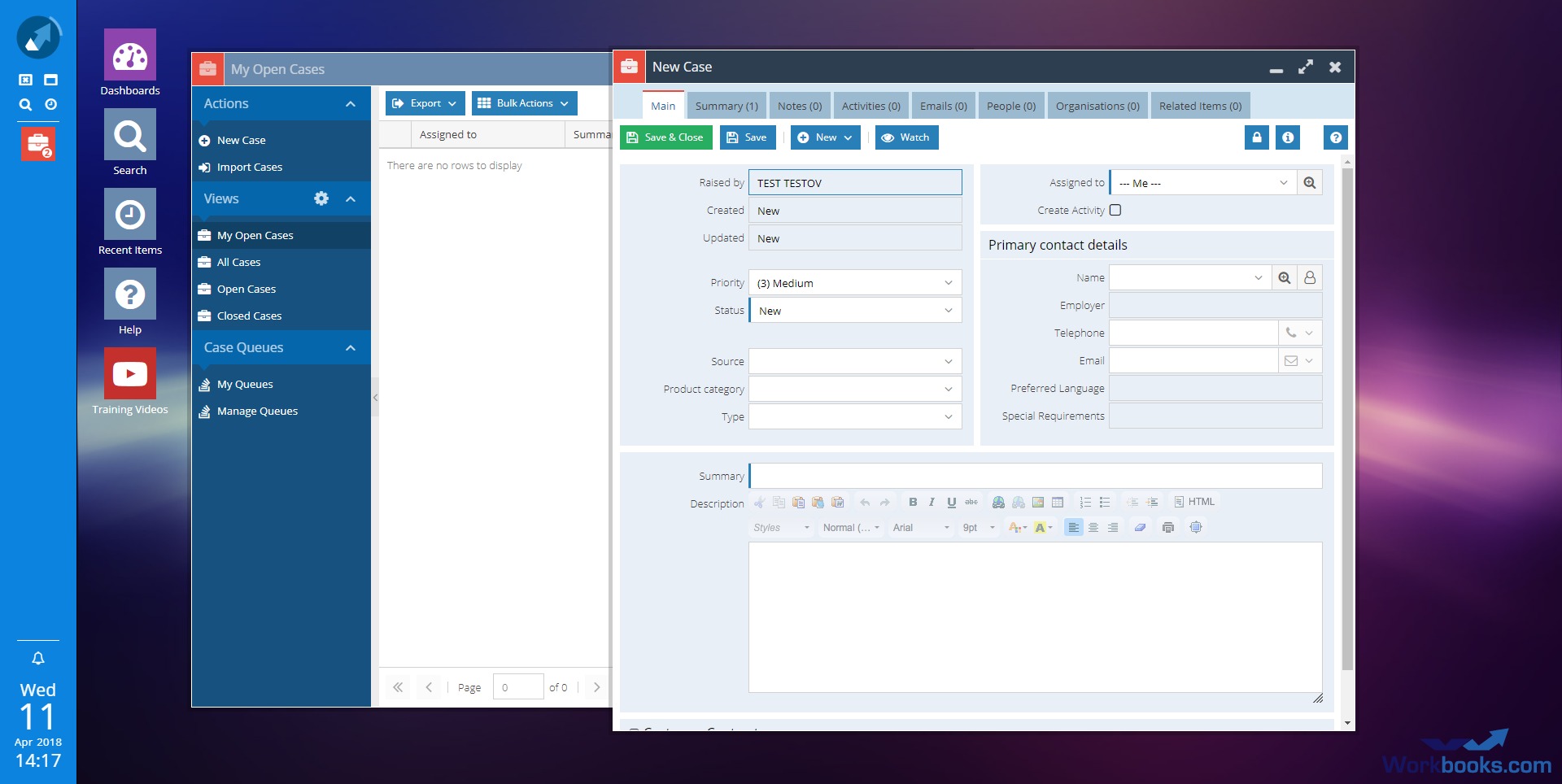
Manage customer inquiries, issues, and support cases within the same system. Assign, track, and resolve tickets while maintaining a full history of interactions. - Reporting and Analytics
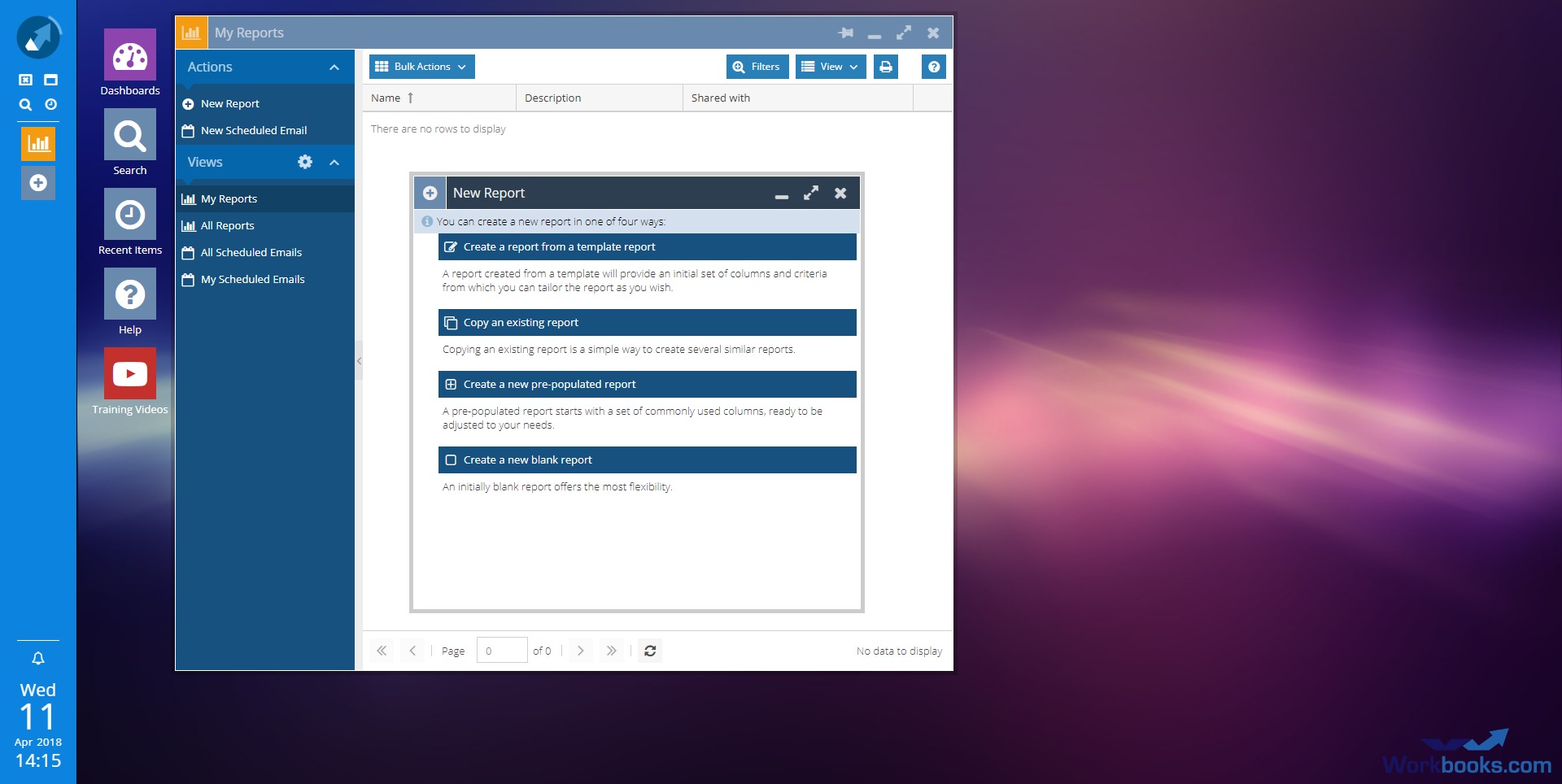
Generate real-time dashboards and reports covering sales performance, campaign results, and service metrics. Custom reporting allows businesses to align data with their specific KPIs. - Workflow Automation
Automate routine processes such as follow-ups, reminders, and data updates. This reduces manual work and ensures consistency across teams. - Unified Customer Database
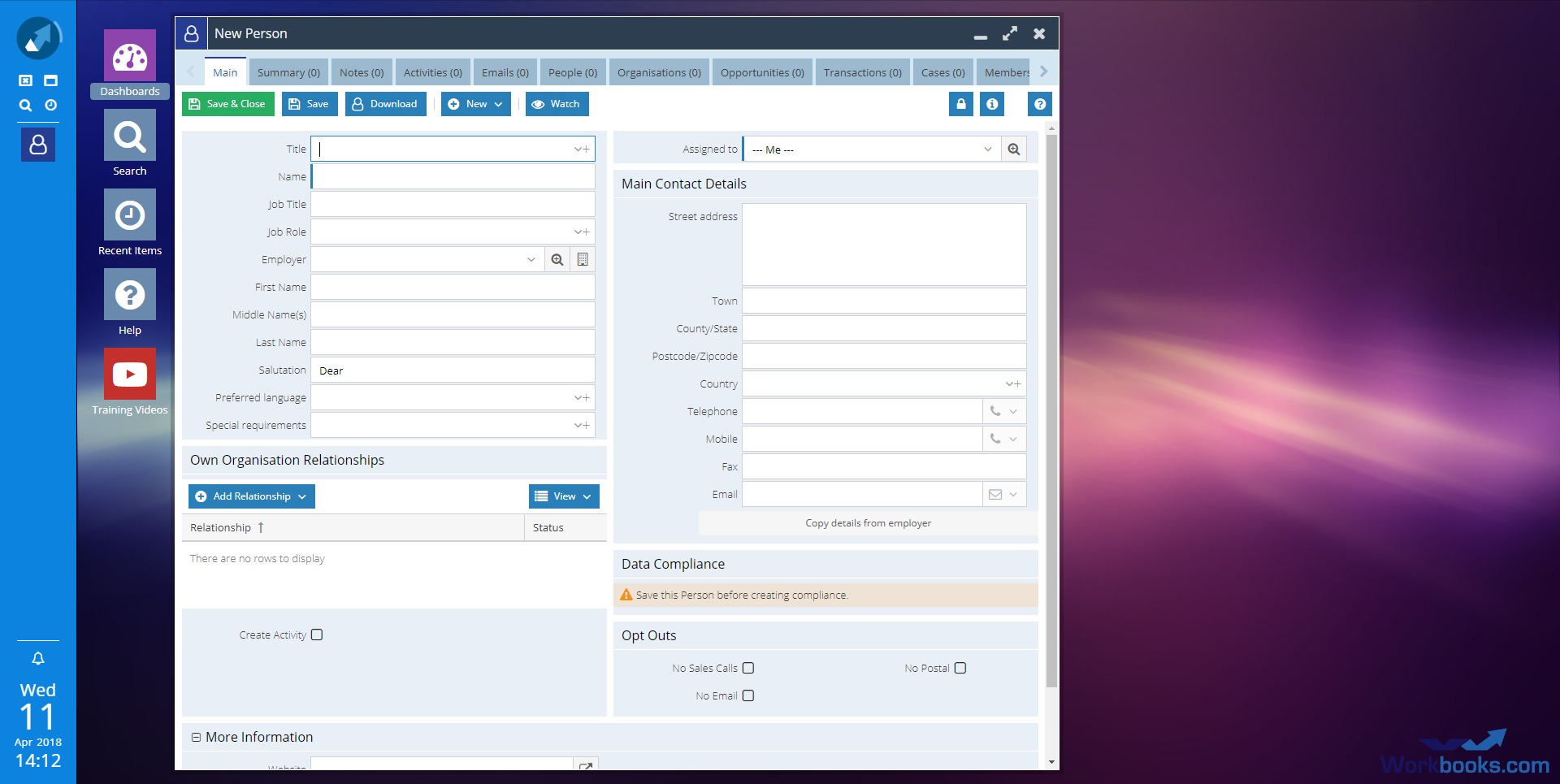
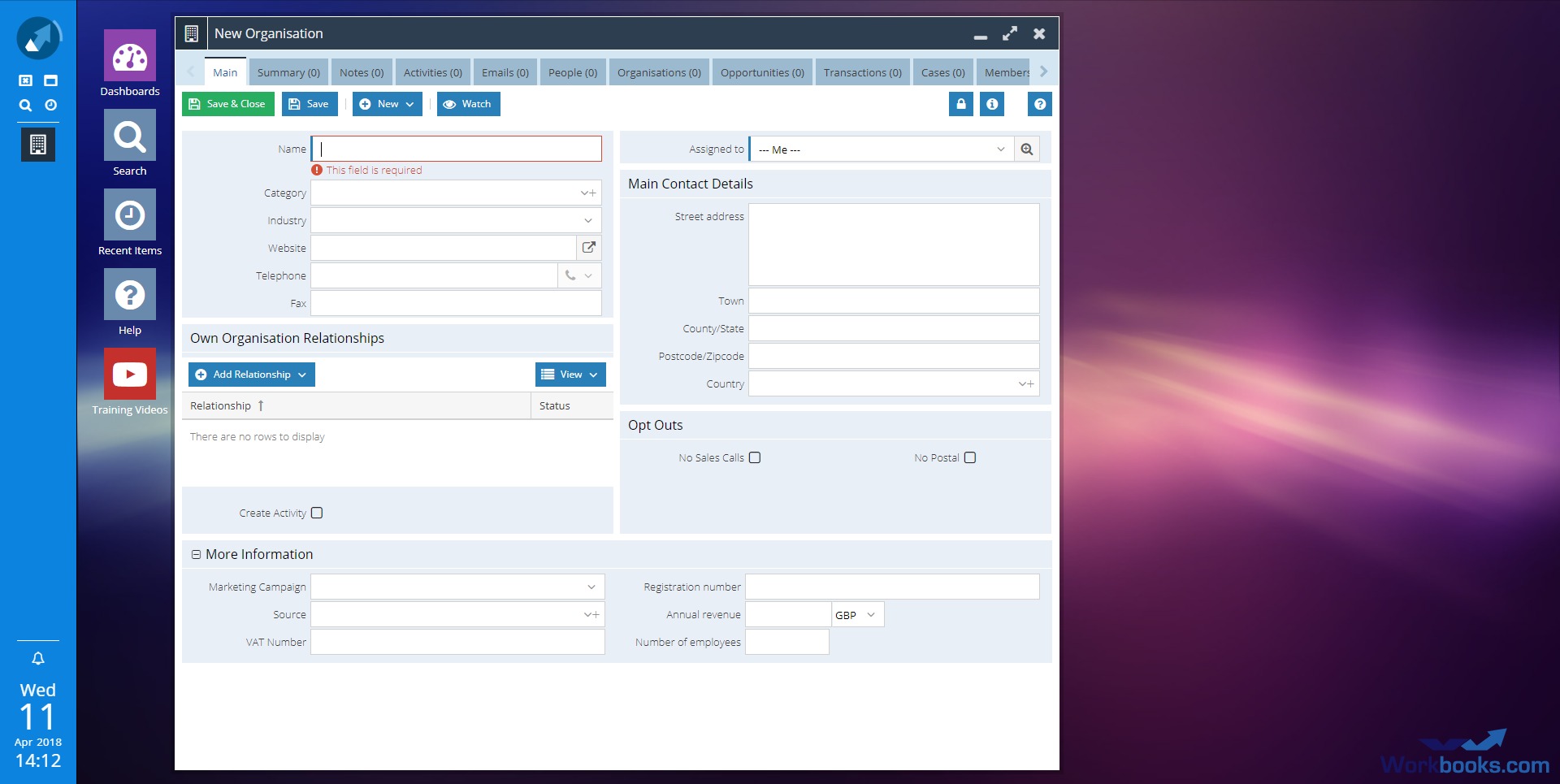
Maintain a single, structured record for each customer, combining sales, marketing, and service data into one accessible profile. - Integration Capabilities
Connect with other business systems such as accounting tools, email platforms, and external applications to extend functionality and reduce data silos.
How can businesses use Workbooks CRM in real scenarios?
- B2B Sales Teams Scaling Operations
Manage complex pipelines, coordinate multiple stakeholders, and maintain visibility across long sales cycles without losing track of opportunities. - Marketing Teams Running Multi-Channel Campaigns
Plan, execute, and measure campaigns while linking engagement directly to revenue outcomes and sales performance. - Customer Support and Account Management
Track issues, manage service requests, and ensure timely responses while maintaining a complete view of customer history. - Companies Transitioning from Spreadsheets
Replace manual tracking systems with a structured CRM that reduces errors and improves collaboration. - Organizations Aligning Sales and Marketing
Use shared data and reporting to eliminate disconnects between lead generation and deal closing processes.
What benefits does Workbooks CRM deliver to teams?
Workbooks CRM improves operational efficiency by reducing duplicated work and centralizing data. Teams gain better visibility into customer interactions, allowing for more informed decisions and faster response times. Automation features help eliminate repetitive tasks, freeing up time for strategic activities.
The platform also enhances collaboration between departments by providing a shared system where information flows seamlessly. Sales, marketing, and support teams can work from the same dataset, reducing miscommunication and improving overall customer experience. Additionally, reporting tools provide actionable insights that help businesses refine strategies and identify growth opportunities.
Another important benefit is scalability. As businesses grow, Workbooks CRM adapts to increasing data volumes and more complex workflows without requiring a complete system replacement.
What is the user experience like with Workbooks CRM?
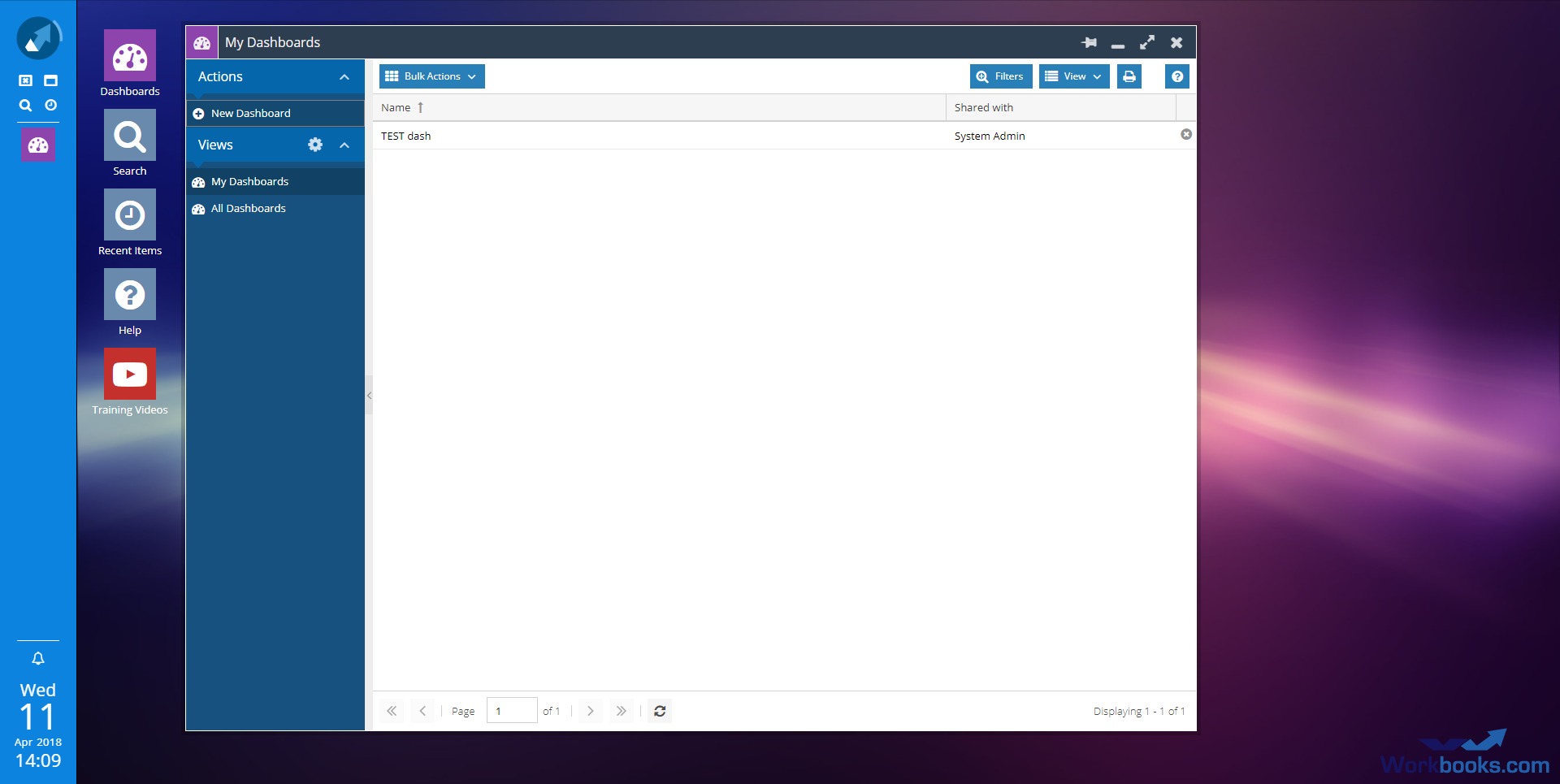
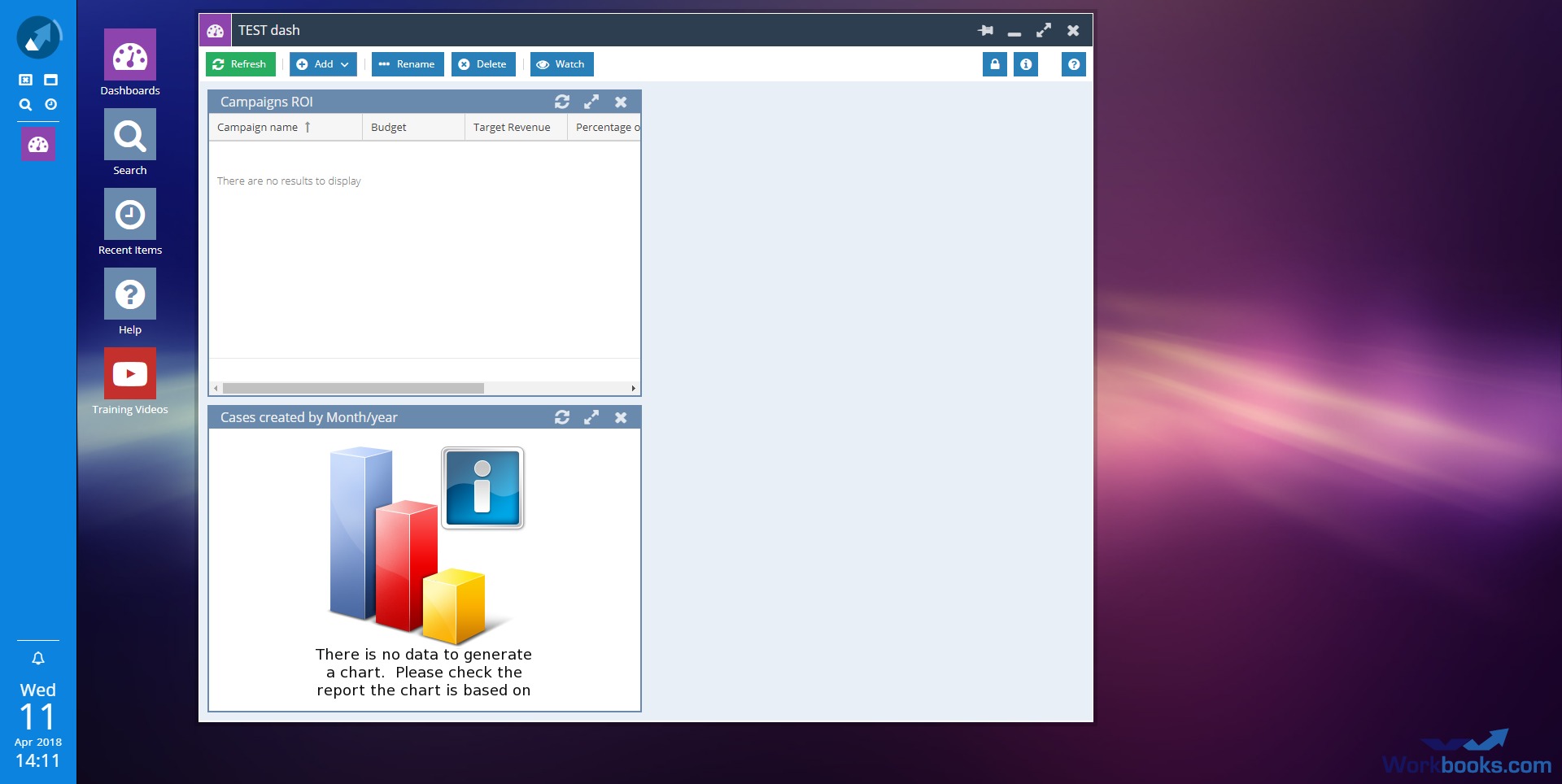
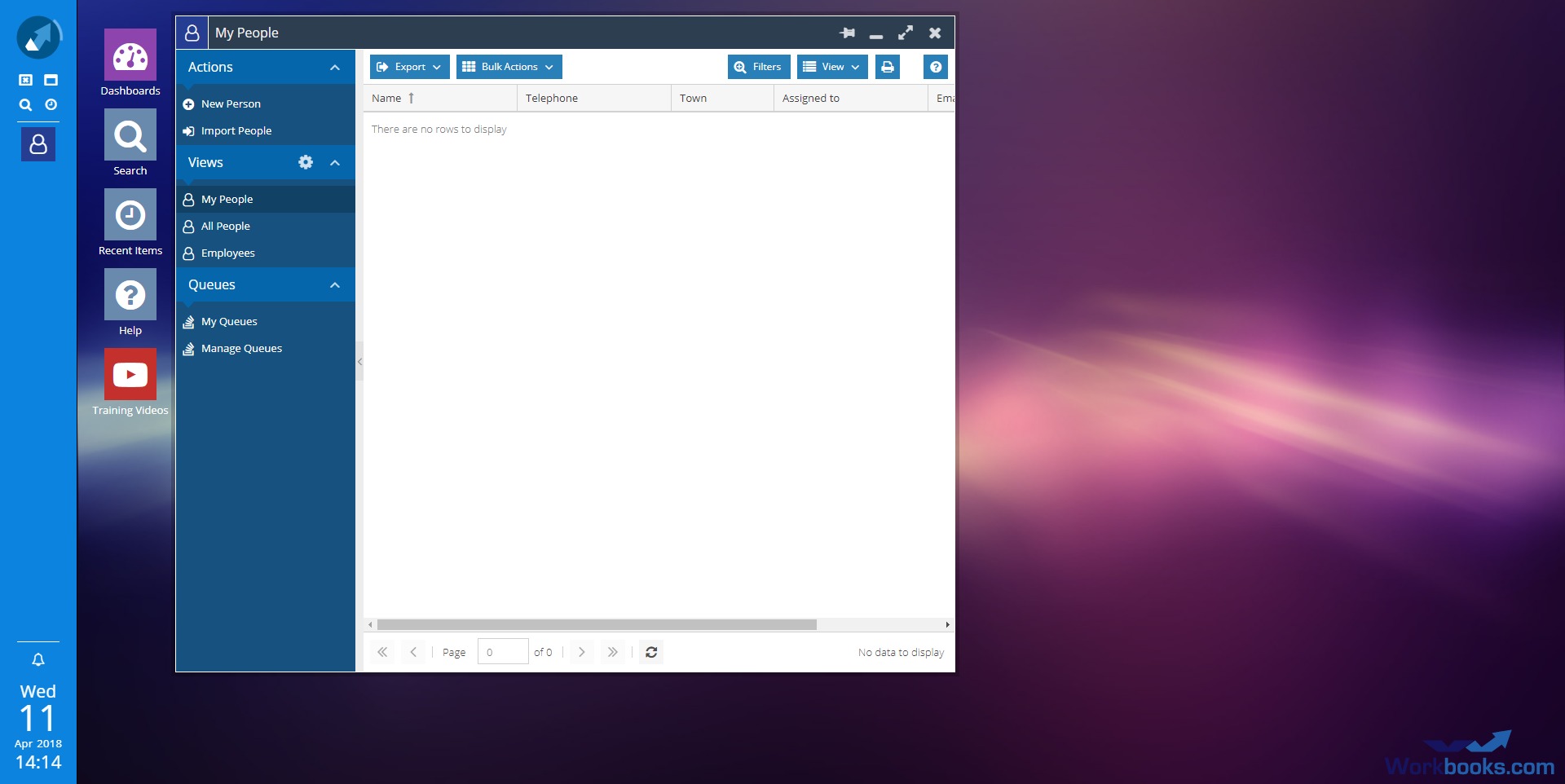
Workbooks CRM focuses on usability without sacrificing depth. The interface is structured to provide quick access to key information such as pipelines, contacts, and reports, while still allowing customization for different roles and workflows. Users can configure dashboards and views to match their daily tasks, making the system practical for both managers and operational staff.
The platform balances flexibility and control, enabling businesses to tailor processes without extensive technical expertise. Navigation is designed to minimize friction, with most actions accessible within a few clicks. At the same time, more advanced users can build custom workflows and reports to suit specific requirements.
Overall, the experience is oriented toward productivity. Instead of overwhelming users with unnecessary features, Workbooks CRM prioritizes clarity, structured data, and actionable insights, making it a suitable choice for teams that want a reliable system to support consistent growth.
2026-10-08 08:20:25: WORKBOOKS DROP IN CLINIC Managing Projects Youtube
2026-10-08 08:12:12: WORKBOOKS DROP IN CLINIC Project Creation Youtube
2026-09-10 08:23:38: WORKBOOKS DROP IN CLINIC Database Settings Youtube
2026-09-02 15:45:46: Customized AI agents: What’s possible with Workbooks Youtube
2026-09-02 08:59:58: WORKBOOKS DROP-IN CLINIC Advanced Reporting Formulae Youtube
2026-08-17 08:29:36: WORKBOOKS DROP IN CLINIC DocuSign Adobe Youtube
2026-08-05 15:33:18: Workbooks AI webinar: How to use, adapt and build AI agents Youtube
2026-07-30 08:30:33: WORKBOOKS DROP-IN CLINIC Case Portal Youtube
2026-07-16 15:04:56: Getting Started - Email Signatures Youtube
2026-07-16 15:01:30: Getting Started - Creating an Email Account Youtube
2023-04-04 16:00:51: The preparations for the Workbooks Customer Conference are well underway 🚀
Lets take a look at our last event!
If you are a current Workbooks customer you can register for this years conference here: https://t.co/o9Ae1WMrwO
#teamworkbooks #crmTwitter
2023-03-30 16:00:26: Are you CRM Ready? 🚀
Download our 6 step CRM readiness checklist today and ensure that you're fully prepared to implement a CRM system that can help you manage customer interactions, streamline sales processes, and improve customer satisfaction.
https://t.co/vJ5DoH09Em https://t.co/YsMqWadVcRTwitter
2023-03-17 12:00:19: Well-implemented CRMs can be a game changer for those businesses with complex and unusual models.
Discover how, with the support of Workbooks, BPL Plasma were able to automate their complex tracking process and increase retention rate: https://t.co/TEid5rCPOg
#CRMSuccess https://t.co/HGJ5e2n3vQTwitter
2023-03-16 12:00:46: Meet the Workbooks support super heroes! 🦸
In this month's support blog we explore our internal support processes and explain a little more about how we work day-to-day to resolve our customers queries.
https://t.co/eUDwoZJhZp
#supportsuperheroes #crm #teamworkbooks https://t.co/gQmiGjChSgTwitter
2023-03-14 12:01:15: Are you working on a CRM initiative and want to convince your management team to invest into it?
Here are 10 essential steps to building a business case for your CRM project: https://t.co/k7C6iUWdEC
#crm #teamworkbooks #sme https://t.co/PWKLizUcIATwitter
2023-03-10 12:00:31: From marketing and finance to sales and customer service, bring your entire organisation together through teamwork and collaboration.
Book a demo and discover how you can optimise your business with workbooks: https://t.co/bjx4EUmq8b
#crm #teamworkbooks #sme https://t.co/eVzpS4xz9hTwitter
2023-03-08 12:00:15: Discover how manufactures are using CRM to transform their businesses .
Download our Whitepaper: https://t.co/OktzeQL5JU https://t.co/2VRJwUNsH5Twitter
2023-03-02 13:00:26: With planning, implementation, migration, training and technical scoping all needing to be addressed, beginning a CRM project can seem daunting.
Having implemented hundreds of CRM projects we have put together a 3 step guide.
Download our whitepaper: https://t.co/ugGsR3VkT1 https://t.co/aRG2a5hN5eTwitter
2023-02-10 14:00:24: Workbooks is a simple, yet powerful, all-in-one solution that works with you to achieve your business goals, all the while lowering cost and risk.
Book a demo and discover how workbooks can streamline your entire business: https://t.co/eE5CyiN9Nz
#crm #teamworkbooks #sme https://t.co/nut6NKwhhpTwitter
2023-02-09 14:00:21: Having spent more than 10 years implementing hundreds of CRM projects, we’ve been able to identify the 7 golden rules for a successful CRM implementation.
Download our whitepaper now: https://t.co/ry9RFQl2Dh
#crm #implementation #teamworkbooks https://t.co/UEqsNvLkizTwitter
Workbooks Alternatives




Workbooks Integrations