Solve CRM
Languages:
English
Localization:
World

What is Solve360 CRM?
Solve360 CRM is a customer relationship management platform designed for businesses that need to manage clients, tasks, communication, schedules, support requests, and ongoing service work in one shared system. Unlike CRMs that focus mainly on sales pipelines, Solve360 is more oriented toward long-term client relationships and operational follow-through. It helps teams keep contact records, company information, notes, activities, tickets, reminders, and responsibilities organized around each customer.
Solve360 is useful for service-based companies, consultants, agencies, contractors, support teams, and small or mid-sized businesses that need visibility into client history and daily work. The platform helps reduce missed follow-ups, scattered communication, unclear ownership, and duplicated internal effort. For teams that need a practical CRM without excessive complexity, Solve360 provides a structured workspace for managing relationships and service delivery.
What are the key features of Solve360 CRM?
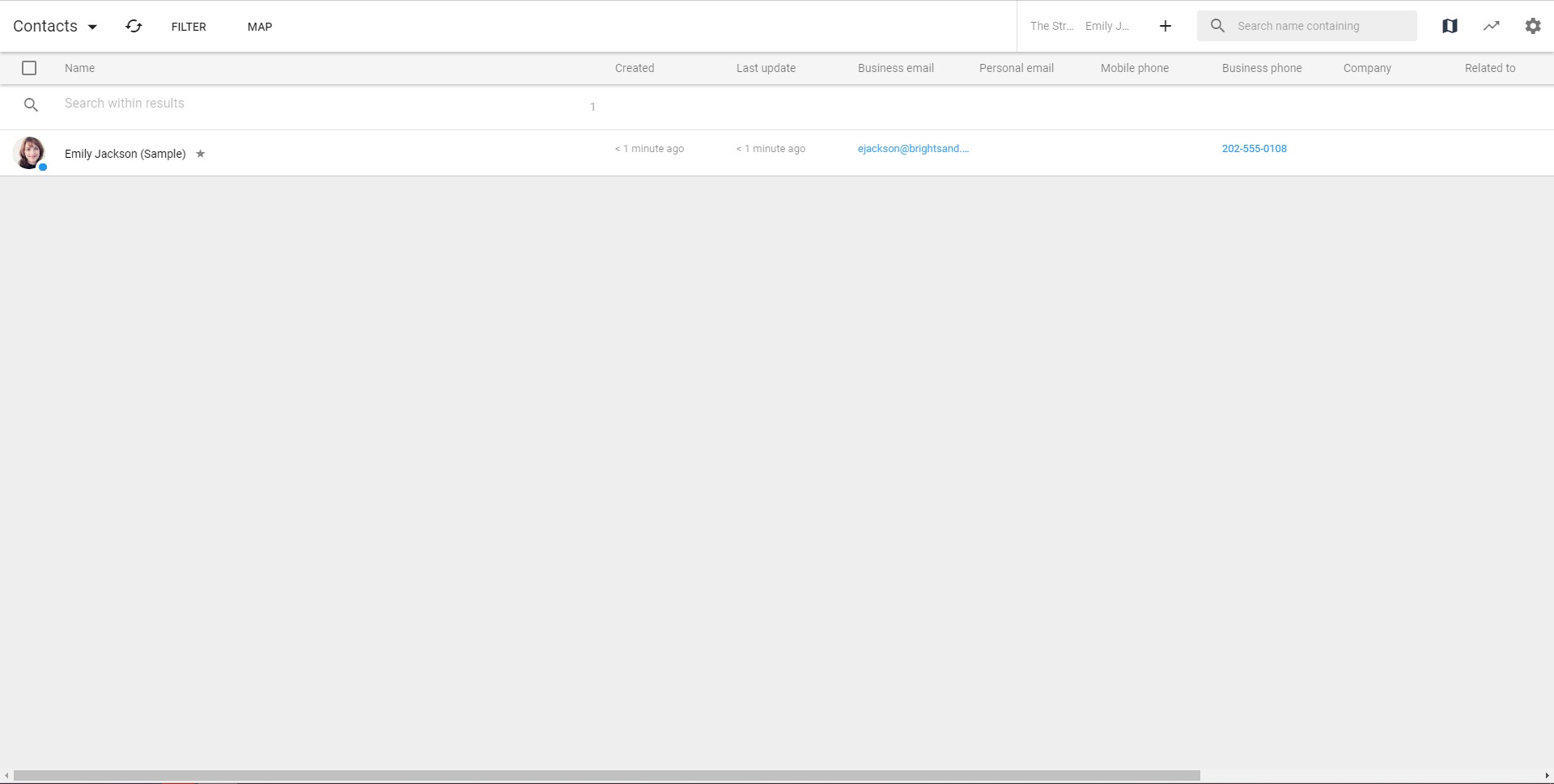
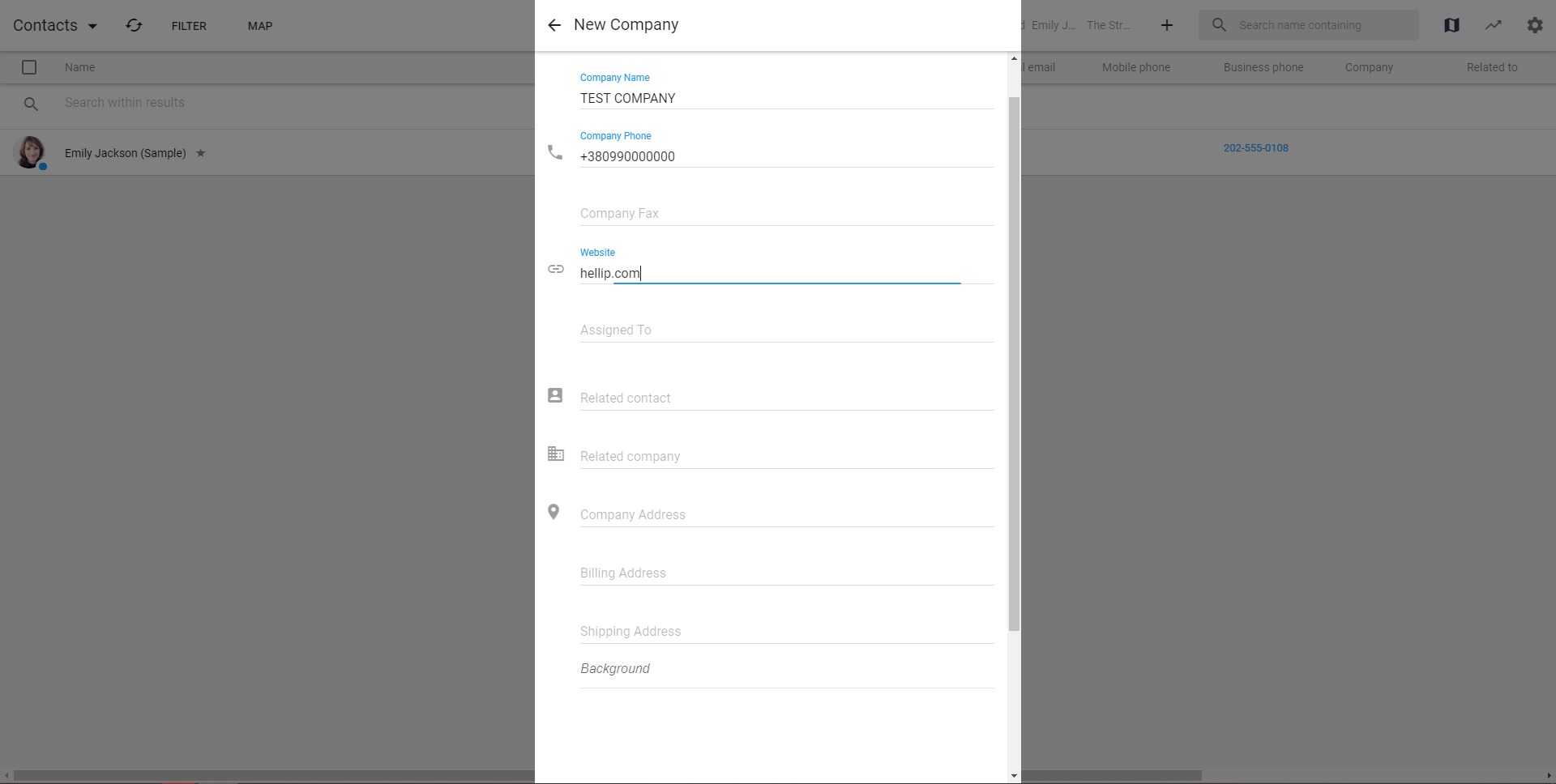
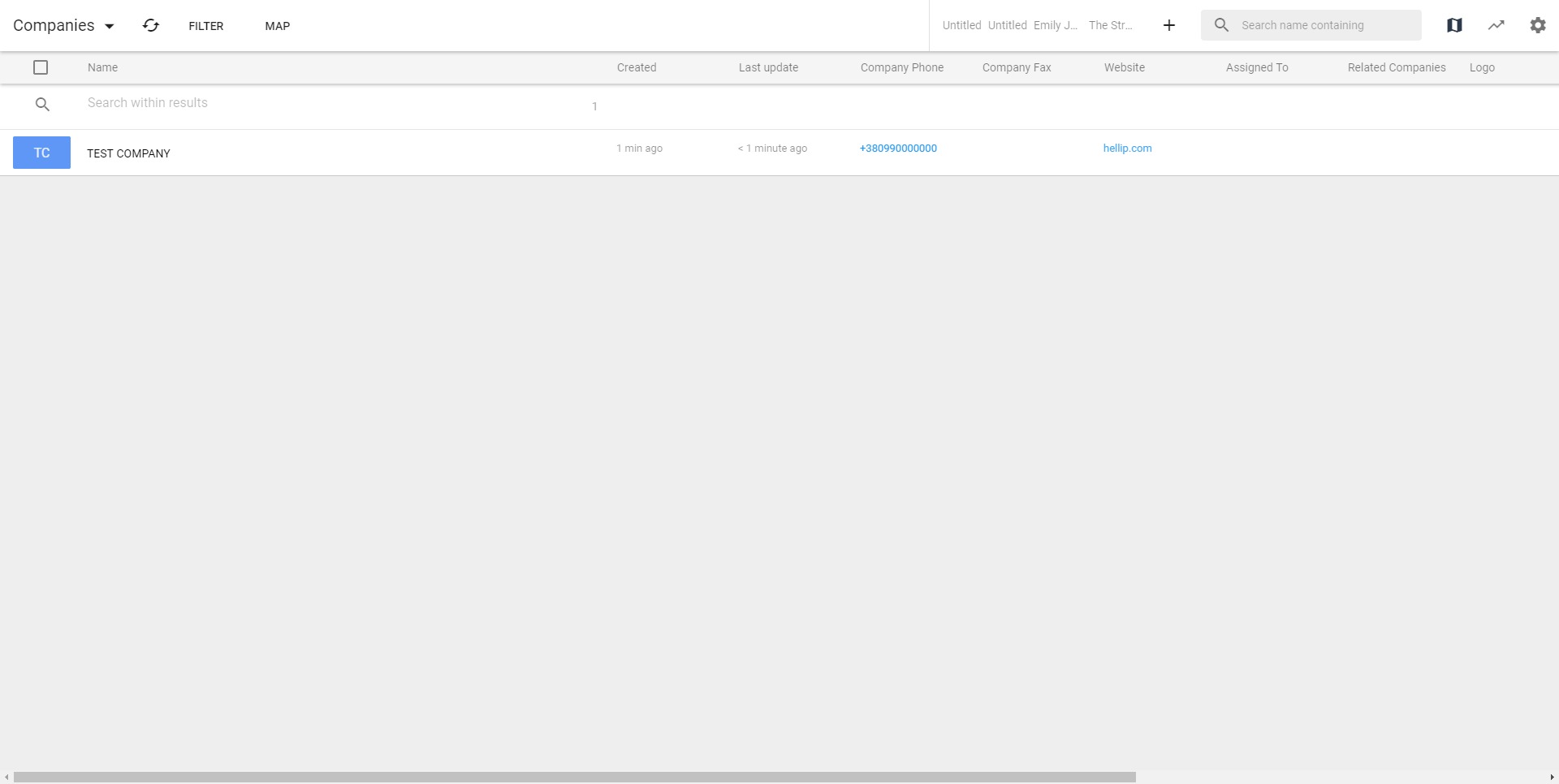
- Contact and company management
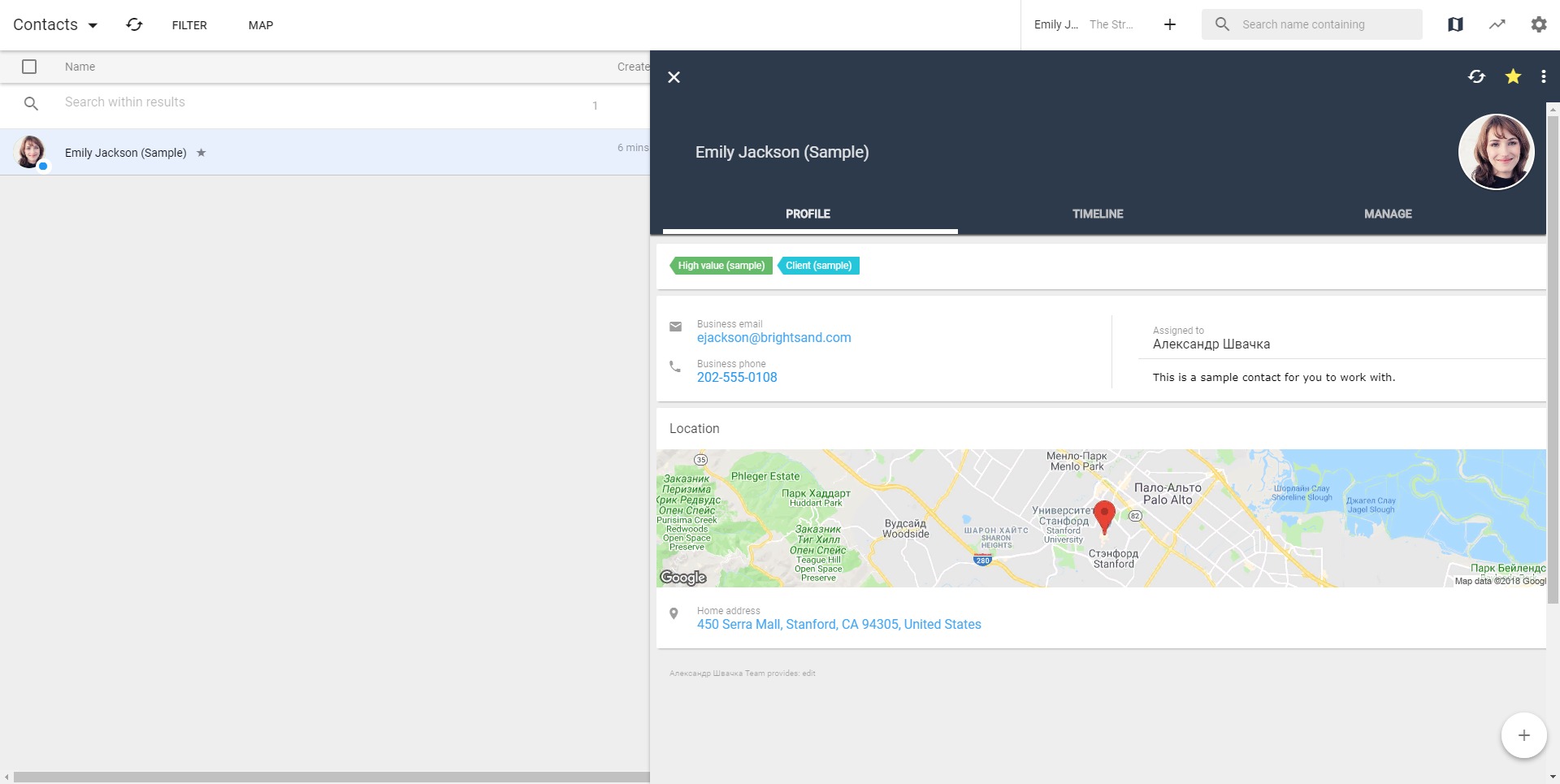
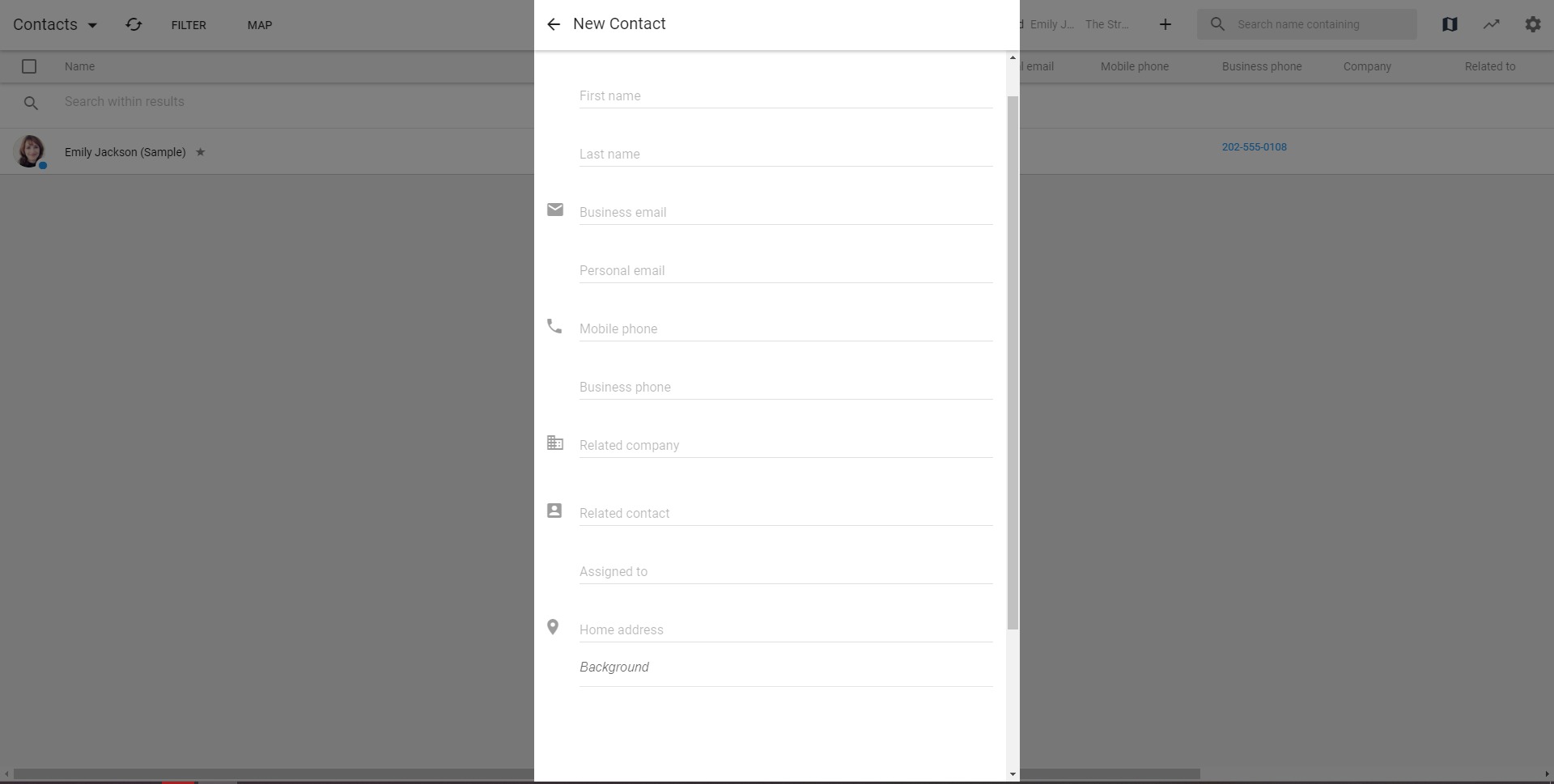
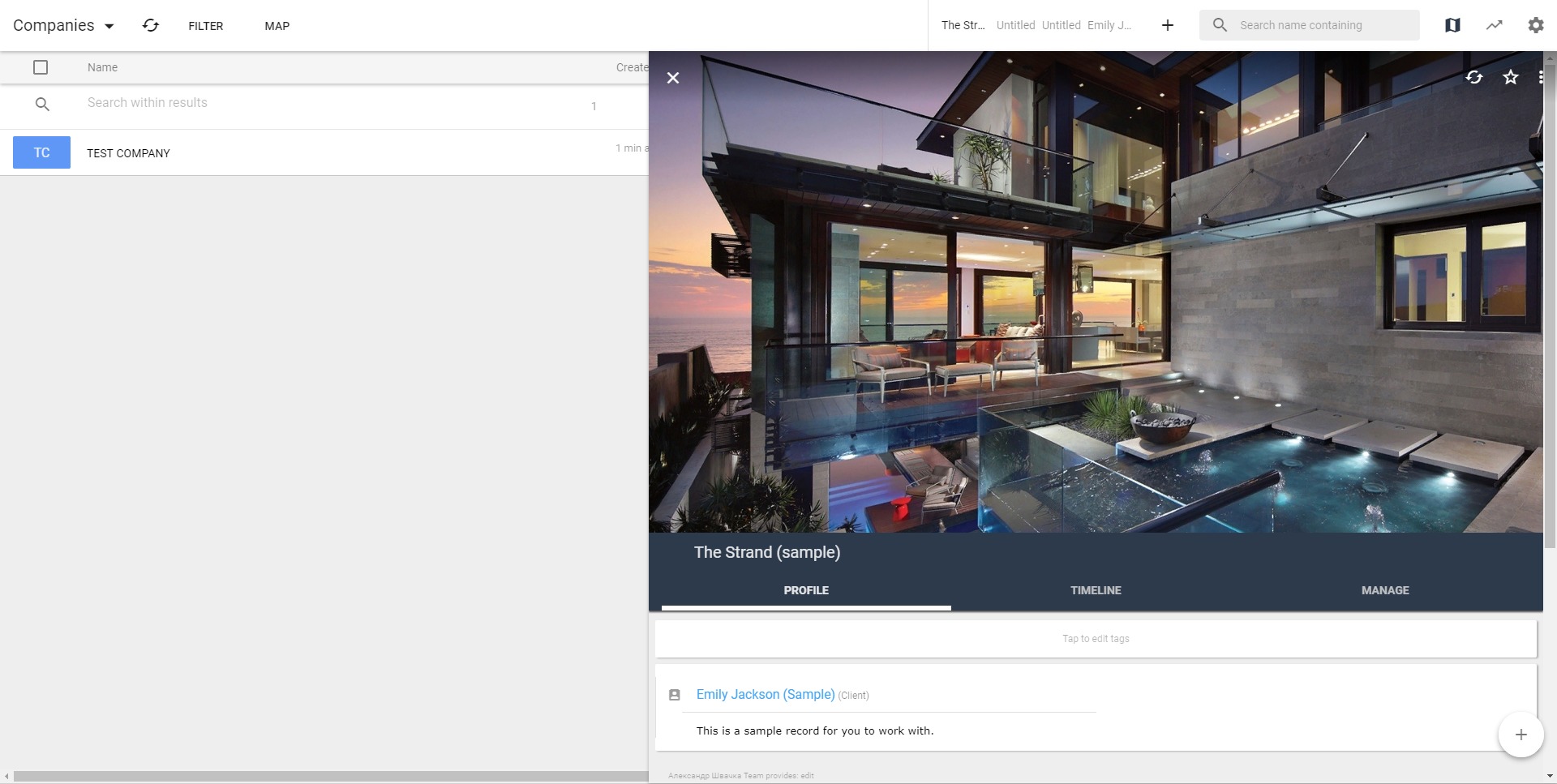
Solve360 allows teams to store and organize client records, contact details, company profiles, notes, communication history, and related activities. This helps users quickly understand the full background of a customer relationship before making decisions or taking action. - Task and follow-up tracking
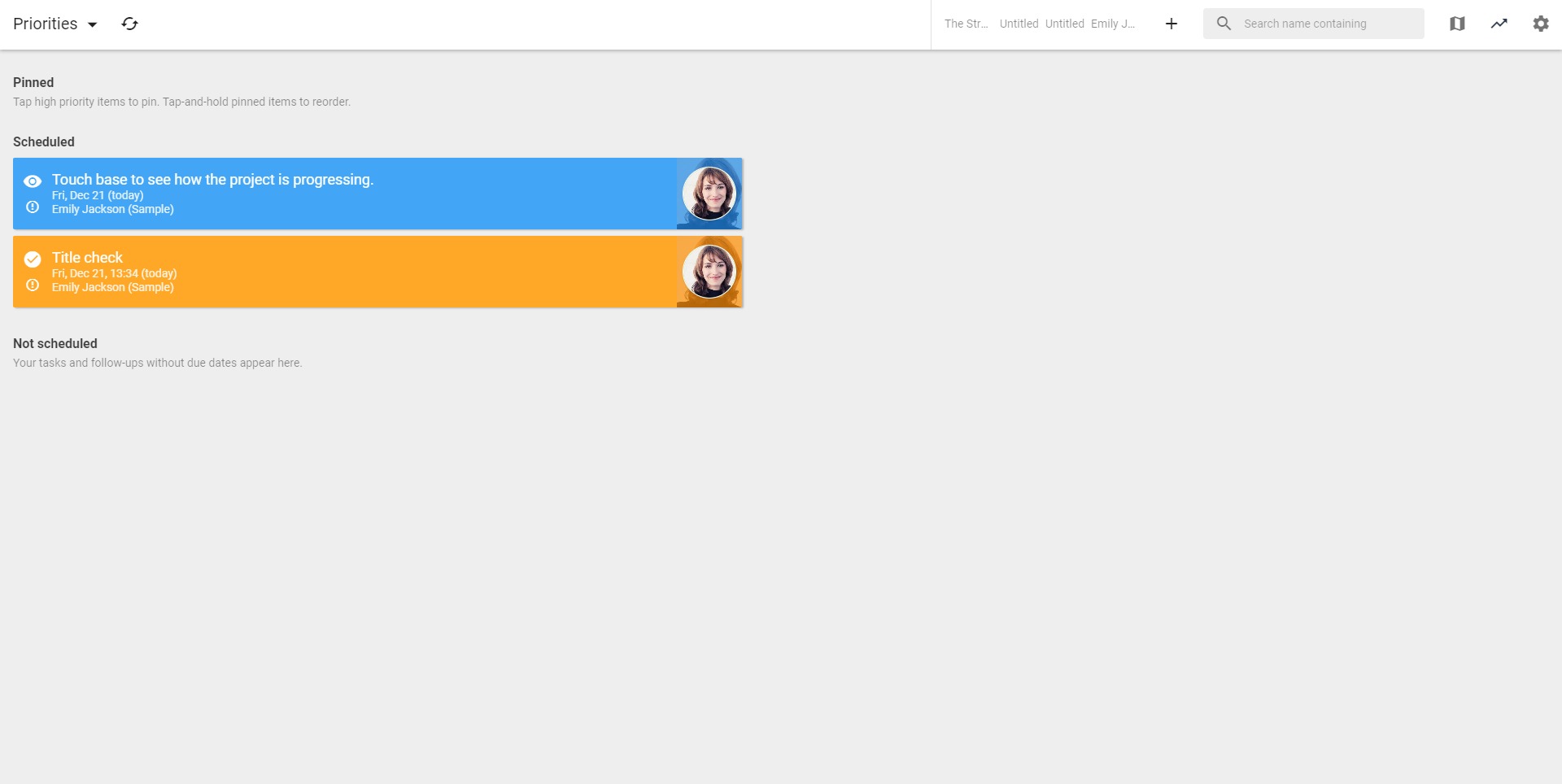
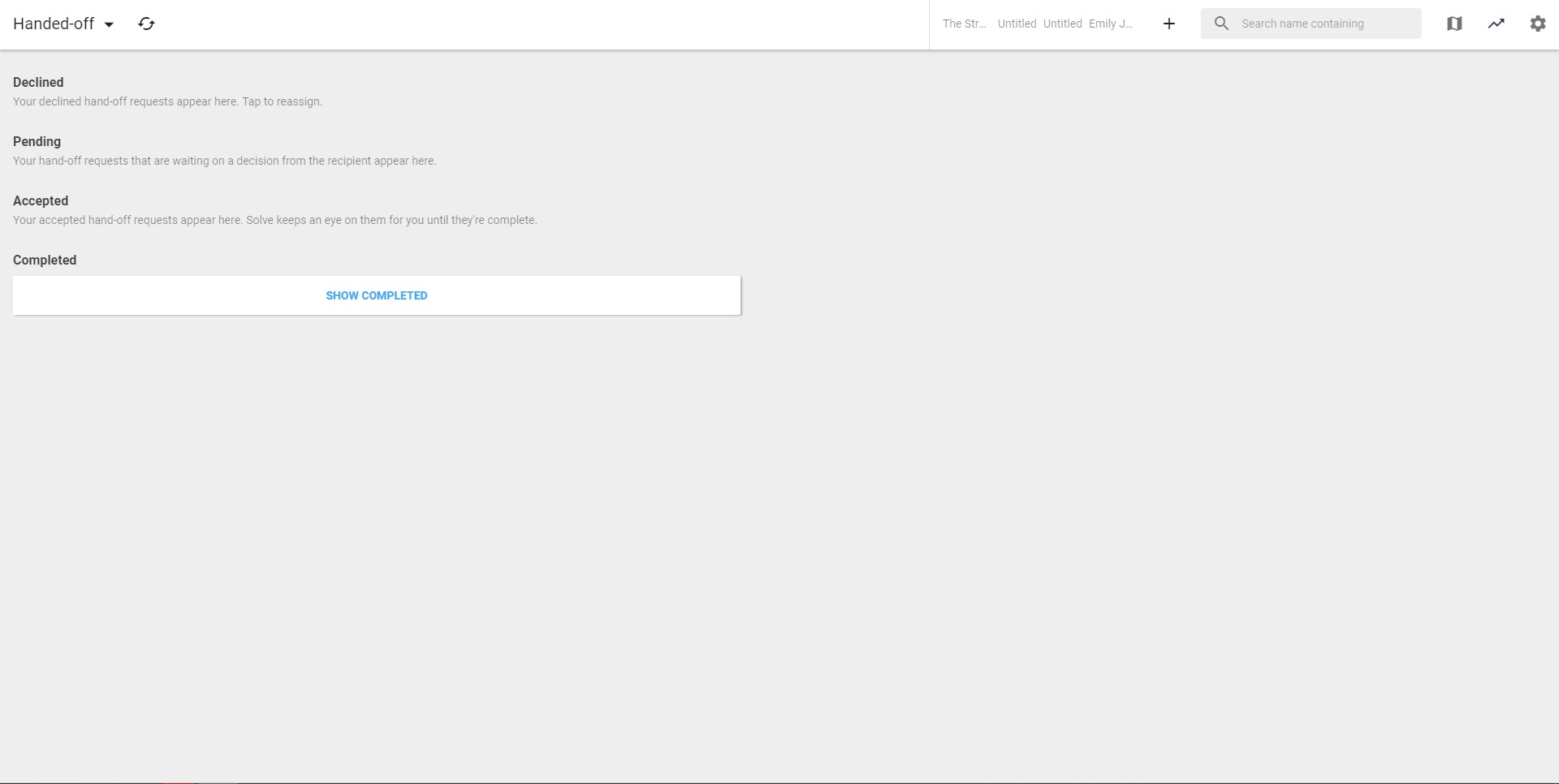
The platform helps users assign tasks, set priorities, manage deadlines, and track what needs to happen next. This is especially useful for teams that handle many client requests, recurring actions, and internal handoffs. - Client activity history
Solve360 keeps client-related interactions and updates connected to the relevant record. This gives team members a clearer view of previous conversations, completed actions, open issues, and next steps. - Ticket and issue management
The service includes functionality for managing customer issues, service requests, and support tickets. Teams can track status, assign responsibility, and follow each issue until completion. - Team collaboration
Solve360 gives multiple team members access to shared customer information. This reduces dependence on private inboxes, personal spreadsheets, or memory-based communication. - Scheduling and reminders
Users can organize appointments, follow-ups, service activities, and time-sensitive tasks. This helps businesses maintain consistent communication and avoid forgotten commitments. - Operational dashboard
The platform provides visibility into tasks, priorities, client work, and team responsibilities. This makes it easier to understand what requires attention each day.
How can businesses use Solve360 CRM?
- Managing long-term client relationships
Solve360 is suitable for companies that work with clients over weeks, months, or years. It helps keep all relationship details, service notes, and follow-ups in one place. - Coordinating service teams
Businesses with support, consulting, field service, or implementation teams can use Solve360 to assign work, track progress, and maintain visibility across customer requests. - Handling customer support requests
Teams can use the ticket and issue management features to organize client problems, monitor status, and ensure that requests are not lost between departments. - Replacing spreadsheets and scattered notes
Solve360 can be used as a central system instead of fragmented spreadsheets, email threads, personal task lists, and manual reminders. - Improving internal accountability
Each task, ticket, or follow-up can be connected to an owner and deadline. This helps teams understand who is responsible for each action. - Supporting sales and post-sale workflows
Solve360 can help manage leads, prospects, active clients, onboarding tasks, renewals, and ongoing service delivery after the sale.
What are the benefits of Solve360 CRM?
Solve360 helps businesses create order around customer relationships and daily service work. Its main benefit is clarity: team members can see who the client is, what has happened before, what is currently open, and what should happen next. This reduces confusion and helps companies respond faster.
The platform also improves continuity. When information is stored in one shared CRM, the business is less dependent on individual employees remembering every detail. New team members can review records and understand the context of a client relationship more quickly.
Solve360 can also improve productivity by reducing duplicated work. Instead of asking coworkers for updates or searching through old messages, users can check the client record, ticket status, or task list directly. For SMBs, this can be a practical way to professionalize operations without adopting a heavy enterprise CRM.
What is the user experience of Solve360 CRM like?
Solve360 is built for practical daily use. The experience is centered around client records, tasks, follow-ups, tickets, and team visibility. Users can open a customer profile, review history, check current responsibilities, and understand what needs attention.
The platform is best suited for teams that want a CRM to act as an operational workspace rather than just a sales database. It works well when employees consistently record activities, assign tasks, update tickets, and use the system as the main source of truth for client work.
For users who prefer a simple, structured, and service-oriented CRM, Solve360 offers a clear workflow. It may not feel as flashy as newer marketing-heavy platforms, but its value is in disciplined organization: less chaos, fewer forgotten promises, and better control over customer relationships.
Solve CRM Alternatives




Solve CRM Integrations