ProofHub
Languages:
English
Localization:
World
What is ProofHub?
ProofHub Project Management Workspace is an all-in-one platform for planning projects, managing tasks, collaborating with teams, tracking progress, and keeping work organized in one shared environment. It is built for teams that want more structure than simple task lists but do not want to stitch together multiple separate tools for planning, communication, approvals, reporting, and scheduling. ProofHub combines project management and team collaboration features in a single workspace, making it suitable for agencies, operations teams, marketing departments, product teams, remote teams, and internal business units that need visibility across ongoing work.
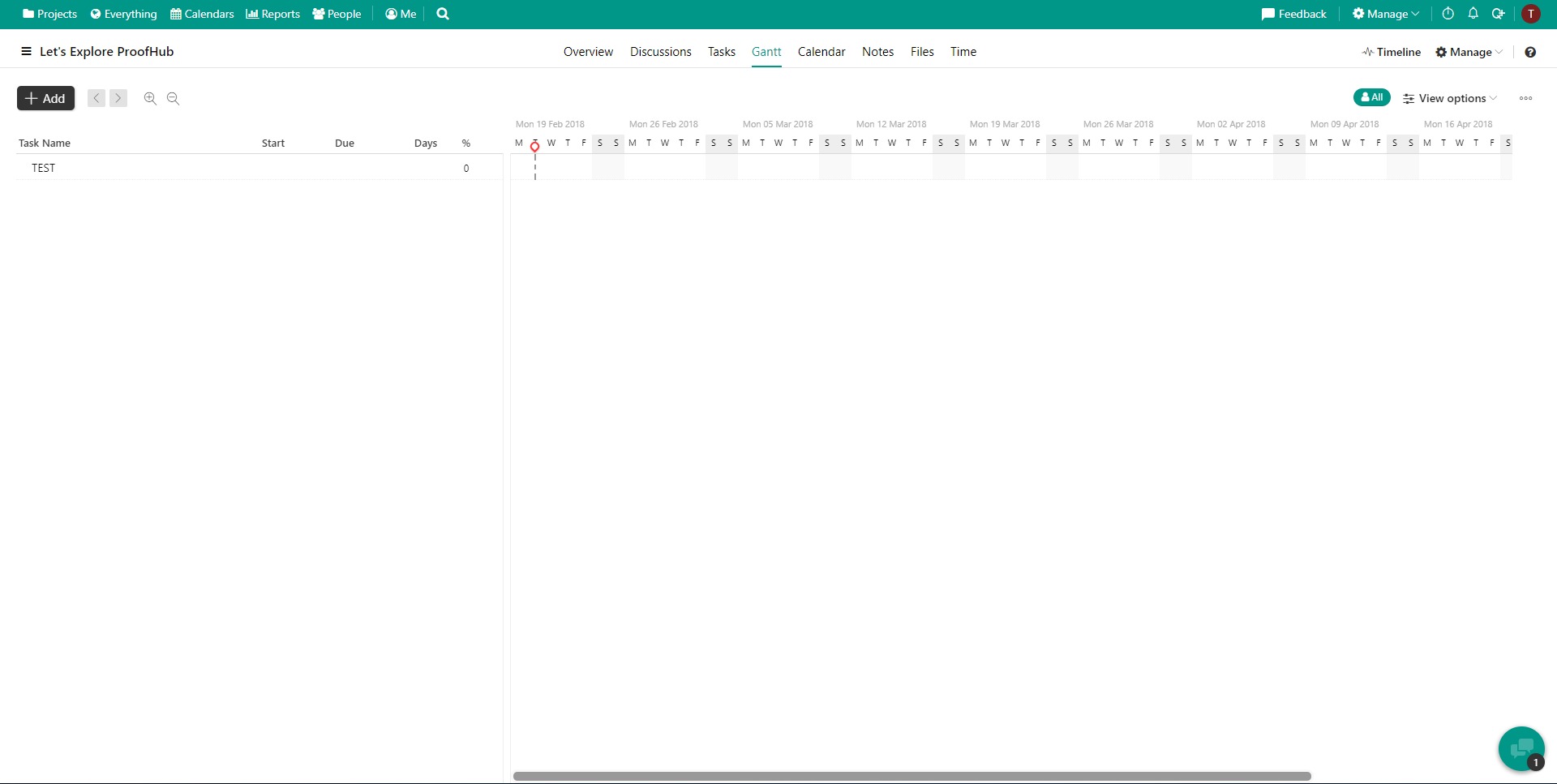
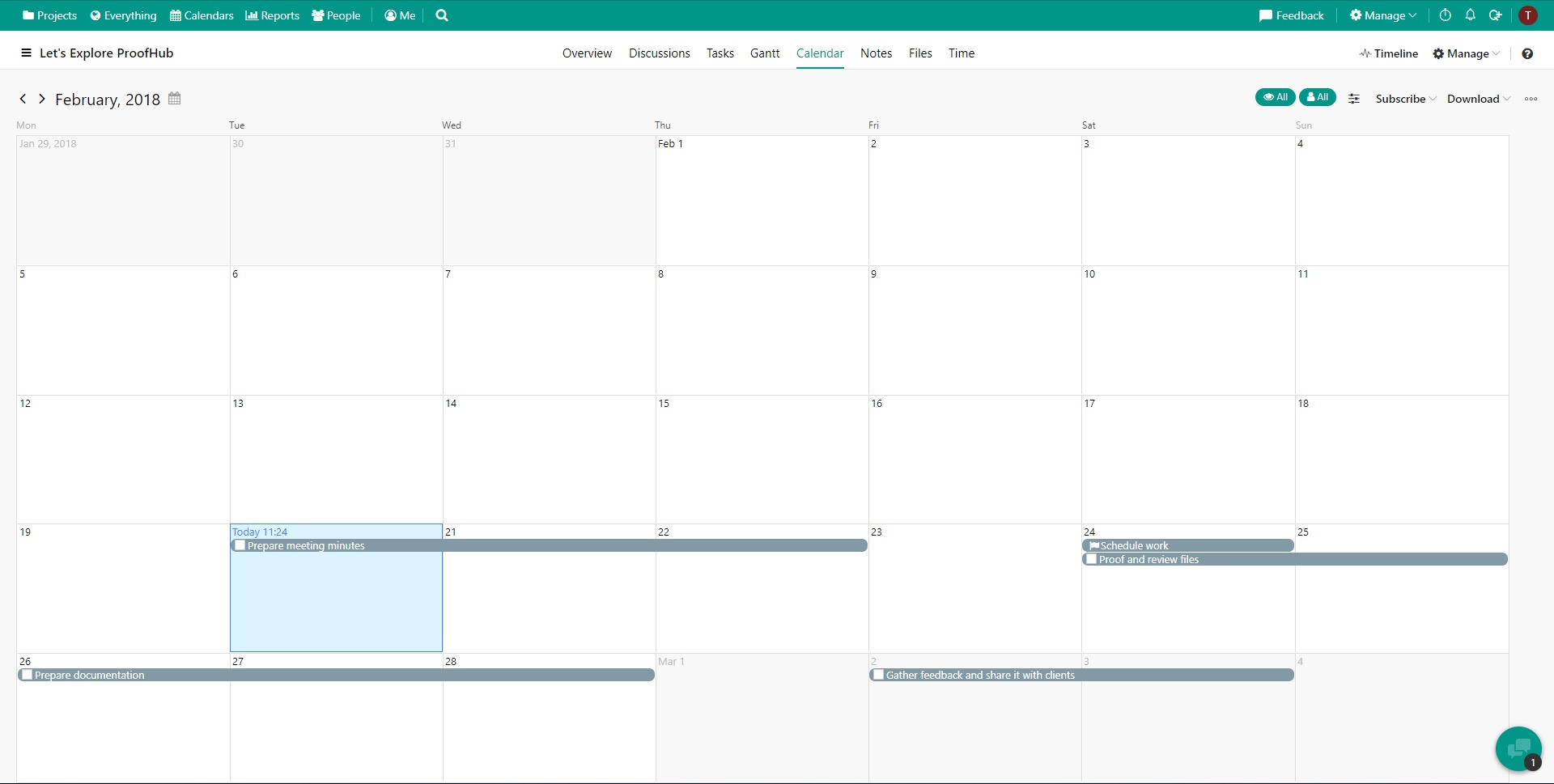
A major part of the appeal of ProofHub Project Management Workspace is that it aims to reduce fragmentation. Instead of moving between one app for chat, another for timelines, another for tasks, and another for proofing, teams can manage daily execution in one place. The platform includes core planning tools such as task lists, boards, Gantt charts, calendars, milestones, and dependencies, while also supporting team communication and project reporting. That makes it a practical option for businesses that want clearer delivery workflows and stronger accountability without excessive system setup.
What key features does ProofHub offer?
-
Task and project planning
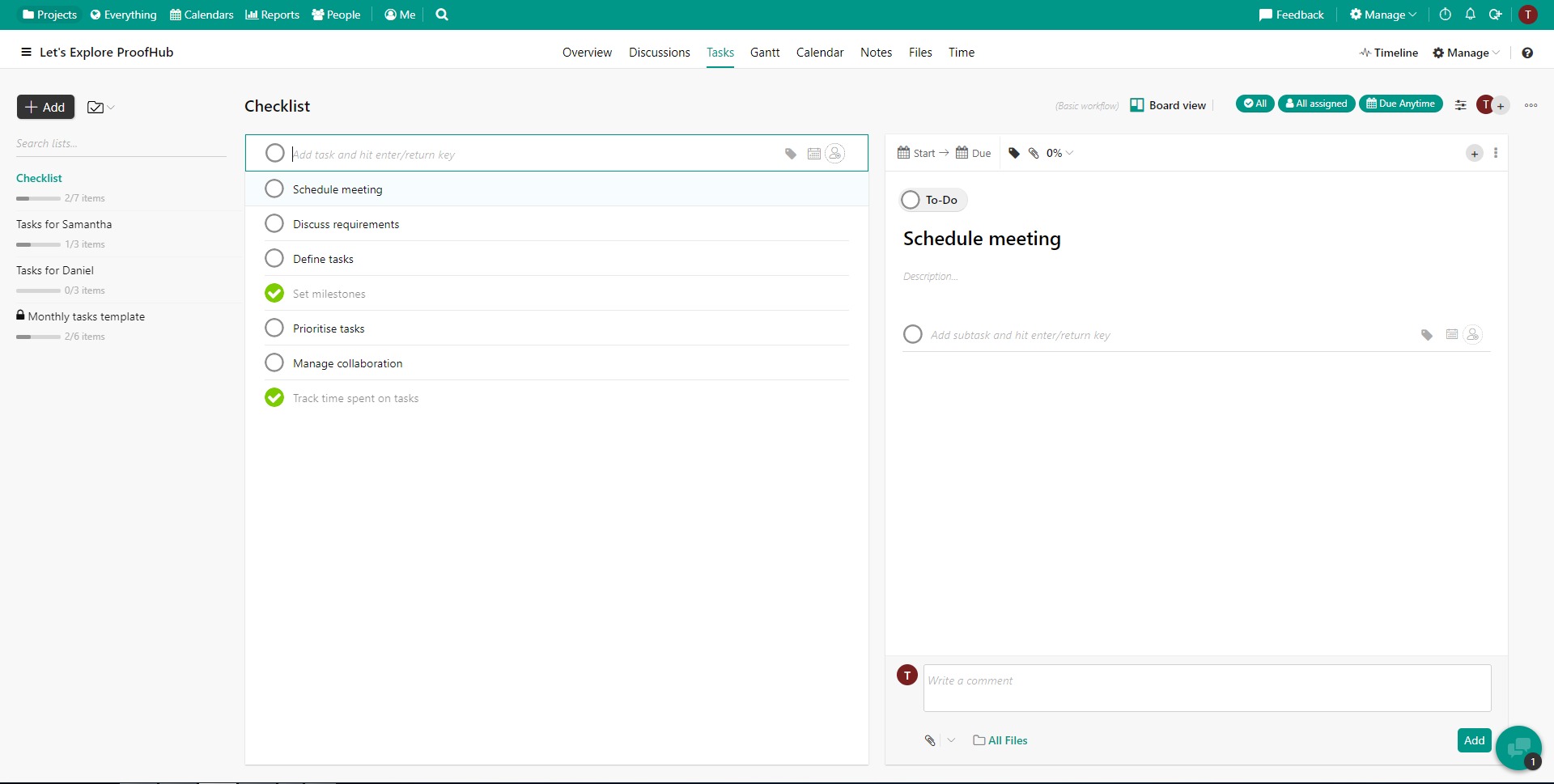
ProofHub includes task lists, Kanban boards, Gantt charts, milestones, dependencies, and calendars. These features help teams plan projects from multiple angles, whether they prefer visual workflows, deadline-based timelines, or structured task breakdowns. -
Collaboration tools
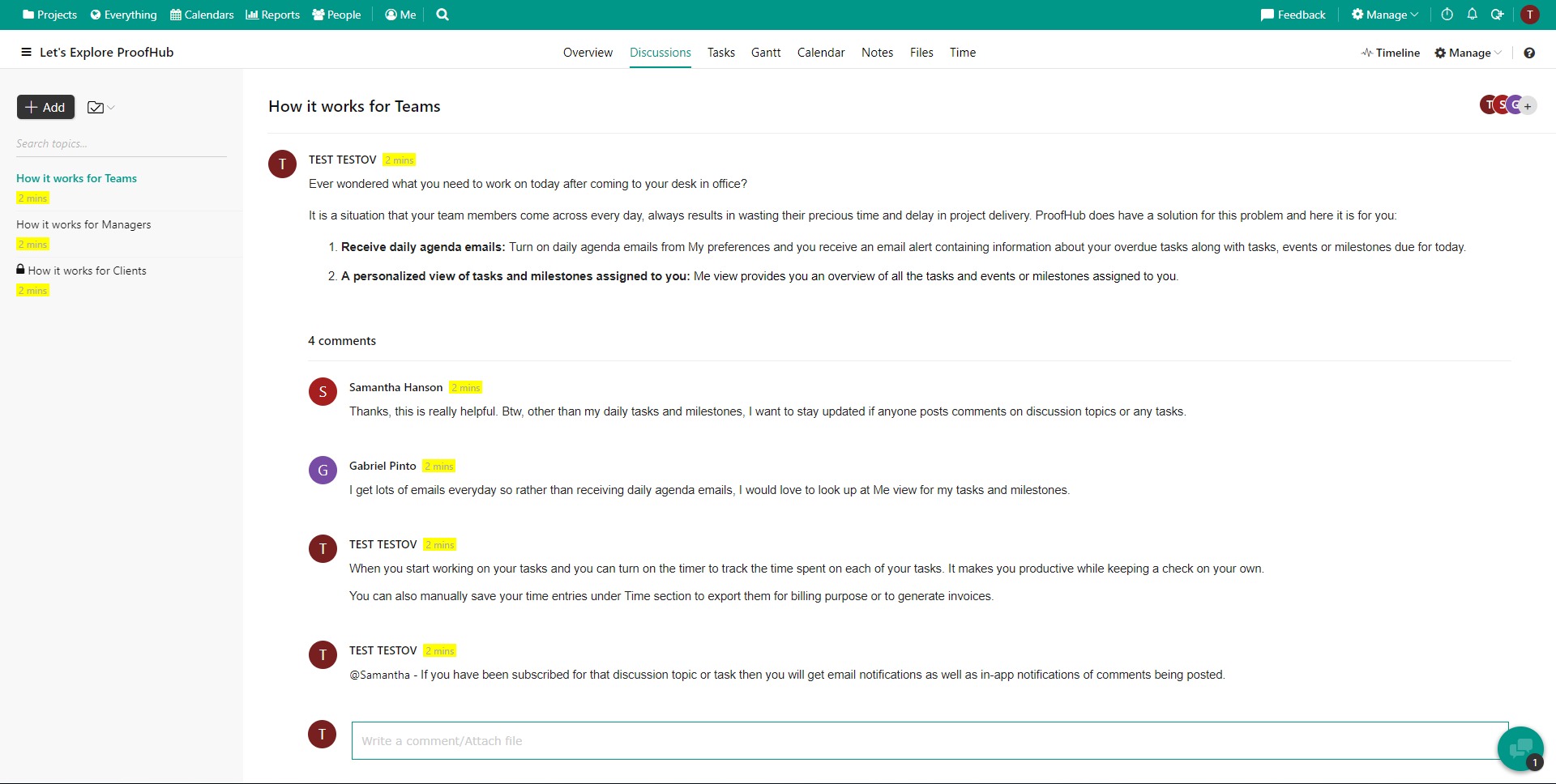
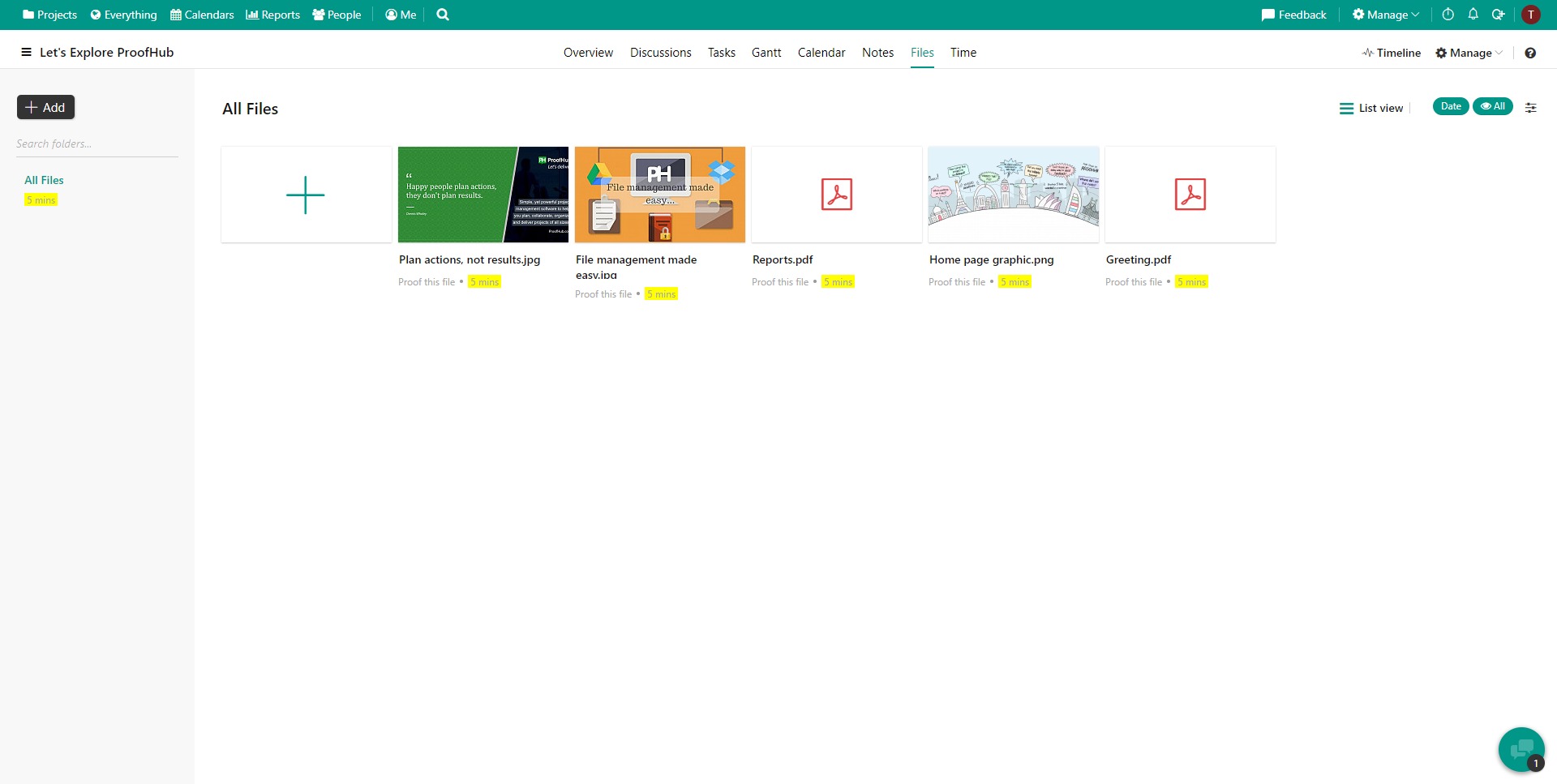
The platform supports discussions, chat, comments, notifications, file sharing, proofing, and approvals. This makes it easier for teams to discuss work, review files, and keep communication tied to the actual project instead of scattering it across inboxes and messaging apps. -
Time tracking and reporting
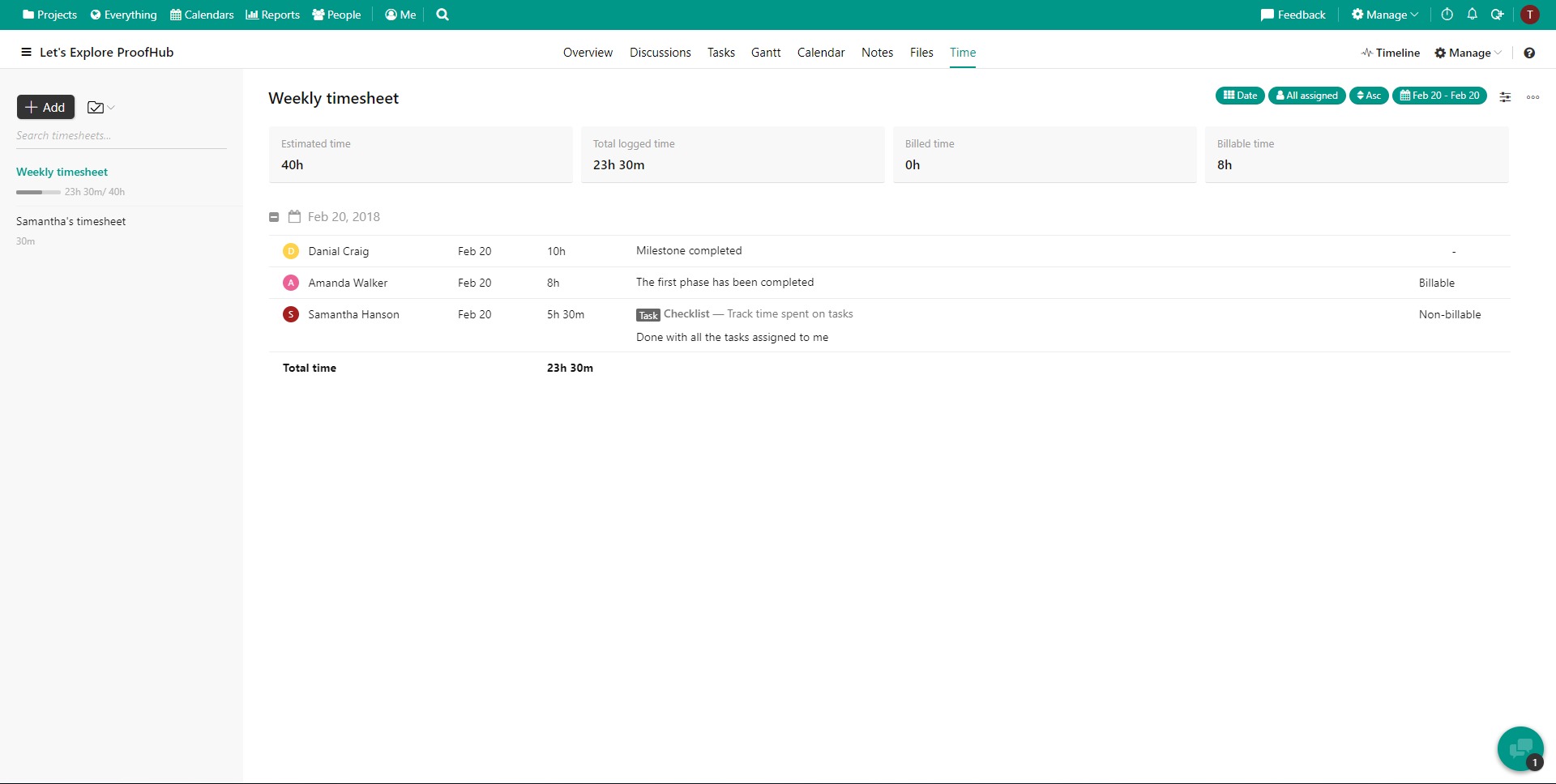
ProofHub offers time tracking, workload visibility, progress reporting, and performance analytics. These tools help managers and teams understand how time is spent, where work is moving, and which projects may need attention. -
Customization and control
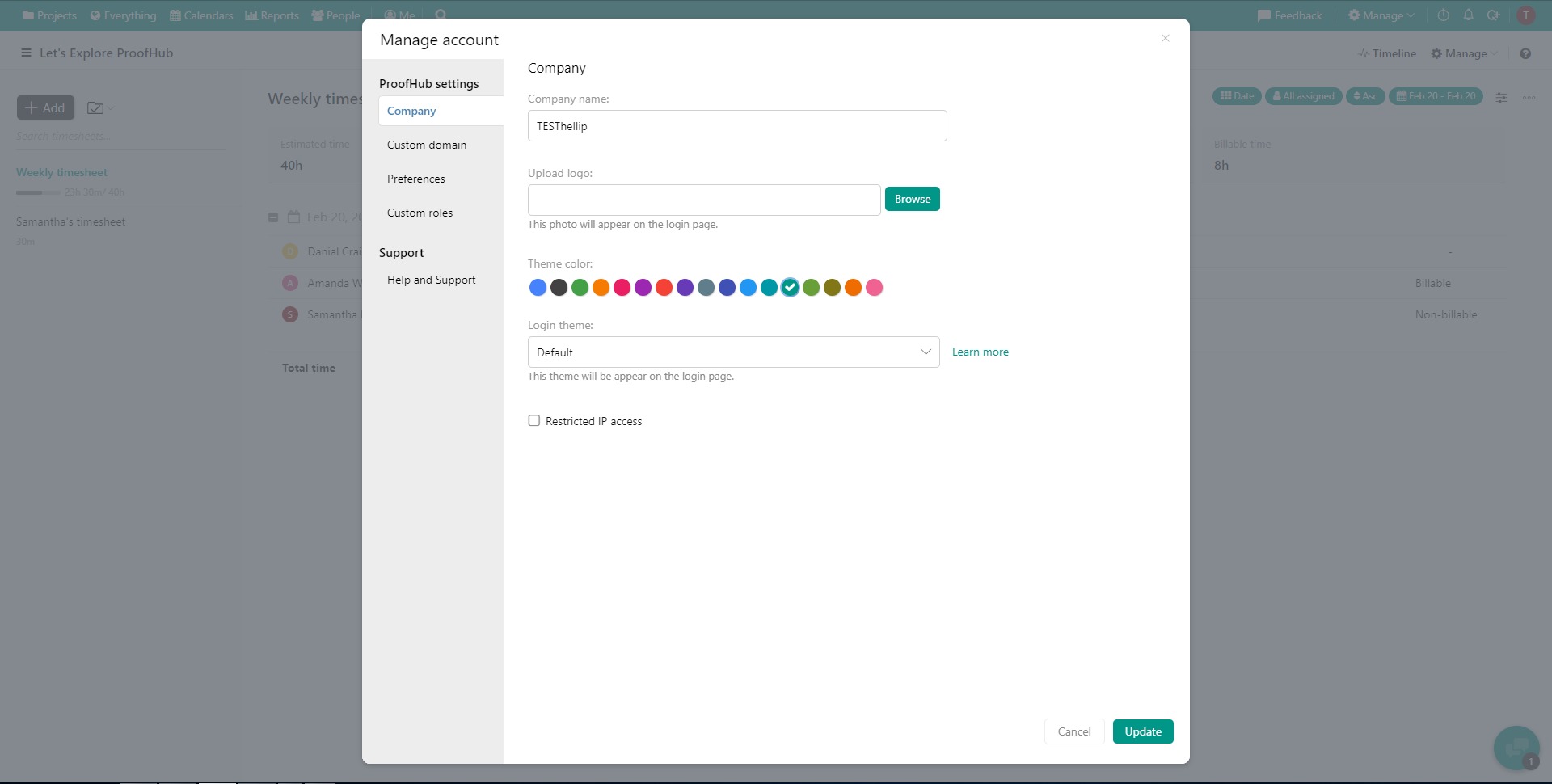
Advanced capabilities include custom workflows, project templates, custom roles and permissions, activity logs, and API access on higher plans. These features are useful for teams that need more control over process design and workspace administration.
Where does ProofHub work best?
-
Agency and client work
Teams handling multiple client projects can use ProofHub to manage tasks, timelines, reviews, approvals, and communication in one system. Built-in proofing and file collaboration are especially useful for creative and marketing workflows. -
Cross-functional internal operations
Businesses can use the platform for coordinating work between departments, assigning ownership, tracking deadlines, and reporting on project status. It is a solid fit where visibility matters more than tool novelty. -
Growing teams that want predictable pricing
ProofHub uses flat-rate pricing with unlimited users rather than per-user fees. That model can be attractive for companies that expect to add more team members without wanting software costs to scale with every seat.
What benefits does ProofHub bring to a team?
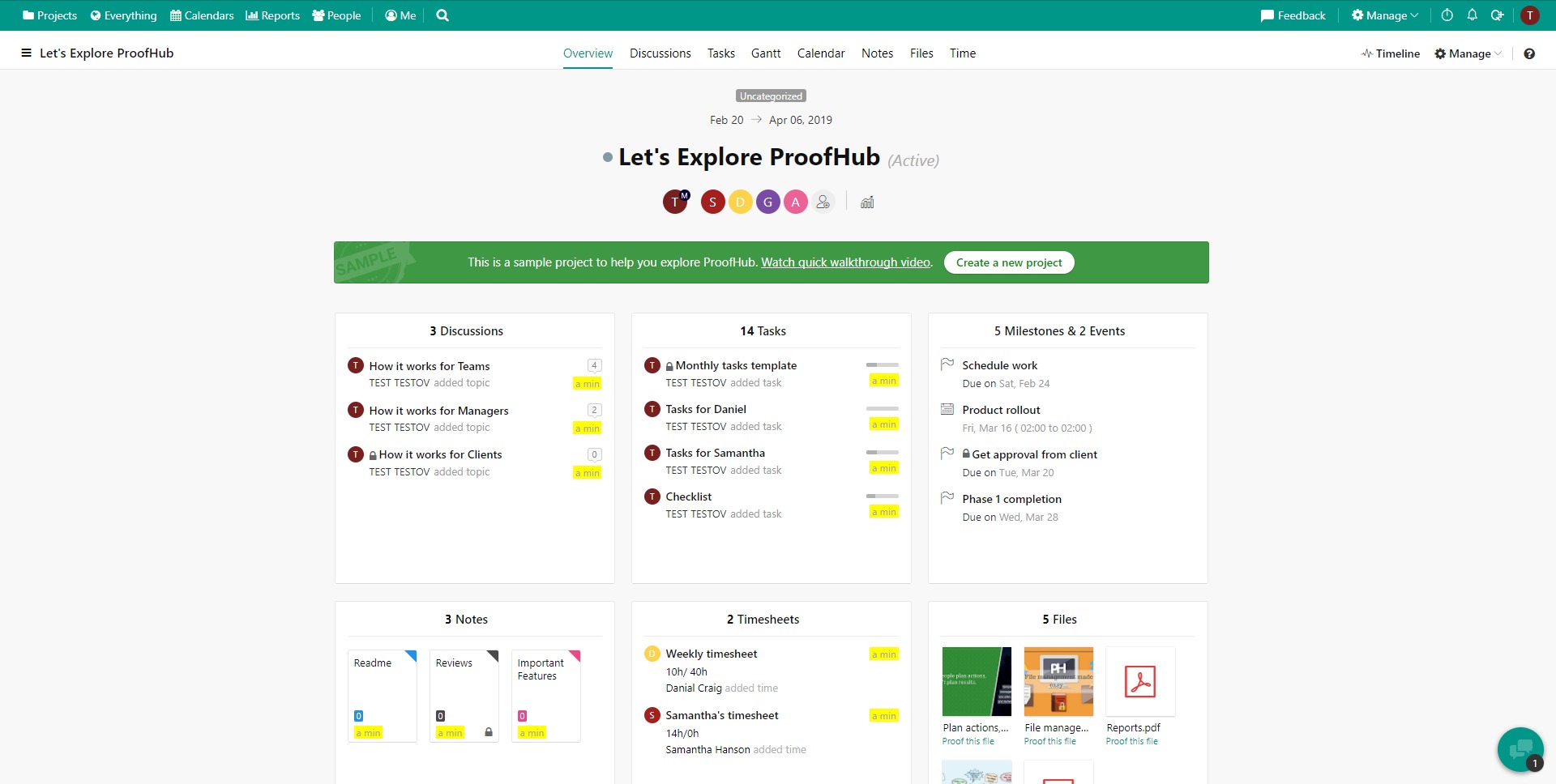
ProofHub Project Management Workspace helps reduce operational clutter by centralizing work management and collaboration. Teams can keep project plans, discussions, files, reviews, schedules, and reporting inside one platform, which can improve clarity and reduce the friction caused by disconnected tools. For managers, this means better oversight. For team members, it often means less context-switching and fewer missing details.
Another benefit is structure without excessive complexity. ProofHub appears designed for teams that want a professional work management environment that is usable early, rather than a system that requires heavy configuration before it becomes useful. It gives enough planning depth for serious project execution while staying focused on day-to-day coordination and delivery.
What is the user experience like in ProofHub?
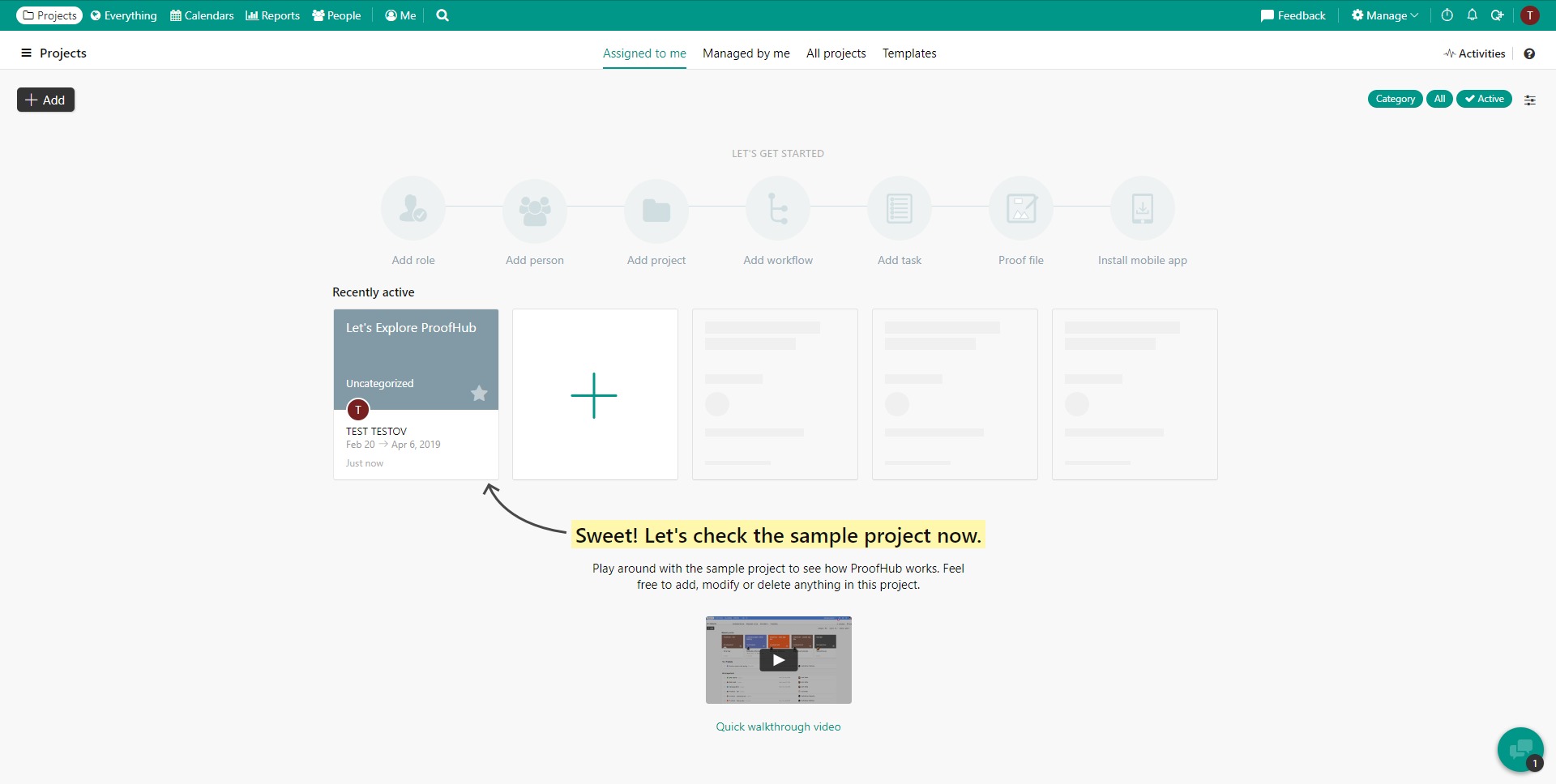
The user experience of ProofHub is centered on clarity, organized navigation, and a broad feature set inside one workspace. Users can create projects, assign tasks, monitor deadlines, collaborate on files, and review progress from the same platform. The system is designed to support both individual visibility and team-wide coordination, which helps different roles work from a shared operational view.
Overall, ProofHub Project Management Workspace is best understood as a practical business tool for teams that want centralized project control, stronger collaboration, and predictable pricing. It is not trying to be a lightweight to-do list. It is built for teams that need work to move, be reviewed, be tracked, and actually get finished.
2026-07-09 03:30:06: Six Sigma & DMAIC: Eliminate Defects Youtube
2026-07-08 03:30:11: The Critical Path Method (CPM) Youtube
2026-07-07 03:30:21: The translation for "PRINCE2" remains the same in English, as it is a specific project management methodology and does not require translation. Youtube
2026-07-05 18:30:36: What is Water-Scrum-Fall? Youtube
2026-07-03 15:30:37: How Kanban Visualizes Your Workflow Youtube
2026-07-02 08:30:35: How Scrum Framework Works Youtube
2026-07-01 08:17:29: What is Agile Really? Youtube
2026-06-18 12:17:36: What is the waterfall methodology #projectmanagement Youtube
2026-06-17 13:30:03: What is project management methodology #projectmanagement Youtube
2026-05-29 11:52:10: How to become a project manager? #projectmanagement #project Youtube
2023-04-04 14:30:14: Is your team not in sync with your vision? Do you also feel unconnected with them?
Then you need to improve your #internalcommunication. Here’s how you can fix it:
#collaboration #teamwork #business #Leaders #Tips
https://t.co/qKTSU3woCoTwitter
2023-03-28 16:14:53: If you still feel your employees are not well-engaged and unable to comprehend proper information, then you need to refine your #internalcommunication #strategy.
Find these 6 effective strategies to better connect with your #team.
https://t.co/LwXWVMRuE3Twitter
2023-03-17 14:57:42: Have all your answers related to what is task management, its importance, task management software and all other aspects in this detailed #Guide .
#taskmanagement #tools #managers
https://t.co/kAZhaiHqrOTwitter
2023-03-14 12:51:55: Say goodbye to miscommunication and hello to better #teamwork! Our comprehensive #Guide to internal communication will help you unlock your team's full potential. Check it out now!
#internalcommunication #tools #workplace #employees #productivity
https://t.co/kDBYgpMKx1Twitter
2023-03-06 15:38:39: Feeling confused which business tool can actually grow your startup? Then you should take a look at these.
#online #business #tools #startups
https://t.co/e45DHzvE3HTwitter
2023-03-01 14:34:26: Celebrate this women’s day by embracing yourself with your strengths, improved skills and balanced work-life.
Know the #strategies and tips you can use to excel at work.
#Tips #WomensDay #workplace #leadership
https://t.co/2RFSnu3YRYTwitter
2023-03-01 13:45:08: This International Women’s Day, show your organization’s utmost respect and admiration for your female employees for the great value they add to the #workplace . Here are 8 amazing #ways to #celebrate International Women’s Day.
#InternationalWomensDay
https://t.co/S3AnLUvKi1Twitter
2023-02-28 15:25:48: Are you need of stress leave from work? The information below will help you understand what a stress leave is, its symptoms, what you can do after taking one, and come back to the workplace recharged.
#stressrelief #MentalHealthMatters #selfcare
https://t.co/cshFcGvnCrTwitter
2023-02-27 15:11:23: Devise a successful #project strategy with #SWOT analysis.
Find your #Strengths
Work on weaknesses
Get the #opportunities
Be proactive about #threats
#Strategic #planning #business #Tips
https://t.co/xq69TIe0QSTwitter
2023-02-24 15:19:44: "What do bosses think of remote working?"
Let's see what ProofHub's CEO has to say about it.
Also, don't forget to share your thoughts about it.
#remotework #CEOs #Entrepreneur #employees #ProductivityBoost #businessowner
https://t.co/35ui4d6tUjTwitter
ProofHub Alternatives