Postman AI-Native API Development Platform

What is Postman and how does it work?

Postman is an AI-native API development platform that helps individuals and teams design, build, test, document, monitor, manage, and distribute APIs. Although it began as a convenient tool for sending HTTP requests, it has expanded into a broader workspace covering the complete API lifecycle.

The Postman AI-Native API Development Platform allows developers to configure requests, manage authentication, inspect responses, and organize related operations into collections. Teams can share these resources through collaborative workspaces, create reusable test scripts, maintain API specifications, and publish documentation for internal or external users.

Postman supports common API styles and protocols, including REST, GraphQL, gRPC, SOAP, and WebSocket. Desktop and web applications support interactive development, while command-line tools and integrations connect API tests with automated delivery pipelines. This combination makes Postman useful for independent developers, integration specialists, QA engineers, DevOps teams, and enterprises managing extensive API ecosystems.

What are the key features of Postman?

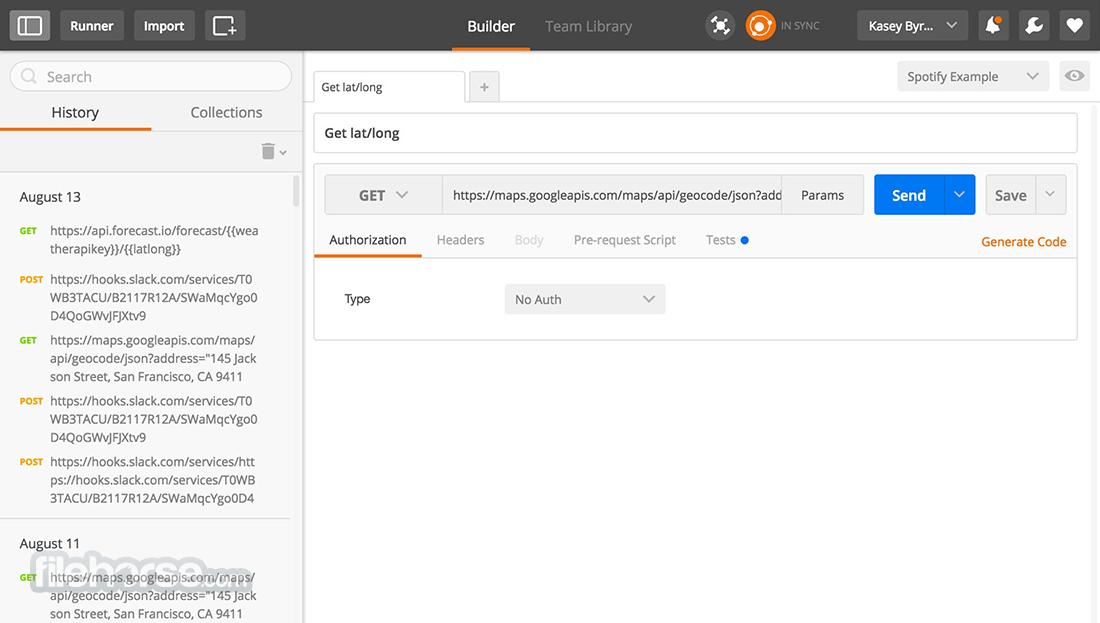
  • API request builder: Users can create and send requests, configure query parameters, headers, cookies, request bodies, and authentication methods, and then inspect status codes, response times, headers, and returned data.
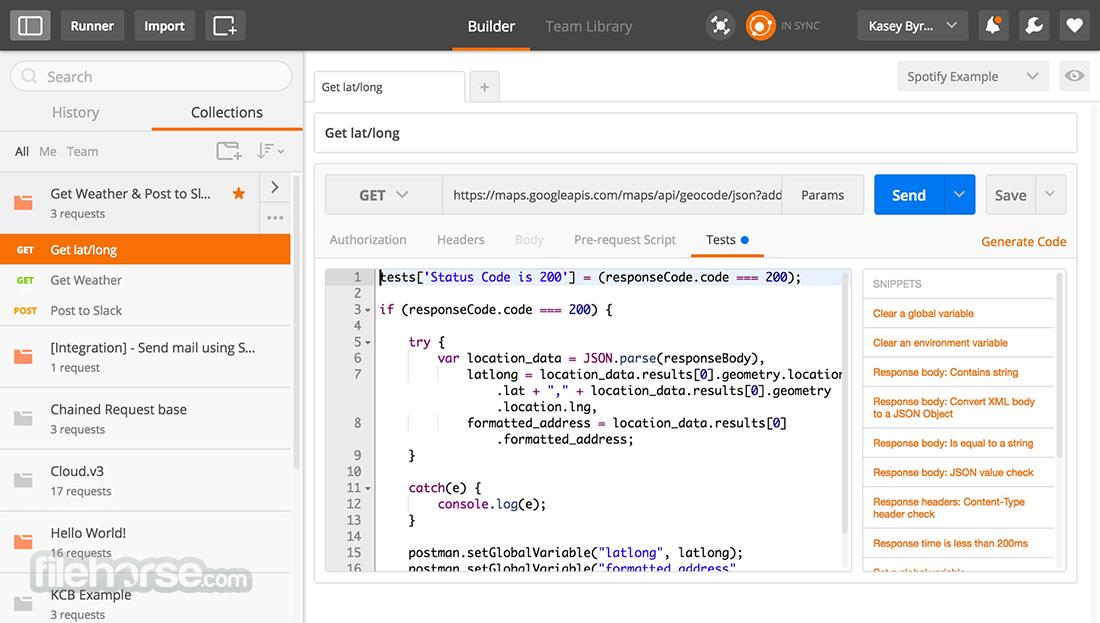
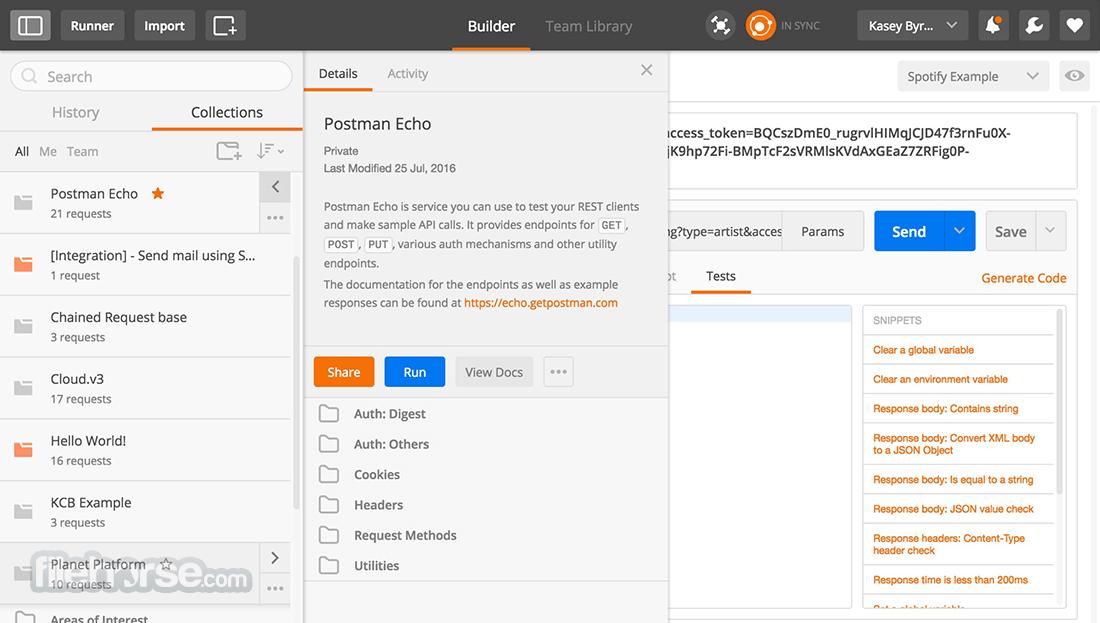
  • Collections: Related API requests can be organized into collections. Collections provide reusable structures for demonstrations, integration workflows, regression testing, documentation, and partner onboarding.
  • Variables and environments: Teams can store URLs, credentials, tokens, and configuration values as variables. Environments make it easier to switch between development, testing, staging, and production systems.
  • Automated testing: Developers can write scripts that verify response values, status codes, headers, schemas, performance, and business rules. Complete collections can be executed as automated test suites.
  • API design tools: Postman supports API specifications and design-first workflows. Teams can define expected API behavior, review structures, and coordinate implementation before an endpoint reaches production.
  • Collaborative workspaces: Shared workspaces give developers, testers, managers, and external partners access to relevant collections, specifications, documentation, examples, and testing resources.
  • API documentation: Documentation can be generated from collections, descriptions, parameters, and examples. This helps API consumers understand authentication requirements, available operations, and expected responses.
  • Monitoring and automation: Scheduled monitors can check API availability, correctness, and response behavior. Postman CLI enables tests to run within CI/CD pipelines and automated deployment processes.
  • AI-assisted workflows: Postman’s AI capabilities can assist with creating requests, generating tests, debugging errors, producing documentation, and maintaining APIs using available service context.
  • API discovery: Private catalogs help organizations find and reuse internal APIs, while publicly shared resources help developers explore external services and begin integrations faster.

What can Postman be used for?

  • Building third-party integrations: Developers can investigate unfamiliar APIs, test credentials, study data structures, and verify requests before writing production integration code.
  • Testing microservices: Teams can create repeatable checks for individual services and complex workflows involving multiple endpoints, dependencies, and authentication steps.
  • Validating releases: Automated collections can detect broken endpoints, changed response formats, failed authorization, or unexpected business logic before deployment.
  • Supporting API consumers: Providers can share ready-to-use collections, examples, and documentation with customers or partners, reducing integration time and repetitive support questions.
  • Troubleshooting incidents: Engineers can reproduce requests, compare responses across environments, inspect headers, and isolate problems involving application code, data, authentication, or infrastructure.

What benefits does Postman provide?

Postman centralizes API development activities that might otherwise require several separate tools. Reusable requests, environments, collections, and automated tests reduce repetitive work and make technical knowledge easier to share.

Collaboration features create a common source of information for API producers and consumers. Testing and CI/CD support help teams identify defects earlier, while documentation and discovery capabilities reduce onboarding delays. For larger organizations, catalogs, access controls, and governance features improve visibility across growing API portfolios.

What is the Postman user experience like?

Postman offers a visual interface that makes sending an initial request relatively straightforward. New users can begin with a URL and request method, while experienced teams can build sophisticated collections with variables, scripts, monitors, specifications, and automated workflows.

The platform is flexible but can become complex as collections and environments grow. Clear naming standards, ownership rules, and workspace organization are therefore important. With consistent team practices, Postman provides an accessible yet powerful environment for both everyday API exploration and enterprise-scale API management.


Postman Alternatives

Screenshots


SurveyMonkey