Libris
Languages:
English
Localization:
World

What is PhotoShelter used for?
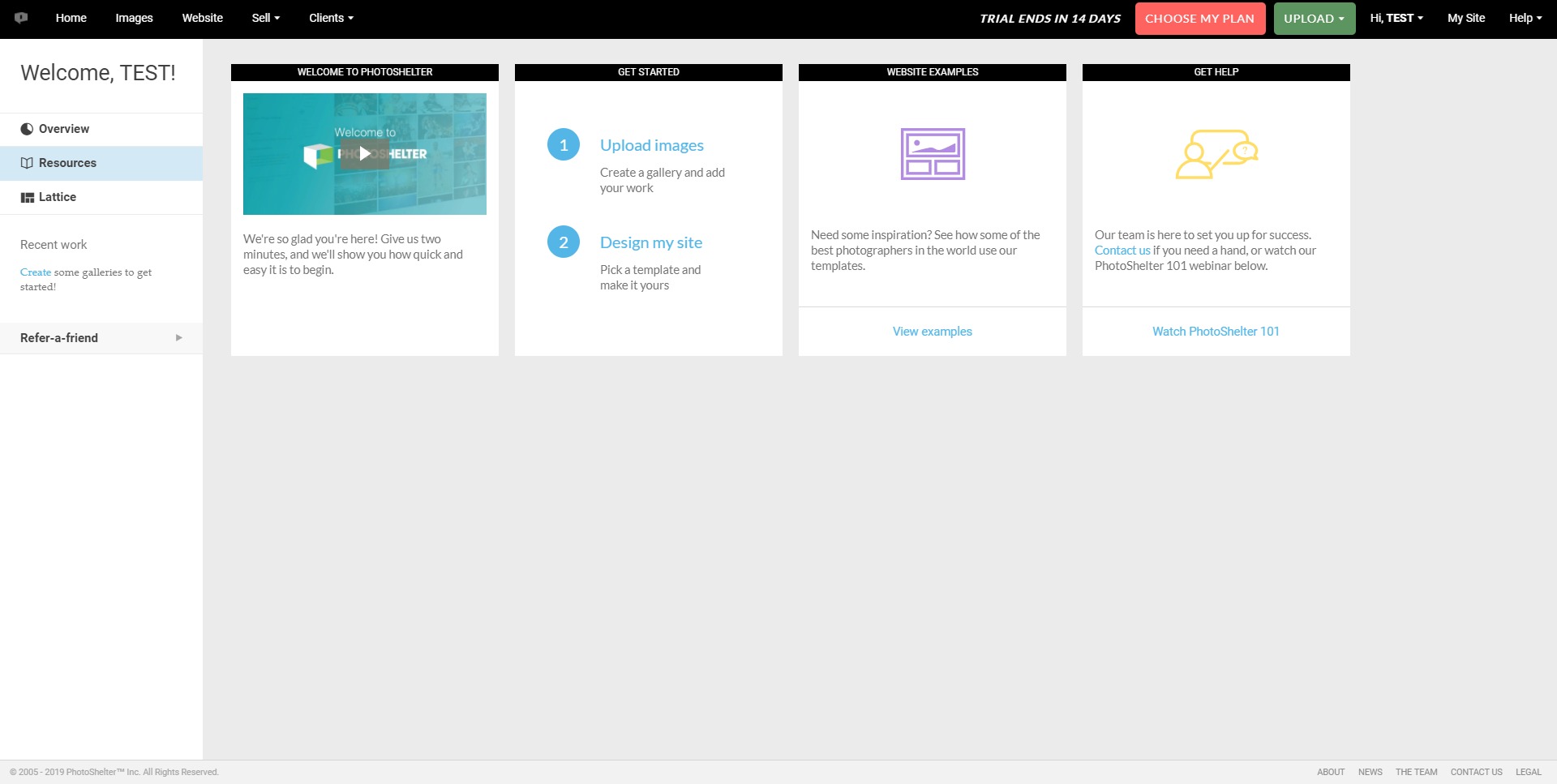
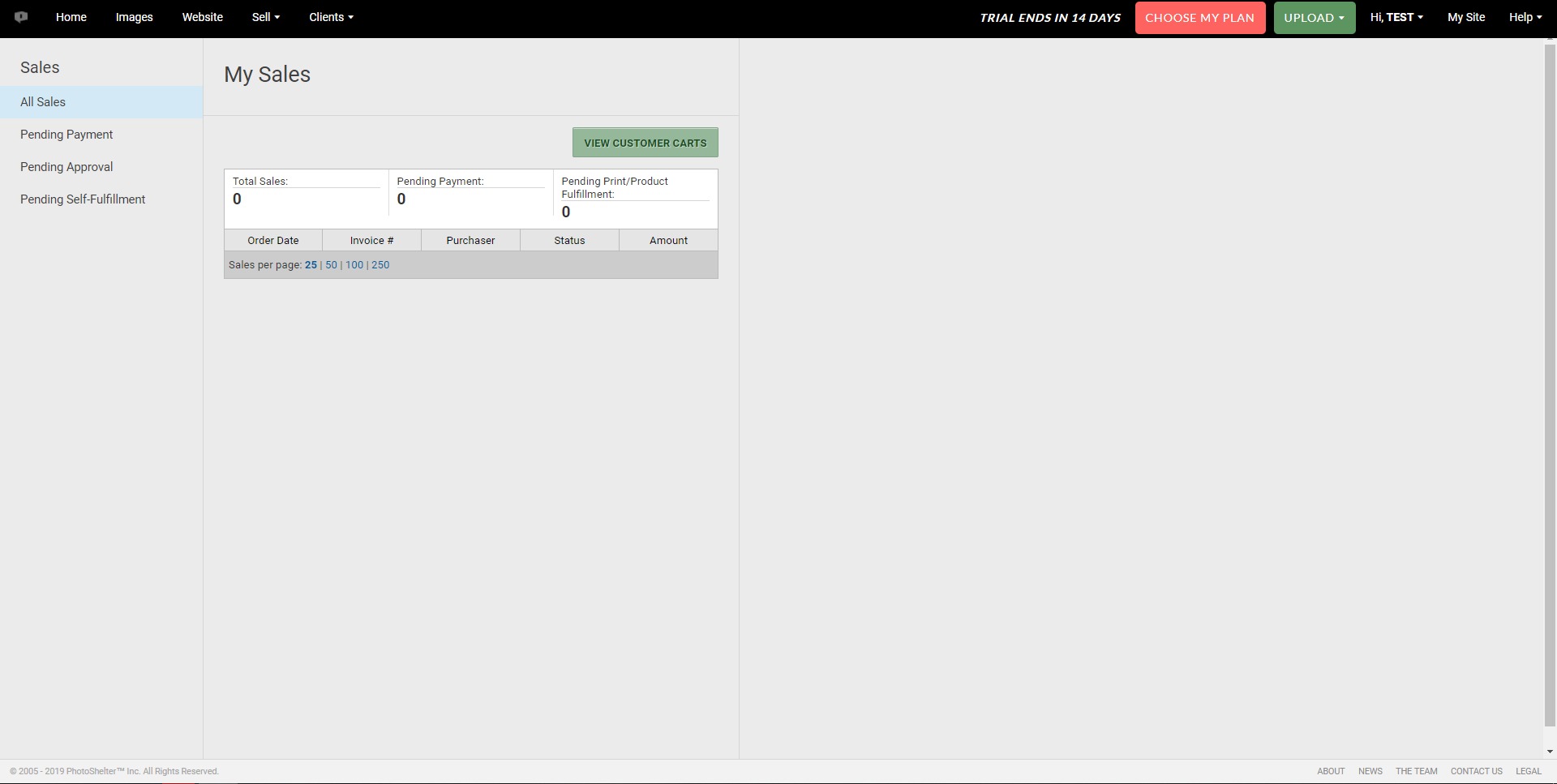
PhotoShelter is a digital asset management platform for organizations that need to store, organize, search, share, and distribute visual content at scale. The service is mainly designed for teams that work with large libraries of photos, videos, graphics, brand materials, campaign assets, and media files. Instead of keeping files across folders, inboxes, drives, and disconnected tools, PhotoShelter gives companies a centralized media library with structured access, metadata, permissions, and sharing options.
PhotoShelter Digital Asset Management is especially useful for marketing teams, creative departments, sports organizations, universities, nonprofits, travel companies, media teams, agencies, and brands that publish visual content often. The platform helps users find approved assets faster, maintain brand consistency, protect usage rights, and deliver files to internal teams or external partners without manual chaos. For companies where media is part of daily operations, PhotoShelter works as both an archive and a live content distribution system.
What are the key features of PhotoShelter?
-
Centralized media library
PhotoShelter allows teams to keep photos, videos, graphics, documents, and other digital assets in one organized workspace. This makes it easier to avoid duplicated files, outdated versions, and scattered content across different storage systems. -
Advanced search and metadata tools
The platform supports searchable metadata, keywords, tags, folders, collections, and asset details. This helps users quickly locate the right image or video without depending on someone who “knows where the file is.” -
AI-powered content discovery
PhotoShelter includes AI-assisted tools that can help identify, tag, and search visual assets more efficiently. This is useful when large libraries are difficult to manage manually or when files arrive without consistent naming and metadata. -
Branded portals and galleries
Organizations can create branded access points where selected users, partners, media contacts, or clients can view and download approved assets. This helps companies present content professionally while keeping control over what is shared. -
Permission and access control
Admins can decide who can view, upload, edit, download, or share specific files. This is important for brand protection, legal usage rights, campaign control, and internal security. -
Fast asset sharing
PhotoShelter makes it easier to send images, videos, and media collections to stakeholders without using email attachments or public file links. Teams can share approved content in a more structured and traceable way. -
Workflow support for creative teams
The platform can support collaboration between photographers, designers, marketers, editors, and managers. Assets can move from upload to organization, approval, distribution, and reuse without becoming buried in disconnected conversations. -
Integration-friendly environment
PhotoShelter can fit into broader marketing, creative, and publishing workflows. It may be connected with tools used for design, content production, websites, campaigns, or internal media operations.
How can businesses use PhotoShelter?
-
Marketing campaign asset management
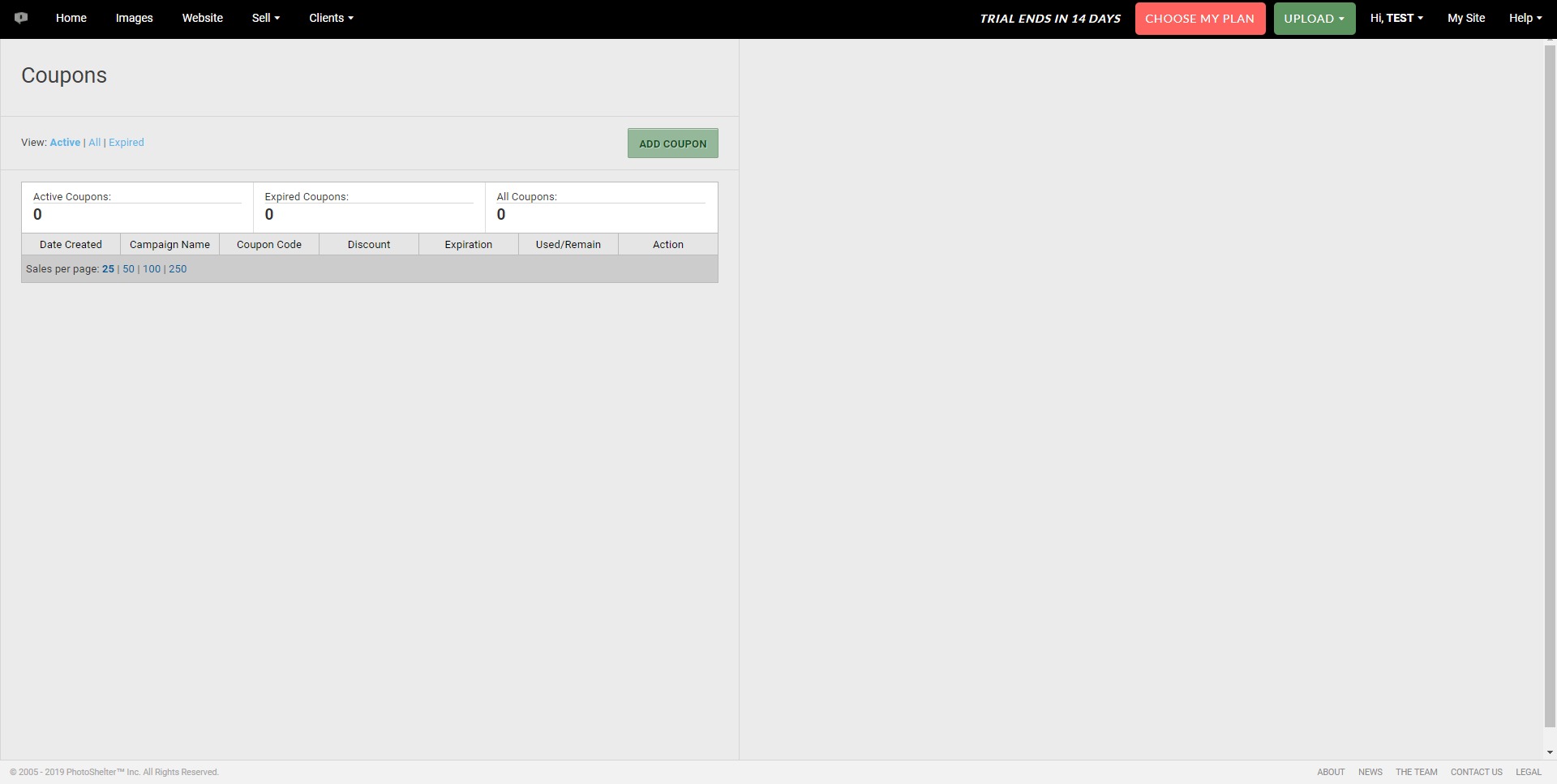
Marketing teams can use PhotoShelter to organize campaign photos, social media visuals, ad creatives, logos, brand guidelines, and approved promotional materials. -
Sports media distribution
Sports organizations can upload event photos, tag players, organize game-day content, and quickly distribute images to media teams, sponsors, athletes, or social channels. -
University and education media libraries
Schools and universities can manage event photography, campus images, press materials, student life visuals, and department-specific media assets from one searchable library. -
Nonprofit storytelling
Nonprofits can organize field photos, campaign visuals, donor communication assets, and impact-story media while controlling which images are approved for public use. -
Travel and hospitality branding
Travel brands, hotels, and tourism organizations can manage destination images, property photography, seasonal campaigns, and partner-facing media kits. -
Agency and client collaboration
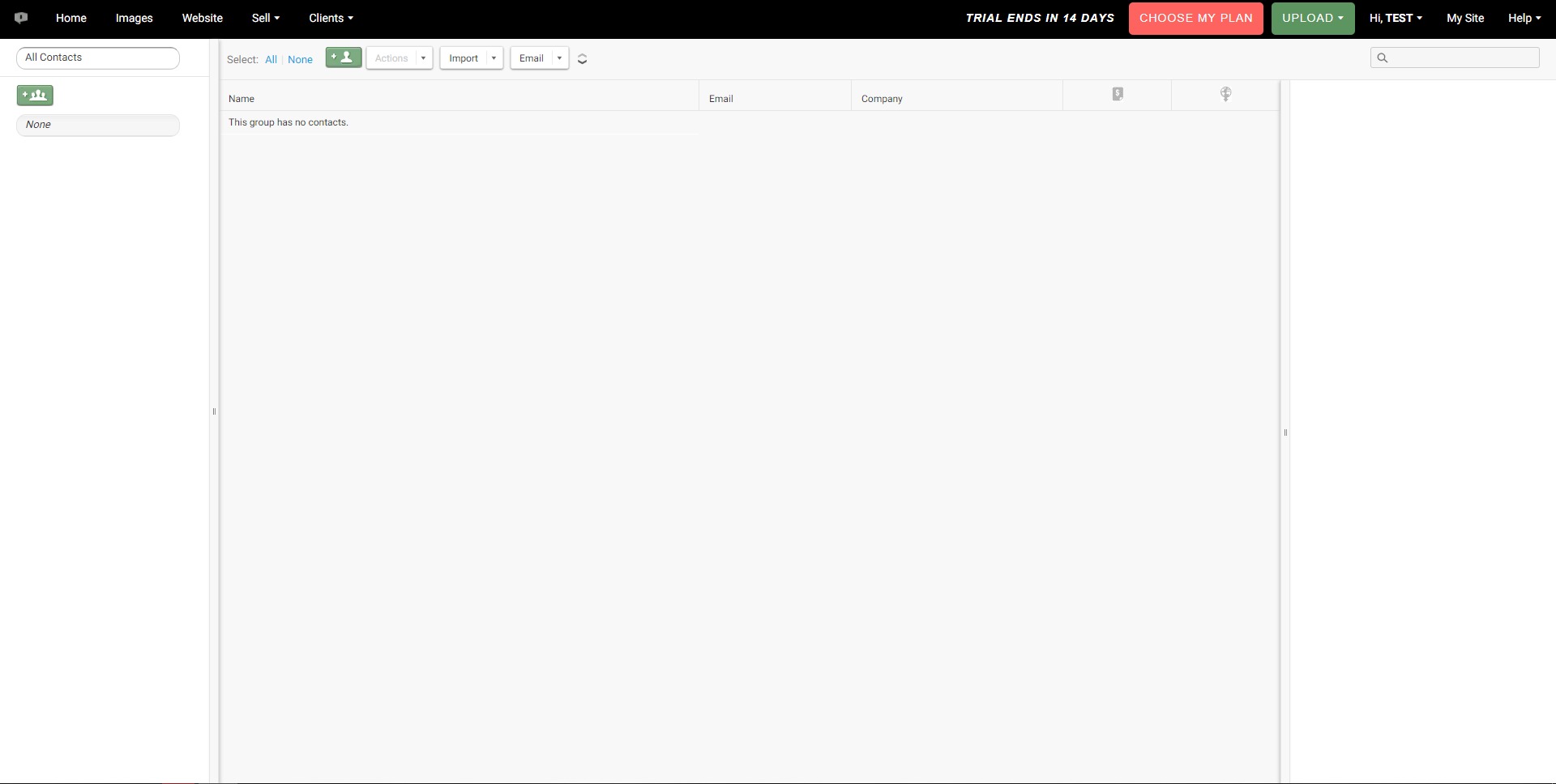
Agencies can use PhotoShelter to deliver organized media collections to clients, manage brand assets, and reduce repetitive file requests during active projects.
What are the benefits of PhotoShelter?
PhotoShelter helps organizations reduce the time wasted searching for files, checking versions, and manually sending assets. It improves content visibility by making media libraries easier to search and reuse. This is especially valuable for companies that already own a lot of visual content but fail to use it efficiently because assets are hidden in folders or old project archives.
Another major benefit is brand control. Teams can make sure users download the right logo, the latest campaign image, the correct product photo, or the approved press material. This reduces the risk of inconsistent branding and accidental use of outdated or restricted files.
PhotoShelter also improves collaboration. Photographers, marketers, designers, editors, social media managers, and external partners can work from a shared source of truth. Instead of creating a messy chain of messages and file transfers, teams can use organized collections and permissions.
For growing businesses, PhotoShelter can also support scalability. As the volume of visual content grows, a simple folder structure becomes harder to manage. A DAM platform gives companies a stronger operational backbone for content production, publishing, and distribution.
What is the user experience like in PhotoShelter?
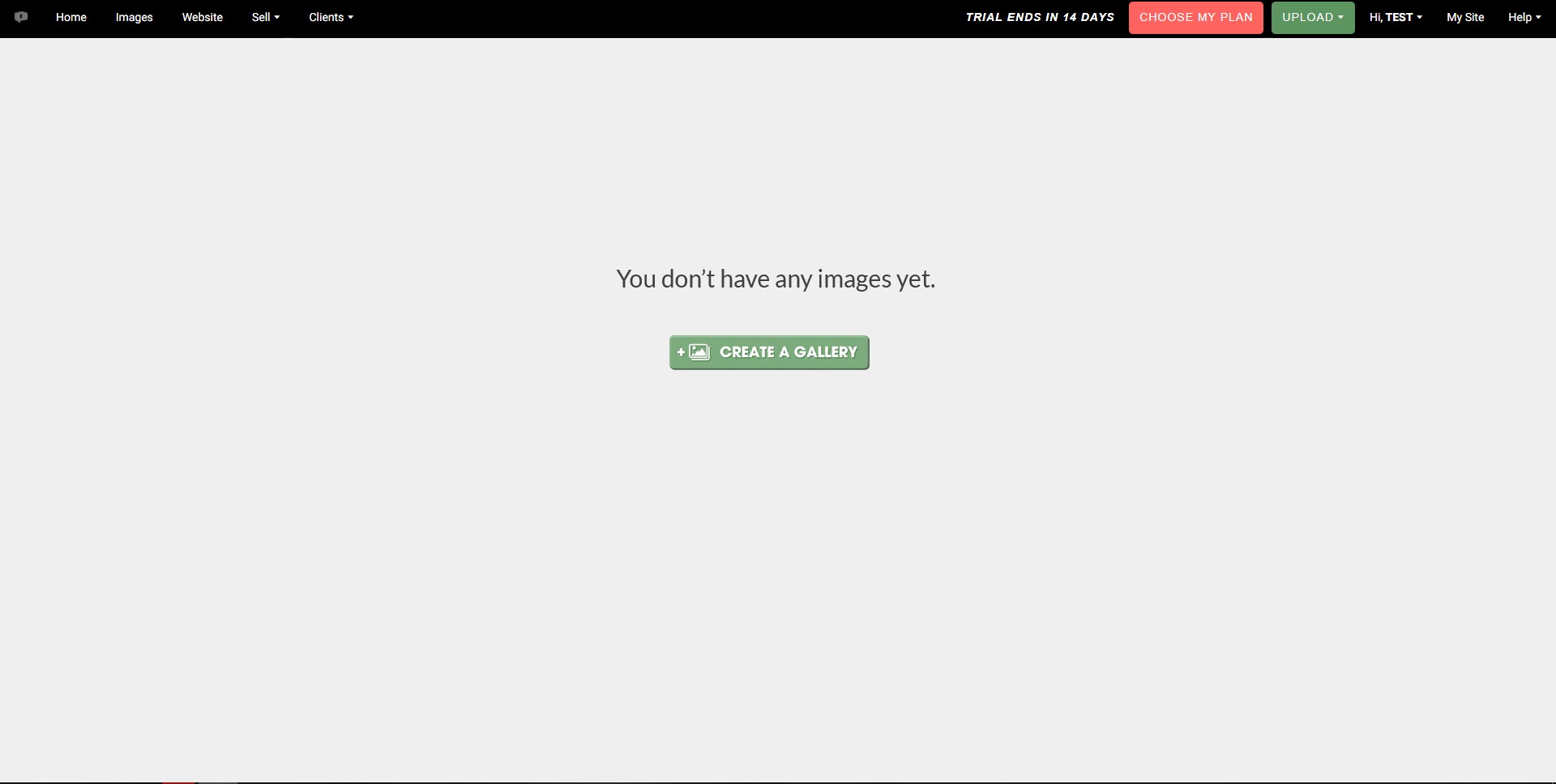
The user experience of PhotoShelter is built around fast access to visual assets. Users can browse organized libraries, search by keywords or metadata, open collections, preview files, and download the right format when needed. For non-technical users, the main value is that content becomes easier to find and share without asking another department for help.
Admins and content managers get more control over structure, access, and distribution. They can organize assets into folders and galleries, manage permissions, prepare branded portals, and decide which materials are available to specific users. This makes PhotoShelter useful not only for storage, but also for everyday content operations.
For teams that publish frequently, PhotoShelter can become a practical media command center. It keeps creative assets searchable, usable, and controlled, which makes the platform suitable for brands that treat visual content as a serious business asset rather than a random archive of files.
2023-04-02 21:33:20: While we’re talking about college sports, let’s give some love to the mascots!
Here’s a shout-out to the many beloved mascots getting in their steps this time of year. 😆 #smsports https://t.co/1KKDRQZkR0Twitter
2023-03-31 23:35:24: #DAMMonth may be over, but our resource hub — full of free guides, inspiring interviews and eye-opening case studies — is still here for the taking!
Save this page: https://t.co/vdtlK36yoL https://t.co/N3VyRfIG3STwitter
2023-03-31 18:52:53: As PhotoShelter embarks on an innovative new phase, the relationship we have with you – our growing community of creative professionals – will continue to evolve and scale to meet your needs while you tell the visual stories of our times.
Here's to the next billion! https://t.co/IB4XDcR4EeTwitter
2023-03-31 18:03:28: This is an ode to the PhotoShelter community for helping us grow over the past 18 years.
Thank you to 2,000+ world-class brands & thousands of photographers for trusting us to provide fast, easy & secure access to the visual content you create each & every day.
#WorldBackupDayTwitter
2023-03-31 01:58:38: 👀👀 https://t.co/Y6q862MGSvTwitter
Libris Alternatives