Folderit
Languages:
Deutsch
English
Español
Français
Localization:
World
What is Folderit Cloud Document Management System?
Folderit Cloud Document Management System is an online platform for storing, organizing, searching, sharing, and controlling business documents. It is designed for organizations that need more structure than standard cloud storage but do not want the complexity of a large enterprise content management platform.
The service provides a centralized environment for contracts, invoices, policies, employee records, project files, technical documentation, customer documents, and compliance materials. Files can be organized into folders, enriched with metadata, searched by their contents, and protected with detailed access permissions.
Folderit Cloud Document Management System also supports document workflows, version control, audit trails, retention rules, electronic signatures, and collaboration with external users. These tools help companies reduce dependence on email attachments, local folders, disconnected shared drives, and manual approval processes.
The platform is suitable for small and medium-sized businesses, distributed teams, professional service companies, nonprofits, public organizations, and departments managing large volumes of business-critical documents.
What key features does Folderit provide?
-
Centralized document storage:
Folderit stores business files in one structured cloud repository. Teams can organize documents by department, customer, project, document type, year, status, or another internal classification system. -
Full-text document search:
Users can search not only filenames but also text contained inside supported documents. This helps employees find contracts, invoices, reports, and policies without remembering their exact folder location. -
Optical character recognition:
OCR technology makes scanned documents and image-based PDFs searchable. Text from paper records, receipts, signed agreements, and archived files can be indexed and located through search. -
Custom metadata and tags:
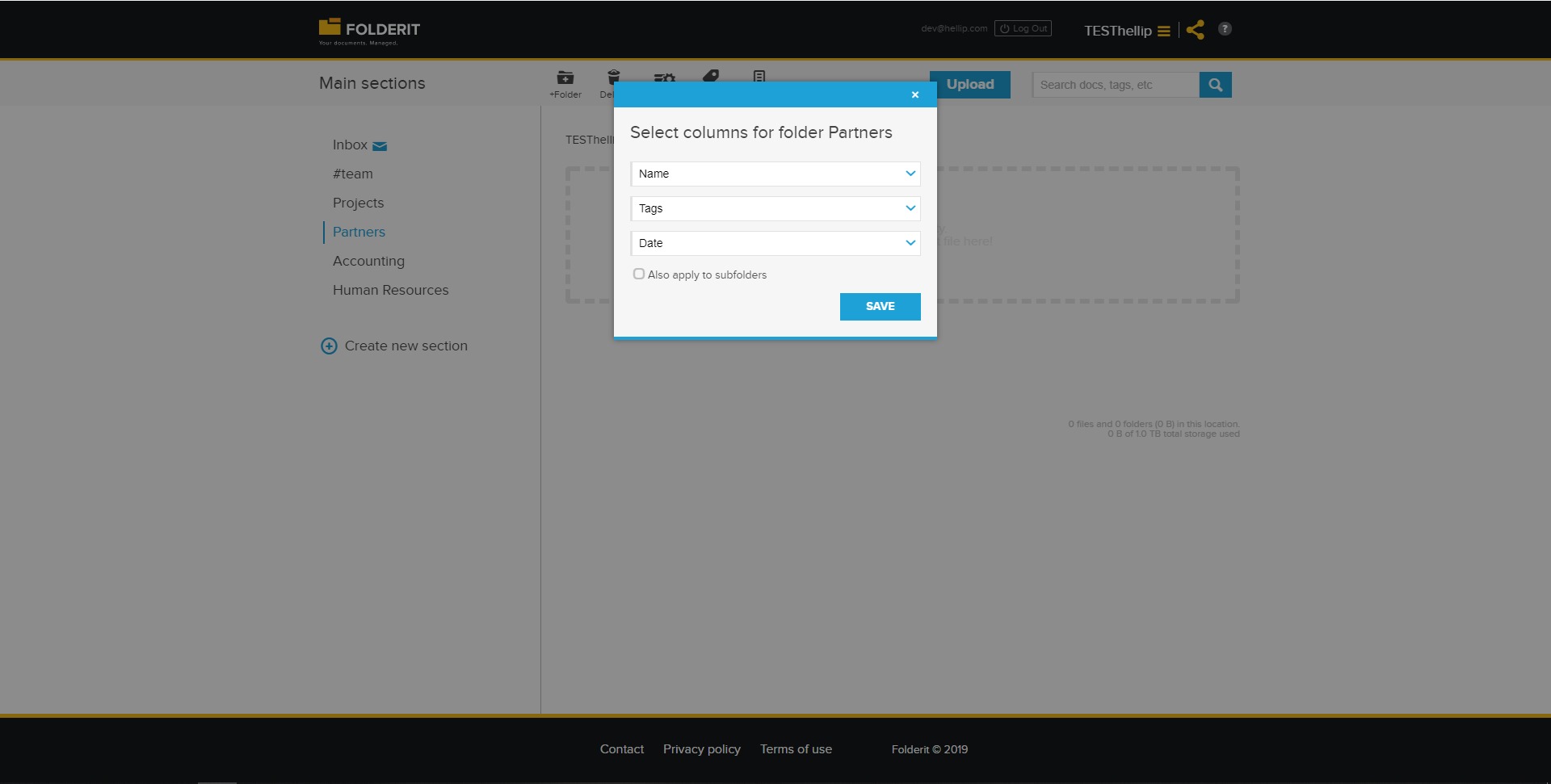
Documents can be enriched with fields such as customer name, contract number, expiration date, project code, department, or approval status. Metadata creates a more flexible structure than folders alone. -
Document version control:
Folderit maintains a history of document versions. Users can review earlier files, track changes, restore previous versions, and reduce the risk of working with outdated information. -
Access permissions:
Administrators can define who may view, edit, download, share, approve, or delete documents. Permissions can be applied to folders, files, teams, individual users, and external collaborators. -
Approval and review workflows:
Documents can be sent through structured review, approval, acknowledgement, or signing processes. Each participant receives a task, while managers can track progress and identify delays. -
Electronic signatures:
Files can be routed for electronic signing without leaving the document management environment. This is useful for contracts, policies, agreements, consent forms, and supplier documents. -
Audit trails:
Folderit records document activity such as uploads, downloads, edits, approvals, and sharing. Audit logs improve accountability and support internal investigations, quality controls, and compliance reviews. -
Document retention rules:
Organizations can define how long certain document categories must be kept. Retention policies help manage financial records, employee files, contracts, and regulated documents. -
Microsoft Office integration:
Users can create, open, and edit compatible Office documents while keeping files within the managed document repository. -
API connectivity:
Folderit can be connected with CRM, ERP, accounting, intranet, customer portals, and other business systems through its API.
Which business use cases suit Folderit?
-
Contract management:
Businesses can store agreements, track versions, assign approval steps, collect signatures, set expiration reminders, and control access to confidential terms. -
Invoice and financial document storage:
Accounting teams can organize invoices, receipts, statements, and supporting records by customer, supplier, date, or financial period. -
Employee document management:
Human resources departments can manage employment contracts, policies, certificates, onboarding documents, and personnel records with restricted access. -
Compliance and policy control:
Organizations can maintain controlled versions of policies, procedures, manuals, and regulatory documents while recording employee acknowledgement. -
Project documentation:
Teams can keep specifications, reports, budgets, designs, meeting notes, and approvals within a dedicated project folder structure. -
Customer and supplier portals:
External users can receive controlled access to selected documents without gaining visibility into the company’s entire repository. -
Quality management:
Companies can manage standard operating procedures, corrective actions, certifications, inspection records, and controlled documentation. -
Remote team collaboration:
Distributed employees can access authorized files from different locations while maintaining consistent versions and security controls. -
Legal document organization:
Legal teams can store case files, agreements, evidence, correspondence, and supporting materials with search, permissions, and activity history.
What benefits can organizations gain from Folderit?
Folderit reduces the time employees spend searching for files across email inboxes, shared drives, local computers, and disconnected cloud accounts. Centralized storage and full-text search make documents easier to locate and reuse.
Version control reduces duplication and confusion between multiple file copies. Teams can identify the current version while preserving earlier revisions for reference or auditing.
Detailed permissions improve document security by limiting access according to roles and responsibilities. External collaboration can be enabled without exposing unrelated internal information.
Workflow automation creates more consistent approval, review, and signing processes. Managers gain visibility into document status, pending actions, and completed steps.
Metadata, tags, and retention rules support stronger information governance. Organizations can classify records more accurately, preserve them for required periods, and maintain clearer audit evidence.
Folderit can also reduce administrative work by connecting document processes with other business applications through integrations and API-based automation.
What is the Folderit user experience like?
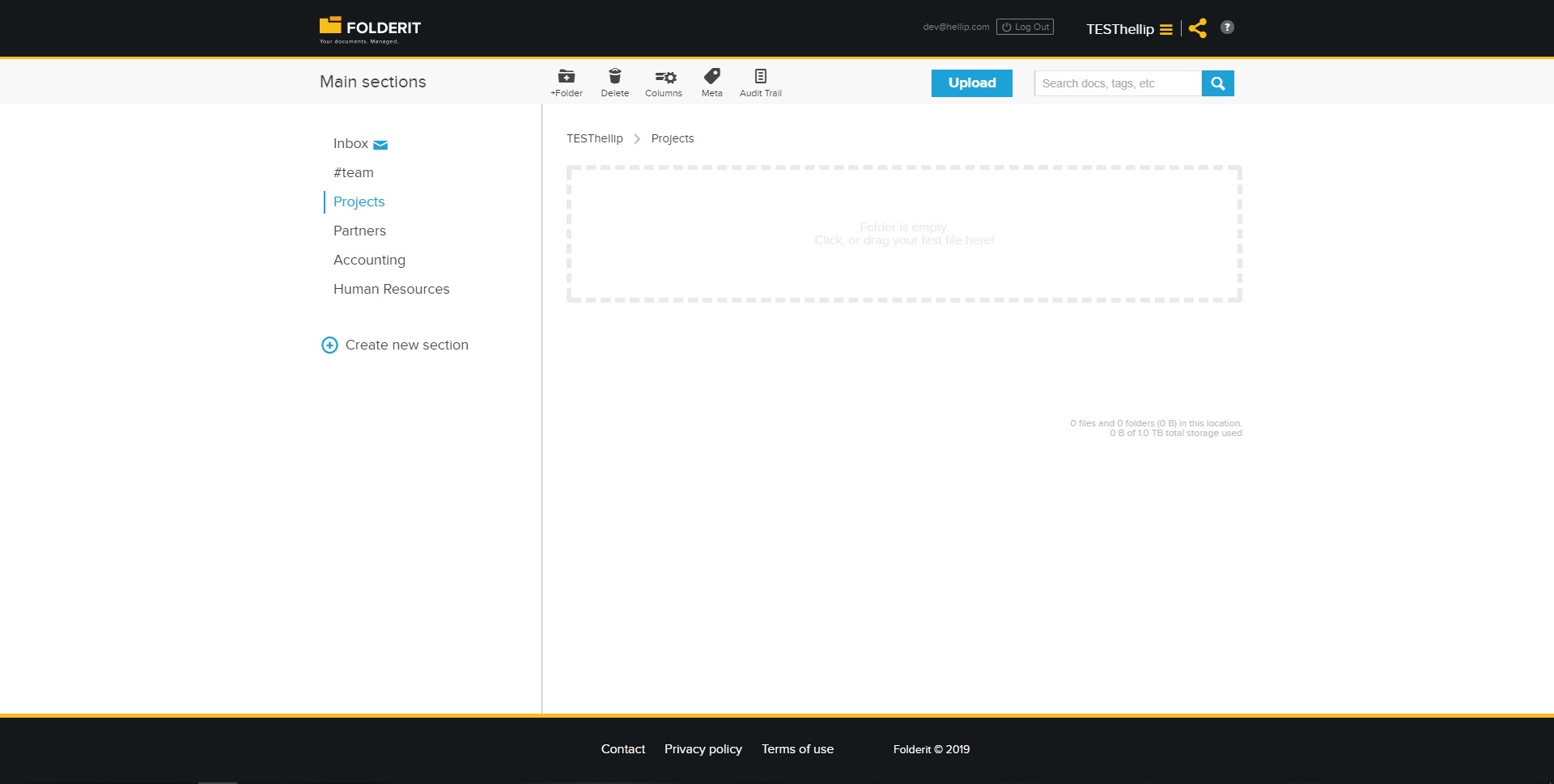
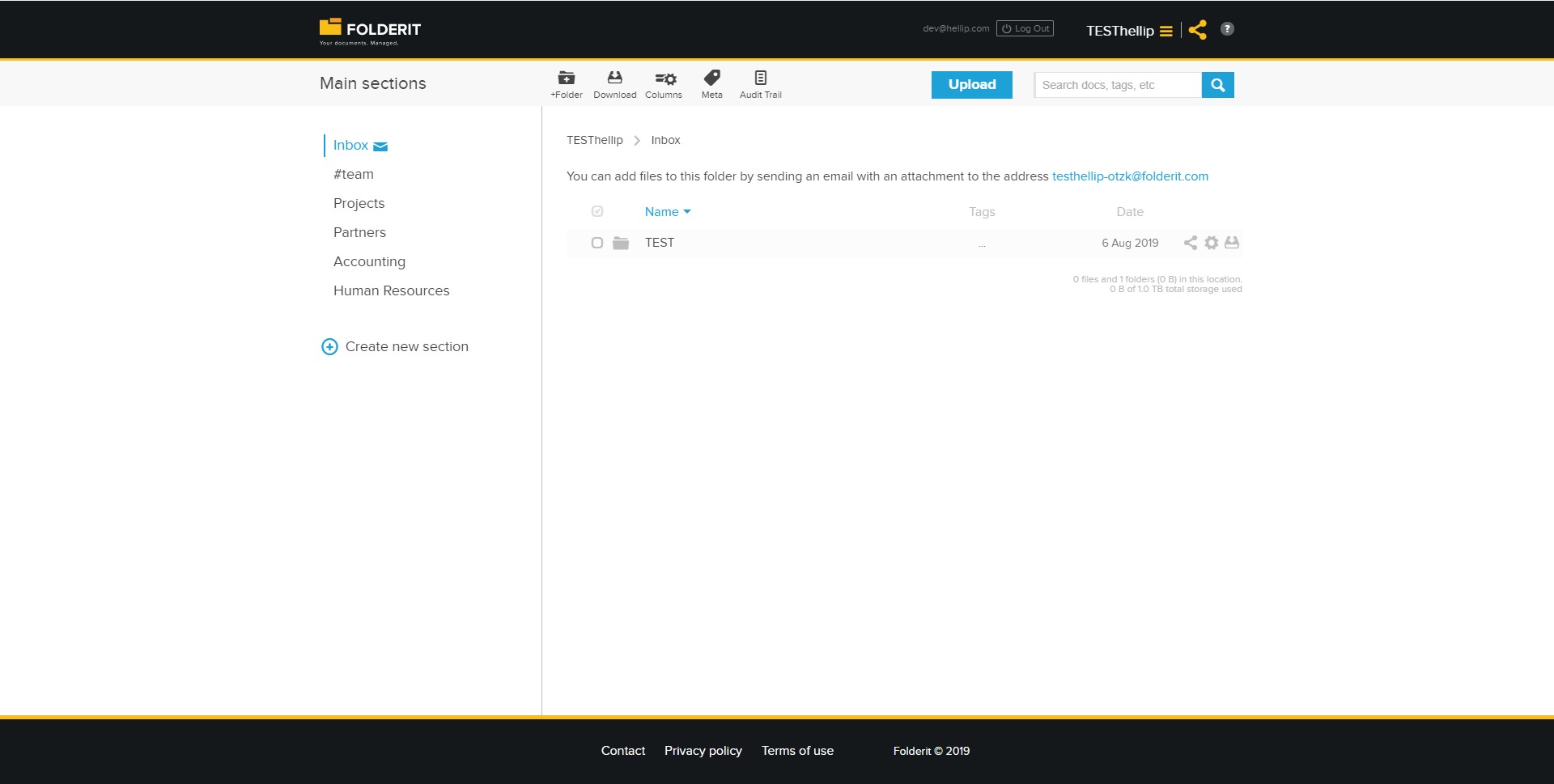
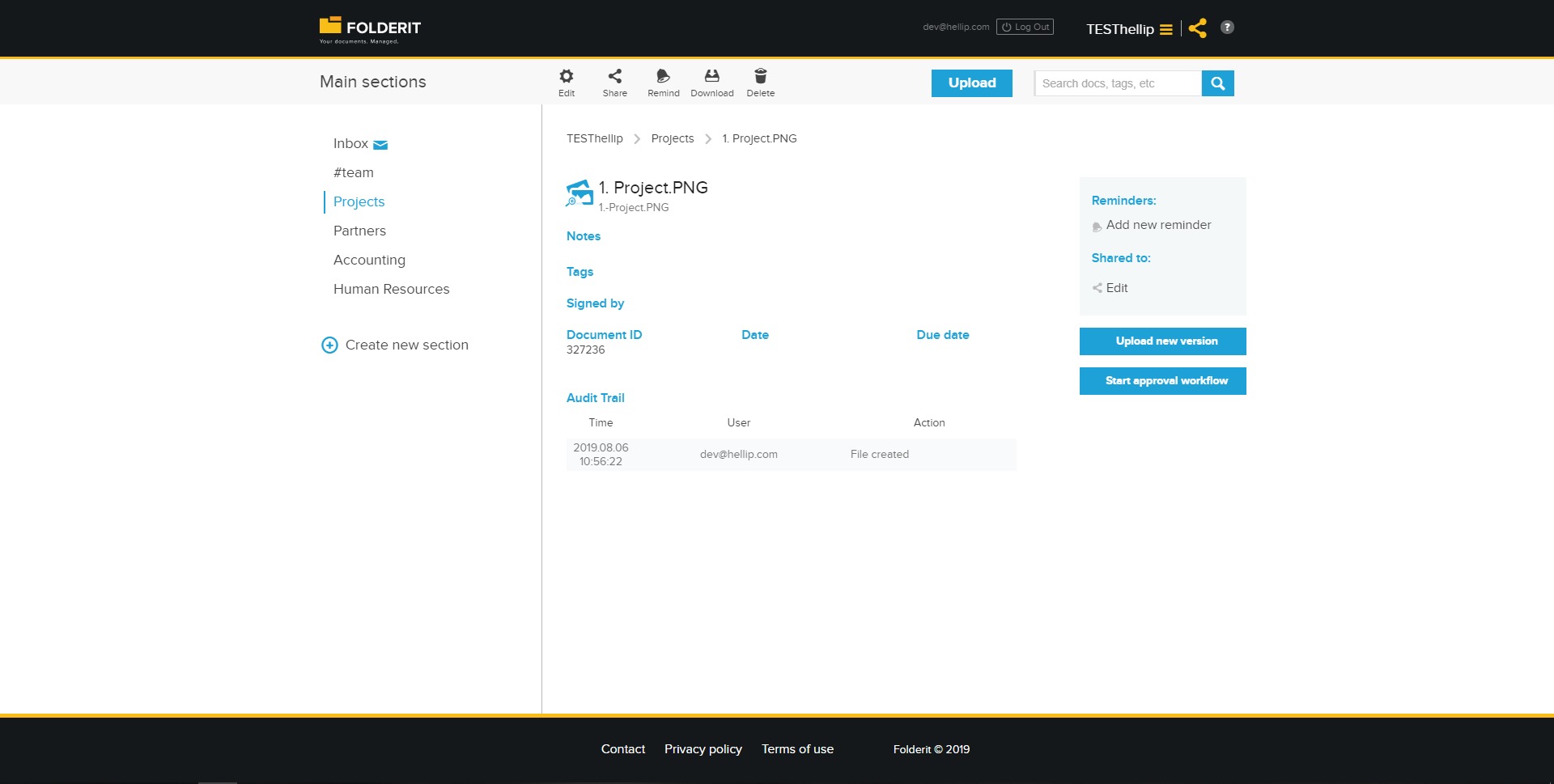
Folderit uses a familiar folder-based structure, making the platform easier to understand for employees accustomed to traditional file systems. Users can navigate folders, upload files, preview documents, apply metadata, and perform searches from a web-based interface.
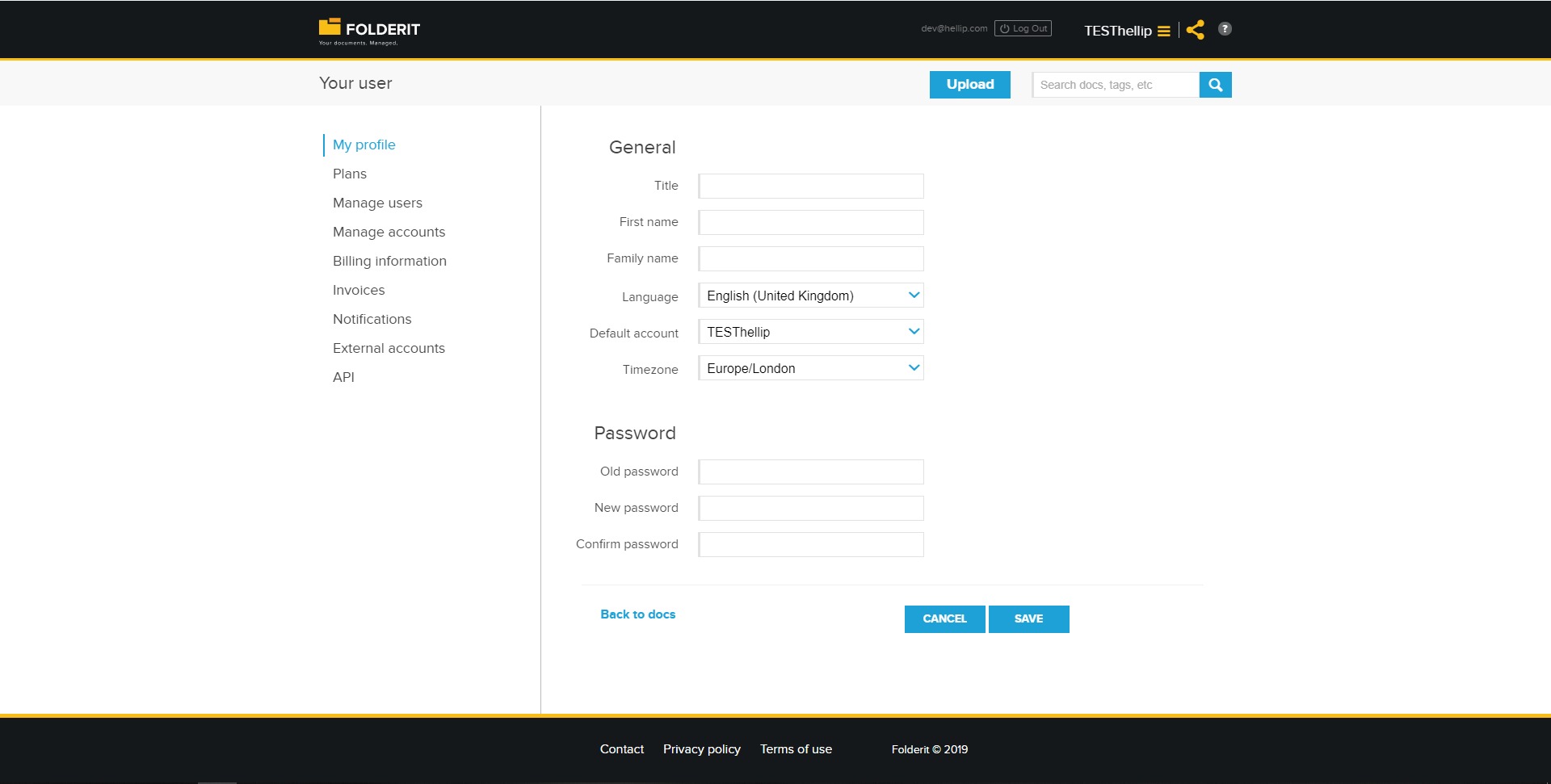
The service balances simplicity with advanced document controls. Basic users can focus on finding, viewing, and sharing files, while administrators can configure permissions, workflows, retention policies, metadata fields, and security settings.
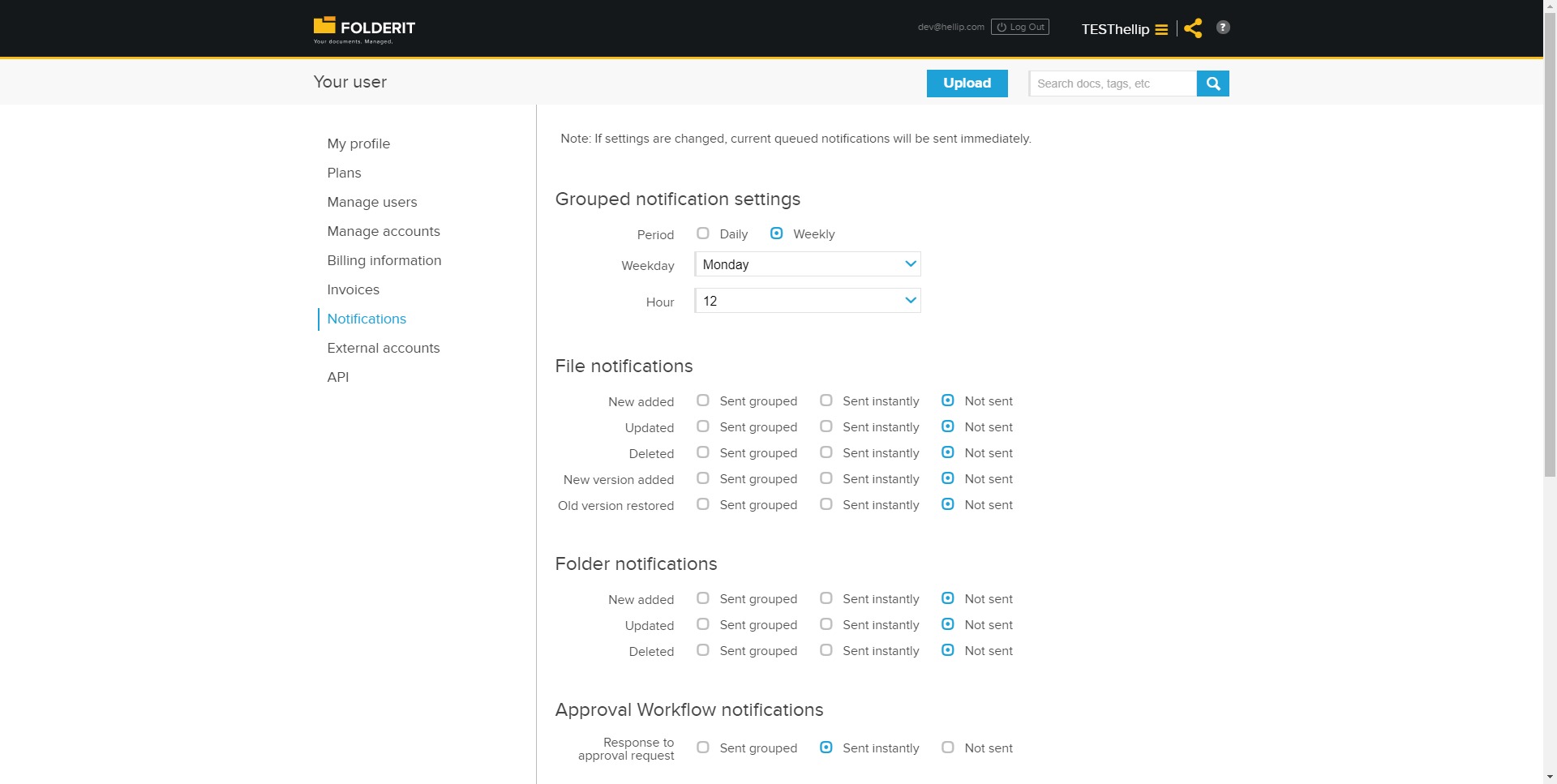
Notifications and reminders help users respond to document tasks without repeatedly checking workflow status. Approval and signing processes provide clear actions, reducing uncertainty about what must happen next.
The cloud-based model supports access from different locations without requiring organizations to maintain their own document server. This makes Folderit practical for hybrid teams, remote employees, and companies working with external partners.
Overall, Folderit Cloud Document Management System offers a structured and accessible experience for organizations that need secure document storage, efficient search, controlled collaboration, and reliable business workflows.
2026-08-29 08:38:38: DEFRA Digital Waste Tracking with Folderit | UK Waste Management DMS Youtube
2026-08-16 15:39:37: How to Generate PDF & Word Documents from eForms | Folderit Youtube
2026-03-19 10:15:23: Folderit document management software overview Youtube
2026-02-20 11:07:26: Folderit DMS Capture Find Approve Sign Youtube
2026-01-29 14:01:06: Document Management System Software Demo (DMS/EDMS): Version Control, Workflows, OCR | Folderit Youtube
2026-01-21 14:43:35: ISO Document Control Software (ISO 9001 / ISO 27001 / ISO 14001) | Folderit DMS Youtube
2025-10-23 09:22:01: Assigning temporary workflow deputy in Folderit DMS Youtube
2025-08-28 07:40:40: Automatizované dokumentové pracovní toky v softwaru pro správu dokumentů Folderit Youtube
2025-08-08 13:07:51: Document Management System & Software | Folderit EDMS Demo & Tutorial Youtube
2024-11-21 10:15:48: Secure Virtual Data Room with Dynamic Watermarking | Folderit DMS Youtube
2022-06-09 10:00:11: 💛 #archivesday #InternationalArchivesDay #documentmmanagement https://t.co/mtzhiCQO5MTwitter
2022-04-28 09:26:07: We're celebrating our birthday today:
✓ Having customers from 58 countries
✓ From small NPOs to multi-billion dollar conglomerates as our clients
✅ Pushing towards greener, more sustainable future
#documentmanagement #saas #paperless #greenerfuture https://t.co/4NN6PC25cYTwitter
2022-04-26 14:41:03: Clients were asking for Italian language interface and here it is now! 🇮🇹💛Change the language under your Profile. #italian #edms #documentmanagement #folderit https://t.co/WvEcFfmzoBTwitter
2022-01-13 18:21:00: Welcoming our new reseller partner in Guatemala, Cartridge World Guatemala 🇬🇹 💛 🥳
#documentmanagementsystem #guatemala https://t.co/odZOQ9duBPTwitter
2022-01-01 11:40:57: Happy New Paperless Year! 🥳💛💫 https://t.co/4bgboyQ0vQTwitter
2021-12-24 12:13:35: Happy Holidays and a Paperless New Year! 🎄
#paperless #edms #christmas #year2022 https://t.co/kgw1zcwgwoTwitter
2021-09-06 14:55:38: You can now store external links in Folderit as items, sharing them and tracking their usage in Audit Log. The link can be opened in a new tab or in an iFrame! #folderit #documentmanagement https://t.co/IrZad7eOSDTwitter
2021-09-03 11:44:13: #BackToSchool #documentmanagement #documentmanager https://t.co/WRu9ZgvgqvTwitter
2021-08-16 10:07:11: Looks like we joined Twitter 6 years ago! Thanks to all of our followers💛 #MyTwitterAnniversary #Folderit https://t.co/8HObX4R5j4Twitter
2021-04-28 10:50:52: The most user-friendly #documentmanagementsystem in the world celebrates. Celebrate with us! 🥳
#documentmanagement #businessanniversary #smb #sme #birthday #edms #TheMostUserFriendlyDMSinTheWorld #Folderit https://t.co/oQobjWUvtnTwitter
Folderit Alternatives