FileGator
Languages:
English
Localization:
World

What is FileGator?
FileGator is a free, open-source, self-hosted web file manager designed for managing, uploading, organizing, and sharing files through a browser. Instead of sending users into a traditional FTP client or giving them direct server access, FileGator provides a clean graphical interface for working with files and folders.
The application can manage files stored on the server’s local drive or connect to external storage services. It supports multiple users, individual home folders, roles, and configurable access permissions. Administrators can therefore control who may upload, download, edit, move, or delete content.
FileGator is particularly suitable for developers, small businesses, educational organizations, agencies, and internal teams that want more control over their data. As a self-hosted solution, it does not include managed cloud infrastructure. Installation, security, backups, updates, and server capacity remain the responsibility of the organization operating it.
What are FileGator’s key features?
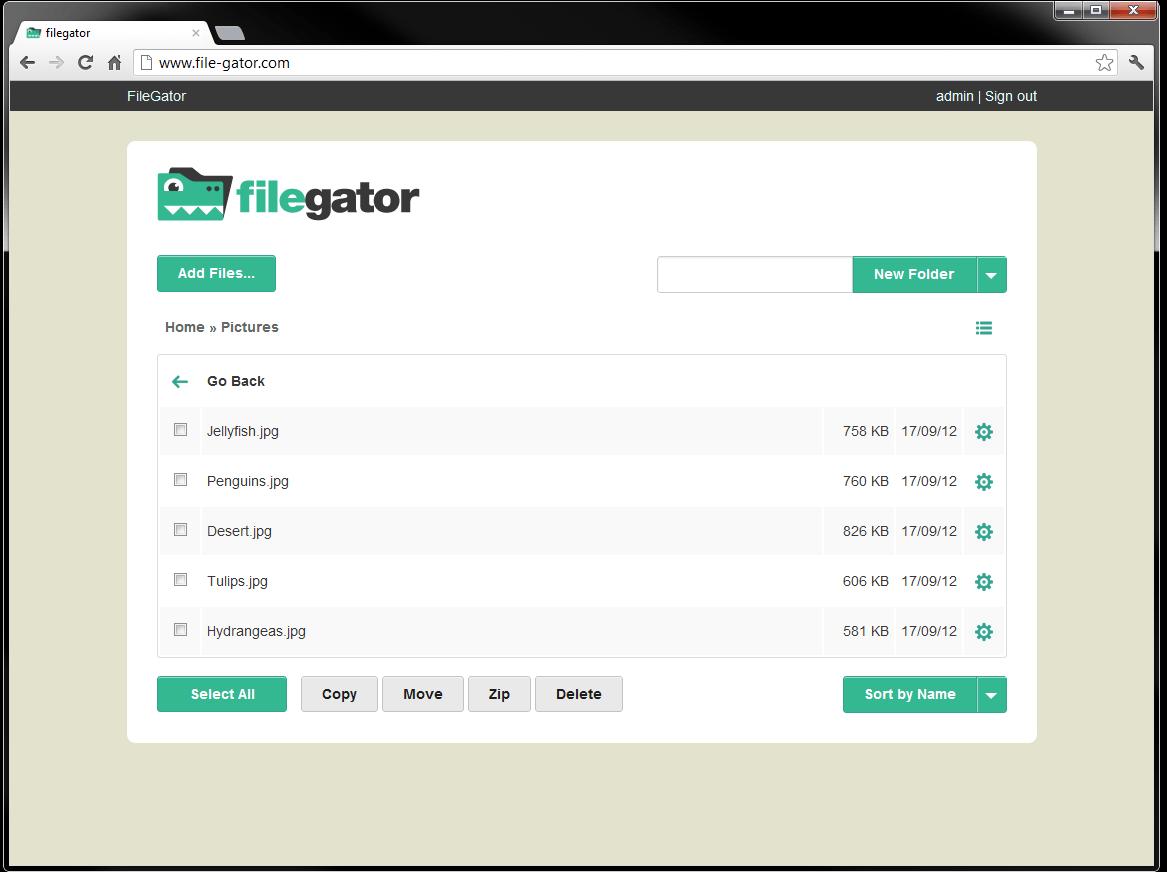
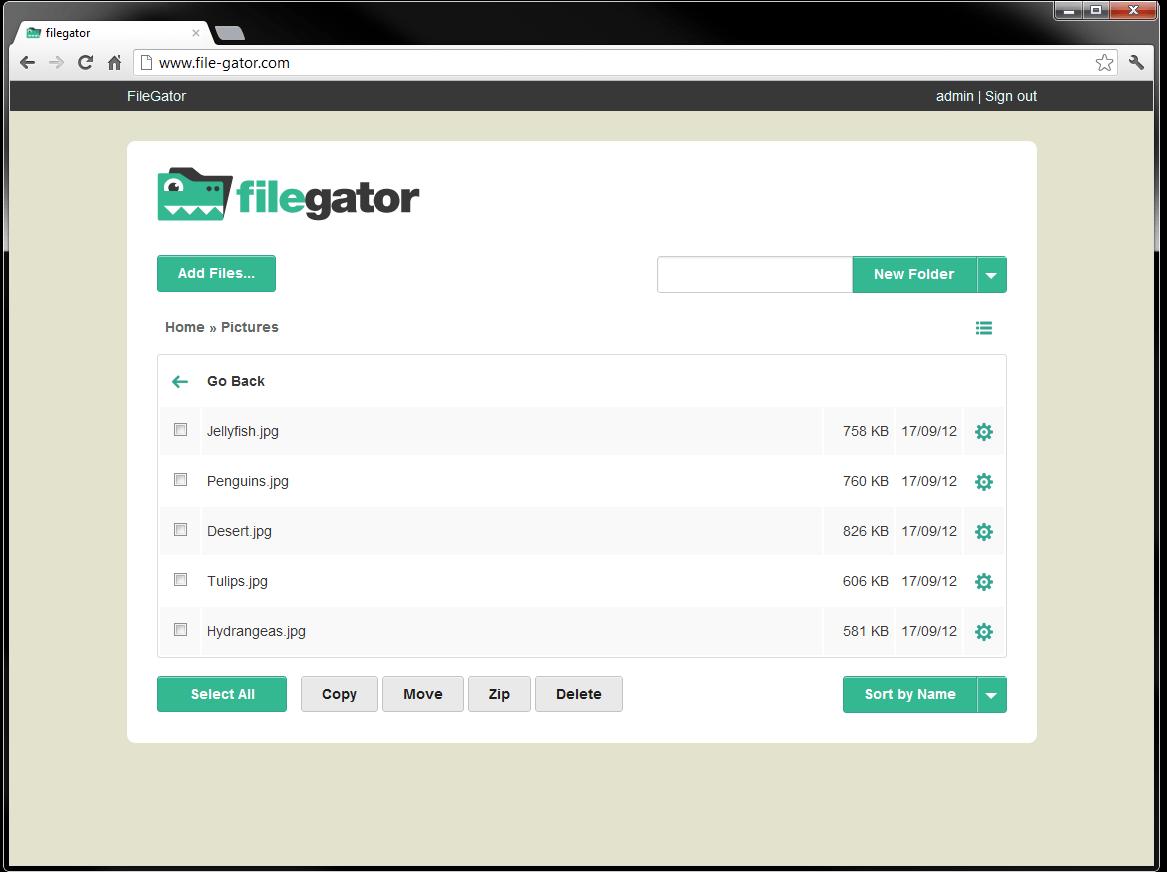
- Browser-based file management: Users can copy, move, rename, create, edit, preview, download, and delete files without installing a desktop file manager or FTP client.
- Multiple user accounts: FileGator supports administrators and regular users with separate roles, permissions, and home folders. This makes it possible to provide controlled access to selected storage areas.
- Flexible storage connections: Files can be stored locally or accessed through supported storage adapters, including FTP, Amazon S3, Dropbox, DigitalOcean Spaces, and Azure Blob Storage.
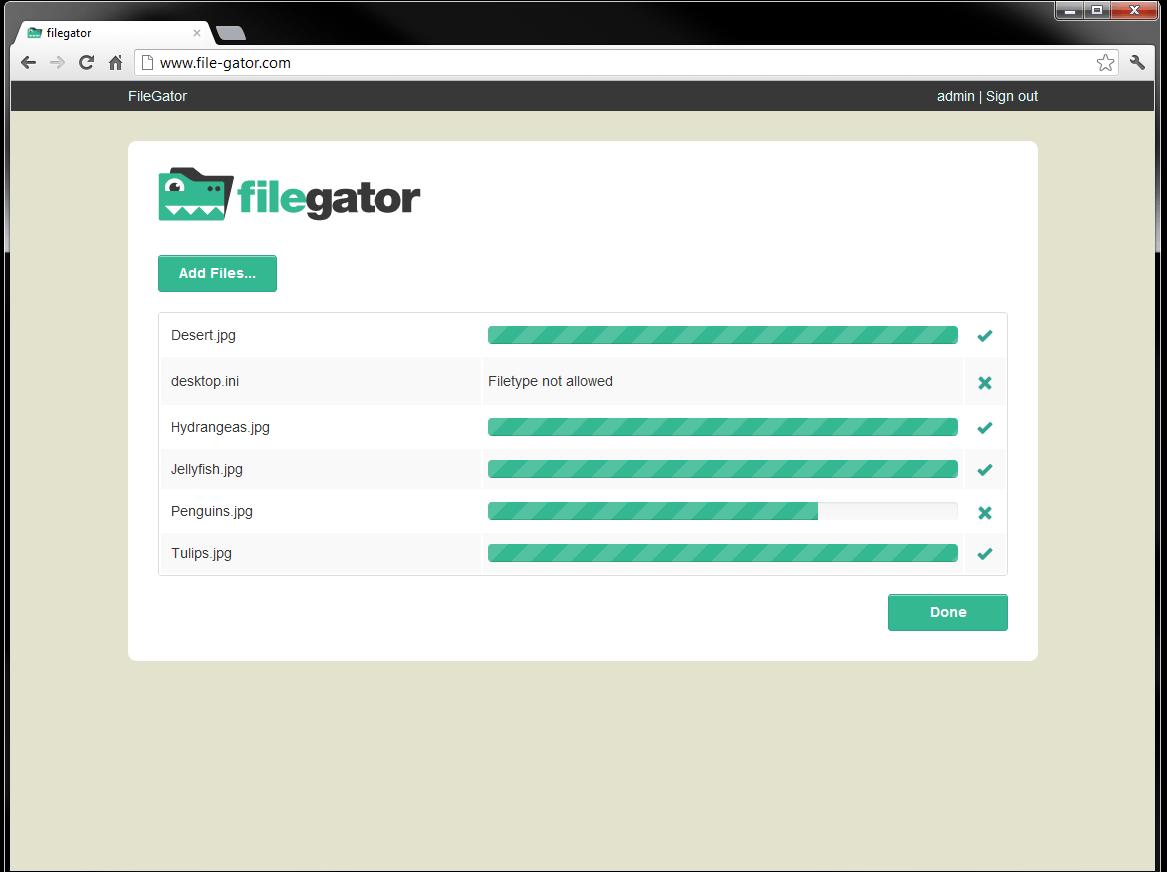
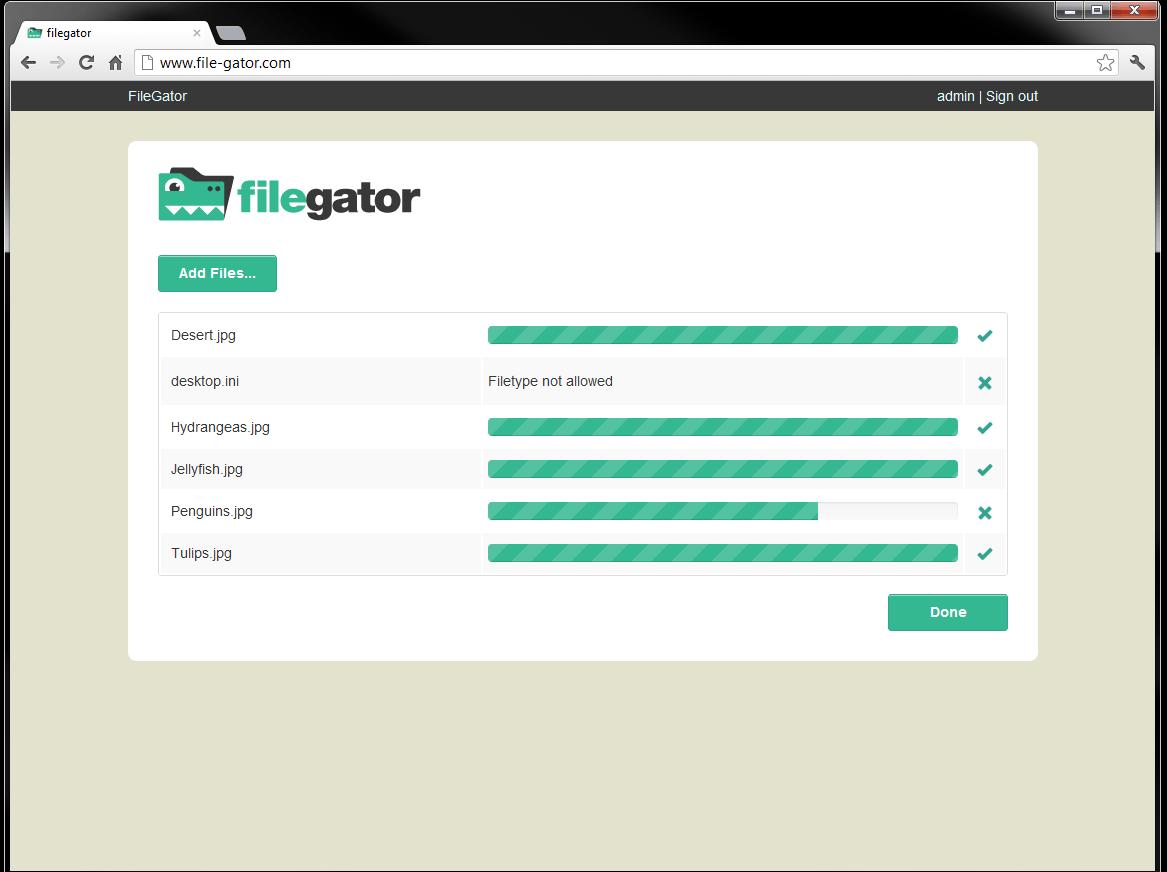
- Large file uploads: Chunked uploading divides large files into smaller parts. Uploads include progress information and can be paused and resumed, reducing problems caused by browser interruptions or server upload limits.
- Drag-and-drop interface: Users can add files by dragging them into the browser, making routine uploads faster and more familiar.
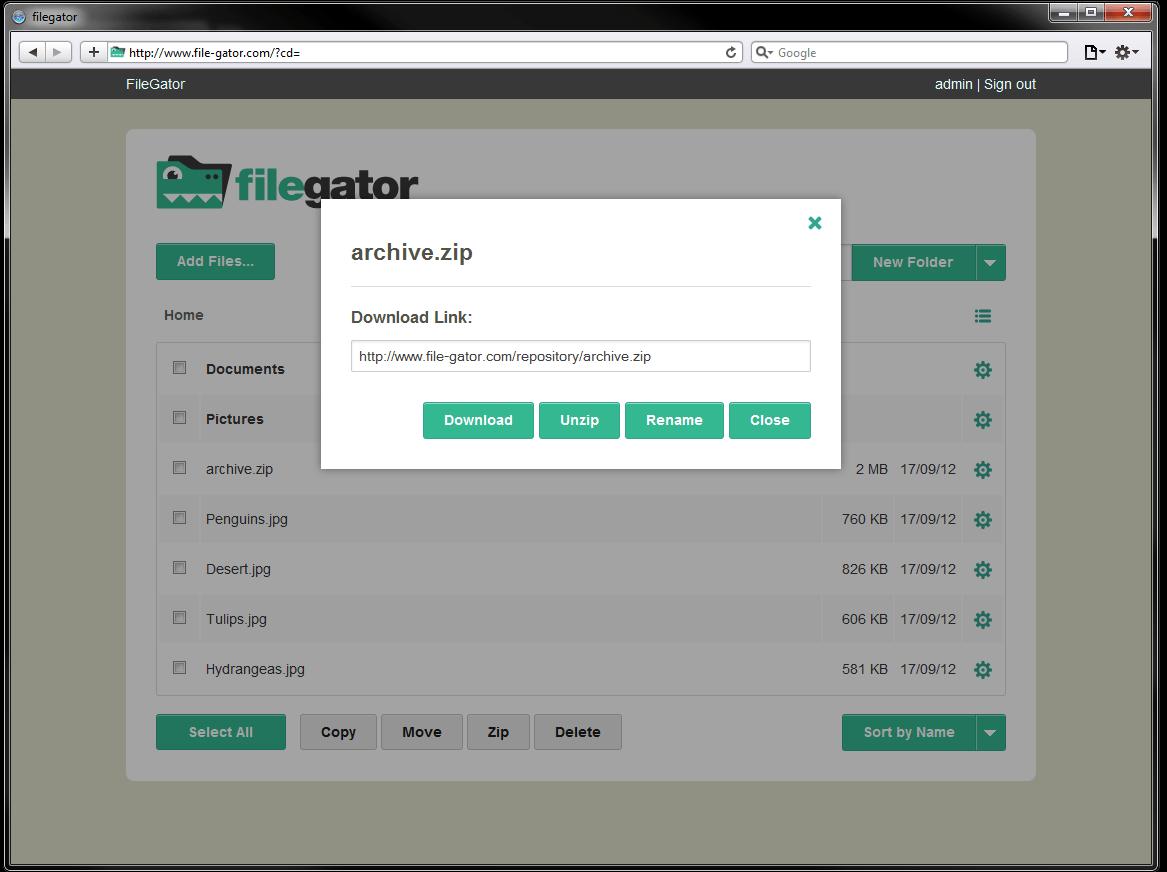
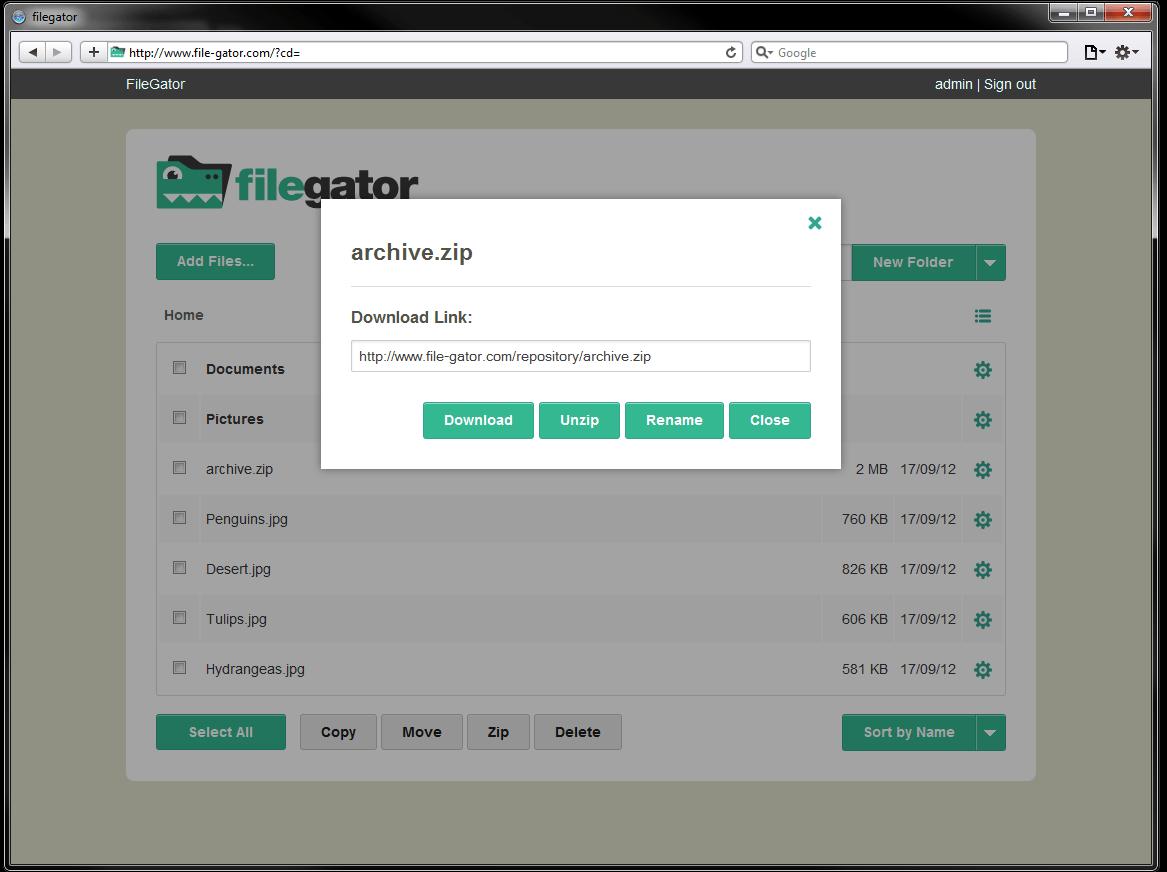
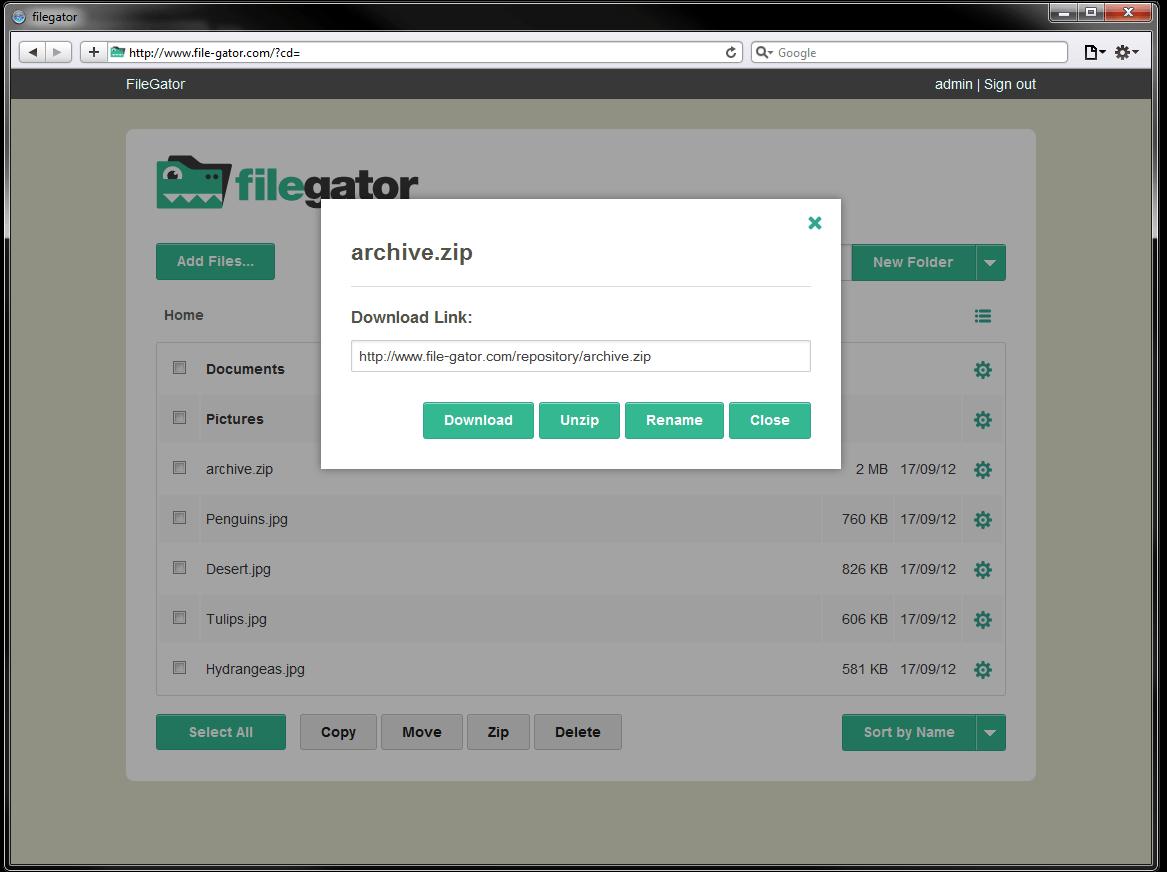
- Archive and bulk operations: FileGator can create and extract ZIP archives. Users with the required permissions can also download multiple files or entire folders together.
- Flexible authentication: User information can be stored in a JSON file or database. WordPress authentication can also be used for suitable implementations.
- Multiple session backends: Sessions can be handled through native files, databases, Redis, MongoDB, Memcached, and other compatible options.
- Database-free installation: A basic deployment does not require a database, which simplifies smaller installations and internal tools.
- Extensible open-source architecture: The MIT-licensed codebase can be inspected, modified, integrated, or customized for specific business requirements.
What can FileGator be used for?
- Internal team file sharing: Create a central browser-accessible location where employees can exchange documents, images, exports, and project files.
- Client file portals: Give customers or partners access to dedicated folders without exposing unrelated files or the underlying server.
- Student assignment collection: Allow students to upload work while limiting their ability to view, change, or download other content.
- Field data collection: Enable workers to submit photographs, reports, scans, and other files from different locations.
- Cloud storage management: Provide one interface for working with local storage and selected third-party storage systems.
- FTP or SFTP replacement: Offer non-technical users a simpler visual alternative for common remote file operations.
- Website and CDN asset management: Let authorized team members manage media and downloadable assets without full hosting-control access.
- Backup access: Use FileGator as a convenient browser interface for uploading, browsing, and downloading stored backup files.
What benefits does FileGator provide?
FileGator combines the accessibility of a cloud file manager with the control of self-hosted infrastructure. Organizations decide where files are stored, how accounts are managed, and which permissions apply. There are no mandatory per-user subscription fees, while the open-source license allows further customization.
Its multi-user model can reduce the operational risks of sharing server credentials. Staff members receive only the access required for their work. Support for storage and authentication adapters also makes FileGator useful as a lightweight interface placed over an existing storage environment.
The main trade-off is ownership of operations. The administrator must secure the installation, expose only the correct public directory, configure HTTPS, maintain backups, install updates, and monitor storage usage. FileGator is therefore best suited to teams capable of managing a web server or working with a technical provider.
What is the FileGator user experience like?
FileGator uses a responsive single-page interface that resembles a conventional file explorer. Navigation, folder creation, drag-and-drop uploading, file previews, and bulk actions are accessible from the browser. Progress indicators and resumable uploads make it practical for transferring larger files.
The experience remains intentionally focused rather than trying to replace a complete collaboration suite. FileGator works best when users need straightforward file access and administrators need controlled, self-hosted storage management. Performance may decline when extremely large numbers of files are placed in one directory, and features such as symbolic links and file ownership changes are not supported.
FileGator Alternatives