Nextcloud
Languages:
Deutsch
English
Español
Français
Italiana
Localization:
World

What is Nextcloud?
Nextcloud is an open-source platform for storing files, sharing information, communicating, and collaborating within a private cloud environment. It provides organizations and individuals with an alternative to centrally hosted productivity services by allowing them to retain control over their files, communications, user accounts, and infrastructure.
Nextcloud can be installed on an organization’s own server, hosted in a private data center, or delivered through a specialized hosting provider. Users access the platform through a web browser, desktop synchronization clients, and mobile applications.
The broader Nextcloud Hub combines file management with document editing, calendars, email, contacts, video conferencing, team chat, workflow automation, and AI-assisted tools. Its modular architecture allows administrators to deploy a focused file-sharing system or create a more comprehensive digital workspace.
What are the key features of Nextcloud?
- File storage and synchronization: Nextcloud Files provides centralized storage with synchronization across Windows, macOS, Linux, Android, and iOS devices. Users can access current file versions from multiple locations and continue working across devices.
- Controlled file sharing: Files and folders can be shared with colleagues, external partners, or customers. Administrators can apply permissions, expiration dates, passwords, download restrictions, and access policies.
- Collaborative document editing: Nextcloud Office supports browser-based editing of documents, spreadsheets, and presentations. Multiple participants can work on the same file while viewing changes, adding comments, or communicating through integrated chat and calls.
- Private team communication: Nextcloud Talk includes individual and group messaging, audio calls, video meetings, screen sharing, and webinar-style communication. Conversations remain connected to the organization’s controlled collaboration environment.
- Integrated groupware: Calendar, Contacts, and Mail bring scheduling and communication into one workspace. Shared calendars, address books, meeting invitations, and email access help teams coordinate daily operations.
- Workflow automation: Nextcloud Flow can automate file handling, approval processes, notifications, and other routine activities. Organizations can define rules that react to file types, tags, events, or business conditions.
- Private AI assistance: Nextcloud Assistant can generate and summarize text, translate content, answer questions about available information, and support selected productivity tasks. Deployment options can keep AI processing closer to organizational infrastructure.
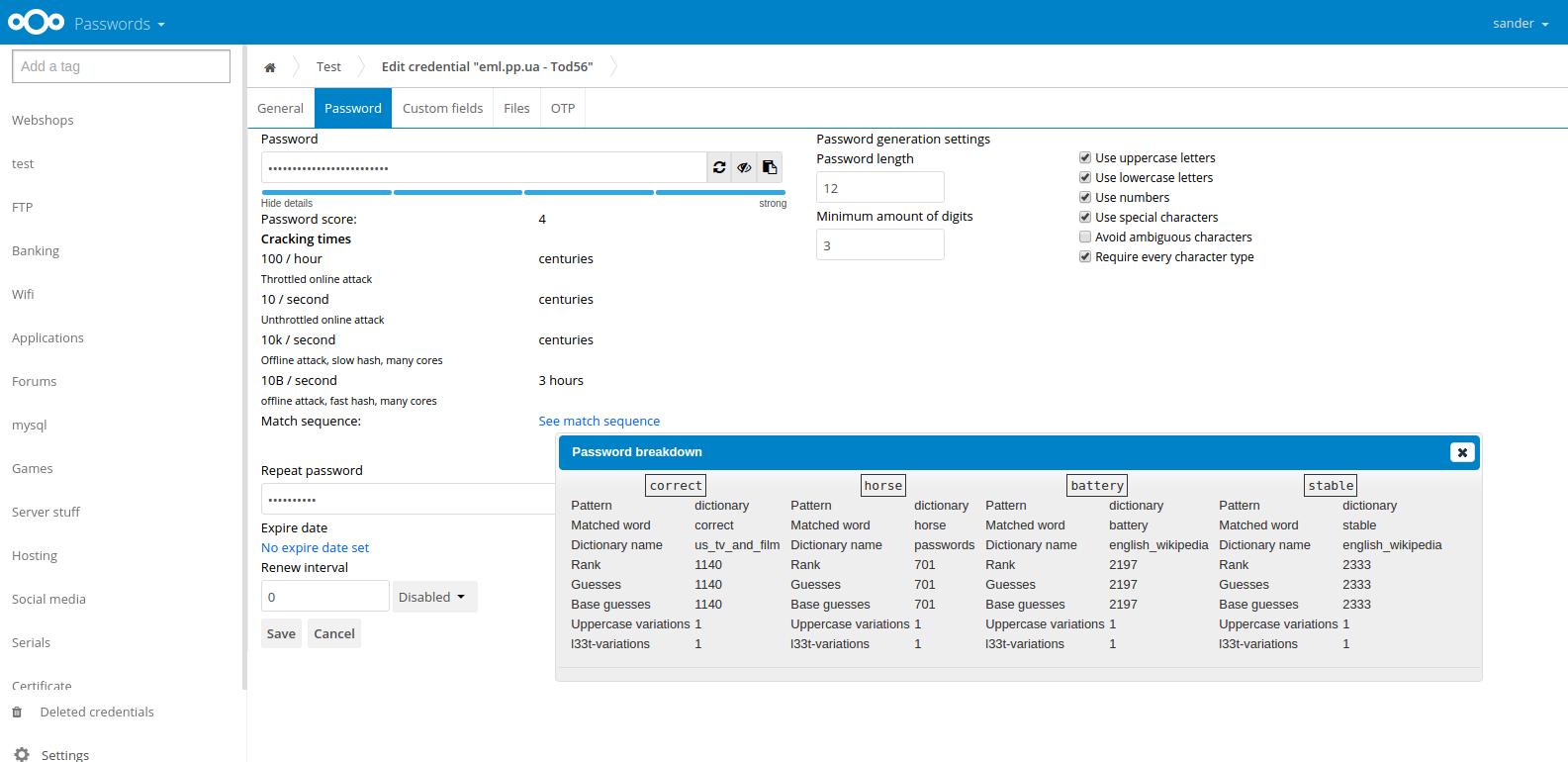
- Extensible application ecosystem: Administrators can add project management, forms, notes, password management, structured tables, electronic signatures, and other capabilities through Nextcloud applications and integrations.
What can Nextcloud be used for?
- Internal company workspace: Businesses can centralize files, calendars, meetings, conversations, and documents without distributing sensitive operational data across several unrelated services.
- Secure client collaboration: Agencies, consultants, and professional service providers can create controlled spaces where customers upload files, review documents, and exchange confidential information.
- Remote and hybrid work: Distributed teams can synchronize documents, participate in calls, edit files together, and access shared resources through desktop, mobile, or browser interfaces.
- Public-sector data management: Government bodies can use Nextcloud to support digital sovereignty requirements and maintain greater control over the location, processing, and governance of citizen data.
- Education and research: Schools and universities can provide students, teachers, and researchers with collaborative storage while applying institutional access and privacy policies.
- Branded cloud services: Hosting providers can offer customized file storage and collaboration products built on Nextcloud while maintaining their own customer relationships and infrastructure.
What benefits does Nextcloud provide?
The primary benefit is control. Organizations can determine where data is stored, who manages the infrastructure, which integrations are enabled, and how access policies are enforced. This is valuable when privacy, compliance, contractual restrictions, or digital sovereignty make conventional public cloud platforms unsuitable.
Nextcloud is also flexible and scalable. It can support a personal server, a small business environment, or a large distributed deployment. Its open-source model reduces dependence on a single proprietary vendor and enables deeper customization.
Combining files, communication, office tools, and automation can reduce platform fragmentation. Users spend less time switching between separate applications, while administrators gain a more consistent approach to identity management, permissions, auditing, and data retention.
These advantages come with operational responsibility. Self-hosted deployments require secure configuration, monitoring, backups, updates, performance management, and technical support. Organizations without internal expertise may prefer a managed provider or an enterprise-supported deployment.
What is the Nextcloud user experience like?
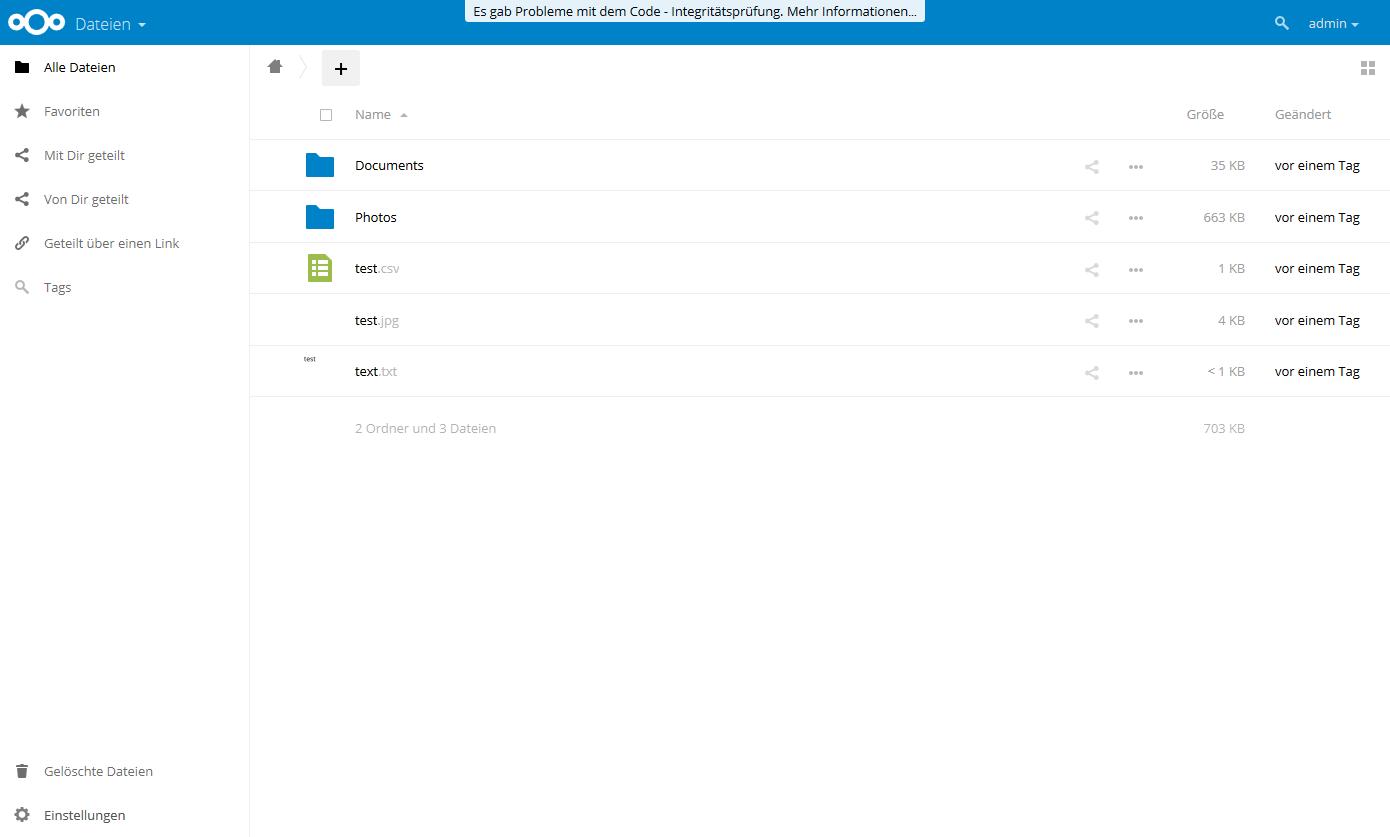
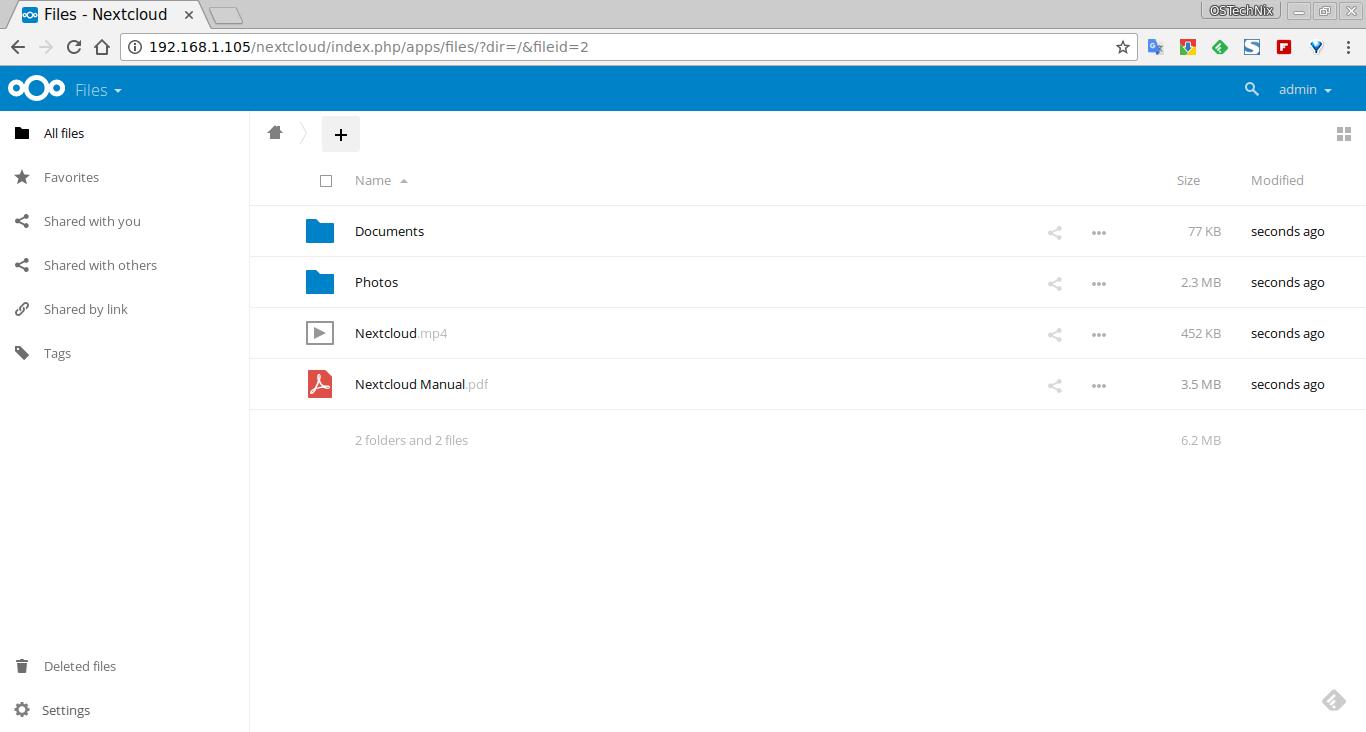
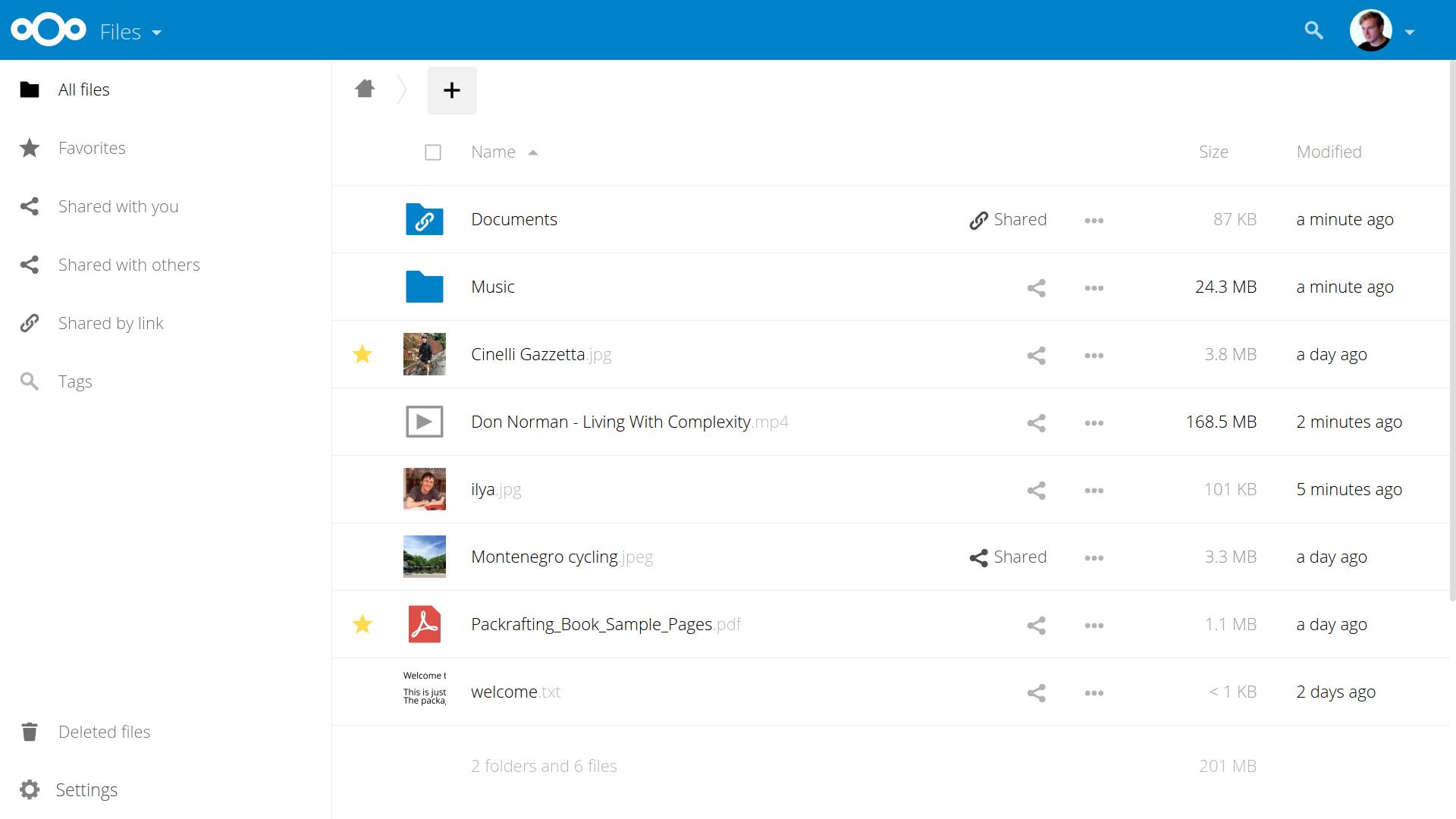
Nextcloud presents a familiar cloud-drive interface with folders, search, previews, sharing controls, recent activity, and collaborative tools. Users can drag files into the browser, synchronize folders automatically, and share content through configurable links.
The experience depends heavily on deployment quality. A properly maintained server can provide a responsive, integrated workspace tailored to the organization. Poor storage performance, limited server resources, or neglected maintenance can make synchronization and large-file operations less reliable.
For end users, Nextcloud feels closest to a private combination of cloud storage, online office software, groupware, and team communication. For administrators, it is a configurable platform rather than a maintenance-free subscription service. Its strongest fit is therefore with users and organizations that value data ownership enough to manage the infrastructure—or pay a trusted provider to manage it.
2026-10-16 12:00:32: Change the table, keep the data ?️ Structure updates in Nextcloud Tables Youtube
2026-10-14 13:00:37: Henry Fisher: Getting your friends & family off Big Tech | Nextcloud Community Conference 2026 Youtube
2026-10-14 13:00:35: Matthieu Gallien: Experimental Linux Virtual Files Nextcloud Community Conference 2026 Youtube
2026-10-14 13:00:32: Christopher De Sousa: Lightning talk | Nextcloud Community Conference 2026 Youtube
2026-10-14 13:00:27: Frédéric Descamps: Lightning talk | Nextcloud Community Conference 2026 Youtube
2026-10-14 13:00:26: Grigorii K. Shartsev: AI policy for contributions | Nextcloud Community Conference 2026 Youtube
2026-10-14 13:00:25: Remko Huisman: Thematiq: your design system in Nextcloud | Nextcloud Community Conference 2026 Youtube
2026-10-14 13:00:23: Tim Schrock: Maintaining Nextcloud for smaller NGOs | Nextcloud Community Conference 2026 Youtube
Nextcloud Alternatives