MindMeister
Languages:
Dansk
Deutsch
English
Español
Français
Italiana
日本語
Netherlands
Portuguese
Русский
简体中文
Localization:
World

What is MindMeister?
MindMeister is an online mind mapping software designed for brainstorming, planning, organizing ideas, and visual collaboration. The platform helps users turn complex thoughts into clear visual structures, making it easier to understand relationships between concepts, tasks, projects, and decisions. Instead of working only with linear documents or scattered notes, users can build interactive maps with topics, branches, links, comments, and supporting details.
MindMeister is useful for individuals, teams, educators, consultants, marketers, project managers, and business owners who need a simple way to structure information. It works directly in the browser, which makes it accessible for distributed teams and remote collaboration. The service is especially valuable when ideas are still raw and need to be shaped into a plan, strategy, workflow, presentation, or task structure.
What are the key features of MindMeister?
-
Online mind map creation
MindMeister allows users to create visual mind maps for ideas, strategies, lessons, meetings, research, and project plans. Topics can be expanded into branches, making it easier to break large subjects into smaller, manageable parts. -
Real-time team collaboration
Teams can work together on the same mind map, add ideas, edit branches, and discuss changes. This is useful for brainstorming sessions, remote workshops, planning meetings, and collaborative problem-solving. -
Comments and discussion tools
Users can add comments to specific parts of a map, helping teams clarify ideas, ask questions, and leave feedback without losing context. -
Sharing and permission controls
MindMeister supports sharing options that allow users to control who can view or edit a map. This makes it suitable for both internal collaboration and client-facing presentations. -
Templates for faster work
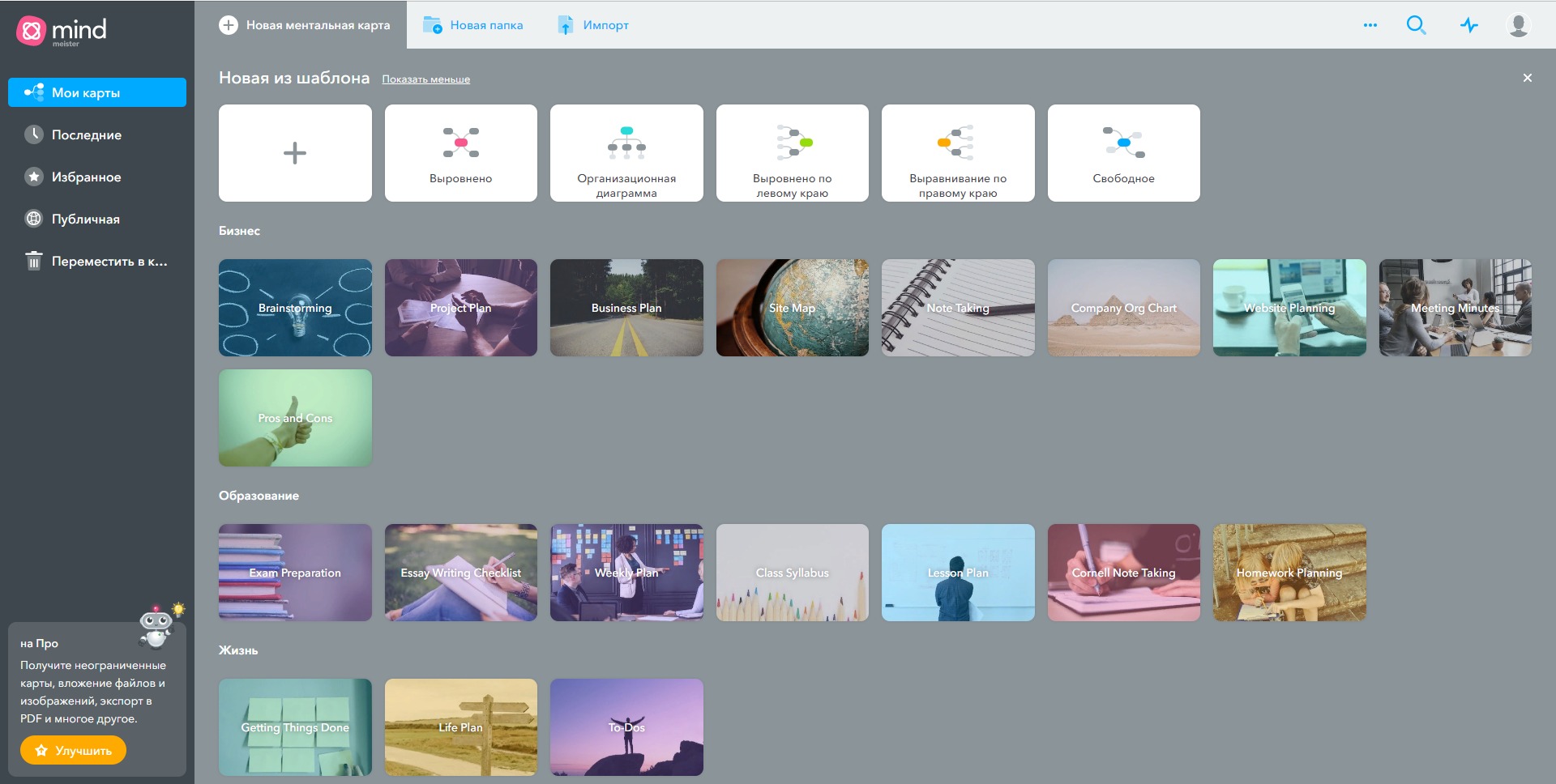
The platform offers ready-made templates for business planning, education, productivity, project management, and creative brainstorming. Templates help users start quickly instead of building every map from zero. -
Presentation mode
Mind maps can be turned into structured presentations. This is useful when users want to explain an idea visually without creating a separate slide deck. -
Task and workflow connection
MindMeister can support the transition from brainstorming to execution by helping teams turn structured ideas into practical next steps, especially when used together with task management workflows.
How can businesses use MindMeister?
-
Project planning
Teams can map project goals, milestones, risks, deliverables, responsibilities, and dependencies before moving into execution. -
Content strategy
Marketers and content teams can use MindMeister to organize article ideas, keyword clusters, video topics, campaign structures, and editorial calendars. -
Product discovery
Product teams can map user problems, feature ideas, customer journeys, competitor notes, and roadmap options in a clear visual format. -
Meeting preparation
Managers can prepare meeting agendas, collect discussion points, document decisions, and create follow-up structures. -
Education and training
Teachers, trainers, and coaches can use mind maps to explain subjects, build lesson plans, summarize learning materials, and support visual learners. -
Client discovery sessions
Agencies and consultants can use MindMeister during discovery calls to map business needs, pain points, priorities, and proposed solutions.
What are the benefits of MindMeister?
MindMeister helps reduce information chaos. Many teams start with scattered notes, chat messages, documents, and half-formed ideas. A mind map gives this information a visible structure. This makes it easier to see what belongs together, what is missing, and which ideas should become actions.
Another benefit is better collaboration. When several people look at the same visual map, discussions become more focused. Teams can move from vague conversation to structured thinking faster. This is useful for remote teams, strategic planning, creative work, and early-stage project analysis.
MindMeister also improves clarity in decision-making. By placing options, arguments, risks, and dependencies into a visual format, users can compare ideas more easily. This helps managers, consultants, and teams explain complex topics without overwhelming the audience.
For businesses, the main value is the bridge between thinking and execution. MindMeister is not only a place for ideas. It can support planning, documentation, presentation, and workflow preparation.
What is the user experience like in MindMeister?
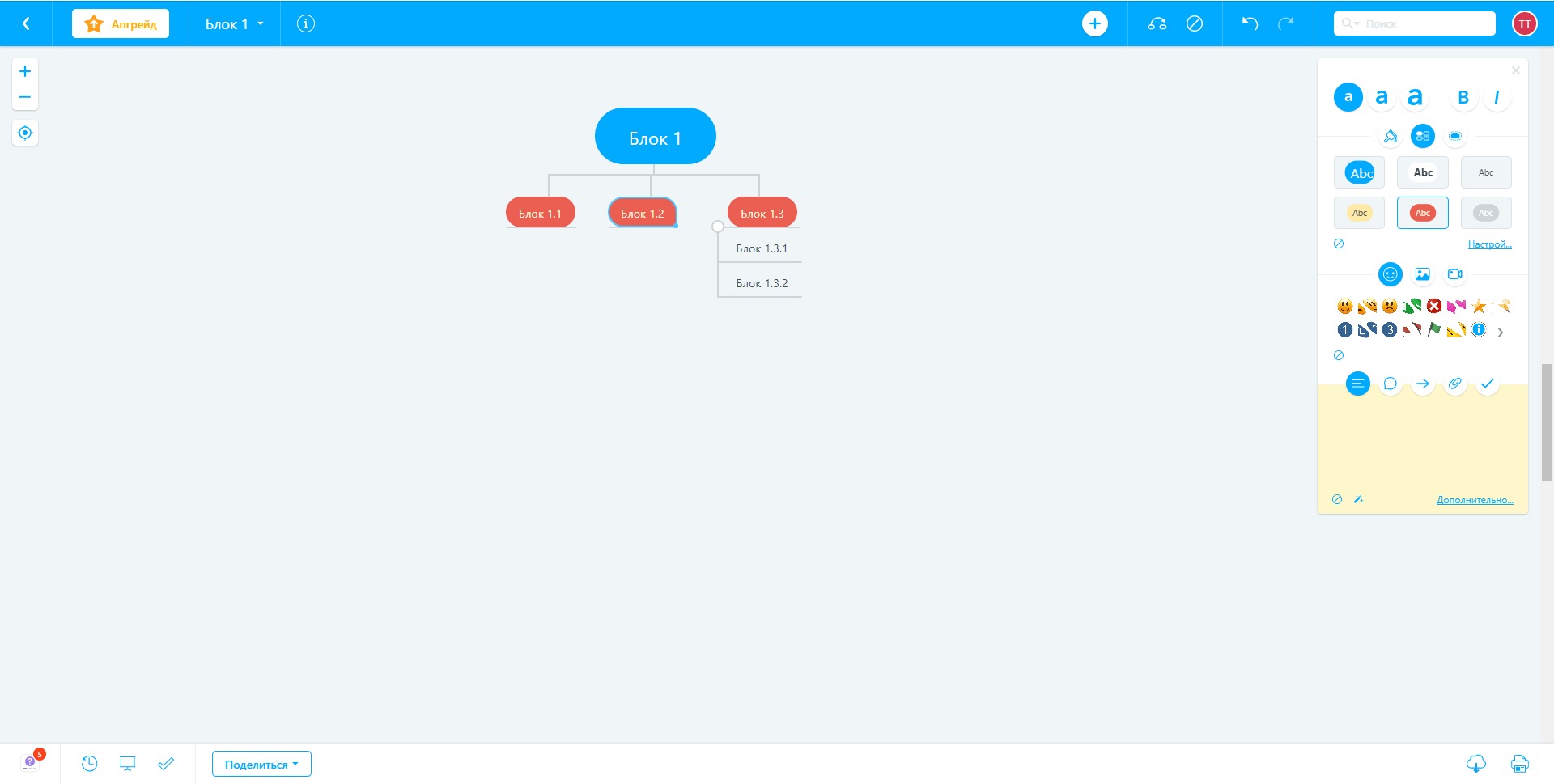
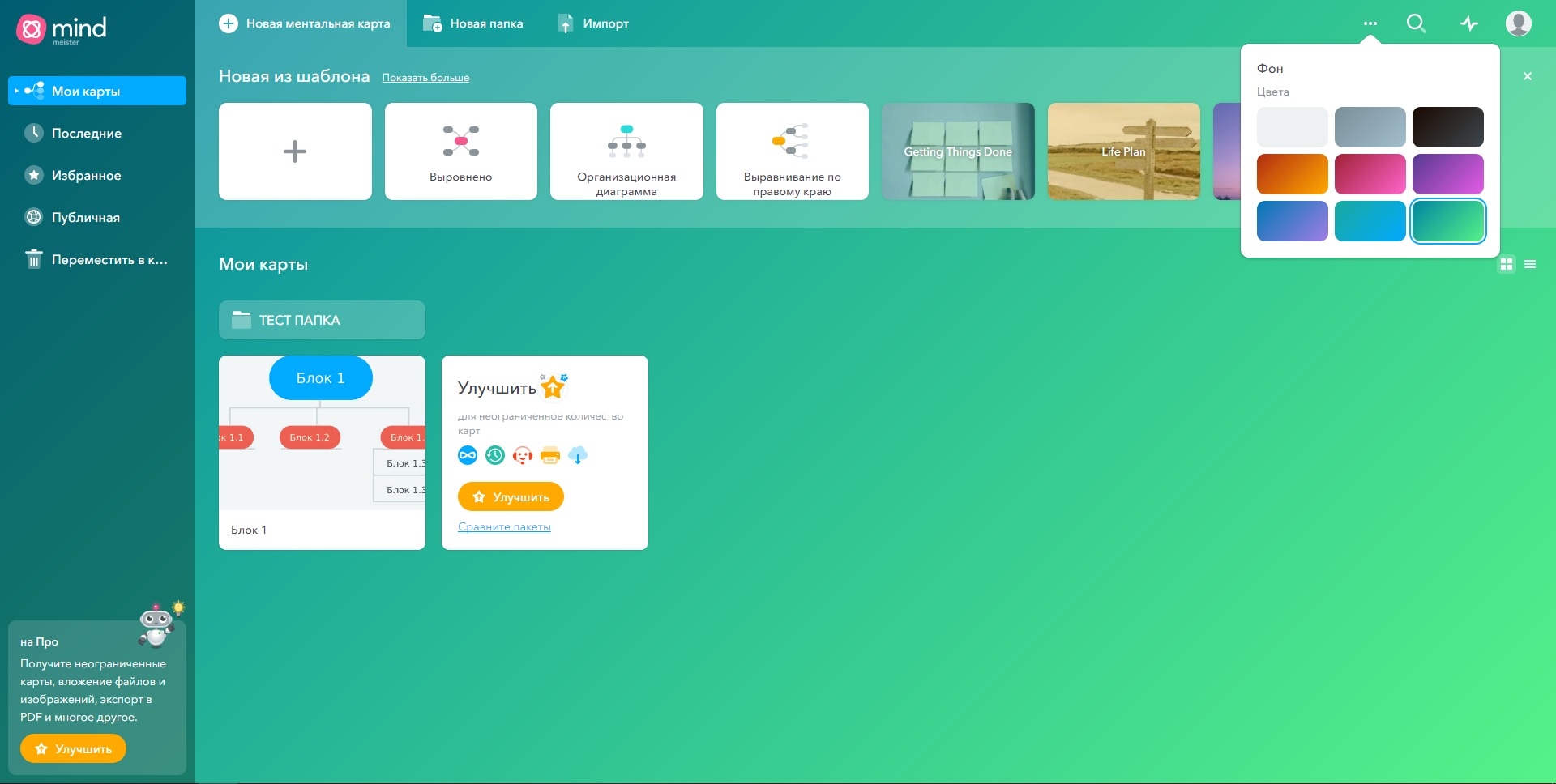
MindMeister has a clean and focused user experience. New users can start with a central topic and quickly add branches, subtopics, notes, and links. The interface is designed around visual thinking, so users do not need advanced technical skills to create useful maps.
The platform feels especially practical during the early stages of work, when ideas are not yet ready for a document, spreadsheet, or project management board. Users can freely explore a topic, rearrange branches, group related concepts, and gradually shape a messy idea into a structured plan.
For teams, the experience is collaborative and lightweight. Users can share maps, comment on specific branches, and use mind maps as a common thinking space. MindMeister works best for brainstorming, planning, organizing knowledge, and turning abstract ideas into something visible, structured, and ready for action.
2023-10-02 10:04:49: The Spanish category is now LIVE in the MindMeister Community! Youtube
2023-03-29 21:01:26: Want to take #MindMapping to the next level?
It's easy with the #MindMeister Academy 🤓
Discover our courses, from beginner to advanced, and become an expert mind mapper in no time. 🙌
🧑🎓 Get started here: https://t.co/qwqNN5Fkmo https://t.co/1rxAJMxCy2
2023-03-27 09:00:34: Big goals to reach this quarter? Join our #webinar on March 28 and make them happen! 🌟
Learn from expert Nick Willemsens to plan and execute your strategic goals with the #Meister Suite – and get results worth celebrating. 🥳
Sign up now: https://t.co/NJEC3mkeKp https://t.co/bJTRSyBM7P
2023-03-23 09:01:21: Mark your calendars! 📅 Join us on March 28 for a #webinar on how to smash your goals this quarter!
Nick Willemsens will share his tips for streamlining processes, maximizing your resources – and getting results you deserve. 🚀
Sign up now! 👉 https://t.co/jprA1joZJ9 https://t.co/UcCEwMr7qH
2023-03-22 19:02:50: #EverythingEverywhereAllAtOnce won the #Oscar for Best Picture! 🙌 Not sure if it's your cup of tea?
Check out our #MindMap to find out why it deserves a spot on your to-watch list. 👇
https://t.co/J8PfWNeYfn
2023-03-21 12:01:55: Quartalsziele erreichen und Team-Ressourcen schonen? Nick Willemsens zeigt Ihnen, wie! 🙌
Besuchen Sie unser #Webinar am 22.03 und lernen Sie, wie Sie mit #MindMeister, #MeisterTask und #MeisterNote Ressourcen optimal einsetzen.
Jetzt anmelden! 👉 https://t.co/cDhKWYbP6s https://t.co/6OxYlB3rCL
2023-03-16 16:02:19: Optimieren Sie Ihre Teamprozesse und erreichen Sie Quartalsziele mit Leichtigkeit! 🌟 Unser Experte Nick Willemsens zeigt Ihnen am 22.03, wie!
Jetzt für unser #Meister Suite #Webinar anmelden und Insider-Tipps erhalten. 👉 https://t.co/JX9cWGQUHt https://t.co/7JkmeApB5f
2023-03-15 20:02:34: We’re big believers in #RemoteWorking – but it isn’t all 🌈 and 🦄. That's why we have the #Meister Office Days.
This month, Lobsters from around the world came together in Vienna for some good old-fashioned in-person collaboration (and fun!) 🙌
What do you think – good idea? https://t.co/fZnCNbnEtp
2023-03-10 14:01:40: And the winner is…Stop! 🎥 Before the awards start, we want to hear from you. 📣 Tell us your #Oscar 2023 tip in the comment section.
Our tip: use #MindMeister to brainstorm your ideas!
👉 Start now: https://t.co/WEoq3M1Y2z
#Oscar2023 https://t.co/lCd0Ih5a16
2023-03-09 18:53:20: 🎬Lights, camera, action!🎥 It's #Oscar Time!
🤔 Which category are you looking most forward to?
2023-03-08 17:03:48: 🎉 It’s International Women’s Day – and we want to shine a spotlight on the women who inspire us. 🎉
Tell us about a female leader you think we should all be celebrating, and we’ll create a mind map to share her story with the world. 👩🔬👩✈️👩💼👩🌾
#IWD2023 #HappyWomensDay https://t.co/doKQrz0IEB
2022-11-16 23:00:34: 【Digest】MindMeisterを活用した小手先・超速リサーチ術(講師:佐々木ゴウ) Youtube
2022-10-25 08:57:13: Guide: Get to know the new MindMeister editor Youtube
2022-10-19 09:14:44: Mind Mapping - To Take Care of What We Really Care About (by Senpookyaku Hoshiko) Youtube
2022-10-13 07:07:48: Mindmap Guide: Add Tasks from MindMeister to MeisterTask Youtube
2022-10-13 07:06:51: How to Mind Map: Add Tasks from MindMeister to MeisterTask in the All-New MindMeister Youtube
2022-10-03 14:31:53: "Align MindMeister to the right to enhance organizational communication speed (Entrepreneur, IT Strategist: Toshihiko Kato)" Youtube
2022-10-03 09:22:53: Create a blueprint for presentation materials with MindMeister (Entrepreneur, IT Advisor: Toshihiko Kato) Youtube
2022-10-03 09:20:22: Generate ideas and brainstorm with MindMeister (Entrepreneur, IT Advisor: Toshihiko Kato) Youtube
2022-10-03 09:16:26: Here’s the translation of the provided text into English:
"This is a must-know! Basic Operations of MindMeister (Entrepreneur, IT Advisor: Toshihiko Kato)" Youtube
MindMeister Alternatives




MindMeister Reviews & Demos
MindMeister Integrations