Daylite
Languages:
Deutsch
English
Español
Français
Localization:
World

What is Daylite - Apple-First CRM for Teams?
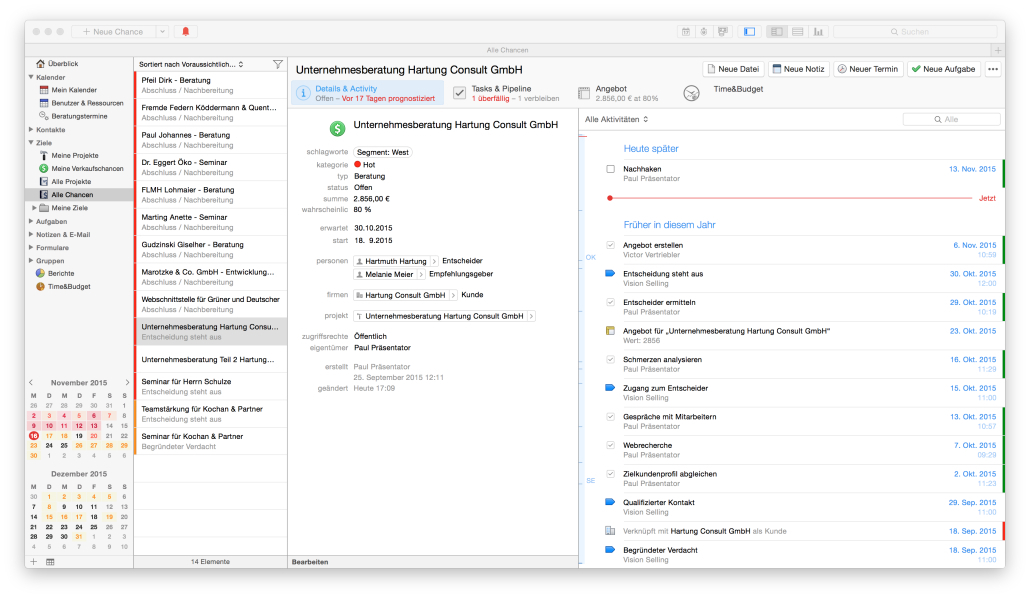
Daylite - Apple-First CRM for Teams is a customer relationship and work management platform built specifically for Mac, iPhone, and iPad. It combines contacts, email, calendar, tasks, opportunities, and projects into one connected workspace so teams can manage the full client lifecycle without jumping between multiple tools.
Instead of keeping information in scattered inboxes and spreadsheets, Daylite links every email, meeting, note, and task to the right contact, deal, or project. This makes it easier for service-based and relationship-driven teams to stay organized, follow up on time, and maintain context when several people collaborate on the same client. The Apple-first approach gives it a familiar feel for teams already working in the Apple ecosystem.
What are the key features of Daylite?
-
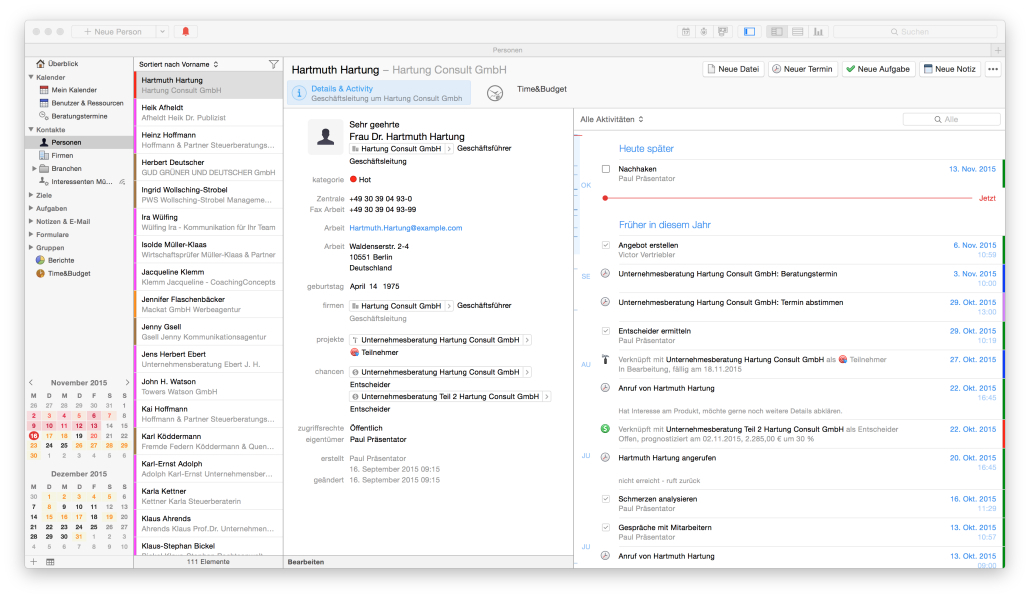
Contact and relationship management
Daylite centralizes people and companies with all their related activity. Users can see who is involved in each account, what role they play, who referred them, and the full history of emails, calls, meetings, and notes. This turns raw contact lists into real relationship maps that help teams nurture leads and long-term clients. -
Integrated email with CRM context
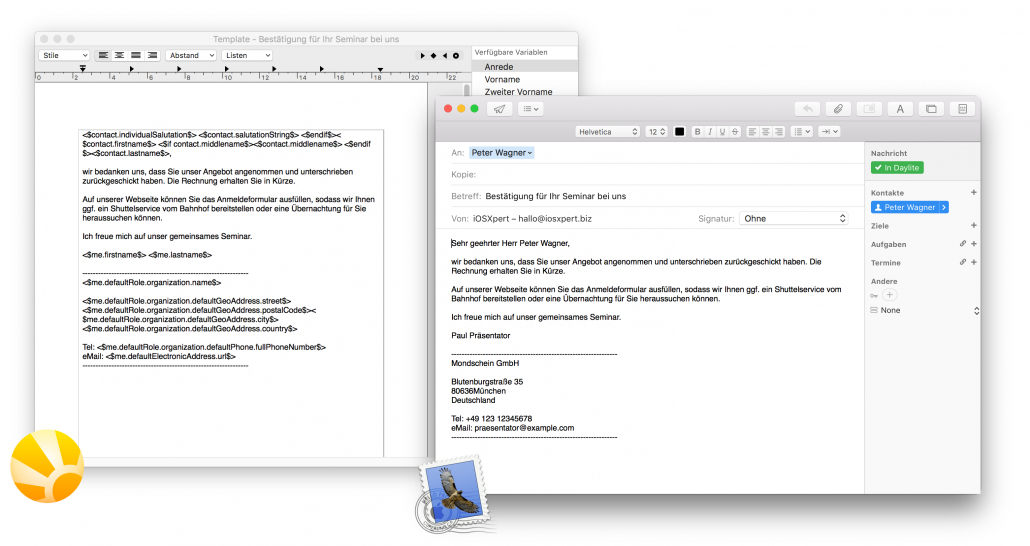
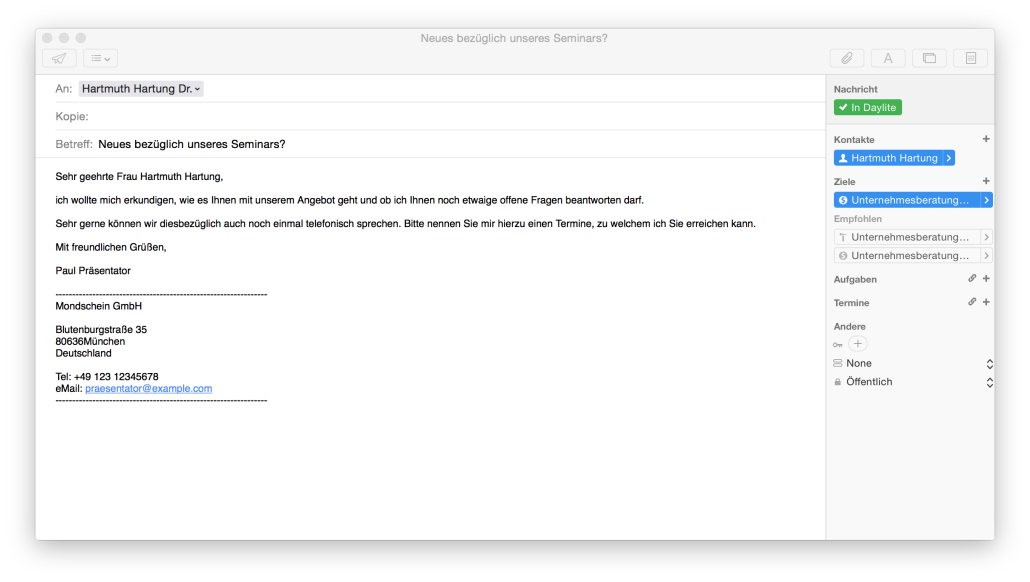
Daylite connects directly with Apple Mail so important conversations do not stay trapped in personal inboxes. Emails can be linked to contacts, opportunities, and projects and quickly turned into tasks or calendar events. Priority-style views and filtering help teams focus on the messages that drive deals and delivery instead of drowning in noise. -
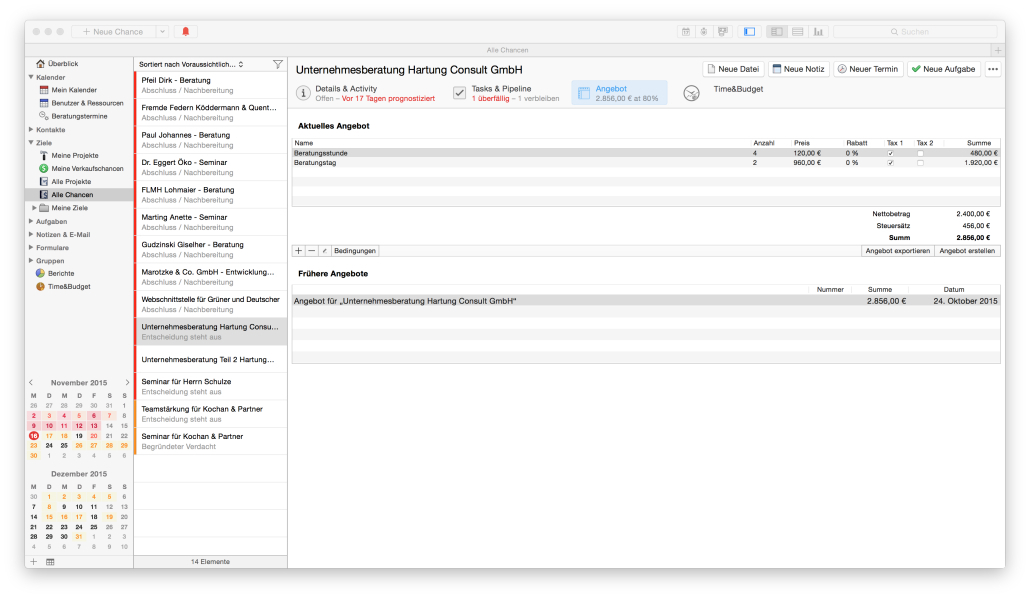
Opportunities and sales pipelines
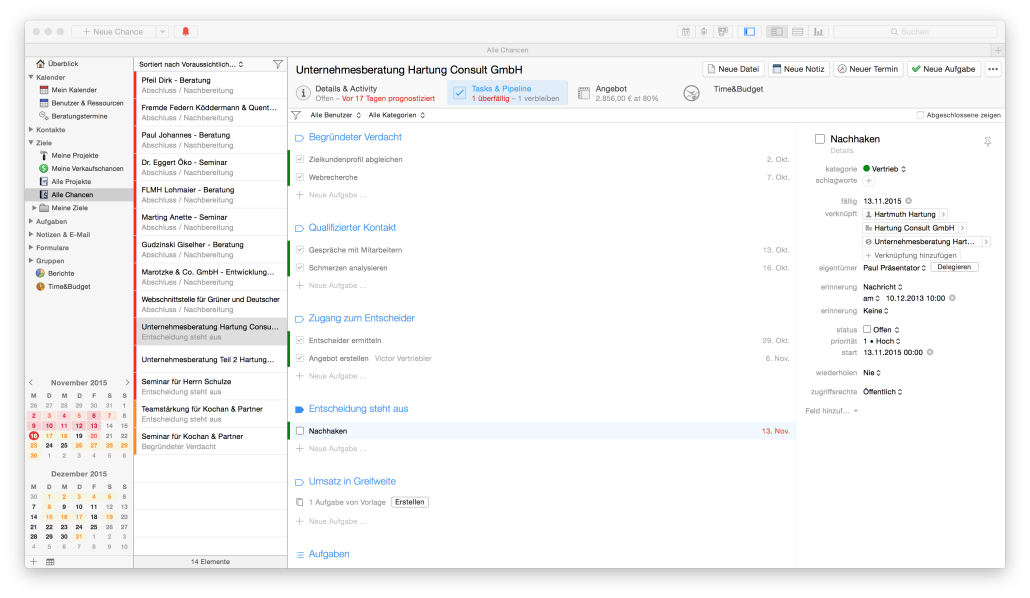
The platform allows teams to track deals through configurable stages, from new inquiry to closed won. Each opportunity can store value, probability, next steps, and related communication. Pipeline views and reports make it easier to understand where revenue is coming from, which activities move deals forward, and where prospects tend to stall. -
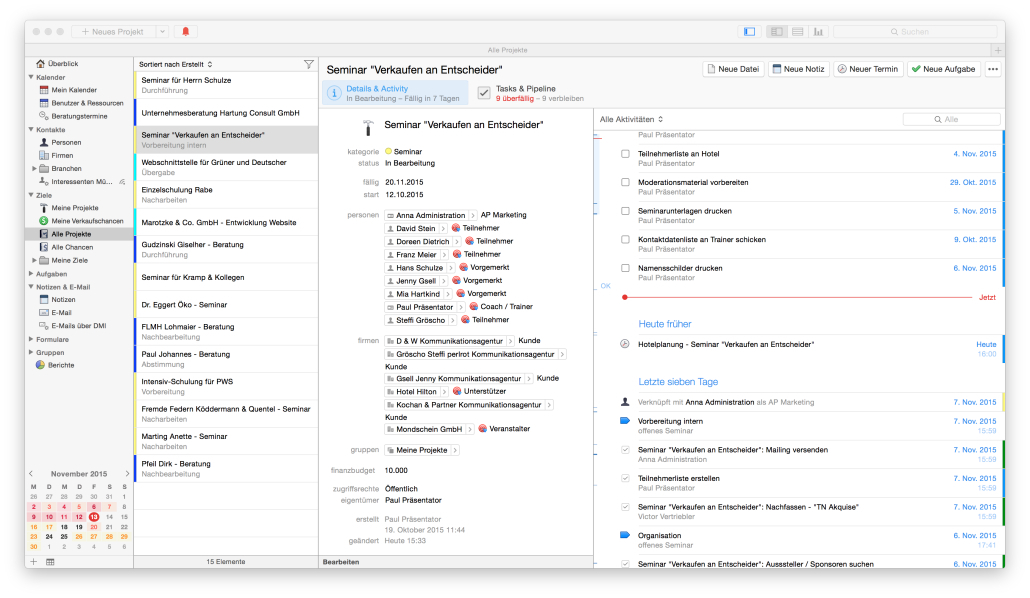
Project and task management
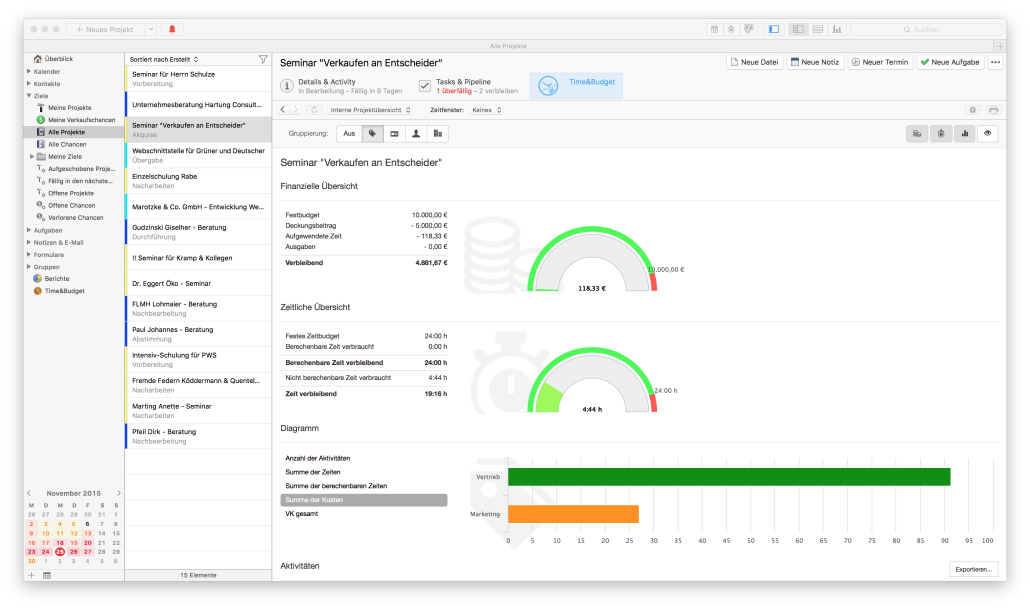
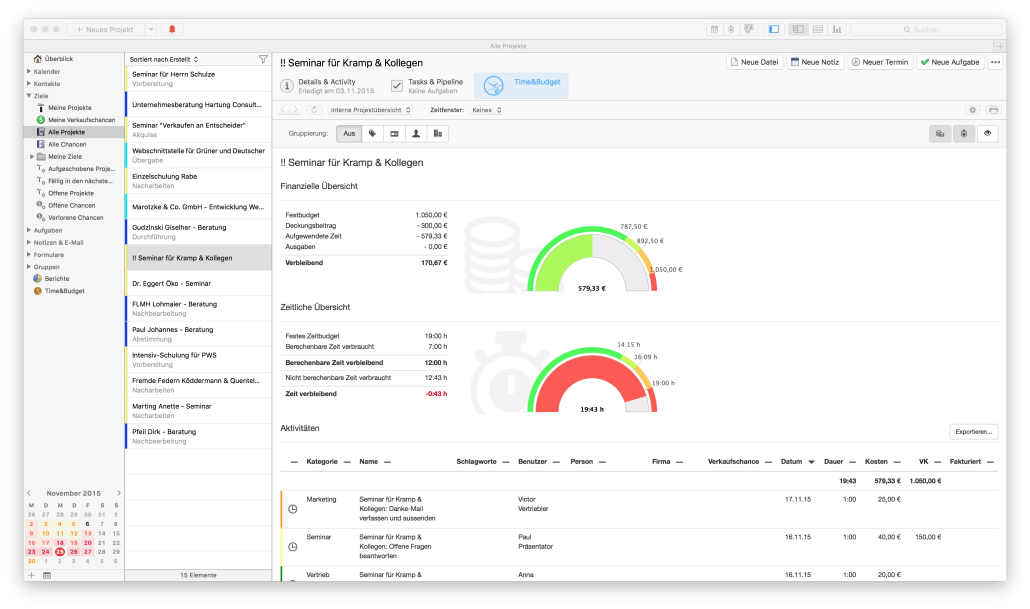
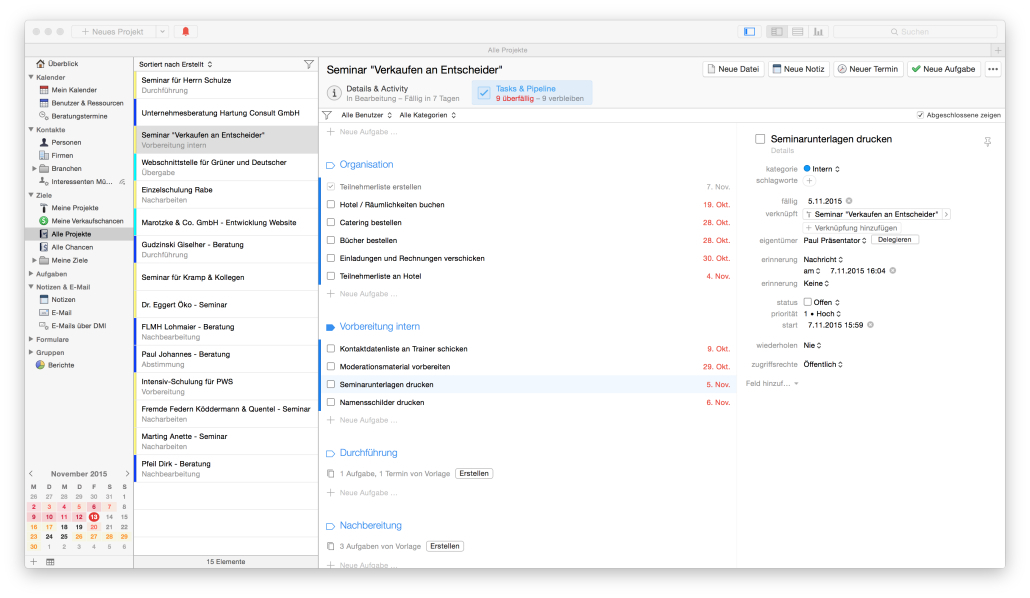
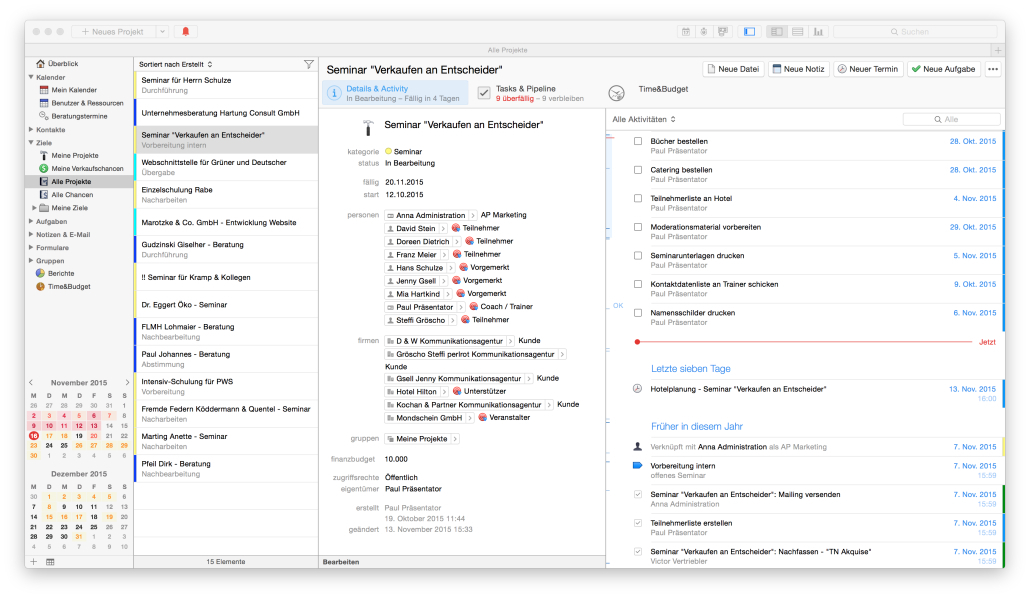
Daylite includes full project and task management for service delivery and internal initiatives. Projects gather all linked tasks, emails, notes, and documents in one place. Checklists and reusable activity sets help standardize onboarding flows, implementation plans, and recurring service routines. Tasks can be assigned, prioritized, and given due dates to keep execution under control. -
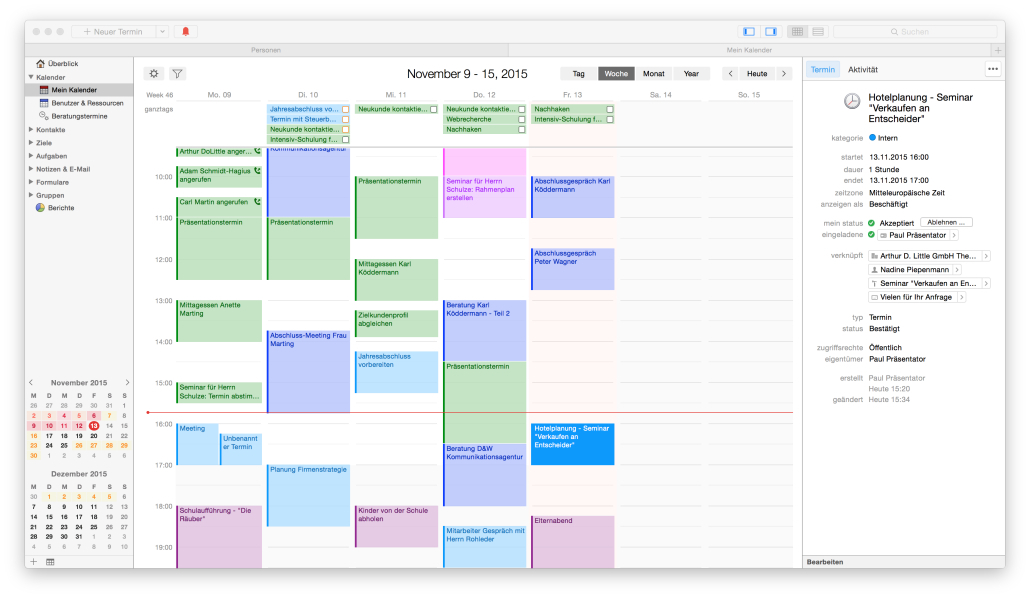
Calendar and scheduling
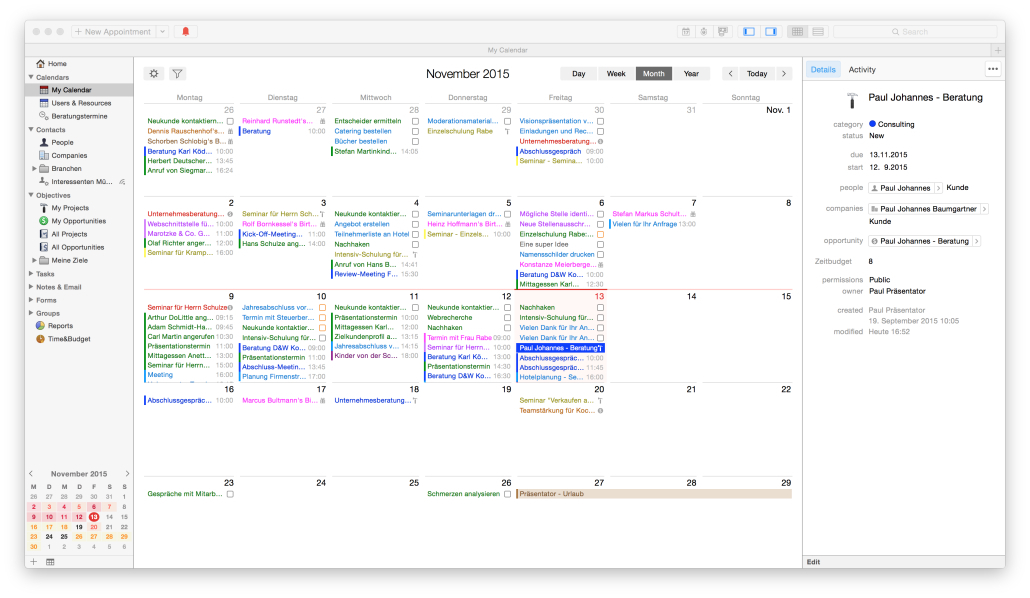
A built-in calendar lets users plan their schedules and see what is coming next for each client. Two-way integration with Apple Calendar gives a unified view of business and personal events. Meetings and appointments can be linked directly to contacts and projects, so users always have the context and history attached to each time slot. -
Custom fields and forms
Teams can add custom fields, categories, and keywords to reflect their own processes and data model. Forms help capture structured information such as intake questionnaires, discovery notes, or project briefs and attach it to the right contact, deal, or project. This flexibility lets different industries adapt the system to their workflow instead of forcing a generic template. -
Apple-native mobile and offline access
Daylite runs as native apps on Mac, iPhone, and iPad. Data is stored locally and synced, which means users can keep working offline during travel or in low-connectivity environments and then update the shared database later. The interface follows Apple design patterns, which shortens the learning curve for existing Apple users.
How is Daylite used in real-world scenarios?
-
Client services and agencies
Creative studios, marketing agencies, and consultants use Daylite to manage the entire client journey. New leads come in, move through a structured pipeline, convert to projects, and then shift into ongoing service or retainers. Every email, meeting note, file, and decision is attached to the relevant client record, reducing confusion when multiple people touch the same account. -
Professional services and B2B sales
Law firms, financial advisors, and B2B sales teams adopt Daylite to keep high-touch relationships under control. They track referrals, map decision-makers within accounts, and maintain consistent follow-up sequences. Opportunities and tasks help ensure that important conversations do not drop just because one person is overloaded or out of the office. -
Owners and small teams wearing many hats
Small business owners and managers who handle sales, operations, and client work at the same time use Daylite as a single command center. The platform shows them today’s meetings, critical tasks, active opportunities, and project progress in one place, reducing the mental overhead of tracking everything manually.
What benefits does Daylite provide for teams?
Daylite reduces the friction created by separate tools for email, CRM, and project management. Because communication, planning, and execution are tied to the same records, teams spend less time searching for information and more time actually moving work forward. Shared context makes handoffs smoother, lowers the risk of missing deadlines or follow-ups, and improves the consistency of client experience.
The ability to customize fields, pipelines, and forms means Daylite can support many different verticals without custom development. It also makes scaling easier: as processes mature, teams can refine pipelines, templates, and checklists rather than rebuild their stack. For Apple-focused organizations, the native experience is an additional advantage because it matches their existing hardware and habits.
What is the Daylite user experience like?
The user experience in Daylite is built around a few core objects—contacts, opportunities, projects, tasks, and calendar—and the links between them. Navigation feels like moving through the story of each client rather than jumping between disconnected modules. A user can open a contact and immediately see related emails, deals, projects, and upcoming events without extra digging.
On Mac, the interface is familiar to anyone used to Apple productivity apps, with sidebar navigation, lists, and detail panes. On iPhone and iPad, the layout is optimized for quick access to today’s tasks, meetings, and recent records. The combination of Apple Mail integration, calendar sync, and local storage keeps Daylite tightly embedded into everyday workflows, making it a practical choice for teams that already live in the Apple ecosystem and want a CRM that feels native rather than bolted on.
2023-04-06 21:00:01: Check out how a #marketingstrategy can help you become a #topofmind business and keep potential and current #clients thinking of you. Daylite can help you get there. Learn more here: https://t.co/K30gfQuZ2Q
#marketing #topofmindmarketing #marketingtips https://t.co/8CUdz6d1DtTwitter
2023-04-05 21:01:52: Daylite coaches are always ready to work closely with you and your team, understanding your unique needs, setting up Daylite, and optimizing workflows. Learn more: https://t.co/N20qqS16Fc
#CRM #MacCRM #Daylitecoaches #Dayliteimplementation #Daylitesetup #CRMsetup #CRMoptimization https://t.co/Ed2hX1dgK7Twitter
2023-04-04 21:01:11: Attorney Jackson Doggette uses Daylite to connect Contacts, Tasks, Opportunities, Projects, and much more, so everything is all in one place. Learn why Daylite is the number one app for Jackson Doggette: https://t.co/XdBCbONLn2
#MacCRM #Appleapps #customerspotlight #successstory https://t.co/ZY7zVtIt0yTwitter
2023-04-03 19:40:01: It’s April! Inflationary pressures are alarming and now is the time to find smart solutions and creative business practices to survive and thrive in the ever-so-challenging economic climate. Check it out: https://t.co/eFlzWkhCmL
#smallbusinesstrend #trends2023 #2023wallpaper https://t.co/i5K1vtryFZTwitter
2023-03-29 19:40:01: Use the #DayliteProjectsBoard to track how multiple projects are progressing, identify any bottlenecks, and prioritize what’s most important, boosting your team’s #projectmanagement skills. Learn more: https://t.co/0kAumABptH
#project #Daylitefeatures #DayliteforMac https://t.co/seQx9ByOwLTwitter
2023-03-28 21:01:09: If you’re interested in taking your #financialservices business to the next level, check out this blog where we outlined the key factors you need to focus on when choosing a #CRM: https://t.co/tb1JU7jywB
#financeprofessionals #wealthmanagement #MacCRM #DayliteforMac https://t.co/8wFtAH7yCXTwitter
2023-03-23 18:40:01: #DayliteTip: Make your Favourites Bar more intuitive. When naming items in Daylite, press fn 🌐︎ + E to open the emoji menu. Select an emoji and press enter. Add the renamed items to your Favourites Bar and voilá.
#productivityhacks #Daylitehacks #FavouritesBar #DayliteforMac https://t.co/3WyDQX67g4Twitter
2023-03-22 20:02:17: As a Mac-native application, Daylite helps attorney Jackson M. Doggette Jr. succeed in his personal and business lives. Find out all of the reasons why Daylite is “the ticket” to success: https://t.co/XdBCbONLn2
#MacCRM #Appleapps #customerspotlight #successstory #DayliteforMac https://t.co/LEOBGlxhvJTwitter
2023-03-21 20:00:17: From user-friendly interface and build quality to advanced security features and optimal cost of ownership, we’ve curated the main 8 reasons why you should switch from PCs to Mac computers for your business: https://t.co/zxs36jOtyb
#pcvsmac #windowsvsmac #applecomputer #applelife https://t.co/urAXAjphomTwitter
2023-03-20 18:40:01: Spring is here! May this renewed energy fuel you and your business to keep on growing. Daylite is here to share this journey with you! Check out this blog to make sure you’re still on track with your goals: https://t.co/q95rqDnEtG
#smallbusinesscheck #spring2023 #DayliteforMac https://t.co/6SRkfQCRX7Twitter
Daylite Alternatives




Daylite Reviews & Demos
Daylite Integrations