LogicalDOC
Languages:
Deutsch
English
Español
Français
Portuguese
Localization:
World
What is LogicalDOC used for?
LogicalDOC is a document management software platform designed to help organizations store, organize, search, share, and control business documents in a structured digital environment. Instead of keeping files scattered across local computers, shared drives, email attachments, or disconnected cloud folders, LogicalDOC provides a centralized repository where documents can be managed as part of a controlled business process.
The platform is suitable for companies that work with contracts, invoices, technical files, legal documents, HR records, reports, manuals, procedures, project documentation, and scanned paper archives. LogicalDOC focuses on making documents easier to find, safer to manage, and more useful for daily operations. It combines document storage, metadata, full-text search, workflow automation, version control, permissions, and collaboration tools. This makes it a practical solution for businesses that want to reduce document chaos, improve internal knowledge management, and move toward a more paperless office model.
What key features does LogicalDOC offer?
-
Centralized document repository: LogicalDOC allows businesses to keep important files in one organized system. Teams can avoid duplicated files, lost documents, and unclear folder structures by using a shared document workspace.
-
Advanced search functionality: Users can search documents by file content, title, metadata, tags, folder location, document type, or other criteria. This is useful for companies with large archives where manual browsing becomes slow and unreliable.
-
Metadata management: LogicalDOC supports custom metadata fields, allowing businesses to describe documents with structured information. Contracts, invoices, employee records, technical manuals, and legal files can each have their own data fields.
-
Version control: The platform helps teams manage document revisions. Users can track previous versions, understand what changed, and avoid confusion caused by multiple copies of the same file.
-
Access permissions: LogicalDOC provides user and group-based access control. Companies can define who can view, edit, download, approve, delete, or manage documents.
-
Workflow automation: Businesses can create approval flows, review processes, and document routing rules. This is useful for contracts, internal policies, financial files, and compliance-related documents.
-
OCR and scanning support: LogicalDOC can help convert scanned paper documents into searchable digital files, making it easier to digitize physical archives.
-
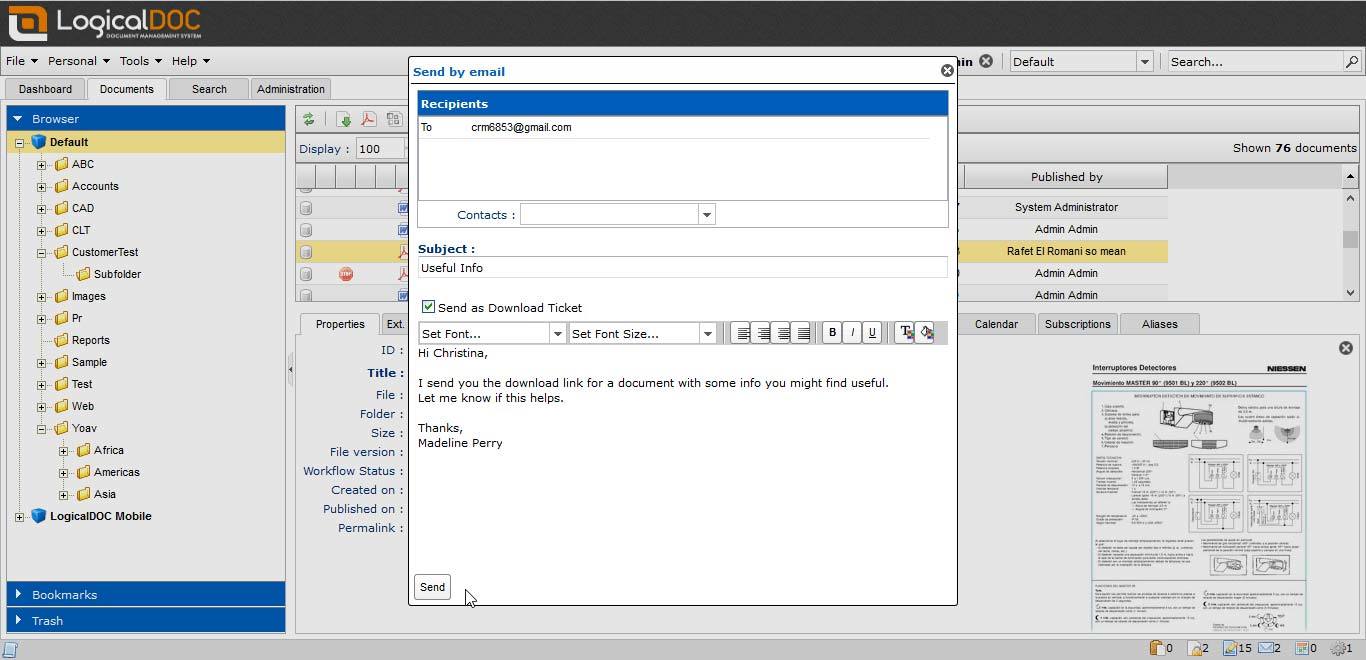
Collaboration tools: Teams can comment on documents, share files, manage updates, and work with business content in a controlled environment.
-
API and integration options: LogicalDOC can be connected with other business systems, allowing document processes to become part of broader company workflows.
Where can LogicalDOC be used in business?
-
Legal document management: Law firms and legal departments can use LogicalDOC to organize contracts, case files, agreements, evidence documents, correspondence, and approval records.
-
Accounting and finance: Companies can manage invoices, receipts, reports, tax documents, supplier files, and financial approvals in a searchable archive.
-
Human resources: HR teams can store employee records, policies, onboarding documents, certificates, contracts, and internal procedures with controlled access.
-
Construction and engineering: Project teams can manage drawings, specifications, permits, inspection reports, technical documentation, and project records.
-
Healthcare and regulated industries: Organizations with sensitive documents can benefit from permissions, auditability, structured storage, and controlled document processes.
-
Sales and marketing teams: Businesses can organize proposals, presentations, price lists, brochures, client documents, campaign assets, and internal knowledge materials.
What are the main benefits of LogicalDOC?
LogicalDOC helps companies reduce time wasted searching for files, improve document security, and create a more disciplined approach to information management. It supports better collaboration because team members can work from a shared source of truth instead of passing attachments through email.
The platform also improves operational control. Version history, permissions, metadata, and workflows help companies understand where documents are, who can access them, and what stage they are in. This is especially valuable for organizations with approval processes, compliance requirements, or large document archives.
LogicalDOC can also reduce dependency on paper-based processes. By combining scanning, OCR, structured storage, and digital workflows, businesses can move more document activity into a digital environment.
What is the user experience like in LogicalDOC?
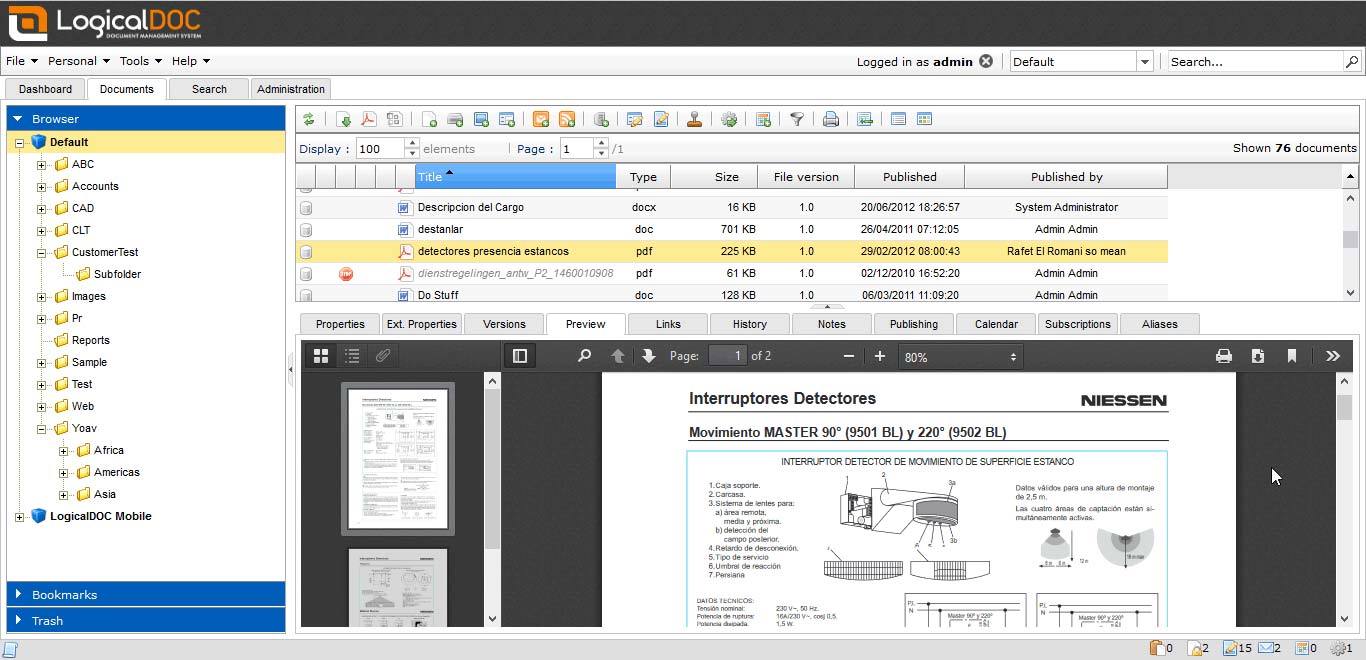
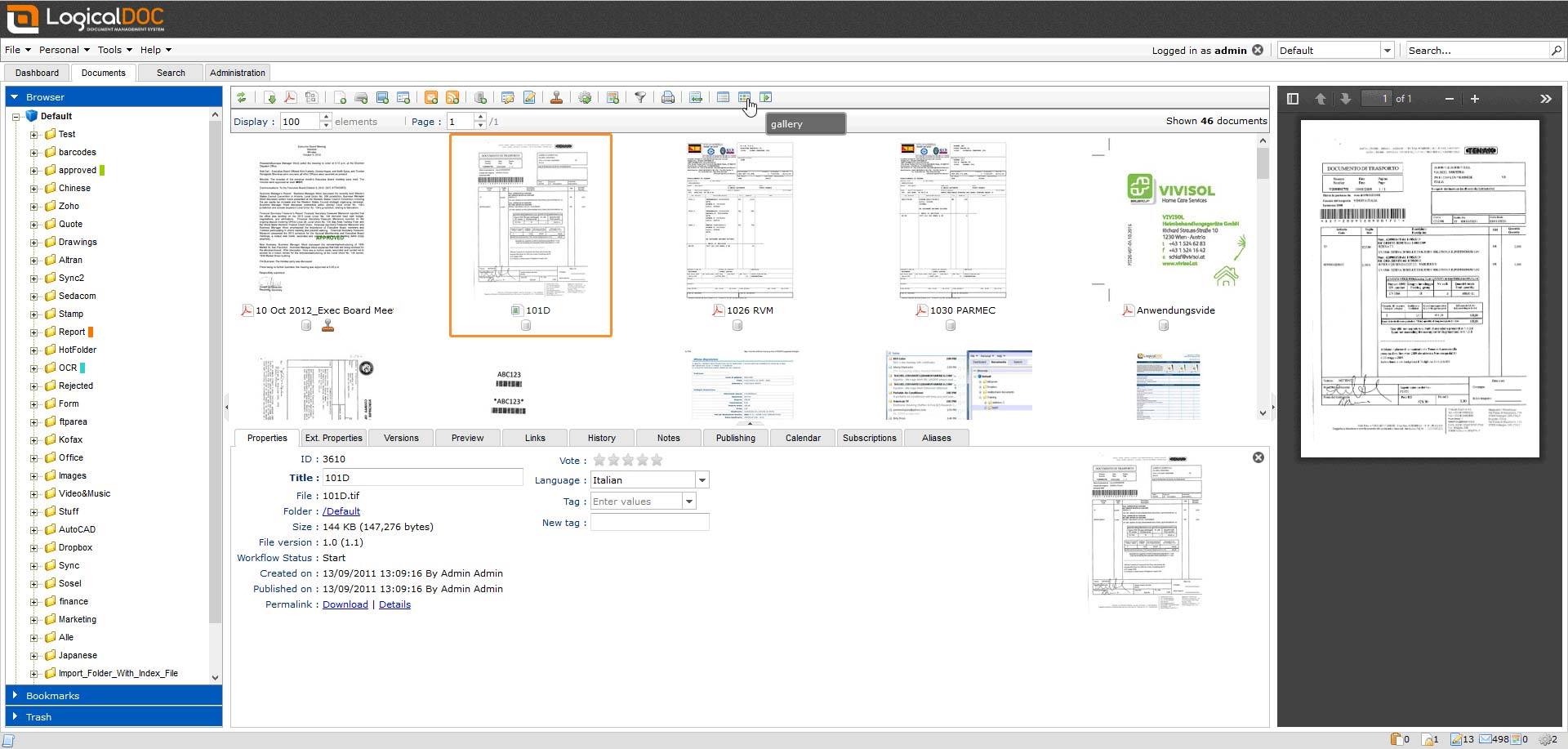
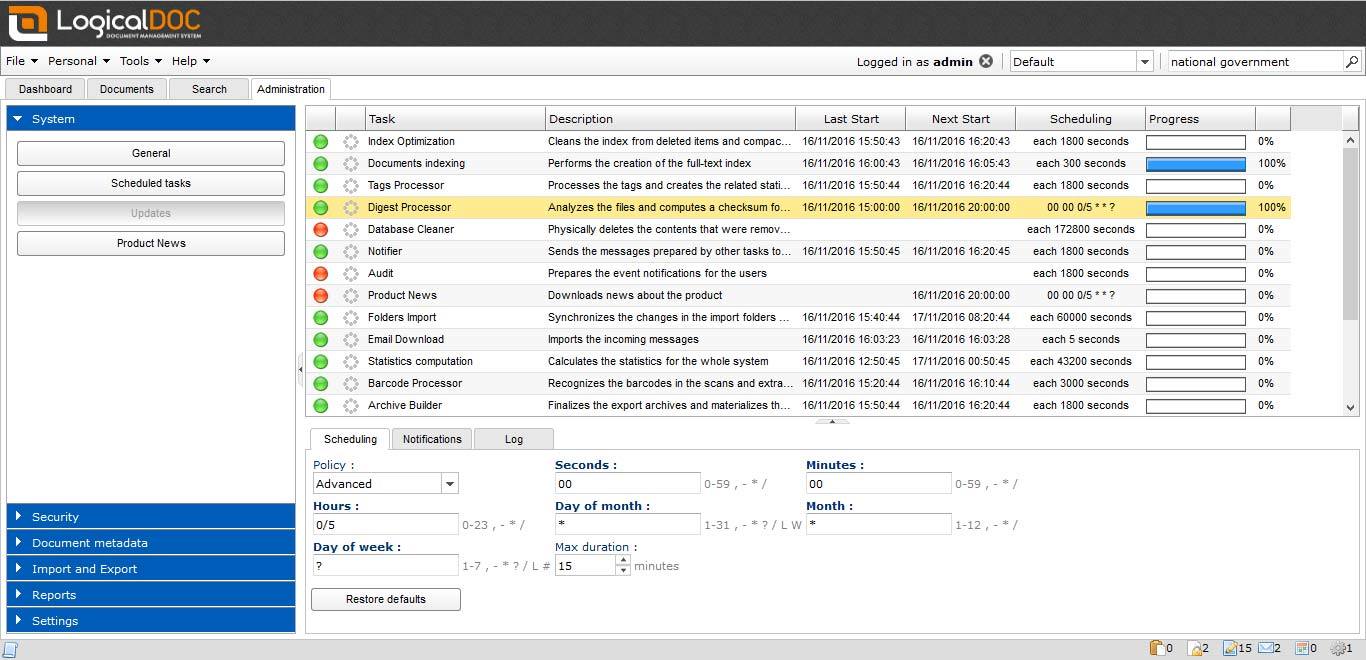
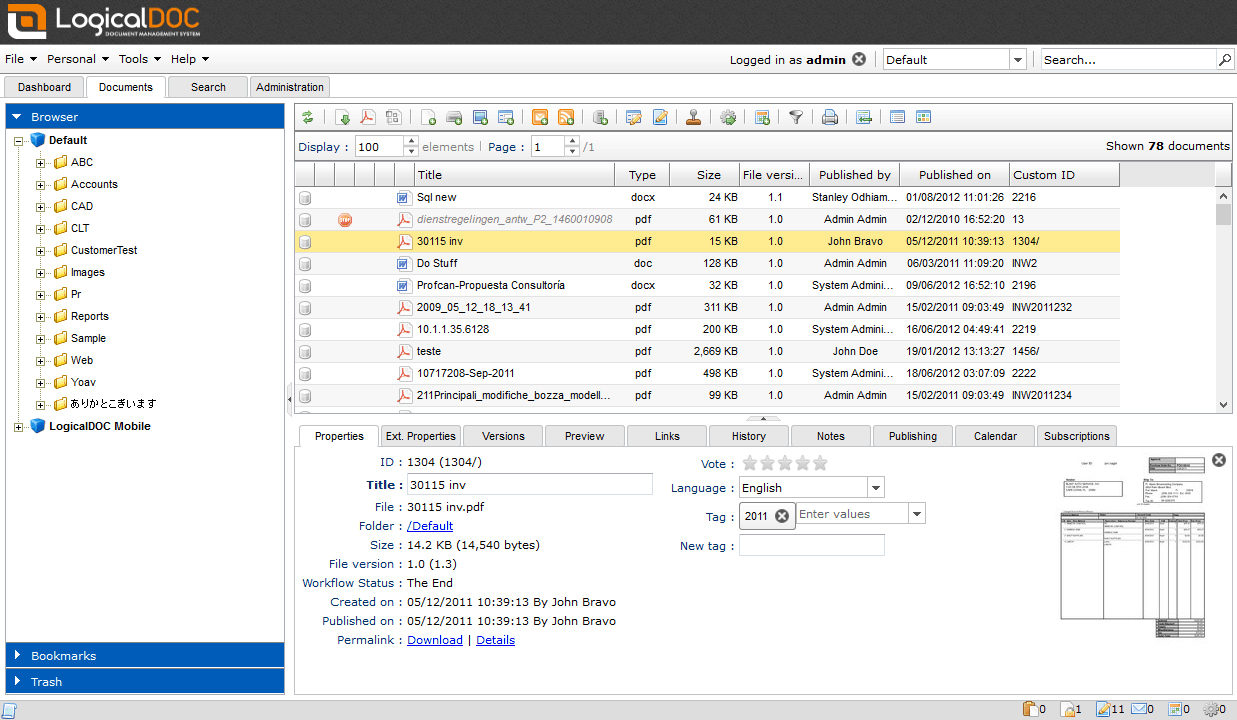
LogicalDOC provides a web-based interface where users can browse folders, upload documents, search content, preview files, manage metadata, and collaborate with colleagues. The system is designed for business users who need practical document access without relying only on technical staff.
For administrators, LogicalDOC offers tools to configure users, permissions, workflows, document types, metadata fields, and integration settings. For regular users, the main value is speed and clarity: documents become easier to find, easier to control, and easier to use in daily work.
Overall, LogicalDOC is a strong fit for organizations that treat documents as active business assets rather than passive files. It is especially useful for teams that need structure, security, searchability, and process automation around their document workflows.
2022-12-23 18:00:21: .
.
.
#documentDistribution
#documentArchives #documentManagementSystems #documentPreservation #documentManagementSolution
#documentManagementSolutions #documentManagementSoftware #documentStorage #archivingDocuments #electronicDocumentsTwitter
2022-12-23 17:58:28: What are the 10 basic requirements for a modern document management system?
Find out with LogicalDOC document management solution
https://t.co/vrrJP50gX2 https://t.co/bO3k9gihODTwitter
2022-12-21 10:17:58: Why a document management solution is of crucial importance for companies
https://t.co/B3cHPv6Arb
#documentManagement #DMS #documentManagementSolution #documentManagementSoftware #digitalDocuments #archiveDocuments #costReduction #documentDistribution #LogicalDOCTwitter
2022-12-03 14:55:29: https://t.co/vnG3SDlf2NTwitter
2022-12-03 14:55:04: https://t.co/lKVjUxMj32Twitter
2022-12-03 14:54:47: https://t.co/C9o3H4DsxnTwitter
2022-12-03 14:53:55: https://t.co/0izsBOEqKUTwitter
2022-12-03 14:53:24: https://t.co/t5GwJEiooRTwitter
2022-12-03 14:53:10: https://t.co/x9YNIeyC9ATwitter
2022-12-03 14:52:54: https://t.co/4EsveoRcy4Twitter
LogicalDOC Alternatives