YouTrack
Languages:
English
Русский
Localization:
World
What is YouTrack and how does it work?
YouTrack is a project management, task tracking, and team collaboration platform developed by JetBrains. It helps organizations plan projects, manage everyday work, track bugs, provide customer support, and maintain internal documentation from one configurable workspace. Although YouTrack is widely used by software development teams, its flexible project structures also accommodate marketing, design, operations, HR, legal, and other business processes.
Teams can create tasks with custom fields, priorities, assignees, deadlines, dependencies, and attachments. Work can then be organized through searchable lists, Agile boards, dashboards, calendars, or interactive Gantt charts. YouTrack supports both cloud deployment and installation on an organization’s own infrastructure. Automation rules, integrations, reporting tools, and granular permissions allow companies to adapt the platform to their existing processes instead of rebuilding their workflows around a rigid system.
What are the key features of YouTrack?
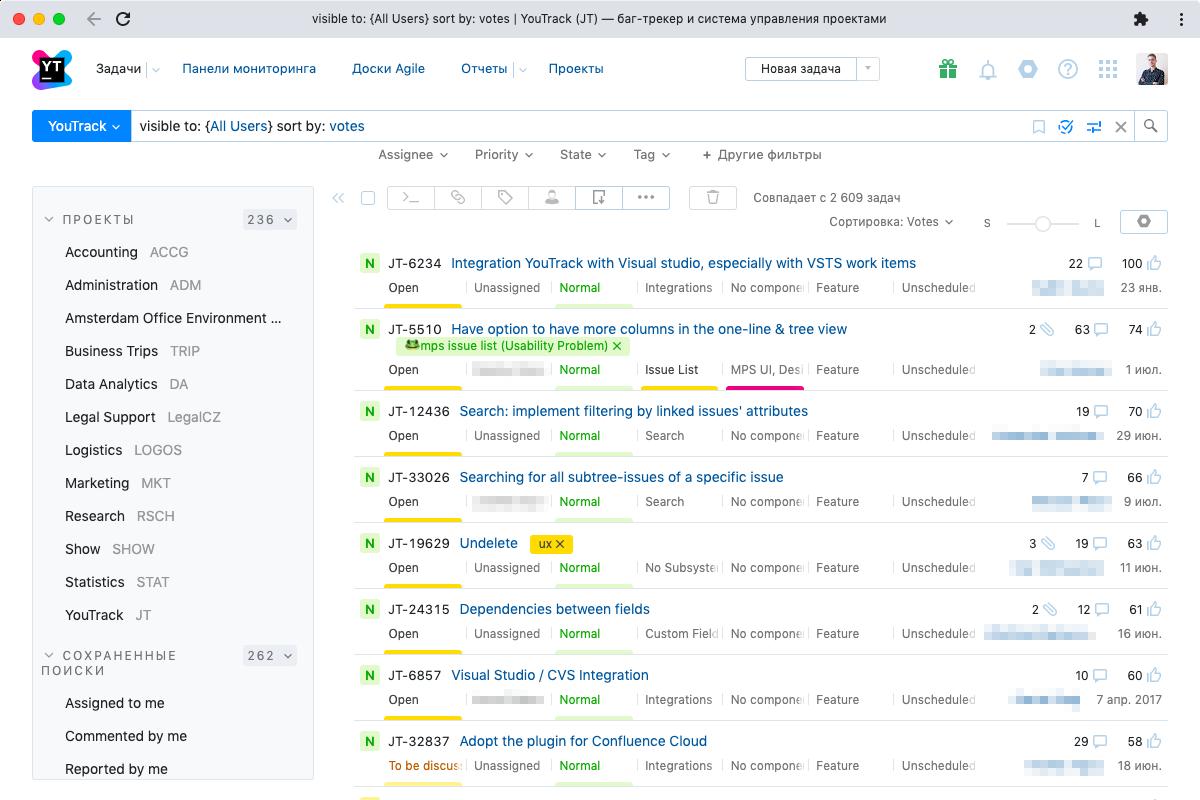
- Task and issue tracking: Create, assign, prioritize, link, and monitor tasks, bugs, requests, and other work items. Custom fields and flexible project settings allow each team to define the information it needs.
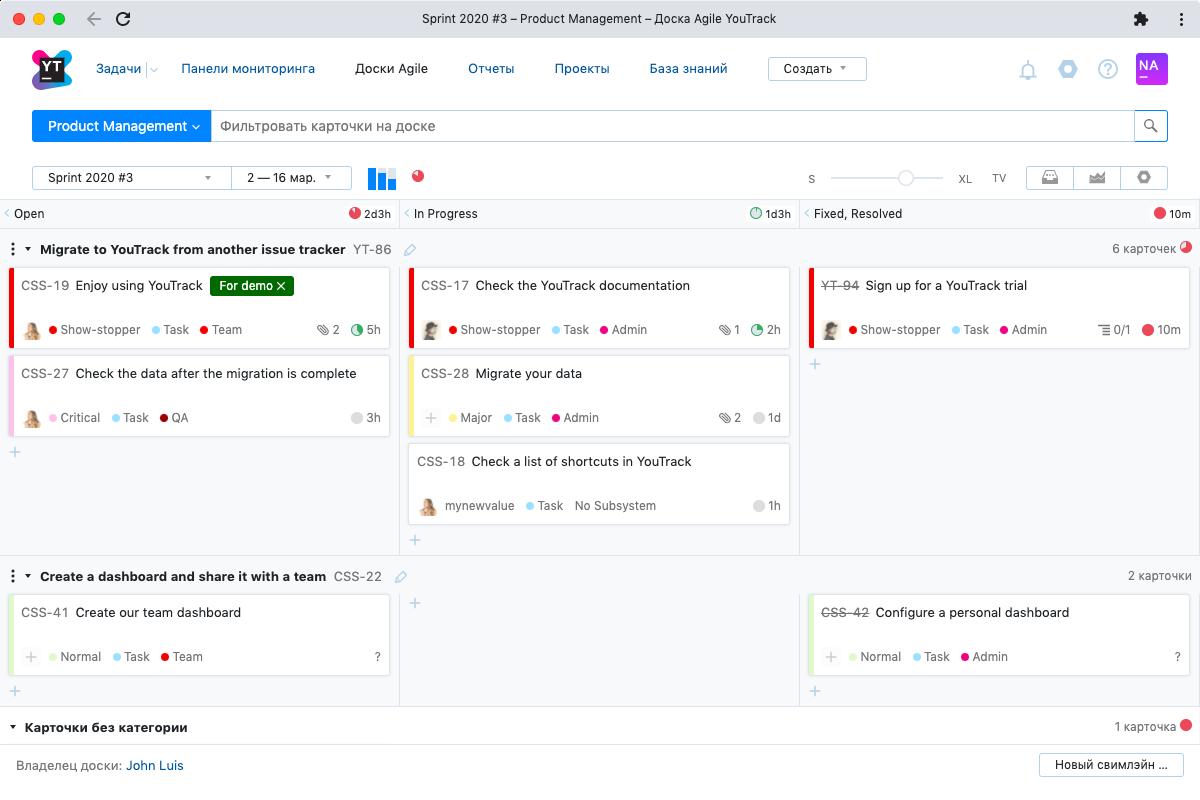
- Agile boards: Configurable Scrum and Kanban boards support backlogs, sprints, swimlanes, work-in-progress tracking, and drag-and-drop prioritization. Burndown and cumulative flow charts help teams monitor delivery.
- Project planning: Interactive Gantt charts let managers schedule tasks, define estimates, establish dependencies, allocate resources, and follow progress across complex initiatives.
- Workflow automation: Ready-made and custom workflows can automatically assign tasks, update fields, enforce policies, send notifications, schedule actions, and escalate overdue issues.
- Time tracking: Team members can record work manually, use commands, or connect supported tracking tools. Timesheets and reports compare estimates with actual effort across projects and employees.
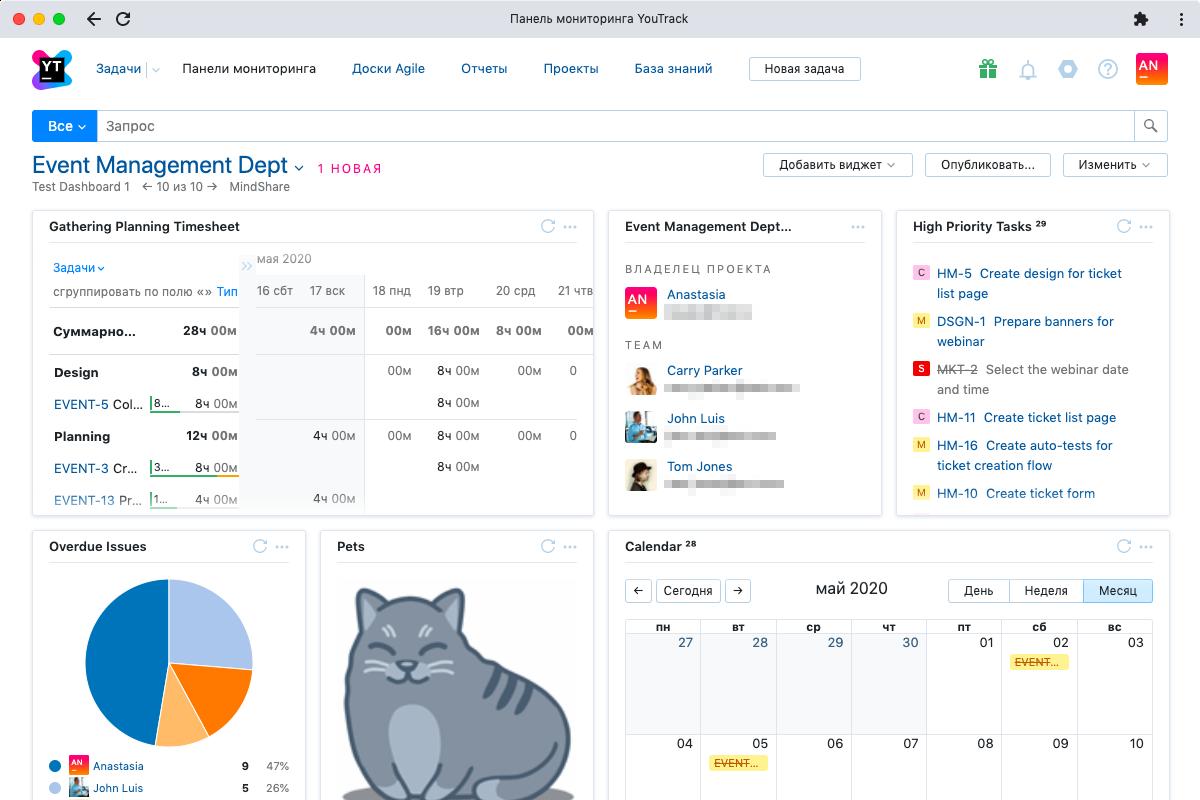
- Reporting and dashboards: Customizable dashboards combine reports, task lists, activity feeds, and other widgets. Reports cover issue distribution, timelines, state transitions, and time management.
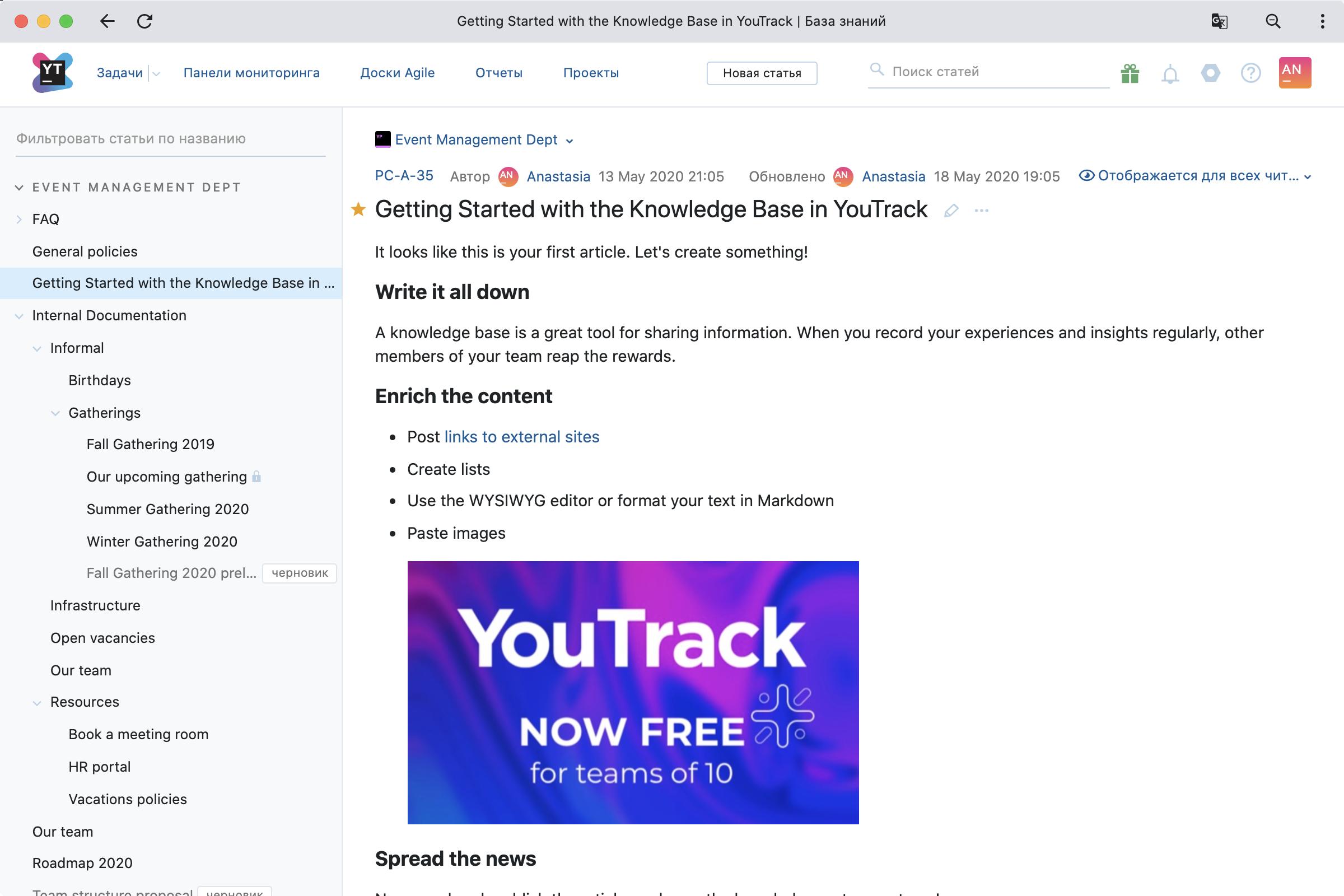
- Knowledge base: Teams can create structured documentation, guides, policies, meeting notes, and product information. Nested articles, tags, search, revision history, drafts, and access controls support long-term knowledge management.
- Helpdesk projects: Customer-facing teams can receive requests, communicate with reporters, organize support tickets, and monitor service activity within the same environment used for internal work.
- Collaborative whiteboards: Visual spaces support brainstorming, roadmaps, retrospectives, and mind maps. Notes can be converted into YouTrack tasks or knowledge-base articles.
- Integrations and APIs: YouTrack connects with version control systems, JetBrains development tools, communication platforms, and external services. REST APIs and applications extend the platform further.
What are the main YouTrack use cases?
- Software development: Manage feature requests, bugs, releases, code-related activity, technical debt, and sprint delivery while connecting tasks to development tools.
- Business project management: Coordinate campaigns, operational initiatives, product launches, hiring processes, and cross-department projects using custom workflows.
- Customer support: Collect incoming questions and incidents, assign responsible agents, manage communication, and maintain support documentation.
- Product planning: Combine customer feedback, feature ideas, dependencies, estimates, and roadmaps to guide product decisions and releases.
- Internal service management: Organize IT requests, procurement tasks, access approvals, maintenance work, and other repeatable company processes.
- Knowledge sharing: Build a searchable internal information center containing procedures, onboarding materials, technical documentation, and decision records.
What benefits does YouTrack provide?
YouTrack reduces the need to maintain separate applications for task management, helpdesk operations, documentation, time tracking, and project planning. Its customization options allow different departments to work in their preferred way while sharing a common information environment.
Automation decreases repetitive administrative work and helps teams apply policies consistently. Detailed search, dashboards, and reports improve visibility into workloads, deadlines, bottlenecks, and delivery performance. Granular permissions also help protect confidential projects and sensitive information.
A free plan for small teams makes the platform accessible for early-stage projects, while cloud and self-hosted deployment options support organizations with different security and infrastructure requirements.
What is the YouTrack user experience like?
YouTrack balances an approachable visual interface with advanced controls for experienced users. New team members can work through task lists and boards, while power users can rely on keyboard shortcuts, commands, saved searches, and structured queries.
The interface can initially feel dense because the platform includes many configurable features. However, teams can simplify their workspace by enabling only the tools relevant to their process. Once configured, YouTrack provides a fast and cohesive experience for planning, execution, collaboration, reporting, and documentation.
2023-03-23 01:23:02: Hello from the Game Developers conference! We’re asking people to share their game development pipelines, and here are the results from the first several hours of talks! Look at how diverse the GameDev teams are! #YouTrack #GDC2023 #JetBrains https://t.co/GVdfOJhoE3Twitter
2023-03-16 02:54:18: The Game Developers Conference is in San Francisco next week, and JetBrains will be there! About 10% of YouTrack customers are passionate about game development, and we’re looking forward to meeting you at booth #S927. Come and chat with the YouTrack team! https://t.co/86KXHde9YlTwitter
2023-02-20 22:32:05: YouTrack’s 2023 roadmap and long-term goals are here! Our customer base is expanding worldwide and we aim to make an even more powerful tool for teams across industries.
Check out our plans, including a Helpdesk solution, improved Knowledge Base, and more:
https://t.co/4rhs0XJ05STwitter
2023-02-08 19:52:54: YouTrack’s built-in time tracking and reporting features allow you to monitor the estimated and actual times spent on tasks.
You can easily run an analysis per project, team, assignee, and more!
For info and to get started for free check out: https://t.co/tZ2BgWKr5W https://t.co/rBDigCu9UtTwitter
YouTrack Alternatives