Helprace
Languages:
English
Localization:
World

What is Helprace and who is it for?
Helprace is a customer support platform that combines a help desk, a knowledge base, and a customer community in one place. It’s built for teams that want fewer tools, fewer handoffs, and a cleaner support workflow: questions come in as tickets, repeat answers become articles, and broader product discussions live in a searchable community space. Instead of treating support, documentation, and feedback as separate worlds, Helprace connects them so customers can self-serve when possible and agents can respond faster when human help is needed. Helprace Customer Support and Knowledge Hub works especially well for startups and SMBs that need a branded support portal, SaaS products that get a lot of “how do I…?” requests, and teams that want to capture feature ideas and bug reports in a structured, visible way.
What key features does Helprace include?
-
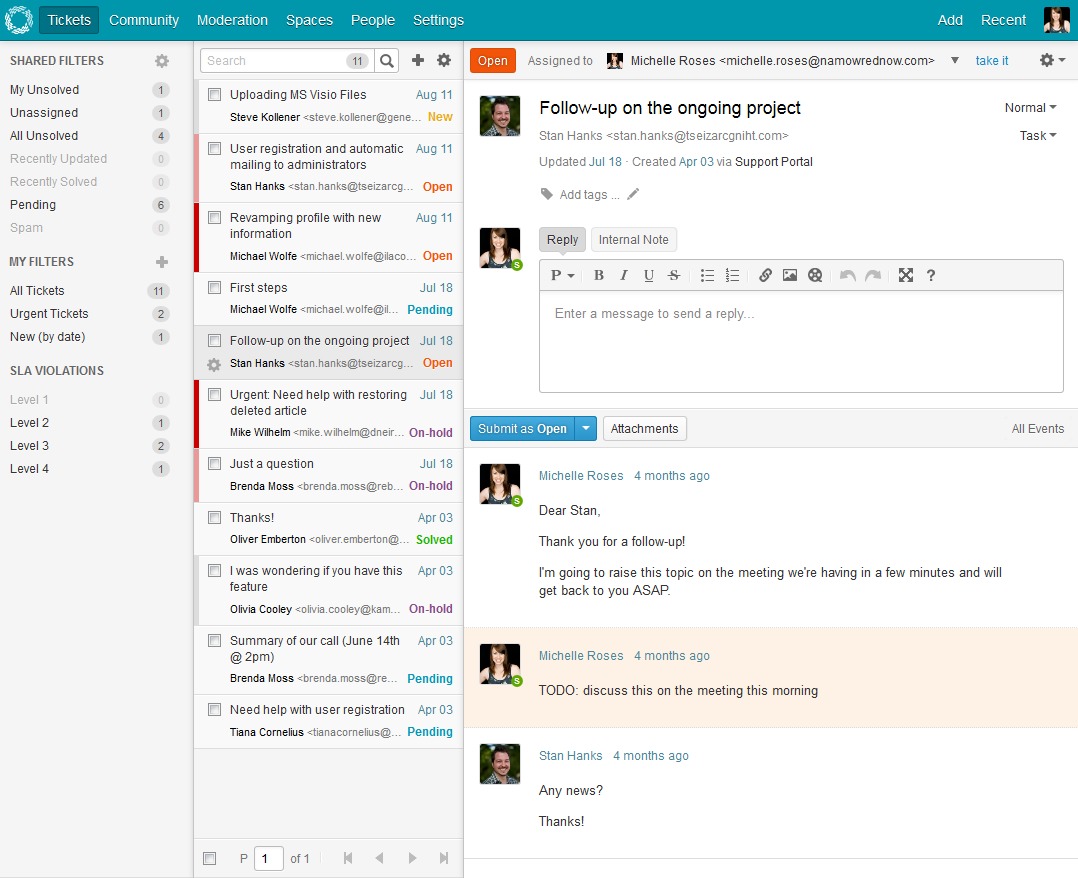
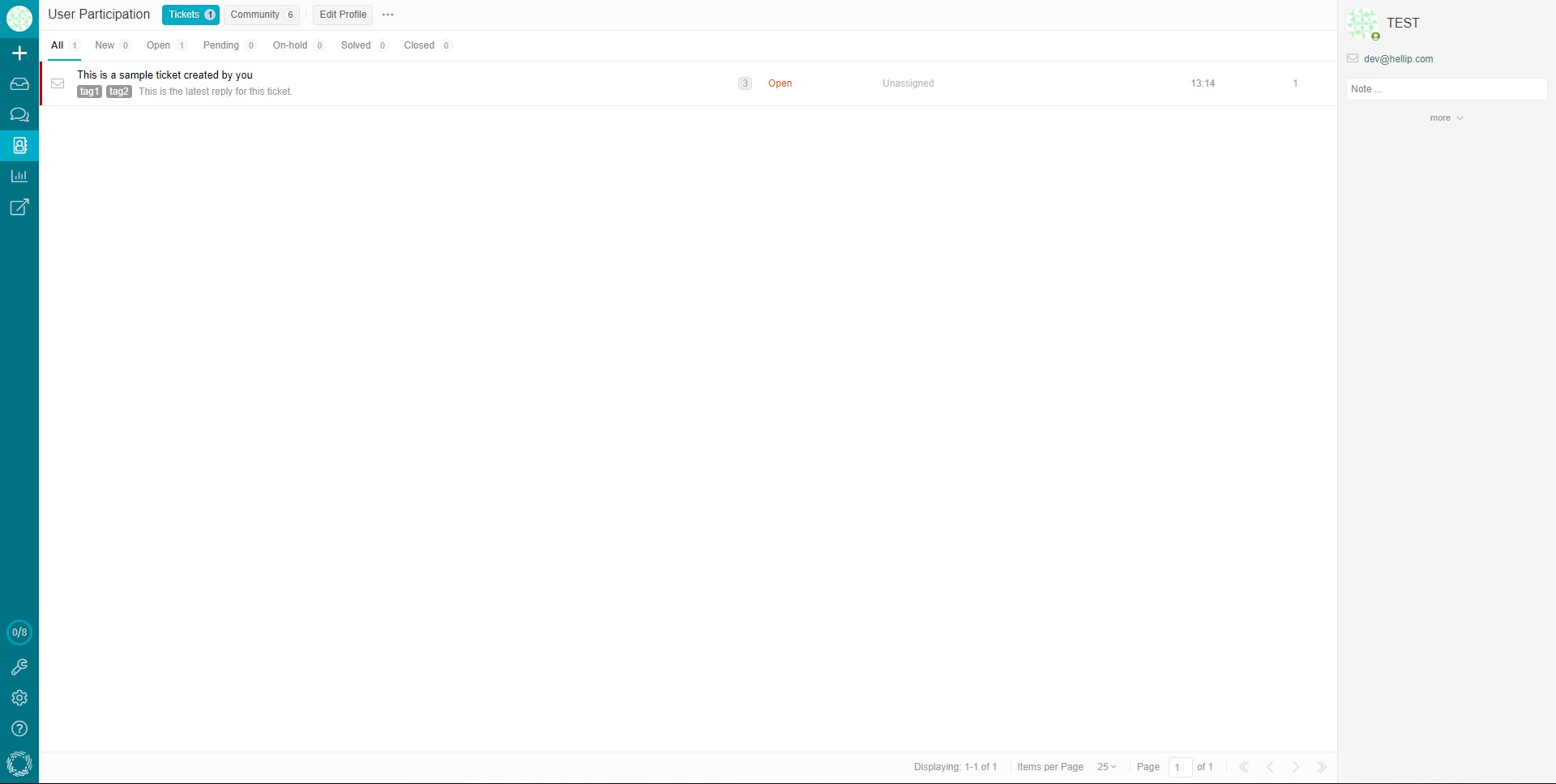
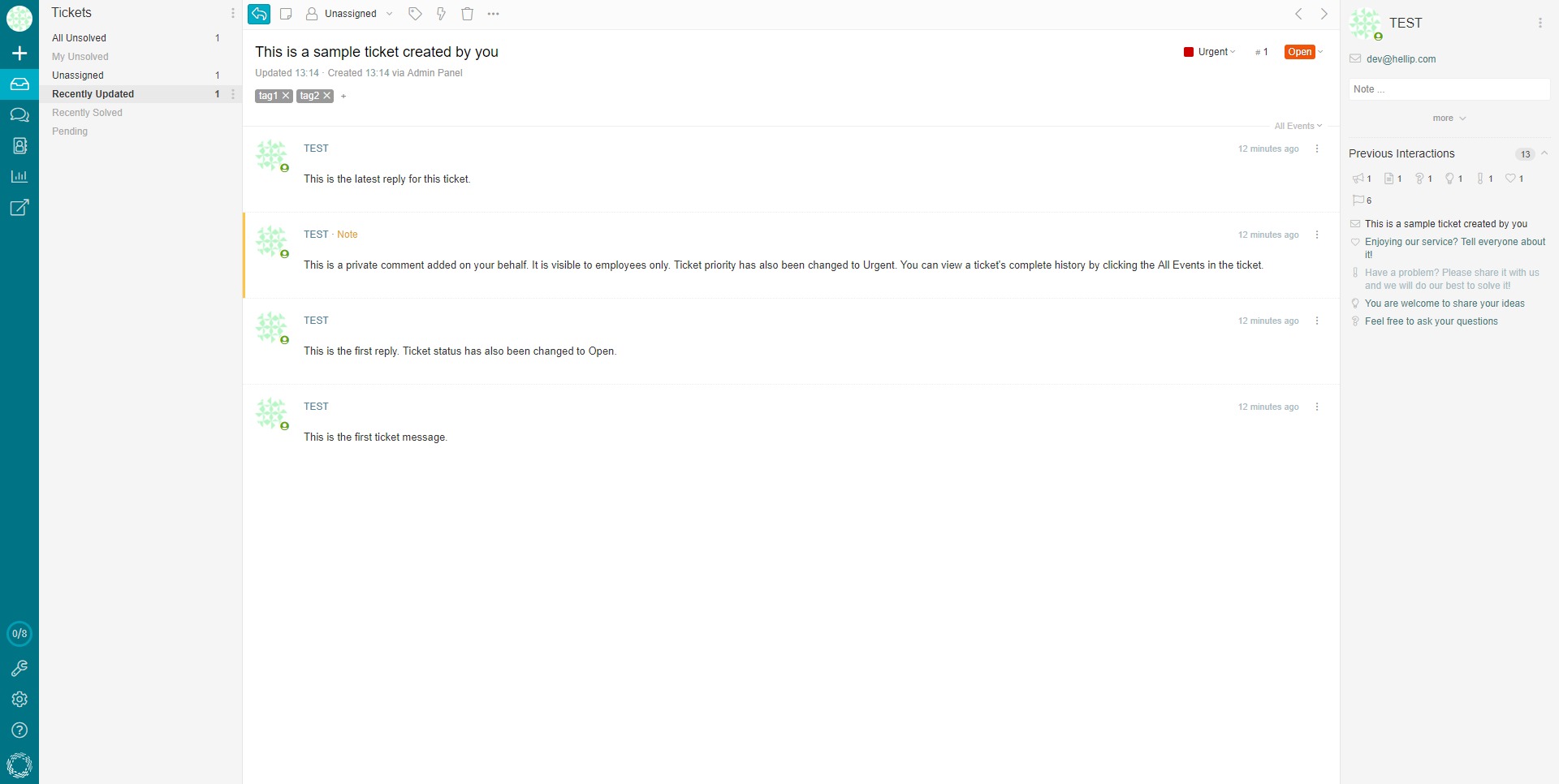
Ticketing help desk that centralizes customer requests, tracks status, ownership, and history, and keeps conversations organized across agents and teams.
-
Knowledge base (Docs) for publishing help articles and internal documentation, designed to reduce repeat questions through searchable, structured content.
-
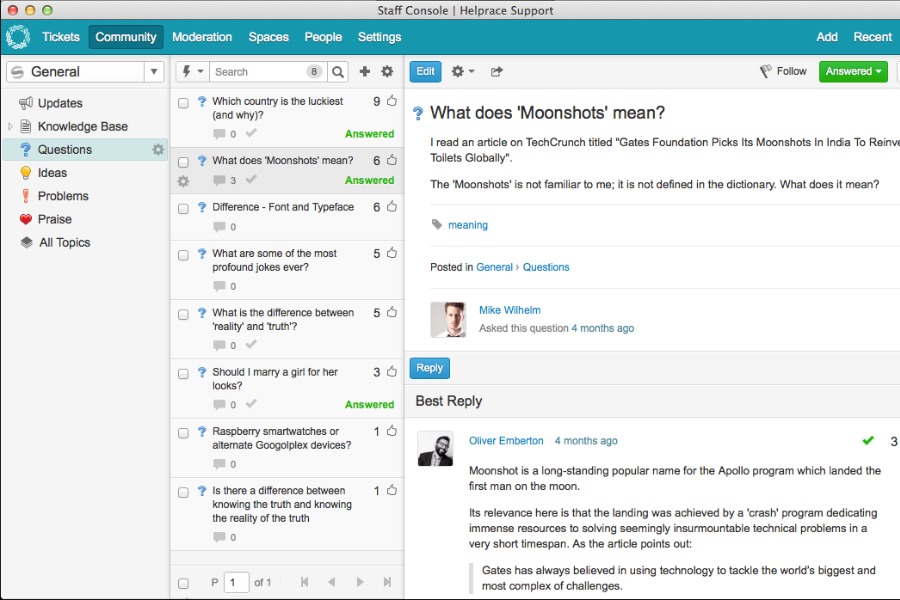
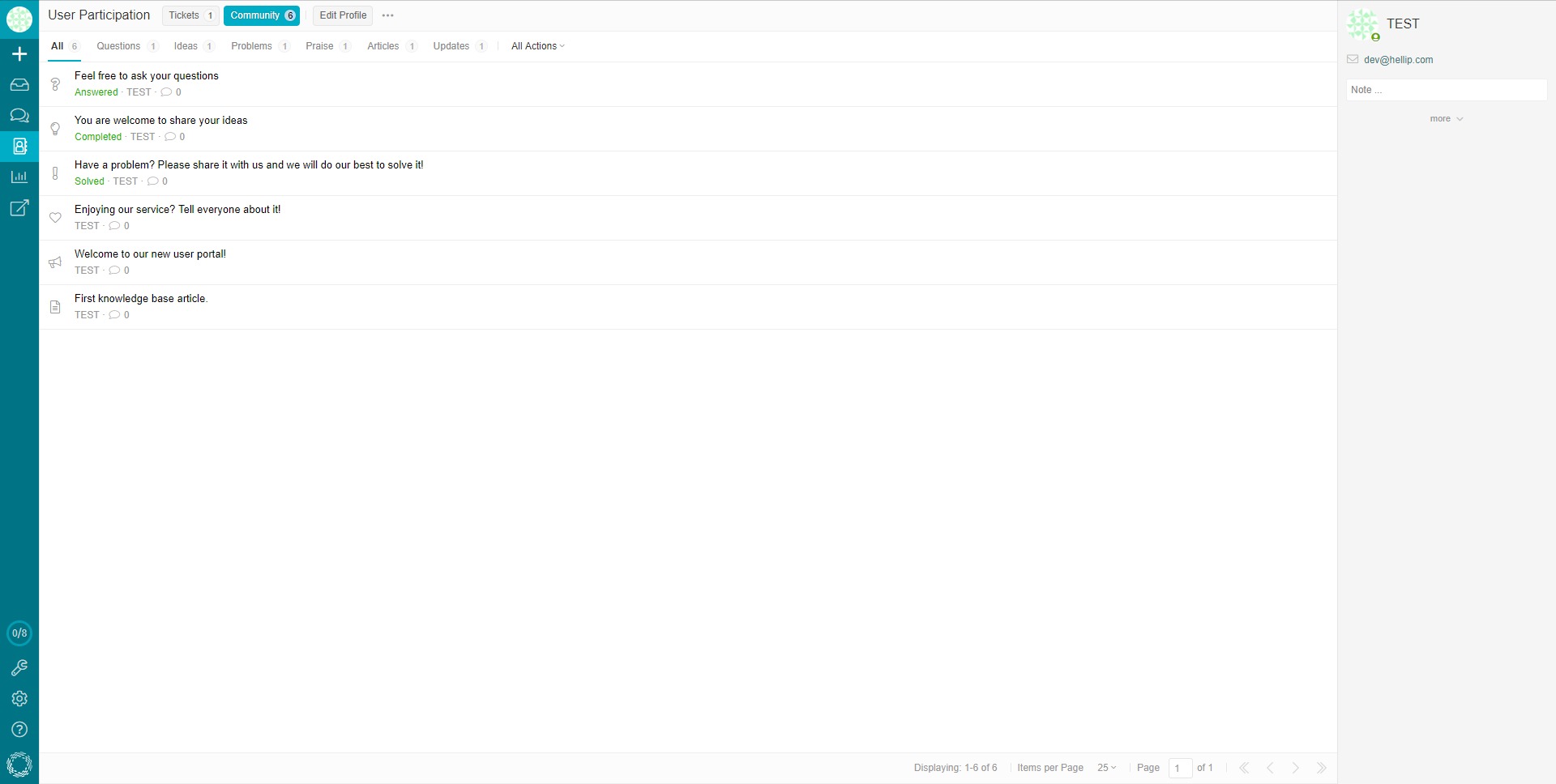
Customer community for Q&A, feedback, ideas, and discussions, helping users find answers from both staff and other customers.
-
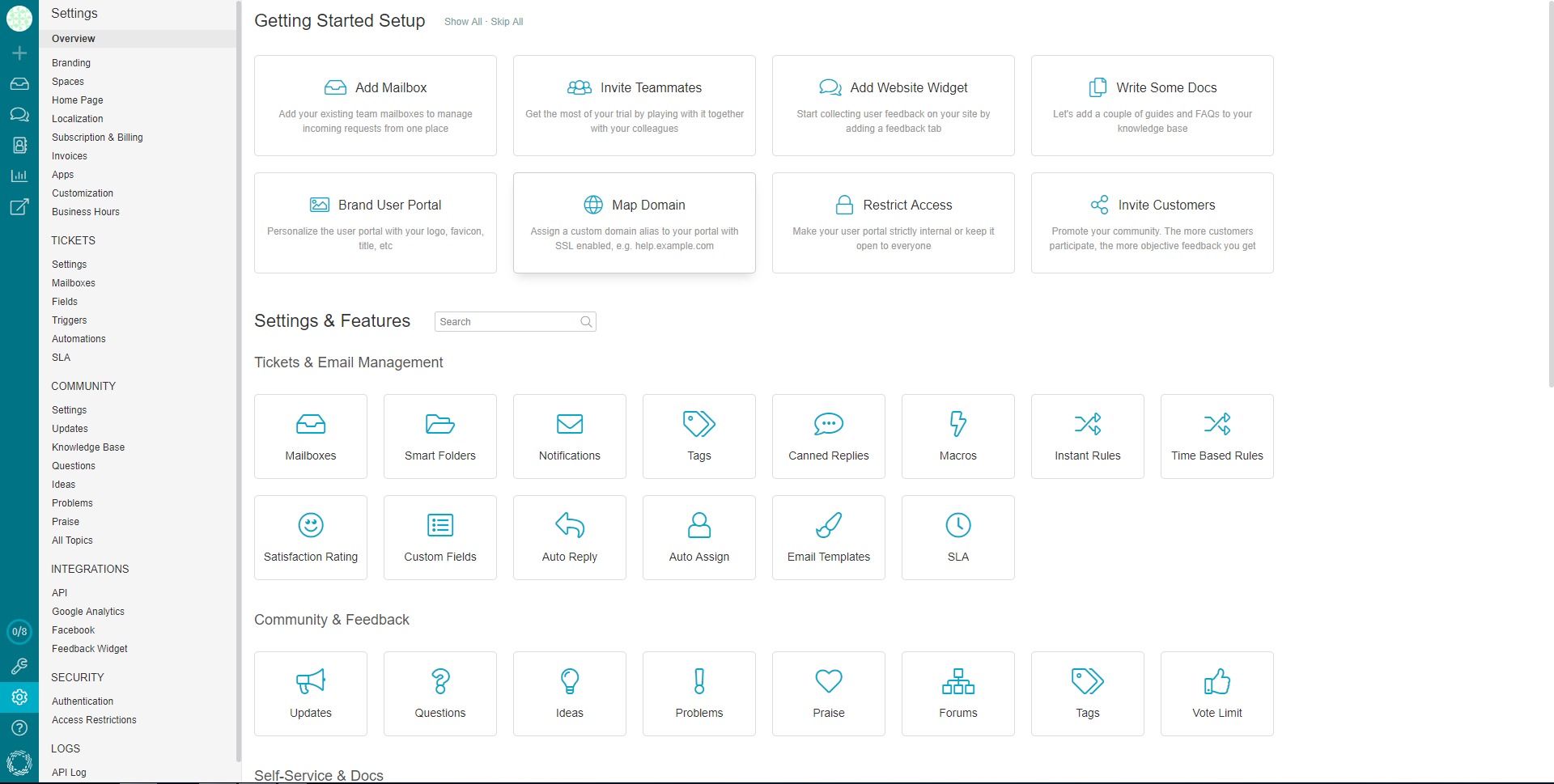
Automation and workflow rules to route tickets, set priorities, trigger notifications, and standardize handling for common cases.
-
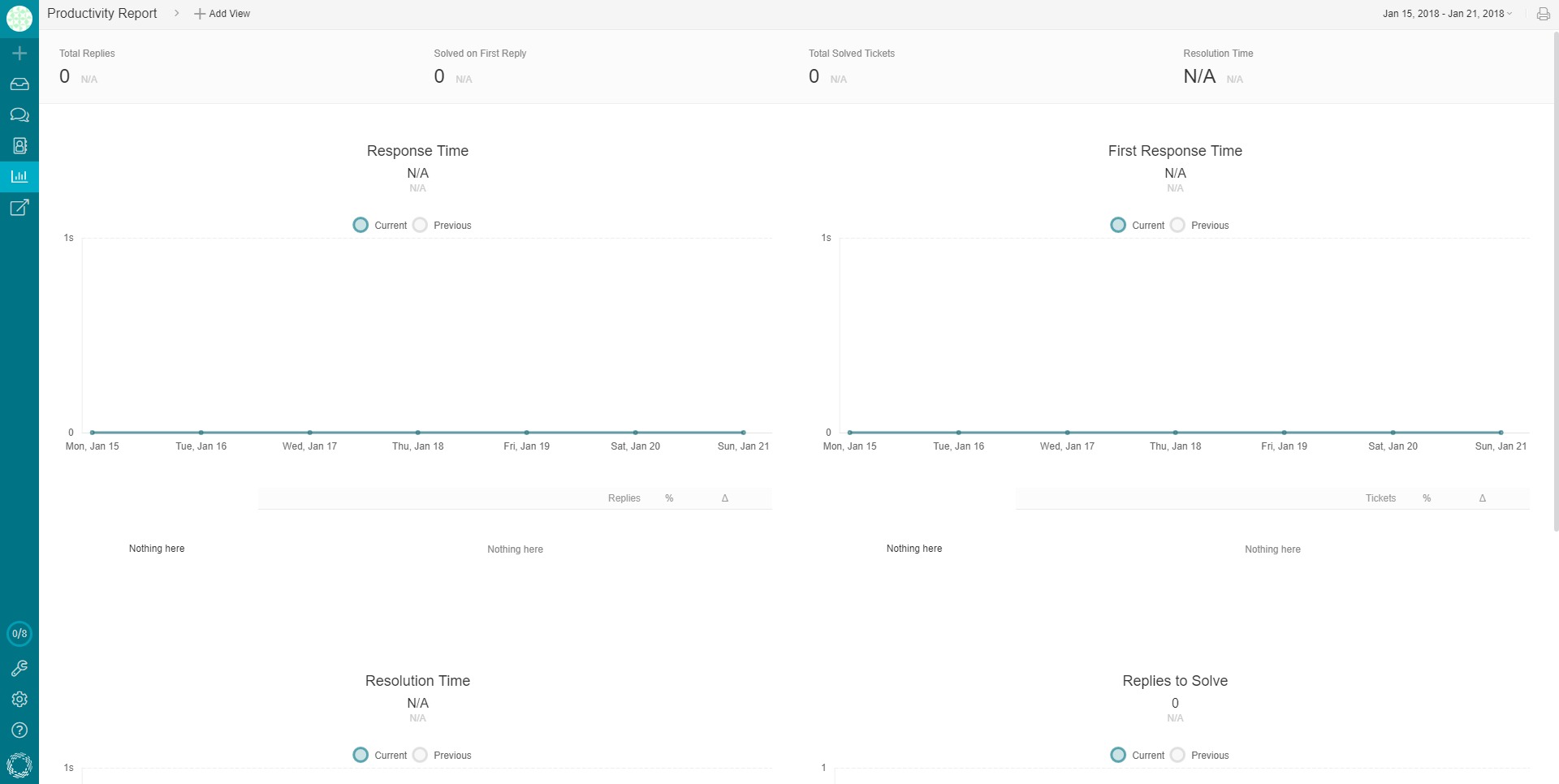
SLA and performance tracking to measure response and resolution expectations and spot bottlenecks before they become a pattern.
-
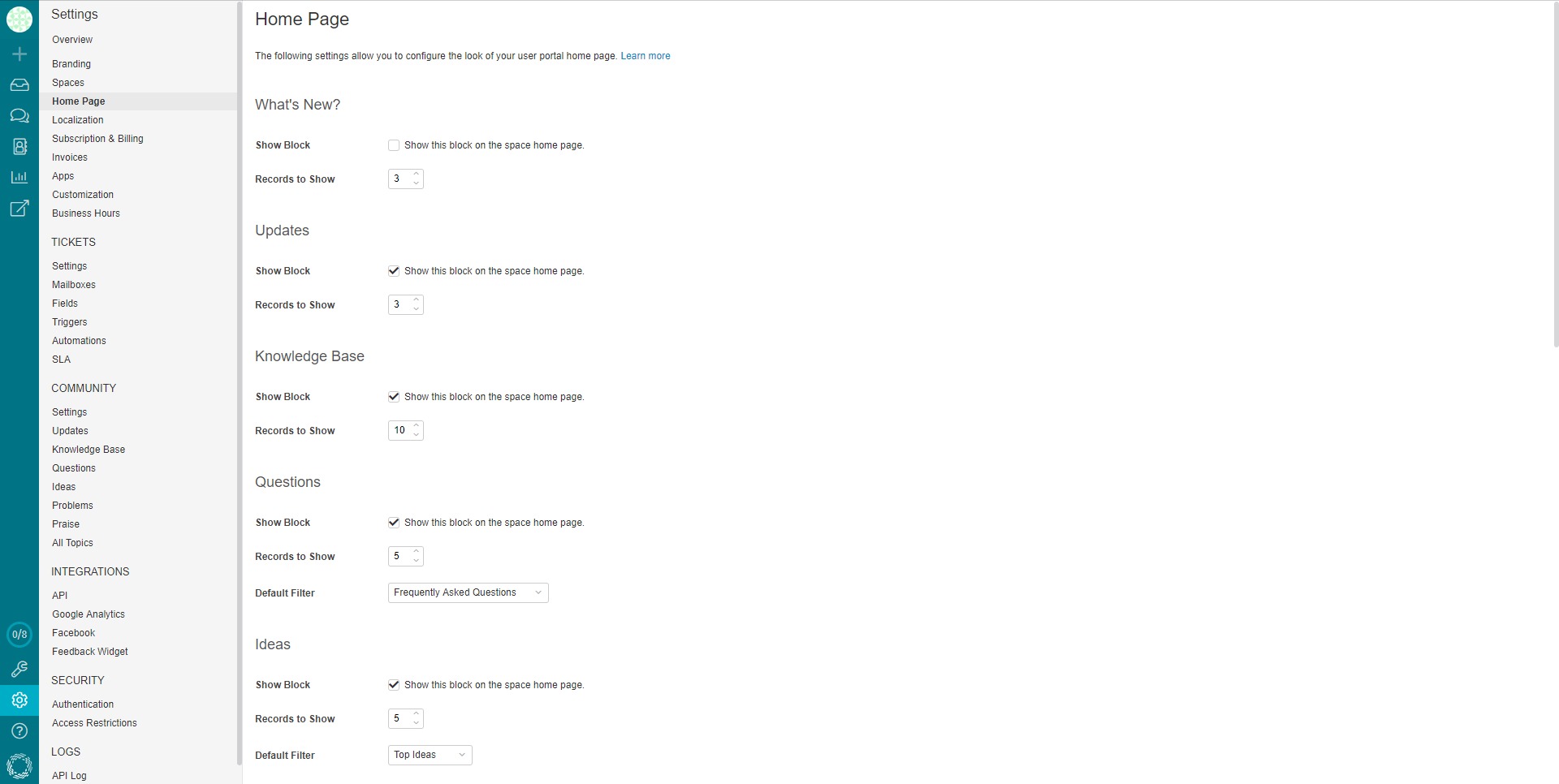
Portal branding and customization to present support as part of the product experience, not a disconnected add-on.
-
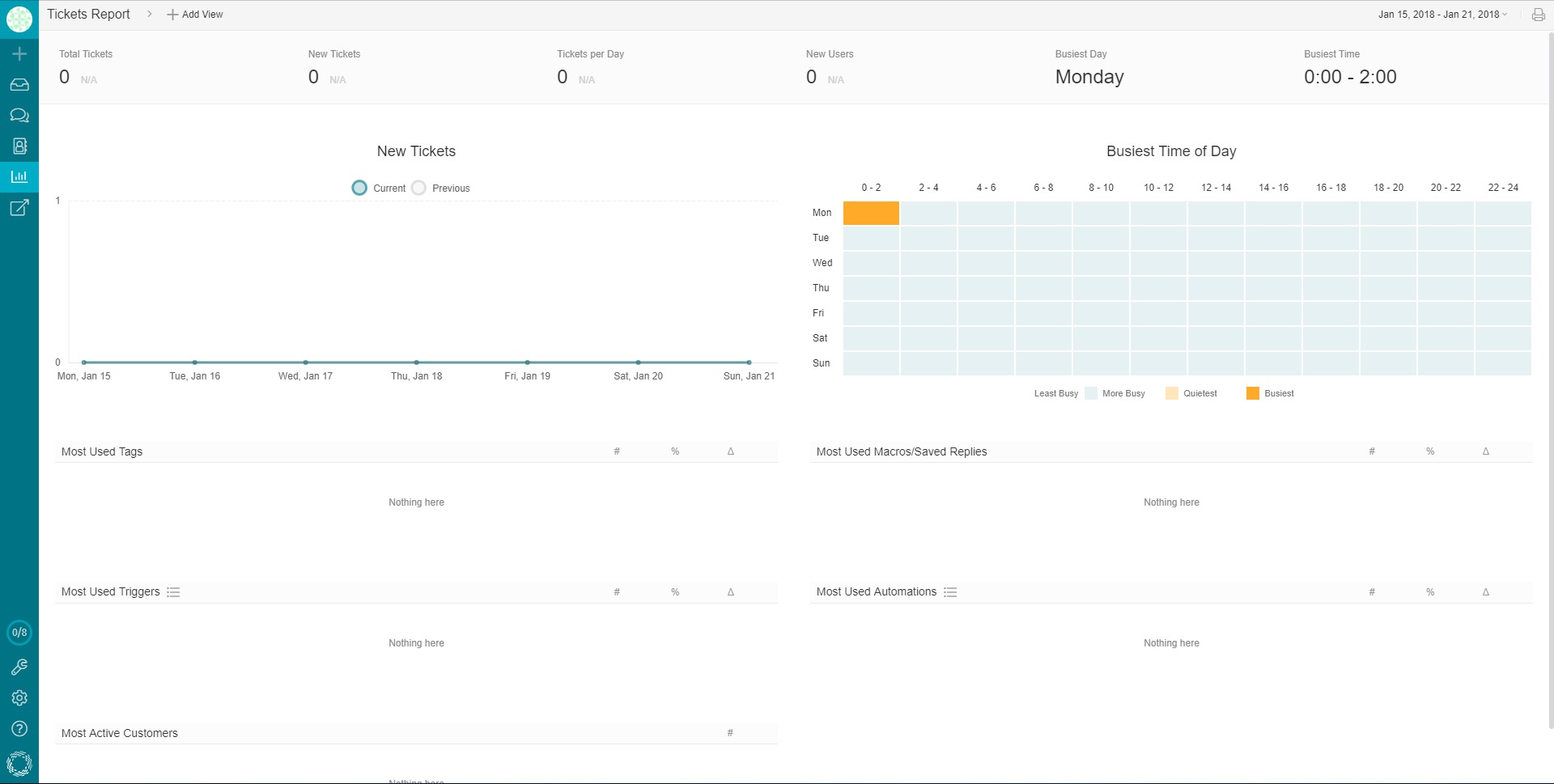
Reporting and analytics to monitor volume, trends, common topics, agent workload, and areas where documentation can reduce tickets.
-
Integrations and API options to connect Helprace with product data, internal tools, or external systems for sync and automation.
Which use cases fit Helprace best?
-
Reducing repetitive support tickets by turning frequent answers into knowledge base articles and guiding customers toward self-service.
-
Running a feedback-driven product loop where users submit ideas and issues in a public space, and the team can respond, categorize, and follow up.
-
Building a branded support portal that combines documentation, community posts, and contact options in one searchable destination.
-
Supporting a SaaS onboarding flow where docs and community content complement agent support, lowering time-to-first-value for new users.
-
Managing multi-topic support operations by separating requests through categories, workflows, and structured fields rather than a messy shared inbox.
-
Creating a single “source of truth” for support knowledge so agents reply consistently, even as the team grows or rotates.
What benefits can teams expect from Helprace?
Helprace’s biggest payoff is consolidation: fewer systems to maintain, fewer duplicated answers, and a tighter connection between what customers ask and what the product team learns. When documentation and community content are part of the same ecosystem as tickets, support becomes more scalable—agents spend less time rewriting the same explanations and more time solving genuinely new problems. A structured feedback area also helps reduce noise: instead of scattered emails and DMs, ideas and bugs can be collected, grouped, and tracked in a way that’s visible to both customers and internal stakeholders. Over time, a mature Helprace setup typically leads to faster response cycles, clearer support operations, and a support portal that feels like a product feature rather than a necessary evil.
What is the day-to-day user experience like?
For customers, the experience usually starts with search: finding a doc article or a community answer before submitting a request. If they do need help, they can contact support through the portal and follow the status of their conversation. For teams, the workflow centers on triage and reuse: incoming tickets are categorized, assigned, and handled with the help of saved replies and linked articles. Documentation is not a “side project” but a living asset that grows from real questions, and the community becomes a searchable layer of collective troubleshooting and feedback. The practical result is a support environment where answers are easier to find, conversations are easier to manage, and the entire support system improves as it accumulates real-world customer context.
2019-07-05 16:24:13: Customer retention is an imperative for any company hoping to become sustainable and profitable. Here's our list of tips, tricks and strategies: https://t.co/aamtgPDLfv #customerretention #retention https://t.co/lO6h4OoYiiTwitter
2019-06-20 15:30:39: How do you create a knowledge base for customer engagement? How do you keep customers on your site for longer? Check it out here: https://t.co/VqOY1w2RwUTwitter
2019-05-27 11:12:29: Why We Love Customer Service Stories at Small Businesses: https://t.co/v0XGAEYmT9 #customerservice #custserv #smallbusiness #smallbusinessesTwitter
2019-05-15 17:29:55: A great #customer #appreciation #idea. Learn more: https://t.co/HENTSZYYKx https://t.co/IzeIfGnYE0Twitter
2019-05-15 14:09:28: Hire for attitude train for skill? Here's our #customerservice #training guide designed to make life easier for #HR departments: https://t.co/wbvXyC1ECTTwitter
2019-04-30 16:16:07: Making Sense of Customer Loyalty: What is the Difference Between New & Return Customers? https://t.co/fNgYbcT3rD #customerservice #custserv #customerloyalty #brandloyaltyTwitter
2019-04-11 10:32:11: 20 #ideas on better managing your customer service right now: https://t.co/ky1OucuRri #CustomerSuccess #customerserviceTwitter
2019-04-09 11:37:21: Love gmail? But want something better? But still love gmail? You can still have your cake https://t.co/l3a9NVPGx6 #gmailTwitter
2019-04-02 11:22:03: Help Desk, Service Desk, Call Center… What’s the Difference? Is there any? #helpdesk
https://t.co/quRUYngfnZTwitter
2018-11-23 14:04:34: How to choose help desk software in 10 steps Youtube
2018-08-09 09:05:35: Helprace: a Zendesk Alternative Youtube
2016-07-05 11:58:04: The name "Helprace" does not require translation as it is a proper noun. You can simply use "Helprace" in English. Youtube
2016-04-26 15:48:59: Setting Up Email Forwarding - Helprace Youtube
2016-03-18 15:40:14: Internal Portal - Helprace Youtube
2016-03-18 15:32:55: Translation Mode - Helprace Youtube
2016-03-18 15:22:56: Translation Portal - Helprace Youtube
2016-03-18 15:15:32: SLA - Helprace Youtube
2016-03-18 15:11:24: Personalized Emails and Custom Templates - Helprace Youtube
2016-03-18 15:06:08: Case Rules - Helprace Youtube
Helprace Alternatives