GanttPRO
Languages:
Deutsch
English
Español
Italiana
日本語
한국어
Polski
Portuguese
Русский
Svenska
Türk
Український
Tiếng Việt
简体中文
Localization:
World

What is GanttPRO and how does it work?
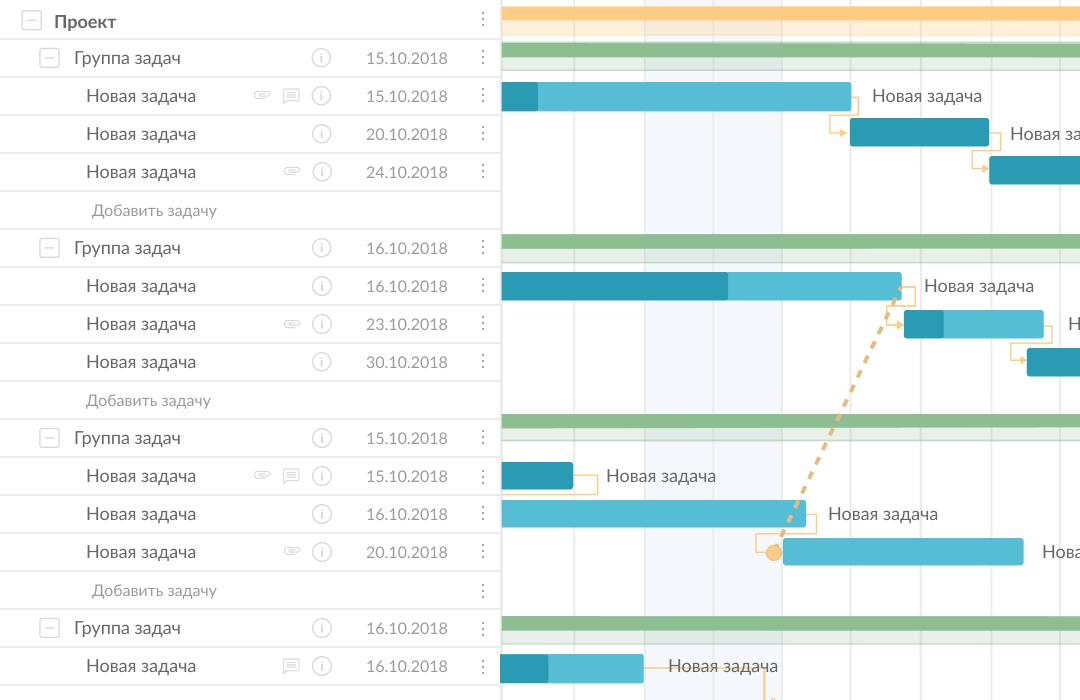
GanttPRO is an online project management platform built around interactive Gantt charts. It helps individuals and teams plan tasks, define deadlines, connect dependent activities, allocate resources, and monitor project progress from one visual workspace. The service can support both straightforward schedules and complex projects involving multiple contributors, budgets, milestones, and overlapping workstreams.
Users build a project by adding tasks, dates, durations, assignees, and dependencies. GanttPRO then converts this information into a visual timeline and automatically adjusts the schedule when connected tasks change. Projects can also be viewed as boards or lists, allowing team members to work in the format that best suits their responsibilities. The platform is suitable for project management, software development, construction, manufacturing, consulting, marketing, healthcare, research, and event planning.
What are the key features of GanttPRO?
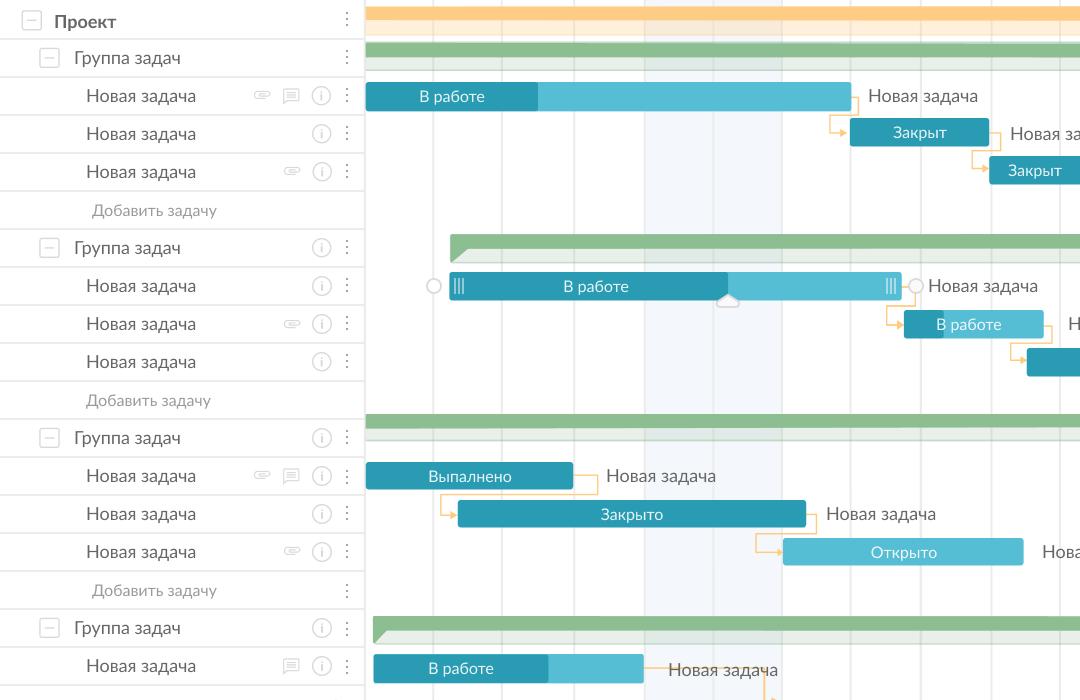
- Interactive Gantt charts: Visual timelines display tasks, deadlines, progress, milestones, dependencies, and assigned resources. Users can modify schedules through a clear drag-and-drop interface.
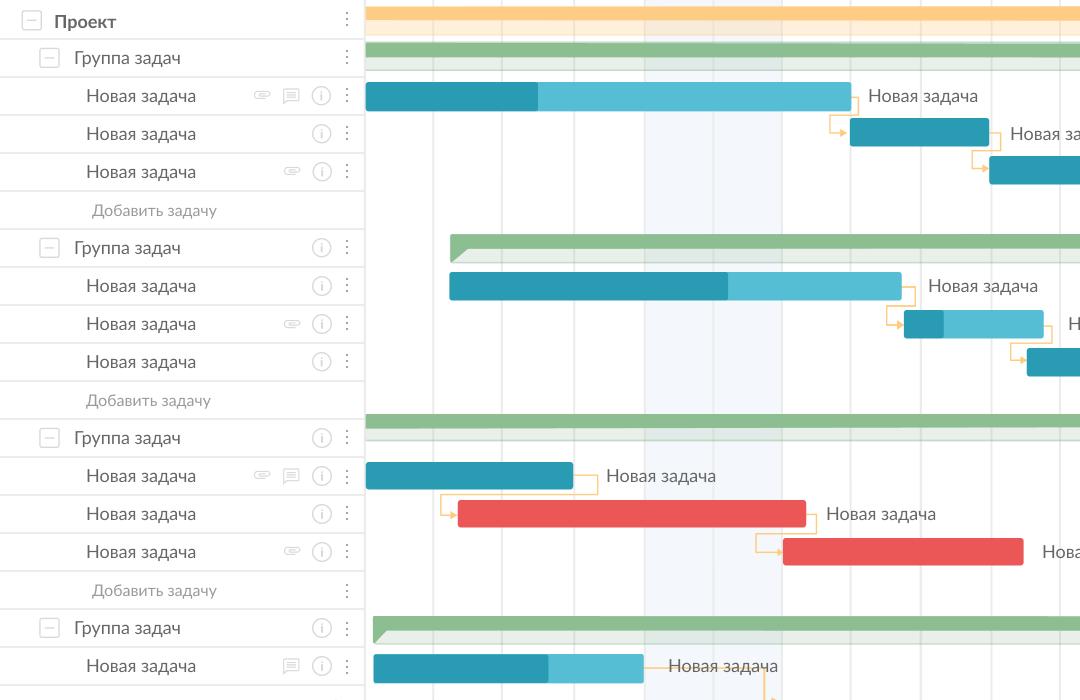
- Task dependencies and automatic scheduling: Different dependency types can connect related activities. When a task date changes, automatic scheduling recalculates the affected parts of the project.
- Critical path: The critical path highlights tasks that directly determine the project completion date, helping managers identify schedule risks and prioritize essential work.
- Work breakdown structure: Large projects can be divided into phases, groups, tasks, and subtasks, making responsibilities and deliverables easier to understand.
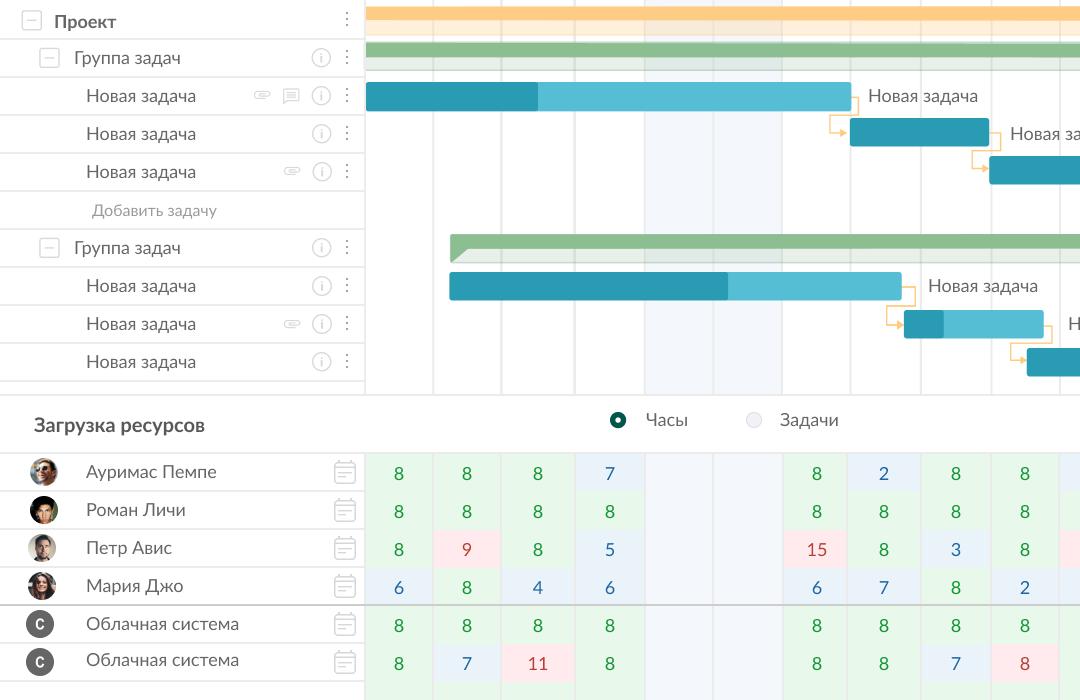
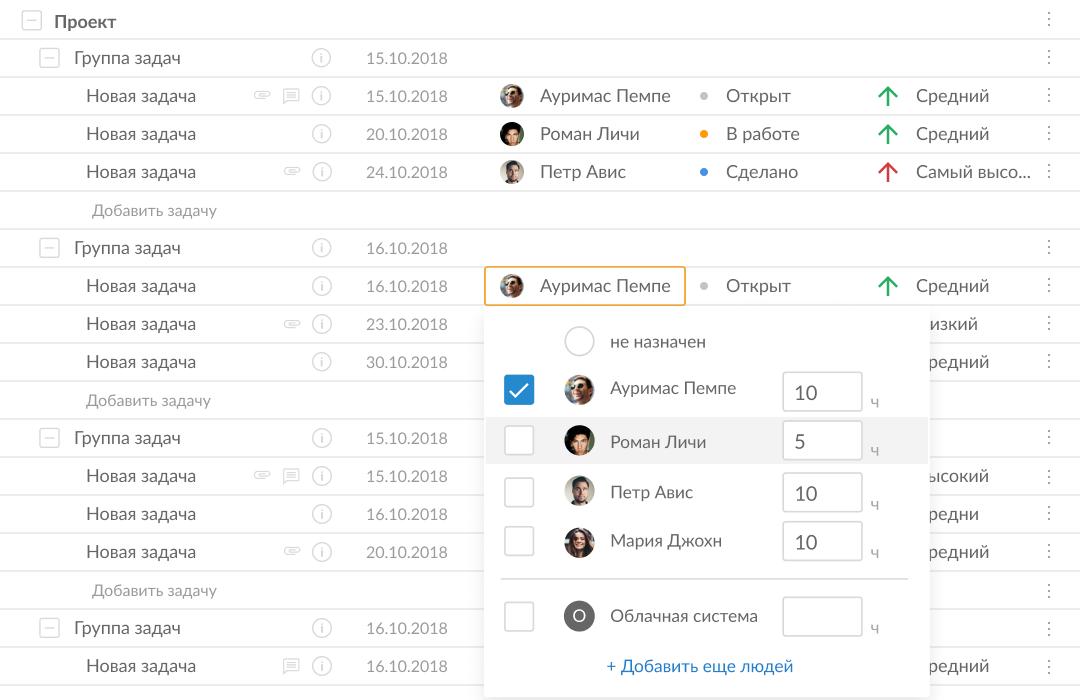
- Resource and workload management: Managers can assign people or virtual resources, review workloads, and redistribute tasks when someone is overloaded or underutilized.
- Multiple project views: In addition to the primary Gantt chart, GanttPRO offers board, list, and portfolio views for managing tasks and monitoring several projects.
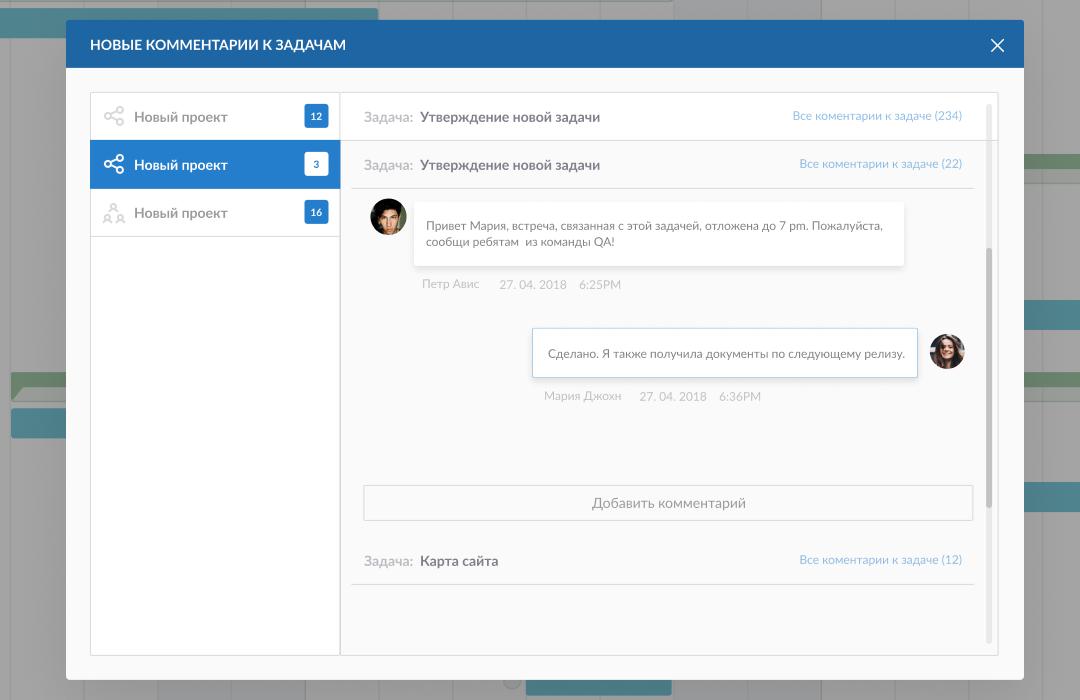
- Team collaboration: Team members can comment on tasks, attach files, mention colleagues, receive notifications, and keep project-related discussions connected to the relevant work.
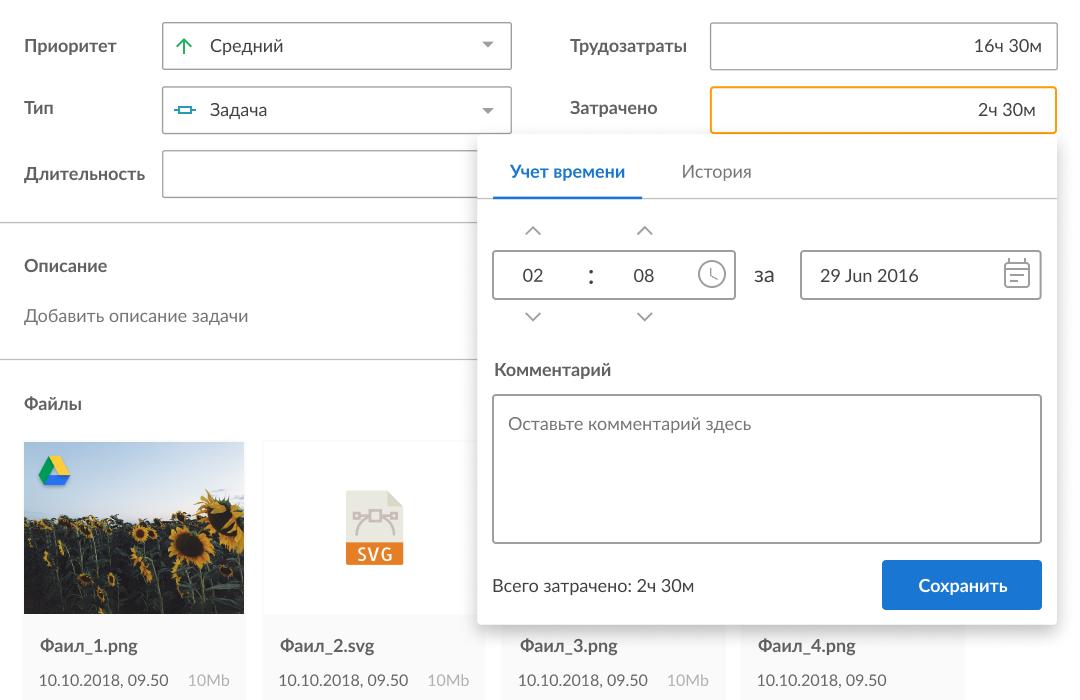
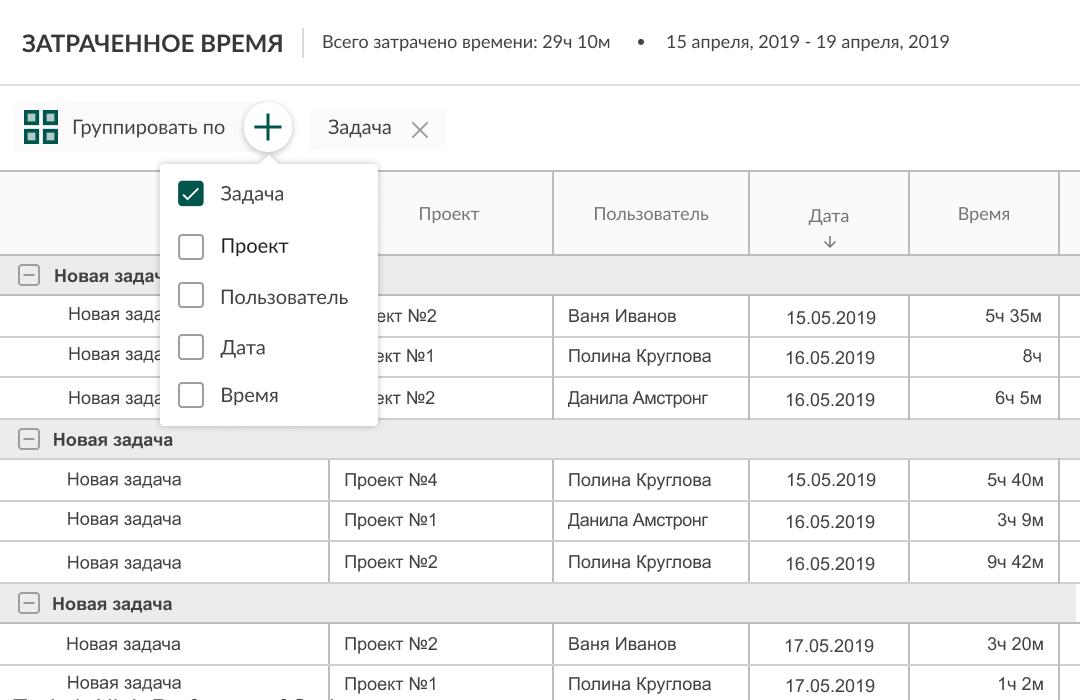
- Time and budget tracking: Users can record time spent on tasks, calculate resource costs, compare estimates with actual results, and generate detailed reports.
- Baselines and progress monitoring: Saved baselines make it possible to compare the original schedule with current performance and detect delays before they become critical.
- Templates, sharing, and export: Ready-made templates accelerate project setup. Plans can be shared using private links or exported in formats such as PDF, PNG, XLSX, and XML.
What projects can teams manage with GanttPRO?
- Software development: Teams can map releases, connect development and testing tasks, assign specialists, and track milestones across the delivery cycle.
- Construction and manufacturing: Managers can coordinate sequential activities, contractors, materials, equipment, deadlines, and costs in one schedule.
- Marketing campaigns: Marketing teams can organize research, content production, approvals, advertising, and launch activities around shared deadlines.
- Consulting and client services: Agencies can plan deliverables, distribute workloads, record time, and provide clients with controlled visibility into progress.
- Product launches and events: Cross-functional teams can coordinate preparation, dependencies, vendors, communications, and final delivery dates.
- Academic and personal projects: Researchers, students, and independent professionals can structure long-term work without adopting an excessively complicated management system.
What benefits does GanttPRO provide?
GanttPRO creates a shared view of what must be completed, when it is due, and who is responsible. Visual dependencies reveal how one delay may affect later work, while workload and budget data support more realistic planning. Automatic schedule recalculation reduces manual updates, and collaboration features keep operational information close to the tasks it concerns.
The service also improves stakeholder communication. Managers can present a current project plan without exposing every internal discussion, while reports and exports support reviews, meetings, and documentation.
Is GanttPRO easy to use?
GanttPRO combines advanced scheduling capabilities with an interface designed to remain approachable. Templates help new users begin quickly, while drag-and-drop editing simplifies everyday planning. Experienced project managers can use critical paths, baselines, portfolios, custom fields, workload controls, and reports for deeper oversight.
As a cloud-based service, GanttPRO works across major desktop operating systems and offers mobile access. Its balance of visual clarity and structured control makes it particularly useful for teams that need stronger scheduling than a basic task board without the complexity of traditional enterprise project software.
2026-10-20 15:00:26: Free AI Gantt chart maker #ai #ganttchart #projectmanagement #gantt #aitools Youtube
2026-10-18 15:00:06: Turn your Excel WBS into a Gantt chart #excel #exceltips #projectmanagement #wbs #ganttchart Youtube
2026-10-17 15:00:01: How to format a WBS table in Excel #excel #exceltips #projectmanagement #wbs #exceltable Youtube
2026-10-16 15:00:01: How to build a WBS table in Excel #excel #exceltips #projectmanagement #wbs #projectplanning Youtube
2026-10-16 10:49:15: How to create a Gantt chart in Trello: Ganttify vs Planyway vs Placker Youtube
2026-10-15 15:00:23: How to restyle your SmartArt WBS in Excel #excel #exceltips #projectmanagement #wbs #smartart Youtube
2026-10-14 14:30:19: How to make an Excel WBS with SmartArt #excel #exceltips #projectmanagement #wbs #smartart Youtube
2026-10-05 08:30:22: Trello Gantt chart: 3 add-ons tested on one real plan Youtube
2026-09-16 14:21:39: Think it. Tell it. Execute it. With GanttPRO's AI Project Planner. Youtube
2026-09-16 14:15:21: "I planned a 6-week campaign by chatting with the AI — Project Planner with AI from GanttPRO." Youtube
2023-03-23 19:24:23: Looking for a reliable alternative to Paymo? Explore the list of the excellent #projectmanagement platforms, including free Paymo substitutes.
https://t.co/j017aicRFvTwitter
2023-02-21 08:20:23: 5 reasons to join GanttPRO project management #affiliateprogram:
☑️ 50% commission rate.
☑️ Personalized link.
☑️ Unlimited link expiration.
☑️ Fast payout methods.
☑️ Promo materials.
Don’t miss this opportunity! 🔥
#projectmanagement
https://t.co/IiuBXMoQSyTwitter
2023-02-13 08:17:09: The process of choosing a decent project management tool can be tricky. If you want to find a reliable alternative to ProofHub, the following list of platforms will assist you in making a conscious decision.
#projectmanagement #software
https://t.co/NqHPxDMJAsTwitter
2023-02-06 16:20:56: Looking for an alternative to Workfront? Here we list some of the best #projectmanagement solutions to let you pick up a paid or free Workfront replacement.
https://t.co/s3lJJzVnAHTwitter
2023-01-16 08:47:51: Choosing the best enterprise #projectmanagement software comes down to your priorities, requirements, and budget. Let’s take a look at the top tools.
#enterprisepm #enterpriseprojects #software #tools #besttools
https://t.co/Sjf61zO791Twitter
2023-01-10 09:14:37: G2 Winter 2023 Reports are live. As usual, GanttPRO is presented in a set of prestigious categories. 😎🔥
Take a look at some of them right here:
https://t.co/ExjOucKVL2Twitter
2022-12-19 10:06:17: Scheduling software for #construction assists in planning projects, managing multiple teams, equipment rentals, and more. Would you like to know about the best construction PM tools? Read on to get more.👇
https://t.co/GRpiHQndAR
#projectmanagement #tools #SoftwareTwitter
2022-12-16 08:28:51: If you want to find a reliable alternative to Teamwork, the following list of available substitutes will assist you in making a choice and conscious decision.
https://t.co/dr4BpCjEbETwitter
2022-12-05 09:46:02: If you are looking for appropriate Podio alternatives, explore the following article where you'll find some of the best solutions that can compete with Podio and replace it for better results.
https://t.co/td4PH2DHMPTwitter
2022-11-25 09:19:33: Looking for an appropriate Toggl Plan alternative? Read on to get a rundown of the powerful Toggl Plan competitors along with their fundamental features and pricing details.
https://t.co/HkIT0nTJgRTwitter
GanttPRO Alternatives