Creatio
Languages:
Deutsch
English
Español
Français
Italiana
Netherlands
Portuguese
Русский
Türk
Український
Localization:
World

What is Creatio and what does it do?
Creatio is a unified CRM and workflow automation platform designed to help organizations manage customer relationships while fully automating internal business processes. It combines sales, marketing, and service CRM with a powerful no-code and low-code automation layer, allowing companies to design, run, and optimize workflows without heavy developer involvement. The platform is built for organizations that outgrow basic CRM tools and need flexibility, governance, and scalability in one system.
At its core, Creatio focuses on process-centric CRM. Instead of forcing teams to adapt to rigid software logic, it allows businesses to model how work actually happens and then align CRM, data, and automation around those processes. Artificial intelligence is embedded across the platform to assist with decision-making, recommendations, and routine task automation. This approach makes Creatio suitable for companies aiming at digital transformation, operational efficiency, and consistent customer experience across departments.
How does Creatio support CRM and process automation?
Creatio unifies customer data and business logic into a single platform. Sales teams manage leads, opportunities, and forecasts; marketing teams run segmented campaigns and track engagement; service teams handle customer requests across multiple channels. All of this operates on a shared data model, ensuring that information flows seamlessly between departments.
The platform’s process automation engine allows users to design workflows visually. These workflows can trigger actions, assign tasks, enforce rules, and integrate with external systems. Because automation is no-code by default, business users can modify processes quickly as requirements change, reducing dependency on IT teams and speeding up adaptation.
What are the key features of Creatio?
-
No-code and low-code development
Visual designers enable users to build workflows, forms, dashboards, and even simple applications without programming. Developers can extend functionality when deeper customization is required. -
Unified CRM modules
Sales, marketing, and service CRM are delivered as part of one platform with shared data and consistent logic, eliminating silos between teams. -
Process-driven architecture
Every action in the system can be governed by business processes, ensuring repeatability, compliance, and transparency. -
AI-assisted workflows
Embedded AI supports lead scoring, recommendations, predictive insights, and content assistance within daily operations. -
Industry-ready templates
Preconfigured workflows and data models accelerate implementation in industries with complex regulatory or operational needs. -
Integration and extensibility
Open APIs and connectors allow integration with ERP systems, communication tools, and external data sources.
What business use cases fit Creatio best?
-
Sales process optimization
Automating lead qualification, opportunity routing, approvals, and forecasting for consistent and scalable sales execution. -
Customer service automation
Managing cases across email, chat, phone, and portals with automated prioritization and SLA control. -
Marketing campaign orchestration
Running multi-stage, data-driven campaigns with automated segmentation and performance tracking. -
Operational workflow management
Digitizing internal processes such as onboarding, approvals, compliance checks, and cross-team coordination. -
Industry-specific operations
Supporting regulated or complex sectors that require strict process control and customization.
What benefits do organizations get from using Creatio?
Creatio helps organizations move faster while maintaining structure. Automation reduces manual work and operational errors, freeing teams to focus on higher-value tasks. Centralized customer data improves collaboration and ensures that every department operates with the same information. No-code customization shortens time-to-market for changes and reduces the cost of ownership compared to heavily customized legacy systems.
The platform also improves consistency. Processes are executed the same way every time, which supports compliance, reporting, and quality control. AI assistance enhances productivity by helping users prioritize work and make better decisions without adding complexity.
What is the user experience like in Creatio?
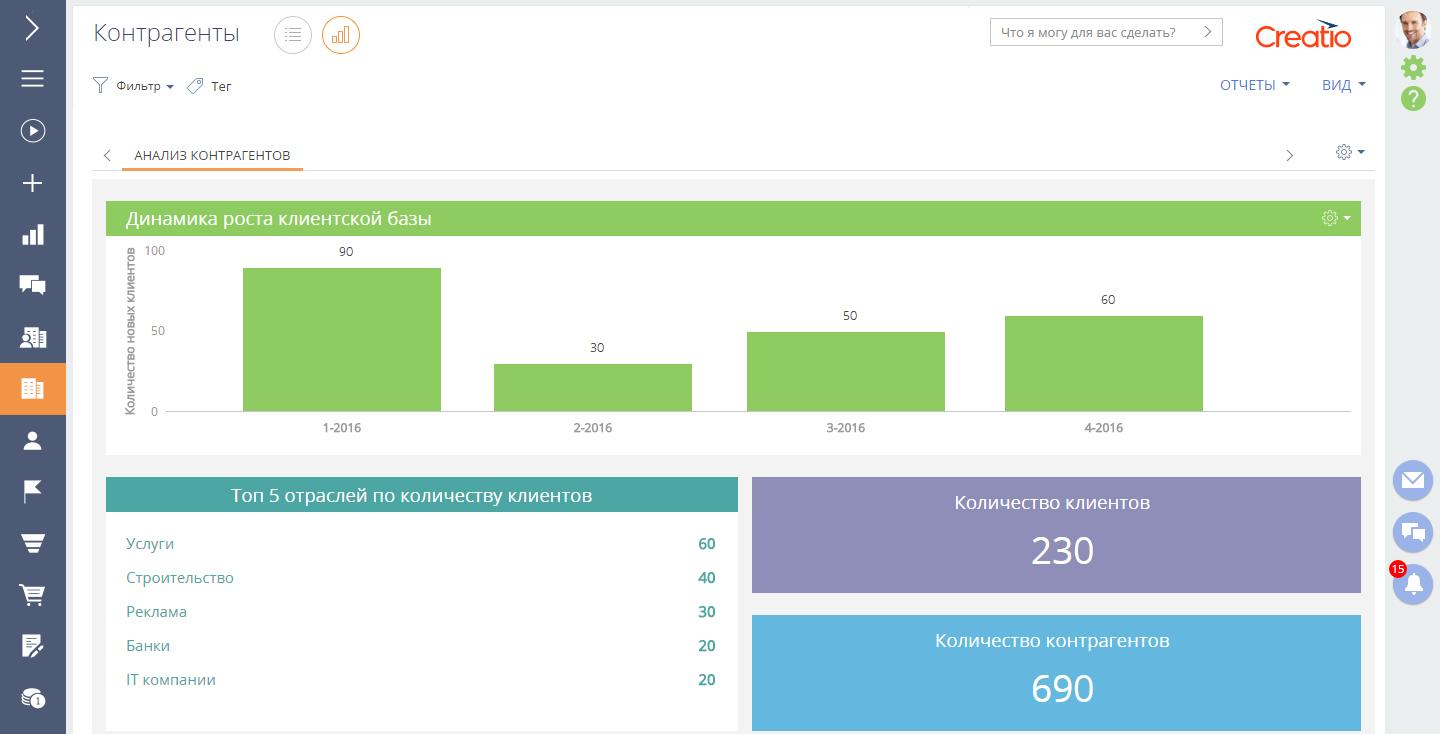
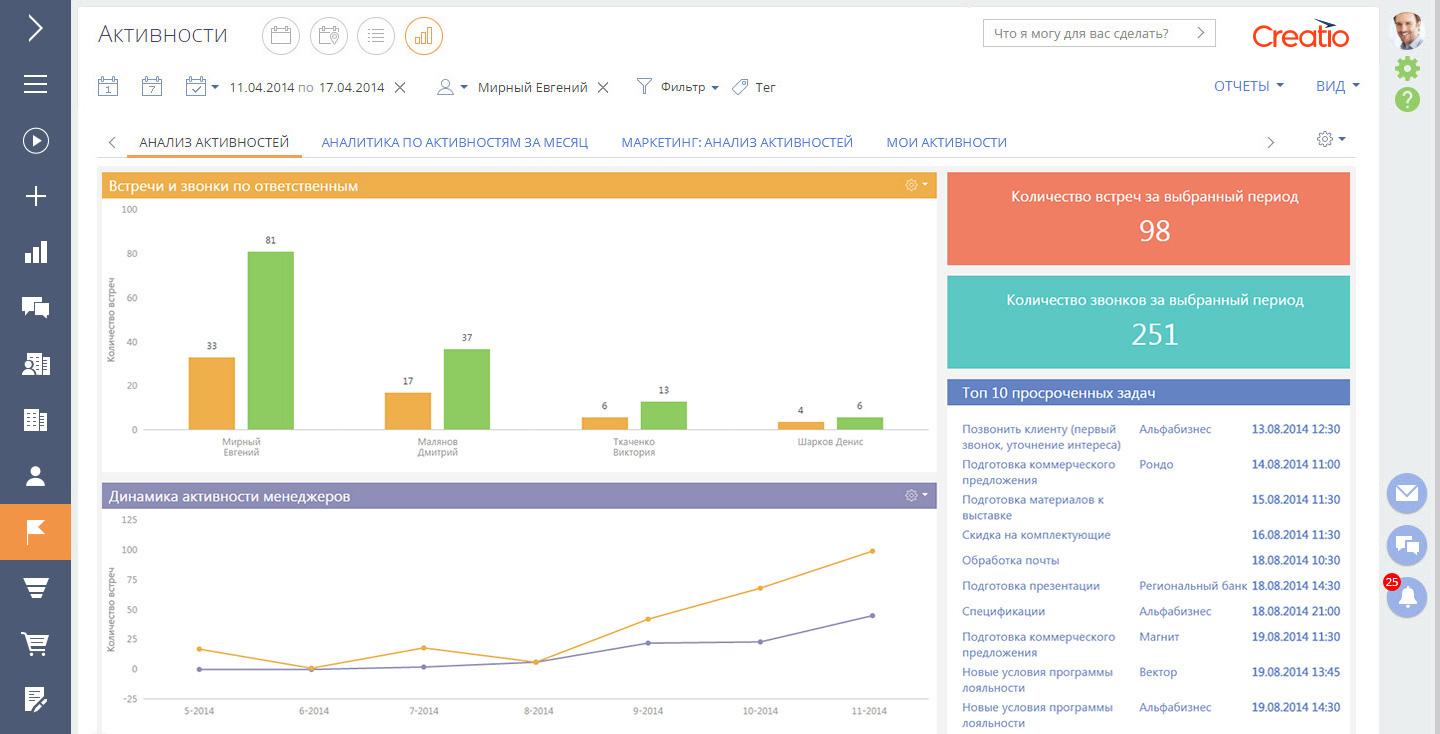
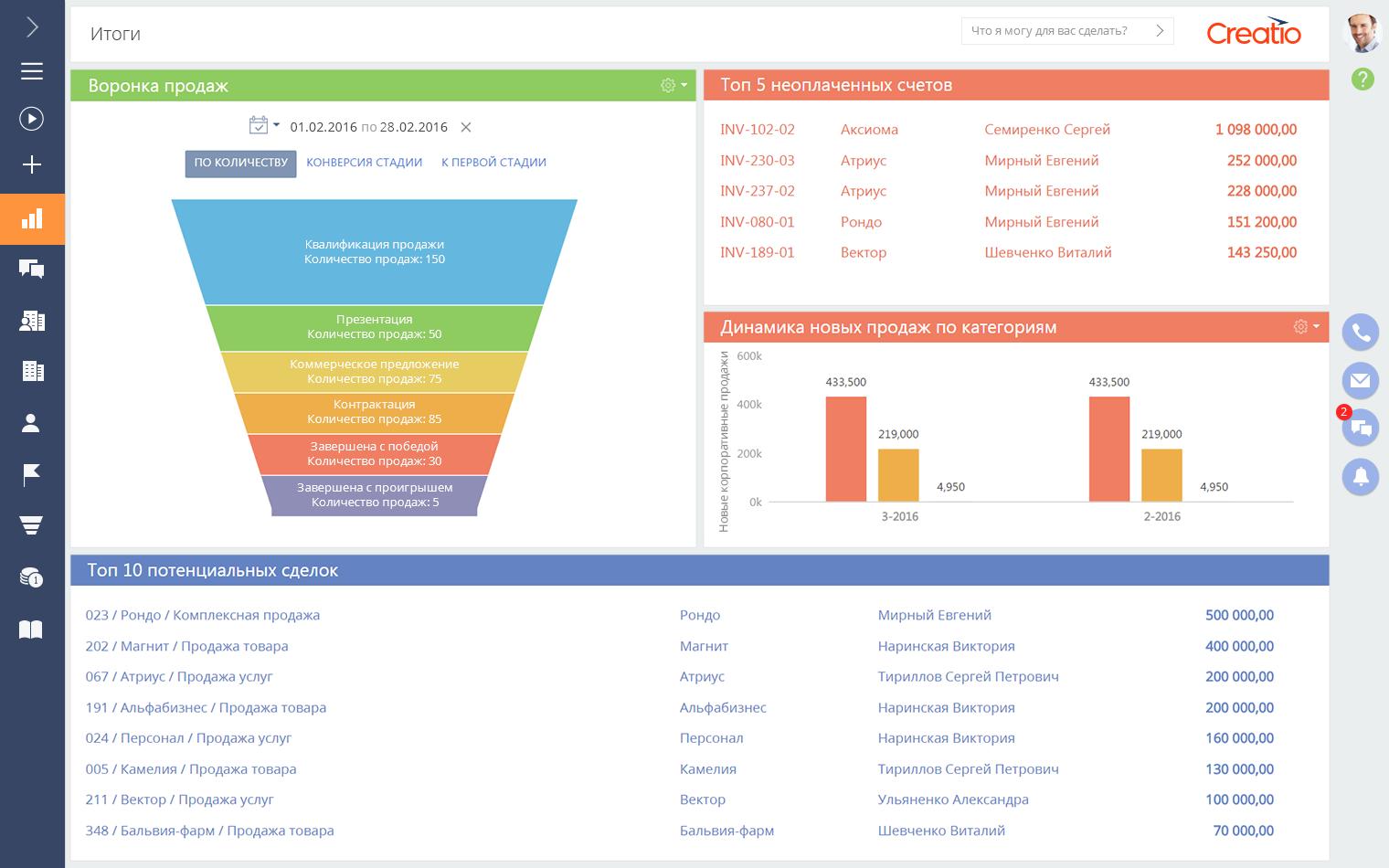
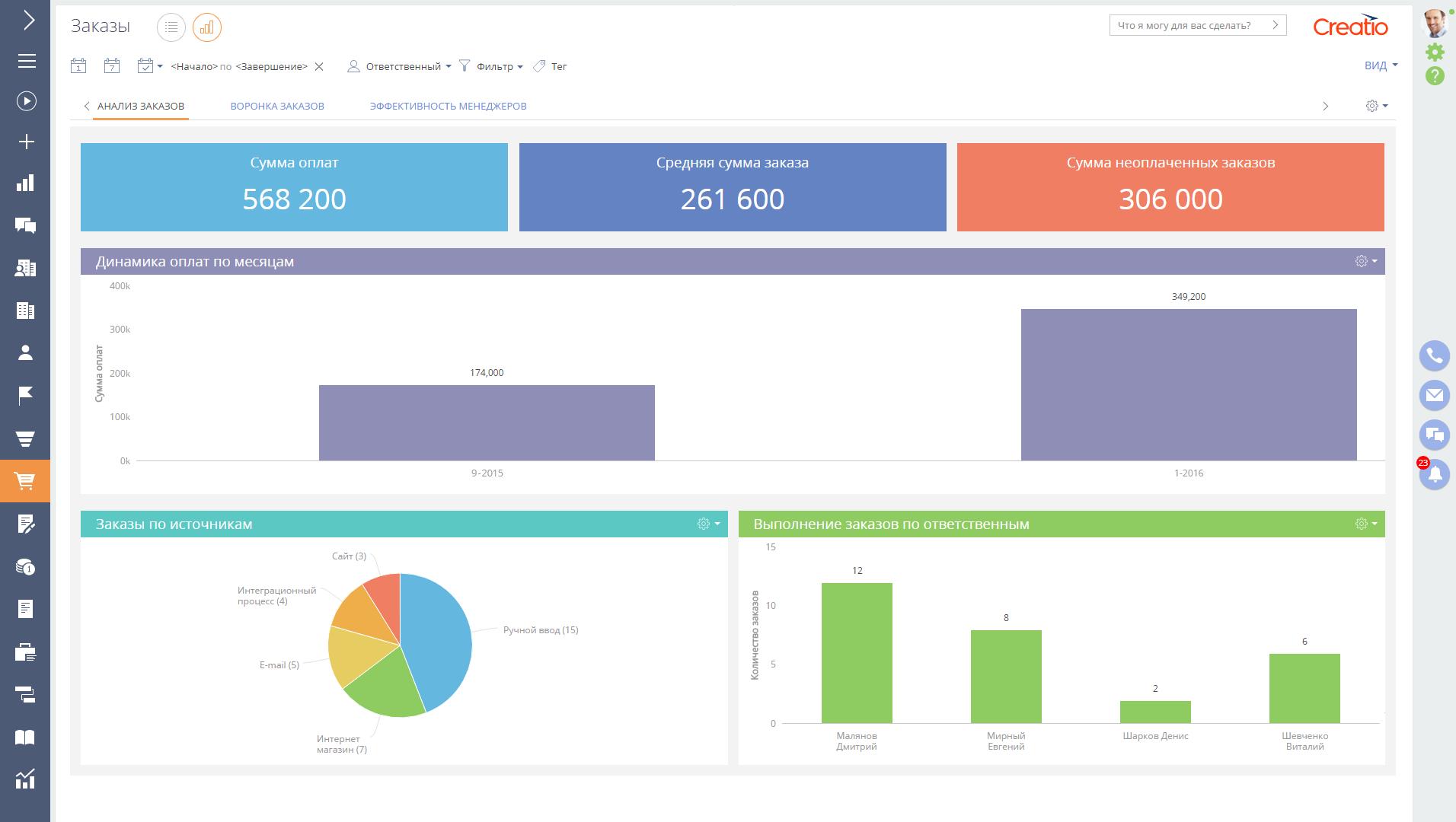
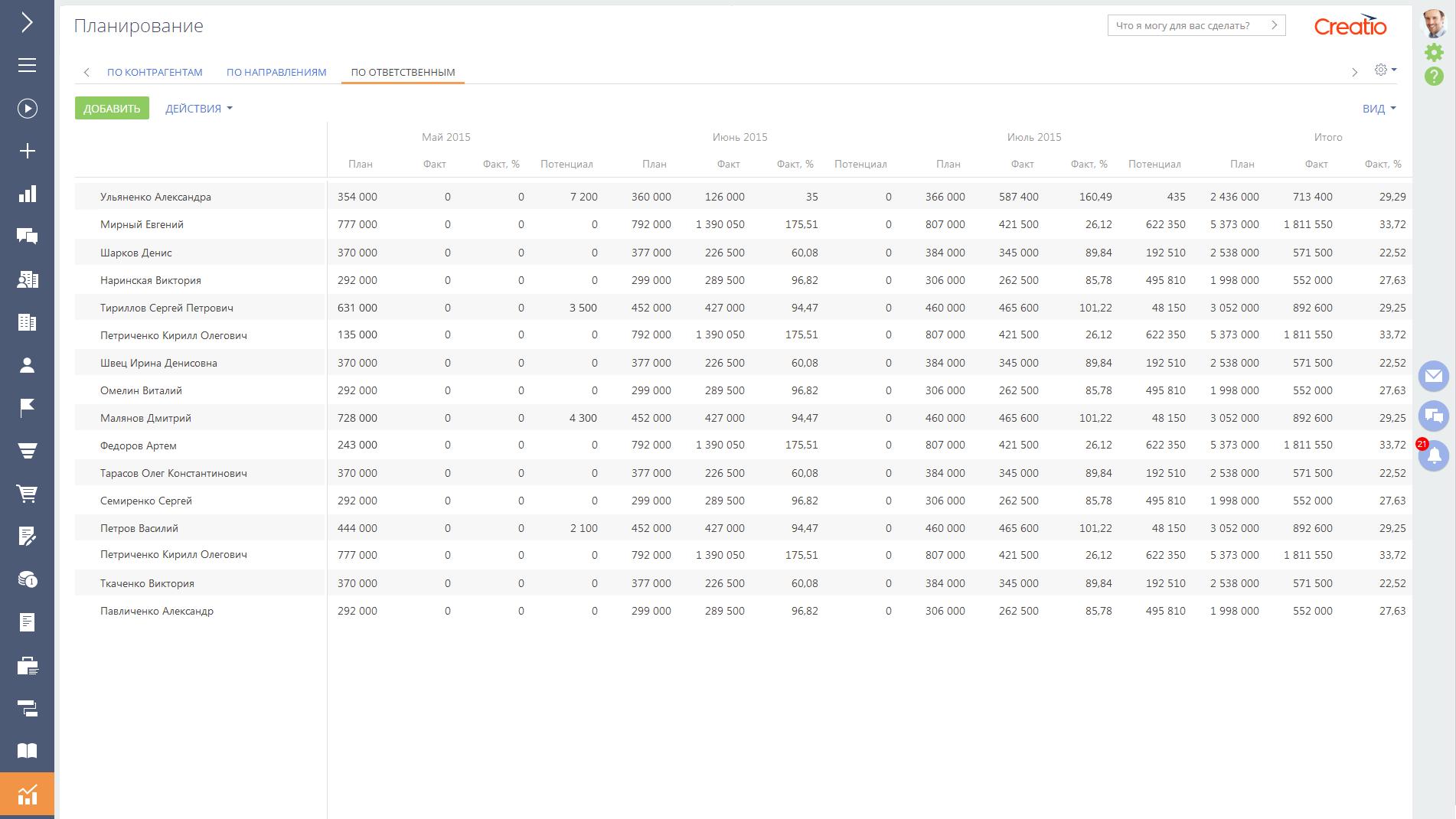
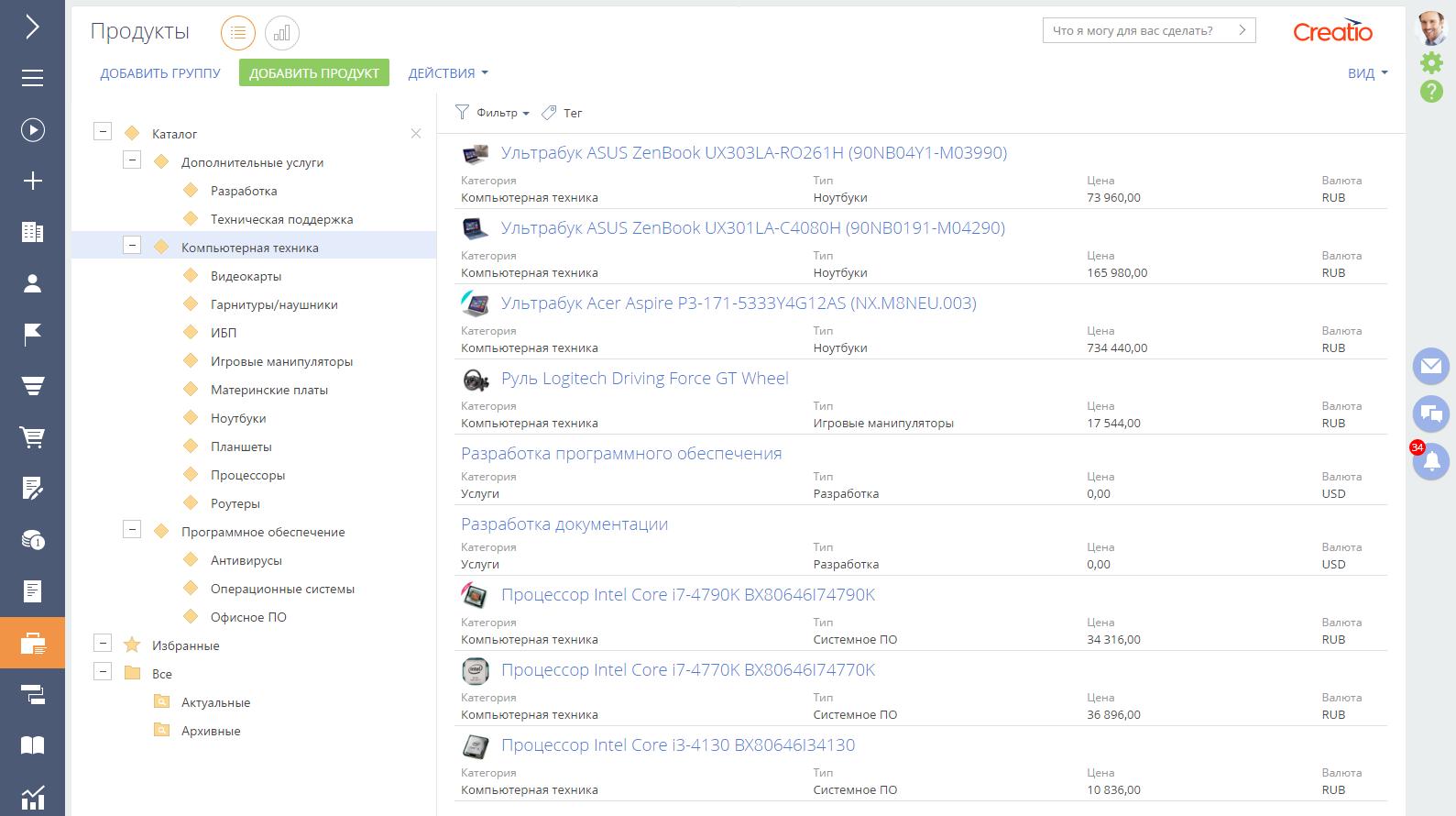
The user experience is designed around clarity and role-based interaction. Dashboards and workspaces are tailored to specific roles, showing only relevant tasks, metrics, and actions. Visual process diagrams make it easy to understand how work flows through the system, even for non-technical users.
Customization does not break usability. Changes made through no-code tools immediately reflect in the interface without disrupting existing workflows. While the platform is powerful and may require onboarding for full mastery, teams benefit from a consistent and predictable experience once processes are defined. For organizations willing to invest in setup and design, Creatio delivers a flexible, scalable environment that adapts as the business evolves.
Creatio Alternatives