ClickMeeting
Languages:
Deutsch
English
Español
Français
Portuguese
Русский
Localization:
World

What is ClickMeeting?
ClickMeeting is a browser-based platform for organizing webinars, virtual events, online courses, product demonstrations, and business meetings. It supports live, automated, and on-demand webinars, allowing organizations to communicate with audiences in real time or distribute prerecorded content continuously.
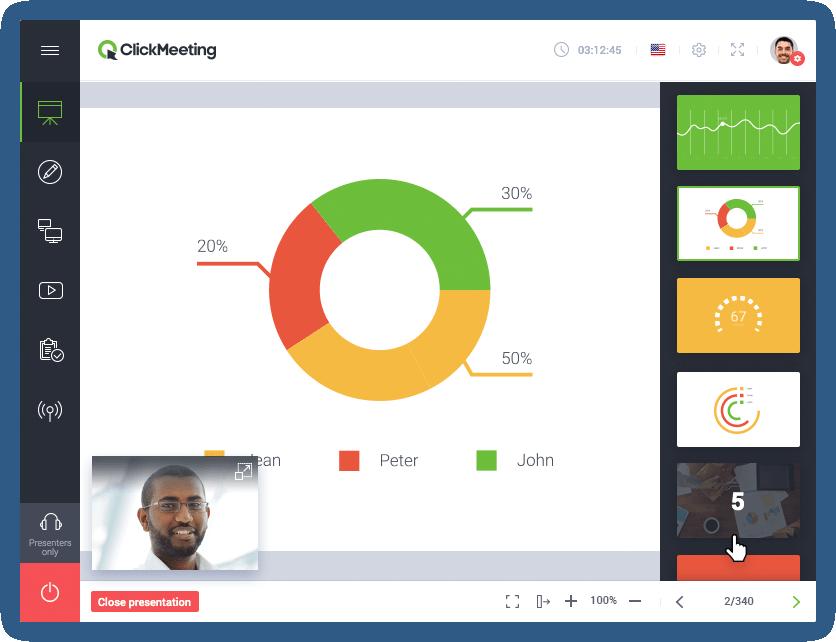
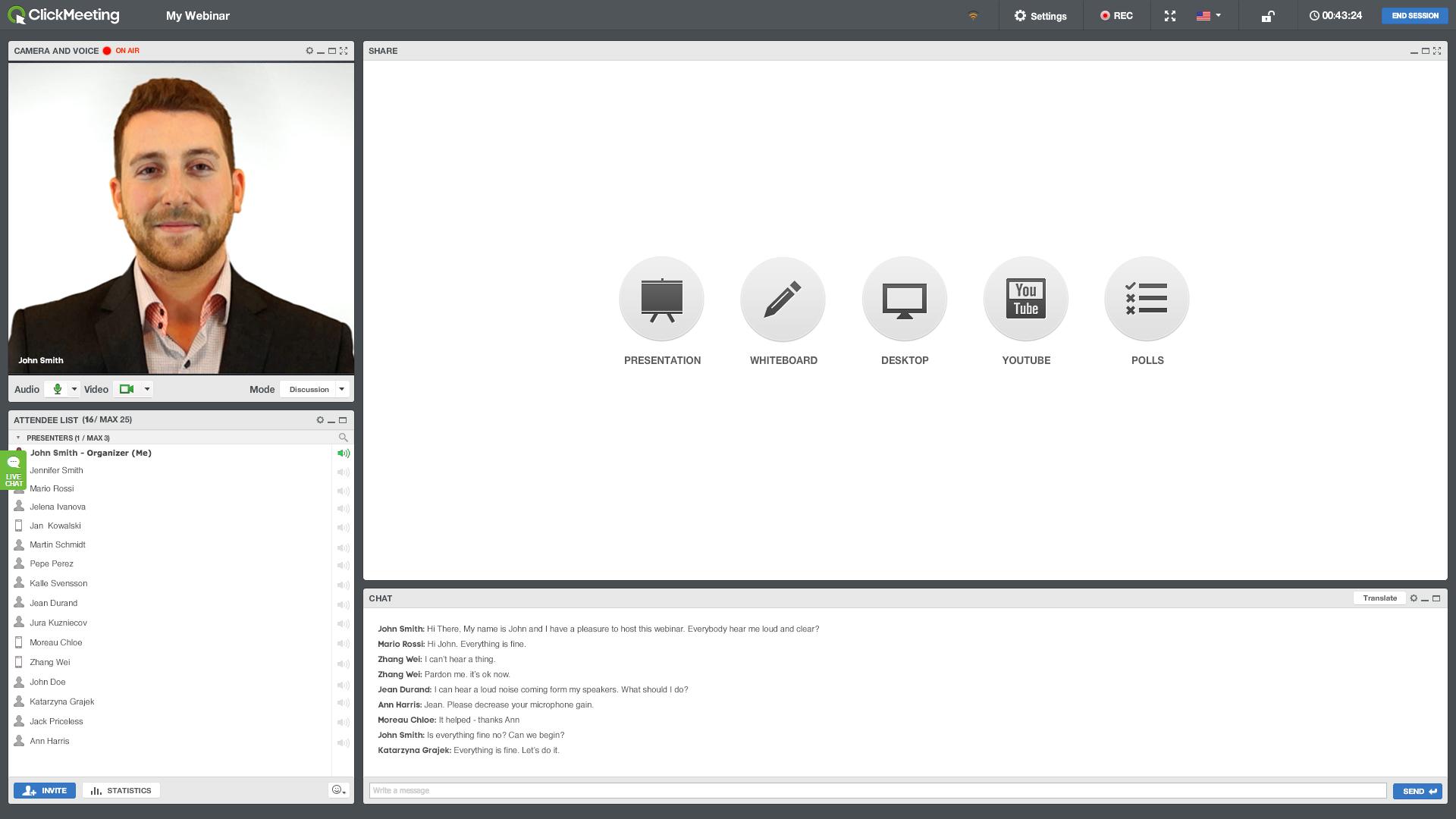
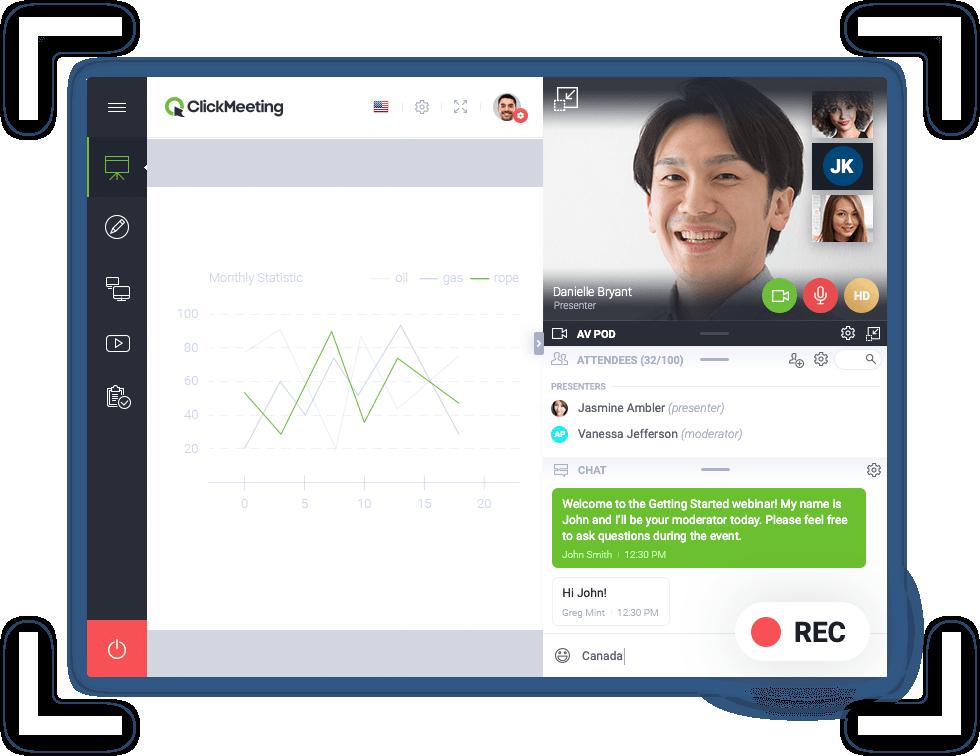
The ClickMeeting Webinar and Online Meeting Platform combines presentation tools, audience engagement features, marketing automation, monetization, and event analytics in one environment. Attendees can join through a browser without installing additional desktop software, while mobile access supports participation from different devices.
Businesses can customize event rooms, registration pages, invitations, and other audience-facing materials with their branding. The platform is suitable for marketers, trainers, educators, consultants, sales teams, and companies that need to reach distributed audiences. Its combination of interactive and automated formats makes it useful for both one-time events and repeatable webinar funnels.
What are the key ClickMeeting features?
- Live webinars: Hosts can deliver presentations in real time, communicate through audio and video, share screens, answer questions, and moderate audience discussions.
- Automated webinars: Prerecorded presentations can be scheduled to run automatically. Organizers can add videos, presentations, surveys, and prepared calls to action without attending every session.
- On-demand webinars: Audiences can access recorded webinar content whenever convenient, helping businesses serve different time zones and continue generating leads after the original event.
- Online meetings: Interactive meeting rooms allow participants to speak, collaborate, share ideas, and work together in a more conversational format.
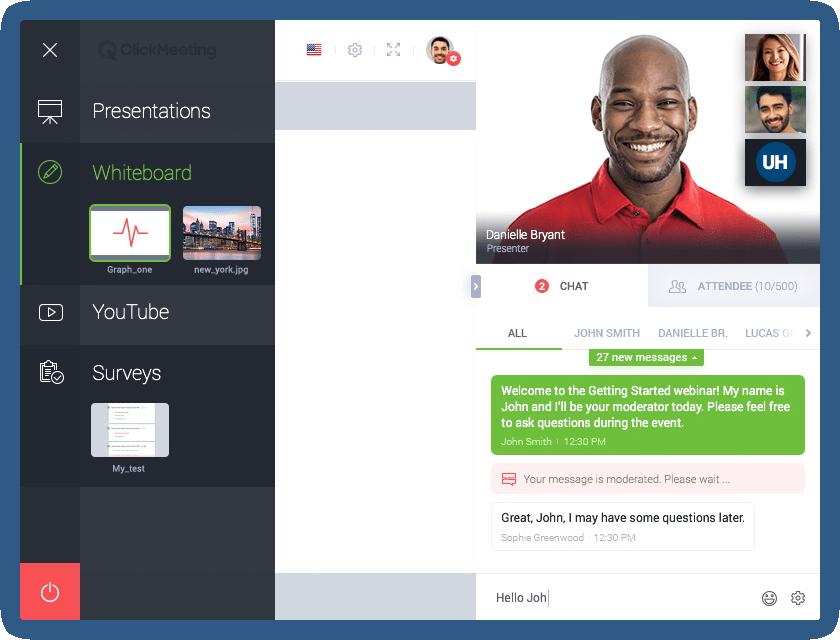
- Audience engagement tools: Polls, surveys, moderated chat, Q&A sessions, tests, reactions, calls to action, and a virtual whiteboard help maintain attention and collect useful feedback.
- Breakout rooms: Organizers can divide attendees into smaller groups for workshops, exercises, classroom activities, or focused discussions.
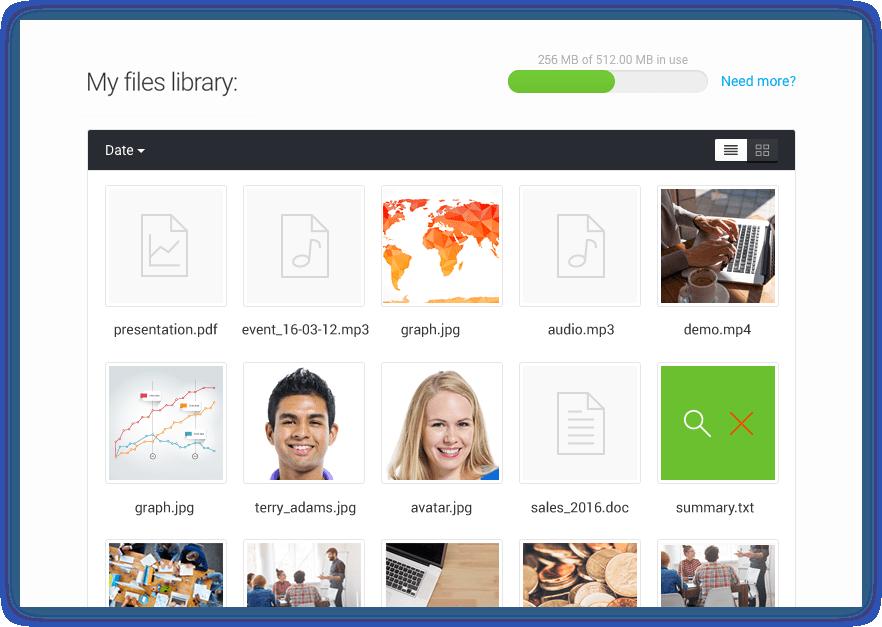
- Screen sharing and presentations: Presenters can demonstrate software, explain workflows, display documents, and upload presentation materials directly into the event environment.
- Webinar recording: Events can be recorded for internal archives, training libraries, follow-up campaigns, or conversion into on-demand content.
- Paid webinars: Organizers can sell access to webinars and training sessions through supported payment integrations, discount tickets, and promotional codes.
- Event analytics: Reports provide information about registrations, attendance, engagement, devices, locations, survey responses, and participant activity.
- Integrations and API access: ClickMeeting can connect webinar information with CRM, marketing, analytics, and business applications to support automated follow-up workflows.
What can ClickMeeting be used for?
- Lead generation: Marketing teams can capture registrations, qualify prospects through polls, present offers, and transfer attendee information into their sales workflows.
- Product demonstrations: Sales teams can show products to multiple prospects, answer questions live, and use recordings for future presentations.
- Online education: Teachers, coaches, and training companies can deliver lessons, organize group exercises, test participants, and issue attendance certificates.
- Internal communication: Companies can conduct remote meetings, onboarding sessions, departmental presentations, and organization-wide updates.
- Paid digital events: Consultants and subject-matter experts can monetize workshops, courses, and premium educational content.
- Virtual conferences: Larger organizations can run branded online events, invite multiple presenters, broadcast content, and reach audiences across different locations.
What benefits does ClickMeeting provide?
ClickMeeting reduces the technical and operational effort required to run professional online events. Webinar automation allows successful presentations to be reused, while on-demand access extends the useful life of each recording. Interactive tools improve participation, and detailed reports help organizers understand audience behavior.
Custom branding creates a more consistent customer experience. Integrations can also reduce manual data entry by connecting registrations and engagement information with other business systems. For European organizations, ClickMeeting’s security controls, EEA-based infrastructure, GDPR-oriented processes, and ISO/IEC 27001 certification may be particularly relevant.
Is ClickMeeting easy to use?
ClickMeeting offers a structured dashboard for scheduling events, configuring registration, inviting participants, and reviewing statistics. The event room keeps presentation, engagement, and moderation tools within a single interface.
Because attendees can join from a browser, the entry barrier is relatively low. However, advanced automated events, integrations, payment settings, and large virtual conferences require preparation and testing. Overall, ClickMeeting provides an accessible experience for ordinary webinars while retaining enough functionality for sophisticated training, marketing, and event programs.
2026-10-15 11:26:34: Webinar: a way to authentic communication in the age of AI! Youtube
2026-10-15 11:08:57: Webinars That Generate Leads on Autopilot Youtube
2026-10-15 11:07:14: Webinars that generate leads on autopilot. Youtube
2026-09-16 07:40:36: ClickMeeting reminders and how to set them. Youtube
2026-09-16 07:40:35: Email and SMS reminders - how does it work in ClickMeeting? Youtube
2026-09-16 07:40:06: Polls and Surveys in ClickMeeting. How to use them? Youtube
2026-09-16 07:40:01: Surveys and tests. How to engage and assess your audience's knowledge in ClickMeeting? Youtube
2026-09-10 07:52:08: How to convert leads during a webinar? Youtube
2026-09-04 08:21:38: Dark Funnel Webinar - ClickMeeting Talks #3 - Łukasz Kosuniak Youtube
2026-09-03 13:16:57: Most B2B deals were never leads! - ClickMeeting Talks #3 - Łukasz Kosuniak Youtube
2023-04-03 09:53:46: 👩🏫 Your webinar title is super important.
🔥 After reading this blog post, you know exactly how to craft a title that will attract your target audience and convince them to register for your event. WIN!
👉 https://t.co/wcx7XHMu8S
#marketing #webinar #audienceTwitter
2023-03-28 15:03:51: 🔥 Już 7 kwietnia wchodzi w życie nowelizacja Kodeksu pracy, która wprowadza spore zmiany w tym zakresie.
Weź udział w bezpłatnym webinarze ClickMeeting z ekspertką Verte i przygotuj się na zmiany!
👉 https://t.co/Npp7j5yu2n
#prawo #kodekspracy #webinar https://t.co/orEd5APxVYTwitter
2023-03-27 09:41:28: 👩🏫 Are you a natural-born educator?
👨💻 Maybe you have a wealth of knowledge to share?
👉 In our article, we’ll dive deep into the topic and determine whether you can actually earn a livable wage by sharing your knowledge via the Internet.
https://t.co/Fls6bNuvqY
#educationTwitter
2023-03-24 11:34:52: 💚 Witamy w gronie naszych Partnerów https://t.co/MBFEDLl4Wj!
#clickmeetingpomaga https://t.co/7AYBBi3Z2UTwitter
2023-03-24 11:33:08: 💚 Witamy w gronie naszych Partnerów https://t.co/Pl4zzeDEU8!
#clickmeetingpomaga https://t.co/Jeg8WU3Lp5Twitter
2023-03-22 09:42:36: 🤔 How to run your meetings effectively? No doubt a thoughtful meeting agenda will come in handy!
🔥 In our article you will read how to prepare it and find a meeting agenda template that will help you better manage your meetings!
👉 https://t.co/ly1bf1dGIc
#marketing #meetingTwitter
2023-03-20 09:54:23: 👨💻 Online events are simply a regular part of everyday life for many of us.
👩🏫 We already know them pretty well and we find new ways to use them. So what was 2022 like?
👉 Download our report: https://t.co/uTpyrUItXn
#marketing #report #events https://t.co/4C0hyHczKFTwitter
2023-03-16 09:40:30: 🤔 Are you planning your webinar and want to attract the maximum number of people?
👩🎤 Create a video invitation!
🔥 All you need is a smartphone and good lighting!
https://t.co/1vmEYqza39
#marketing #webinar #videoTwitter
2023-03-15 10:30:44: 🔥 Digital fatigue is real. If you interact with your target audience online, you need to find a way to overcome it.
🕵️♀️ In our article, we’ll explain what digital fatigue is.
👉 Read more: https://t.co/NPUTgudqob
#marketing #audience #fatiqueTwitter
2023-03-13 09:38:35: 👩🏫 A well-designed customer training program will help differentiate your company from competitors, while boosting customer engagement, customer retention, and overall revenue.
🔥 To make sure your training program is up read our article!
👉 https://t.co/YwMKtX64mg
#marketingTwitter
ClickMeeting Alternatives




ClickMeeting Reviews & Demos
ClickMeeting Integrations









ClickMeeting. Implementation & Enablement
Are you an Implementation Partner
This platform doesn’t offer implementation services directly.
Businesses work with independent Implementation Partners for setup, integrations, customization, consulting, and ongoing support.
If you help clients implement or extend this platform, you can list your expertise here and get discovered by teams looking for help.
Add your Implementation Services