CallFire
Marketing
Communications
SMS Marketing
VoIP Providers and Phone Services
Chat Services and Messaging Platforms
Languages:
English
Localization:
World

What is CallFire and how does it work?
CallFire Customer Communication and Call Tracking is a cloud-based platform for reaching customers through text messages and automated phone calls. It helps organizations distribute promotions, reminders, alerts, surveys, and operational updates without manually contacting every recipient.
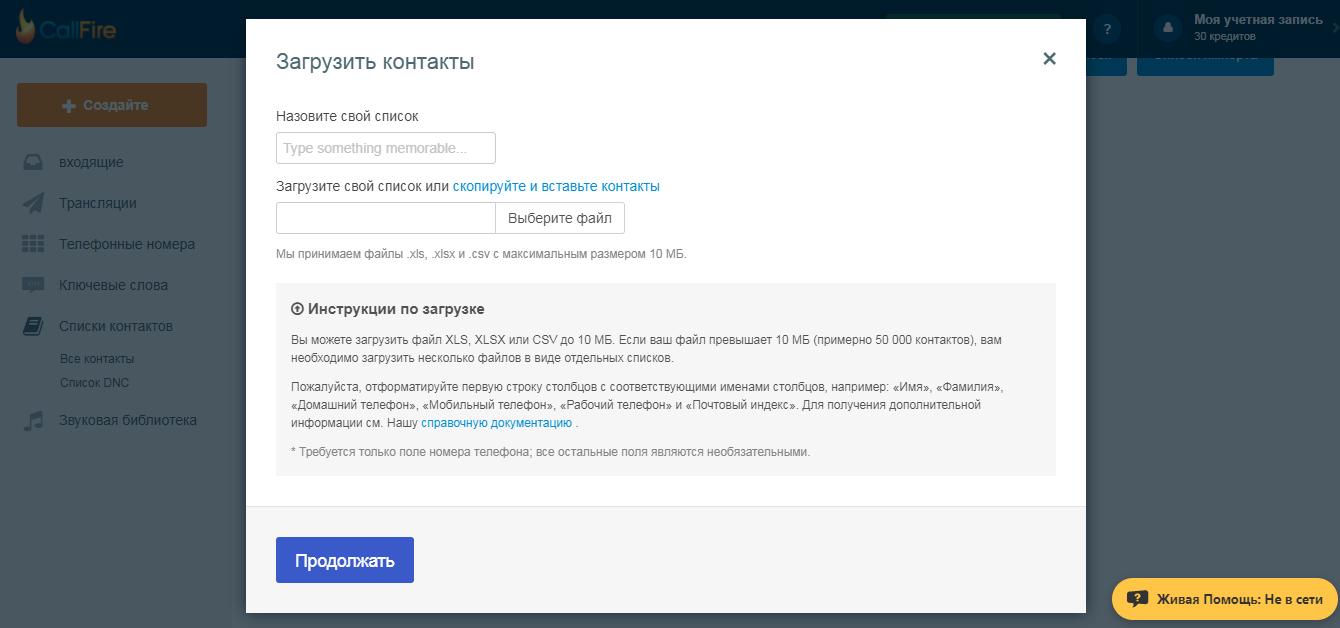
The platform combines text messaging, voice broadcasting, interactive voice response, virtual phone numbers, and campaign analytics. Businesses can upload contact lists, prepare personalized messages, schedule delivery, and monitor responses from a central interface. Campaigns can range from a single notification to hundreds of thousands of calls or messages.
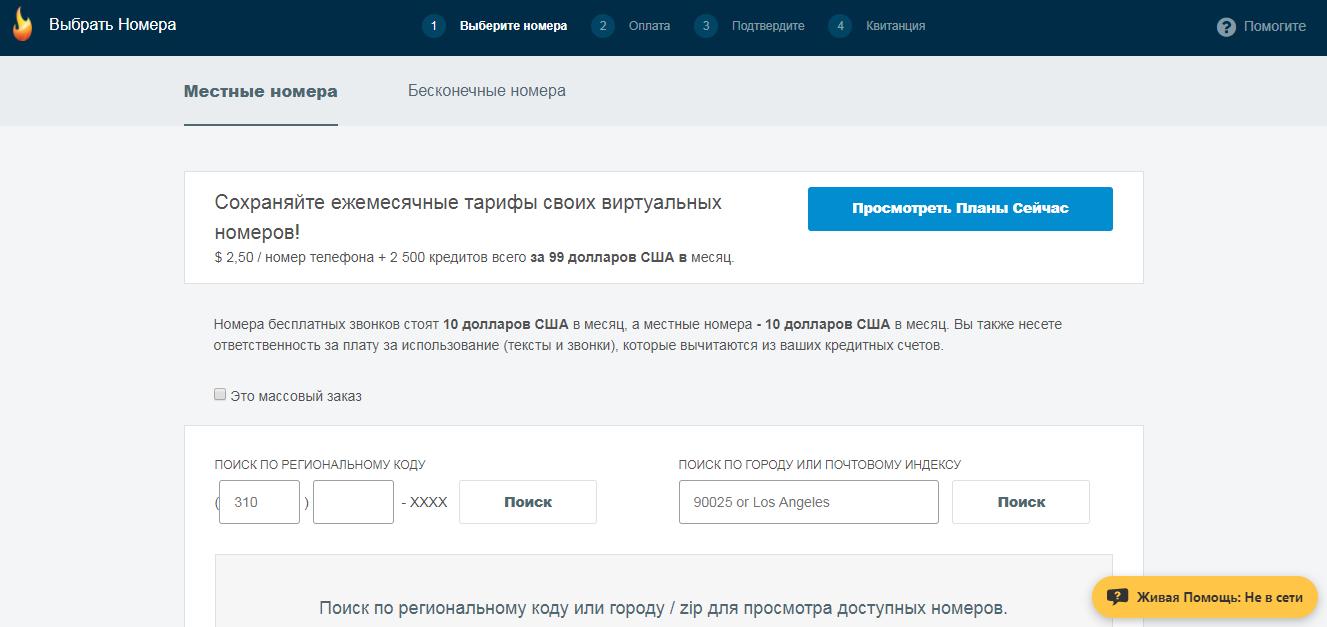
CallFire supports both no-code campaign creation and API-based customization. Developers can connect its communication functions with CRM platforms, internal applications, lead-management systems, and automated workflows. Text-only plans for new customers are provided through CallFire’s partnership with EZ Texting, while combined voice and text plans use flexible communication credits.
What are CallFire’s key features?
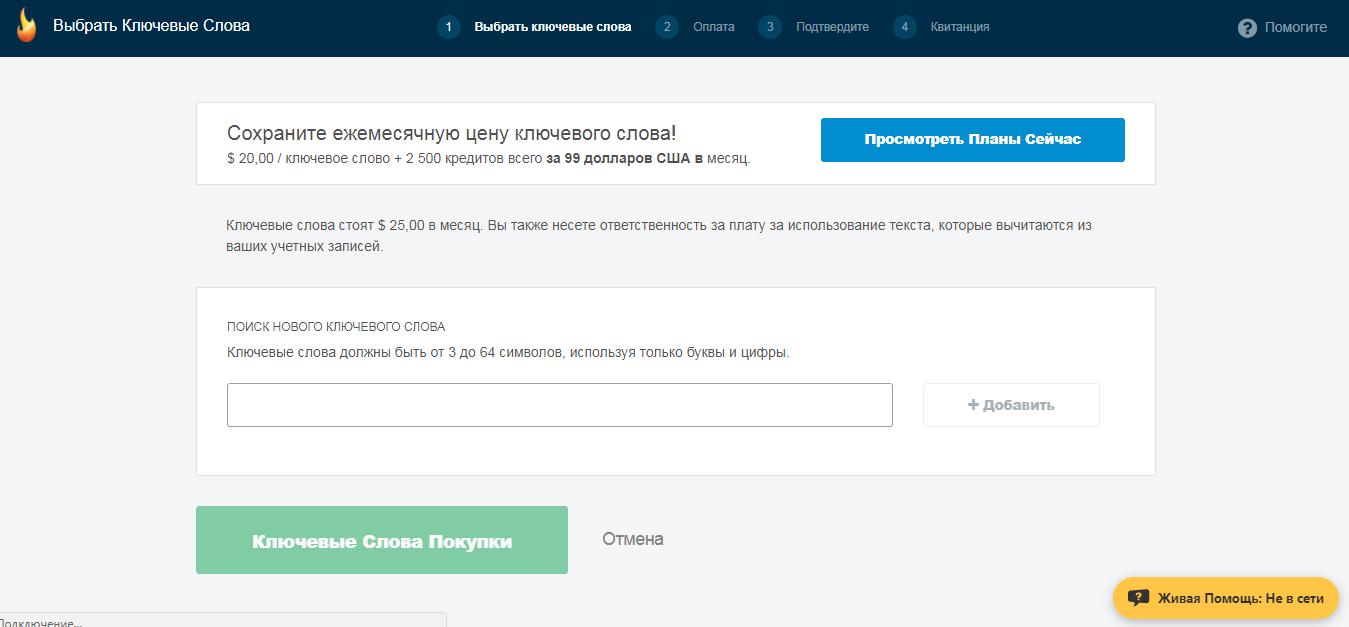
- Text messaging: Businesses can send bulk promotions, reminders, notifications, and customer surveys. Keyword campaigns encourage recipients to initiate conversations or subscribe to future updates.
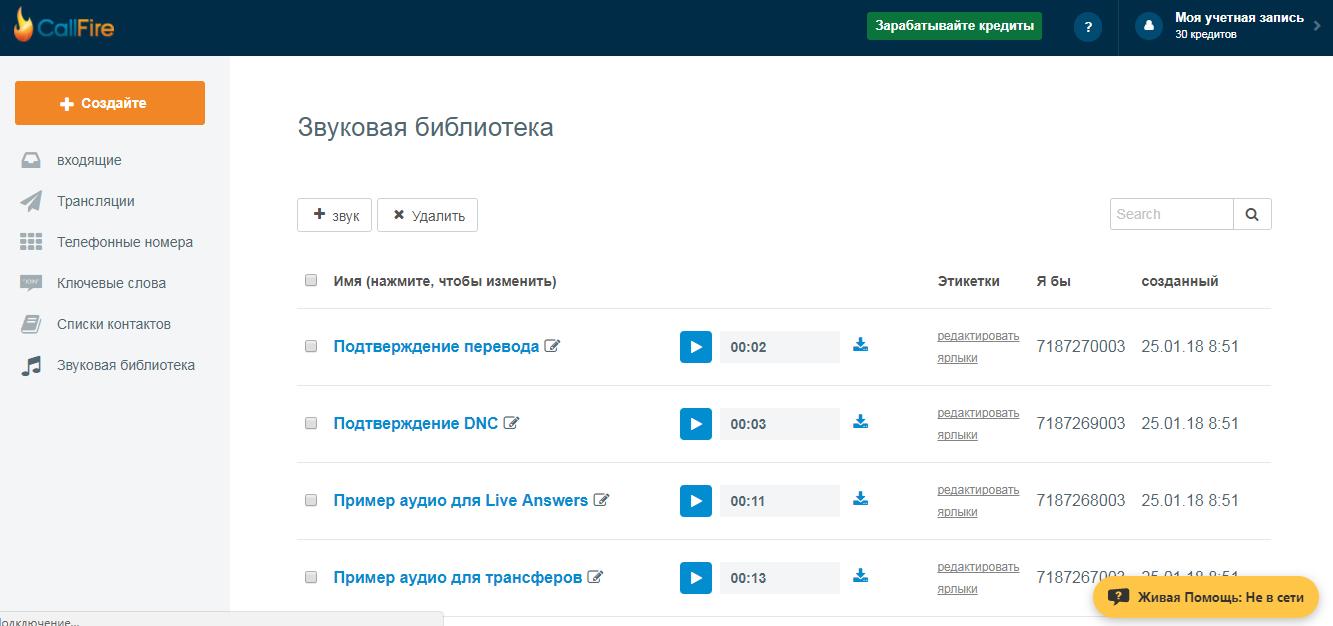
- Voice broadcasting: Recorded audio or text-to-speech messages can be delivered automatically to selected contacts. Businesses can schedule campaigns and personalize messages using information from spreadsheets or connected systems.
- Call tracking: Local, toll-free, and international virtual numbers can be assigned to individual advertisements or marketing channels. Incoming calls then reveal which campaigns generate genuine customer interest.
- SMS-enabled tracking numbers: Selected call-tracking numbers can also receive or send text messages, helping teams continue conversations through the customer’s preferred channel.
- Interactive voice response: CallFire’s IVR tools let organizations build automated phone menus using a visual drag-and-drop interface or XML. Callers can navigate options, provide answers, or reach the appropriate department through keypad input.
- Call routing and auto-attendant: Incoming calls can be directed to relevant employees, departments, or answering services without requiring a dedicated receptionist.
- Surveys and data collection: Automated phone surveys and polls collect responses from customers, employees, or voters. Teams can record calls, export results, and analyze collected information.
- Campaign analytics: Real-time reports show calling, messaging, and advertising performance. Call-tracking data can be connected with Google Analytics, while reports can be shared without providing complete account access.
- API access: Developers can provision numbers, launch communications, retrieve reports, and build customized workflows around CallFire’s infrastructure.
What can businesses use CallFire for?
- Marketing campaigns: Send promotions, product announcements, discount offers, and event invitations to segmented contact lists.
- Appointment reminders: Automatically remind patients, customers, or clients about upcoming bookings and provide options for confirmation or rescheduling.
- Lead attribution: Assign separate phone numbers to websites, advertisements, locations, or campaigns to determine which investments generate calls.
- Emergency notifications: Quickly distribute urgent instructions, schedule changes, closures, or safety alerts to employees and community members.
- Customer research: Conduct phone surveys, satisfaction polls, and follow-up campaigns without requiring agents to make every call manually.
- Payment and collection reminders: Notify customers about balances or approaching deadlines, helping businesses shorten collection cycles.
- Political and nonprofit outreach: Deliver campaign announcements, volunteer updates, event reminders, and structured polls to supporters.
- Internal communication: Send operational updates to distributed teams, contractors, or employees when email may be too slow.
What benefits does CallFire provide?
CallFire reduces the time required to contact large audiences while keeping campaigns measurable. Its combination of messaging, voice automation, and tracking allows businesses to manage several communication tasks through one platform.
Flexible pay-as-you-go and plan-based options make it suitable for occasional campaigns as well as recurring communication programs. Scheduling and automation reduce repetitive work, while personalized fields make large campaigns feel more relevant to recipients. Call tracking also gives marketers clearer evidence about which advertisements produce results, supporting more informed budget decisions.
The API adds value for organizations that need communication functions embedded within existing business processes rather than operated as isolated campaigns.
What is the CallFire user experience like?
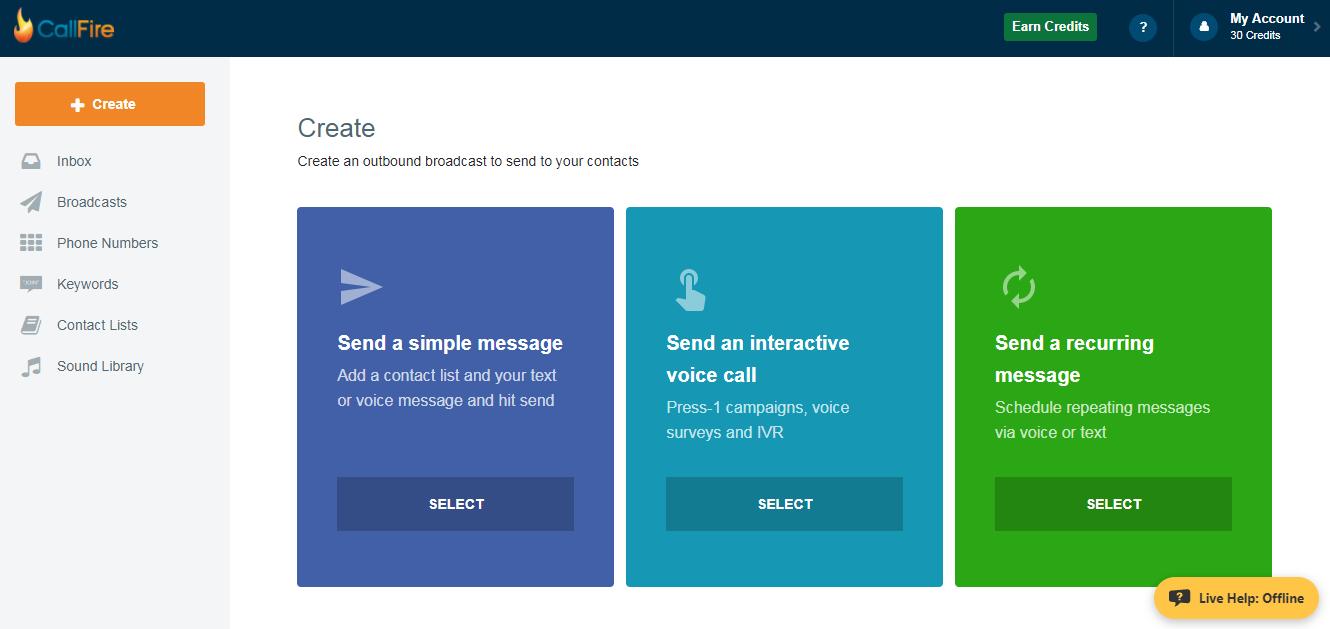
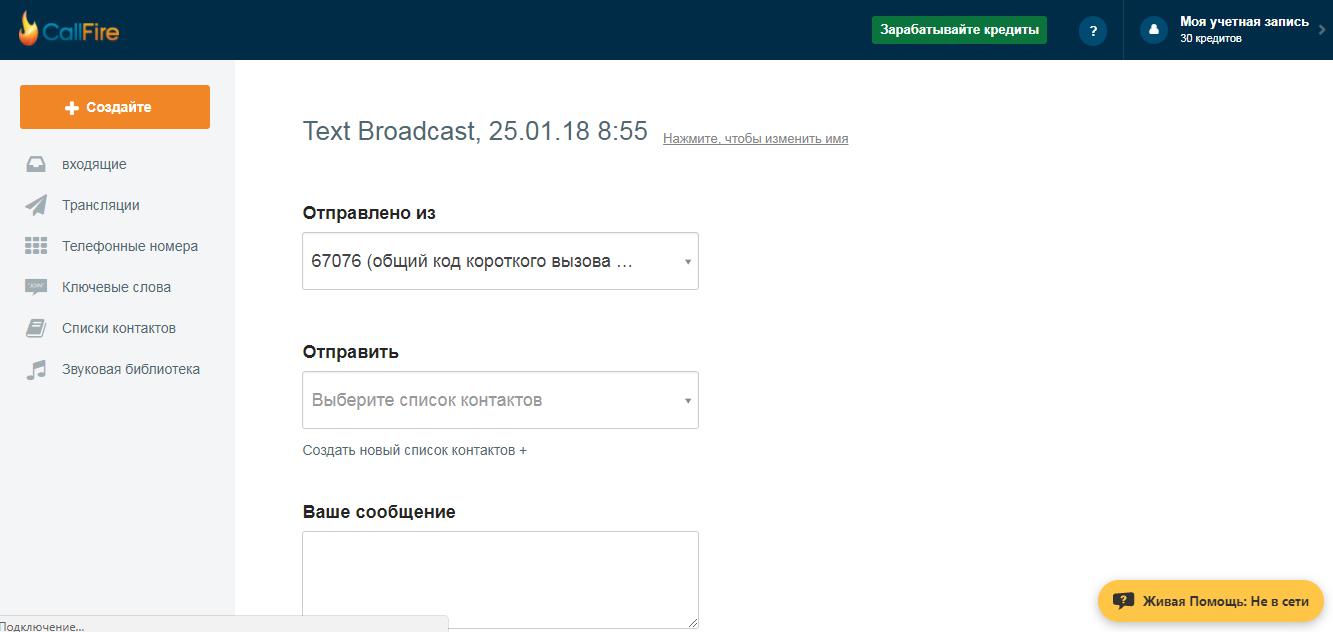
CallFire is designed around relatively straightforward campaign setup. Users select contacts, create or record a message, configure the sending number, and choose when the campaign should begin. Voice broadcasts can be prepared quickly, while the visual IVR builder makes basic call flows accessible without extensive telephony knowledge.
Dashboards and reports provide visibility into deliveries, responses, calls, and campaign outcomes. More advanced implementations may require developer assistance, particularly when connecting APIs, building custom IVR logic, or integrating CallFire with CRM and analytics systems. Overall, the platform offers an approachable interface for routine campaigns while retaining customization options for technically complex communication workflows.
CallFire Alternatives