Calendly
Languages:
Deutsch
English
Español
Français
Portuguese
Localization:
World

What is Calendly and why use it?
Calendly is a scheduling automation service that turns back-and-forth coordination into a simple “pick a time” flow. Instead of negotiating availability over messages, a booking page shows open slots based on defined rules and connected calendars. Invitees choose a time, and the meeting is created automatically with the right duration, time zone handling, and optional video conferencing details. This makes Calendly scheduling automation for meetings especially useful when bookings are frequent, time zones change, or multiple teammates need to share availability without collisions. It’s commonly used for sales calls, interviews, onboarding sessions, customer success check-ins, and internal coordination where speed and clarity matter.
What key features does Calendly offer?
-
Shareable booking link: A personal or team link that recipients can use to pick an available time without emailing back and forth.
-
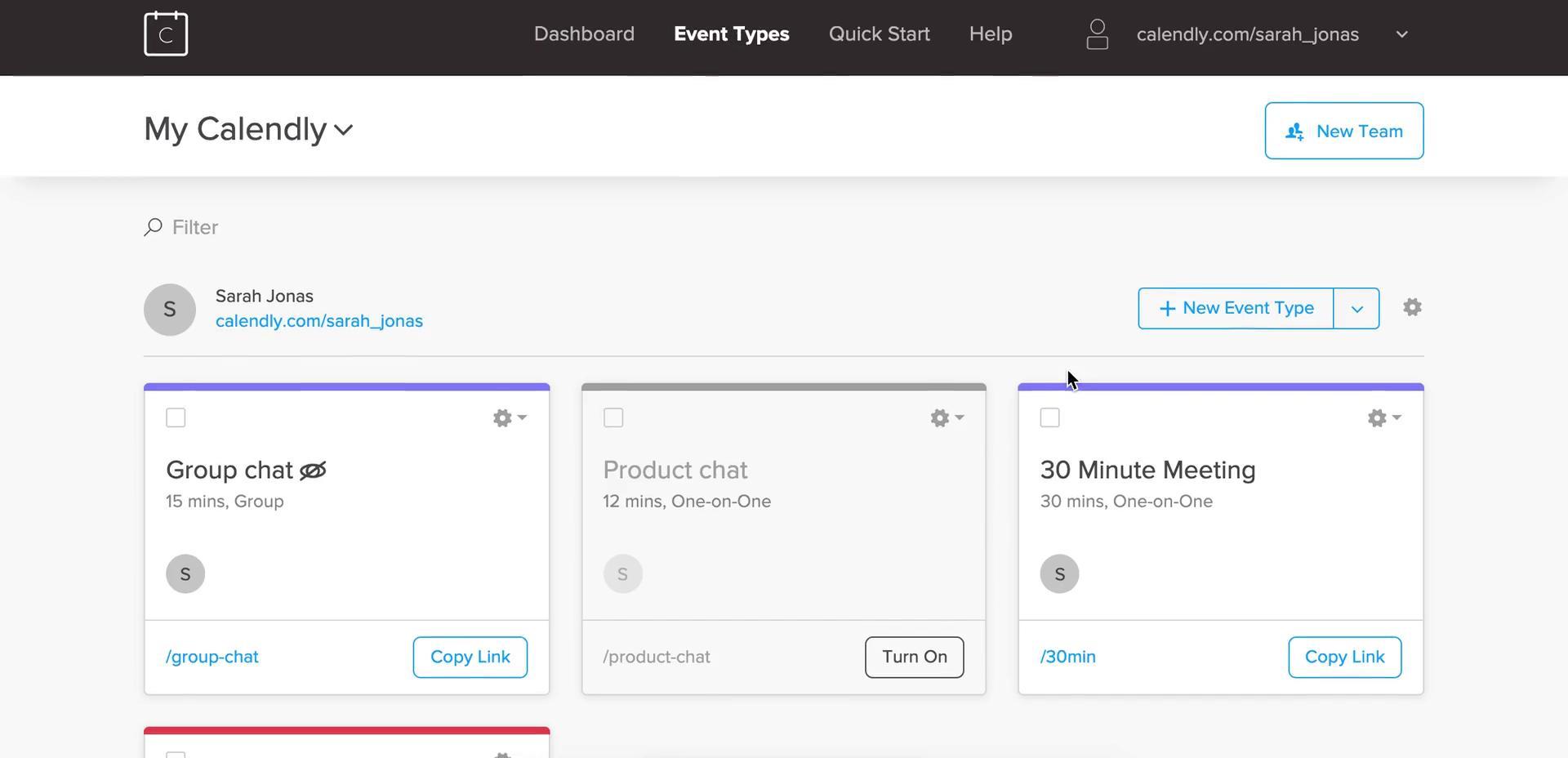
Event types and templates: Create different meeting formats (15/30/60 minutes, discovery, demo, interview) with consistent settings and descriptions.
-
Availability rules: Set working hours, buffer time, minimum notice, daily limits, and date ranges to control when bookings are allowed.
-
Calendar sync to avoid double-booking: Connect calendars so booked times are blocked and existing events prevent conflicts.
-
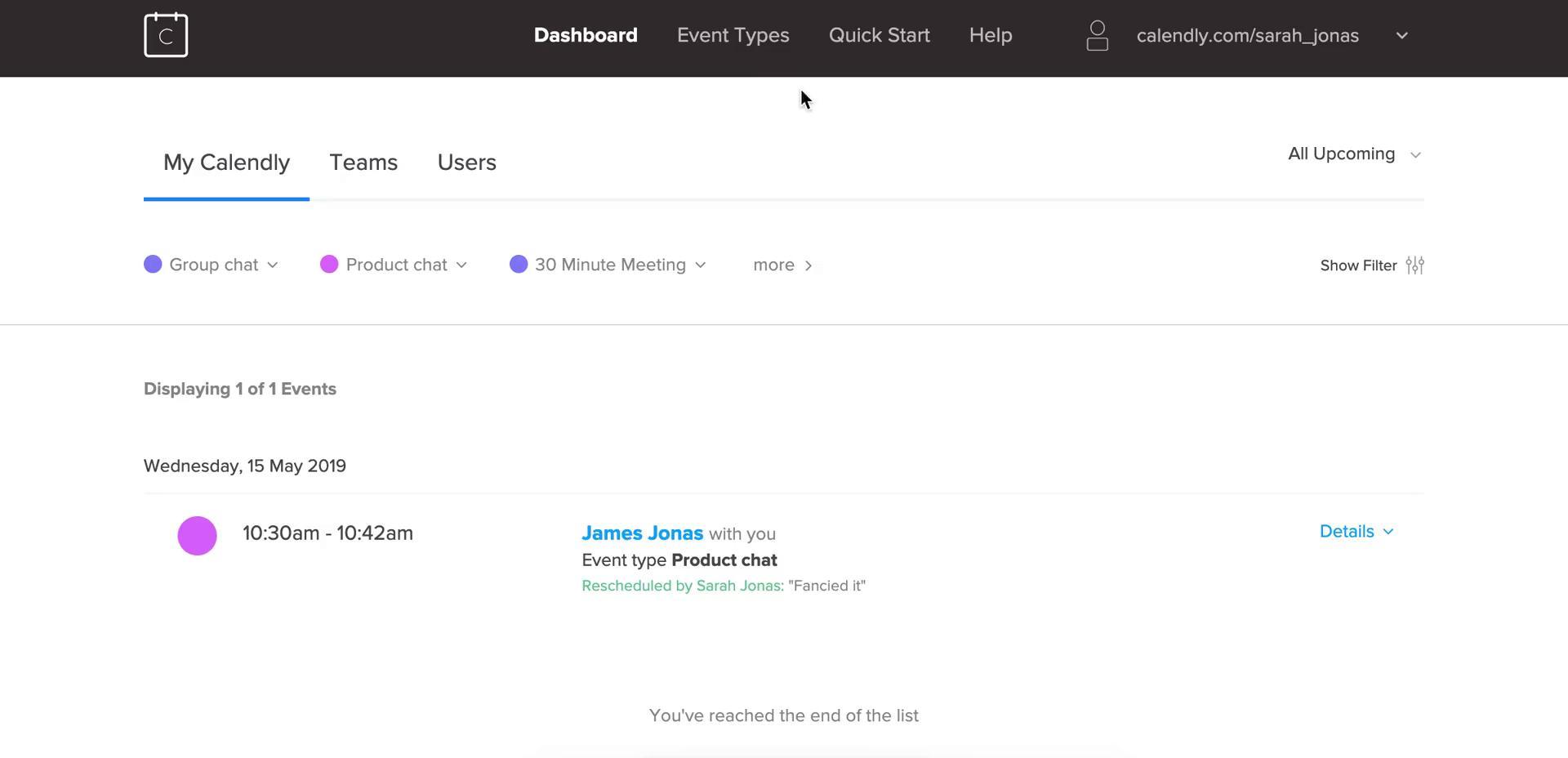
Automatic confirmations and reminders: Trigger notifications to reduce no-shows and keep everyone aligned when schedules change.
-
Reschedule and cancellation controls: Let invitees move or cancel within defined rules, keeping calendars accurate without manual handling.
-
Time zone detection: Present times in the invitee’s local time automatically, reducing confusion for distributed teams.
-
Team scheduling options: Support pooled availability, round-robin distribution, and shared scheduling for teams handling inbound meetings.
-
Routing and qualification flows: Collect answers before booking and route people to the right calendar or representative based on criteria.
-
Integrations and automation hooks: Connect video conferencing, CRM/marketing tools, and automation workflows to push booking data downstream.
What are the best Calendly use cases?
-
Sales discovery and demos: Convert interest into a booked call fast, reduce lead decay, and distribute meetings across available reps.
-
Recruiting and interviews: Coordinate candidates and interviewers with less coordination overhead, especially across time zones.
-
Customer onboarding: Offer consistent onboarding slots with built-in reminders and clear meeting expectations.
-
Support escalation and CSM check-ins: Provide a structured way for customers to book time with the right specialist.
-
Consulting and paid sessions: Schedule time-bound sessions with clear rules and optional payment collection where applicable.
-
Internal collaboration: Reduce meeting coordination friction for 1:1s, skip-levels, pair sessions, and cross-team syncs.
-
Events and office hours: Run recurring office hours or “ask-me-anything” sessions with controlled capacity and windows.
What benefits does Calendly deliver?
Calendly helps reduce scheduling overhead, which compounds into real operational savings when bookings happen daily. Faster scheduling shortens sales cycles, improves candidate experience, and increases attendance because confirmations and reminders are consistent. Calendar conflict reduction lowers the chance of missed meetings and “double-booked” errors. For teams, distribution and routing improve fairness and speed—right person, right meeting, right time. The broader benefit is predictability: defined rules create a repeatable scheduling system instead of manual coordination that breaks under volume.
What is the user experience like in Calendly?
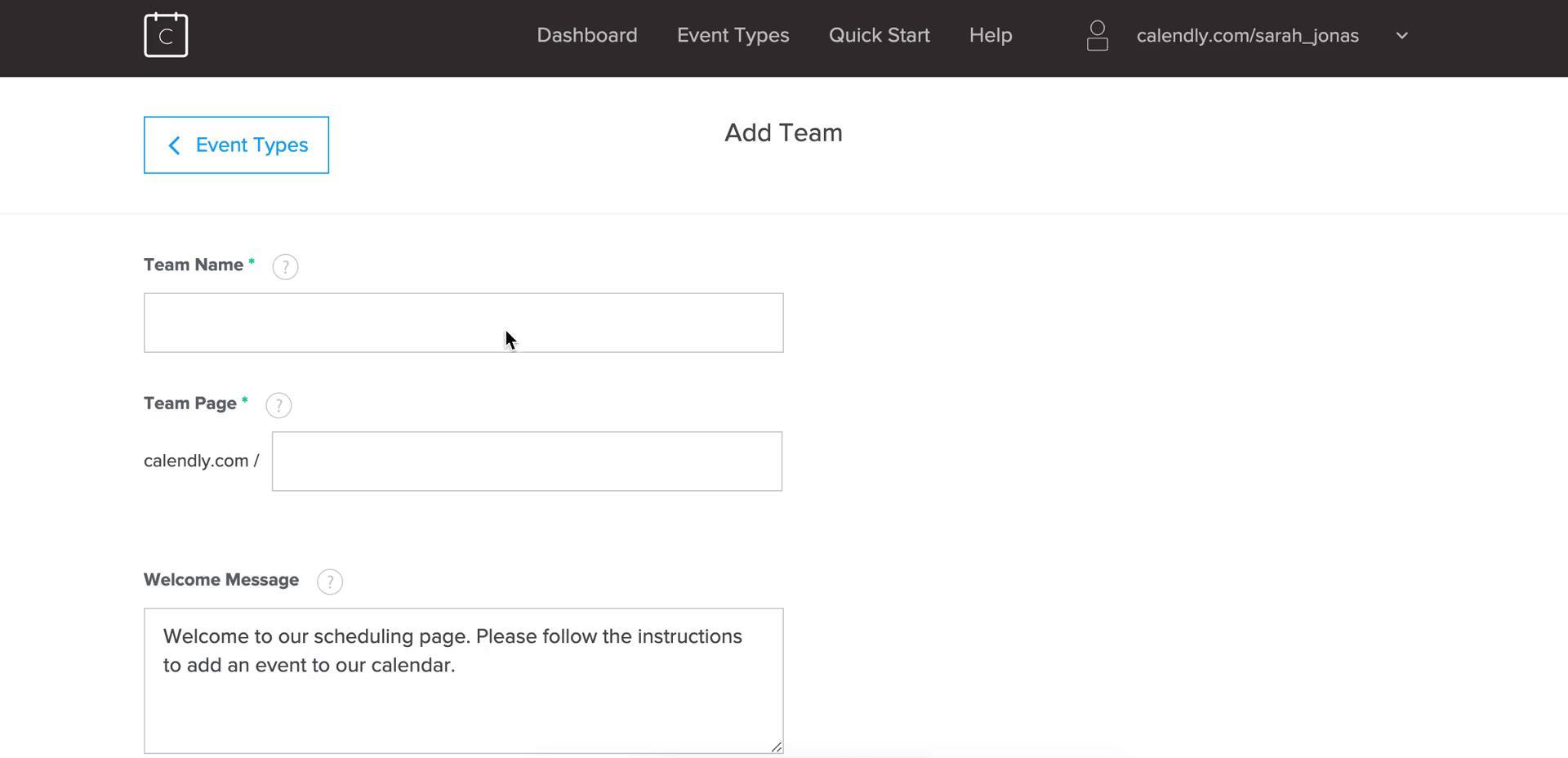
The experience is built around clarity and minimal steps. On the organizer side, setup typically starts with connecting a calendar, creating an event type, and defining availability rules. Once configured, sharing a link becomes the default action—drop it into email templates, websites, or workflows. On the invitee side, the flow is straightforward: choose a date, pick a time, add details, confirm. Rescheduling is usually self-serve, which reduces friction for both sides. The UI tends to feel “utility-first”: focused on speed, fewer distractions, and consistent outcomes—bookings that land correctly and don’t need follow-up.
2026-08-19 19:00:34: Introducing the New Calendly Youtube
2026-08-19 16:44:28: Powered by Calendly: A Virtual Launch Event Youtube
2026-07-24 04:38:57: Amirah Raveneau-Bey & Hays Waldrop | How I Work Live Ep. 003 Youtube
2026-06-19 04:48:17: Jayde I. Powell | How I Work Live Ep. 002 Youtube
2026-05-15 04:49:40: How I Work Live by Calendly | Ep. 001: Pua Pakele Youtube
2026-05-14 17:15:07: Calendly for Coaches: 5 Ways to Automate Your Admin Tasks in 2026 Youtube
2026-04-30 15:01:55: If you can name it, you can charge it. Youtube
2026-04-07 17:59:08: How to Make Money with Calendly (5 Simple Tips) Youtube
2026-03-27 17:44:51: Calendly Meeting Packages: How to Sell Multiple Sessions at Once Youtube
2025-12-12 21:04:55: How I Work: Amber Malone, Pt. II Youtube
2023-04-11 18:37:40: "Everybody knows Calendly as a scheduling link, but we are so much more." — CMO Jessica Gilmartin 👏
➡️ Calendly Routing for revenue teams (new!)
➡️ Automated email and text reminders
➡️ Team scheduling pages
➡️ Scheduling analytics
➡️ 100+ integrations https://t.co/ecwYyY3bROTwitter
2023-04-10 19:13:29: Want to learn more about our Streak integration and our other CRM integrations?
Find all the details here! ⤵️
https://t.co/JaKEldXbD5Twitter
2023-04-07 17:09:01: Book the right meetings 🗓️
With the right groups 👥
At the right times ⌚
All without the endless back-and-forth! ✅
https://t.co/iUpEvpqVuxTwitter
2023-03-30 02:26:15: ICYMI: Today we just launched one of our most exciting solutions to date. 🚀
Marketing and sales leaders, this one's for you!👇 https://t.co/tsdBbNqVTWTwitter
2023-03-29 16:24:49: 2️⃣ Automatically look up accounts in Salesforce & match known accounts to the right sales rep or account owner in real time. No manual reassignment!
^ Everything happens instantly, so your buyers aren't waiting hours, minutes, or even seconds to hear back from your business! ⚡️Twitter
2023-03-29 16:24:47: CALENDLY ROUTING is here! 🎉
Now marketing and sales teams can:
✅ Improve speed to lead
✅ Increase website conversion rates
✅ Close deals faster than the competition
All within the tech stack they're already using!
Here's how Routing works 🧵⤵️
https://t.co/xaySLQEW3m https://t.co/7KoushyotjTwitter
2023-03-28 17:45:52: Did you know Calendly is available in multiple languages?!
🔹Spanish
🔹French
🔹German
🔹Portuguese
https://t.co/r7E6wpcoUiTwitter
2023-03-24 17:52:49: Alexa, play “Around the World” by Daft Punk 😎
https://t.co/r7E6wpcWJQTwitter
Calendly Alternatives


Calendly Reviews & Demos
Calendly Integrations






Calendly. Implementation & Enablement

Are you an Implementation Partner
This platform doesn’t offer implementation services directly.
Businesses work with independent Implementation Partners for setup, integrations, customization, consulting, and ongoing support.
If you help clients implement or extend this platform, you can list your expertise here and get discovered by teams looking for help.
Add your Implementation Services