BoldGrid
Languages:
English
Localization:
World

What is BoldGrid?
BoldGrid is a collection of WordPress tools designed to simplify website creation, customization, optimization, backup, and maintenance. It combines visual page-building features with professional themes, cloud-based testing, performance optimization, SEO assistance, and site management capabilities.
Unlike a fully hosted website builder, BoldGrid works within the WordPress ecosystem. Users retain the flexibility of WordPress while gaining a more guided and visual workflow. The platform can support beginners creating their first business website as well as developers and agencies building multiple client projects.
BoldGrid’s product ecosystem includes its Post and Page Builder, Crio WordPress theme, Total Upkeep backup solution, W3 Total Cache performance plugin, Easy SEO tools, and Cloud WordPress environments. These products can be used separately or combined into a broader website design and management workflow.
What are the key features of BoldGrid?
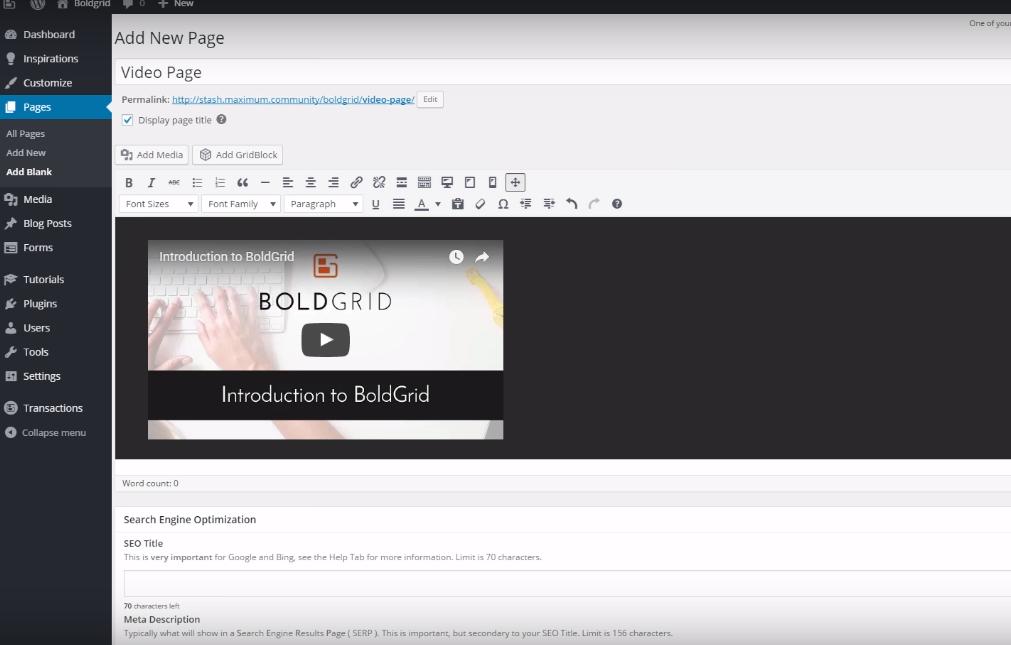
- Visual page building: The Post and Page Builder enables users to create WordPress layouts through a visual editing interface. Prebuilt content blocks, responsive controls, columns, backgrounds, icons, and design components reduce the need for manual coding.
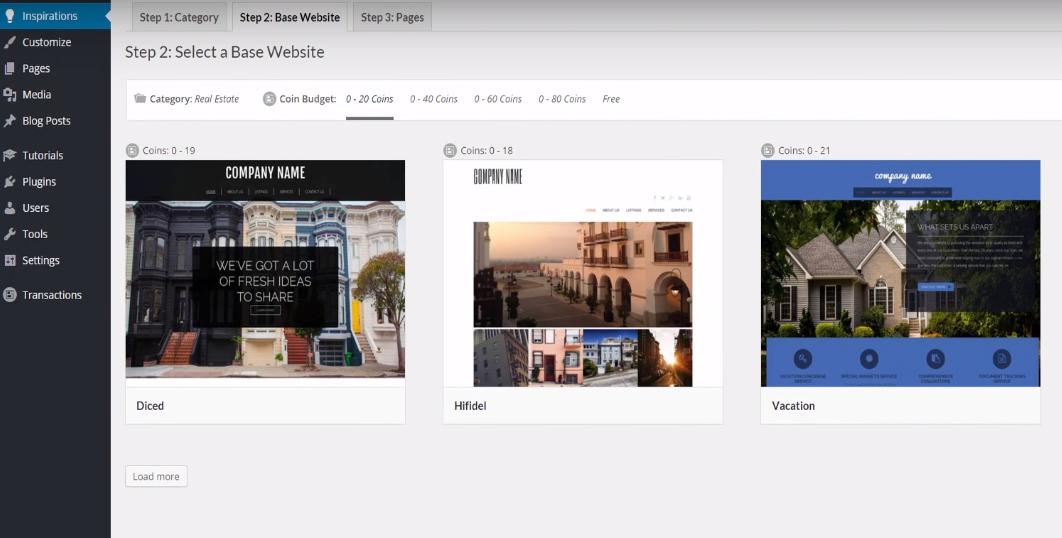
- Industry-focused templates: BoldGrid provides website templates and design elements for different industries. Users can start with an existing structure and replace the demonstration content rather than designing every page from scratch.
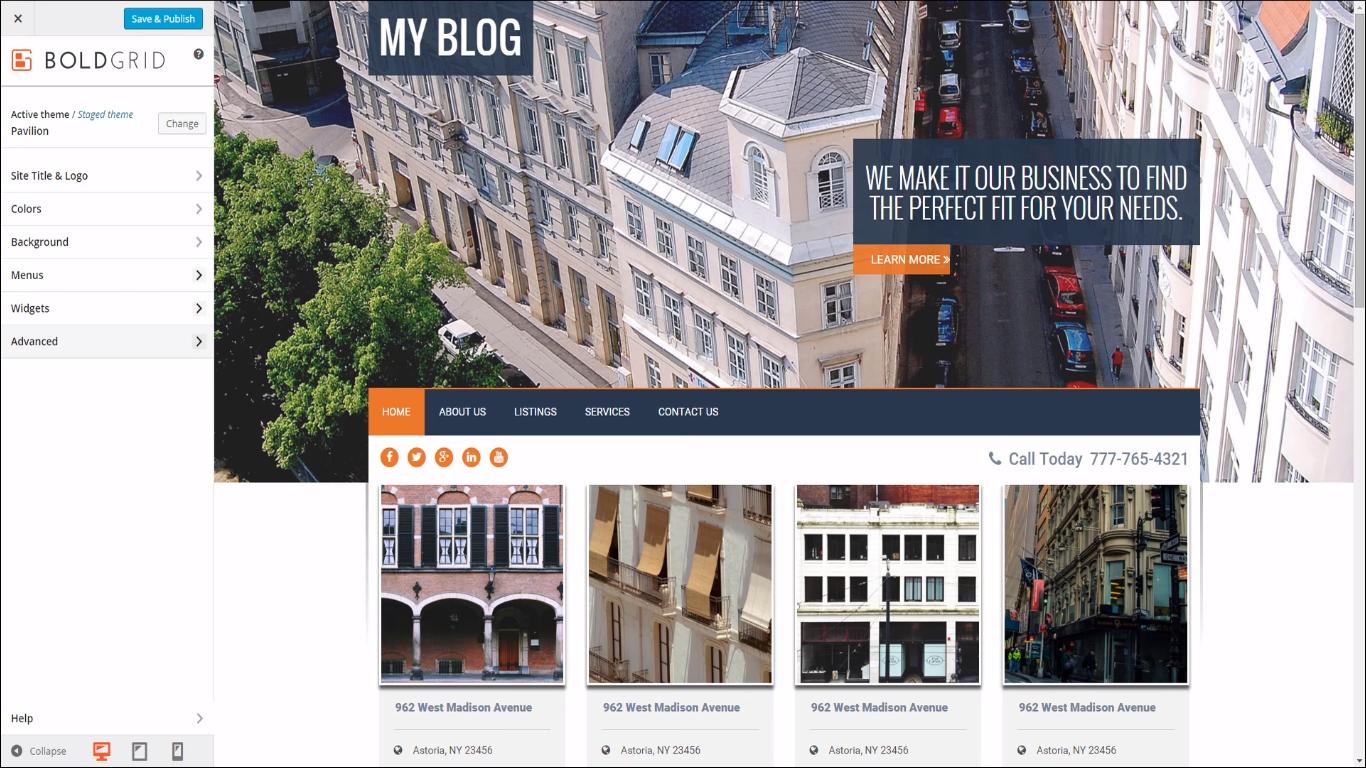
- Crio WordPress theme: Crio offers extensive controls for headers, footers, typography, colors, page layouts, menus, and responsive presentation. It is designed to work closely with BoldGrid’s page-building tools.
- Website backups and restoration: Total Upkeep supports scheduled backups, site restoration, migration, and remote storage. It can help users recover a website when an update, configuration change, or plugin conflict causes problems.
- Performance optimization: W3 Total Cache improves WordPress performance through page caching, browser caching, database optimization, content delivery network support, and other speed-related controls.
- Cloud WordPress installations: Users can create temporary WordPress environments for development, testing, staging, demonstrations, and prototypes. Projects can be shared with clients or collaborators before deployment.
- SEO guidance: BoldGrid Easy SEO evaluates page content and provides practical recommendations related to keywords, titles, descriptions, links, and general on-page optimization.
- Centralized product access: BoldGrid Central provides a dashboard for accessing community editions, managing licenses, and working with the company’s connected WordPress products and services.
What can BoldGrid be used for?
- Small business websites: Companies can create service pages, contact sections, team profiles, portfolios, testimonials, and informational landing pages without commissioning a completely custom theme.
- Agency and freelance projects: Designers can prototype websites, reuse layout blocks, collect feedback, and prepare client sites in separate cloud environments.
- Blogs and content websites: Publishers can build structured article layouts while using SEO and caching tools to improve discoverability and performance.
- Website redesigns: Existing WordPress websites can be updated with new layouts, responsive styling, navigation structures, and reusable visual components.
- Staging and plugin testing: Developers can test themes, plugins, updates, or experimental configurations without immediately affecting a production website.
- WordPress maintenance: Automated backups, update checks, rollback options, and performance tools help administrators manage operational risks.
What are the benefits of using BoldGrid?
BoldGrid brings several website functions into a connected WordPress-oriented ecosystem. Users can build pages visually while preserving access to WordPress plugins, hosting choices, source files, and customization options.
The suite can shorten the time required to launch standard websites because templates and reusable blocks provide a practical starting point. Cloud environments make experimentation and client review easier, while backup and restoration features reduce the risks associated with updates.
BoldGrid can also support gradual adoption. A website owner may begin with the page builder and later add caching, SEO, backups, or advanced theme customization as requirements expand.
What is the BoldGrid user experience like?
BoldGrid feels familiar to users who already understand the WordPress dashboard. Most tools appear as WordPress plugins or theme controls, so website creation and management remain inside the existing administration environment.
Beginners may need time to understand the difference between WordPress, hosting, themes, plugins, and individual BoldGrid products. Once configured, the visual builder and templates make routine page creation relatively approachable.
Experienced users receive more control than typical closed website builders provide. However, website performance and reliability still depend on hosting quality, plugin compatibility, configuration, and ongoing maintenance. BoldGrid is therefore best understood as a flexible WordPress website building suite rather than a completely managed, maintenance-free platform.
BoldGrid Alternatives