Zoho Vault
Languages:
Deutsch
English
Español
Français
Italiana
日本語
Netherlands
Portuguese
Tiếng Việt
Localization:
World

What is Zoho Vault?
Zoho Vault is a password and secrets management platform designed for individuals, teams, developers, and enterprises. It provides a protected environment for storing passwords, passkeys, payment details, secure notes, documents, software licenses, tokens, and other sensitive information.
Businesses can use Zoho Vault to replace unsafe password sharing through email, spreadsheets, chat messages, or shared documents. Administrators can organize credentials, define access permissions, monitor activity, and revoke access when employees or contractors leave a project.
Zoho Vault uses zero-knowledge architecture and AES-256 encryption. Encryption and decryption occur on the user’s device, while the master password is neither stored nor transmitted to Zoho. The service is available through web browsers, browser extensions, desktop applications, and mobile apps, allowing users to access credentials across different devices.
What are the key features of Zoho Vault?
- Centralized password storage: Store unlimited passwords, secure notes, documents, payment information, licenses, and other confidential records in an organized digital vault.
- Password and passphrase generation: Create strong, unique passwords and customizable passphrases without manually inventing or remembering complex combinations.
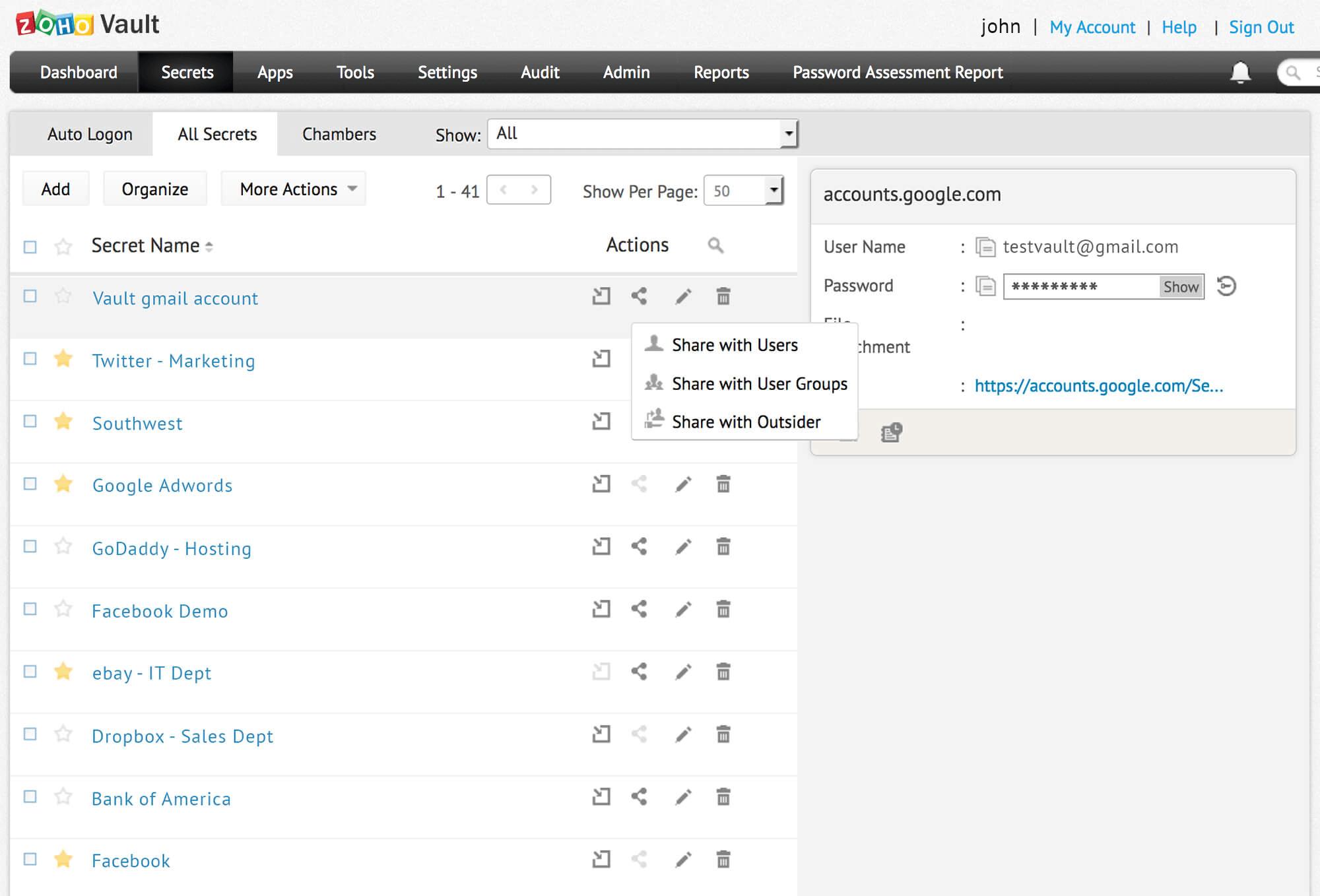
- Granular password sharing: Share credentials with employees, departments, contractors, or selected users while controlling who can view, modify, or use each password.
- Automatic login and autofill: Browser extensions can identify login forms, fill saved credentials, and provide faster access to frequently used websites and applications.
- Passkey and passwordless support: Store and manage passkeys for compatible services, reducing dependence on traditional passwords and improving resistance to phishing.
- Security monitoring: Review password health, identify reused or weak passwords, receive alerts about suspicious activity, and restrict access from potentially harmful IP addresses.
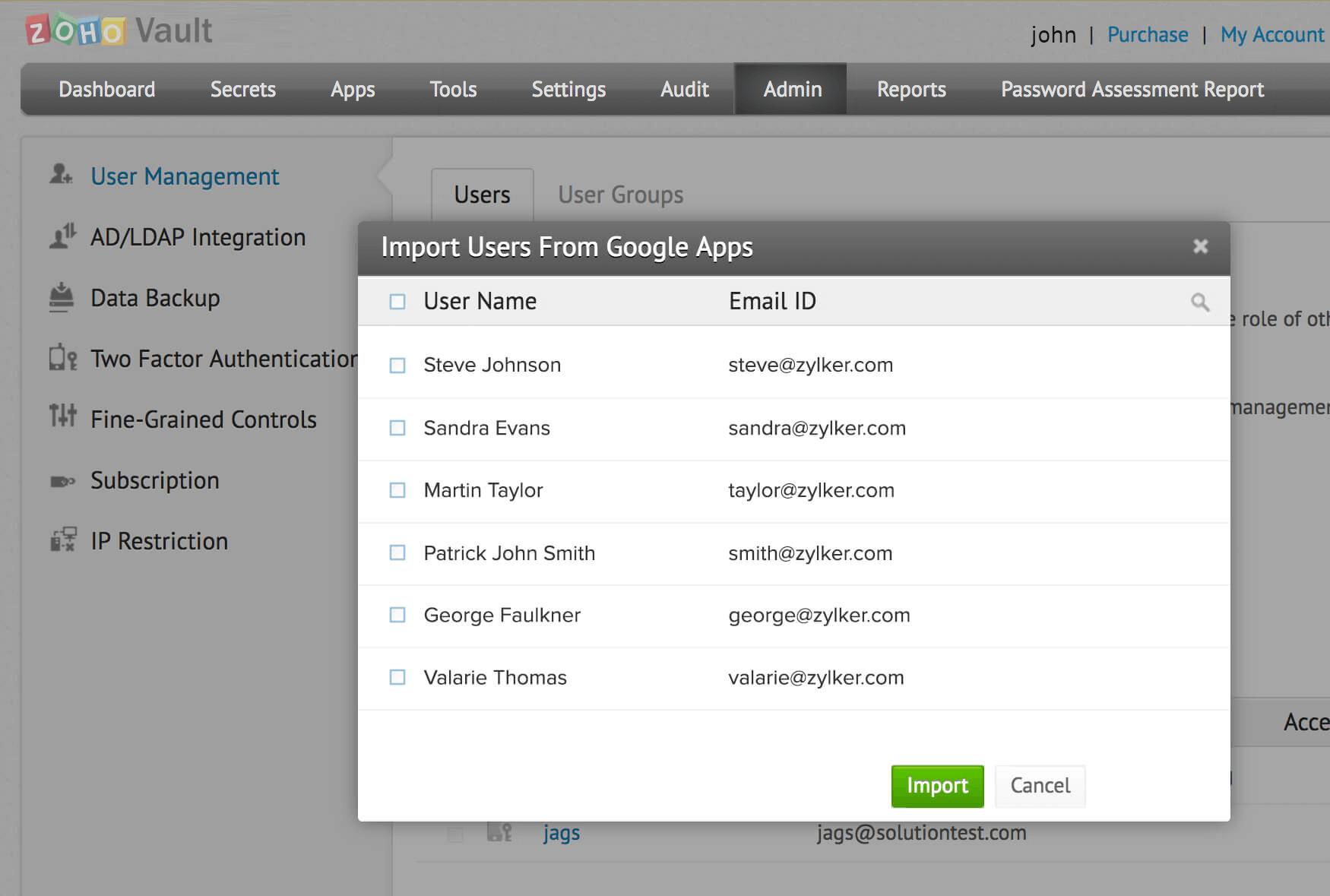
- Administrative controls: Manage users, groups, policies, ownership, permissions, and access workflows from a centralized administrative interface.
- Audit trails and reports: Track password access, sharing events, user actions, and administrative changes through detailed activity records.
- Emergency access and backups: Establish emergency access procedures and create backups to reduce the risk of losing critical business credentials.
- Integrations and single sign-on: Connect Zoho Vault with identity providers, business applications, Zoho services, and supported single sign-on environments.
How can organizations use Zoho Vault?
- Managing shared business accounts: Teams can securely access social media, hosting, advertising, banking, marketplace, and administrative accounts without publishing passwords in internal chats.
- Controlling employee access: Administrators can grant credentials according to roles and remove access when responsibilities change or employment ends.
- Working with external contractors: Companies can provide temporary or limited access to selected credentials without exposing unrelated confidential information.
- Protecting development secrets: Developers can store and share API keys, access tokens, passkeys, database credentials, and infrastructure secrets in a controlled environment.
- Supporting security audits: Detailed activity logs help security and operations teams investigate access events and demonstrate internal control procedures.
- Separating personal and professional records: Individual users can keep private passwords, documents, cards, and notes separate from shared organizational resources.
What benefits does Zoho Vault provide?
Zoho Vault reduces dependence on memorized, reused, or manually distributed passwords. Centralized access management makes onboarding and offboarding more predictable while limiting credential exposure. Fine-grained permissions help organizations apply least-privilege principles, ensuring users receive only the access required for their work.
Automated password generation and security analysis encourage stronger credential practices. Audit trails improve accountability, while cross-device availability helps employees work from different locations without creating unprotected password copies. Zoho Vault can be particularly valuable for distributed teams managing many SaaS platforms, customer accounts, infrastructure tools, and shared operational resources.
What is the Zoho Vault user experience like?
Zoho Vault presents stored information through an organized dashboard with categories, folders, search tools, and sharing controls. Browser extensions make everyday use relatively unobtrusive by offering autofill and automatic login directly on supported websites.
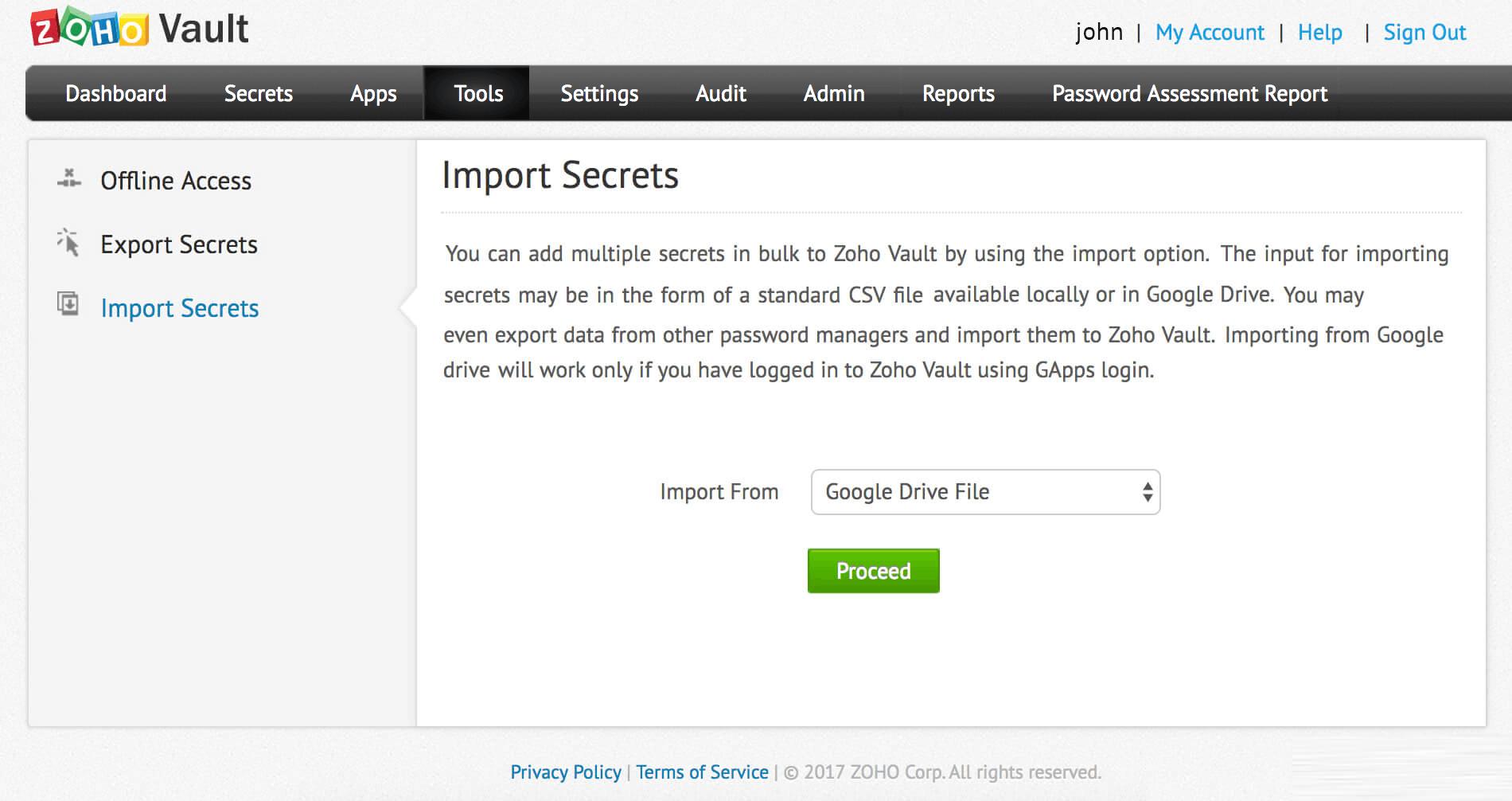
Mobile and desktop applications provide access outside the browser, while biometric authentication can simplify secure unlocking on compatible devices. Administrators receive more detailed configuration options for policies, permissions, reports, and integrations. Initial setup may require time for importing credentials and designing access groups, but the resulting structure can make password management considerably clearer and safer for growing organizations.
Zoho Vault Alternatives