LastPass
Languages:
Deutsch
English
Español
Français
Portuguese
Русский
Localization:
World

What is LastPass Business Password Manager Overview about?
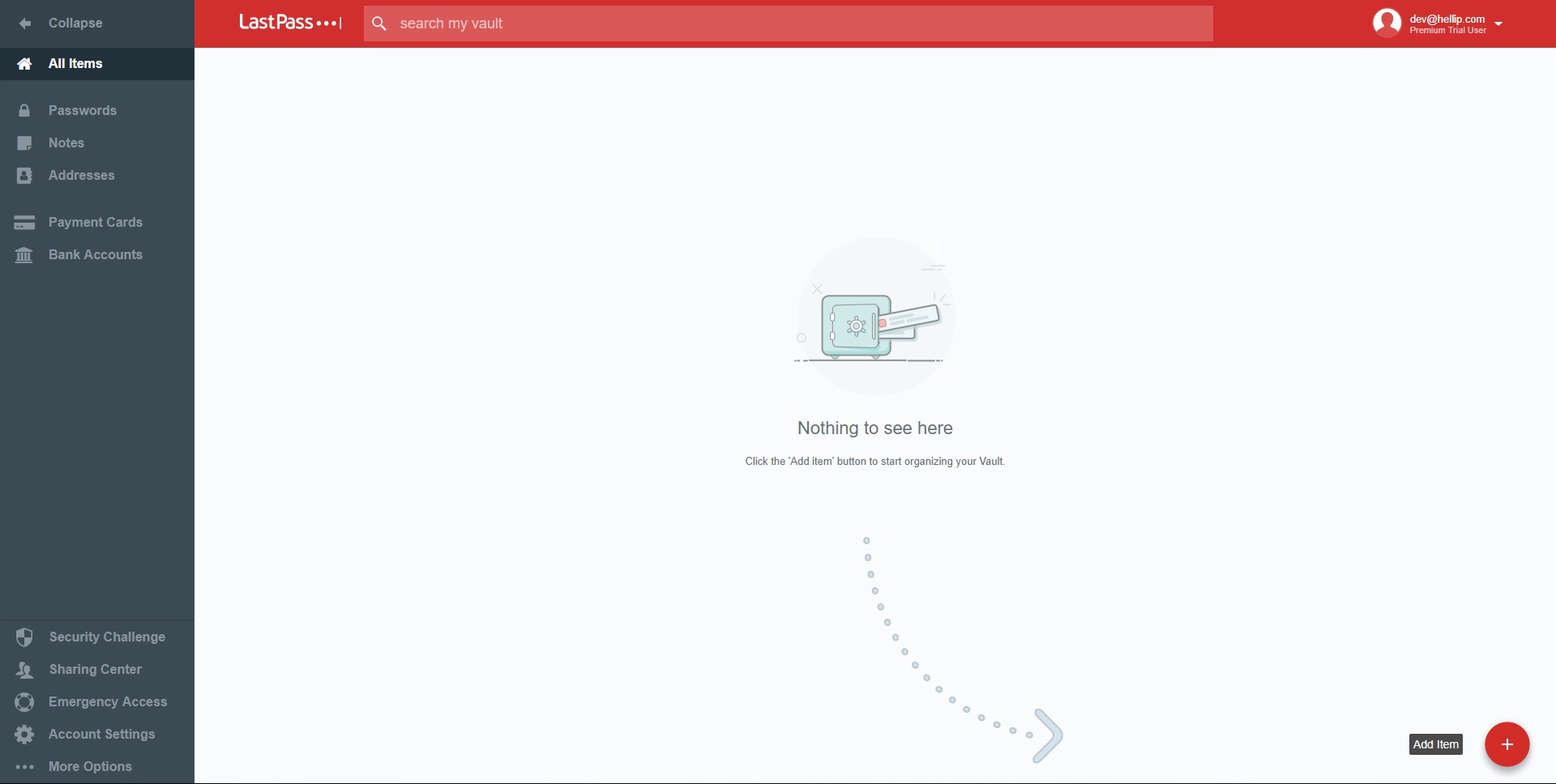
LastPass Business Password Manager Overview describes a cloud-based password manager designed to store, organize, and protect logins and sensitive data in an encrypted vault. It helps individuals and teams reduce password reuse, simplify sign-ins with autofill, and share access to accounts without exposing credentials in chat messages or spreadsheets. For organizations, it adds centralized administration: security policies, role-based access, shared folders, and user lifecycle controls so onboarding and offboarding do not turn into a manual cleanup project. The service typically runs through browser extensions, mobile apps, and desktop access, making it practical for daily work across multiple devices. LastPass aims to balance convenience and control: users get fast access to accounts, while admins get visibility into password health and tools to enforce security standards across the company.
Which key features matter most in LastPass?
-
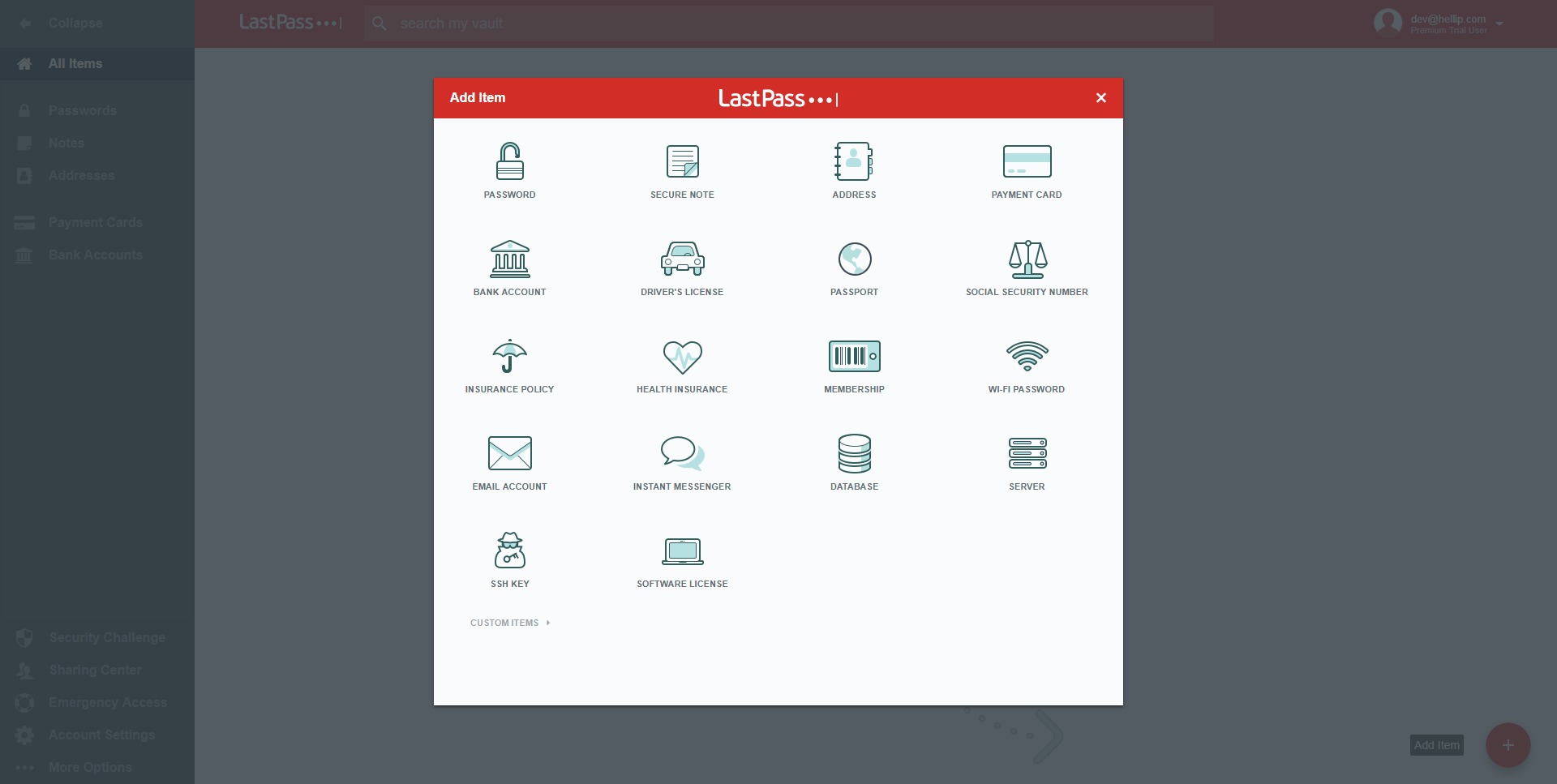
Vault storage for passwords, secure notes, addresses, and payment details, keeping sensitive items in one protected place instead of scattered across browsers and documents
-
Autofill and auto-login workflows that speed up sign-in while reducing copy-paste exposure and typos during authentication
-
Password generator that creates long, unique passwords on demand, supporting stronger account security at scale
-
Shared folders and controlled sharing that enable teams to access common accounts (marketing tools, hosting, finance portals) without revealing the underlying password to everyone
-
Admin console for centralized management, including user groups, access control, and security reporting across the organization
-
Multi-factor authentication options that add an extra verification step to protect the vault and reduce account takeover risk
-
Security and password health insights that highlight weak, reused, or compromised credentials and guide remediation work
-
Emergency access style recovery workflows that support continuity for critical accounts when access is needed under pre-approved rules
-
Provisioning and directory integration support (for example, SCIM-based provisioning in enterprise contexts) to automate account creation, access assignment, and removal
What are the most common use case highlights for LastPass?
-
Remote teams managing shared tools: credentials for SaaS apps can be stored once and shared through folders, reducing “who has the password” bottlenecks
-
Agencies and freelancers handling many client logins: vault organization and sharing allow clean separation of clients while keeping fast access for daily work
-
IT and operations onboarding/offboarding: new hires get the right shared access quickly, and departing users can be removed without guessing which passwords they knew
-
Finance and admin departments protecting high-risk accounts: banking portals and payment providers can be shared with controlled access rather than emailed credentials
-
E-commerce operators managing vendor dashboards: marketplace accounts, shipping providers, and ad platforms can be grouped, rotated, and shared safely
-
Families and households reducing password chaos: shared access to streaming, utilities, and subscriptions without storing passwords in plain text
-
Teams rotating credentials after incidents: centralized storage makes it easier to update passwords and ensure everyone uses the new ones immediately
-
Multi-device users who live in browsers and phones: consistent autofill and vault access reduces friction and improves security behavior
What benefits does LastPass provide for individuals and teams?
LastPass primarily delivers two outcomes: fewer security mistakes and less time wasted on authentication. Unique passwords become realistic because the vault and generator remove the need to remember everything. Shared access becomes cleaner because credentials can be delivered through controlled sharing rather than exposed in messages. For teams, the administrative layer is the differentiator: access can be standardized, grouped, and audited, which helps prevent shadow password lists and reduces risk when staff changes happen. A well-managed password manager also supports faster incident response—password rotation is quicker, and teams can move from “finding where the password is stored” to “fixing the issue” without the scavenger hunt.
What is the user experience like day to day?
Daily use centers on saving credentials once and then letting autofill handle repetitive logins. Most workflows start in the browser extension: sign in to a site, save the login, and next time the vault suggests the right credential. Mobile usage follows a similar pattern with system-level autofill support. Organization and search matter a lot; a good routine is to keep items named clearly, use folders for projects or clients, and reserve secure notes for non-login secrets like recovery codes or server details. For teams, the experience improves when shared folders are structured by function (Finance, Marketing, Infrastructure) and access is assigned through groups rather than one-off shares. Admins typically spend time upfront setting policies and folder structure, then day-to-day effort stays low—mostly onboarding, offboarding, and periodic password health reviews.
2026-10-07 13:00:29: Getting started with LastPass VPN for Windows Youtube
2026-10-03 06:00:16: Moving vault data to another LastPass Business account Youtube
2026-10-02 18:37:33: Importing your passwords to LastPass Youtube
2026-09-25 20:58:44: Using LastPass for autofill with the LastPass Password Manager app on iOS. Youtube
2026-09-22 13:05:01: What AI Tools Are Employees Using Without Approval? (2026 Data) | LastPass Youtube
2026-09-14 06:00:29: How do I get started with LastPass? Youtube
2026-09-11 17:17:49: Enabling autofill in the LastPass Password Manager app for Android Youtube
2026-09-10 21:43:38: Using advanced options in your LastPass vault Youtube
2026-09-10 15:11:12: How Password Sharing, Auto-Fill, and Password Generation Improve Security Youtube
2026-09-10 15:10:37: How Distributed Teams Secure Critical Credentials with LastPass Youtube
LastPass Alternatives