Onelogin
Languages:
English
Localization:
World

OneLogin is a cloud identity and access management platform that centralizes sign-in, access control, and user lifecycle management for business applications. It provides a single place to authenticate users, enforce security policies, and grant or revoke access across a company’s SaaS and web app stack. The OneLogin identity management platform for secure access is built to reduce password sprawl, standardize authentication, and streamline onboarding/offboarding. It typically sits between users and apps, applying organization-wide rules like multi-factor authentication, conditional access, and role-based permissions. For IT and security teams, it functions as an operational control plane for identity, helping ensure that the right people get the right access at the right time, with consistent governance across departments.
Description
OneLogin is designed to make access to business applications both simpler and safer by replacing scattered app logins with a unified identity layer. It supports single sign-on to reduce repeated logins, multi-factor authentication to harden access, and automated provisioning to keep user accounts aligned with employment status and role changes. OneLogin also focuses on adaptive security by evaluating login context and applying stronger checks when risk increases. In practice, it’s used to standardize identity policies across many tools, reduce helpdesk overhead related to passwords, and speed up employee onboarding while keeping security controls consistent. It fits organizations that want a practical IAM foundation without forcing every app to manage authentication independently.
Key Features
-
Single Sign-On (SSO): Centralizes authentication so users can access approved apps through one secure sign-in experience, reducing password reuse and login friction.
-
Multi-Factor Authentication (MFA): Adds verification beyond passwords using configurable methods and policies to protect accounts from credential theft.
-
Adaptive Authentication: Adjusts login requirements based on contextual risk signals such as device, location, behavior patterns, or unusual access attempts.
-
User Provisioning and Deprovisioning: Automates account creation, updates, and disabling across connected apps to match role changes and offboarding needs.
-
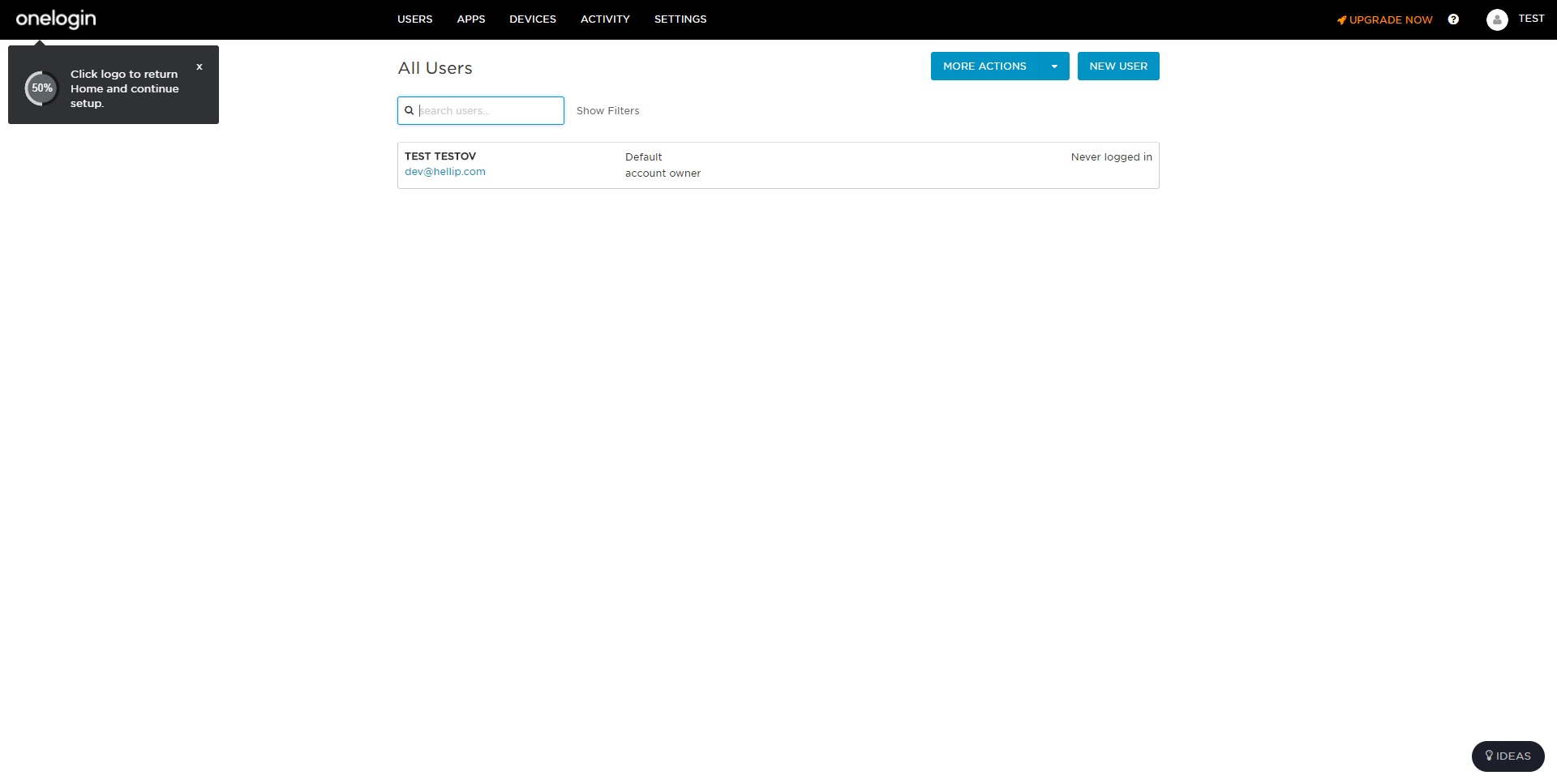
Directory and User Management: Consolidates identity profiles, groups, and attributes to support consistent policy enforcement and access governance.
-
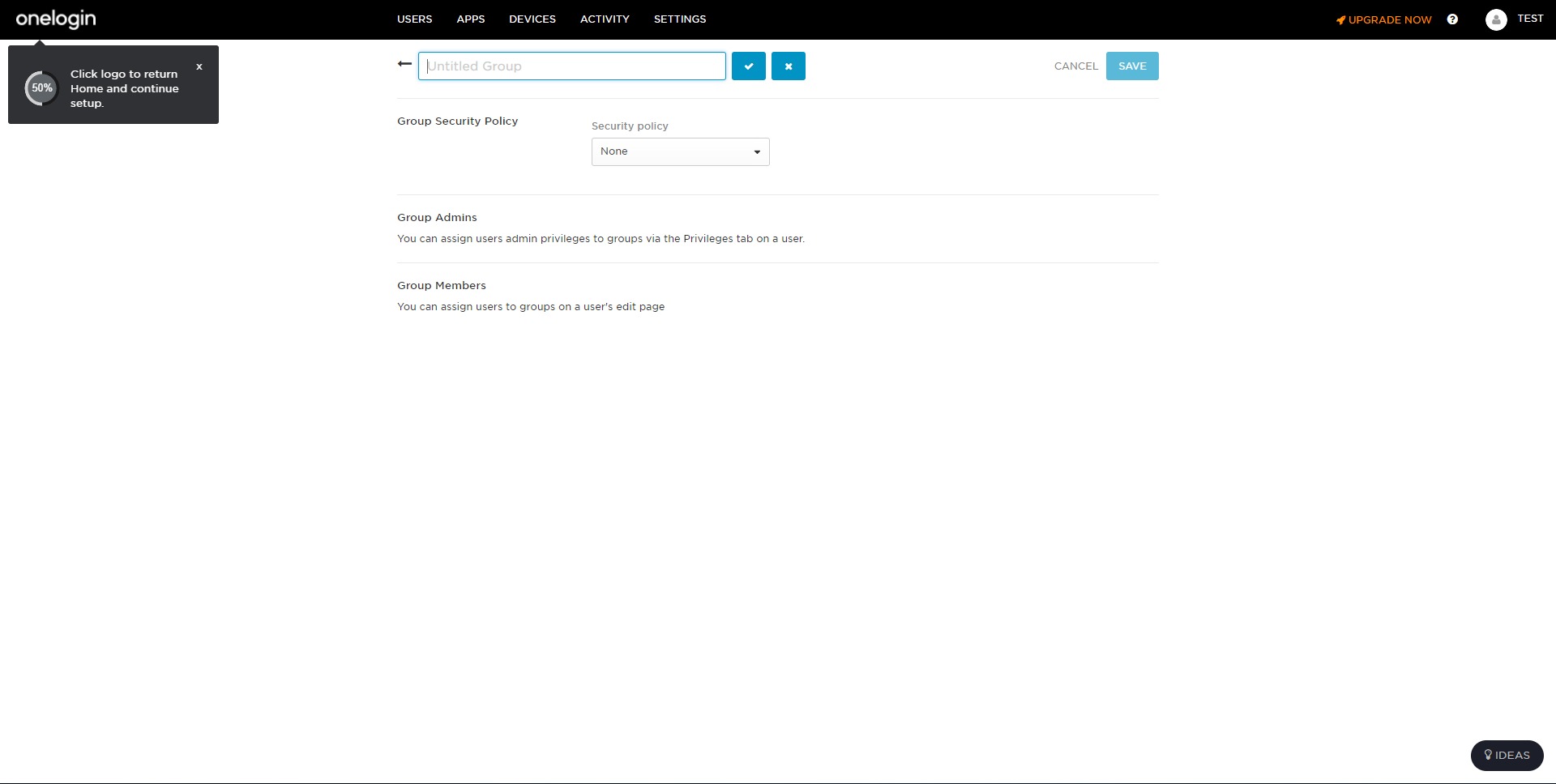
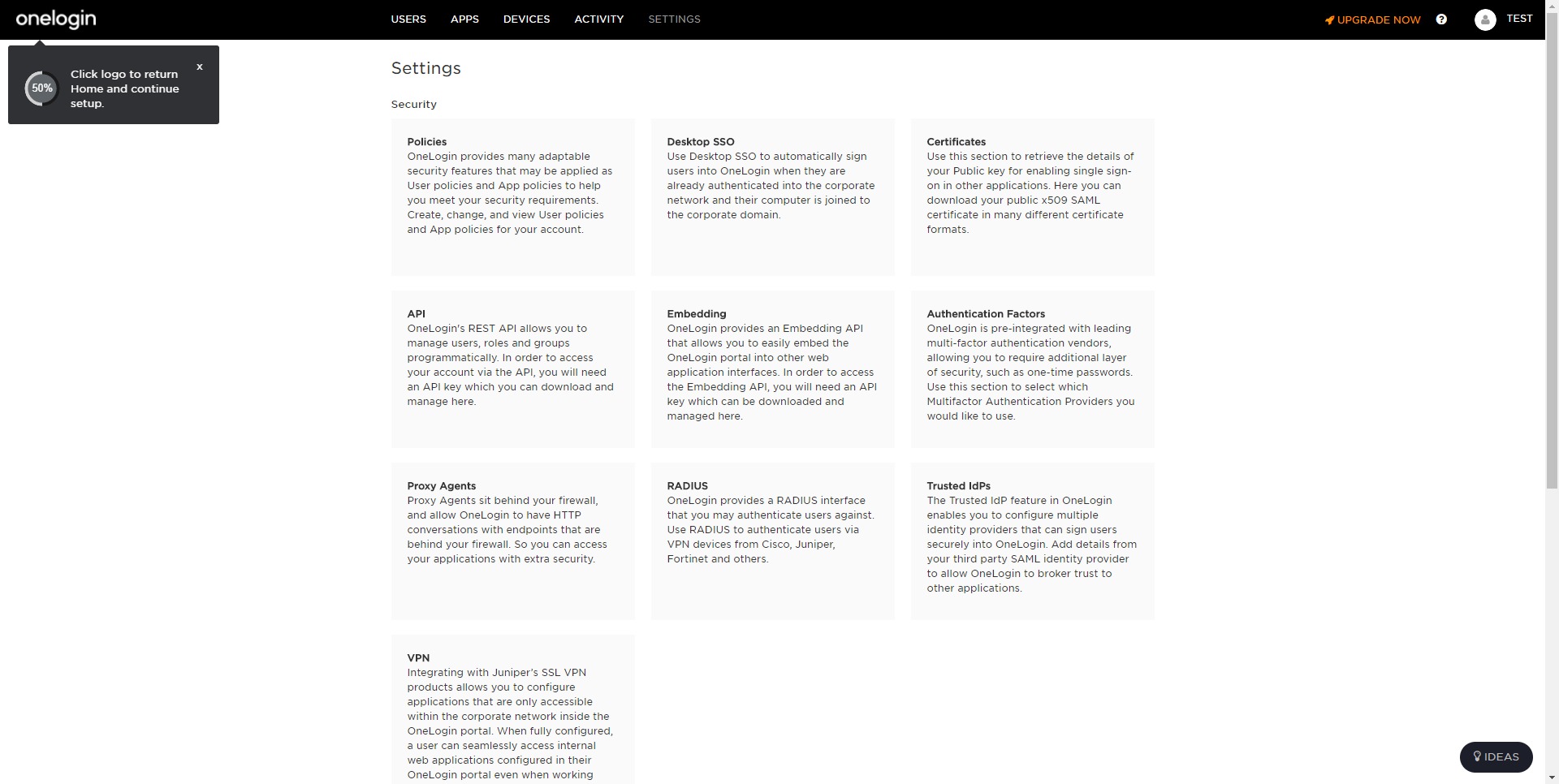
Policy-Based Access Control: Enables conditional access rules, group-based permissions, and security requirements that apply across the application portfolio.
-
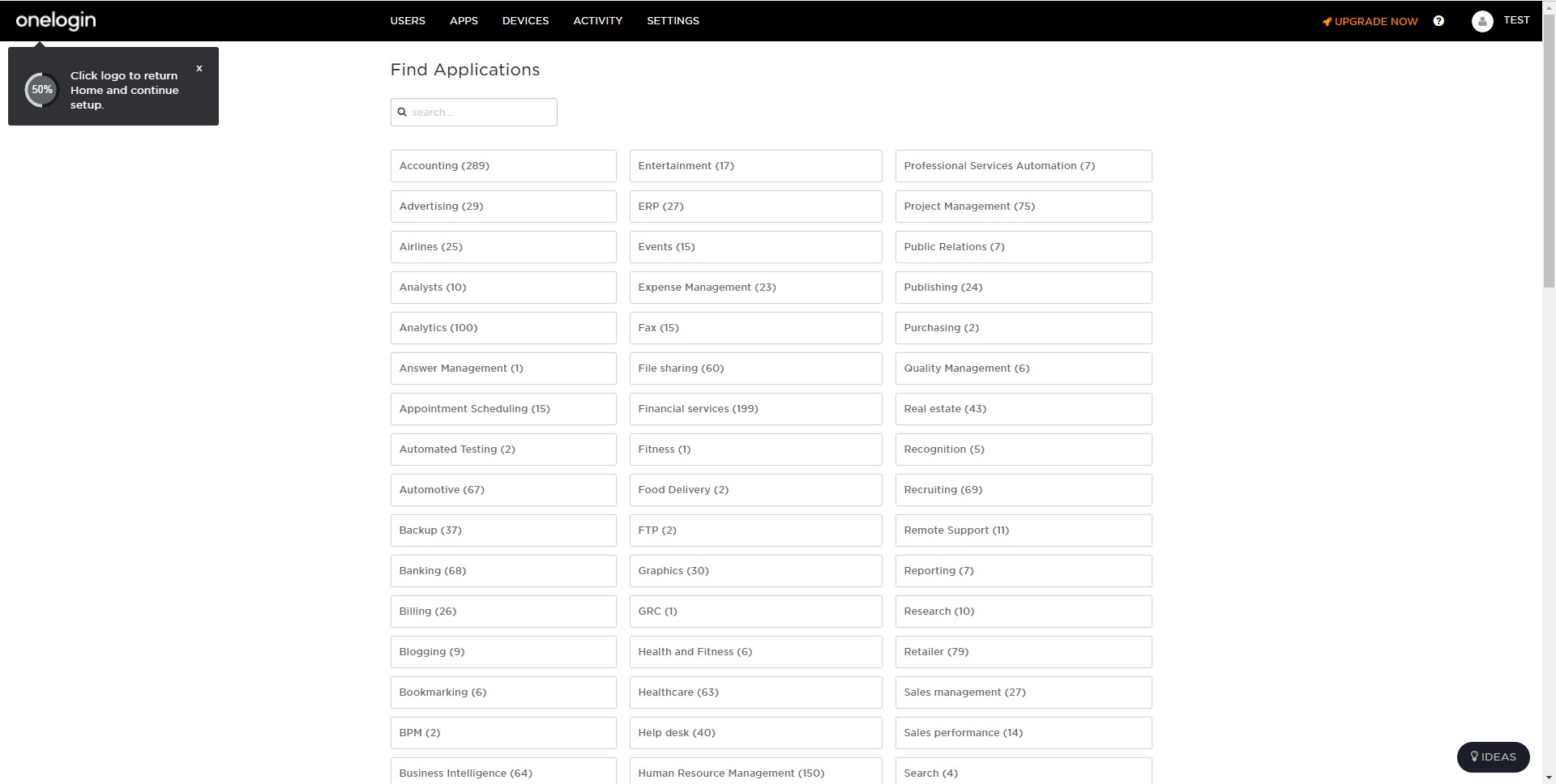
App Integration Catalog: Provides pre-built connectors and configuration patterns to speed up onboarding of common SaaS tools and internal apps.
-
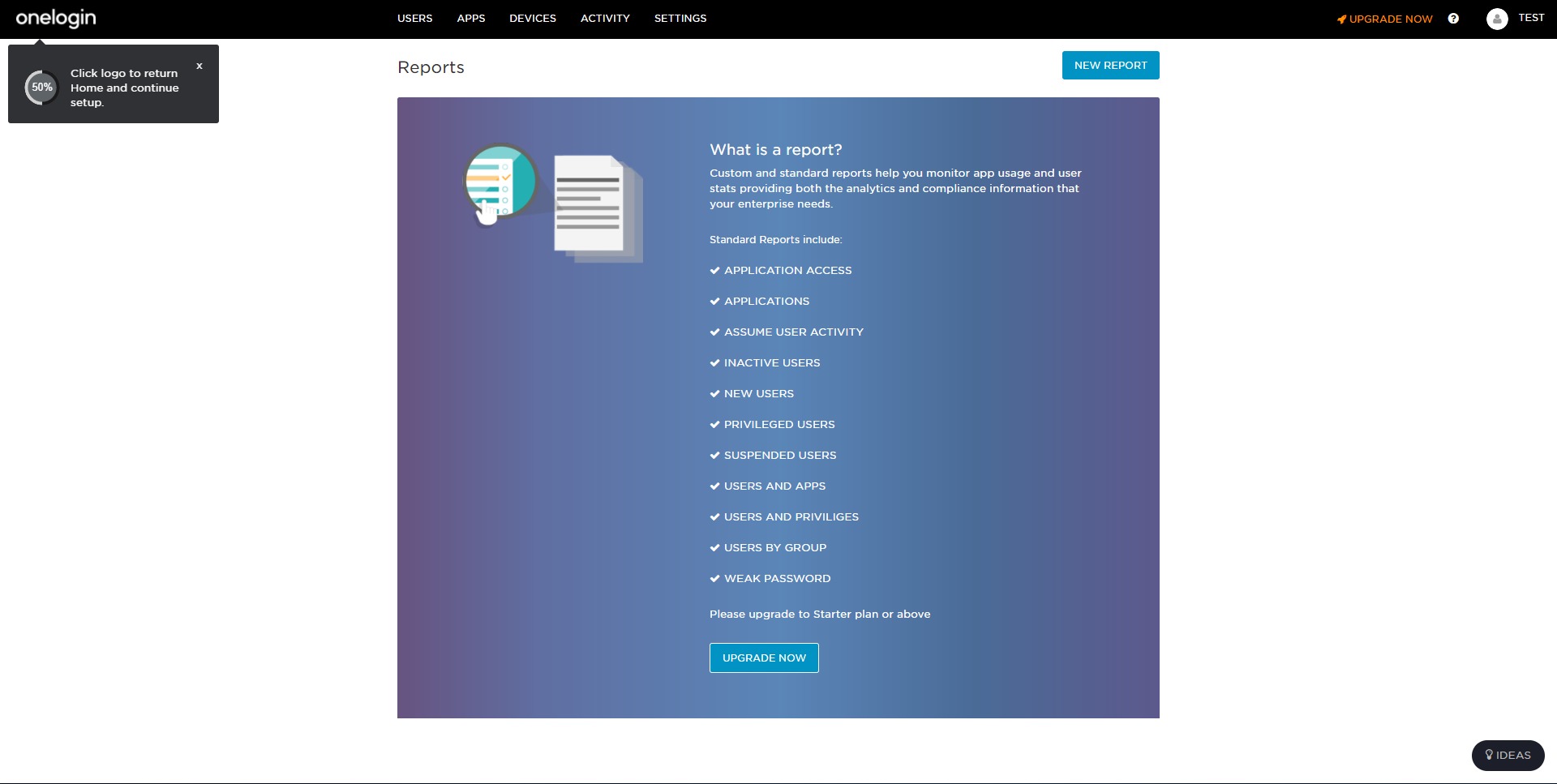
Audit and Reporting Capabilities: Supports visibility into access activity and administrative actions to help with compliance and internal controls.
Use Case Highlights
-
Fast onboarding for new hires: New users receive correct app access immediately based on group membership or role, minimizing manual setup and delays.
-
Clean offboarding and risk reduction: Departing users can be disabled centrally, reducing the chance of lingering access across multiple tools.
-
Standardized security across SaaS sprawl: MFA and access policies can be enforced consistently even when apps have uneven security capabilities.
-
Reduced password reset volume: Centralized sign-in and fewer credentials typically reduce helpdesk workload related to forgotten passwords.
-
Partner or contractor access control: Temporary users can be granted limited access with tighter policies and quicker removal when projects end.
-
Support for hybrid app portfolios: OneLogin can help unify access across modern SaaS apps and older web apps under one control approach.
-
Compliance-friendly access governance: Central policies and audit visibility help teams align access practices with internal standards and regulatory expectations.
Benefits
OneLogin consolidates identity controls so access is easier to manage and harder to abuse. Centralized authentication reduces credential sprawl, while MFA and adaptive policies raise the baseline security of every connected app. Automated provisioning improves operational speed and helps prevent access drift as people change roles. Central administration can reduce errors and inconsistent permissions, which are common sources of security incidents. For businesses scaling quickly, OneLogin can shorten time-to-productivity for employees and lower the cost of access administration across the organization.
User Experience
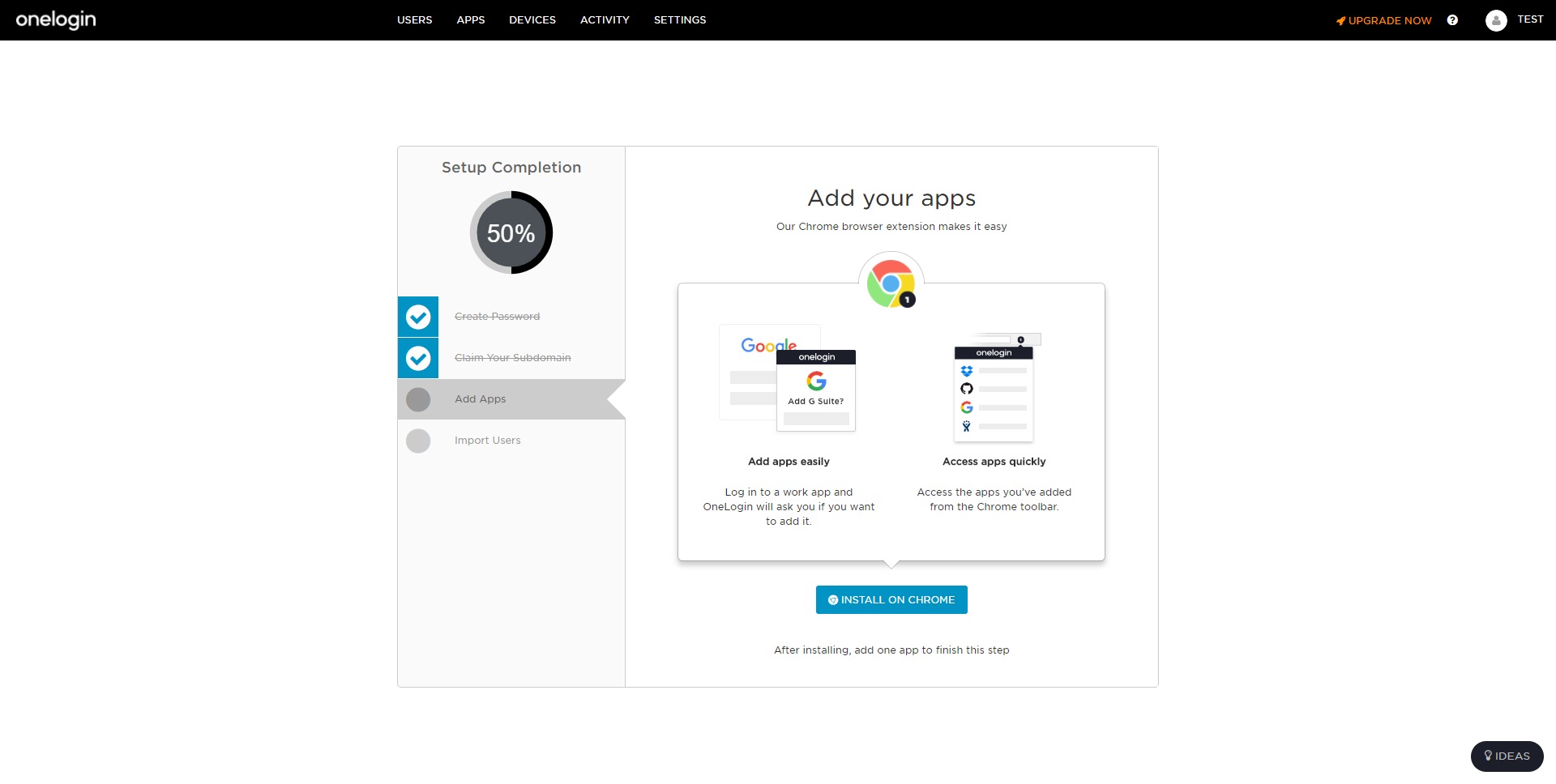
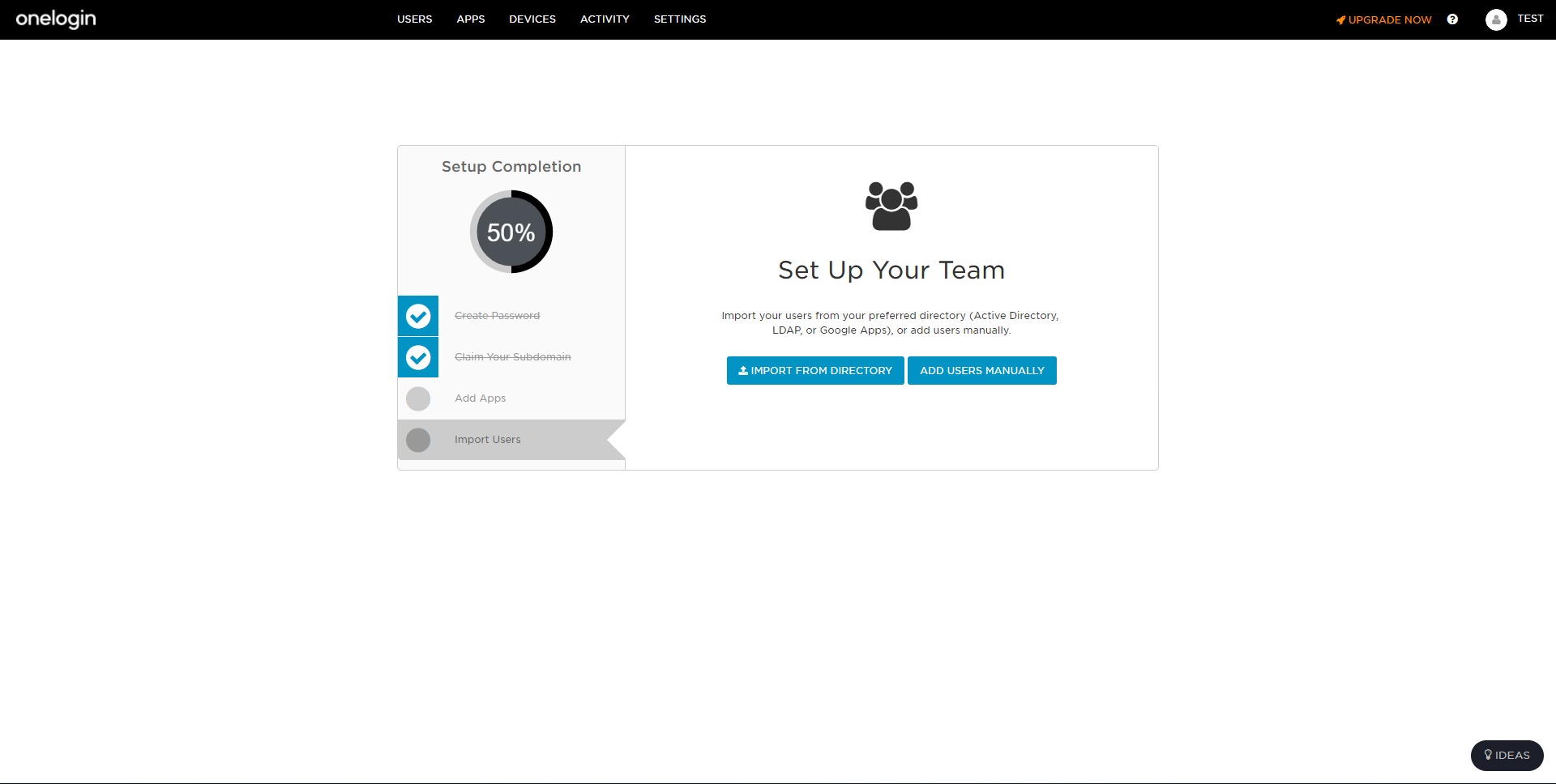
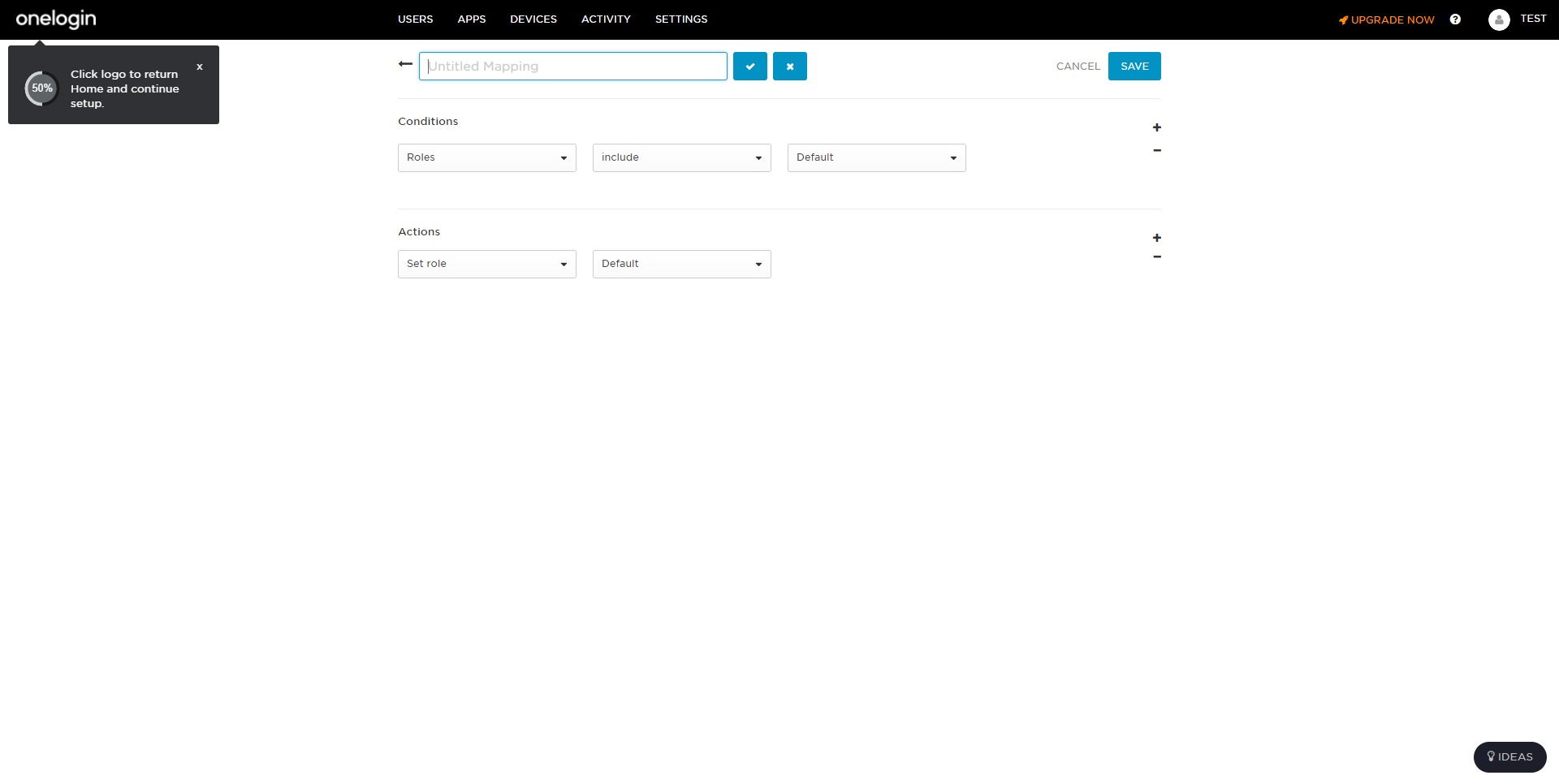
For end users, the experience typically feels like a simpler workplace login: one secure sign-in that unlocks the apps they’re allowed to use. For admins, the experience centers on dashboards and policy configuration—defining access rules, onboarding apps, mapping groups, and monitoring authentication activity. The platform’s value is strongest when it is integrated into everyday workflows: HR-driven onboarding, security-driven MFA enforcement, and role-based access that updates automatically as teams evolve.
How does OneLogin improve application login security?
OneLogin improves application login security by adding standardized controls—especially MFA and conditional access—across many apps from a single policy layer. Instead of relying on each app’s password rules, OneLogin can enforce stronger authentication, detect higher-risk sign-ins, and require additional verification when access patterns look unusual. This makes stolen passwords less useful and reduces the chance that weak security settings in one app become an organization-wide vulnerability.
What is OneLogin used for in a company?
OneLogin is used to centralize identity and access across a company’s software stack. Typical uses include single sign-on for employees, policy enforcement for secure access, automated user provisioning to apps, and rapid deprovisioning during offboarding. It’s also used to standardize access governance for contractors or distributed teams, making it easier to assign, review, and revoke permissions without managing accounts app by app.
How does OneLogin support onboarding and offboarding?
OneLogin supports onboarding by automating access assignment based on groups, roles, or directory attributes, so new users can get the right apps quickly. For offboarding, it provides central disabling of identity access so accounts can be removed or blocked across multiple systems in a controlled, repeatable way. This reduces manual steps, speeds up transitions, and helps prevent forgotten accounts that could later be exploited.
What features matter most when comparing OneLogin to other IAM tools?
The most important comparison points are SSO reliability, MFA breadth, adaptive authentication quality, provisioning automation, integration coverage, and policy flexibility. Operational factors also matter: how quickly apps can be onboarded, how well the platform fits existing directories, how granular the access rules are, and how usable the admin controls feel in day-to-day work. For many organizations, the best fit is the platform that minimizes manual identity work while raising security consistency across apps.
2023-02-20 21:05:03: We are excited to share that AWS and One Identity have teamed together! This integration makes consolidating your activity data easier, offering you enhanced visibility across your OneLogin environments and applications. Learn more👉https://t.co/cxFuAbe1p6Twitter
2023-02-08 17:30:10: Learn how OneLogin and One Identity Active Roles is a powerful combination that provides organizations the ability to increase efficiency and consistency of user and group management and enhance security. 👉 https://t.co/S6VaXGmOzbTwitter
2023-02-02 21:30:03: OneLogin and One Identity Active Roles is a powerful combination that can provide your organization with the ability to enhance security and provision role-based access. Learn how in our on demand webinar: 👉https://t.co/k9HN738L4O
#UnifiedIdentitySecurity https://t.co/ZIjd8gYAEQTwitter
2023-01-25 18:22:04: Requiring MFA for privileged Admins and Helpdesk Users accessing Password Manager, and for the end users performing password resets, is one of the easiest first steps you can take towards securing the entire process.
Learn more 👉 https://t.co/b6qWBEYfn2
#CyberSecurityTwitter
2023-01-12 19:55:04: Customer Identity and #AccessManagement (CIAM) can be an invaluable tool for gaining customer data insights. Here are 5 ways #CIAM can help you to meet your customer’s needs while also boosting your bottom line. 👉https://t.co/FSIMiLTTT8Twitter
2023-01-09 21:28:04: Not all users are under the same amount of risk. So, having adaptive risk technologies in place is critical to the security of your organization.
Tune in to this webcast to learn you can gain greater visibility and reduce risk within your organization 👉 https://t.co/1VpSAz6yYy https://t.co/Qgjwe4B1egTwitter
2023-01-05 22:00:17: With OneLogin, Savola Foods’ connects their suite of on-premises apps to #ActiveDirectory. Through it, users can remotely authenticate via #MFA using their AD credentials reinforcing real-time smart security across the organization.
Read their story! https://t.co/tDo4hKR1GA https://t.co/WNOSFhyFuiTwitter
2022-12-22 19:32:03: One Identity Active Roles and OneLogin: Unlocking the value of this powerful combination Youtube
2022-12-14 18:37:07: Looking for a better way to protect your customers’ personal data and your internal assets? Tune in to our webcast tomorrow to learn how you can secure your customer's data with #CIAM and what to look for in a solution. https://t.co/9X0oDMmpgQ
#CyberSecurity https://t.co/NKHBM3EAuYTwitter
2022-12-05 20:00:18: With a goal of incorporating its legacy business suite into its current #IAM processes, the IT team discovered OneLogin's solution, a cloud-managed service that serves as the central point to manage access for on-premises applications. https://t.co/km1svLOzK9
#CyberSecurity https://t.co/tP5REDCImwTwitter
2022-11-08 18:40:03: What's the key to weathering #compliance changes that lie ahead in today's rapidly changing world? #MFA.
Get equipped with the insight you need to future-proof your organization against upcoming changes.
https://t.co/k3v4wIJcP8Twitter
2022-09-06 21:47:05: Don't let your customers fall prey. Youtube
2022-02-03 19:24:26: OneLogin by One Identity: Cloud-Based IAM for the Modern Enterprise Youtube
2021-12-03 03:09:35: Working with OneLogin's Smart Hooks, Pt 2 Youtube
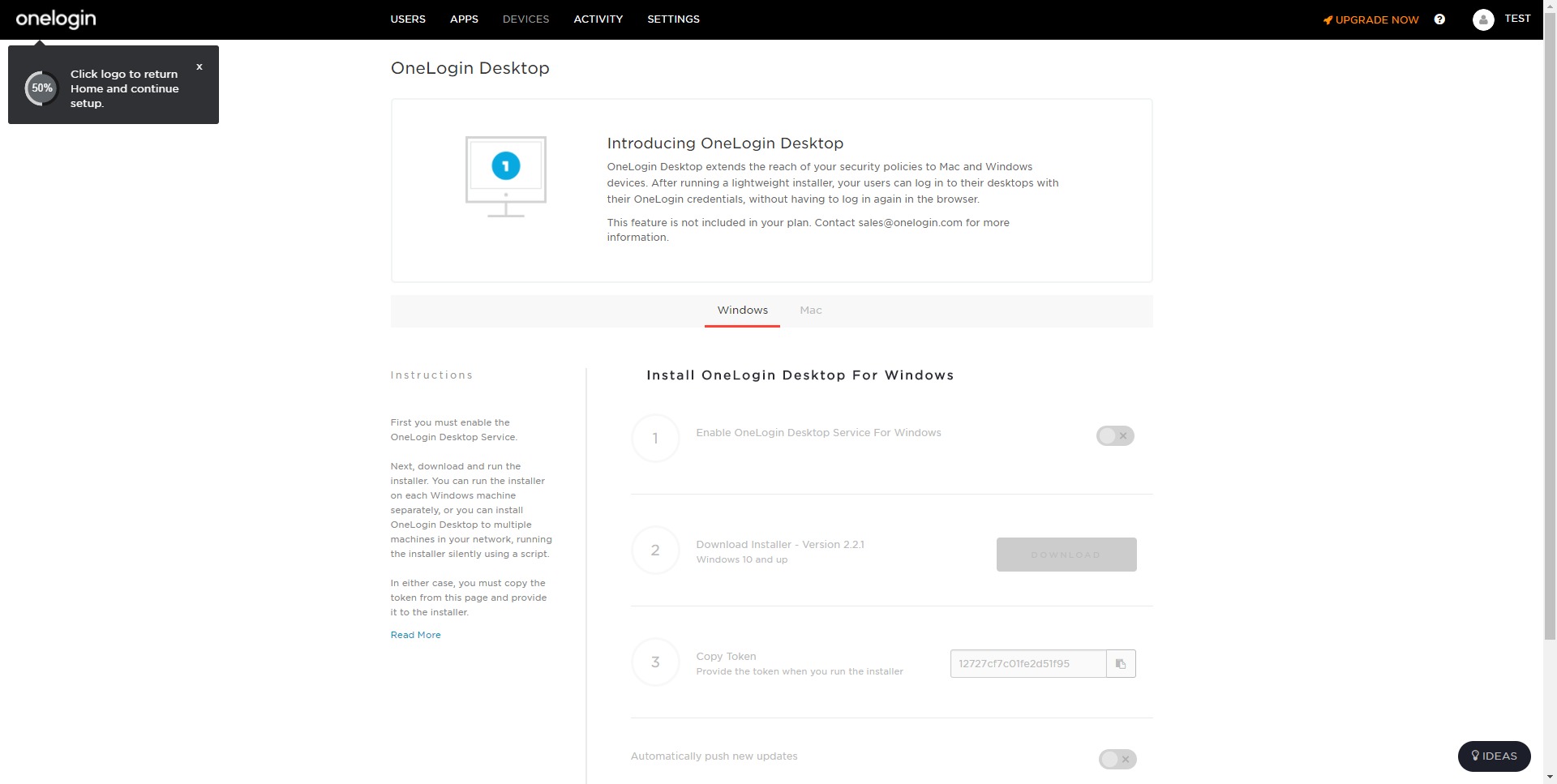
2021-10-07 21:39:37: Configuring Windows Domain Authentication (aka Desktop Single Sign-On) Pt 2 Youtube
2021-10-07 21:37:39: Configuring Windows Domain Authentication (aka Desktop Single Sign-On) Pt 3 Youtube
2021-10-07 21:33:54: Configuring Windows Domain Authentication (aka Desktop Single Sign-On) Pt 1 Youtube
2021-09-22 22:03:05: Implementando y configurando el conector de Active Directory Pt 1 Youtube
2021-09-22 22:00:36: Configuring OneLogin's RADIUS Server Interface Youtube
2021-09-22 21:58:37: Implementing SmartFactor Authentication Pt 3 Youtube
Onelogin Alternatives




Onelogin Reviews & Demos
Onelogin Integrations