Templafy
Languages:
English
Localization:
World

What is Templafy?
Templafy is an enterprise document automation and content enablement platform that helps companies create consistent, compliant, and on-brand business documents. The service is built for organizations where employees regularly produce proposals, presentations, reports, contracts, letters, client materials, and internal documents. Instead of leaving every team to search through old files, copy previous documents, or manually adjust branding, Templafy gives employees access to approved templates, brand assets, text blocks, legal disclaimers, and company content directly inside their everyday work tools.
Templafy is especially useful for large companies, professional services firms, legal teams, financial organizations, consulting businesses, sales departments, and enterprises with strict brand or compliance requirements. Its main purpose is to reduce document chaos: outdated templates, inconsistent logos, wrong legal wording, broken formatting, and repeated manual work. The platform combines centralized template management, document generation, content governance, and AI-assisted workflows to help teams produce business-ready documents faster and with fewer errors.
What key features does Templafy offer?
-
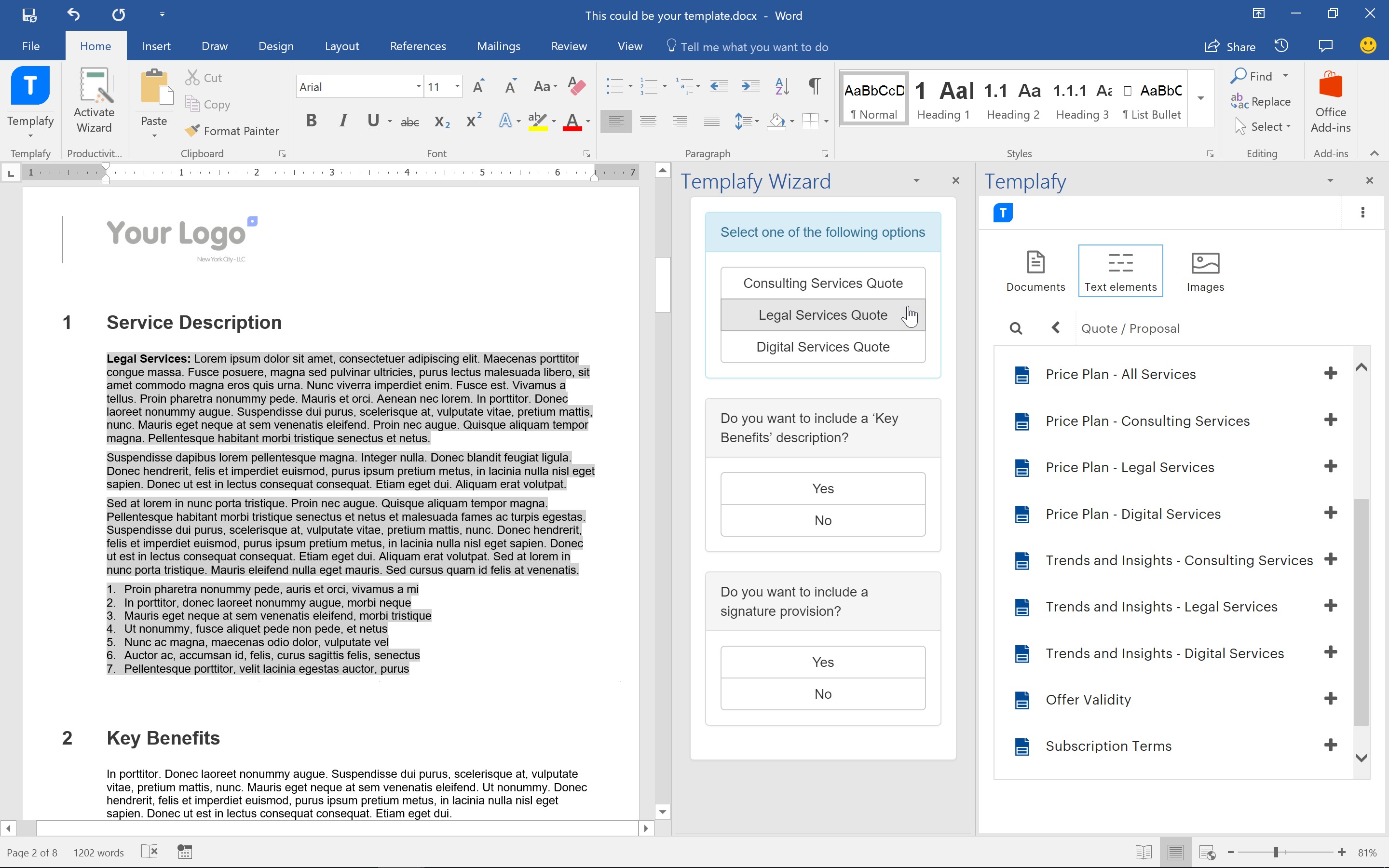
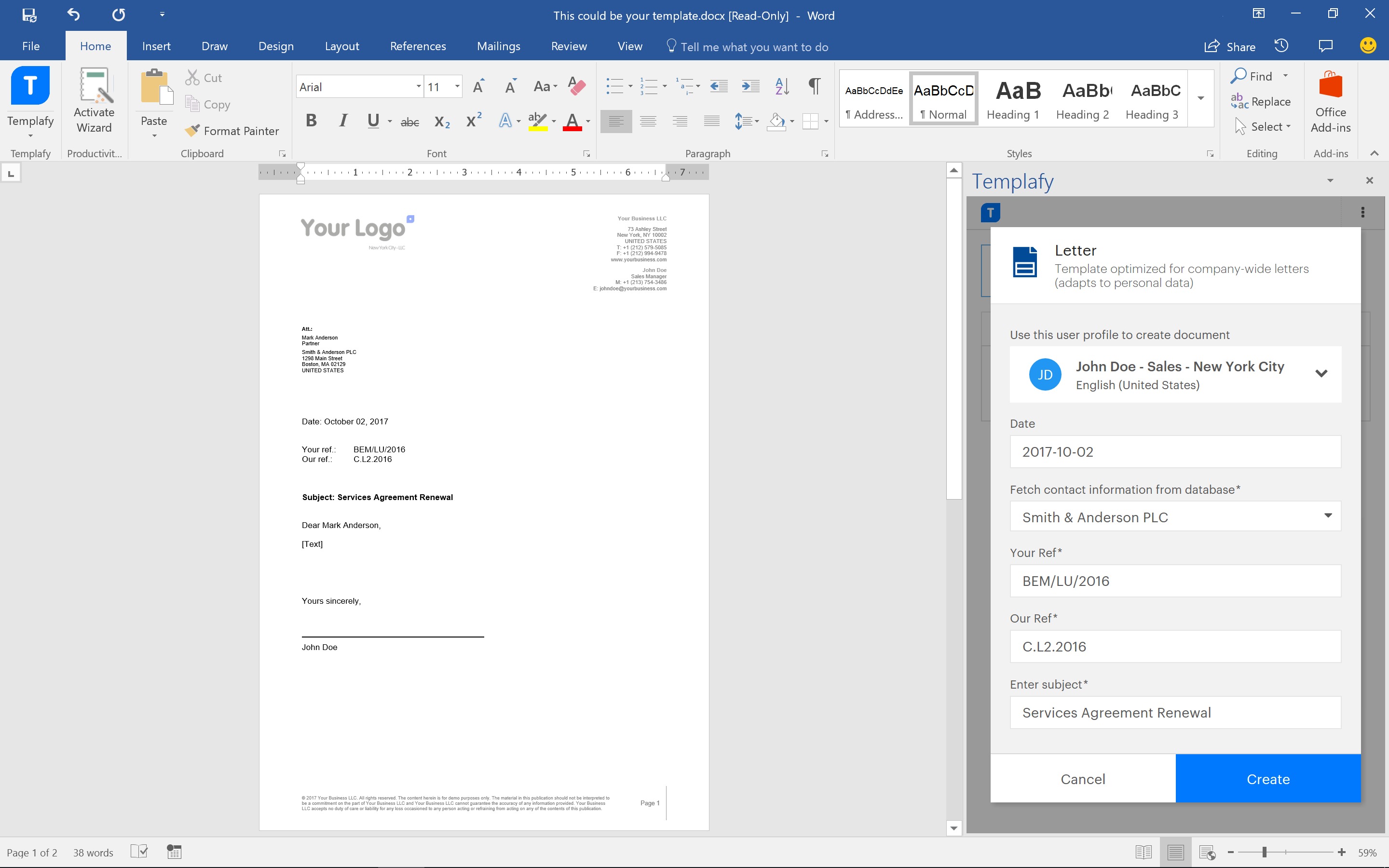
Document automation: Templafy helps users generate business documents from approved templates, predefined structures, and company-controlled content. This makes it easier to create proposals, reports, presentations, contracts, and client-facing documents without starting from a blank page.
-
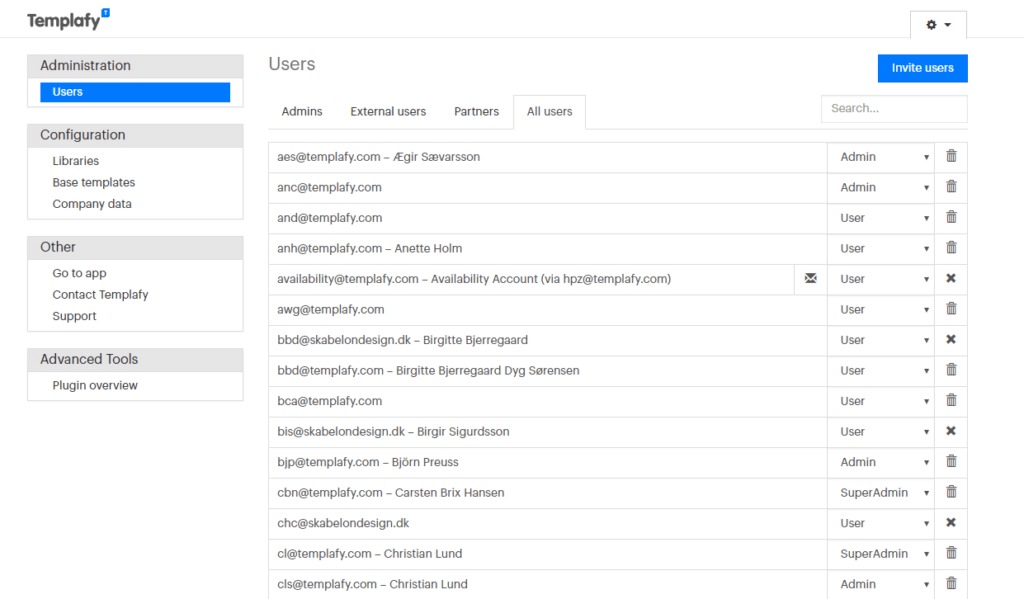
Centralized template management: Companies can manage templates from one central location, ensuring employees always use the latest approved version. This reduces the risk of old files being reused across departments.
-
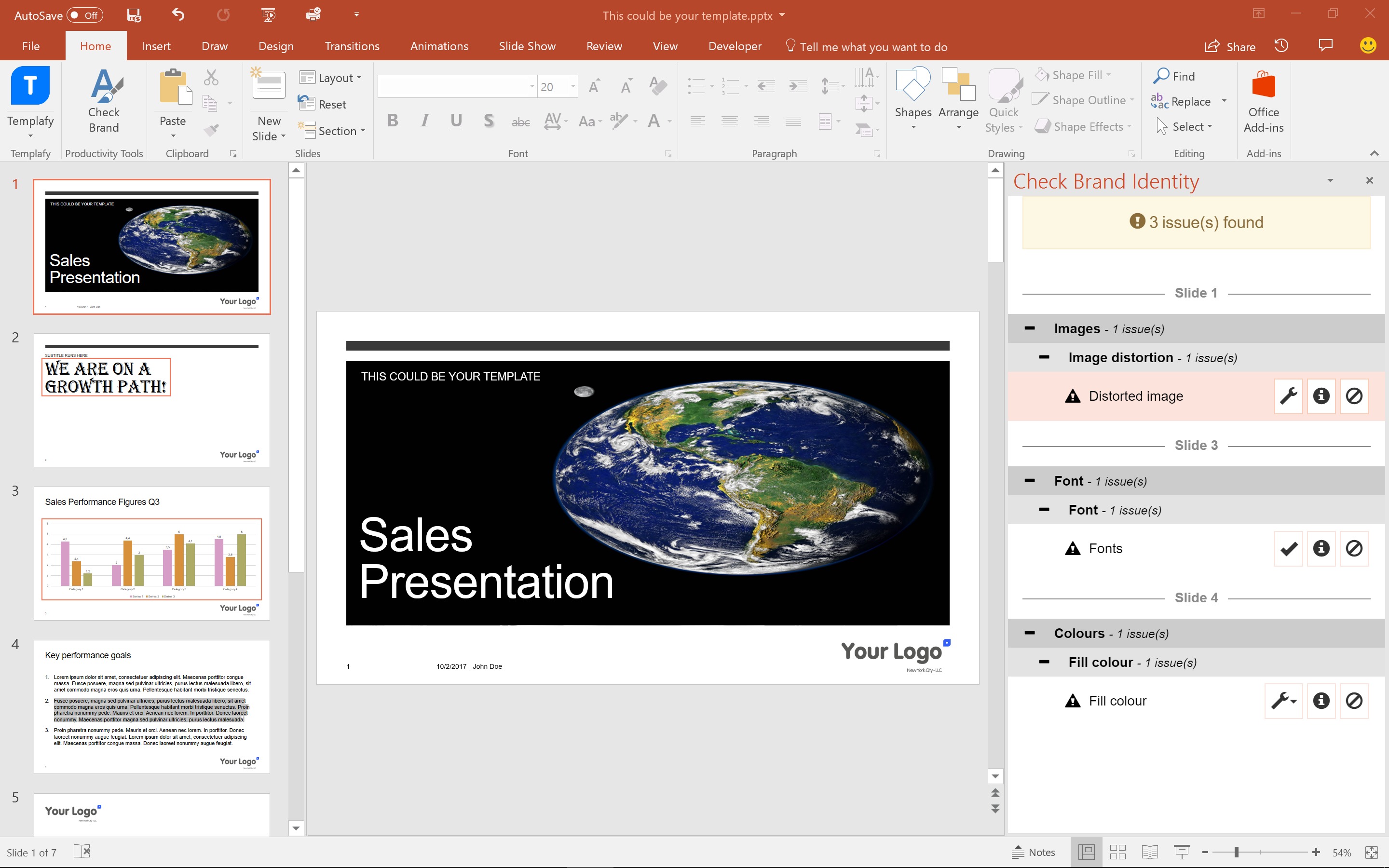
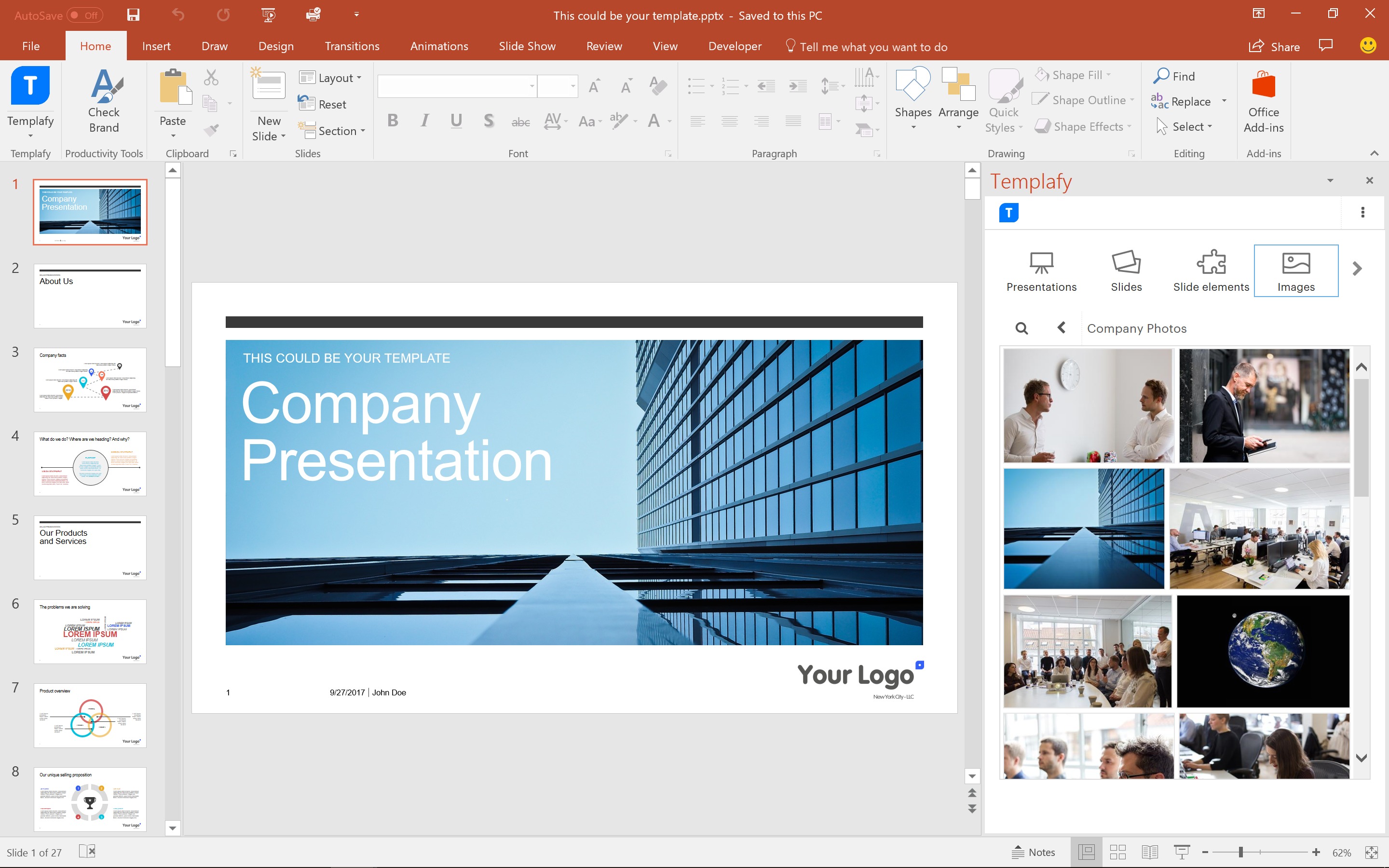
Brand governance: The platform helps protect brand consistency by giving employees access to correct logos, colors, fonts, slide layouts, images, and approved design elements. This is useful for companies where every document is part of the brand experience.
-
Approved content libraries: Teams can reuse controlled text blocks, disclaimers, slides, clauses, bios, product descriptions, and other content components. This helps reduce manual rewriting and keeps communication consistent.
-
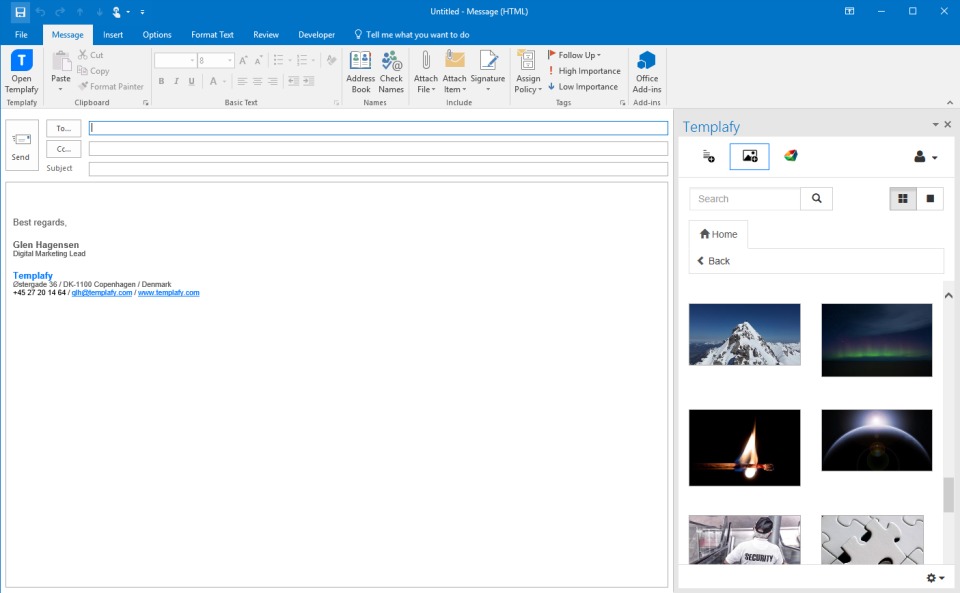
Integration with work tools: Templafy works inside familiar productivity environments such as Microsoft Office, PowerPoint, Word, Outlook, Microsoft 365, Google Workspace, and other enterprise systems. Users do not need to constantly switch between tools.
-
AI-assisted document creation: The platform supports AI-powered workflows for generating structured documents using approved company content, rules, and templates. This makes AI more practical for enterprise document work because output can stay aligned with brand and compliance standards.
-
Compliance support: Templafy helps organizations control which legal text, disclaimers, templates, and regulated content employees can use. This is important for industries where incorrect wording can create business or legal risk.
How can businesses use Templafy?
-
Sales proposals and pitch decks: Sales teams can create polished proposals and presentations faster while using approved messaging, pricing sections, case studies, and brand assets.
-
Legal and compliance documents: Legal teams can control clauses, disclaimers, document structures, and approved wording to reduce the risk of outdated or incorrect content being used.
-
Consulting and professional services: Consultants can build client reports, project summaries, presentations, and engagement materials using reusable company-approved content.
-
Marketing and brand operations: Brand teams can distribute visual assets, presentation templates, campaign materials, and standard messaging without relying on scattered folders or manual email sharing.
-
Finance and corporate reporting: Finance teams can create recurring reports, board materials, and internal documents with consistent structure and formatting.
-
Enterprise knowledge reuse: Large organizations can make approved content easier to find and reuse, turning document creation into a controlled workflow instead of a file-hunting exercise.
What are the benefits of Templafy?
Templafy helps businesses save time, reduce manual formatting, improve document accuracy, and maintain stronger control over brand and compliance. Employees can create documents faster because they no longer need to search through old folders, copy previous files, or manually rebuild standard sections. Managers and administrators gain more control over what content is used across the organization.
The platform also helps reduce operational risk. In large companies, a single outdated contract clause, incorrect disclaimer, or off-brand presentation can create problems. Templafy reduces this risk by making approved content available directly where employees work. It also supports better collaboration between legal, marketing, sales, compliance, and operations teams because everyone works from the same controlled content foundation.
Another major benefit is scalability. As companies grow, document production often becomes messy. Templafy creates a structured system where templates, assets, and reusable content can be managed centrally while still being accessible to employees across different departments and locations.
What is the user experience like in Templafy?
The user experience is designed around convenience and control. Employees can access templates, brand assets, text blocks, and document automation features inside familiar tools rather than learning a completely separate system. This lowers friction and makes the platform easier to adopt across large teams.
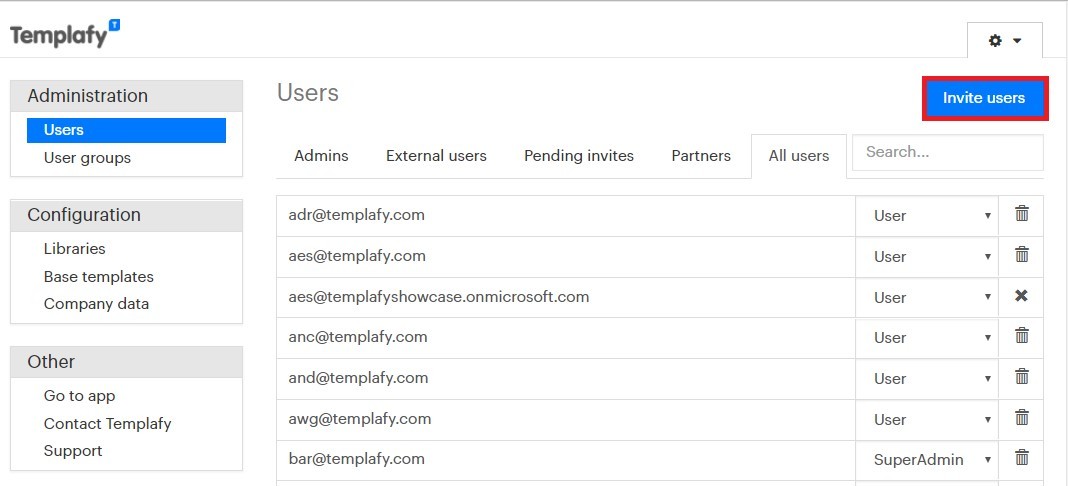
For end users, Templafy feels like a guided document creation assistant. It helps them choose the right template, insert the right content, and produce a document that already follows company standards. For administrators, it works as a governance layer where templates, assets, permissions, and approved content can be controlled centrally.
Overall, Templafy is a strong fit for companies that produce many business documents and need better consistency, faster creation, and safer use of AI in document workflows. It is less about simple file storage and more about turning document creation into a controlled, repeatable, enterprise-grade process.
2022-02-23 18:59:30: Everything is content. 86% of global employees agree.
SO, what are you doing to protect your brand and up your content game?
Don’t let it hold your rocket ship back🚀. Check out Templafy today. https://t.co/PeixxG5CJbTwitter
2022-02-15 19:29:07: Is content still king? Many might say yes, but actions tell a different story with 3/4 of employees finding mistakes in finalized content.
It's time to take control back of your brand 🚀. Check out how in the link! https://t.co/huPFUlbwn4Twitter
2022-02-11 19:23:30: Ever felt like your company templates aren't being used? According to our new research, 73% of employees say they don’t use the latest company-approved version of relevant content when creating new pieces 🤯. Find out more in our blog. #ProtectYourBrand
https://t.co/FjoKlTQb4YTwitter
2022-02-01 17:39:44: Tired of playing brand patrol each and every day? Well, you’re not alone, and Templafy wants to help you out!
Share the most frustrating part of brand management in your role for a chance to win a relaxing spa day to take off a #sheetload of stress 💆
https://t.co/b69IA4Op5LTwitter
2021-06-15 17:52:59: Productivity tools in PowerPoint - check out our latest blog sharing all the updates and new features in our Productivity tools designed to help pro-PowerPoint users accelerate their performance. https://t.co/5pAxZDiYoDTwitter
2021-05-13 17:14:59: How many productivity tools does it take to actually decrease productivity?
In large enterprises, the answer is 175.
Read our blog about how massive tech stacks are resulting in app chaos — and what enterprises can do about it.
https://t.co/xNoLcJu56DTwitter
2021-05-10 17:46:59: What does tech utopia look like?
For enterprises, it may look like a total collapse of their tech stack into one, perfect tech platform.
Read how the trend toward IT simplification is forcing tech providers to adopt a more horizontal approach.
https://t.co/phMooXEHKpTwitter
2021-05-06 16:59:53: Recruiting for a remote or hybrid role is a whole new game.
One competitive advantage? A tech stack that prioritizes user experience and connected work processes.
Check our blog for how tech can help us all spend less time creating something better.
https://t.co/9R0rxN8CFUTwitter
2021-05-04 17:51:59: Last year, productivity at work increased by 197%
The prevalence of always-on work apps has contributed to that spike – and it’s a leading factor in stress and burnout.
Read our blog post for solutions to this troubling trend. https://t.co/88Cr5v0iz3Twitter
2021-04-13 17:36:09: We're thrilled to share one of our most exciting developments so far with you.
Today we’re officially announcing that Templafy is the content enablement platform delivering connected content.
Check it out in our newest blog post: https://t.co/i284DeJSFG
#contentenablementTwitter
Templafy Alternatives