Taiga
Languages:
Deutsch
English
Español
Français
Portuguese
Русский
Localization:
World

What is Taiga used for?
Taiga is an open-source project management platform designed for agile teams that need a clear, flexible, and collaborative way to manage work. It supports Scrum, Kanban, issue tracking, backlog planning, sprint management, and team collaboration in one workspace. Taiga is especially useful for software development teams, product teams, digital agencies, startups, open-source projects, and technical departments that want practical project control without the complexity of heavy enterprise systems.
The main idea behind Taiga is simple: teams should be able to plan, prioritize, discuss, track, and deliver work in a visual and structured environment. Projects can be organized around user stories, tasks, issues, epics, sprints, and boards. Because Taiga is open-source and supports self-hosting, it is also attractive for organizations that care about data ownership, customization, and long-term independence from closed SaaS platforms.
What are the key features of Taiga?
- Scrum project management
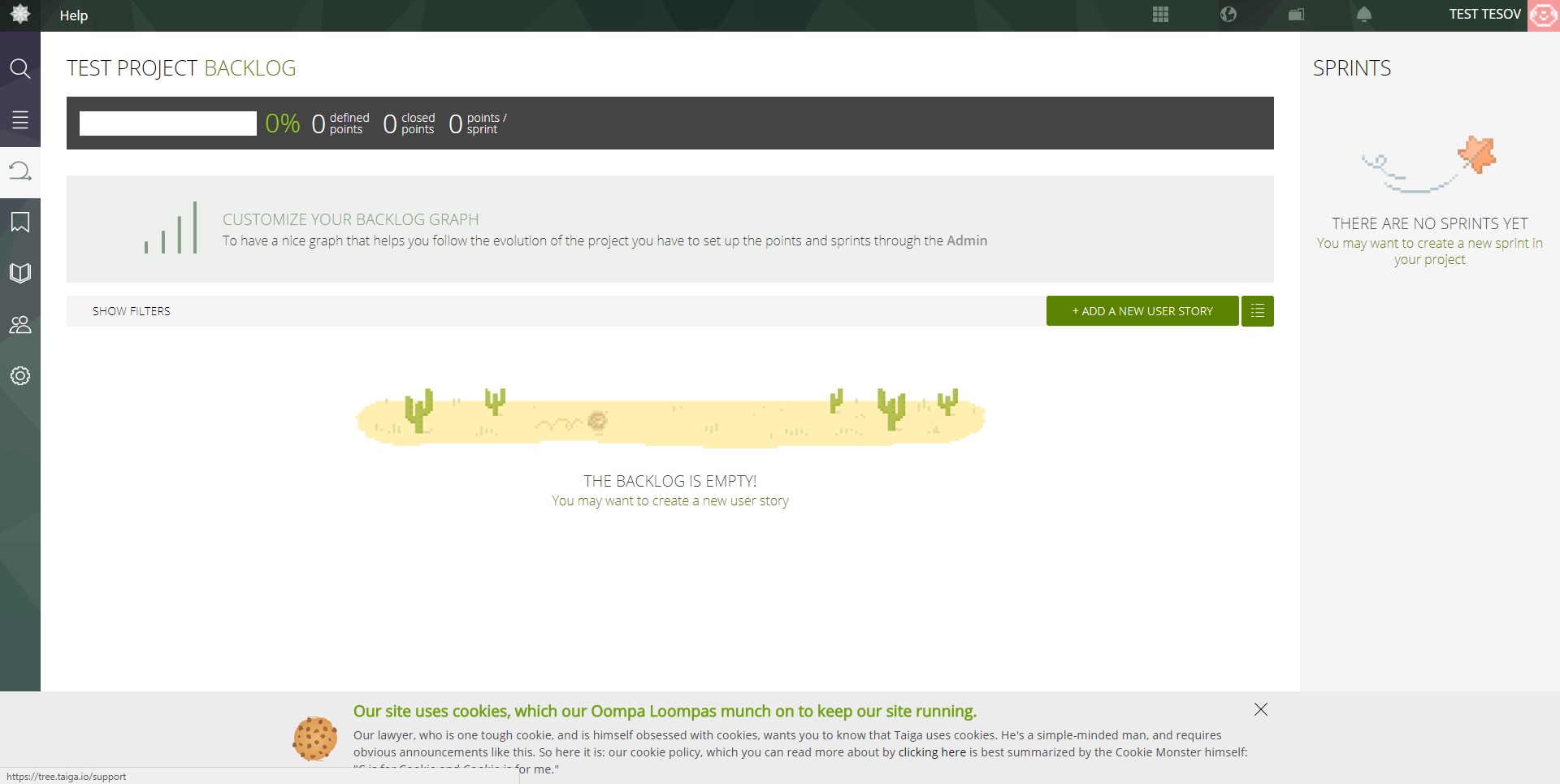
Taiga provides tools for managing product backlogs, sprint planning, user stories, tasks, estimations, epics, and burndown charts. This helps agile teams organize work into iterations, track progress, and understand whether delivery is moving according to plan. - Kanban boards
Teams can use Kanban boards to visualize work across customizable stages. This is useful for development workflows, content pipelines, support processes, design tasks, marketing operations, and internal business projects where work moves through clear statuses. - Backlog management
Taiga allows teams to create, prioritize, organize, and refine backlog items. Product owners and project managers can structure upcoming work, define user stories, prepare sprint candidates, and keep the team focused on what should be built next. - Issue tracking
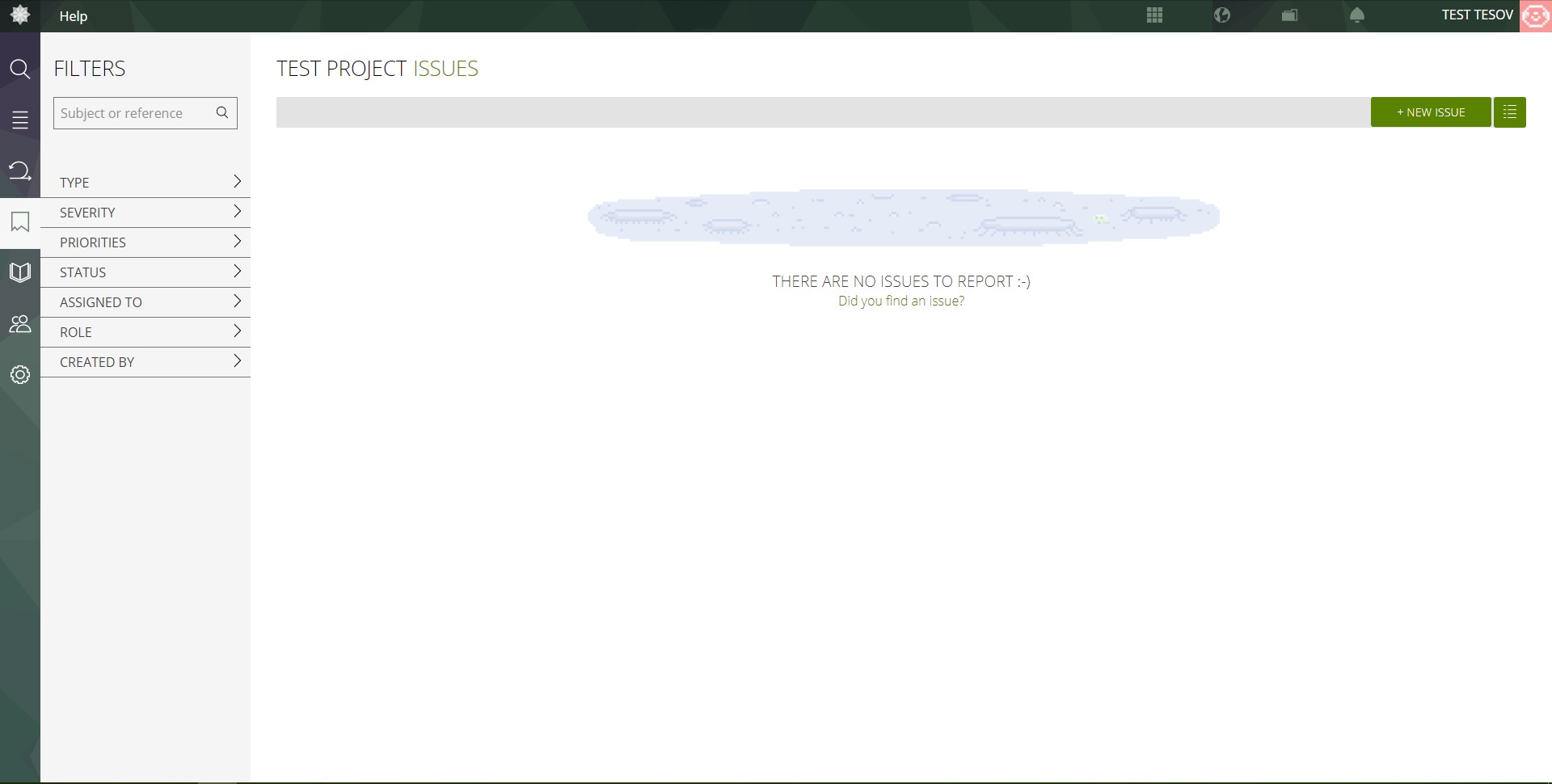
The platform includes issue management for bugs, incidents, requests, improvements, and technical problems. Issues can be categorized, prioritized, assigned, filtered, searched, and connected to broader project work. - Epics and user stories
Larger initiatives can be grouped into epics, while individual requirements can be managed as user stories. This structure helps teams connect strategic goals with everyday tasks and avoid turning the project board into a swamp of disconnected tickets. - Team collaboration
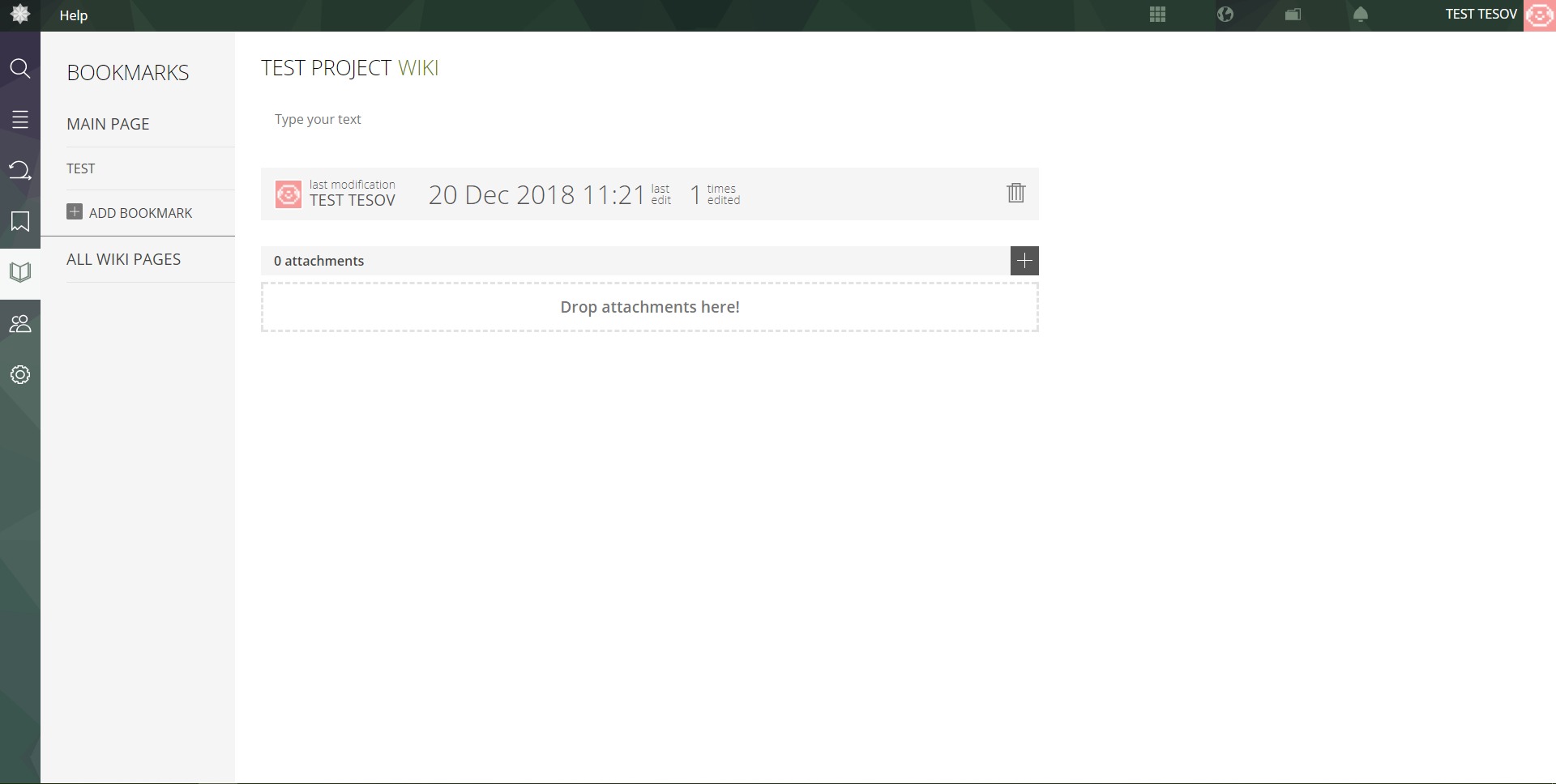
Taiga supports comments, mentions, notifications, attachments, wiki pages, and project discussions. Team members can communicate directly around tasks and decisions, reducing scattered conversations across chat tools and email threads. - Customization options
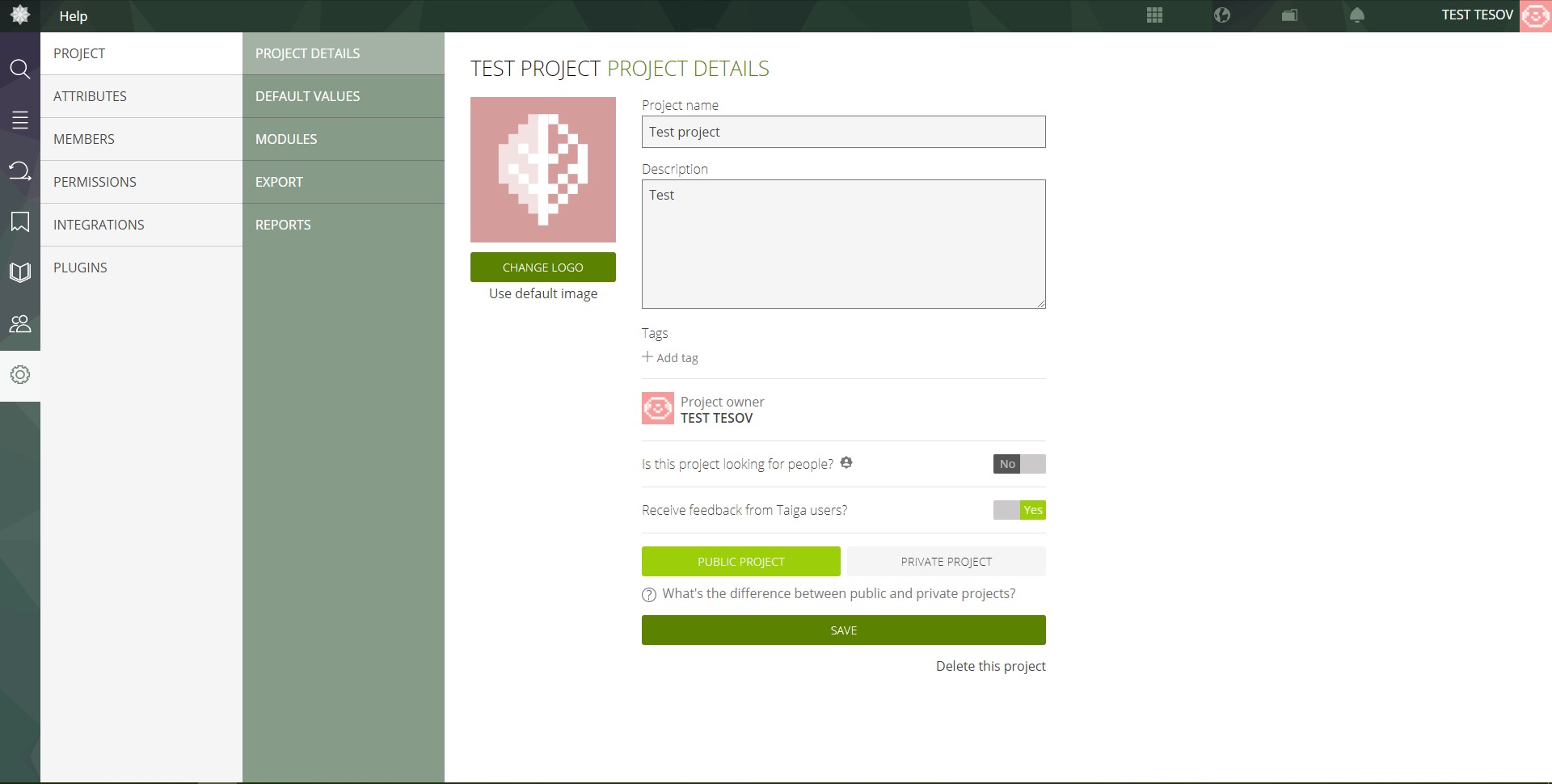
Teams can customize workflows, roles, permissions, tags, fields, priorities, statuses, and project settings. This makes Taiga adaptable to different team structures, delivery styles, and organizational rules. - Self-hosting and open-source flexibility
Taiga can be used as an open-source solution for teams that want more control over infrastructure, privacy, security, and customization. This is valuable for technical teams, agencies, public organizations, and companies with internal compliance needs.
What are the best use cases for Taiga?
- Software development teams
Taiga is well suited for developers, product owners, QA specialists, and project managers who need Scrum or Kanban workflows for building applications, websites, SaaS products, integrations, and internal tools. - Startup product management
Early-stage teams can use Taiga to manage product ideas, MVP features, bug reports, roadmap items, and sprint execution without investing in a bulky project management stack. - Digital agency delivery
Agencies can use Taiga to manage client projects, development tasks, design workflows, content production, website builds, and technical support pipelines. - Open-source project coordination
Because Taiga is open-source itself, it fits naturally with community-driven projects. Contributors can organize issues, feature requests, tasks, and releases in a transparent workspace. - Internal IT and operations teams
IT departments can use Taiga for infrastructure tasks, support requests, system improvements, incident follow-ups, and process automation projects. - Product backlog and roadmap planning
Teams can use Taiga to capture ideas, split larger initiatives into epics, prioritize work, and prepare sprint-ready user stories.
What are the main benefits of Taiga?
Taiga’s biggest benefit is its balance between simplicity and agile structure. It gives teams enough process to manage real delivery, but it does not overload users with unnecessary enterprise complexity. Teams can start with a basic Kanban board or Scrum project and later expand into epics, estimations, permissions, wiki pages, and reporting.
Another important benefit is transparency. Everyone can see what is planned, what is in progress, what is blocked, and what has been completed. This improves communication between managers, developers, designers, clients, and stakeholders.
Taiga is also attractive because of its open-source nature. Organizations can avoid full dependency on closed platforms, explore self-hosting, and adapt the tool to specific technical or operational requirements. For teams that care about ownership and flexibility, this is a serious advantage.
The platform also helps reduce process fragmentation. Instead of keeping tasks in one tool, bugs in another, documentation elsewhere, and sprint planning in spreadsheets, Taiga brings core agile project activity into one organized workspace.
What is the user experience like in Taiga?
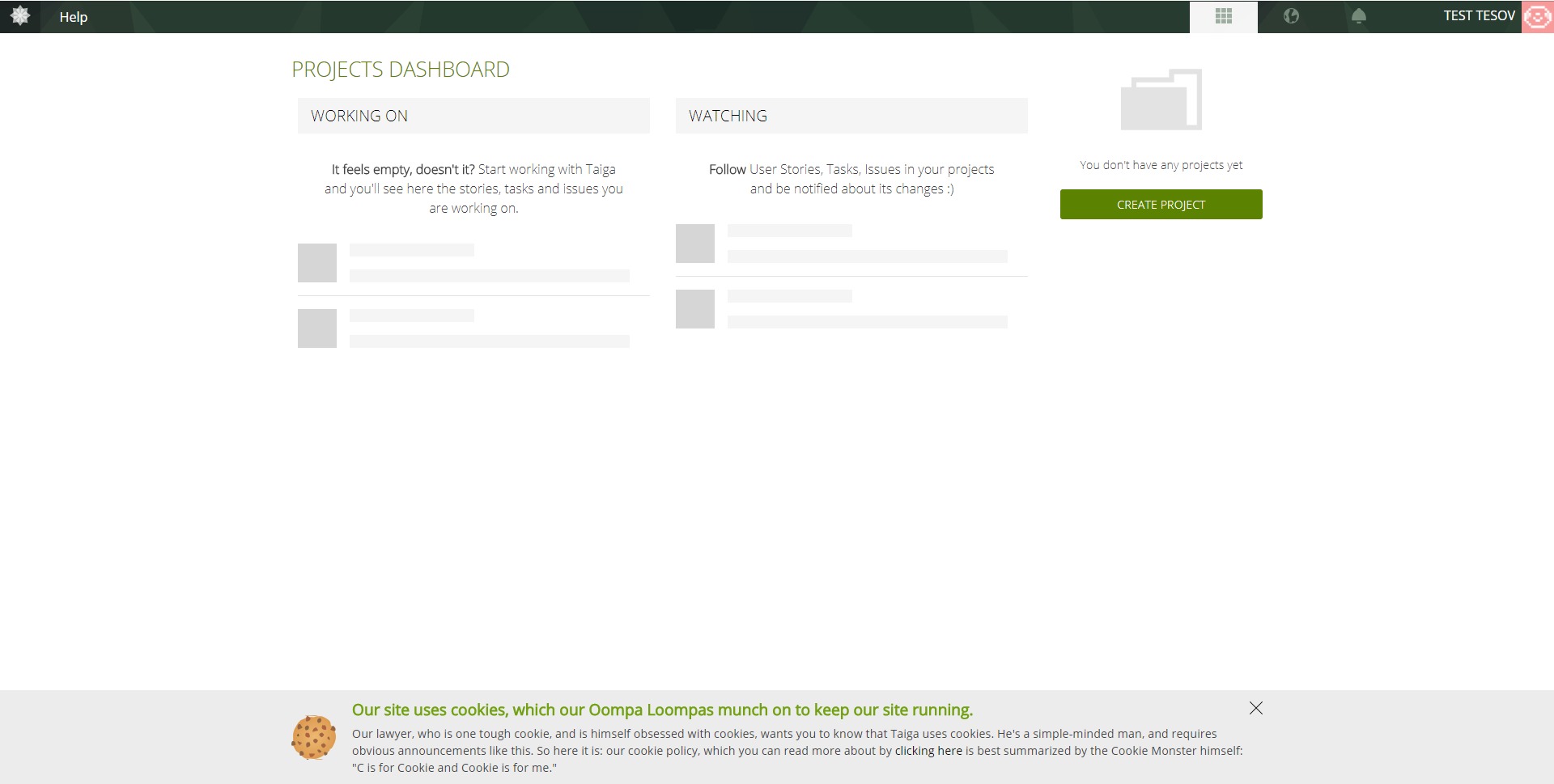
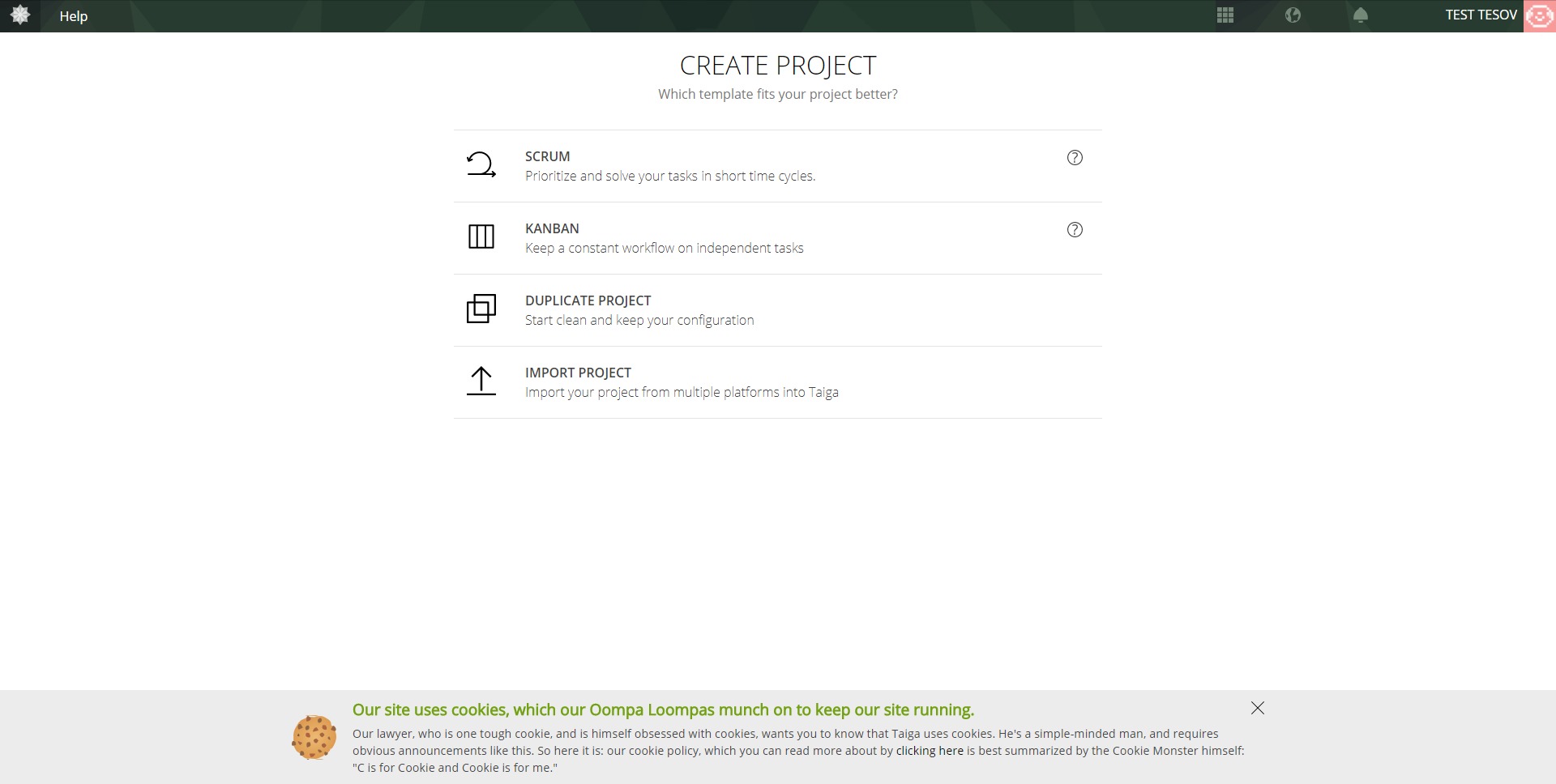
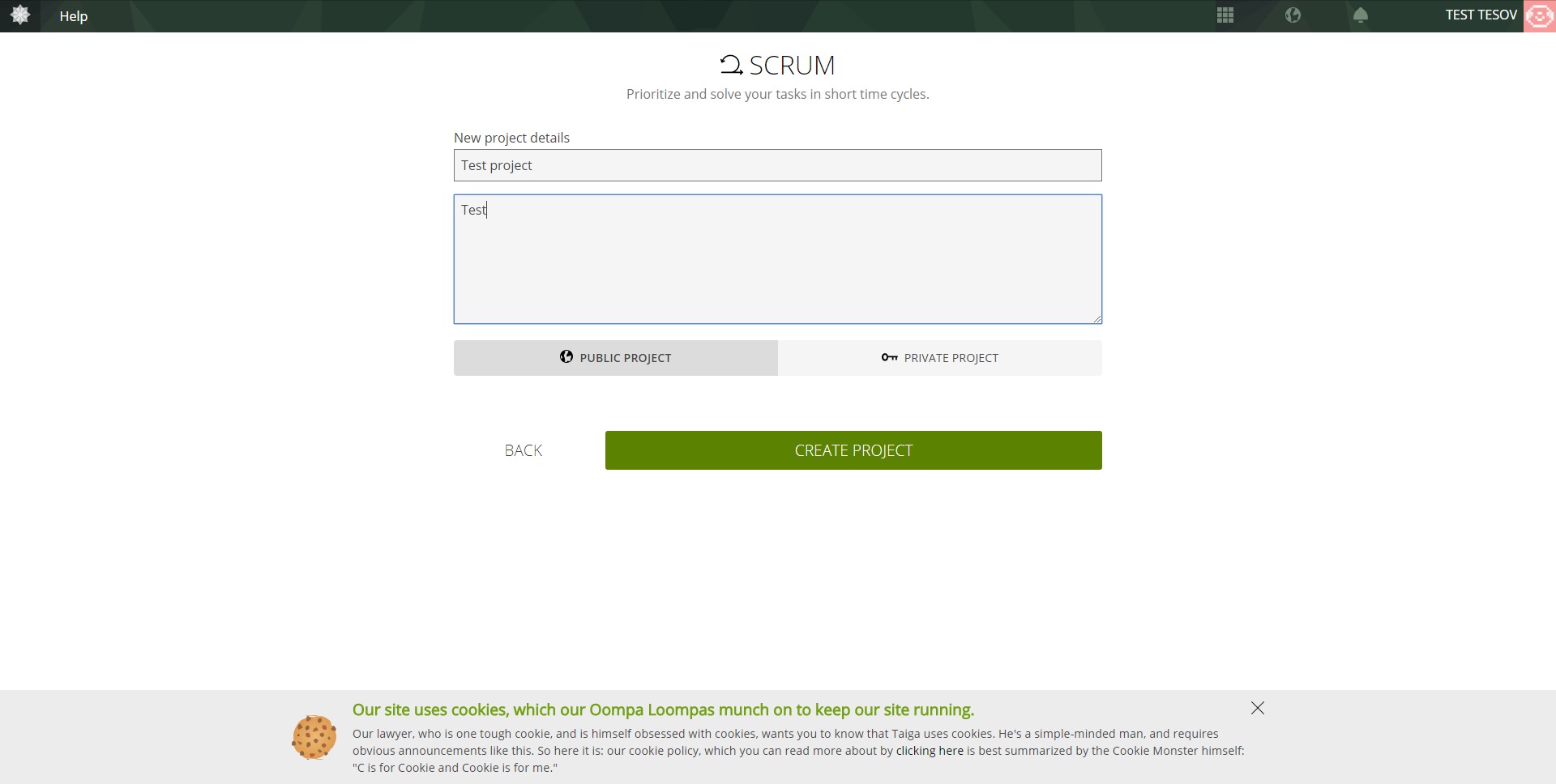
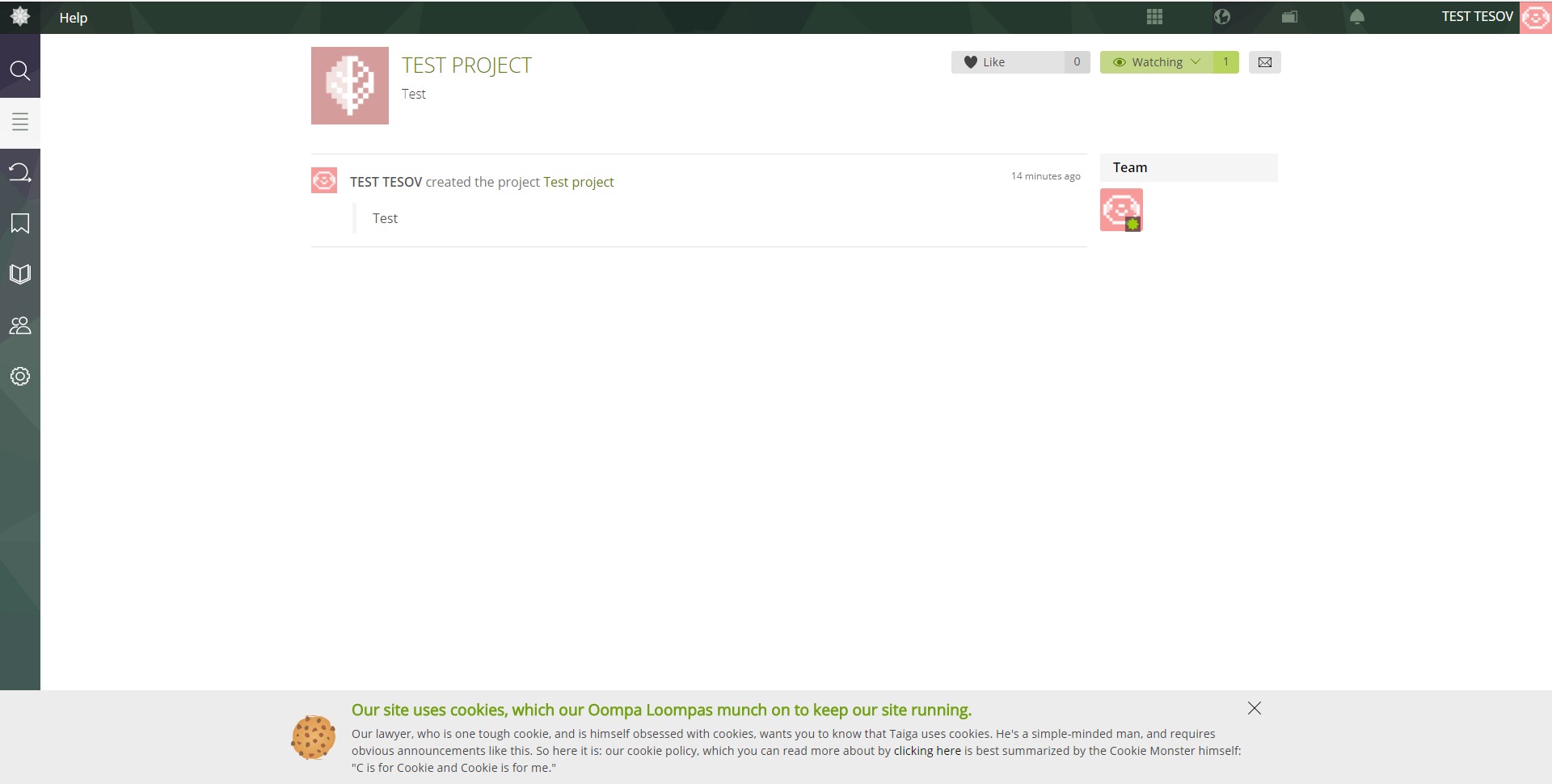
Taiga’s user experience is clean, visual, and practical. New users can create a project, choose a Scrum or Kanban structure, add tasks or user stories, and start tracking work quickly. The interface is built around boards, backlogs, cards, statuses, and project timelines, so the workflow feels familiar even for teams moving from other agile tools.
For managers, Taiga provides visibility into workload, priorities, sprint progress, and delivery risks. For developers and contributors, it offers a focused environment where work items are clear, discussions are attached to the right context, and progress can be updated without unnecessary friction.
Taiga is not trying to become a universal business operating system. Its strength is sharper: agile project management for teams that want clarity, flexibility, and control. For software, product, and technical teams, Taiga is a strong option when the goal is to manage real work without turning project management into theatre.
2023-07-06 09:51:02: "Tell me why (ain't nothing but a project management tool)" - Taiga at Penpot Fest 2023 Youtube
2023-07-06 08:38:26: Taiga at Penpot Fest 2023 [RECAP] - "Tell me why (ain't nothing but a project management tool)" Youtube
2023-03-22 14:58:22: We’ve got some news for you!
Although the Taiga team is currently focused on TaigaNext and not developing any new features for Taiga6, we have made some interesting changes for the self-hosted instances in the past few weeks.
https://t.co/yriWOV58iPTwitter
2023-03-16 15:23:41: Are you looking for new ways to approach estimation in Agile?
We will explore some of the alternative approaches to estimation that are available to Agile teams, including techniques that are based on time, people, or other measures of effort.
https://t.co/Z3YD1TZiWITwitter
2023-03-07 13:23:24: Are you looking for new ways to approach estimation in Agile? In this article, we’ll explore alternative approaches to traditional Agile estimation techniques like story points.
https://t.co/yN6fqdZWWVTwitter
2023-02-10 13:27:31: Are you familiar with the Burn-up Chart: A Game Changer for Managing Agile Team Progress?
Learn about it in our community
https://t.co/hABdnxESYTTwitter
2023-02-04 12:45:35: Hi there! We finally got the room H3.242 on Sunday, at 11. Come and see us!!Twitter
2023-02-02 15:32:57: What is the difference between a Roadmap and a User Story Map?
https://t.co/a484gXXGfVTwitter
2023-02-01 15:34:13: Also, is there any particular topic that you would like to discuss with us?
If you’re attending FOSDEM, don’t be shy and say hello, we’ll be glad to meet in person the people from the amazing Taiga community.
And… we’ll have stickers!Twitter
2022-12-06 03:26:33: LIVE STREAM: Accessibility focus, why it matters and demo! | TaigaNext update Youtube
2022-06-09 05:33:32: An update on TaigaNext Youtube
2022-06-03 12:10:13: Taiga - herramienta de gestión de proyectos ágil. Gratuita y de código abierto. Youtube
2022-05-30 11:30:55: 5 diferentes configuraciones para proyectos ágiles: Múltiples equipos, un backlog [Edición KANBAN] Youtube
2022-05-25 13:46:26: 5 different setups for agile projects: Multiple teams, one backlog [Scrum Edition] Youtube
2022-05-20 12:10:35: 5 different setups for agile projects: Priority-driven organic workflow Youtube
2022-05-09 11:50:46: 5 diferentes configuraciones para proyectos ágiles: Un equipo en modo de soporte + desarrollo Youtube
2022-05-04 14:23:57: 5 different setups for agile projects: One team, multiple backlogs Youtube
Taiga Alternatives