Stormboard
Languages:
English
Localization:
World
What is Stormboard and how does it work?
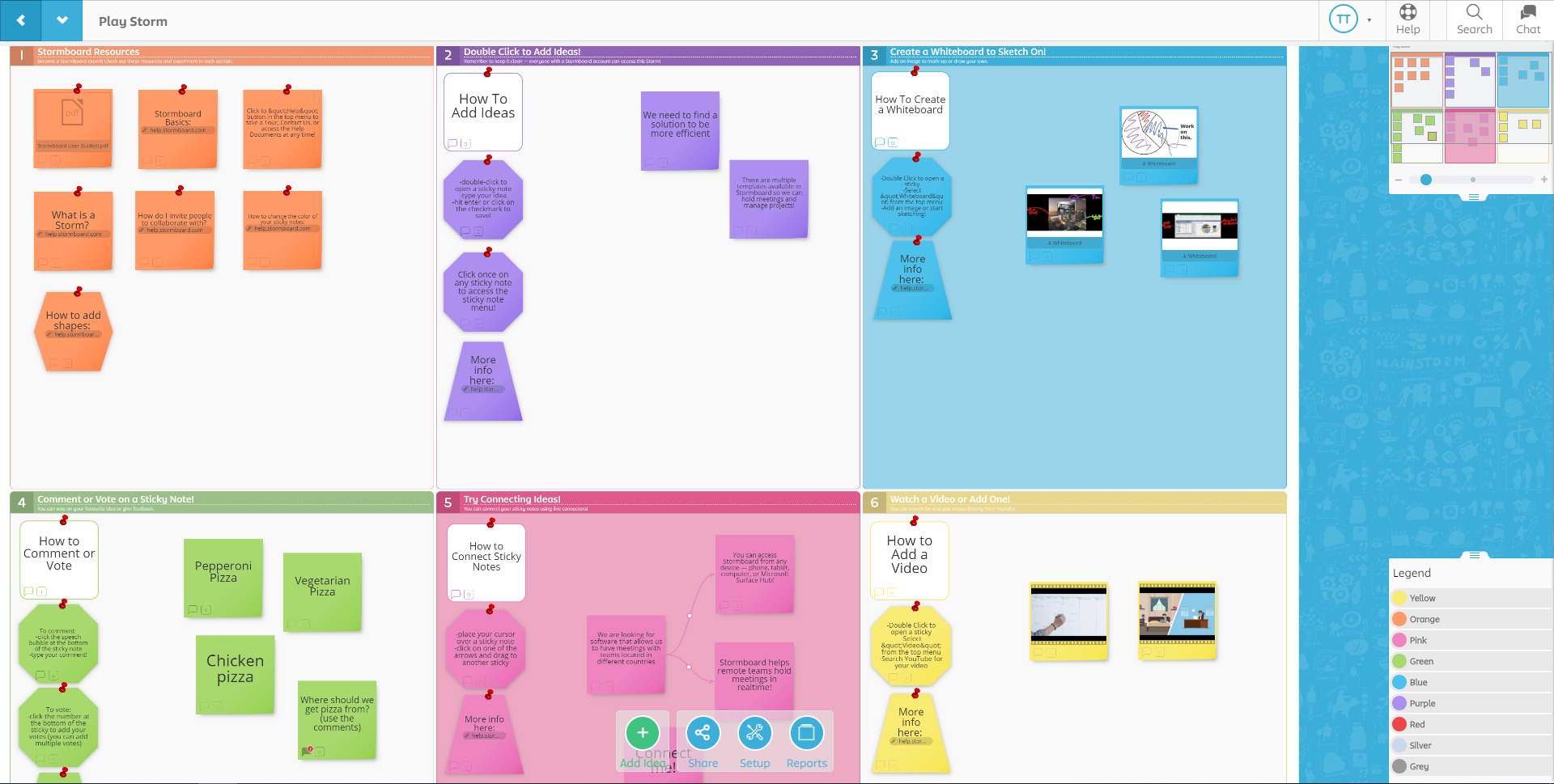
Stormboard is a collaborative planning platform built for teams that need more than a digital whiteboard. It combines brainstorming, structured idea management, workflow planning, and action tracking in a single environment. Designed for remote, hybrid, and in-person collaboration, Stormboard helps teams move from raw ideas to organized outcomes without losing momentum between ideation and execution.
At its core, Stormboard uses interactive digital workspaces where teams can capture ideas, organize concepts, prioritize discussions, and transform insights into tasks. Unlike tools focused only on freeform whiteboarding, Stormboard adds structure to collaboration through templates, reporting, facilitation tools, and integrations. This makes it useful for innovation sessions, project planning, retrospectives, workshops, and strategic discussions.
Stormboard collaborative planning is often valued by teams that need decisions documented, actions assigned, and collaboration outcomes preserved. It supports both creative exploration and operational follow-through, which makes it relevant across product teams, consulting, education, and enterprise environments.
What key features does Stormboard include?
- Digital Brainstorming Workspaces
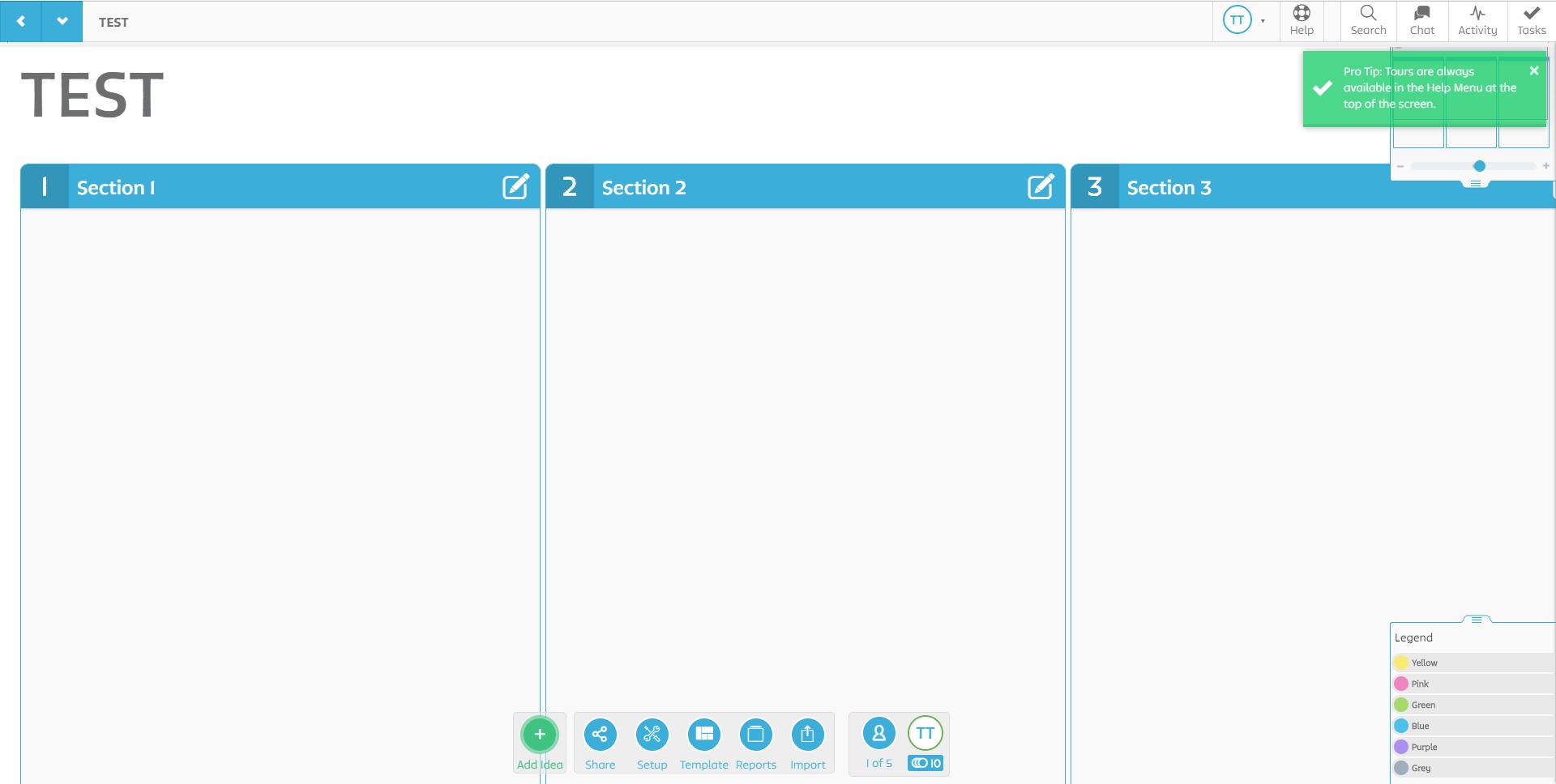
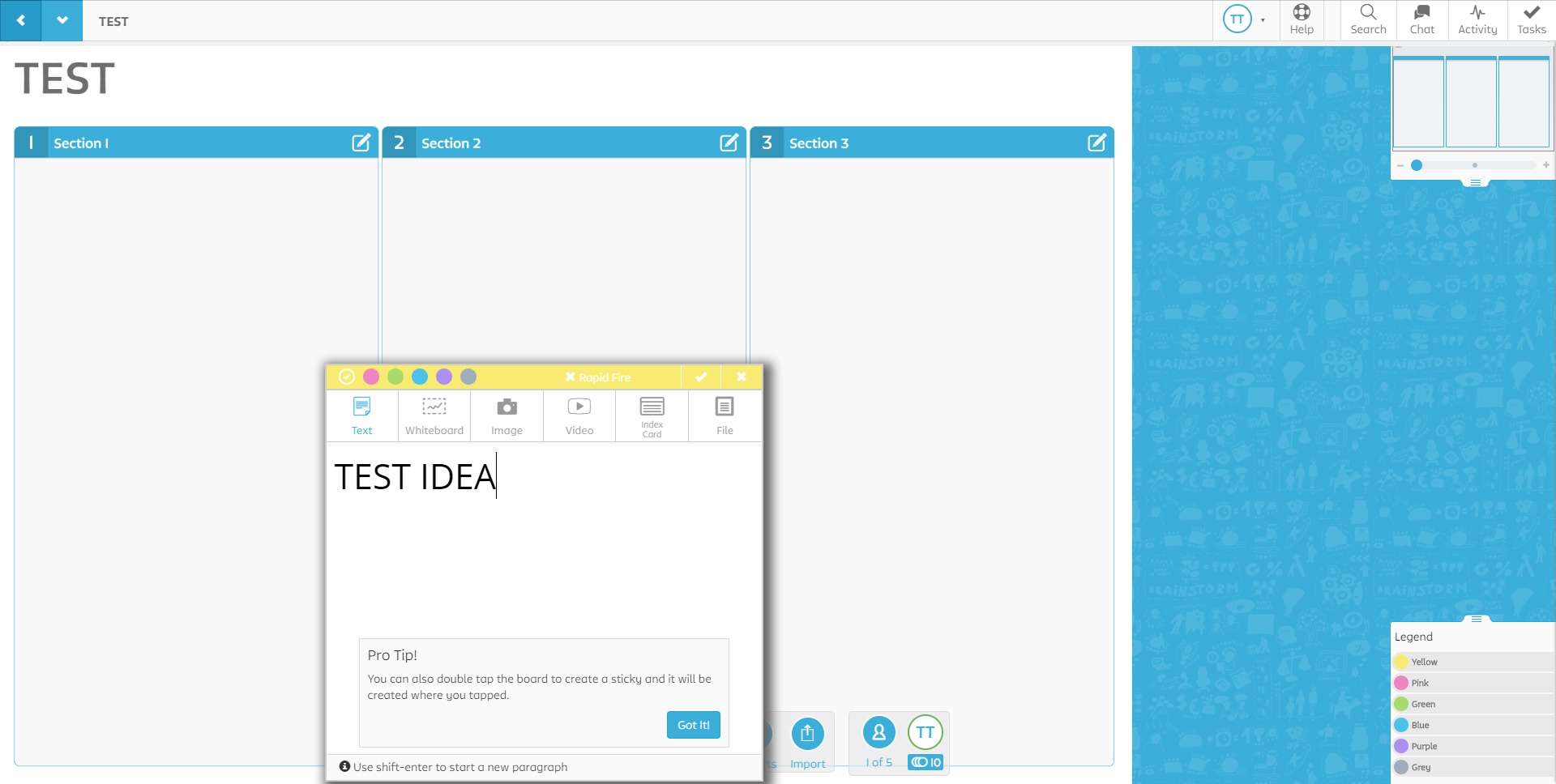
Create shared visual boards where teams can add ideas, notes, comments, files, and discussion points in real time. These collaborative spaces support both structured workshops and flexible ideation. - Smart Templates for Workshops
Use built-in templates for agile ceremonies, mind mapping, SWOT analysis, retrospectives, design thinking, and strategic planning. Templates reduce setup time while improving consistency. - Idea Prioritization and Voting
Enable participants to vote on ideas, rank priorities, and surface consensus faster. This helps turn brainstorming sessions into decision-making sessions. - Action and Task Conversion
Transform ideas into tasks, assign ownership, and track next steps directly inside the workspace, bridging collaboration and execution. - Workflow and Process Mapping
Build structured process maps, journeys, and operational workflows that help teams visualize dependencies and improve alignment. - Reporting and Data Capture
Export outcomes, session results, action plans, and structured summaries for documentation, compliance, or follow-up. - Real-Time Team Collaboration
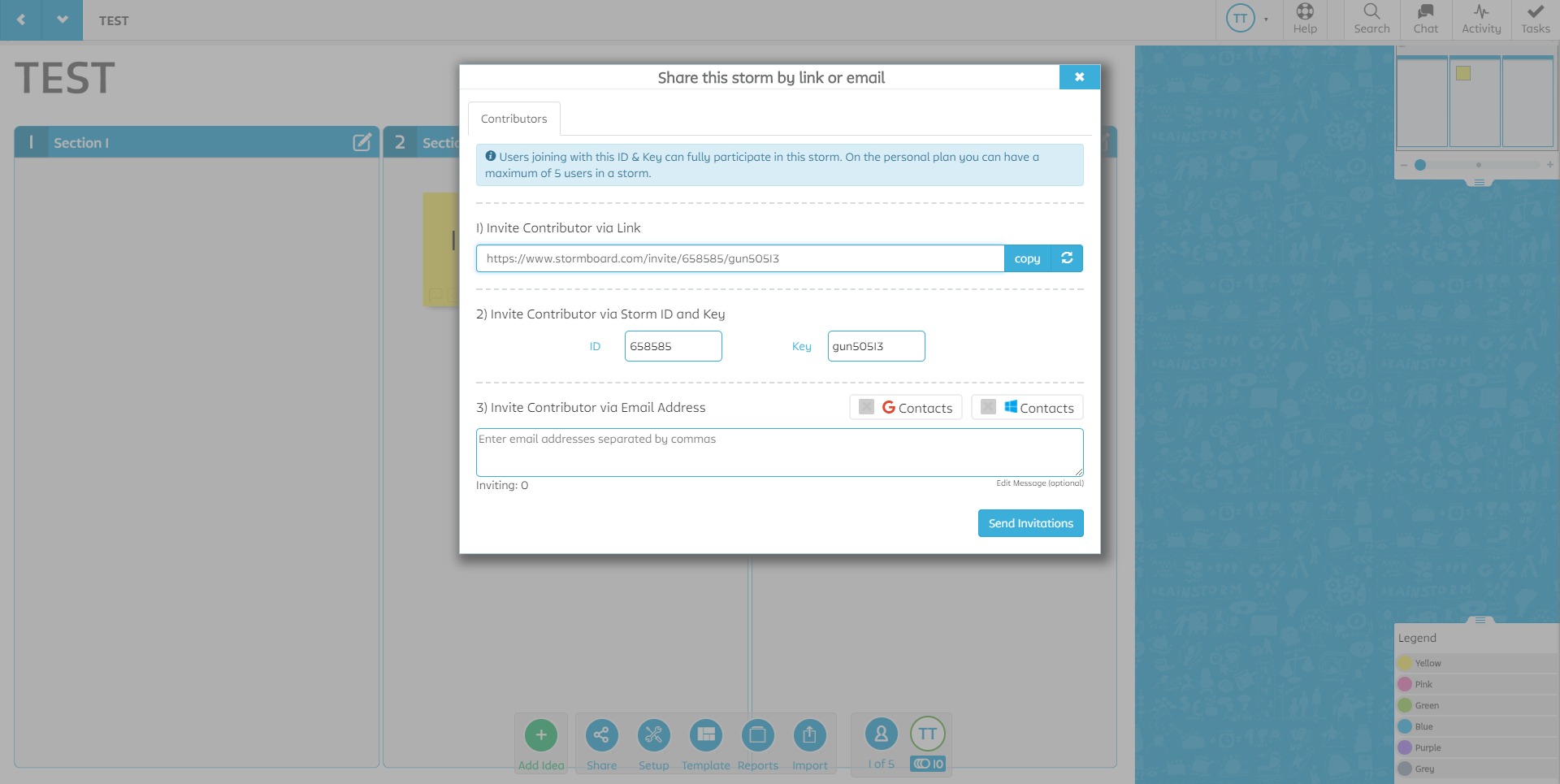
Support simultaneous participation for distributed teams with commenting, live editing, facilitation controls, and shared visibility. - Integration Capabilities
Connect collaborative sessions with project and productivity ecosystems to extend workshop outputs into ongoing work.
How can teams use Stormboard in real scenarios?
- Agile Planning and Retrospectives
Teams can run sprint planning, retrospectives, backlog discussions, and PI planning with better structure and participation. - Strategic Workshops
Leadership groups can use Stormboard for prioritization sessions, decision mapping, roadmapping, and long-range planning. - Innovation and Ideation Sessions
Capture ideas, cluster themes, vote on opportunities, and move innovation discussions toward execution. - Process Improvement Exercises
Map workflows, identify bottlenecks, and collaborate on operational improvements across teams. - Remote Facilitation and Workshops
Support engaging virtual sessions that feel more interactive than standard meetings. - Project Discovery and Requirements Gathering
Organize early-stage thinking, align stakeholders, and document inputs before delivery begins. - Education and Collaborative Learning
Facilitate group exercises, interactive lessons, and collaborative learning sessions.
What benefits does Stormboard offer for teams?
One major benefit of Stormboard is structured collaboration. Ideas do not remain scattered across notes or disappear after meetings. Discussions become organized outputs that teams can use.
Another advantage is moving from brainstorming to action in one workflow. Many collaboration tools support idea generation, but fewer support turning those ideas into prioritized tasks and actionable plans.
Stormboard also improves engagement. Interactive voting, collaborative input, and facilitation tools help involve participants more actively than traditional meeting formats.
For distributed teams, the platform supports alignment across locations. It creates a shared workspace where people can contribute asynchronously or in real time while maintaining visibility into decisions.
Efficiency is another benefit. Templates, reusable frameworks, and reporting reduce preparation time and streamline recurring workshops.
For organizations managing complex initiatives, Stormboard can help improve documentation quality. Session outcomes, decisions, and action items are easier to capture and revisit.
Why do teams choose Stormboard for collaborative planning?
Teams often choose Stormboard when standard whiteboarding tools feel too unstructured and project tools feel too rigid for early-stage collaboration.
It appeals to organizations that want creativity and operational discipline in the same platform. Brainstorming can remain flexible, while outputs become structured enough for follow-through.
Another reason teams adopt Stormboard is facilitation support. It helps workshops run with more clarity, especially when multiple stakeholders need to contribute and align.
The platform also fits teams that care about turning meetings into measurable outputs. Rather than treating collaboration as disconnected sessions, Stormboard supports continuity from workshop to execution.
What is the user experience like in Stormboard?
The user experience is designed around guided collaboration. Workspaces feel visual and interactive, while structure is layered in without making sessions overly rigid.
Navigation generally supports both facilitators and participants well. Facilitators can guide exercises, organize ideas, and drive decisions, while contributors can add input with minimal friction.
Templates improve onboarding because users can begin with familiar workshop formats instead of designing everything from scratch.
The collaborative experience often feels more purposeful than open-ended whiteboarding because contributions can be categorized, prioritized, and connected to actions.
For remote teams, the real-time interaction model supports energy and participation that many virtual meetings lack.
Another strong point in user experience is continuity. Instead of brainstorming in one tool and executing elsewhere manually, users can carry momentum forward inside a connected workflow.
Is Stormboard good for structured collaboration and execution?
For teams seeking structured collaboration rather than visual brainstorming alone, Stormboard can be a strong fit.
It supports idea generation, facilitation, prioritization, documentation, and action planning in one platform. That makes it particularly useful when collaboration needs to produce outcomes, not just conversations.
Organizations focused on workshops, agile planning, innovation programs, or cross-functional alignment often find value in Stormboard collaborative planning because it reduces the gap between thinking and doing.
That positioning, turning ideas into action, remains one of the platform’s strongest differentiators.
2024-02-09 20:35:17: Stormboard + Jira Integration Youtube
2023-12-13 17:57:19: Revamped Section Editing and In-Storm Interface! Youtube
2023-04-03 20:43:41: We've made it to the finals! https://t.co/beTefAPxyNTwitter
2023-04-01 00:19:36: Stay ahead of the game in today's dynamic environment! Check out our latest blog post predicting the latest #trends in #digitaltransformation for your business in 2023 and beyond : https://t.co/necMoB2M2TTwitter
2023-03-31 18:34:04: Exciting news! We've just launched the most-requested feature across all plans: Storm Administrators can now #delete sections in a Storm. This simplified approach to adjusting your workspace brings enhanced productivity tools for all users.
#FeatureUpdate #IntuitiveDesign https://t.co/EAEhG1PgWLTwitter
2023-03-28 18:02:03: Digital Transformation boosts efficiency but heightens #DataSecurity risks. Protecting data from cyber threats is crucial for operations & decision-making. Learn how to ensure secure #DigitalTransformation in our latest blog: https://t.co/RhUvUJladZTwitter
2023-03-24 18:03:09: Effective strategic planning utilizes #SWOTAnalysis to evaluate strengths, weaknesses, opportunities & threats.
Learn how to leverage this analytical #framework and develop a winning business #strategy in our comprehensive guide (with templates): https://t.co/CcqaSiUjS8Twitter
2023-03-22 19:17:03: ICYMI: We've introduced Guests!
With this new #feature, you can invite anyone to your Storm without additional licenses. Enjoy frictionless #collaboration and better user management. Learn more and experience seamless, #datadriven collaboration: https://t.co/JfbKPySHXRTwitter
2023-03-20 23:39:10: #Retrospective analysis is crucial for enhancing performance. Prioritizing data and #collaboration can unlock valuable insights for effective decision-making and improvements.
Check out our guide for harnessing the power of #datadriven retrospectives: https://t.co/qxESCp8UFzTwitter
2023-03-17 18:22:01: Maximizing ROI for communication & collaboration tools can be tough, but not impossible! Our curated list of KPIs & metrics can help evaluate the value of your digital whiteboards and workspaces: https://t.co/sKwfniuoxh
#collaborationtools #digitalworkspace #ROIanalysisTwitter
2023-03-15 19:07:23: The #hybrid workforce faces its own set of unique challenges. Learn how to overcome difficulties & maximize revenue with distributed teams by embracing #asynchronous #collaboration in today's blog: https://t.co/nF1cddutDqTwitter
2023-03-14 20:55:27: Stormboard introduces frictionless and cost reducing Guest Pass for Enterprise Collaboration! https://t.co/VhTTi0OZozTwitter
2021-04-28 17:12:11: What is Stormboard? Youtube
2021-04-26 20:33:52: Pro Tip: Restoring Deleted Sticky Notes Youtube
2021-04-17 00:22:23: Stormboard Pro Tip: Setting Editing Privileges Youtube
2021-04-17 00:19:31: Stormboard Pro Tip: Enabling or Disabling Storm Chat Youtube
2021-04-17 00:17:15: Stormboard Pro Tip: How to Close a Storm Youtube
2021-04-17 00:14:40: Stormboard Pro Tip: Locking and Unlocking Sticky Notes Youtube
2021-04-17 00:11:58: Stormboard Pro Tip: How to Chat With Your Team Youtube
2021-04-17 00:09:33: Stormboard Pro Tip: Viewing Storm Activity Youtube
Stormboard Alternatives




Stormboard Integrations