Quip
Languages:
English
Localization:
World

What is Quip used for?
Quip is a collaborative productivity platform that combines documents, spreadsheets, comments, chat, and workflow context in one shared workspace. It is especially relevant for teams that already use Salesforce and want to connect daily collaboration with customer records, sales processes, service cases, and internal operations. Instead of keeping meeting notes in one tool, spreadsheets in another, and CRM updates somewhere else, Quip helps teams work around a single living document.
Quip - Collaborative Workspace for Salesforce Teams is designed for practical teamwork rather than static file storage. Sales teams can build account plans, managers can organize project documentation, support teams can coordinate case resolution, and operations teams can create repeatable checklists. The platform is useful when business content needs to stay active, editable, and connected to real work.
What key features does Quip provide?
-
Collaborative documents
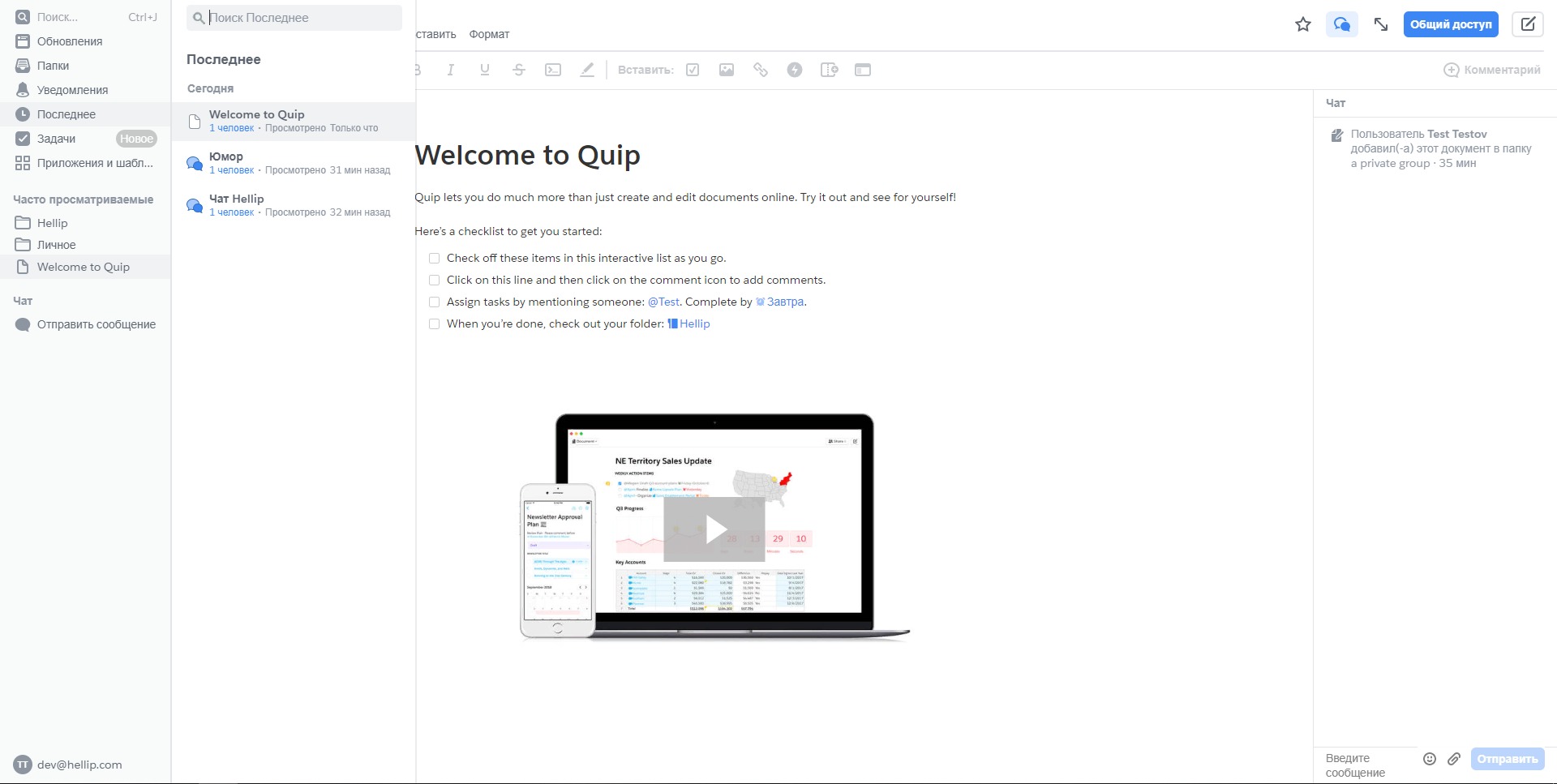
Quip allows multiple users to create, edit, comment on, and update documents together. This makes it suitable for meeting notes, project plans, internal briefs, customer plans, and shared documentation. -
Spreadsheets inside documents
Teams can add spreadsheet-style tables directly into documents. This is useful for tracking numbers, tasks, budgets, forecasts, project details, or structured operational data without separating the discussion from the data. -
Comments and team communication
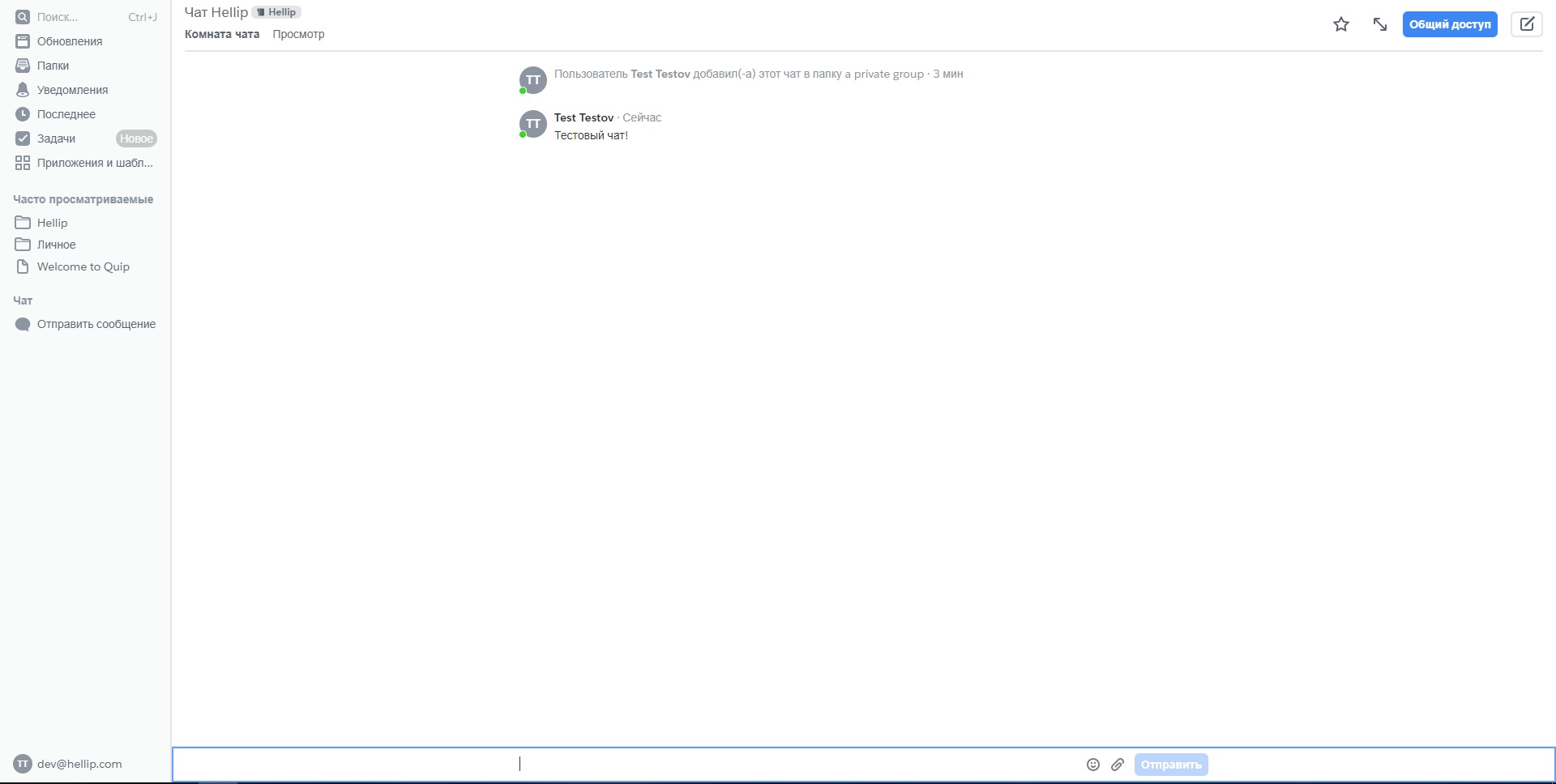
Users can discuss work inside the document itself. Mentions, comments, and conversations help keep decisions close to the relevant content instead of scattering them across email threads or separate chat tools. -
Salesforce-connected collaboration
Quip is closely connected with Salesforce workflows. Teams can use Quip documents inside Salesforce records, helping sales, service, and customer-facing teams combine CRM data with planning, notes, and collaboration. -
Templates and repeatable workflows
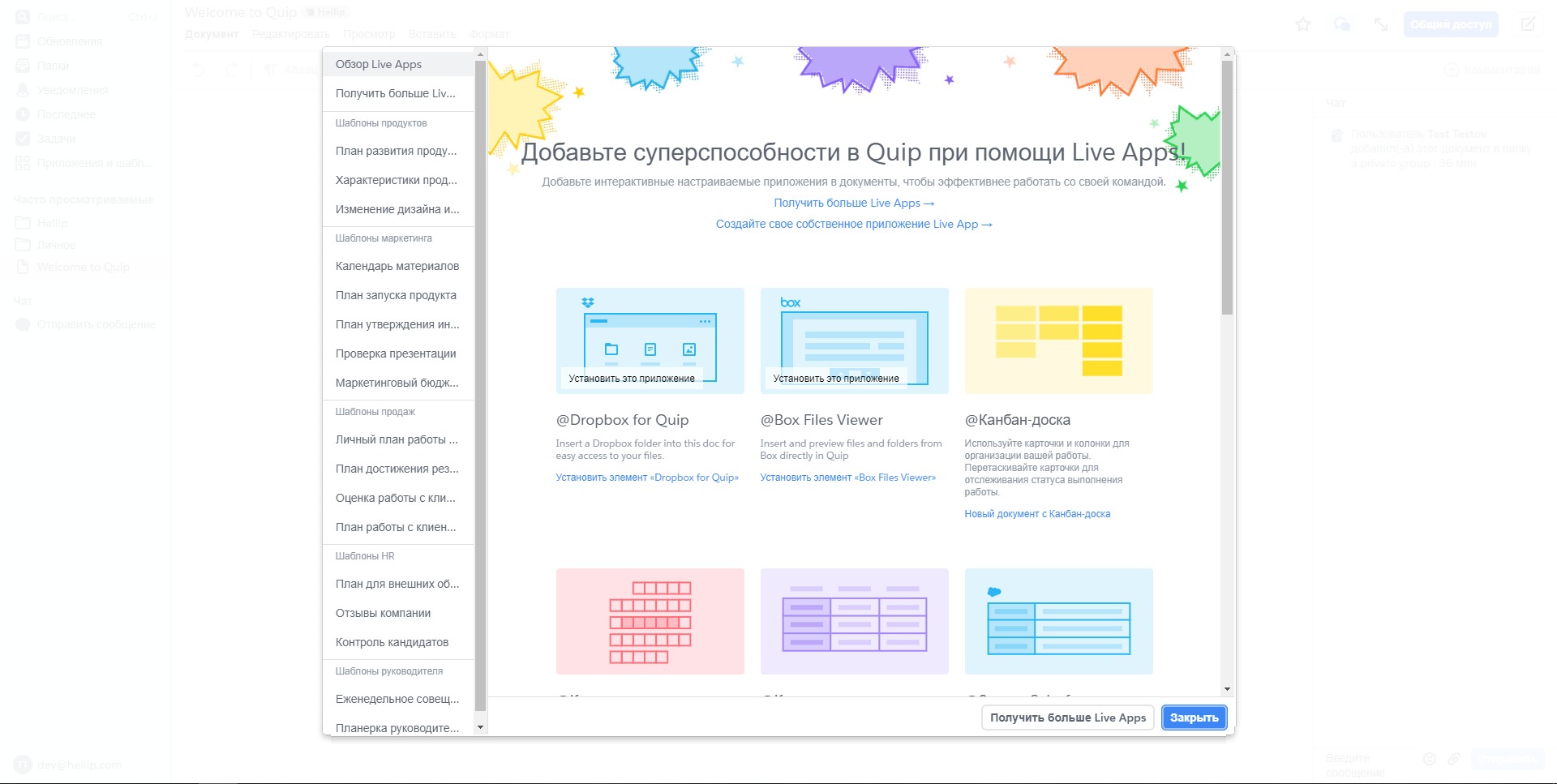
Teams can create reusable structures for account plans, onboarding, business reviews, checklists, project reports, and service processes. This helps standardize work across departments. -
Real-time editing
Quip supports live collaboration, allowing users to work together on the same document and see updates without passing file versions back and forth.
How can teams use Quip in daily work?
-
Sales account planning
Sales teams can prepare account plans, opportunity notes, deal checklists, customer research, pricing discussions, and next-step plans connected to Salesforce activity. -
Customer service coordination
Support teams can use Quip to document complex cases, collect troubleshooting notes, involve specialists, and keep resolution steps organized. -
Project management documentation
Managers can create project briefs, status updates, decision logs, timelines, ownership tables, and meeting notes in one collaborative workspace. -
Business review preparation
Teams can prepare quarterly business reviews, customer success plans, performance summaries, and internal reporting documents with both written context and structured data. -
Operational process management
Operations teams can manage checklists, approval flows, onboarding documents, audit notes, and recurring internal procedures.
What benefits does Quip offer?
Quip helps reduce fragmentation across documents, spreadsheets, chat messages, and CRM systems. The main benefit is not just document editing, but keeping collaboration connected to business context. This is valuable for teams that depend on Salesforce and need a clearer way to organize work around customers, deals, projects, and service processes.
The platform can improve visibility because notes, updates, data, and discussions stay in one place. It can also reduce version confusion, since teams work on shared living documents instead of sending multiple file copies. For managers, Quip provides a practical way to standardize processes through templates and shared workspaces. For sales and support teams, it helps connect daily execution with customer information.
What is the Quip user experience like?
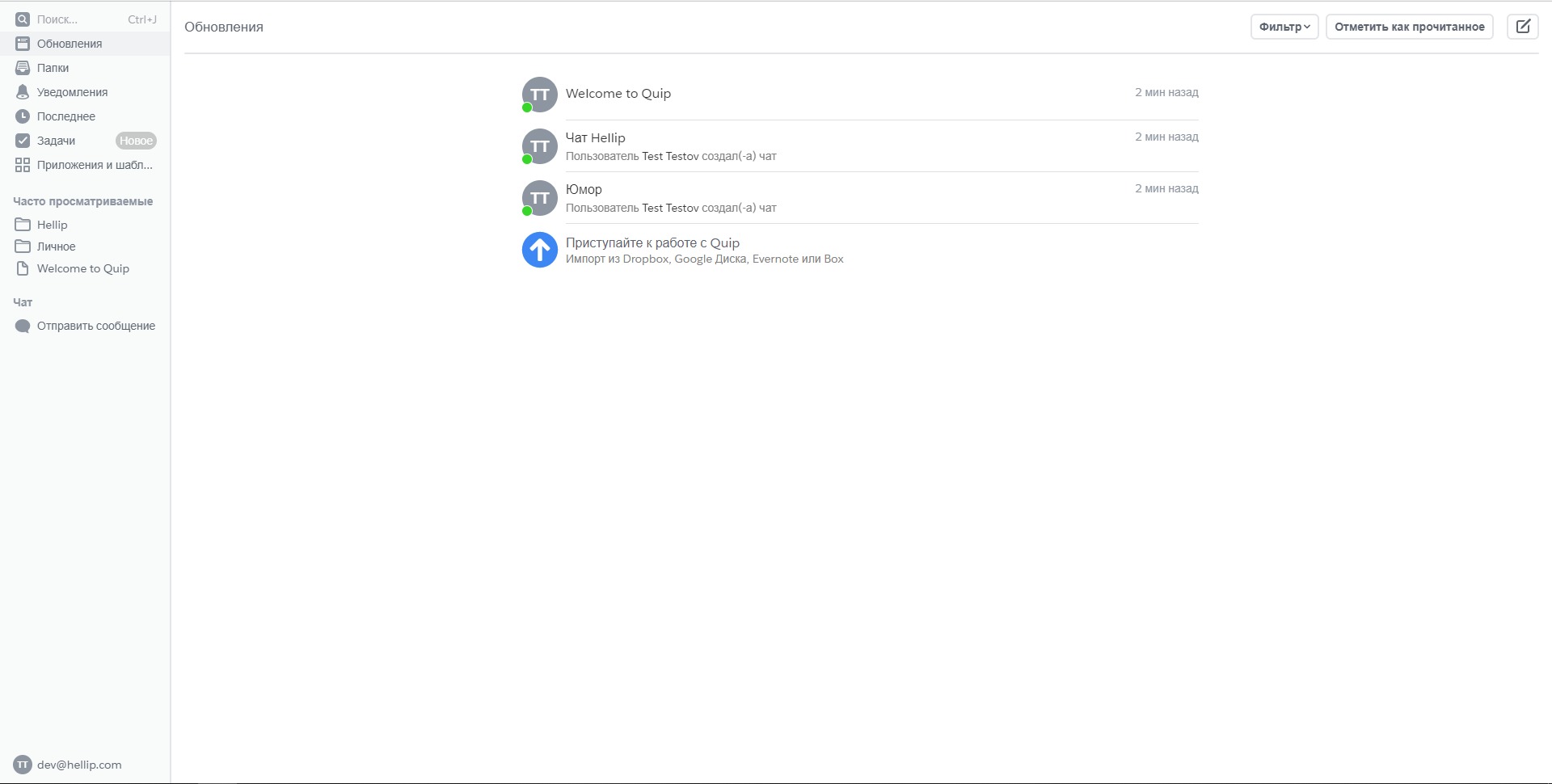
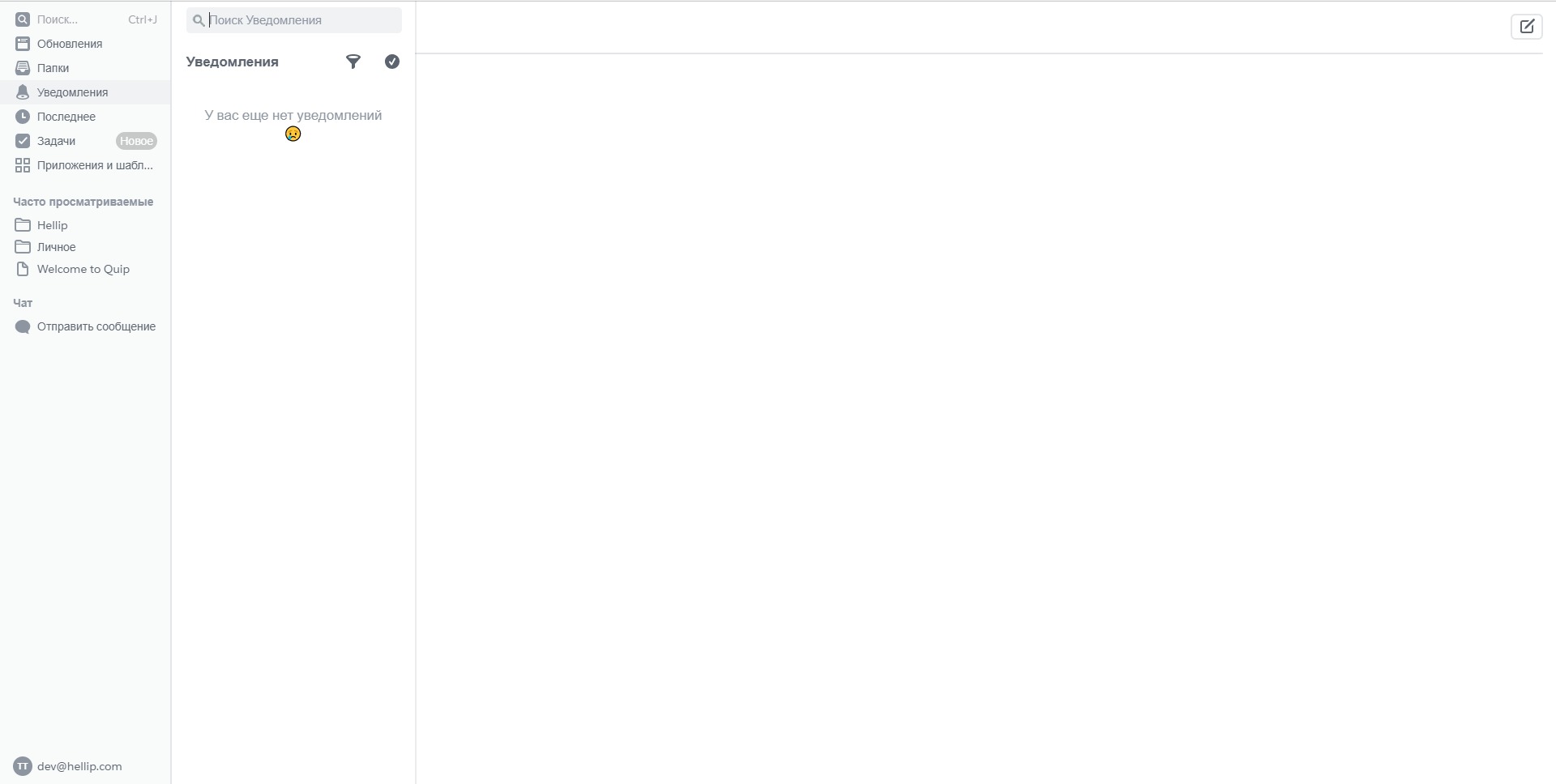
Quip feels more like a working canvas than a traditional document editor. Users can open a document, add written content, insert a spreadsheet, tag teammates, discuss updates, and keep the document active over time. The experience is built around speed, collaboration, and context.
For teams already working in Salesforce, Quip can feel like an extension of the CRM rather than a separate productivity tool. It is best suited for organizations that want documents to become part of daily workflows, not just files stored in folders. The interface is practical, team-oriented, and focused on keeping work moving.
2021-09-17 19:09:39: 👋 Allow us to reintroduce ourselves! Salesforce Anywhere is now Quip.
Learn how Quip for Sales accelerates growth with revenue planning for the #1 CRM: https://t.co/bPwBmnjFKo https://t.co/ptFmalHub8Twitter
2021-07-29 01:40:25: From Olympic Medalist 🏅 to Salesforce Solutions Engineer ✨
See how Christine Magnuson transferred her skills, and helps customers win with a new way to work: https://t.co/dwdT1LS6lYTwitter
2021-07-12 20:27:50: Customers routinely jump from inbound sales ➡️ outbound reps ➡️ customer support ➡️ customer success (and back again! ↩️).
Learn how your account team can keep up to speed: https://t.co/duzgHdBoAS https://t.co/A78x7RyZk8Twitter
2021-06-29 21:03:34: Diversity and inclusion are core values at Salesforce Anywhere and we've made it easier to represent yourself by setting your default skin tone for emojis.
Open the emoji picker and click the new 👋 icon to set your preferred skin tone. https://t.co/0ynn2aonfcTwitter
Quip Alternatives




Quip Reviews & Demos
Quip Integrations