OpenDrive
Languages:
English
Localization:
World

What is OpenDrive and how does it work?
OpenDrive is a cloud storage and backup platform designed to centralize file management, device synchronization, and secure online collaboration. It functions as a unified digital workspace where users can store, access, share, and protect data from virtually any device. Instead of relying solely on local drives or fragmented tools, OpenDrive consolidates storage, backup automation, file versioning, and lightweight productivity features in one environment.
At its core, OpenDrive allows users to upload files to secure remote servers and access them through web, desktop, or mobile applications. Files can be synchronized automatically between devices, ensuring that the most recent version is always available. Built-in backup functionality protects data from accidental deletion or hardware failure. Beyond storage, the platform includes simple task and note management tools that connect documents with project workflows. This makes OpenDrive suitable not only as a storage repository but also as a structured operational space for individuals and teams.
What are the key features of OpenDrive?
-
Cloud Storage with Flexible Capacity
OpenDrive offers scalable cloud storage suitable for personal users, professionals, and businesses. Large files such as media assets, design projects, and archives can be uploaded and organized in structured folders. Storage plans support high limits, making the platform viable for data-intensive workflows. -
Automatic Backup and File Protection
The backup system allows users to schedule automatic uploads from local drives. This reduces the risk of data loss due to hardware failure, theft, or accidental deletion. Version history enables restoration of previous file states, offering an additional safety layer. -
File Synchronization Across Devices
OpenDrive provides sync functionality that mirrors selected folders between devices. Two-way synchronization ensures changes made on one device are reflected everywhere. This is particularly useful for remote teams and multi-device users. -
Secure File Sharing and Collaboration
Files and folders can be shared via controlled links or collaborative access. Permissions can be configured to restrict editing or downloading. This enables professional file distribution without complex third-party tools. -
Built-In Notes and Task Management
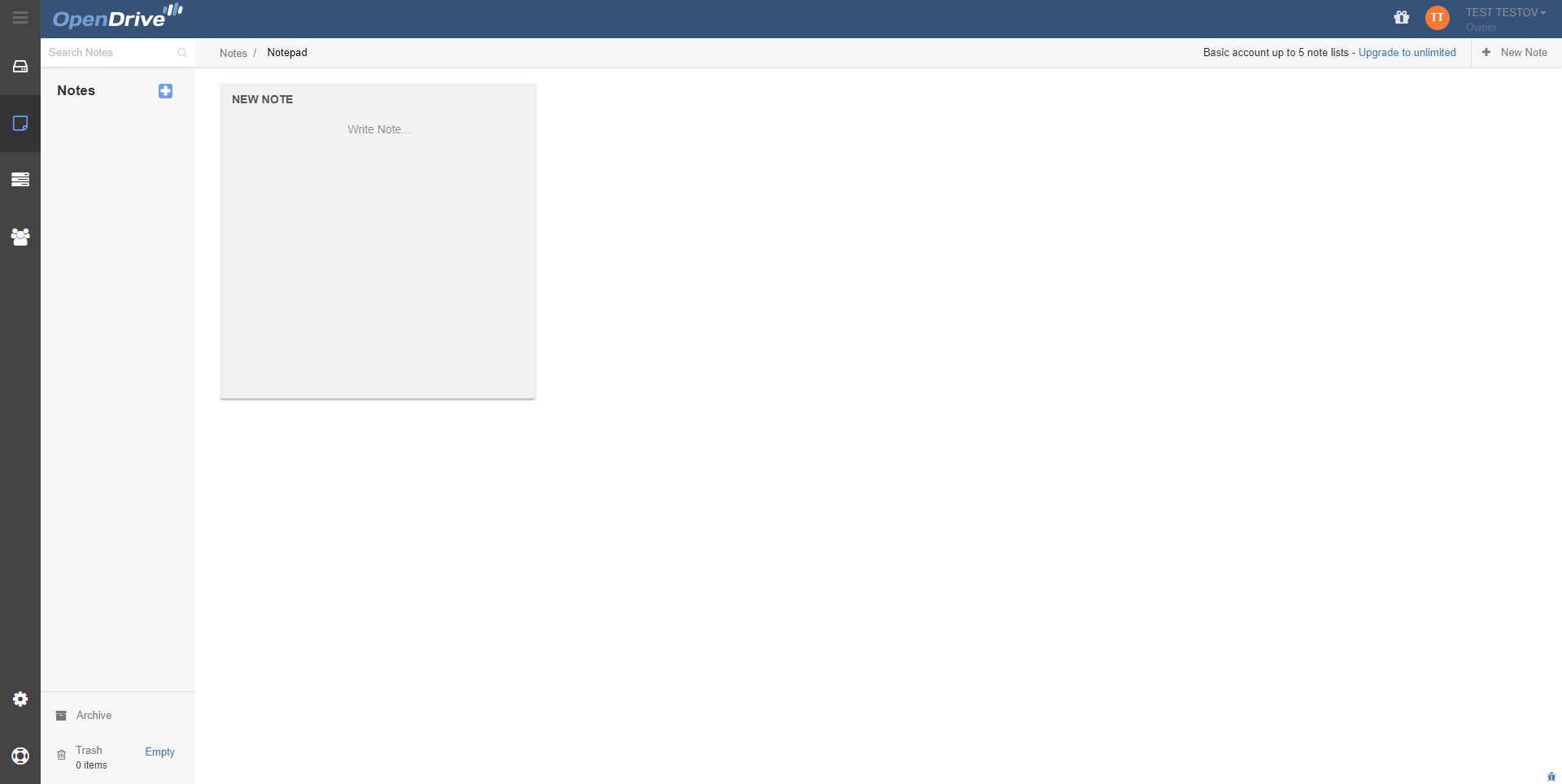
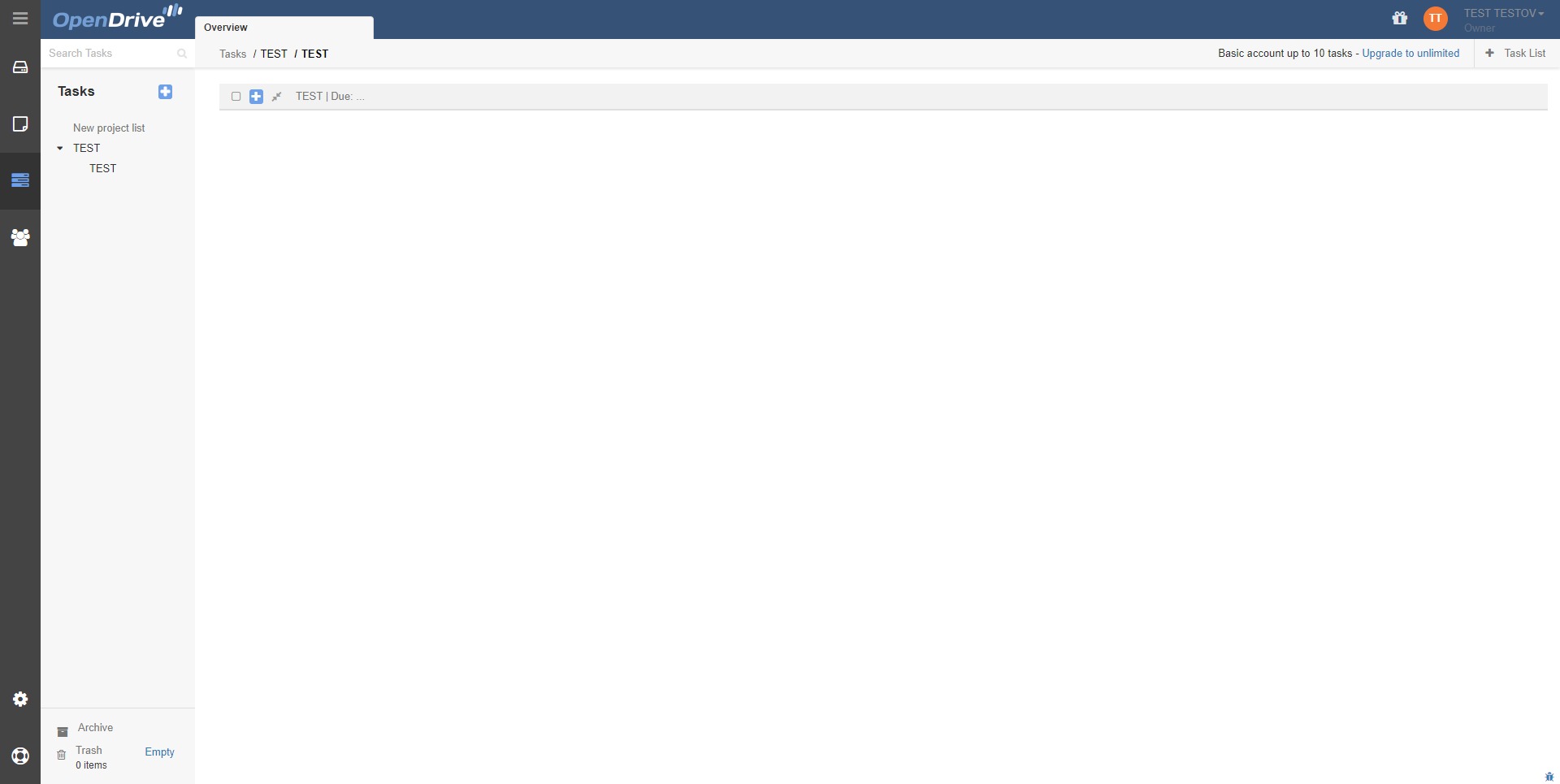
Unlike many pure storage providers, OpenDrive includes integrated notes and task modules. Users can create structured notes, attach files to tasks, and maintain lightweight project tracking within the same system. -
Cross-Platform Access
The platform supports Windows, macOS, Linux, iOS, Android, and browser access. This ensures flexibility for both office and remote environments. -
Data Security and Redundancy
Files stored in OpenDrive are protected using encryption and server redundancy. This architecture enhances reliability and minimizes downtime or data corruption risks.
Who should use OpenDrive and in what scenarios?
-
Small Businesses Managing Shared Documents
Teams can centralize contracts, proposals, invoices, and operational documents. Shared folders reduce dependency on email attachments and improve version control. -
Freelancers Handling Large Media Files
Designers, video editors, and photographers can store large creative assets while keeping synchronized backups of active projects. -
Remote Teams Needing Lightweight Collaboration
The combination of file sharing, notes, and task management supports simple project coordination without adopting full-scale enterprise software. -
Individuals Seeking Secure Personal Backup
Personal users can back up photos, documents, and archives, ensuring data safety even if a local device fails. -
Organizations Requiring Structured Data Retention
Versioning and centralized storage help maintain controlled records and organized file hierarchies.
What benefits does OpenDrive provide compared to standard storage solutions?
OpenDrive delivers multiple advantages beyond basic file hosting:
-
Centralization of Tools
By combining storage, backup, sync, and lightweight productivity features, OpenDrive reduces the need for separate applications. -
Operational Efficiency
Automated backups and sync processes decrease manual file management. Teams spend less time coordinating file versions. -
Data Continuity and Risk Reduction
Backup scheduling and version control protect against data loss, ransomware impact, and accidental overwrites. -
Scalability
Storage capacity can grow alongside user needs, supporting both small projects and expanding data environments. -
Improved Collaboration
Controlled sharing permissions and organized folder structures simplify team communication and client delivery. -
Cost Predictability
Consolidating multiple functions into one platform can lower overall software costs compared to purchasing separate tools for storage and task management.
How user-friendly is OpenDrive in daily operations?
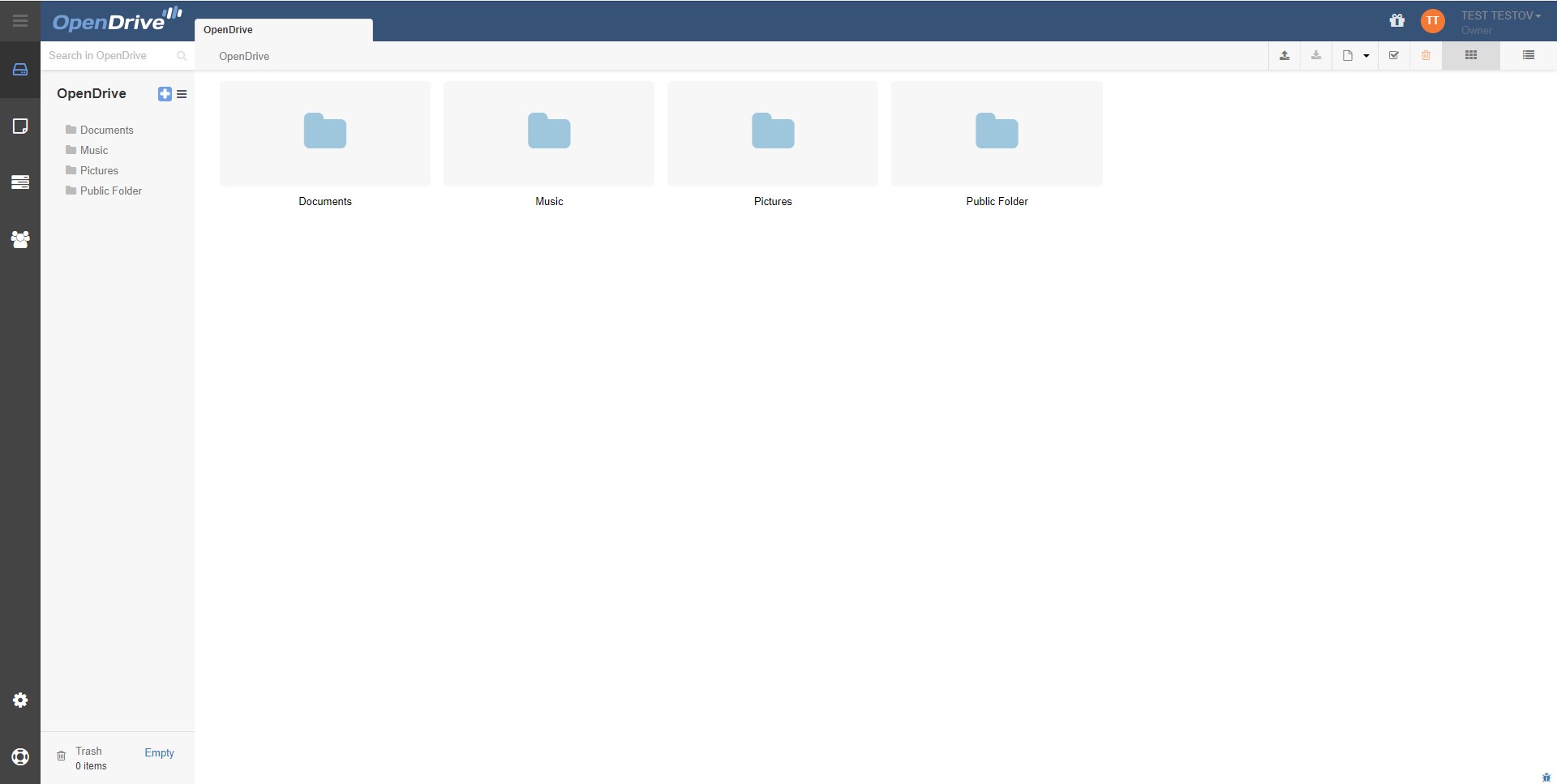
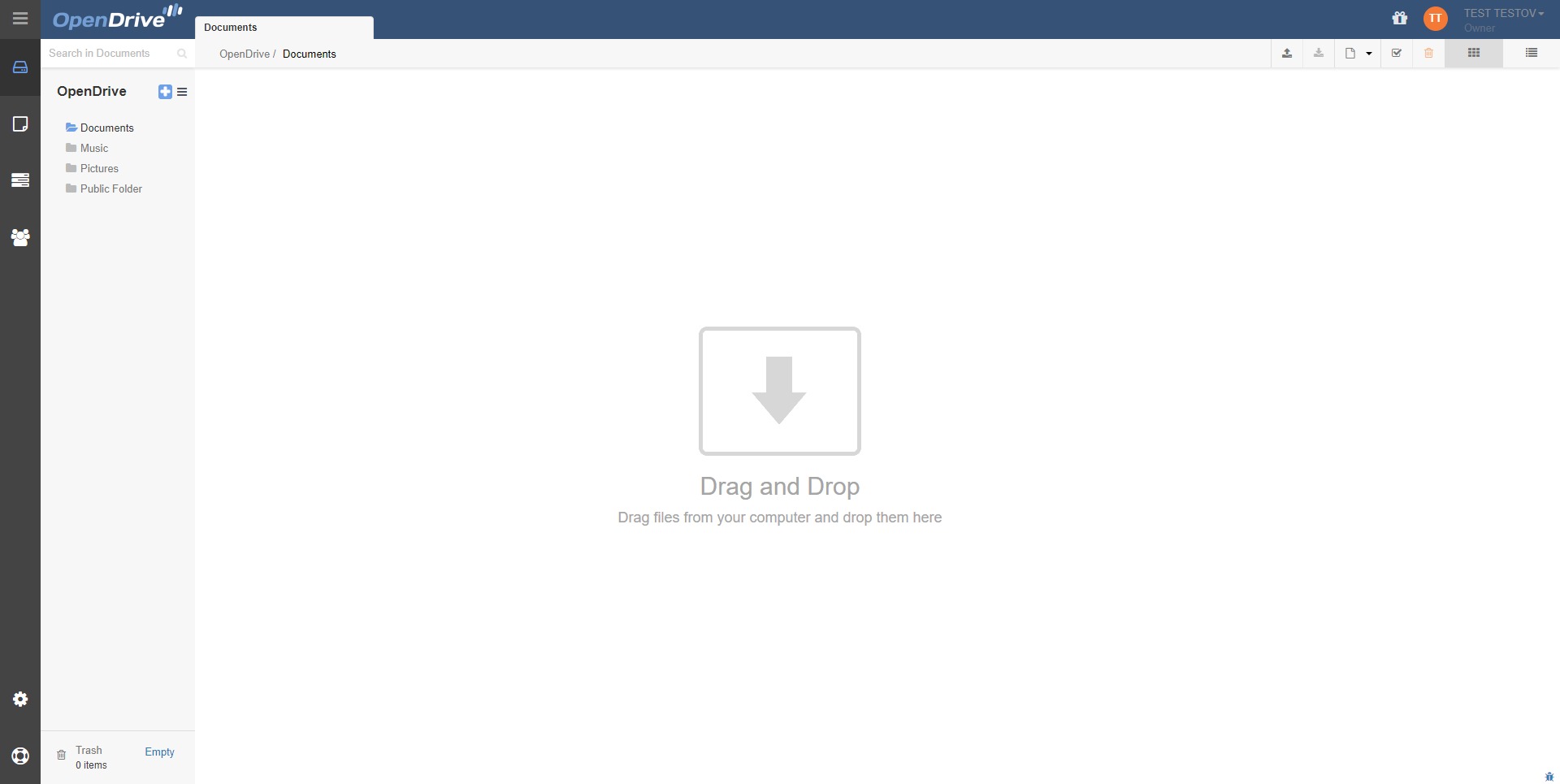
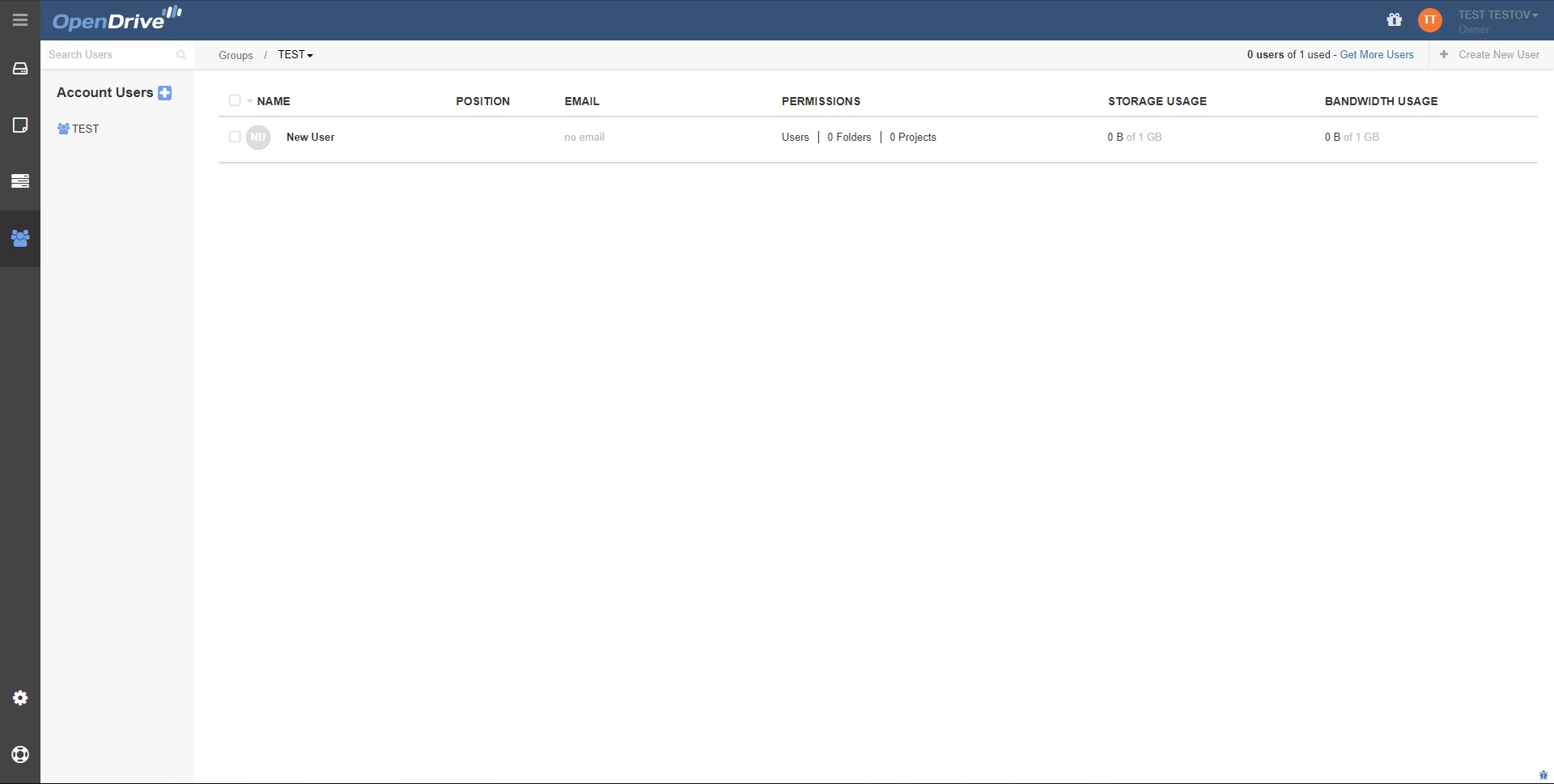
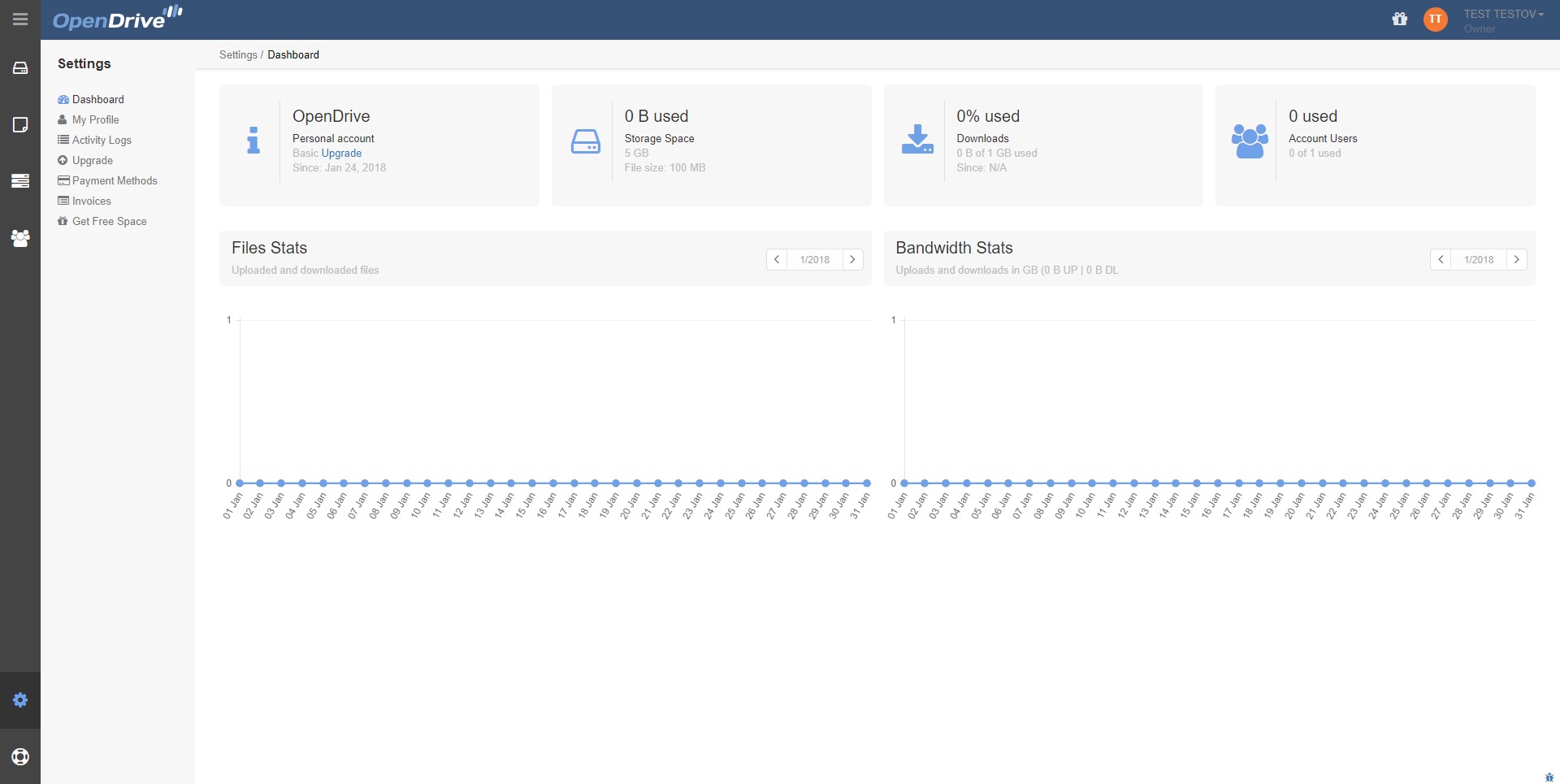
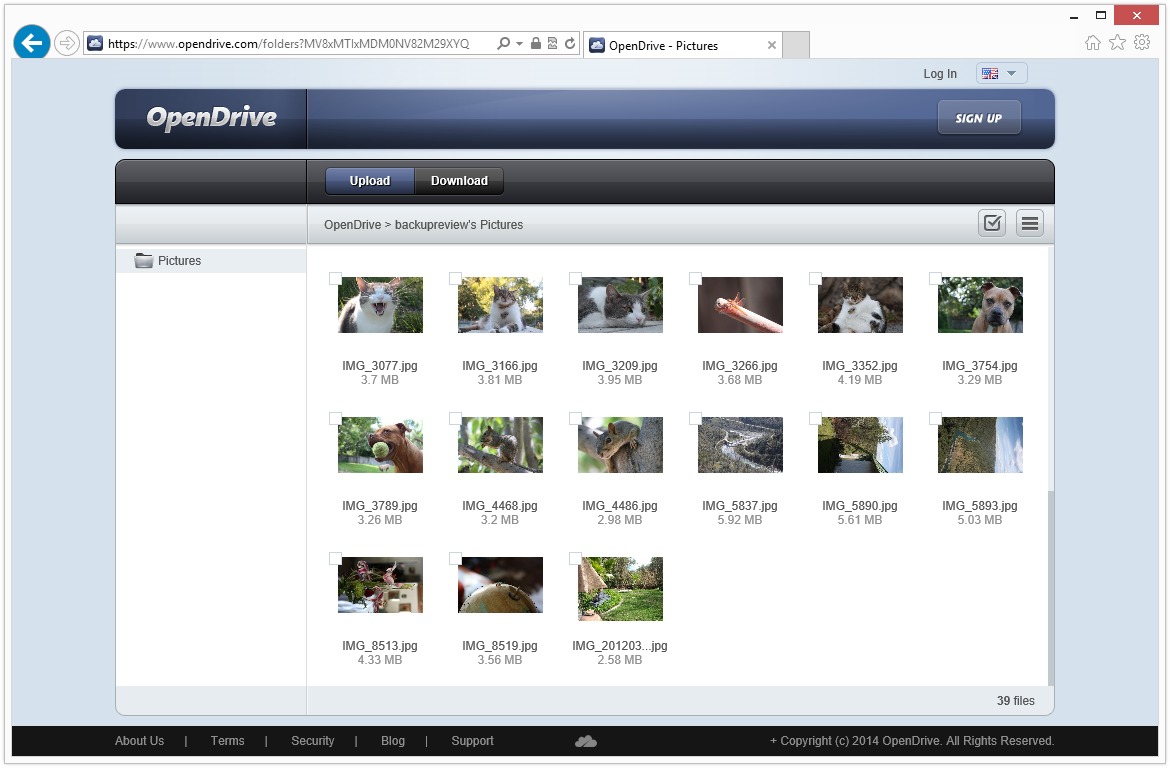
OpenDrive emphasizes a structured but straightforward interface. The dashboard organizes files, notes, and tasks into clearly separated modules. Folder navigation resembles traditional file explorers, reducing the learning curve for new users. Drag-and-drop uploads simplify content management.
Desktop applications allow background synchronization, meaning files update automatically without constant user intervention. Mobile access ensures that documents can be viewed or shared while traveling. Administrative controls for permissions and storage limits are accessible without advanced technical knowledge.
For business users, the system supports organized workflows without overwhelming complexity. While it does not replace enterprise-grade collaboration suites, it covers essential operational needs effectively.
Overall, OpenDrive balances functionality with usability. It serves as both a secure storage environment and a lightweight operational platform. For users seeking a practical combination of cloud storage, automated backup, and structured file collaboration, OpenDrive provides a cohesive solution that aligns data protection with day-to-day productivity.
2020-03-11 18:46:57: A new version of OpenDrive for Android is now available from the Google Play Store with the latest improvements!Twitter
2019-12-09 22:40:50: OpenDrive now allows users to use links that expire on a specific date or after a specific number of uses. Try it out! https://t.co/aXocFAmwr9Twitter
2019-03-31 02:26:29: Linux users can now easily use OpenDrive Cloud Storage https://t.co/Wdd4QO0PzjTwitter
2018-11-02 23:27:32: The latest OpenDrive Android version was released today. Stream music in the background, auto-play the next song in your folder, and upload any file type via your Android device.Twitter
2016-07-06 20:18:44: “The Lisa is a personal computer introduced by Apple Computer Inc. on January 19, 1983. It was one of the first... https://t.co/3JUrISSSHfTwitter
2016-07-05 22:44:19: How would you like to have a free Personal Unlimited cloud storage account for an entire year? Everyone who likes... https://t.co/pbIaseyA5rTwitter
2016-06-30 19:52:34: OpenDrive stands with American and America stands with OpenDrive. We are offering 25% discounts on Unlimited... https://t.co/dzTTbvpKF4Twitter
2016-06-29 20:43:04: Back during the dawn of computers, data and programs would be stored on punch cards. Instead of your files being... https://t.co/uB0UfDXzgNTwitter
2016-06-29 17:33:50: We are experiencing some brief technical difficulties with the login page and are working toward solving the... https://t.co/LXwPXsxoQgTwitter
2016-06-24 21:12:52: Our new Notes feature will help increase your productivity in the Cloud by helping remind you of the little... https://t.co/2mYe5hZAC5Twitter
OpenDrive Alternatives