OnePageCRM
Languages:
English
Localization:
World

What is OnePageCRM and who is it built for?
OnePageCRM is a cloud-based sales CRM designed for small businesses, startups, consultants, and lean sales teams that want a practical system for managing leads and follow-ups without the weight of a large enterprise platform. Its core idea is simple: every contact should have a clear next step. Instead of becoming a passive contact database, the CRM is structured to keep sales moving through consistent action. This makes it especially useful for teams that depend on outbound sales, relationship-based selling, and regular follow-up discipline. The platform is positioned as an affordable and straightforward option, with a focus on day-to-day execution rather than bloated administration. It also supports unlimited records, a 21-day free trial, and a range of integrations that help businesses connect CRM activity with email, calendar, and other tools already used in operations.
What are the key features of OnePageCRM?
- Next Action system
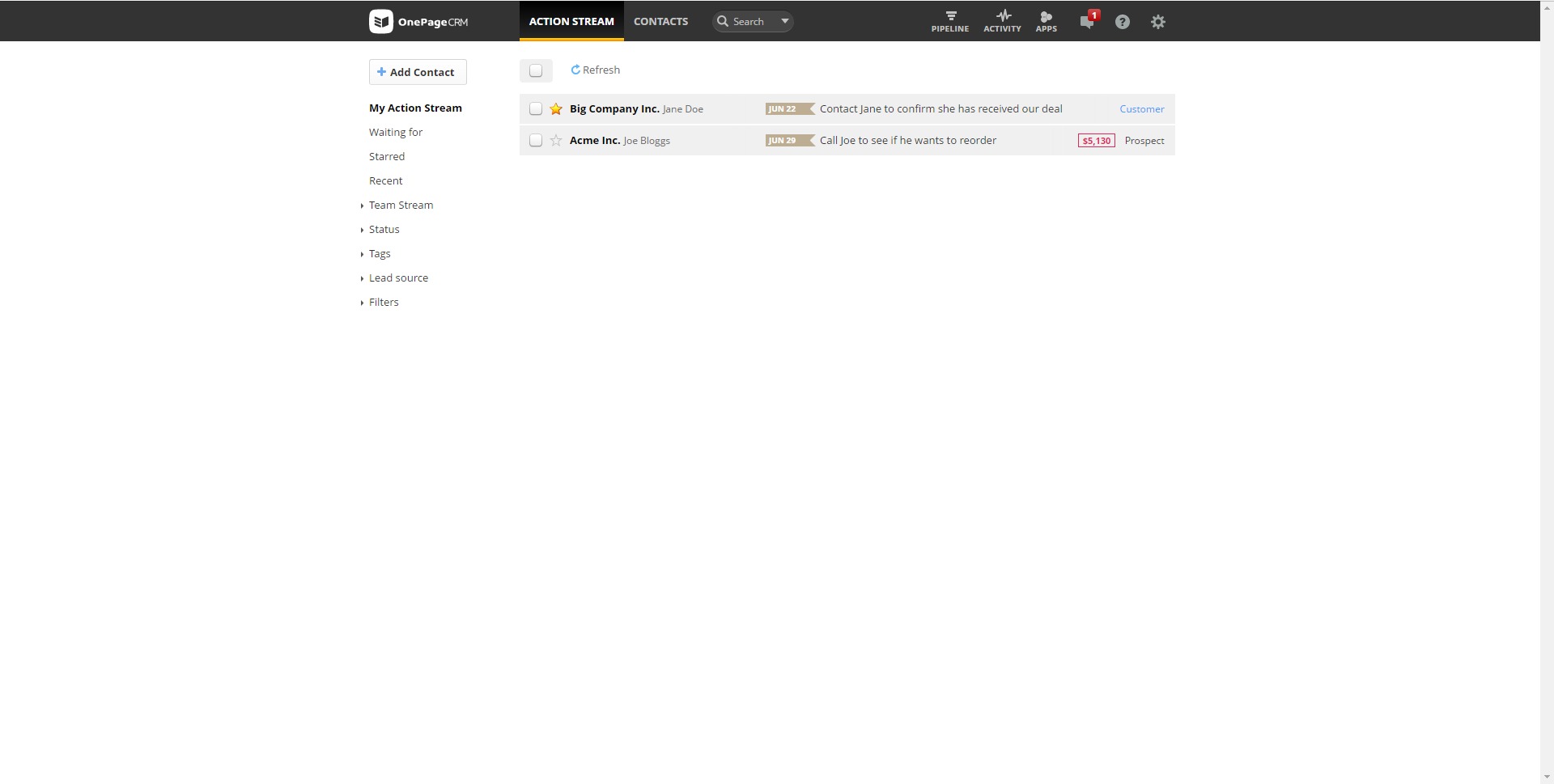
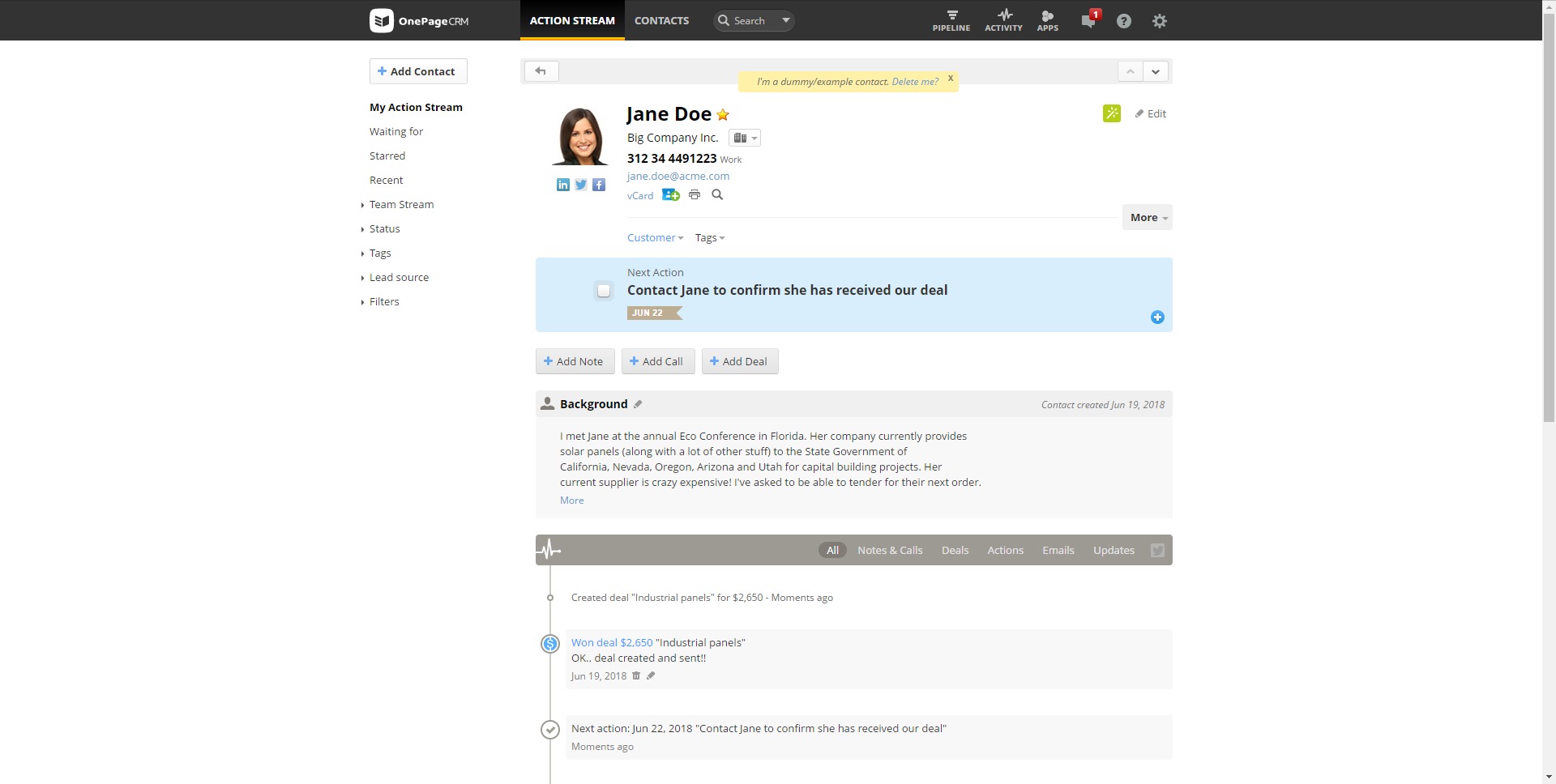
The defining feature of OnePageCRM is its Next Action approach. Each contact can be assigned a specific follow-up task, which turns the CRM into a working queue of sales activity rather than a static list of names. This structure helps teams reduce forgotten leads and maintain momentum across the pipeline. - Sales pipeline management
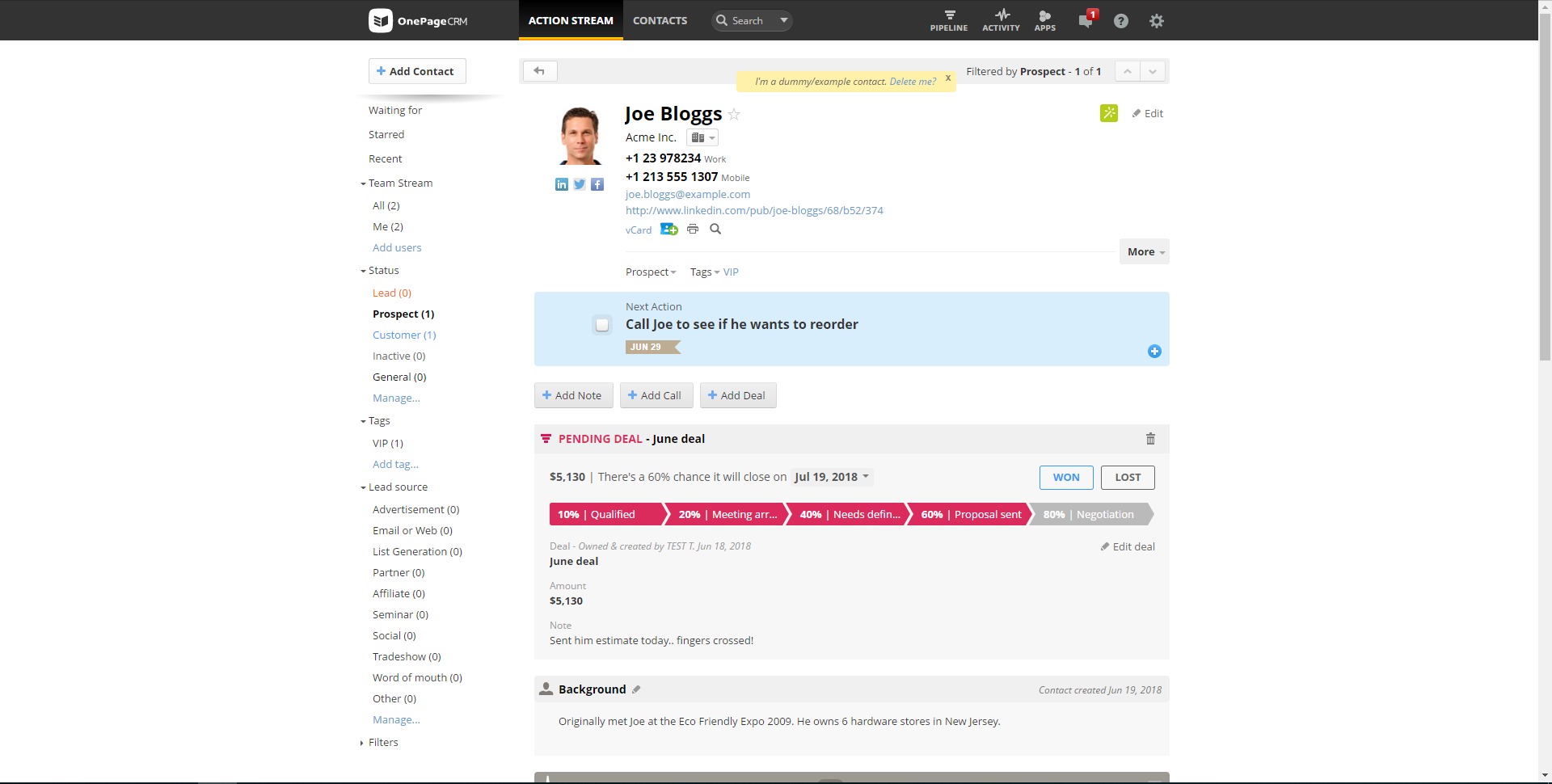
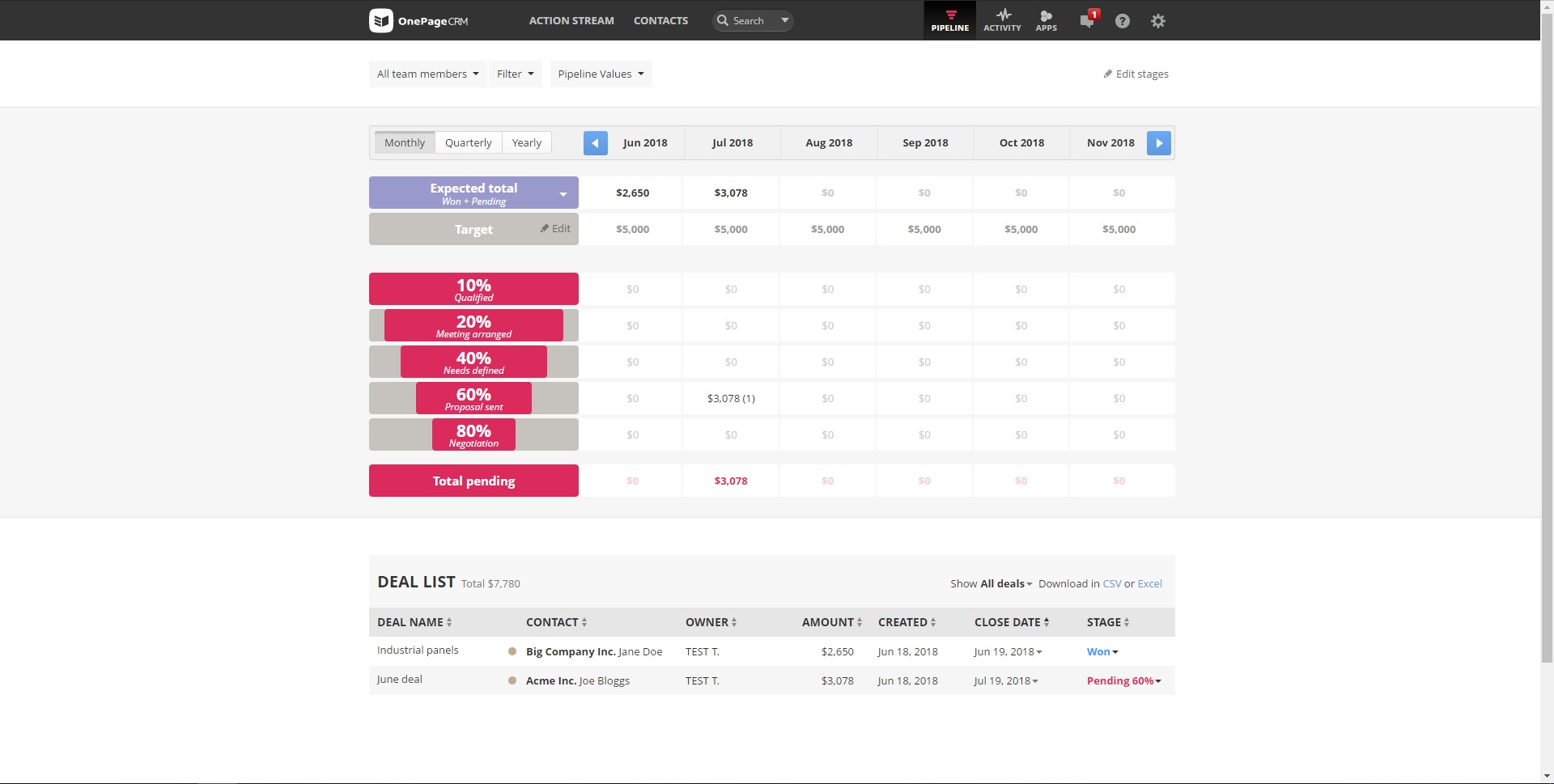
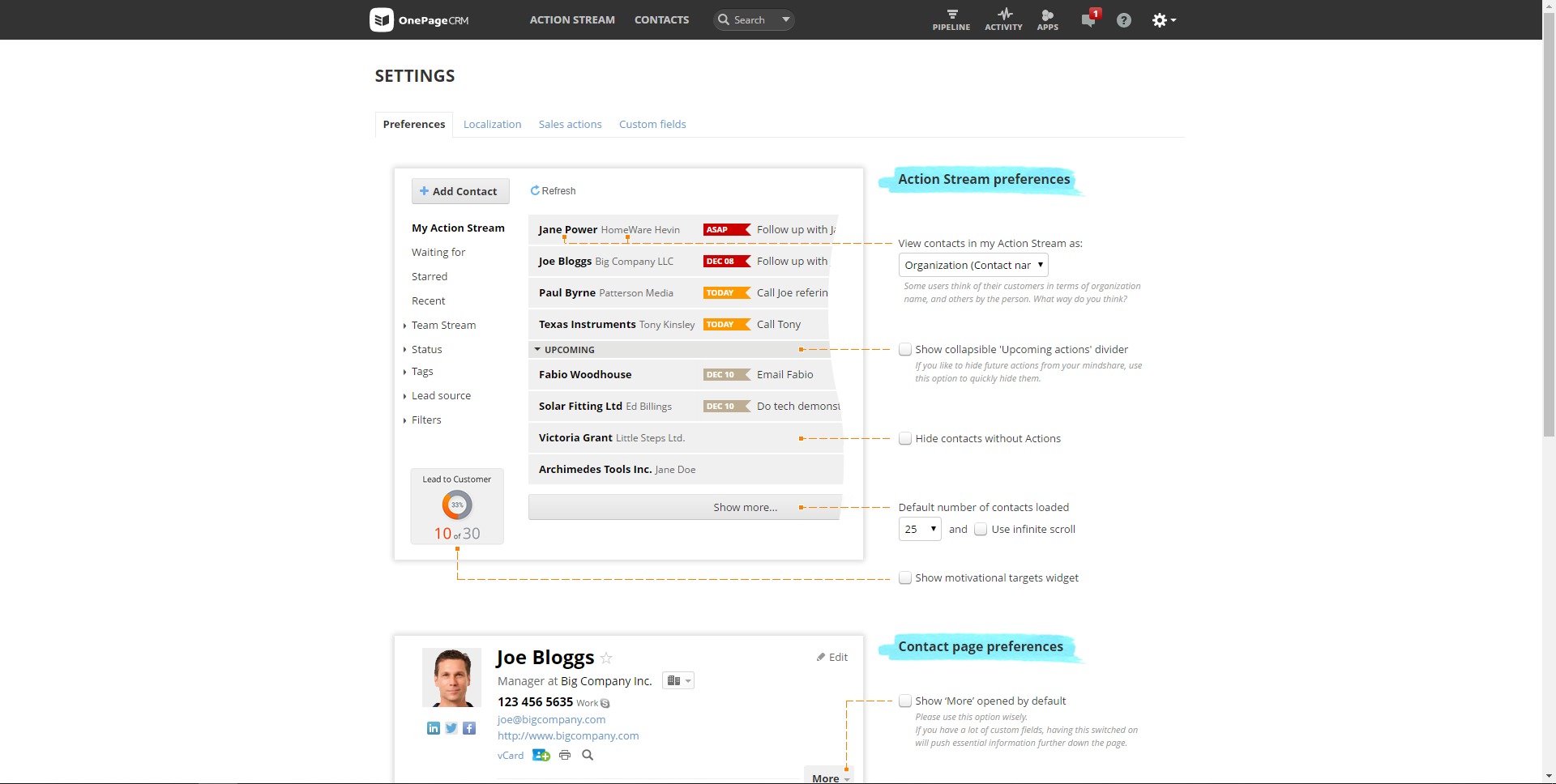
OnePageCRM includes a visual deal pipeline where opportunities can be tracked through stages, moved forward as progress happens, and reviewed in a kanban-style layout. This gives users a clearer picture of active deals and bottlenecks in the sales cycle. - Action Stream prioritization
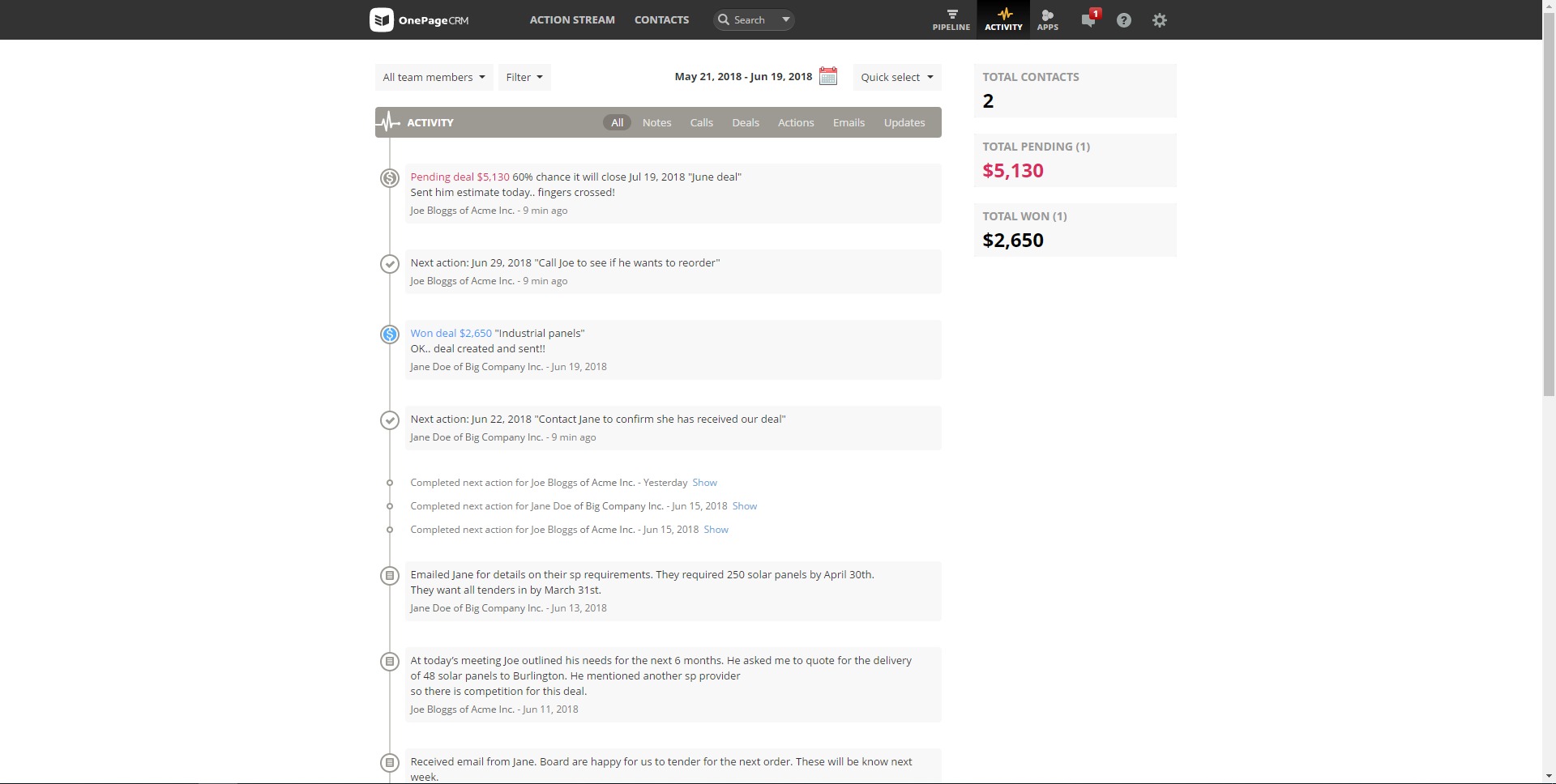
Time-sensitive follow-ups are organized so that the most urgent actions rise to the top. This is useful for busy teams that need a simple daily view of what matters first and what should not be left idle. - Email and productivity integrations
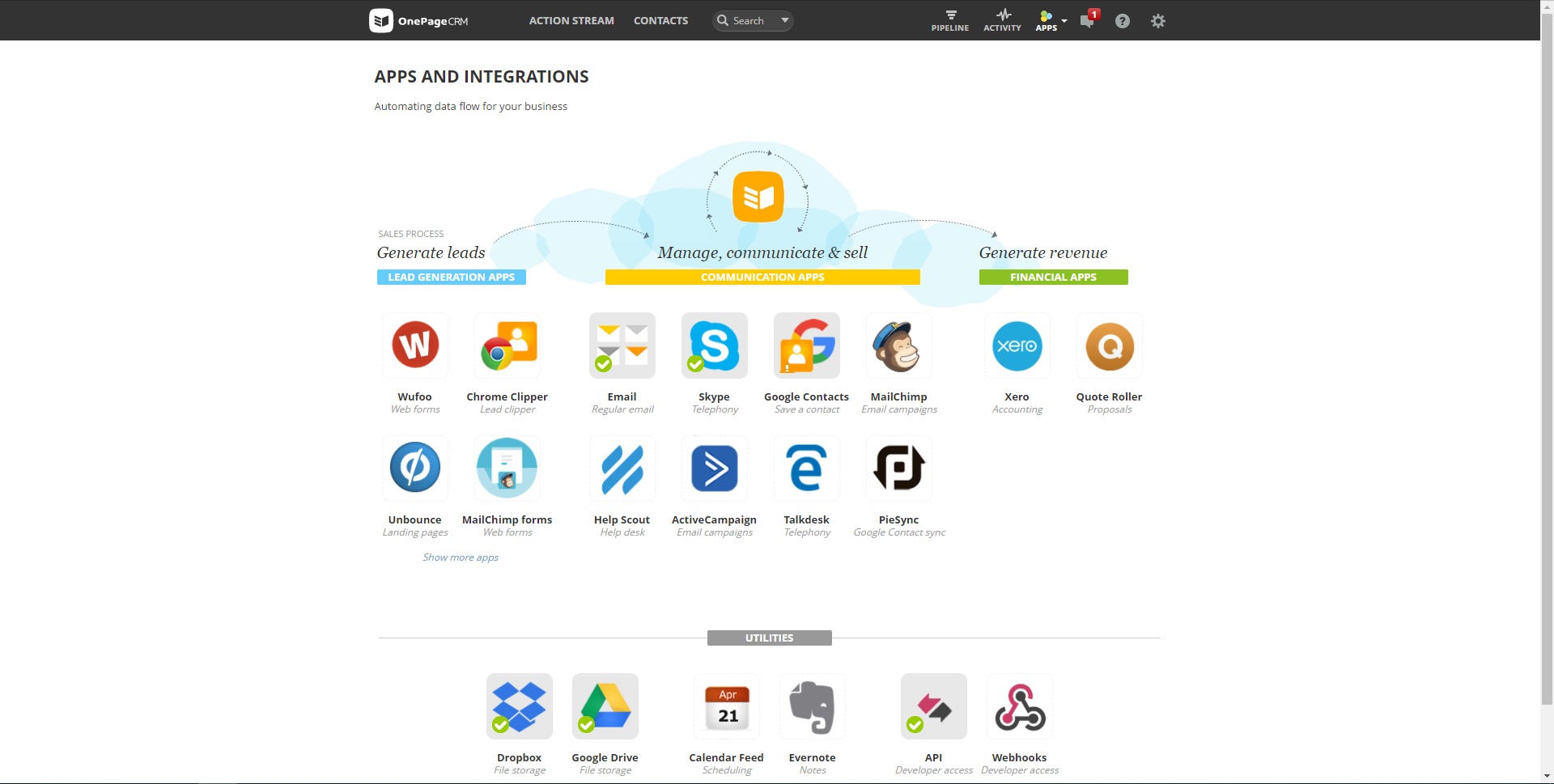
The platform connects with Google apps, Outlook, and a broader marketplace of business tools. It also supports integration through API access and external automation platforms, making it flexible for businesses that need connected workflows. - Lead capture tools
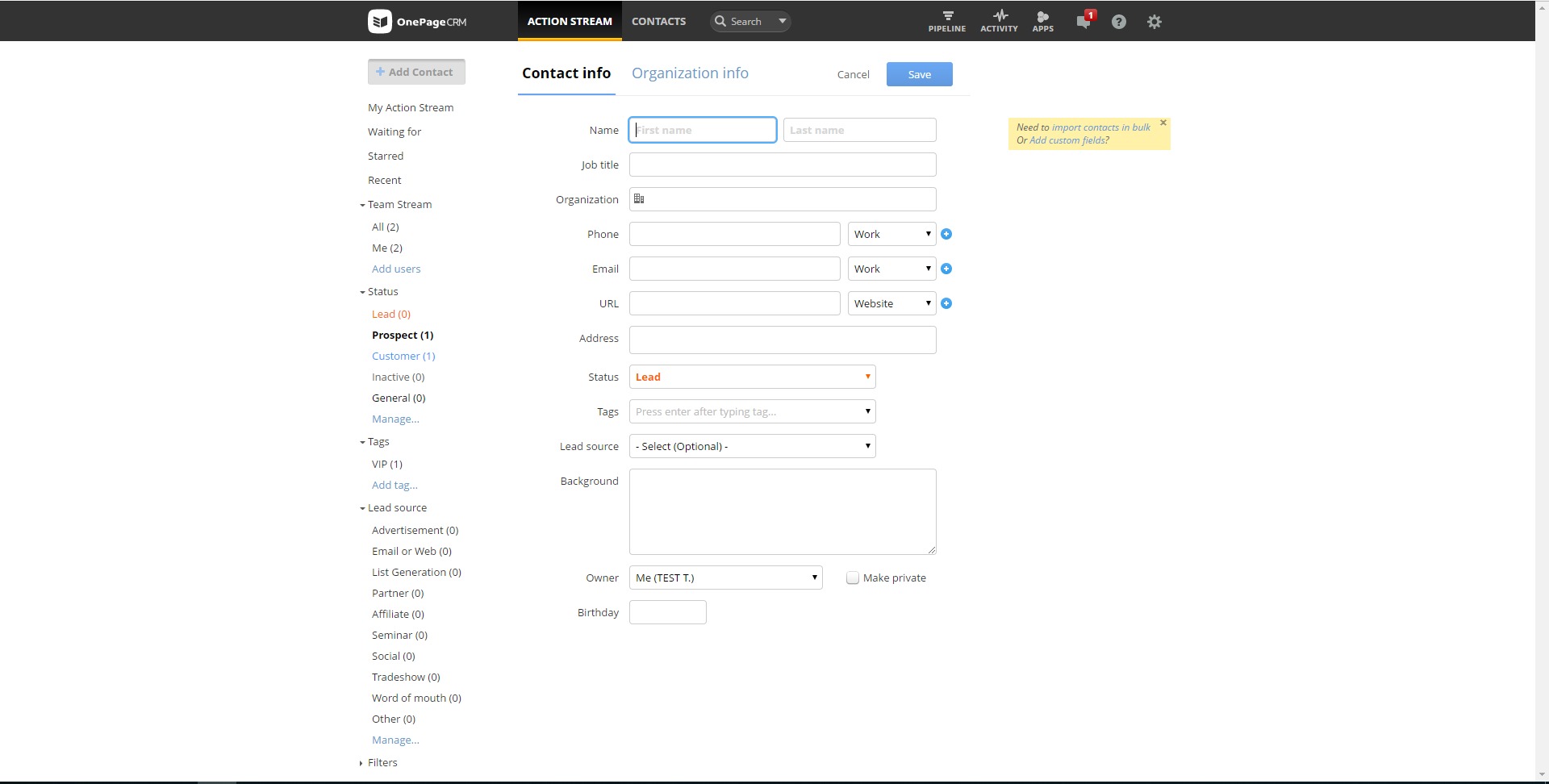
OnePageCRM supports lead capture through tools such as browser-based clipping, helping users add new prospects from websites and online sources with less manual work. This can speed up prospecting and reduce repetitive data entry. - Affordable pricing structure
The service is positioned as a low-cost CRM for small businesses, with predictable pricing and no hidden add-on pattern in its core plans. That makes it more approachable for smaller teams that need discipline without enterprise-level spend.
What are the best use cases for OnePageCRM?
- Small sales teams
OnePageCRM fits businesses that need a shared place to manage contacts, track deals, and keep follow-ups visible without building a complex CRM environment. - Consultants and agencies
Service businesses that rely on personal outreach, recurring follow-ups, and deal progression can use the Next Action model to keep leads from going cold. - Founder-led sales
It works well when the founder or owner is still directly handling prospecting and closing, because the interface is built around clarity, speed, and immediate action. - Mobile and field sales workflows
Teams that operate away from a desk benefit from quick access to contacts, pipeline information, and sales actions while moving between calls, meetings, or client visits. - Businesses that want CRM without heavy setup
Companies that have delayed CRM adoption because of complexity may find OnePageCRM easier to roll out, especially when the real goal is sales discipline rather than building a full operations suite.
What benefits does OnePageCRM offer?
OnePageCRM’s biggest advantage is focus. It concentrates on the mechanics of selling: follow-up, prioritization, deal visibility, and contact management. That narrower scope reduces clutter and can improve adoption among small teams that do not want a system full of modules they will never use. Its action-first design helps prevent pipeline stagnation, while its pricing model makes it accessible to smaller organizations. Another benefit is flexibility. The platform can stay lightweight for a solo operator, but it can also connect with email, calendars, and external tools as the business becomes more structured. Overall, it is well suited to businesses that value momentum, clarity, and cost control in their sales process.
What is the user experience like in OnePageCRM?
The user experience is centered on simplicity and action. OnePageCRM is built to reduce the common friction that comes with traditional CRM tools, where users often spend more time updating records than moving sales forward. Its interface is structured around what should happen next, which creates a more operational rhythm for the day. The visual pipeline, prioritized action flow, and integration options support a practical working style rather than an overly technical one. For small businesses, this usually translates into faster onboarding, less resistance from users, and a CRM that feels like a working sales companion instead of an internal reporting burden.
2026-10-22 13:00:18: AI Genera Tu Informe de Ganancias/Pérdidas al Instante Youtube
2026-10-22 08:47:41: OnePageCRM Custom Buttons | Run Tasks in Other Apps Without Leaving Your CRM Youtube
2026-10-20 13:00:19: Build a Full Sales Pipeline Dashboard With OnePageCRM Youtube
2026-10-15 13:00:26: "In So Many CRMs, You Just Get Lost" Youtube
2026-10-12 13:00:08: A sales to-do list, not a database! #crm Youtube
2026-10-08 13:00:24: Why he made the switch to OnePageCRM Youtube
2026-10-06 13:00:24: Discover Why You're Losing Deals Using AI Youtube
2026-10-01 13:00:23: OnePageCRM MCP: AI Qualifies Your Web Form Leads For You Youtube
2026-09-29 13:00:03: Turn a Messy List Into CRM Contacts Using AI Youtube
2026-09-24 13:00:09: OnePageCRM MCP: Paste a Call Transcript, Let AI Do the Rest Youtube
2023-04-04 13:03:14: Attention marketers 📣📣📣
We're looking for a new marketing partnerships coordinator to join our vibrant and fun team!
Interested? Apply here: https://t.co/XgBwaaCed0
#marketingjobs #jobvacancy https://t.co/El7JJ7p5kATwitter
2023-04-03 15:19:44: Tomorrow, our amazing Larry Cabra from Customer Success will be giving a tour of the app in the Getting Started with OnePageCRM webinar.
Spread the word and join us for this 30-min live session! ▶️
You can save your seat here: https://t.co/Di0L3KpSbD https://t.co/6qFkgY6wPgTwitter
2023-03-29 18:00:30: Although making content harder to access might seem senseless, in the long run, this tactic can bring your business a new pool of paying customers 🔥
Read our new blog post to understand what gated content is and how you can use it for lead generation: https://t.co/S1NLUGcMVt https://t.co/2YYILazVAqTwitter
2023-03-27 17:05:33: Keep testing 🔥 https://t.co/8zj3oetILfTwitter
2023-03-27 17:05:32: Automate. Automate. Automate. https://t.co/GtHJPF44UHTwitter
2023-03-27 17:05:31: Give your audience relevant and valuable content! https://t.co/2tv5Wj6JgpTwitter
2023-03-27 17:05:30: Optimize your email design ✨ https://t.co/KELq7oMGDgTwitter
2023-03-27 17:05:29: You've got a list of cold leads...now what? 🙃
To turn those email addresses into customers and brand advocates, you need to keep them engaged with good email campaigns!
So here are 5 tips to step up your email marketing game 👇Twitter
OnePageCRM Alternatives




OnePageCRM Integrations