Mouseflow
Languages:
Deutsch
English
Localization:
World

What is Mouseflow and what does it do?
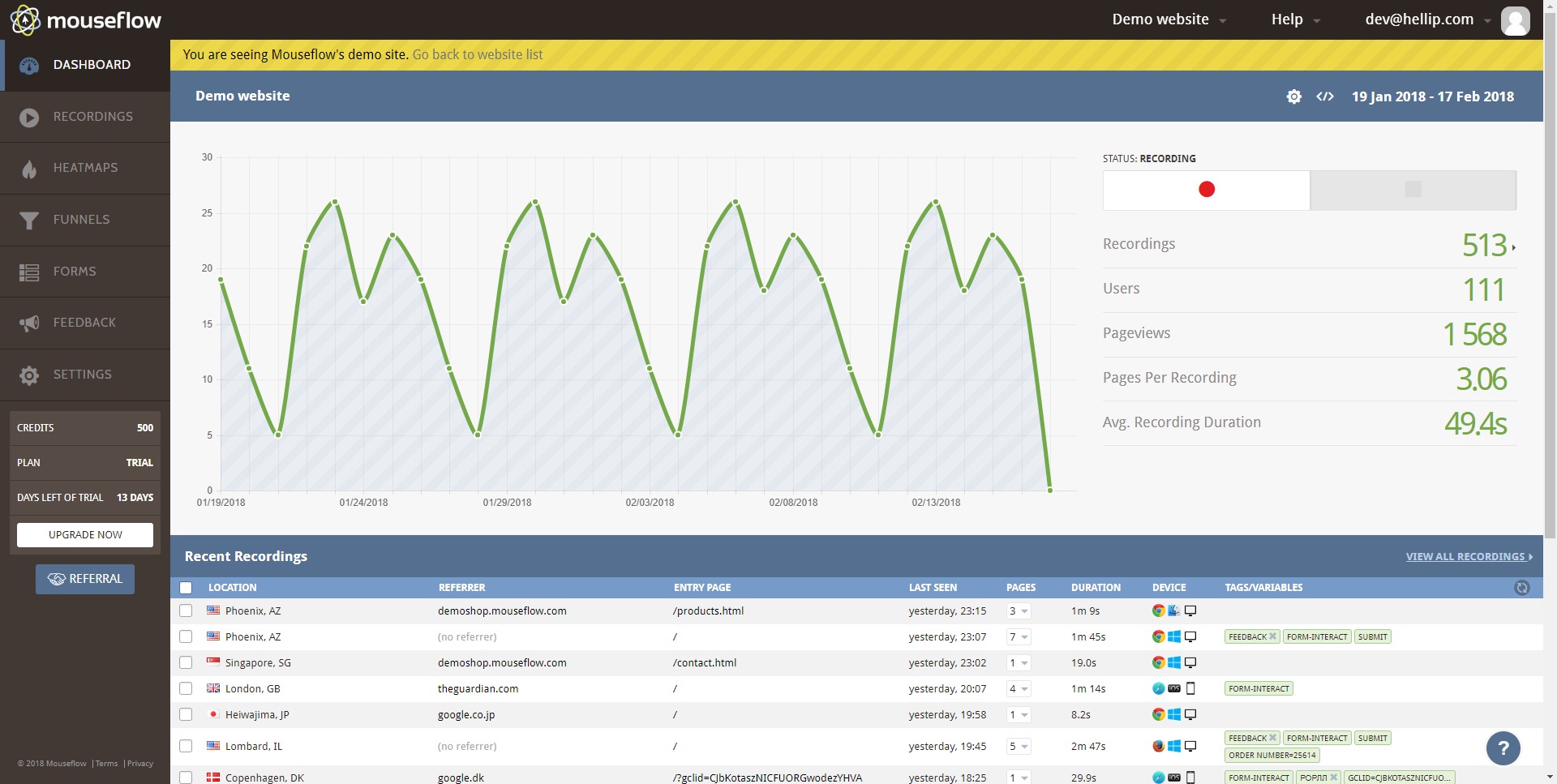
Mouseflow is a website behavior analytics platform built to help teams understand how people actually use a site, not just how many visits or conversions appear in a dashboard. Its core value sits in the space between classic analytics and real user observation: it combines session replay, heatmaps, journey analysis, friction detection, funnels, form analytics, and feedback tools to reveal where visitors move smoothly and where they get stuck.
The platform is designed for teams that want answers to practical questions such as why users abandon a checkout, why a landing page underperforms, why a signup flow leaks conversions, or why a feature page gets traffic but little action. Instead of relying only on aggregate metrics, Mouseflow makes user behavior visible through recordings and visual interaction maps. That makes it useful for UX specialists, marketers, CRO teams, product managers, and e-commerce operators who need direct evidence before making design or funnel changes.
Which key features make Mouseflow useful?
-
Session Replay
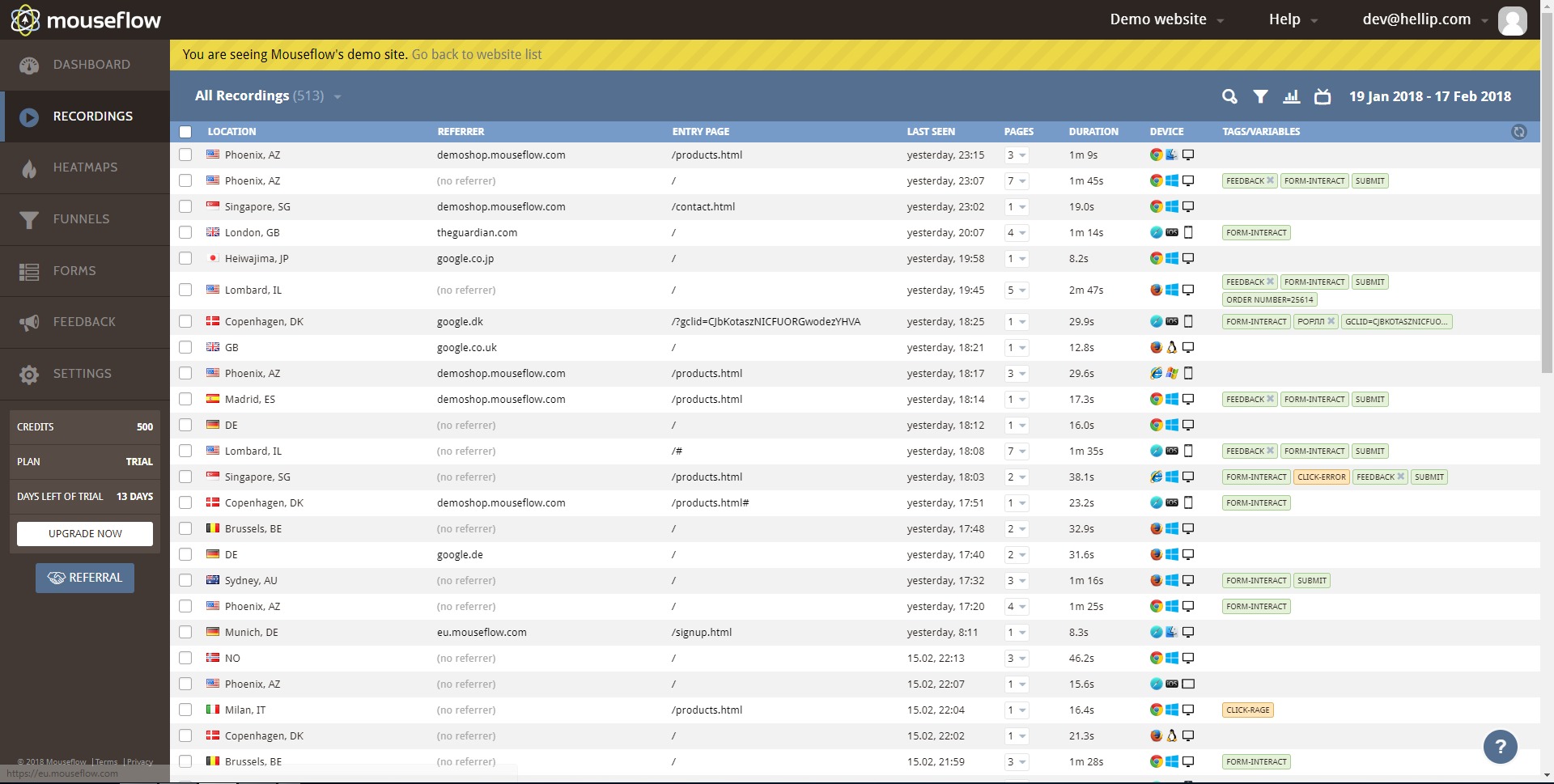
Mouseflow records user sessions with high fidelity, capturing clicks, scrolls, hesitation, and interaction patterns. This helps teams watch what happened during a visit and spot bugs, confusion, broken flows, or hesitation around important actions. -
Website Heatmaps
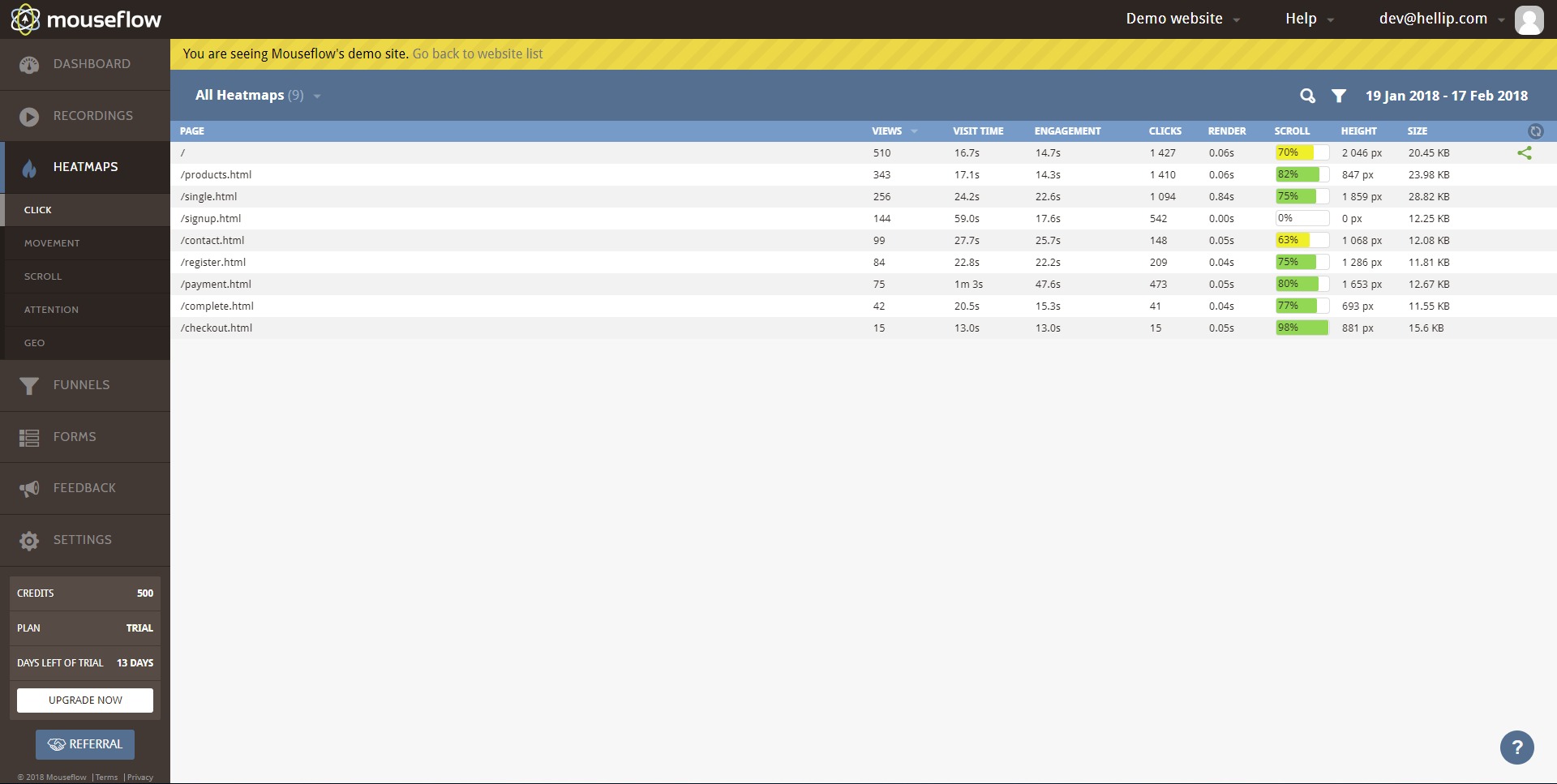
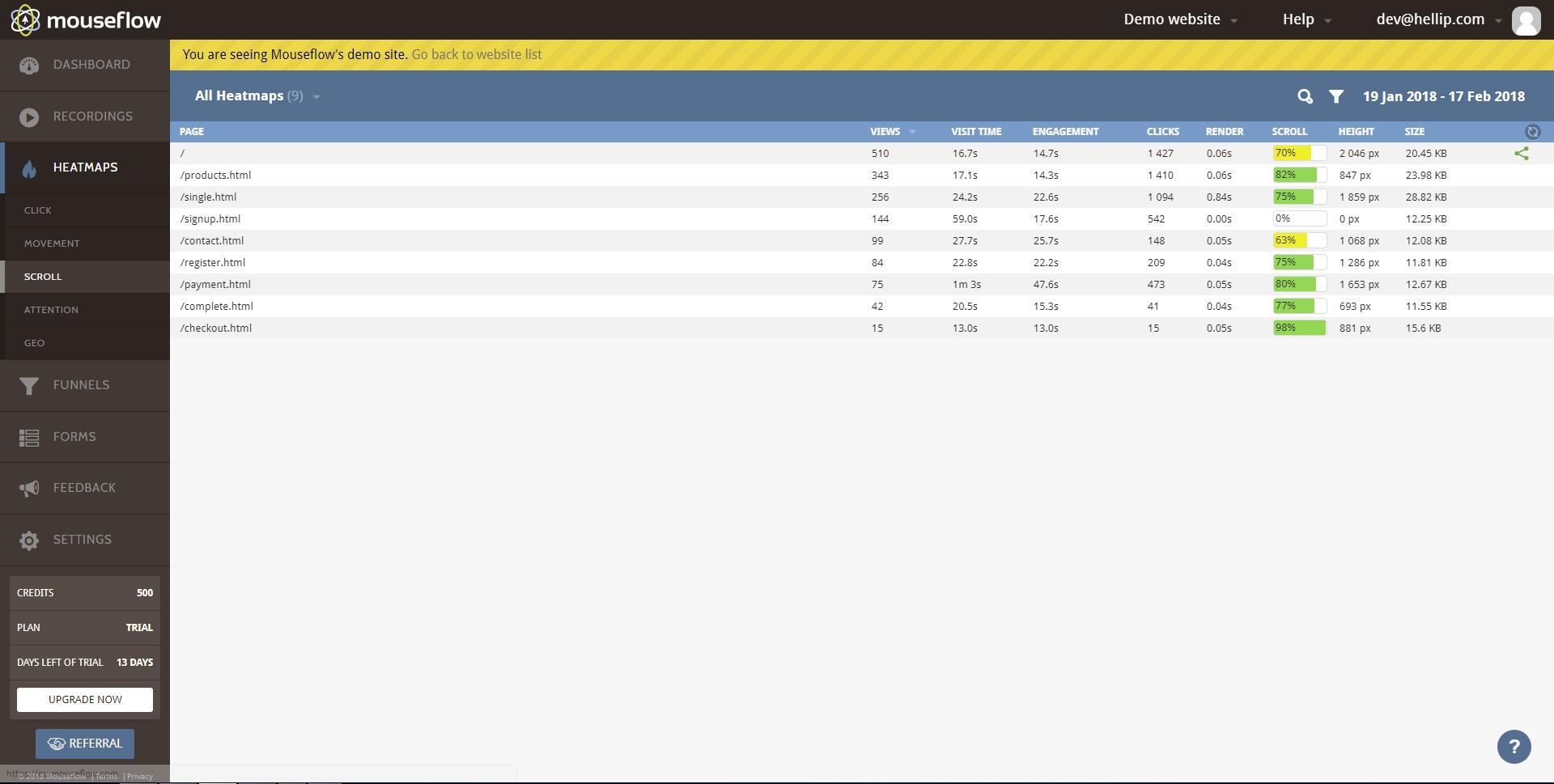
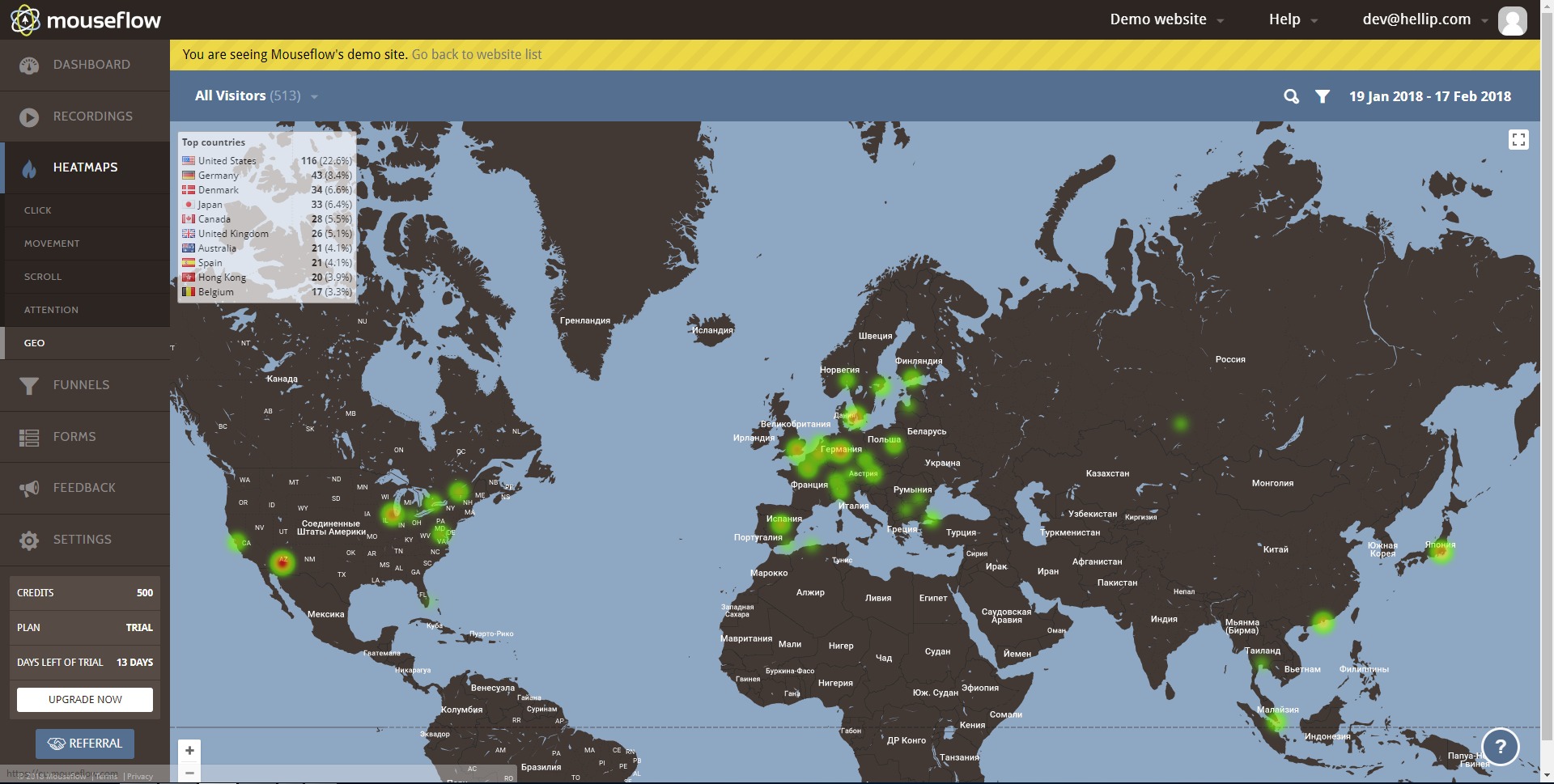
The platform automatically generates multiple heatmap views to show where visitors click, how far they scroll, and which areas attract attention. Heatmaps turn scattered behavior into something instantly readable, which is valuable when reviewing layouts, calls to action, or long-form pages. -
Journey Analytics
Mouseflow tracks user paths across pages and steps, giving teams a broader view than single-page metrics. This helps identify drop-off points, compare segments, and understand how visitors move from entry to conversion. -
Friction Detection
The system highlights frustration signals and blockers that hurt conversions. Mouseflow describes this layer as automatic friction scoring with AI-assisted diagnosis, helping teams prioritize issues instead of digging manually through endless recordings. -
Funnels and Form Analytics
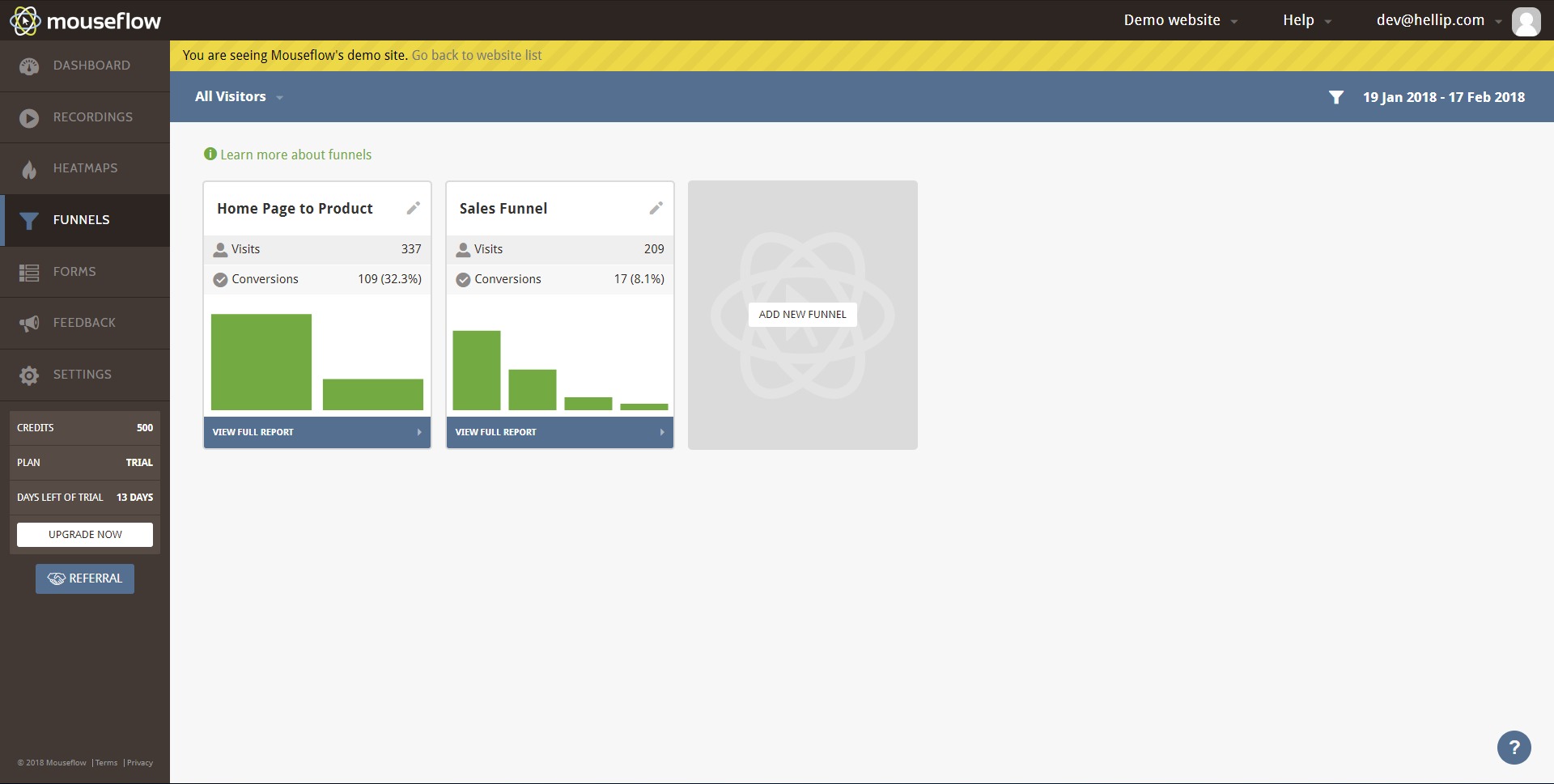
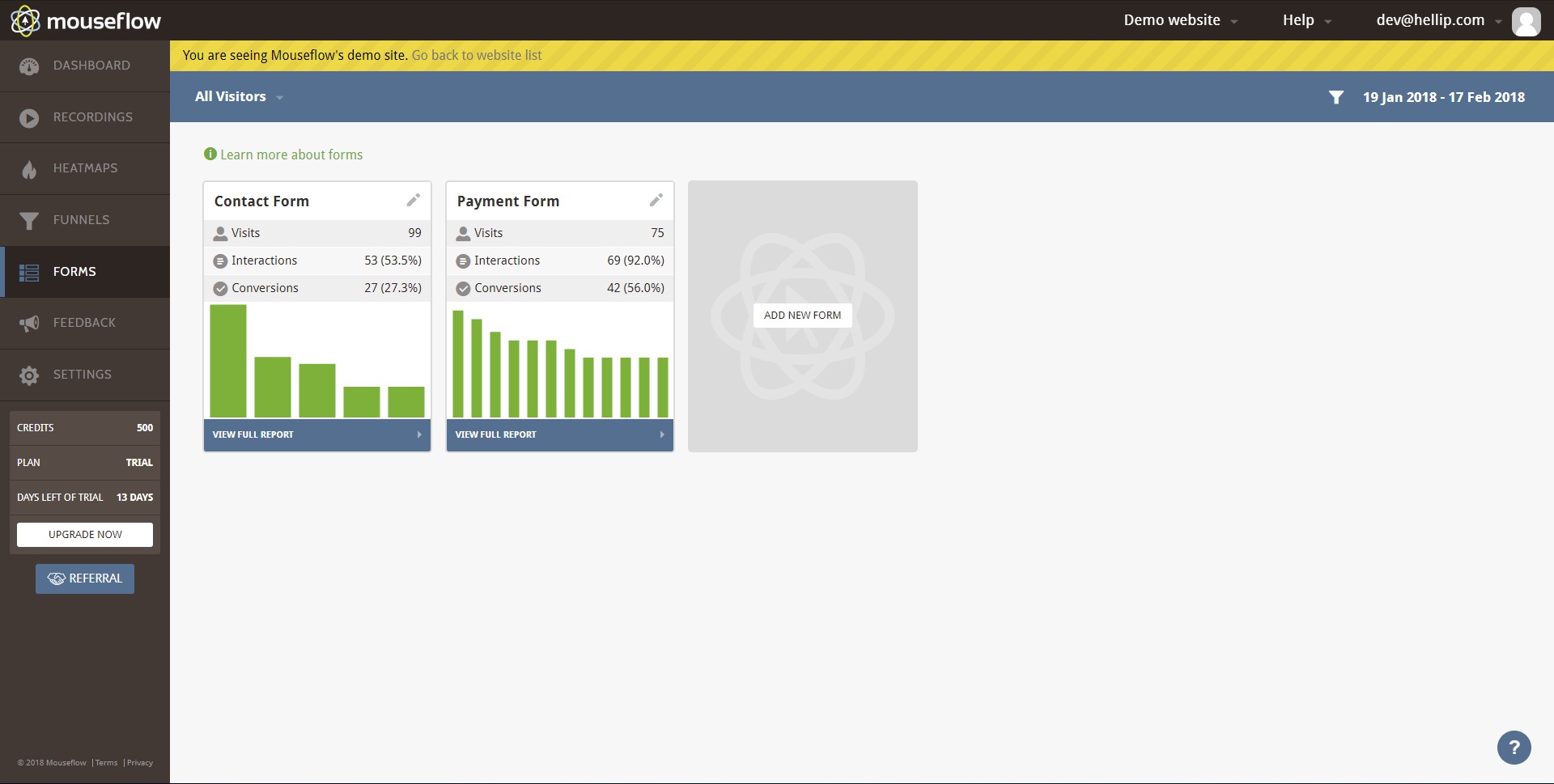
Mouseflow also supports conversion funnel analysis and form-related insight, which makes it easier to understand where visitors abandon forms, fail to complete steps, or lose momentum in revenue-critical flows. -
Integrated Context Across Tools
One of the stronger parts of the product is that these tools are connected. Heatmaps, replays, journeys, and feedback are not isolated features, so teams can move from a high-level signal to a specific user interaction without switching platforms.
Where does Mouseflow fit in real use cases?
-
Conversion Rate Optimization
Mouseflow is well suited for landing pages, lead generation forms, pricing pages, and checkout flows where small friction points can reduce results. Teams can see whether visitors ignore a CTA, stop scrolling before a key section, or click on non-clickable elements. -
UX and Design Validation
When a page redesign ships, Mouseflow helps verify whether the new structure improves clarity or quietly creates confusion. Session replay and heatmaps work well together here because one shows the pattern and the other shows the exact behavior behind it. -
Product and Messaging Analysis
Product teams can use Mouseflow to test whether headlines, onboarding flows, signup journeys, or feature pages communicate value clearly. It is especially useful when traffic exists but adoption or signups lag behind expectations. -
E-commerce Troubleshooting
For online stores, Mouseflow can help uncover checkout abandonment, navigation confusion, weak merchandising zones, or mobile usability issues that traditional traffic reports will not fully explain. This is where behavior analytics becomes less “reporting” and more “evidence.”
What benefits does Mouseflow offer?
Mouseflow’s main benefit is clarity. It reduces guesswork by showing what users do and where experience problems appear. That matters because most teams already have numbers, but numbers often stop at “something is wrong here.” Mouseflow pushes one layer deeper and helps answer “what exactly happened?” and “why here?”
Another benefit is speed of diagnosis. Instead of debating hypotheses across marketing, product, and design, teams can inspect real behavior and prioritize changes with stronger confidence. The platform also positions itself as lightweight, with an asynchronously loaded script built to avoid interfering with site performance.
For content strategy and CRO-minded teams, Mouseflow is also useful because it makes attention gaps visible. That means better decisions around page hierarchy, message placement, long-form content structure, and conversion flow cleanup. That angle has good potential for a basein.dev-style article around “why traffic dashboards lie without behavioral evidence.”
What is the user experience like in Mouseflow?
Mouseflow appears designed for visual investigation rather than raw analytics grinding. The product emphasizes intuitive views such as replays, heatmaps, and journey maps, making it easier to move from observation to action. The experience is strongest for teams that want to diagnose behavior fast, compare segments, and connect conversion issues to actual on-site events.
In plain terms, Mouseflow is not just another analytics counter. It is a behavior-first platform for teams that want to see the story behind the metrics, find friction faster, and improve website UX with more precision.
2022-11-30 14:41:22: #Website #Compliance is not one department's responsibility.
Laws and regulations now extend beyond T&C and #Privacy #Policies, and it will be paramount to a company's long-term success specially when leveraging website user behavior data. https://t.co/ba4OEa8HN7Twitter
2022-11-24 16:15:39: #compliance is one of the hottest 🔥 topics in the industry today.
Simon Pentzien from Secjur spent a few minutes with us sharing insights on the industry and giving us some actionable tips to stay compliant in the future.
Check it out!
#digitalanalytics #interview #dmexco22 https://t.co/yEpGOf851LTwitter
2022-11-08 14:37:12: #BlackFriday and #CyberMonday are upon us
Make your end-of-the-year strategy a success by following these basic, yet effective steps to welcome the wave of shoppers coming your way.
https://t.co/1FulqpuJxF
#ecommercetips #websiteoptimizationTwitter
Mouseflow Alternatives