Mixpanel
Languages:
English
한국어
Localization:
World

What is Mixpanel and how does it work?
Mixpanel is a product analytics platform designed to help teams understand how people interact with websites, mobile apps, and digital products. Instead of focusing only on pageviews or surface-level traffic metrics, Mixpanel centers on event-based tracking. That means businesses can measure specific actions such as signups, button clicks, purchases, feature usage, subscriptions, and upgrades, then turn that activity into clear reports about user behavior.
The platform is built for teams that want to move from raw data to practical decisions. Product managers can study feature adoption, marketers can evaluate campaign quality beyond simple visits, and growth teams can identify where users drop off during onboarding or conversion flows. Mixpanel is especially valuable for companies that care about activation, retention, and long-term engagement, not just acquisition.
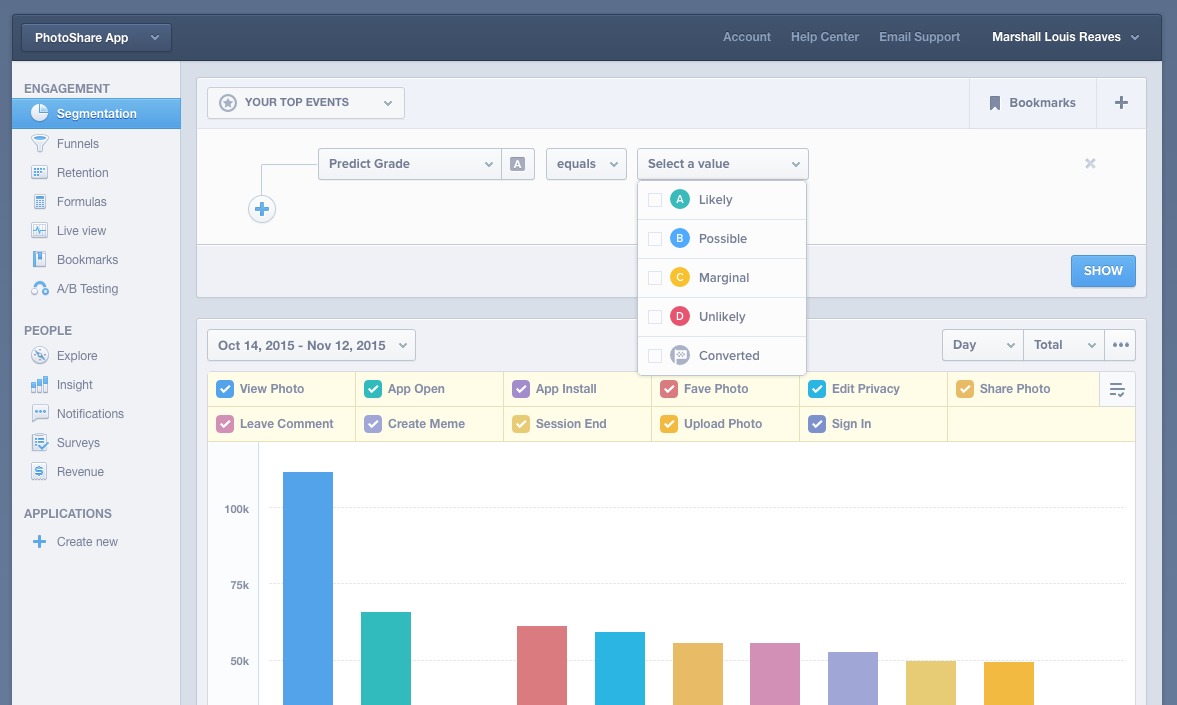
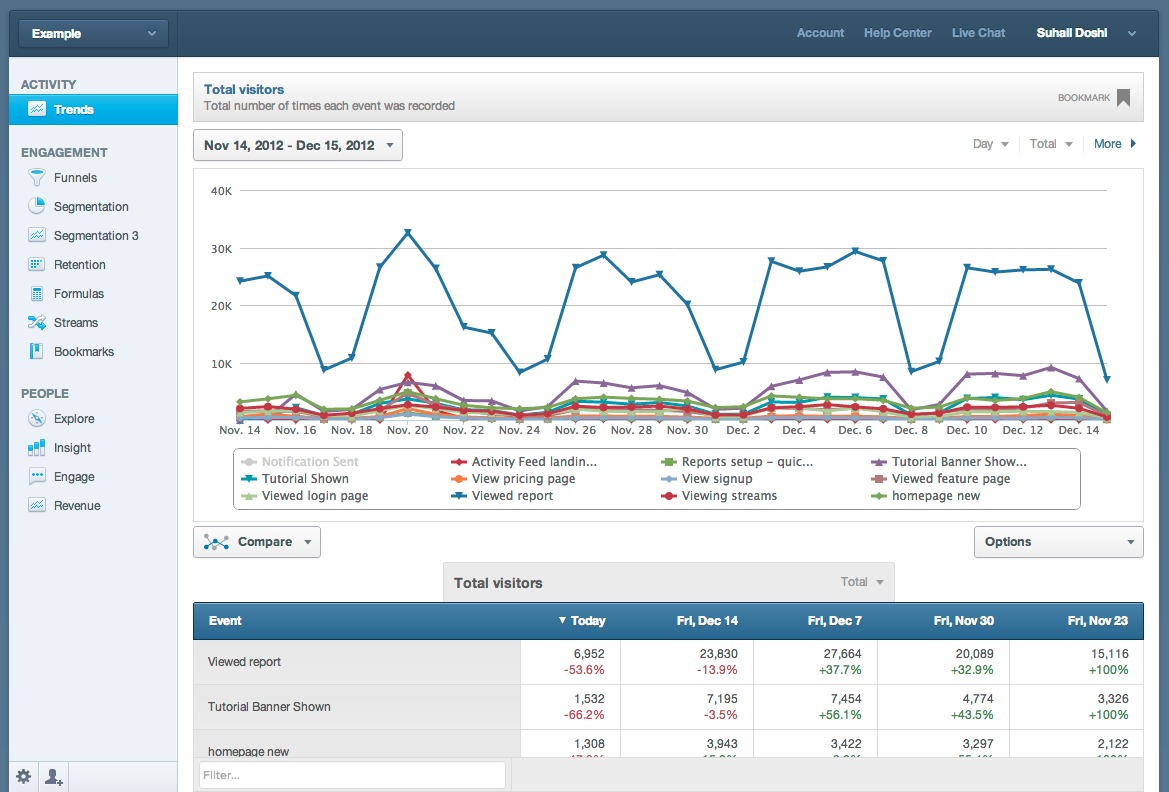
Its reporting environment is designed to make exploration easier for non-technical teams. Users can analyze trends, compare segments, review funnels, track retention, and study paths users take inside a product. This makes Mixpanel a strong fit for SaaS businesses, startups, ecommerce platforms with logged-in experiences, and mobile app teams that need behavior-driven insight.
What are the key features of Mixpanel?
-
Event-Based Analytics
Mixpanel tracks user actions as events, which creates a more detailed picture of behavior than traditional traffic analytics. Teams can measure everything from first login to purchase completion and feature interaction, making it easier to connect product activity with business outcomes. -
Funnels
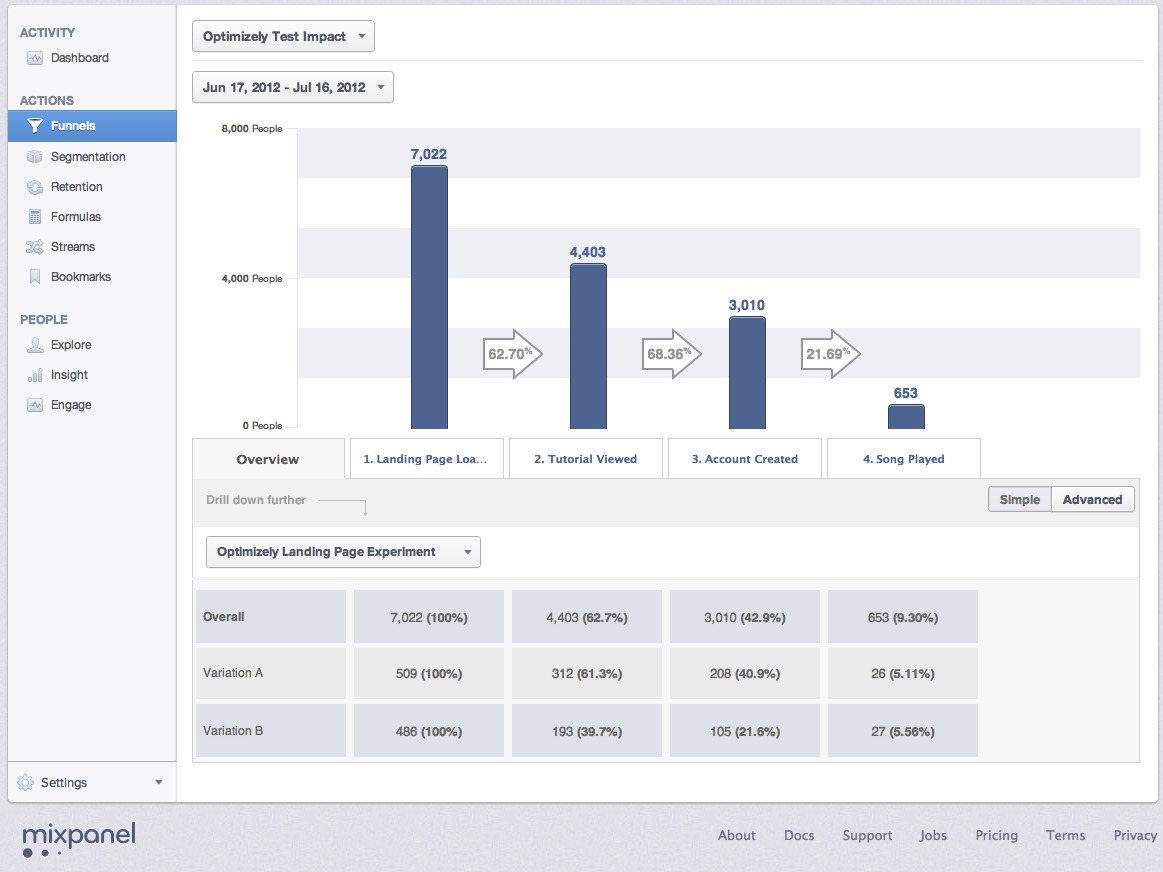
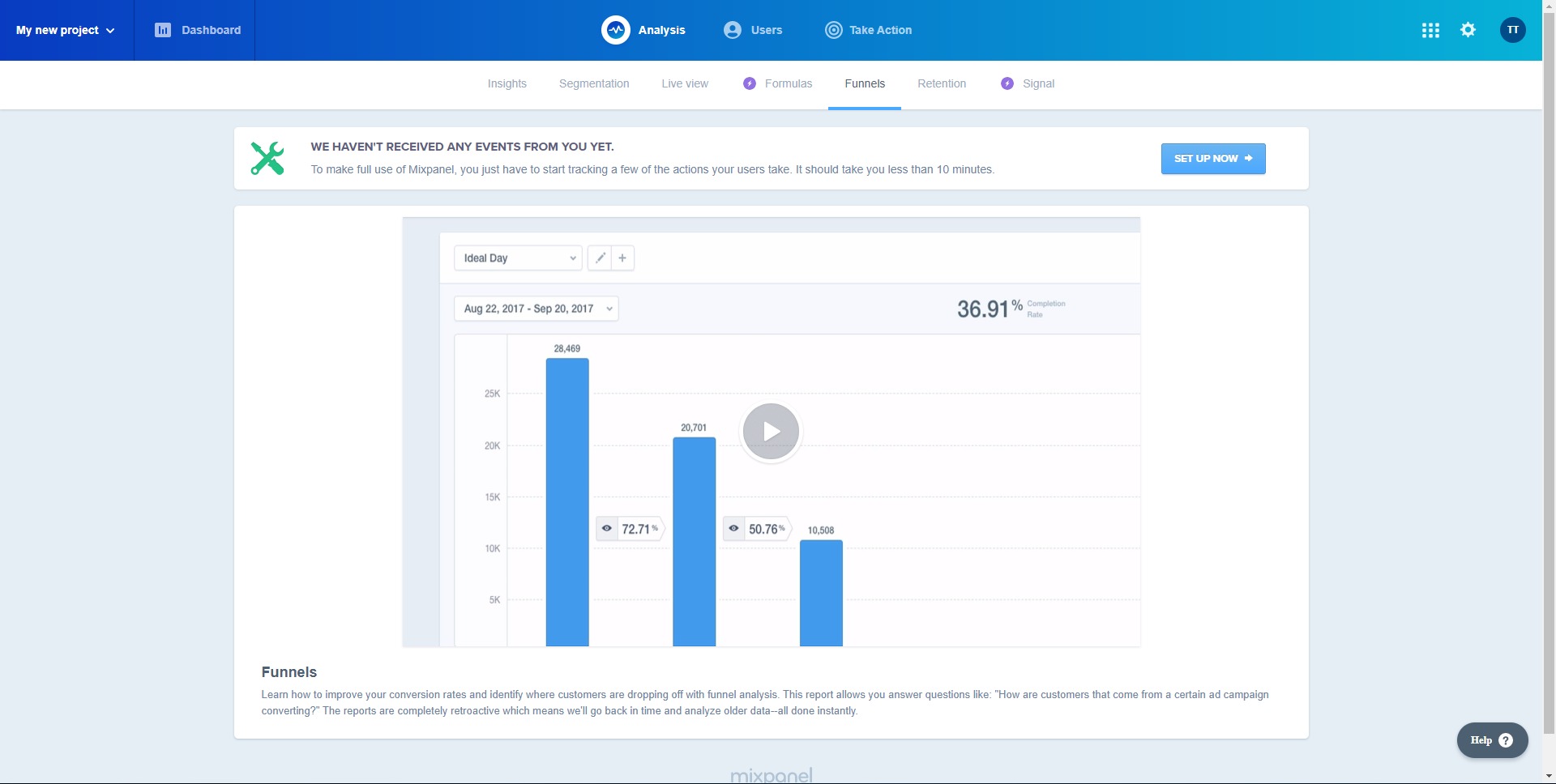
Funnel reporting shows how users move through important flows such as registration, onboarding, checkout, or subscription upgrades. It helps teams detect where drop-offs happen, compare conversion rates across segments, and improve steps that create friction. -
Retention Analysis
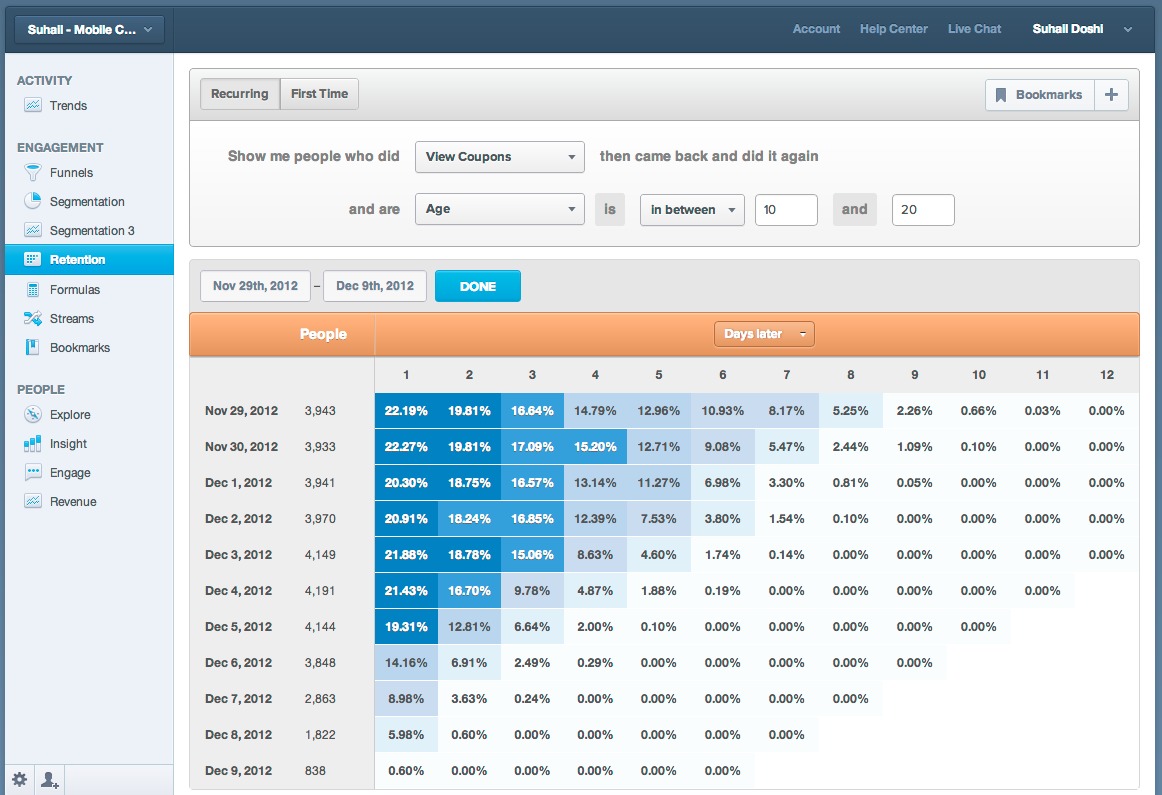
Retention reports reveal whether users come back after their first visit or first meaningful action. This is critical for understanding product stickiness, measuring long-term value, and identifying whether a product is building habits or losing users too quickly. -
User Segmentation
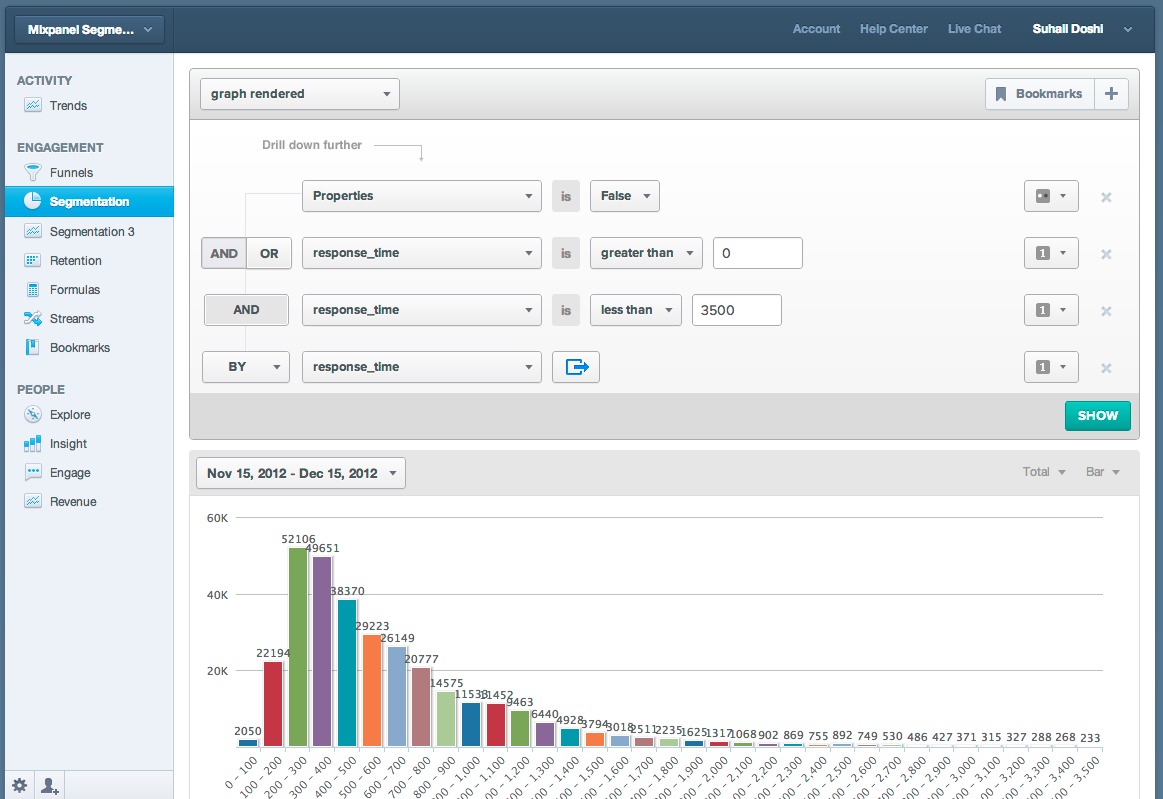
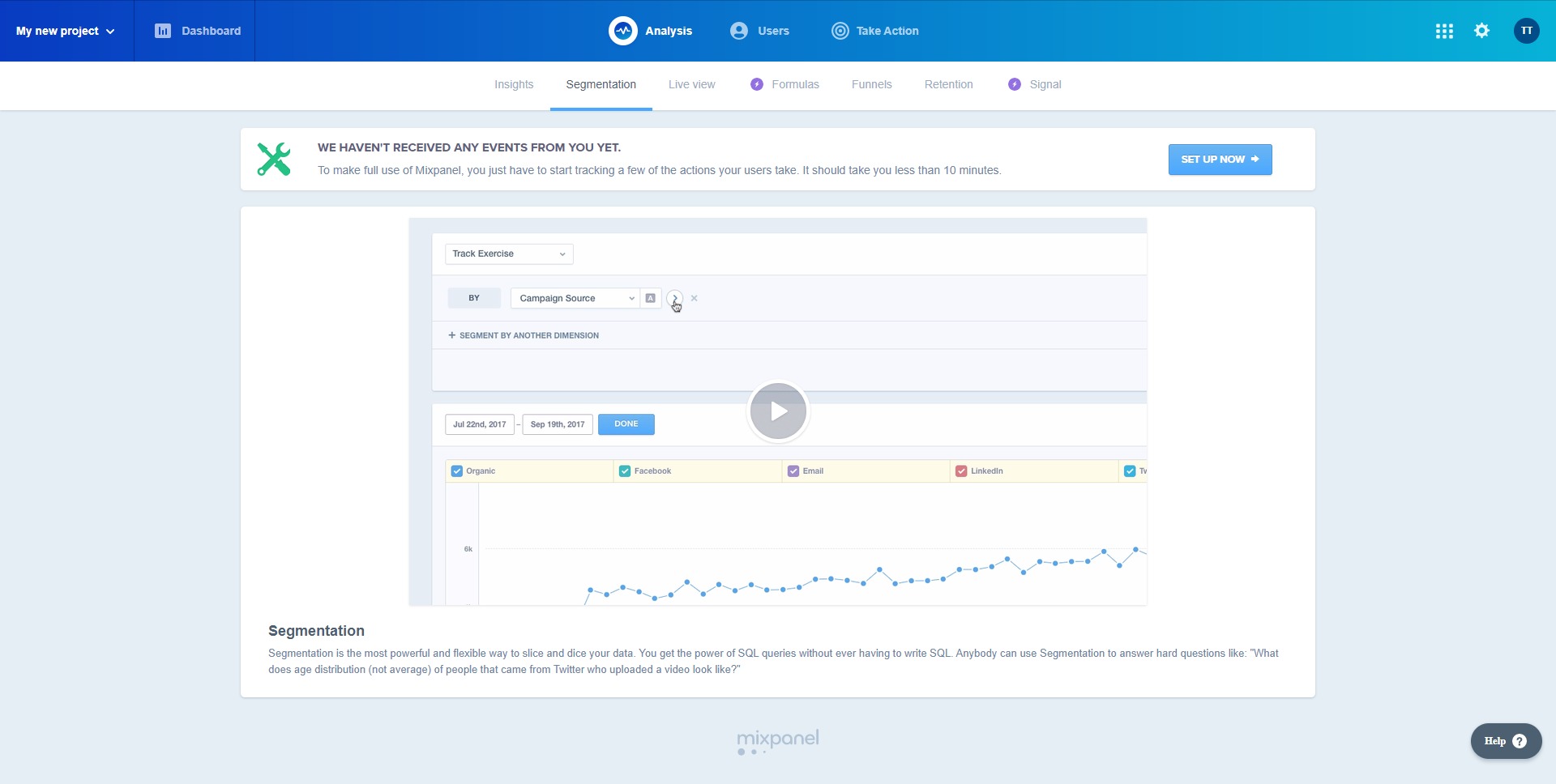
Mixpanel allows teams to break data into segments based on properties such as device type, geography, campaign source, subscription plan, user cohort, or behavior history. This makes it easier to see which audiences perform best and which groups need attention. -
Path Analysis
Path reports help teams understand the routes users take before or after a selected event. This is useful for exploring how people discover features, where they get lost, and which actions commonly lead to conversion or churn. -
Session Replay
Session replay adds a more visual layer to analytics by letting teams review how users actually moved through a product. It helps explain the story behind drop-offs, usability problems, and confusing product experiences that numbers alone may not fully reveal. -
Custom Dashboards and Reporting
Mixpanel supports dashboards that combine multiple reports into one place. Teams can monitor product health, growth metrics, and engagement trends without building separate reporting systems for every department. -
Data Integrations and Warehouse Connectivity
The platform connects with a wide range of tools and supports broader data workflows. This helps businesses unify analytics with customer data, marketing systems, and reporting environments instead of keeping product insight isolated.
Where can Mixpanel be used most effectively?
-
Product Onboarding Optimization
Teams can track each step of onboarding to find where new users hesitate or abandon the process. This helps improve activation and shorten time to value. -
Feature Adoption Analysis
Mixpanel helps businesses measure whether new product features are actually being discovered and used. This is useful for prioritizing roadmap decisions and improving release performance. -
Subscription and Upgrade Tracking
SaaS companies can analyze the journey from trial to paid plan, identify conversion bottlenecks, and compare the behavior of free versus paying users. -
Mobile App Engagement Monitoring
App teams can track retention, session frequency, and in-app behavior to understand what keeps users engaged and what leads to uninstall risk. -
Ecommerce Journey Analysis
For digital commerce experiences with user accounts, Mixpanel can track browsing, cart behavior, checkout completion, and repeat purchase patterns. -
Experiment Evaluation
Growth teams can compare how different user groups respond to changes in onboarding, pricing, messaging, or feature placement, helping reduce guesswork in optimization work.
Why do businesses choose Mixpanel?
Mixpanel gives businesses a clearer view of product performance than general web analytics tools that focus mainly on traffic. It is built to answer deeper questions about behavior, intent, and user progress inside a product. That makes it highly useful for organizations where product decisions directly affect revenue, retention, and growth.
Another major benefit is speed of insight. Teams do not always need to wait for complex manual reports or analyst support to investigate an issue. A product manager can review a drop in activation, a marketer can compare campaign quality by downstream actions, and a founder can study retention trends in one platform. That self-serve model makes decision-making faster and more practical.
Mixpanel also helps reduce blind spots between acquisition and retention. Many companies know how many users arrived, but struggle to understand what those users actually did, where they got stuck, and whether they returned. Mixpanel closes that gap by connecting behavior with outcomes.
For businesses trying to build better digital products, this can lead to better onboarding, stronger feature adoption, improved retention, and more informed roadmap planning.
What is the user experience like in Mixpanel?
The Mixpanel user experience is built around exploration and clarity. Its interface is designed to help teams move from broad questions to detailed answers without heavy technical overhead. Reports are interactive, filtering is flexible, and key product metrics can be organized into dashboards that make ongoing monitoring easier.
For new users, the biggest learning curve usually comes from analytics planning rather than the interface itself. Teams need to define meaningful events, properties, and naming conventions before they get the best results. Once the tracking structure is in place, Mixpanel becomes far more useful and easier to navigate.
The platform feels strongest when used by organizations that treat analytics as part of product operations rather than as a reporting afterthought. In that environment, Mixpanel can become a practical daily tool for product, growth, and marketing teams. It is not just a place to collect numbers. It is a workspace for understanding user behavior and turning that understanding into better product decisions.
2026-10-01 21:00:01: MXP New York 2026 Keynote Youtube
2026-09-09 06:29:30: Mixpanel AI Youtube
2026-09-08 14:17:51: Test and ship at the speed you code | Mixpanel Experiments and Feature Flags Youtube
2026-08-21 15:14:46: Test and ship at the speed you code | Mixpanel Experiments and Feature Flags Youtube
2026-08-21 00:39:09: Test and ship at the speed you code | Mixpanel Experiments and Feature Flags Youtube
2026-08-18 20:42:16: How to Track KPIs with AI in Mixpanel Youtube
2026-08-18 19:32:14: AI Root Cause Analysis in Mixpanel Youtube
2026-08-04 08:02:55: MXP Bangkok Highlights Youtube
2026-08-04 07:59:59: MXP Bangalore Highlights Youtube
2026-07-17 15:00:21: Diagnose a Product Metric Drop with Claude & Mixpanel MCP | The Mixpanel Minute, Ep. 1 Youtube
2023-04-07 19:59:53: Analyze your data in real-time, no matter how many events you send us⏱️
That's our promise. But how do we do it?
Get the details in our Engineering Blog ↩️
https://t.co/uNs6N39kEBTwitter
2023-04-06 22:04:11: Whether you’re building a product or planning a marketing campaign, now you can sort key metrics however you like.
What will you build with our new Insights Table Chart?
https://t.co/eehlj0GUqwTwitter
2023-04-06 22:03:45: And eCommerce teams can determine what products to remove from their catalog or put on clearance by discovering which items have the worst conversion rates. https://t.co/sZuzhwhuraTwitter
2023-04-06 22:02:26: Marketing teams can compare how an increase in spend since last month has affected key metrics across different channels. https://t.co/7X6OUSn8Y6Twitter
2023-04-05 20:18:59: This right here.
This is what it's all about.
Keep building 🚀🚀🚀 https://t.co/TO7ux3vcGJTwitter
Mixpanel Alternatives




Mixpanel Reviews & Demos
Mixpanel Integrations