Teamleader
Languages:
Deutsch
English
Español
Français
Italiana
Netherlands
Localization:
World

What is Teamleader and what does it do?
Teamleader is a cloud-based business management platform designed for small and medium-sized companies that want to run sales, projects, and finances in one connected system. It combines CRM, quoting, invoicing, project management, time tracking, and reporting into a single workflow. Instead of switching between multiple tools for customer data, project execution, and billing, teams can manage the entire lifecycle of a client relationship in one place. The platform is built with a strong focus on simplicity, usability, and operational clarity, making it suitable for companies that want structure without enterprise-level complexity.
Teamleader is commonly used by service-driven businesses where projects, billable hours, and client communication are tightly linked. By connecting sales opportunities directly to projects and invoices, it helps teams reduce manual work, avoid data duplication, and gain a clearer overview of performance and cash flow. The result is a system that supports both day-to-day execution and higher-level business decisions.
What are the key features of Teamleader?
-
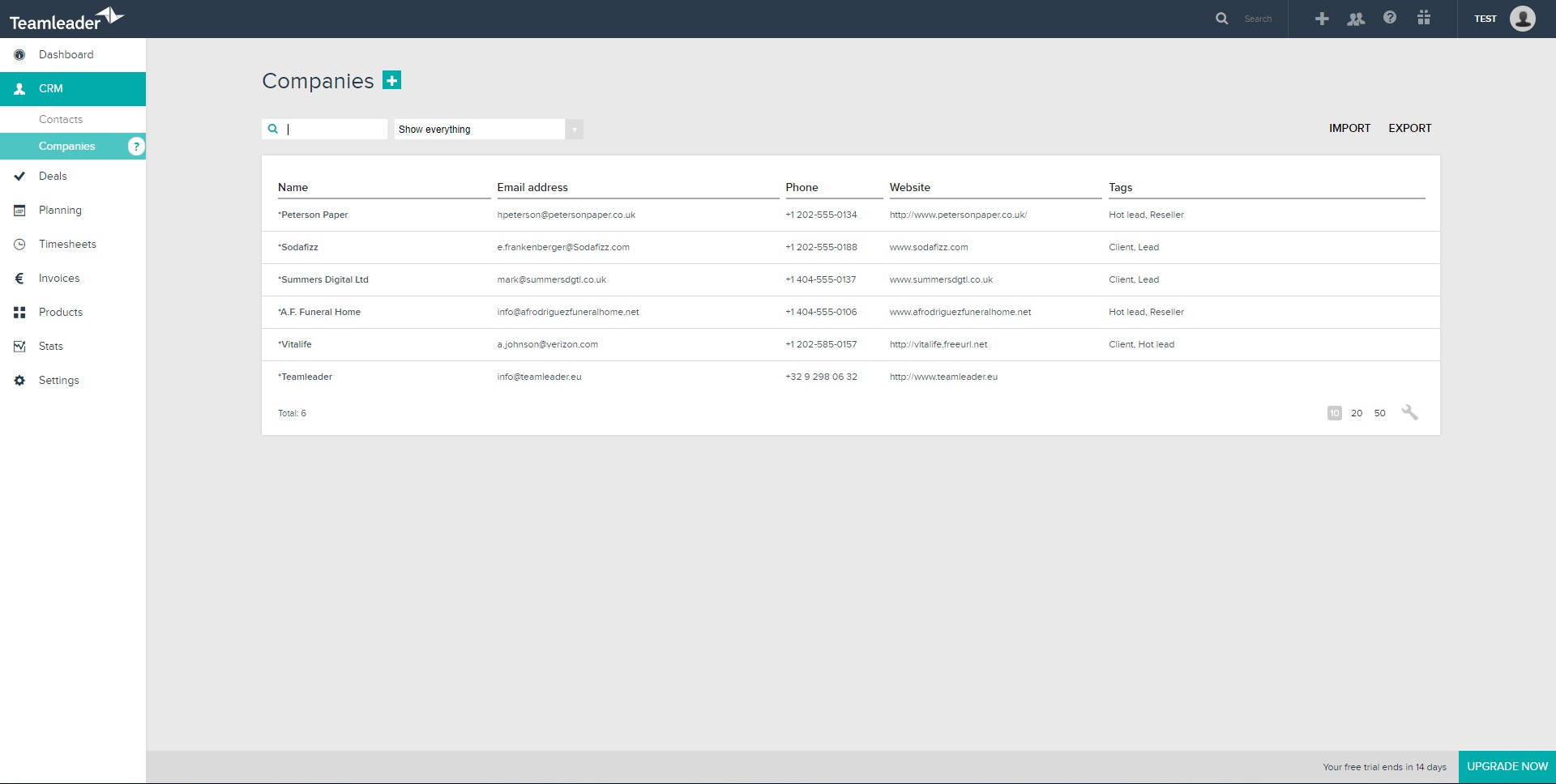
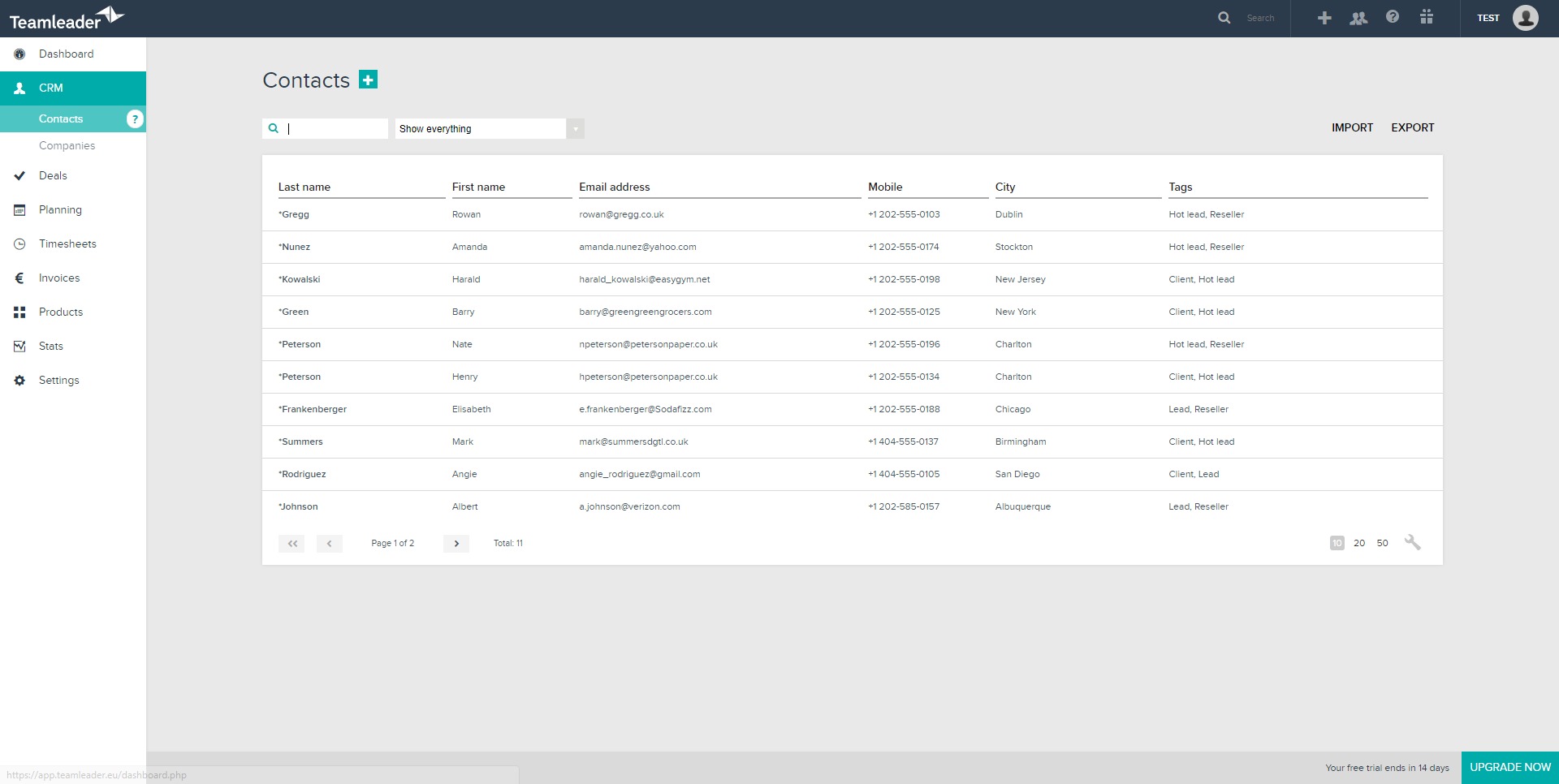
Integrated CRM
Centralized customer and lead management with full interaction history, deal tracking, task reminders, and follow-ups. This helps sales teams stay organized and ensures no opportunity is lost due to missing context. -
Quoting and e-signatures
Creation of professional, branded quotes that can be sent digitally and signed online. Quote status tracking allows teams to see when proposals are viewed, accepted, or rejected. -
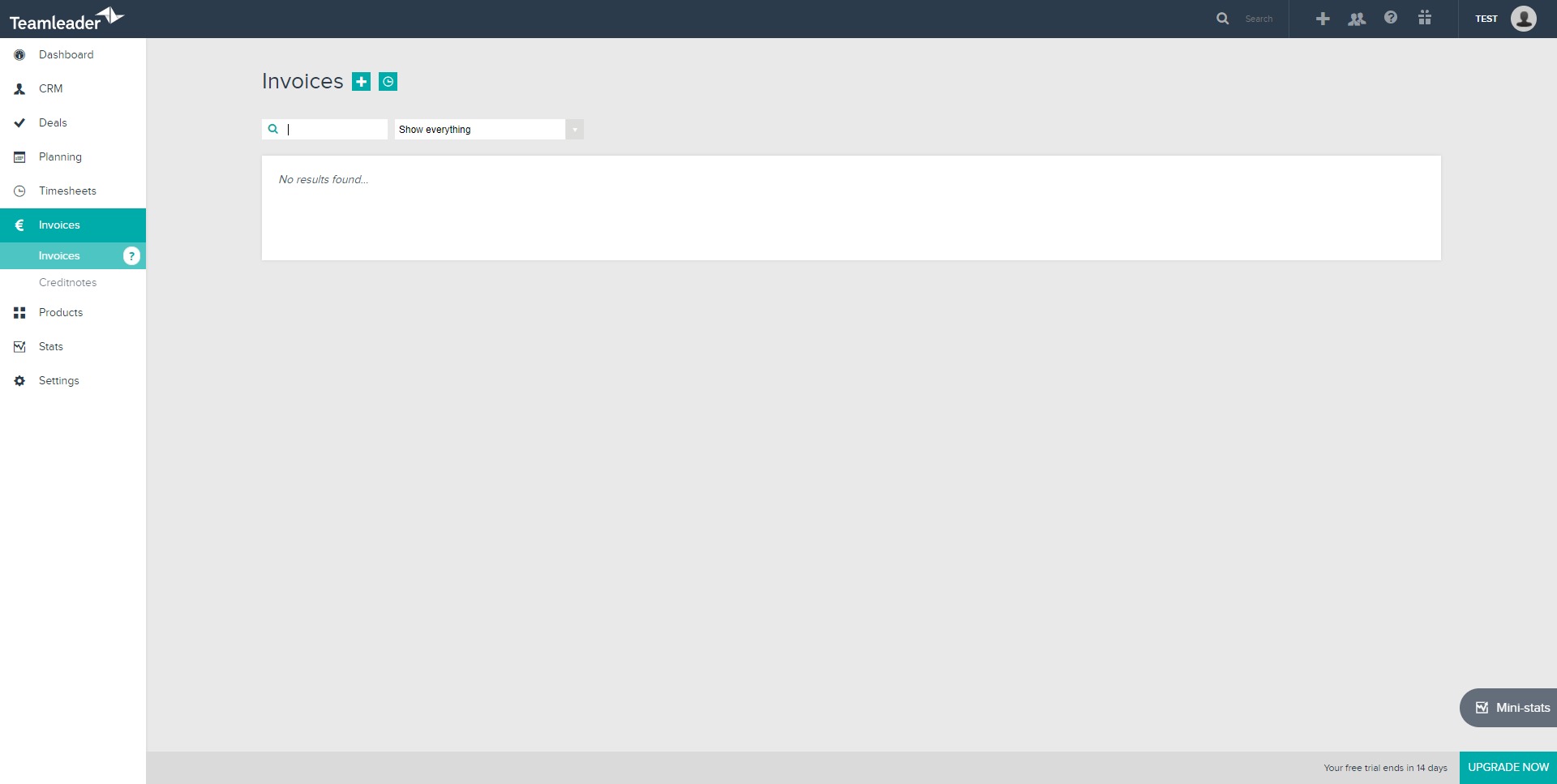
Invoicing and payments
One-click conversion from quotes or projects into invoices, automated payment reminders, and clear revenue tracking. This shortens billing cycles and improves cash flow visibility. -
Project management
Transformation of approved quotes into projects with tasks, deadlines, budgets, and assigned team members. Projects stay connected to both CRM and invoicing data. -
Time tracking
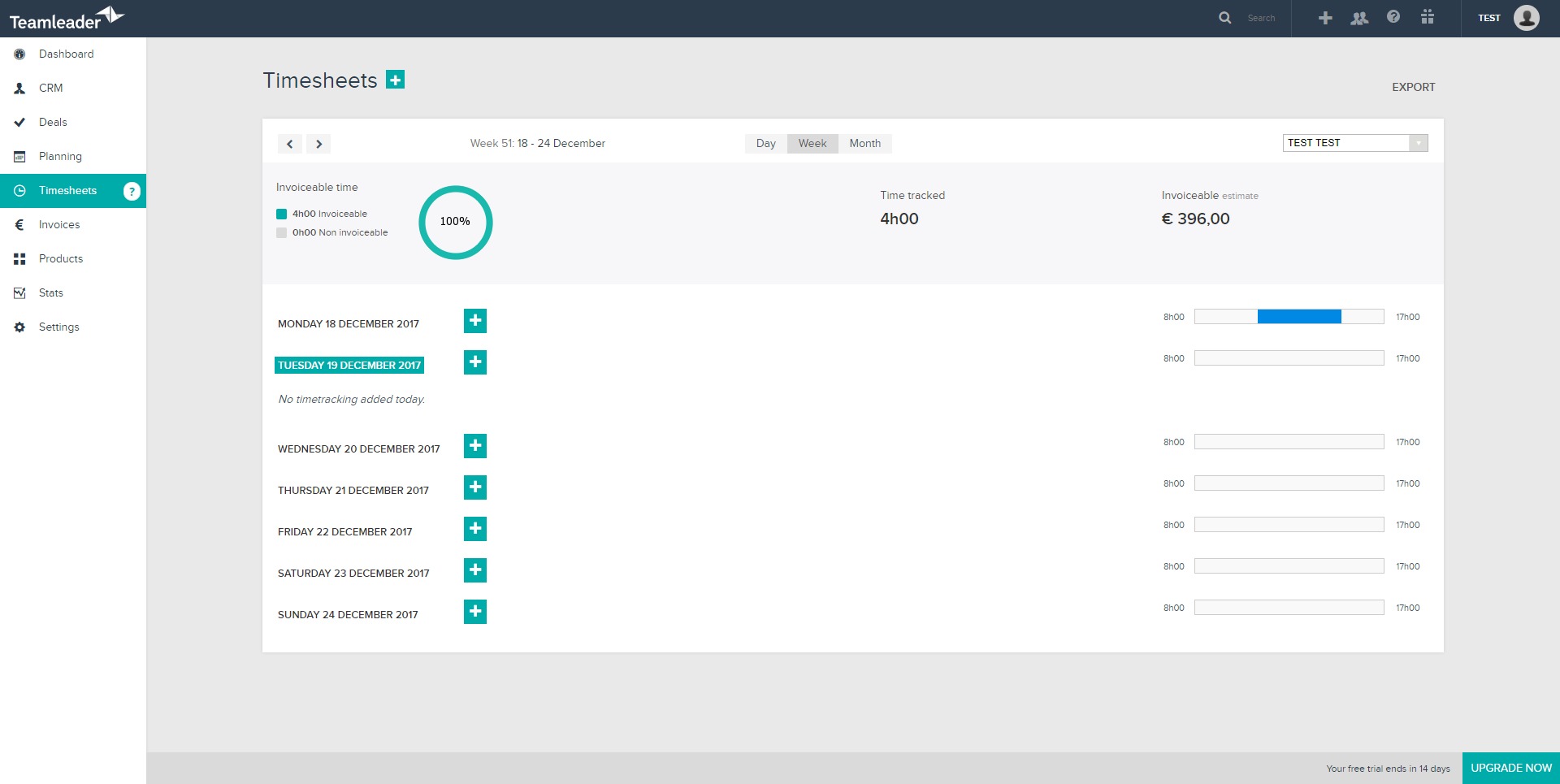
Logging of billable and non-billable hours per project or task, supporting accurate invoicing and performance analysis. -
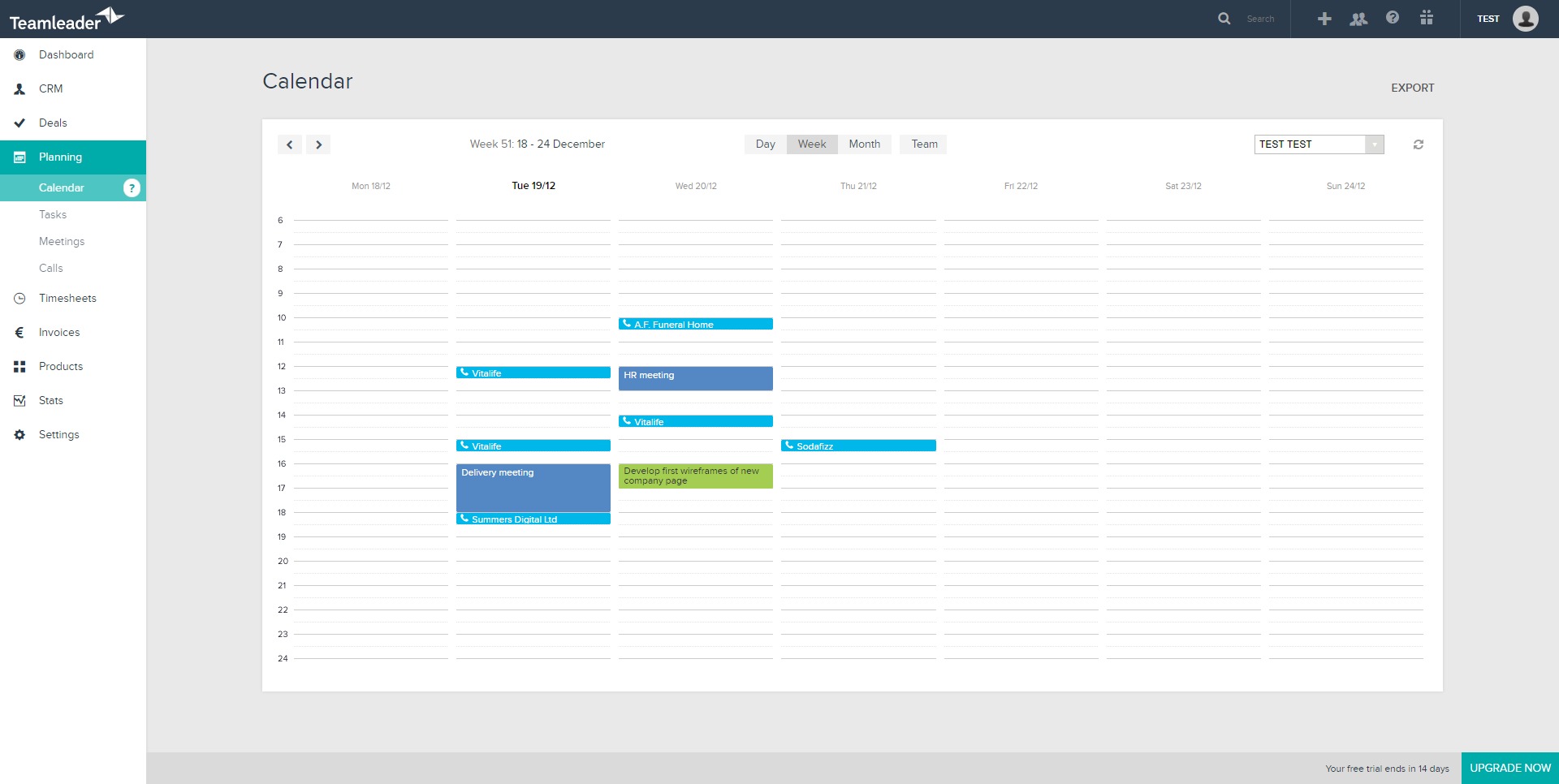
Planning and capacity management
Overview of team workloads, availability, and upcoming deadlines to prevent overbooking and resource conflicts. -
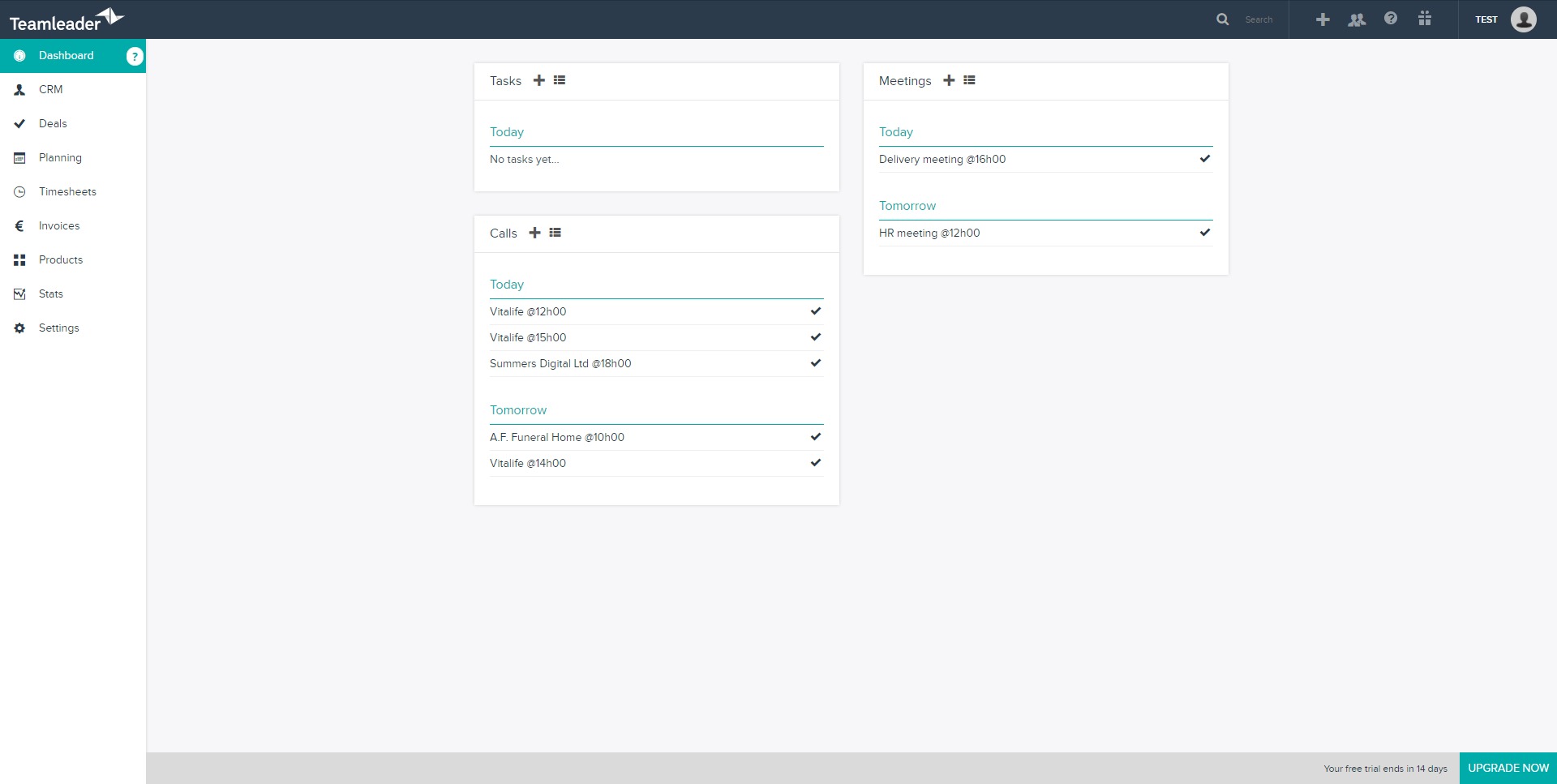
Reporting and dashboards
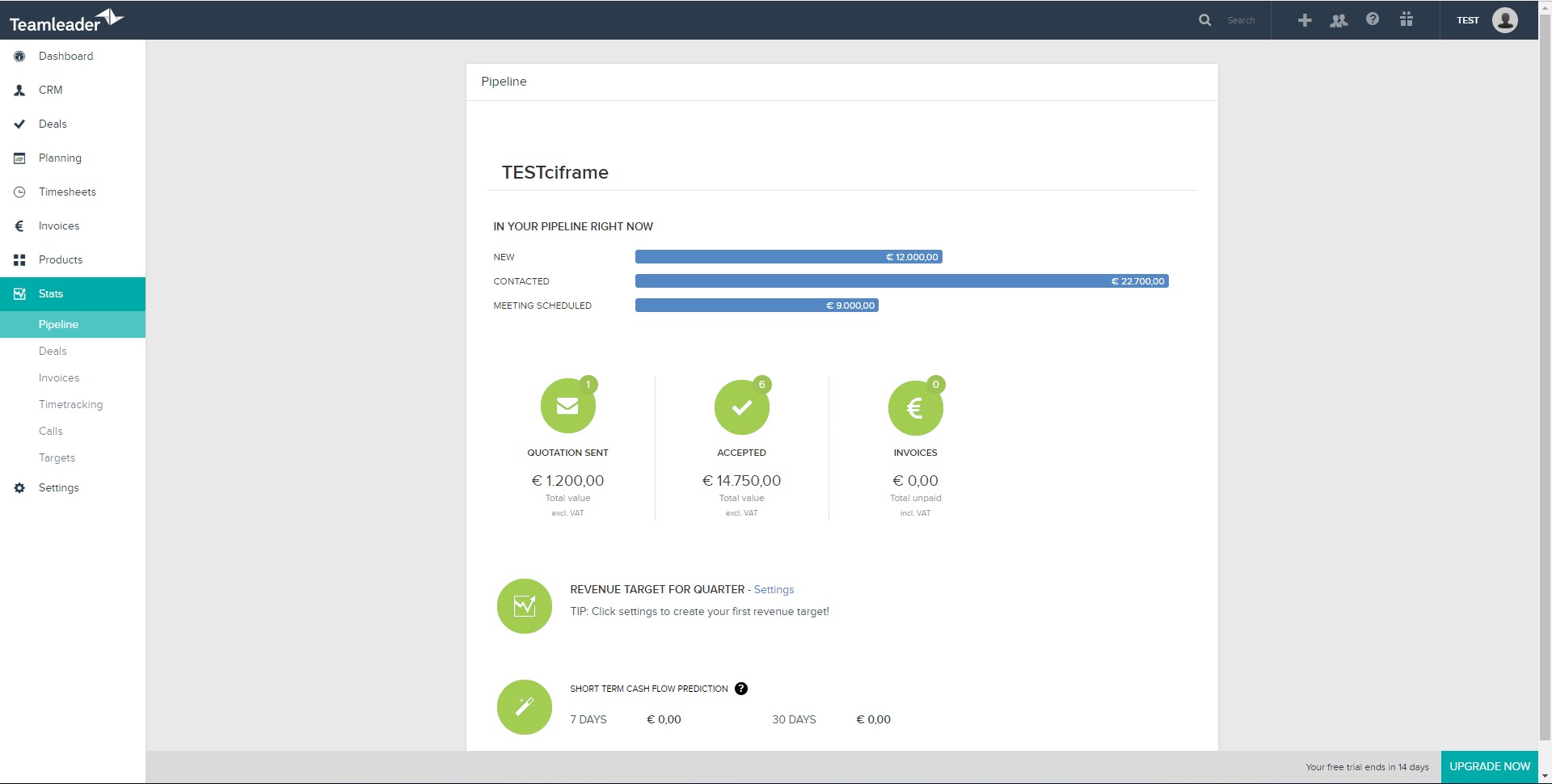
Real-time insights into sales performance, project profitability, and financial health through visual dashboards and reports.
What are common use cases for Teamleader?
-
Service-based companies managing client projects
Consulting firms, agencies, and IT service providers use Teamleader to link sales, project delivery, and invoicing in one flow. -
Small businesses replacing spreadsheets
Teams that have outgrown manual tools use the platform to centralize operations without adopting heavy enterprise software. -
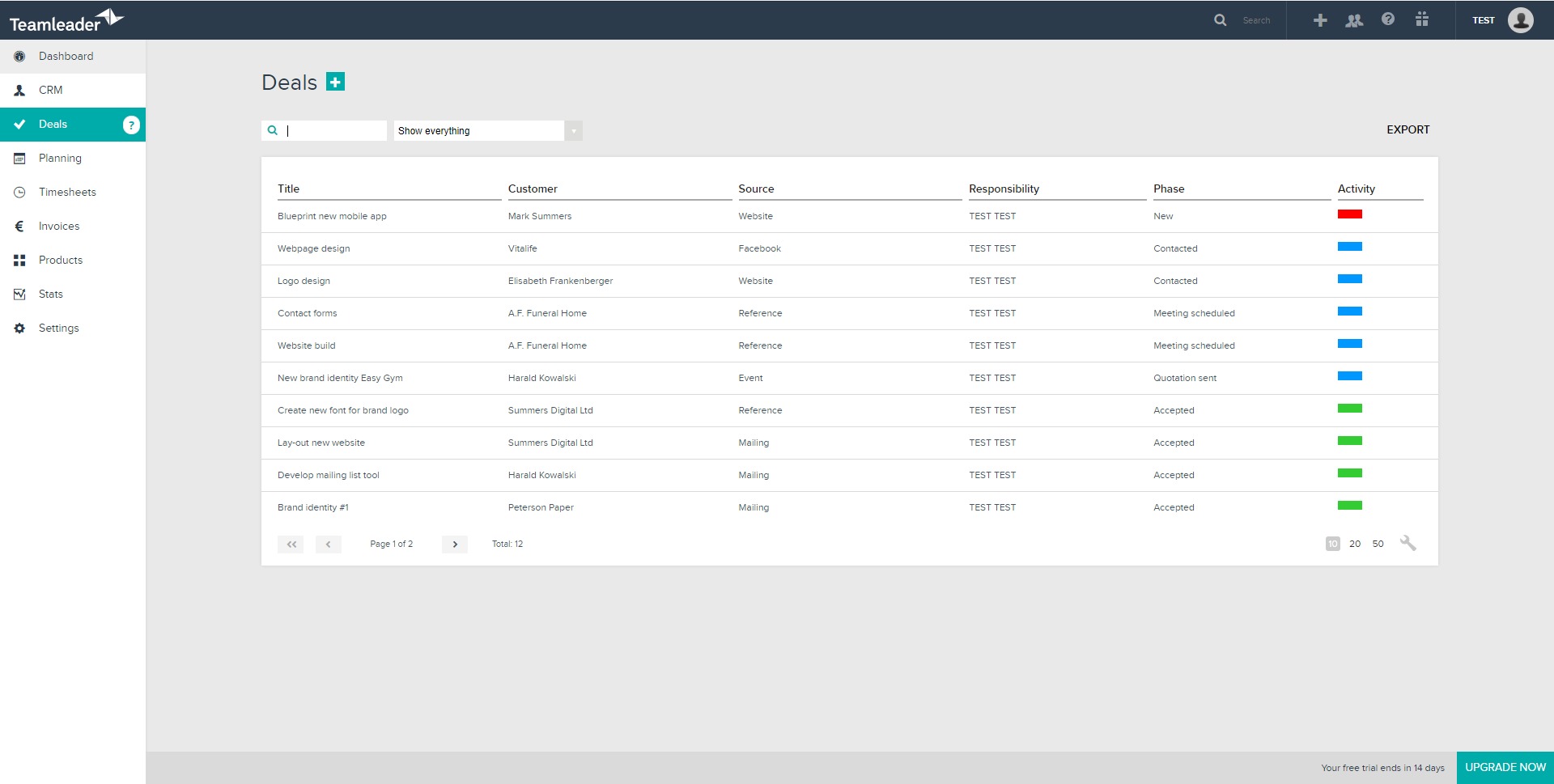
Sales teams needing visibility from lead to payment
Companies that want to track deals through to completed work and paid invoices benefit from the end-to-end structure. -
Agencies tracking time and profitability
Businesses that bill by the hour or by project use time tracking and reporting to understand margins and improve pricing decisions. -
Growing teams needing operational discipline
Companies scaling from a few people to structured teams use Teamleader to introduce processes without slowing down.
What benefits does Teamleader provide for businesses?
Teamleader reduces operational friction by removing the need to sync data across separate tools. Customer information, project details, and financial data are always aligned, which lowers the risk of errors and miscommunication. Automation of repetitive tasks such as invoicing and reminders saves time and improves consistency.
The platform also supports better decision-making. With clear visibility into sales pipelines, ongoing projects, and revenue, managers can identify bottlenecks early and adjust priorities. For teams, having one shared system improves collaboration and accountability, as everyone works with the same information.
Another key benefit is scalability. Companies can start with core features and add more functionality as their operations grow, without rebuilding their internal workflows from scratch.
How is the user experience of Teamleader?
Teamleader is designed with a clean, intuitive interface that minimizes onboarding time. Navigation follows logical business processes, making it easy for non-technical users to adopt. Most actions, such as creating a quote or converting it into a project or invoice, are streamlined into a few steps.
The platform works well for both managers and operational staff. Sales teams focus on deals and follow-ups, project teams manage tasks and time tracking, and finance-oriented users access invoicing and reports. This role-friendly experience helps different departments work together without feeling constrained by the tool.
Overall, Teamleader delivers a balanced user experience that prioritizes clarity, speed, and practical business needs over excessive configuration.
Teamleader Alternatives




Teamleader Integrations