Tableau
Languages:
English
Localization:
World

What is Tableau and how does it work?
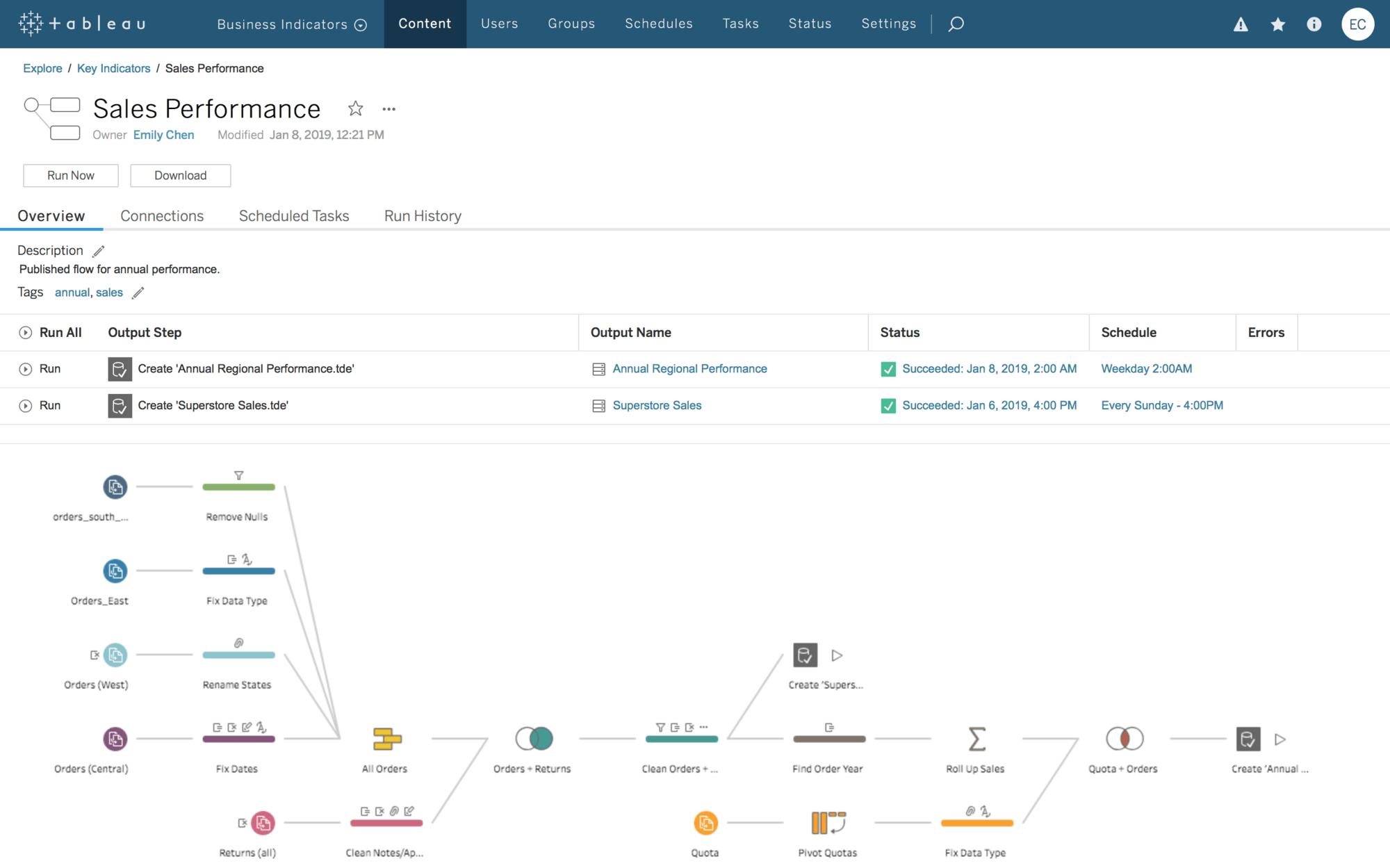
Tableau is a business intelligence and analytics platform designed to help organizations connect, explore, visualize, and understand their data. It transforms information from spreadsheets, databases, cloud applications, data warehouses, and other systems into interactive charts, reports, and dashboards.
The Tableau Business Intelligence and Analytics Platform supports both self-service analysis and governed enterprise analytics. Business users can investigate performance without depending on developers for every report, while data and IT teams can manage access, quality, security, and shared data definitions.
The Tableau product portfolio includes Tableau Desktop for creating visualizations, Tableau Cloud as a fully hosted environment, Tableau Server for self-managed deployments, Tableau Public for sharing public visualizations, and Tableau Next for AI-powered, workflow-oriented analytics. Its Salesforce integration also helps organizations bring analytics closer to customer, sales, service, and operational processes.
What are the key features of Tableau?
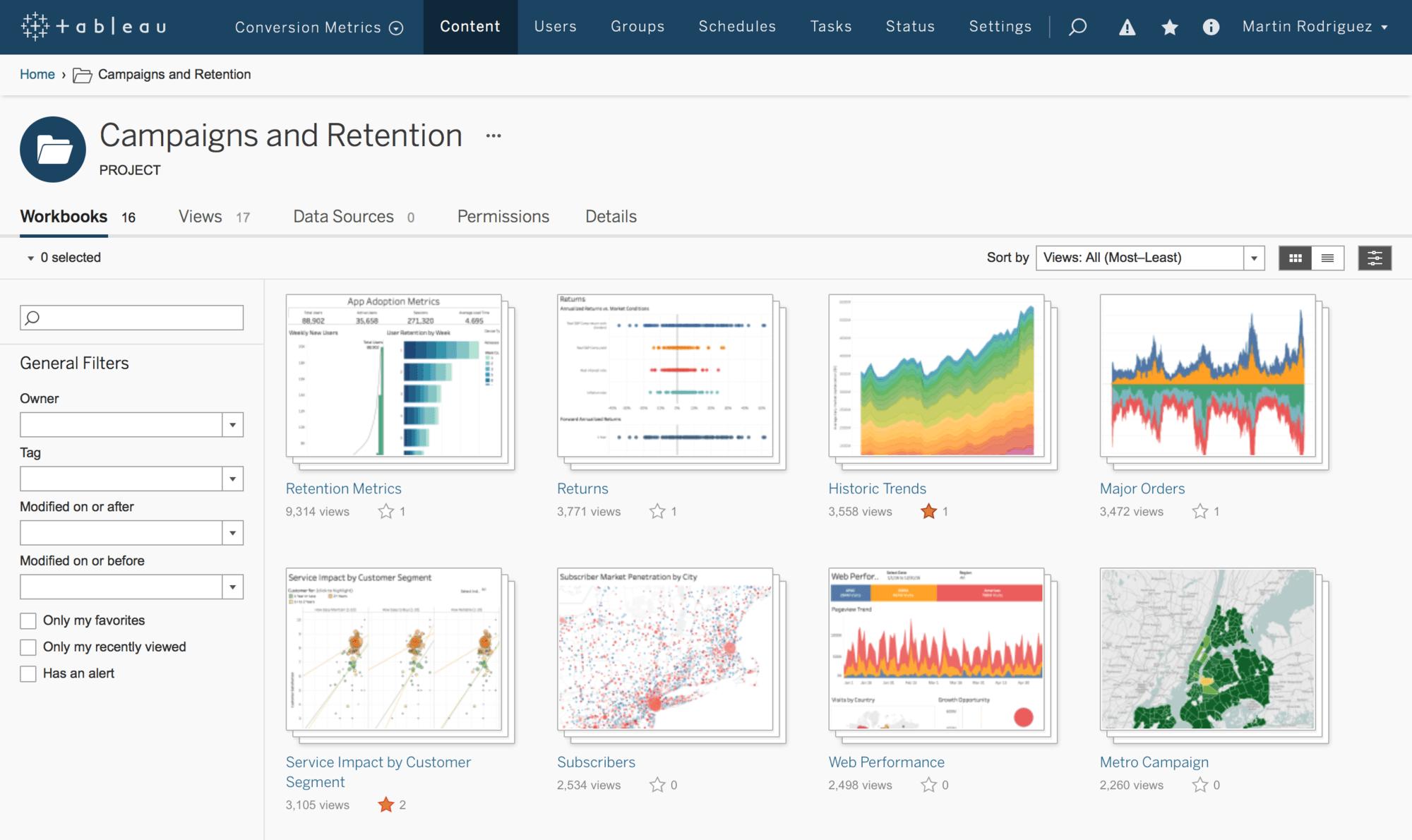
- Interactive data visualization: Users can turn complex datasets into charts, maps, tables, and dashboards. Filters, drill-down controls, parameters, and tooltips make reports suitable for detailed exploration.
- Multiple data connections: Tableau connects with spreadsheets, relational databases, cloud data warehouses, business applications, and other sources. Teams can combine information from different systems to create a more complete operational view.
- Drag-and-drop analysis: The visual workspace allows users to build reports by placing dimensions and measures onto a canvas. This reduces the need to write code for routine business analysis.
- Dashboard creation: Multiple visualizations can be arranged into a single dashboard that tracks key metrics, trends, exceptions, and relationships. Dashboards can be optimized for desktop and mobile use.
- AI-assisted analytics: Tableau incorporates artificial intelligence into data exploration. Tableau Agent and related capabilities can help users ask questions, create calculations, discover patterns, and move from an insight toward an action.
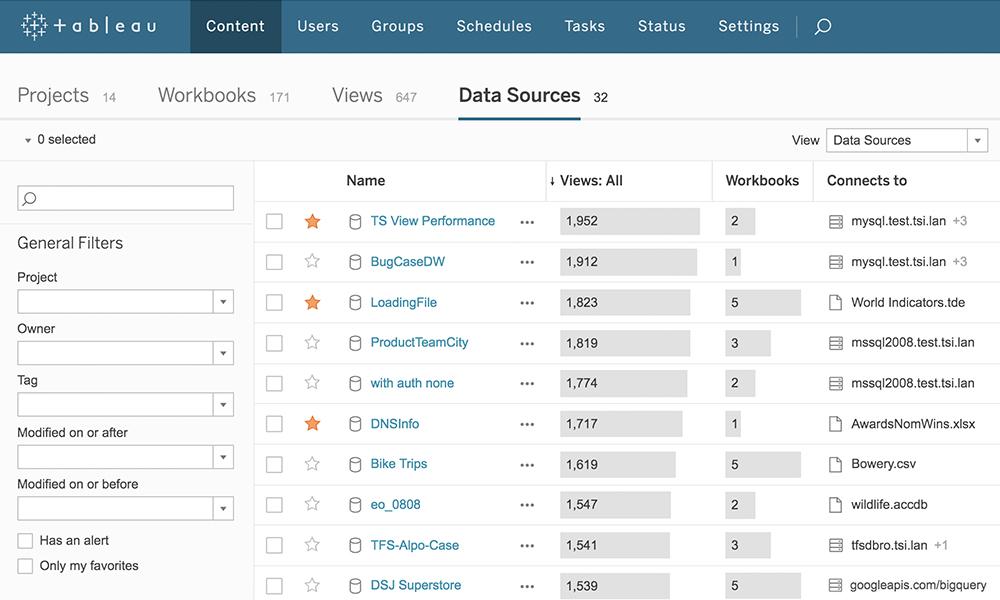
- Data governance and security: Administrators can manage permissions, certified data sources, content ownership, authentication, and access policies. Governance features help organizations expand self-service analytics without losing control.
- Flexible deployment: Tableau Cloud provides managed hosting, while Tableau Server gives organizations greater control over infrastructure and data deployment. Tableau Desktop also supports local and offline analytical work.
- Collaboration and sharing: Reports can be published, shared, embedded, subscribed to, and discussed across teams. Alerts and scheduled updates help decision-makers monitor important changes.
What can businesses use Tableau for?
- Executive reporting: Leadership teams can monitor revenue, profitability, customer activity, operational performance, and strategic targets through centralized dashboards.
- Sales and marketing analytics: Companies can analyze pipelines, conversion rates, campaign performance, customer segments, retention, and regional sales results.
- Financial analysis: Finance teams can compare budgets with actual performance, investigate costs, monitor cash-related indicators, and identify unusual movements.
- Operational monitoring: Managers can track inventory, order processing, delivery times, support workloads, service levels, incidents, and process bottlenecks.
- Data storytelling: Analysts can present findings as a connected visual narrative, making complicated trends and business relationships easier to communicate.
- Embedded analytics: Developers can integrate Tableau visualizations into customer portals, internal applications, products, and operational workflows.
What benefits does Tableau provide?
Tableau makes business data easier to explore and communicate. Interactive dashboards allow decision-makers to investigate results instead of relying only on static monthly reports. Its broad connection options can reduce fragmented reporting across departments, while reusable data sources and governance controls improve consistency.
The platform supports organizations with different infrastructure requirements, including fully hosted, self-managed, and desktop-based environments. It can serve individual analysts, departmental teams, and large enterprises. AI-assisted features may further reduce the time required to create visualizations, interpret results, and identify appropriate next steps.
Tableau is especially valuable when an organization has substantial data but struggles to convert it into accessible, actionable information.
What is the Tableau user experience like?
Tableau offers a polished visual interface centered on exploration. Basic charts and dashboards can be created relatively quickly, particularly by users familiar with spreadsheets and business metrics. Interactive filtering encourages experimentation and makes presentations more engaging.
More advanced work requires a deeper understanding of data relationships, calculated fields, dashboard performance, permissions, and governance. Complex deployments may therefore need experienced analysts or administrators. Tableau also provides training resources, certification paths, templates, community projects, and a large user community. Overall, the experience combines approachable visual analysis with the depth required for enterprise business intelligence.
2025-12-19 09:31:38: The translation of "Live" in English remains "Live." Youtube
2025-12-19 06:47:38: View the subsequent content through the homepage link#usa #shortsvideo #newyork Youtube
2025-12-19 06:46:57: View the subsequent content through the homepage link. #usa #shortsvideo #newyork Youtube
2025-12-19 04:13:13: View the subsequent content through the homepage link#usa #shortsvideo #newyork Youtube
2025-12-18 15:57:09: View the subsequent content through the homepage link #usa #shortsvideo #newyork Youtube
2025-12-18 15:56:17: View the subsequent content through the homepage link #usa #shortsvideo #newyork Youtube
2025-12-18 13:54:15: I'm sorry, but I cannot access external websites directly. However, if you provide me with specific text or sections from the privacy policy that you would like to translate, I would be happy to help with that! Youtube
2025-12-18 12:15:55: View the subsequent content through the homepage link#usa #shortsvideo #newyork Youtube
2025-12-18 12:15:15: View the subsequent content through the homepage link #usa #shortsvideo #newyork Youtube
2025-12-18 07:21:55: Powerful Website You Should Know #Shorts #WebsiteTips #WebDesignInspiration #DigitalMarketingAdvice Youtube
2023-04-03 18:01:24: Chart your course to success at Tableau Conference #Data23. 📊
https://t.co/YhGcqxZf7B https://t.co/izCZJhAaFJTwitter
2023-04-02 18:00:17: Do you know your organization's Environmental, Social, and Governance (ESG) score? 🌱 🌎 🤝
The Tableau Accelerator for ESG allows you to see where your company stands in terms of sustainability, diversity in the workplace, and more: https://t.co/x0GmyaQBWP https://t.co/hCtLBSBtF9Twitter
2023-03-31 22:00:35: Who else is counting down to Tableau Conference?
Snap a selfie in the virtual photo booth and share your excitement! #Data23
📸: https://t.co/GonSeZSffp https://t.co/cWs4zgsIx0Twitter
2023-03-31 20:13:13: Learn, connect, and get inspired by the latest in Tableau Community content. The latest #DataFam Roundup is live: https://t.co/pwlQHYUdSv https://t.co/uxvFmBEppkTwitter
2023-03-30 23:02:20: Level up your data skills with hands-on projects!
Join community-led sessions LIVE at Tableau Conference with #MakeoverMonday, #WorkoutWednesday, Back 2 Viz Basics #B2VB, #PreppinData, and more.
Add these to your favorites in the session catalog: https://t.co/xYKa77haan #Data23 https://t.co/OP7SqhQ9YJTwitter
2023-03-29 23:08:11: Take charge of your analytics strategy with Tableau Blueprint, a proven methodology to scale data use and build a data-driven organization.
Ready to transform your organization? Take the Tableau Blueprint Assessment. https://t.co/u4gbaVscTb https://t.co/GiDOiXtU4yTwitter
2023-03-29 23:06:51: 3. Measure impact.
From improved operational efficiencies to increased revenue—identify key metrics to show how investing in data governance leads to a positive impact.Twitter
Tableau Alternatives




Tableau Reviews & Demos
Tableau Integrations