Less annoying CRM
Languages:
English
Localization:
World

What is Less Annoying CRM and who is it for?
Less Annoying CRM is a cloud-based customer relationship management system designed specifically for small businesses, solo professionals, and small teams that want to manage contacts, tasks, and sales pipelines without complexity. The product was built around a clear philosophy: CRM software should be easy to understand, quick to adopt, and focused on daily work rather than advanced enterprise features.
Instead of offering layered modules, automation engines, or complex reporting systems, Less Annoying CRM concentrates on core CRM needs. Users can store contacts, track communication history, manage follow-ups, and organize opportunities in a way that feels intuitive from the first login. The interface is intentionally minimal, reducing cognitive load and setup time.
This approach makes the system especially suitable for consultants, service providers, freelancers, and small sales teams that want structure and visibility without spending weeks on configuration or training. Less Annoying CRM prioritizes consistency and predictability over feature expansion, aiming to remain stable and easy to use as businesses grow modestly rather than scale into enterprise complexity.
What are the key features of Less Annoying CRM?
-
Contact Management with Activity History
Each contact record includes notes, tasks, events, and communication history in a single timeline. This provides clear context around every relationship without switching between multiple views. -
Custom Pipelines and Lead Statuses
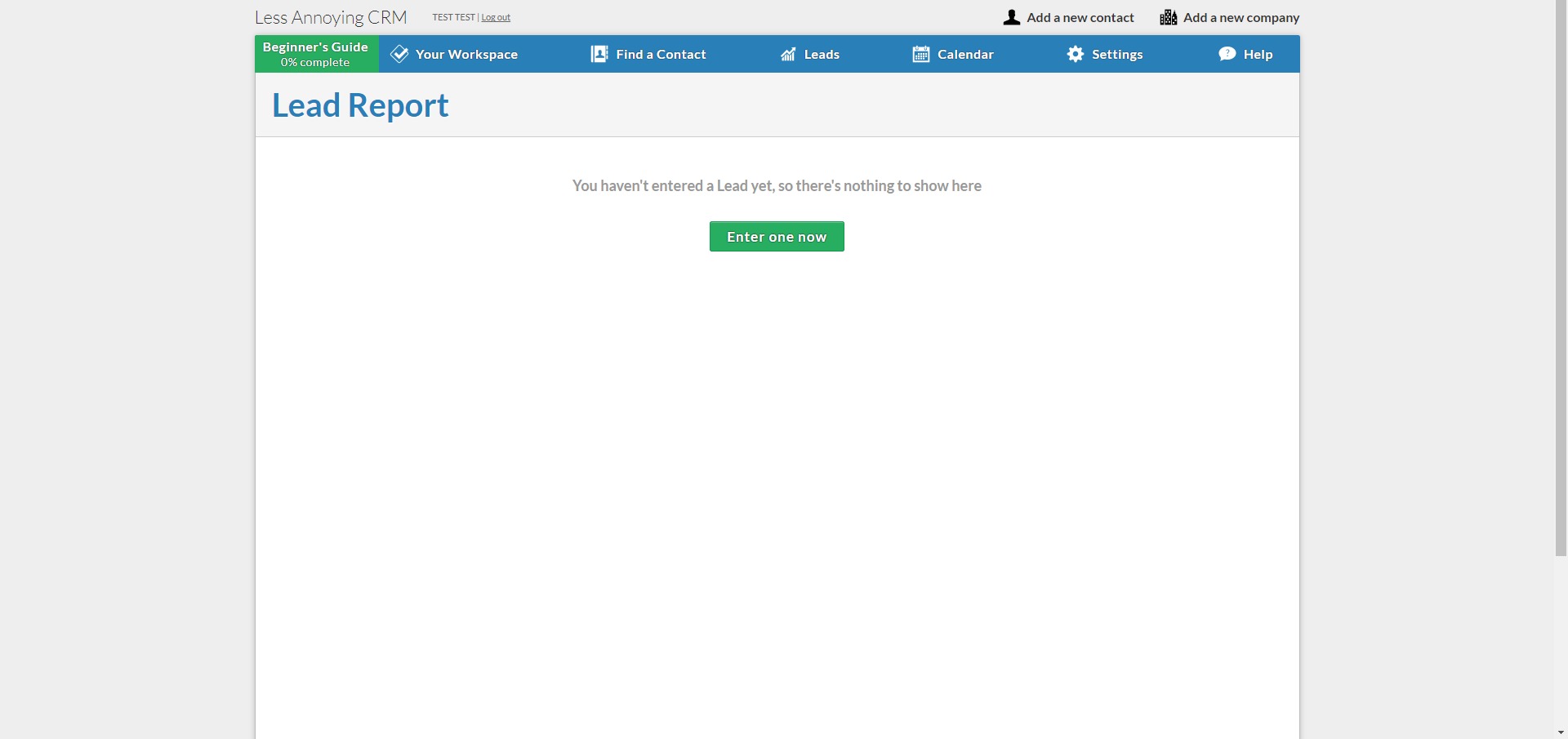
Users can define simple pipelines and statuses that reflect their real sales or client processes. Leads move through stages without automation rules or rigid workflows. -
Built-in Task and Calendar System
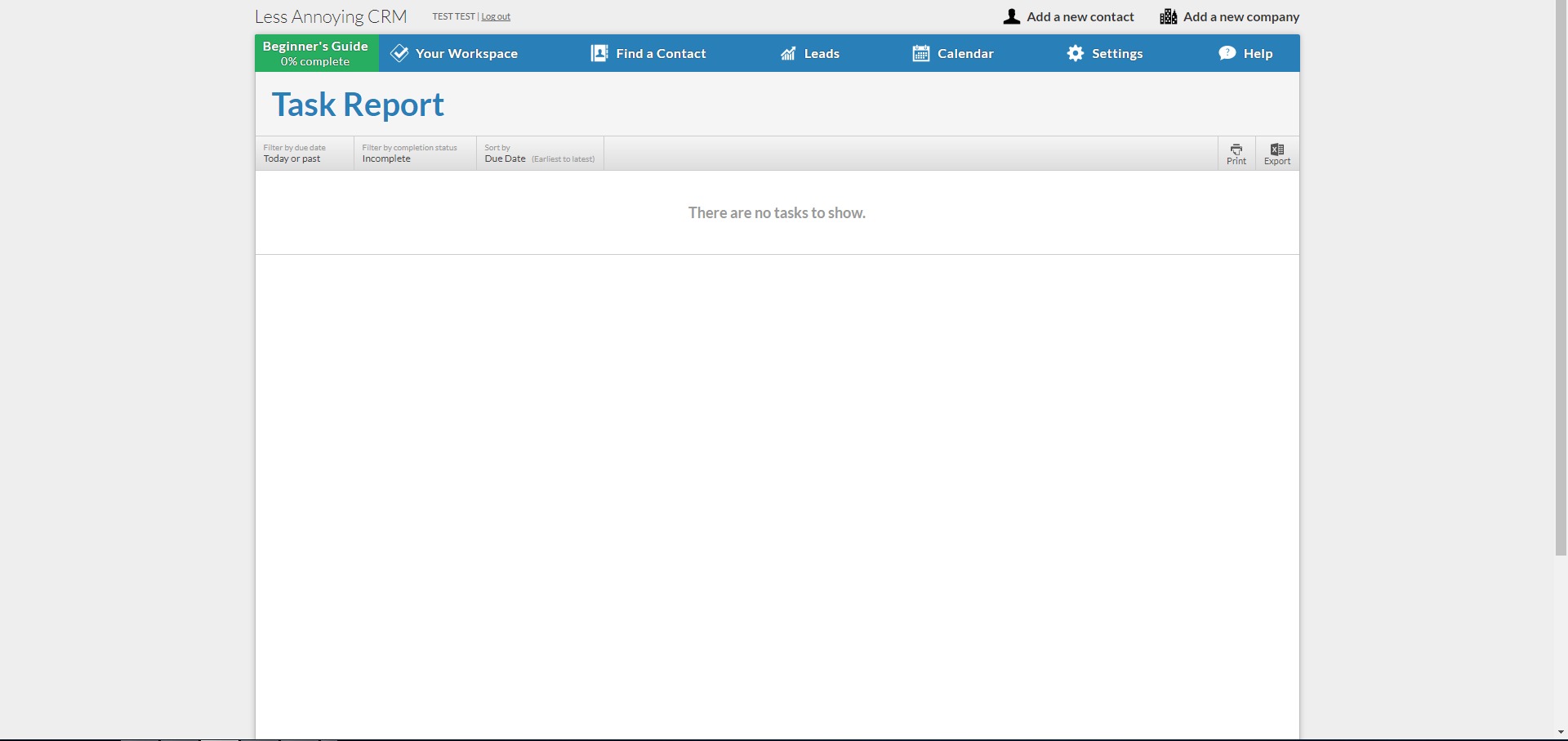
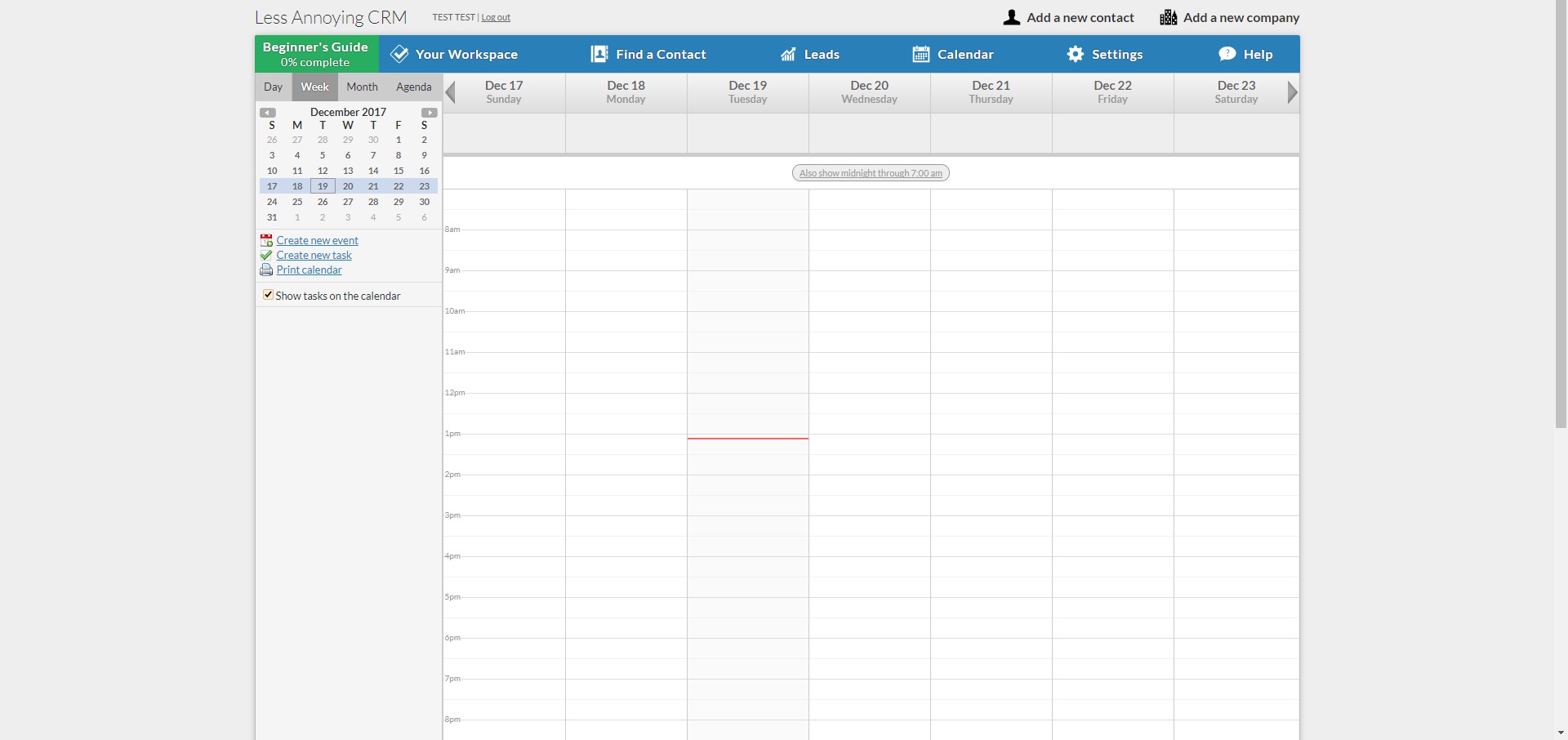
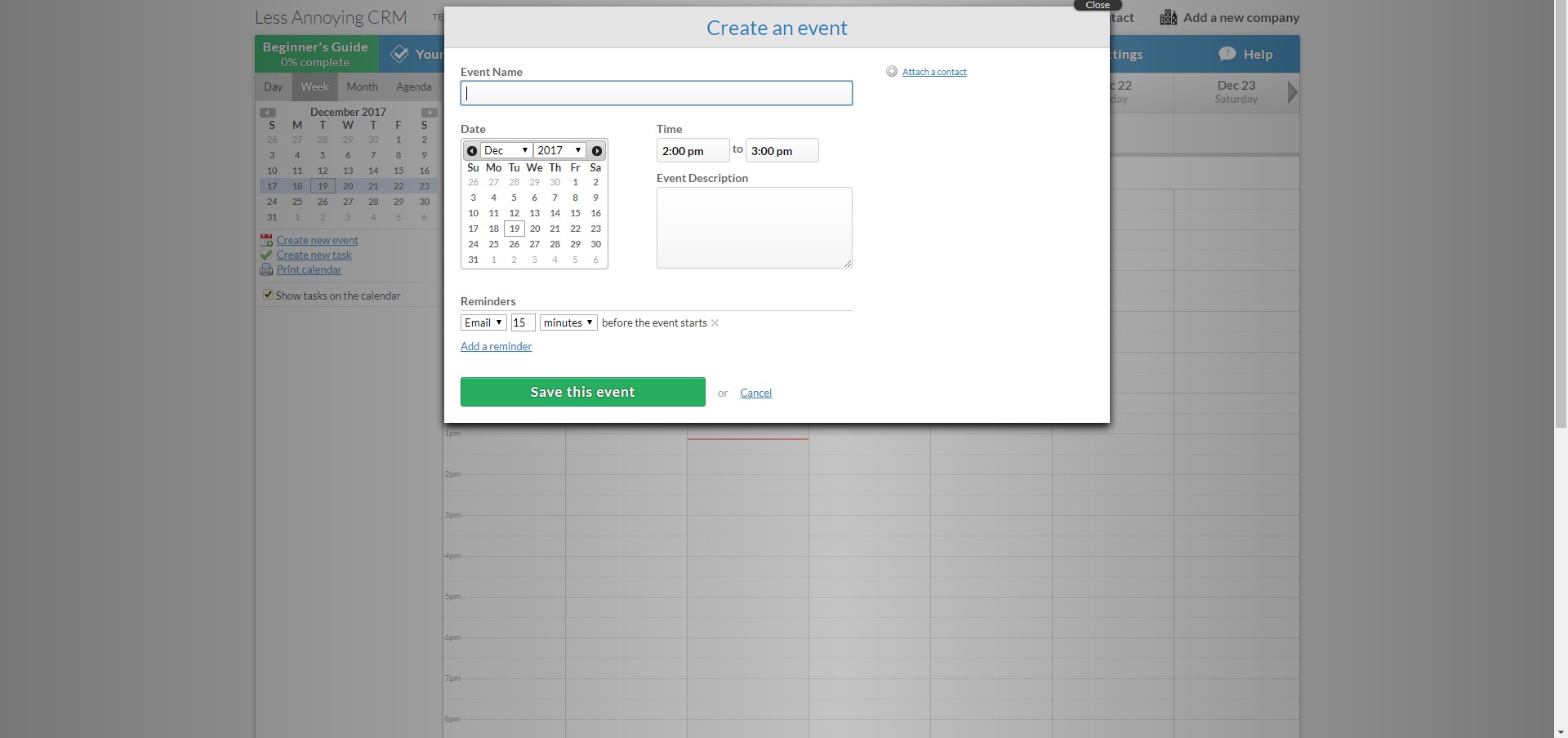
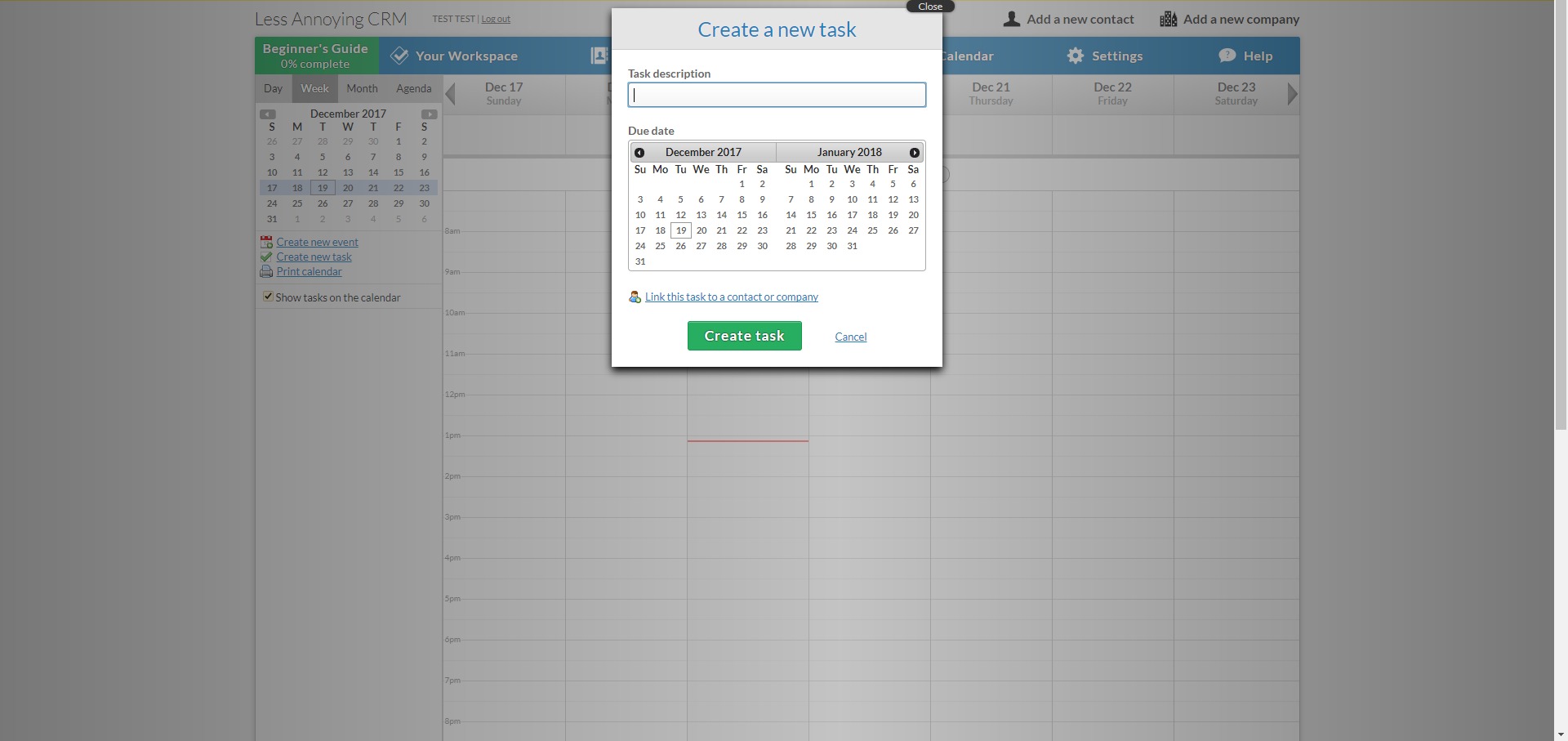
Tasks and events are integrated directly into the CRM, allowing users to schedule follow-ups, meetings, and reminders that are visible across the team. -
Email Logging via IMAP
Email accounts can be connected to automatically log incoming and outgoing messages to the correct contact records, maintaining communication history without manual effort. -
Team Collaboration and Visibility
Team members can share contacts, assign tasks, and view activity updates, keeping everyone aligned without complex permission systems. -
Simple Integrations via Automation Tools
Connections with external tools are supported through automation platforms, enabling data flow without native integration overload.
How is Less Annoying CRM used in real business scenarios?
-
Consultants Managing Client Relationships
Consultants use the CRM to track conversations, schedule follow-ups, and maintain a clear history of interactions with each client. -
Small Sales Teams Tracking Deals
Teams manage opportunities through simple pipelines, ensuring leads are followed up on without advanced sales automation. -
Freelancers Organizing Contacts and Tasks
Freelancers rely on task reminders and contact timelines to stay organized without adopting heavyweight tools. -
Service Businesses Handling Repeat Clients
Businesses with recurring customers use the CRM to log communication and plan future engagements efficiently. -
Startups Needing Fast CRM Adoption
Early-stage teams deploy the system quickly to establish sales discipline without delaying operations for setup.
What benefits does Less Annoying CRM provide?
The primary benefit of Less Annoying CRM is clarity. Users can see who they need to contact, what tasks are due, and where each relationship stands without navigating complex dashboards. The learning curve is minimal, allowing teams to focus on work rather than software.
Predictable pricing is another major advantage. All features are available at a flat per-user rate, eliminating tier confusion and budgeting uncertainty. This transparency supports small businesses that need cost control.
Consistency and reliability also stand out. The platform avoids frequent interface changes and experimental features, which reduces disruption and retraining. For teams that value stability, this is a strategic advantage.
Customer support is positioned as part of the product experience. Users receive direct assistance from knowledgeable staff rather than automated systems, reinforcing trust and long-term usability.
What is it like to use Less Annoying CRM daily?
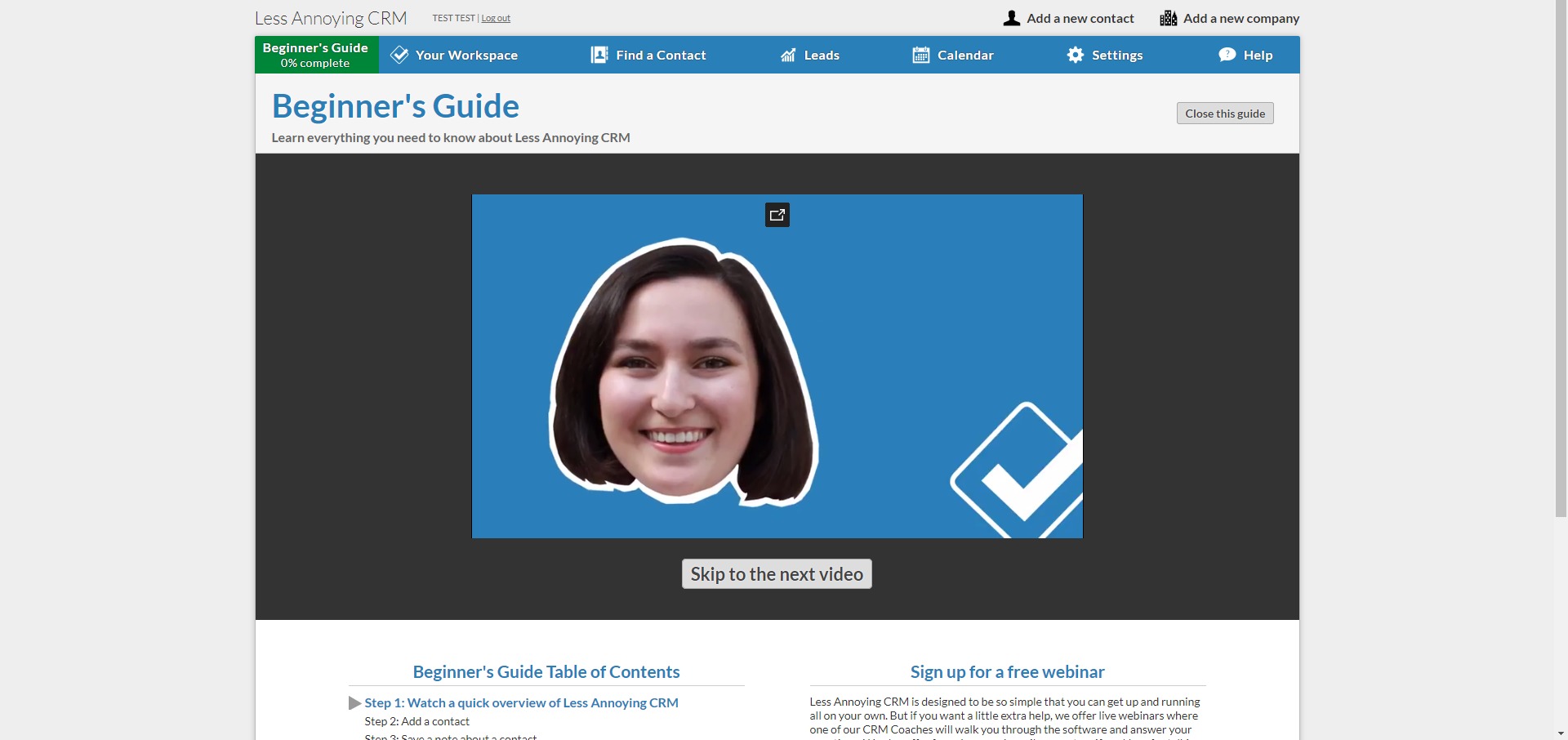
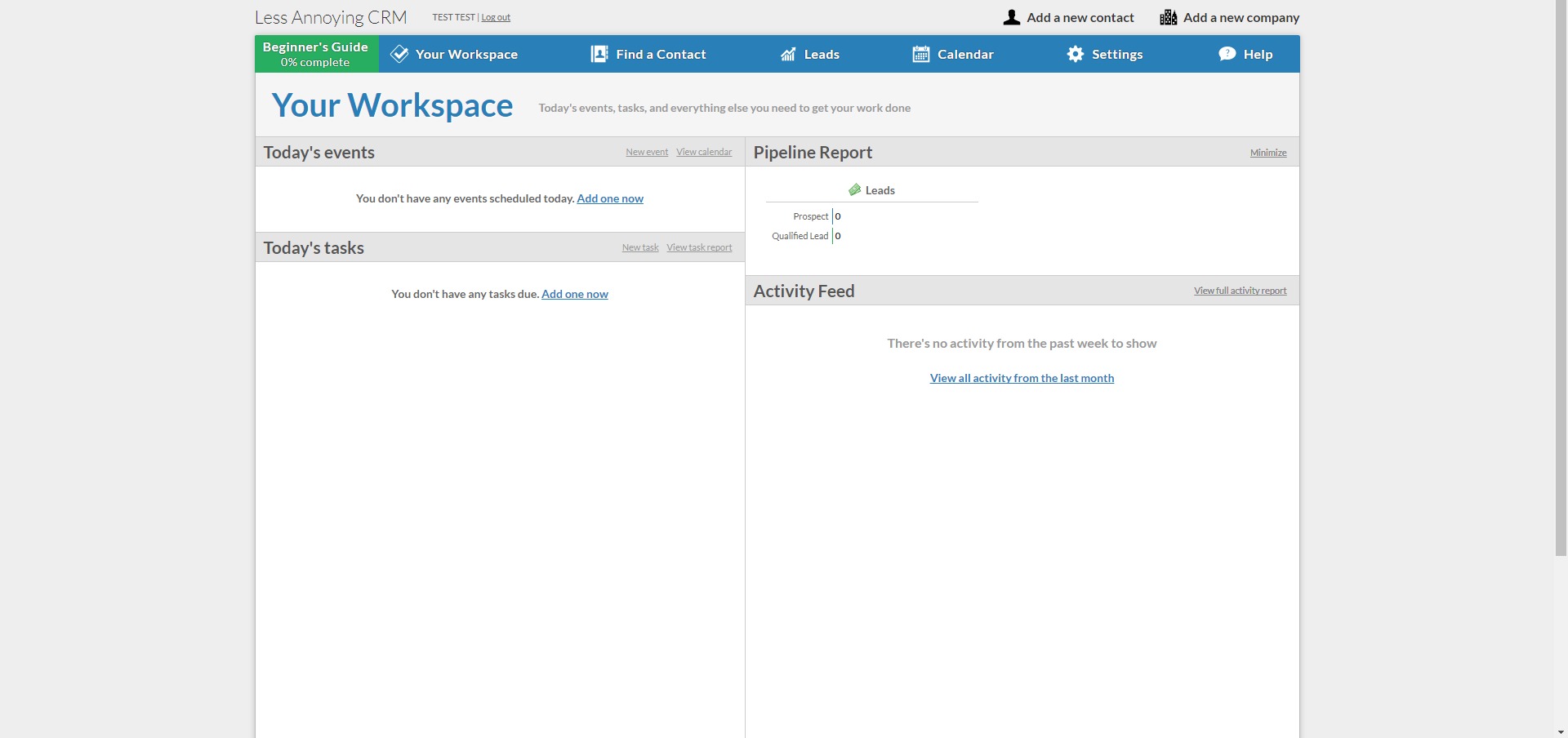
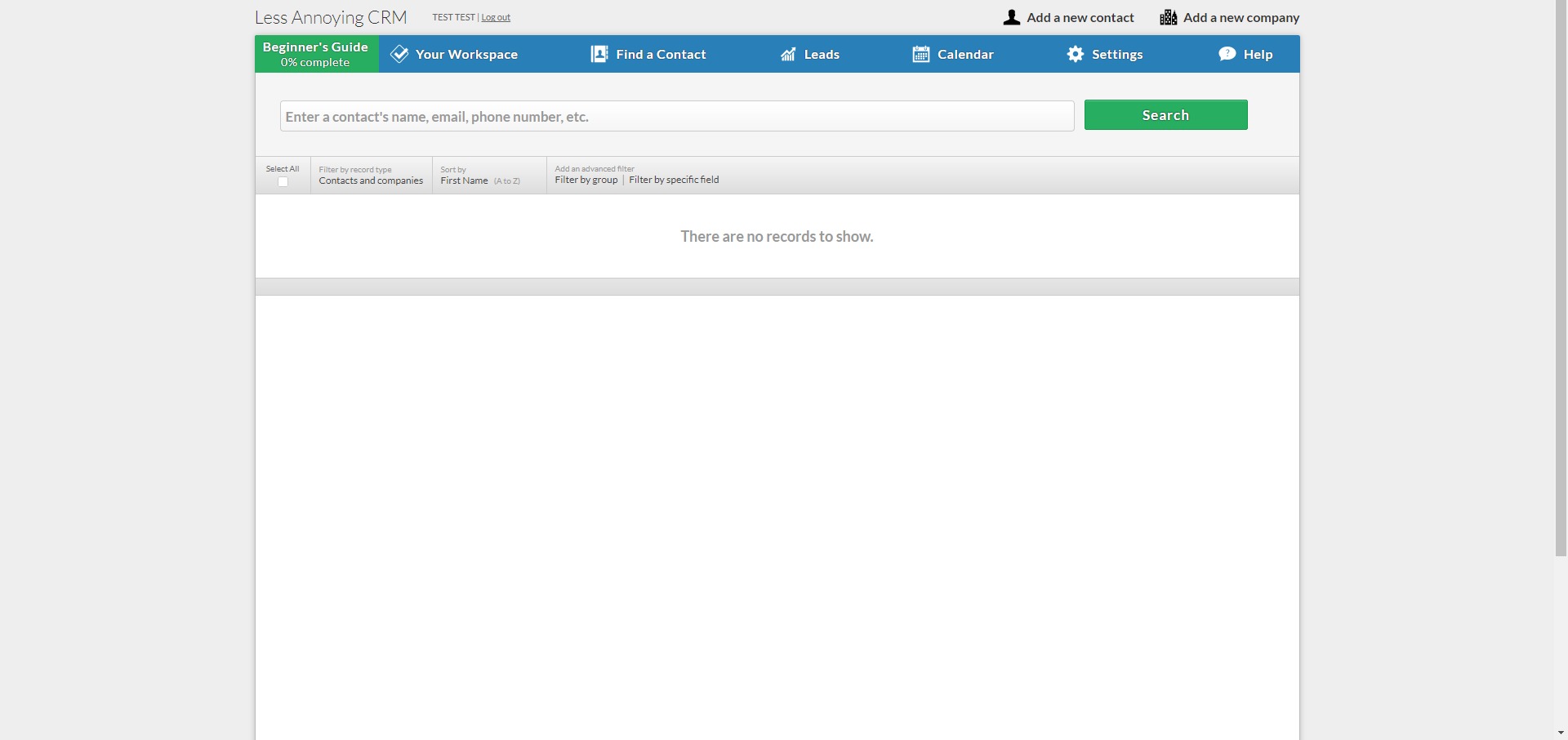
Daily use is centered around a clean dashboard that highlights tasks and upcoming events. Navigation is straightforward, with contacts, pipelines, and settings clearly separated. Most actions require only a few clicks, and the system responds quickly without unnecessary animations or pop-ups.
The interface favors text clarity and functional layouts over visual complexity. While this may feel basic compared to modern design-heavy tools, it reinforces usability and speed. Users typically adapt within hours rather than days.
Mobile access is browser-based, which supports basic on-the-go usage but reinforces the platform’s focus on desktop workflows. Overall, the experience is calm, predictable, and intentionally uneventful, supporting steady work rather than experimentation.
Less Annoying CRM positions itself as a long-term operational tool rather than a constantly evolving platform. For small teams that value focus, simplicity, and dependable structure, this experience aligns closely with daily business realities.
2023-02-07 18:06:02: 💲 Have customer details stored in Quickbooks (or Xero, or Sage)? Send info from your accounting software to LACRM via #Zapier! Here's a tutorial on how to sync your accounting tools with LACRM: https://t.co/OeljUbIpWLTwitter
2023-02-02 17:53:24: 💸 In sales and not sure what you can do with LACRM's new integration with #Zapier? Here are 5 Zap templates to help automate your follow-up process (& you make sure your leads never go cold)! https://t.co/Xc457XQJkm https://t.co/D7E1hqvbOtTwitter
2023-01-16 18:25:16: Our API and API documentation have gotten a major ⬆️upgrade⬆️- new functions that API users can build into their integrations and more robust documentation. Read our announcement to learn more about our new API! https://t.co/xauI3gDhfQ https://t.co/SMv3sa3SswTwitter
2022-12-27 16:52:30: Just a reminder that our support team is in email-only mode this week. Aside from very limited bookable slots for calls, we'll be answering inquiries via email for the rest of 2022. Our support team's hours will be the same as usual. Happy holidays!
https://t.co/6VPLYfmk2vTwitter
2022-12-22 17:19:48: We'll continue to offer email support over both holiday weekends as usual.
Most weekdays we will have some limited available time for scheduled calls, for those who may need a longer-form chat with our team. You can find our booking calendar via 'Help'→'Contact us' in your CRM.Twitter
2022-12-22 17:19:47: Just a heads-up to our customers: Starting Friday 12/23 through Friday 12/30, our support team will temporarily shift to email-only support. This will let us continue providing support during normal hours (9am-5pm CT), even as much of our team takes a well-deserved holiday break.Twitter
2022-11-24 16:00:02: FYI: Our support will be offline today for Thanksgiving -- we'll have email support tomorrow, the 25th. We will also have email-only support over the weekend, as always. Our normal support offering will resume on Monday the 28th.
Thanks for your patience and Happy Thanksgiving!Twitter
2022-11-21 21:49:43: ⌚ If your business has a long sales/follow-up cycle, you already know how important it is to keep accurate details along the way. Here's how 3 LACRM features can help you with that: https://t.co/3zpzCbIw6JTwitter
2022-11-09 19:35:59: P.S. So many integration announcements, so little time. Keep track of all our integrations at our ✨new ✨ directory here: https://t.co/fFJEBIdmrITwitter
Less annoying CRM Alternatives




Less annoying CRM Integrations