JotForm
Languages:
Български
Deutsch
English
Español
Français
Italiana
한국어
Polski
Portuguese
Русский
Türk
简体中文
Localization:
World

Jotform — Smart Online Form Builder is a no-code platform designed to help businesses, creators, and teams collect data, automate workflows, and manage digital processes efficiently. Built around a visual drag-and-drop editor, Jotform enables users to create customized forms, surveys, applications, and payment pages without technical expertise. The platform extends beyond basic form creation by integrating automation tools, document generation, approval flows, and e-signature capabilities into a unified environment.
From startups capturing leads to enterprises managing structured approvals, Jotform adapts to various operational needs. It reduces development dependency, accelerates process deployment, and simplifies information management. With flexible customization, workflow automation, and scalable infrastructure, Jotform supports both simple contact forms and complex multi-step operational systems.
What key features does Jotform offer?
-
Drag-and-Drop Form Builder
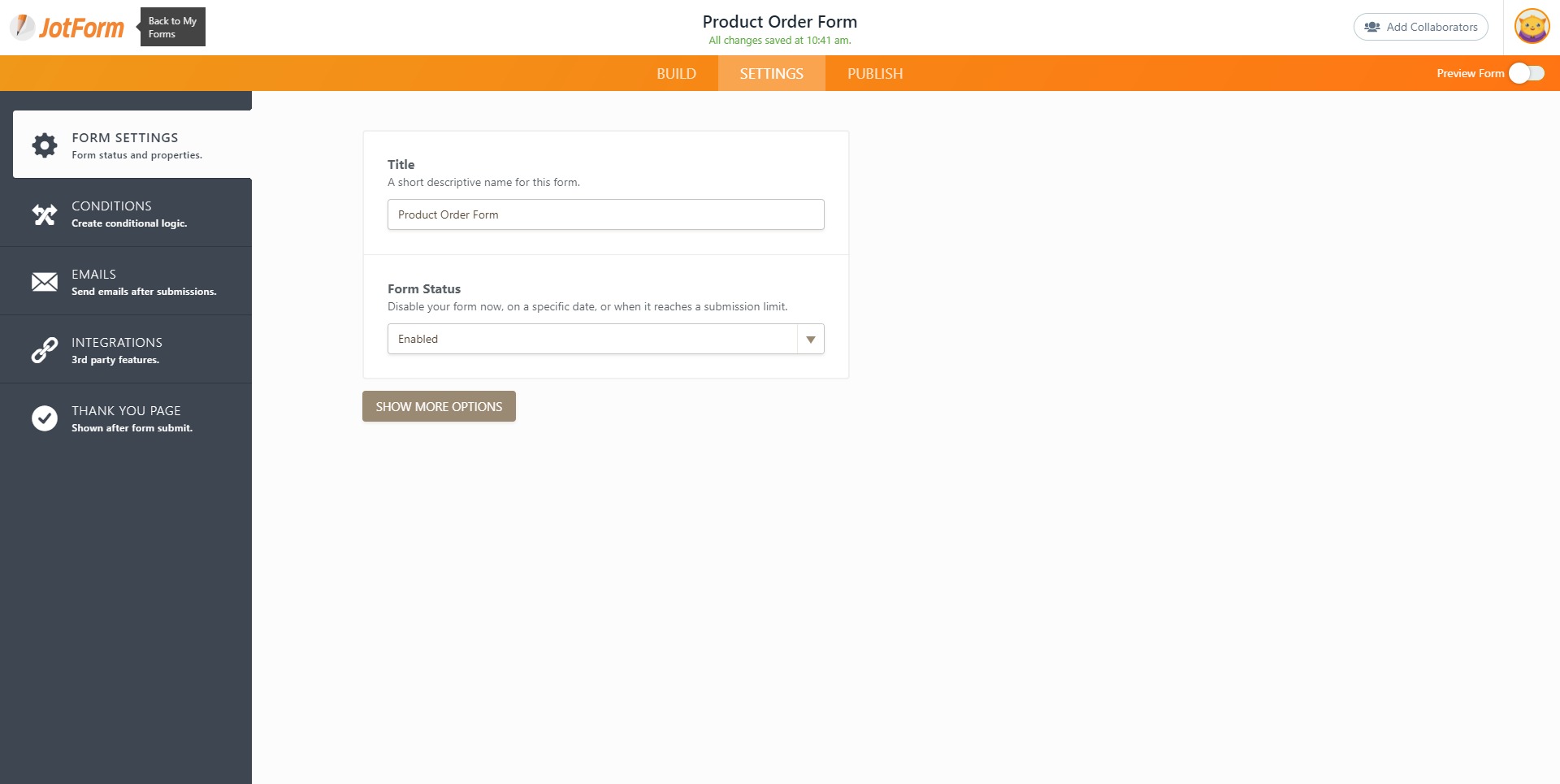
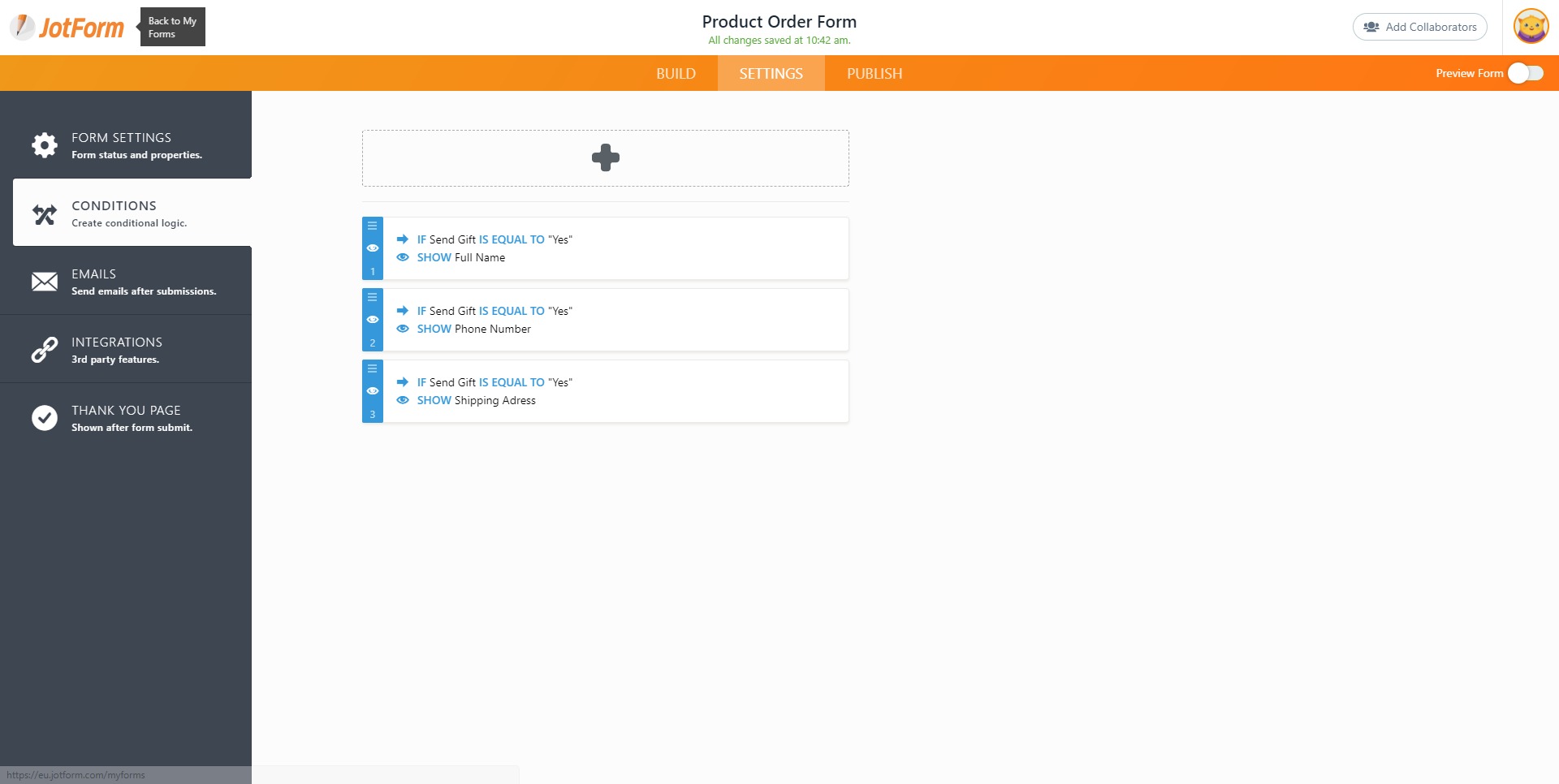
A visual interface allows forms to be built quickly by placing fields, configuring layouts, and applying styling. Conditional logic enables dynamic experiences where questions change based on responses, improving accuracy and user flow. -
Advanced Conditional Logic
Multi-page forms, branching workflows, and calculated fields make it possible to build intelligent forms that adapt to user input. This supports applications, onboarding flows, pricing estimators, and structured approvals. -
Payment Collection Integration
Secure payment gateways can be embedded directly into forms. This supports subscriptions, event registrations, service payments, donations, and product orders within a single workflow. -
Workflow Automation and Approvals
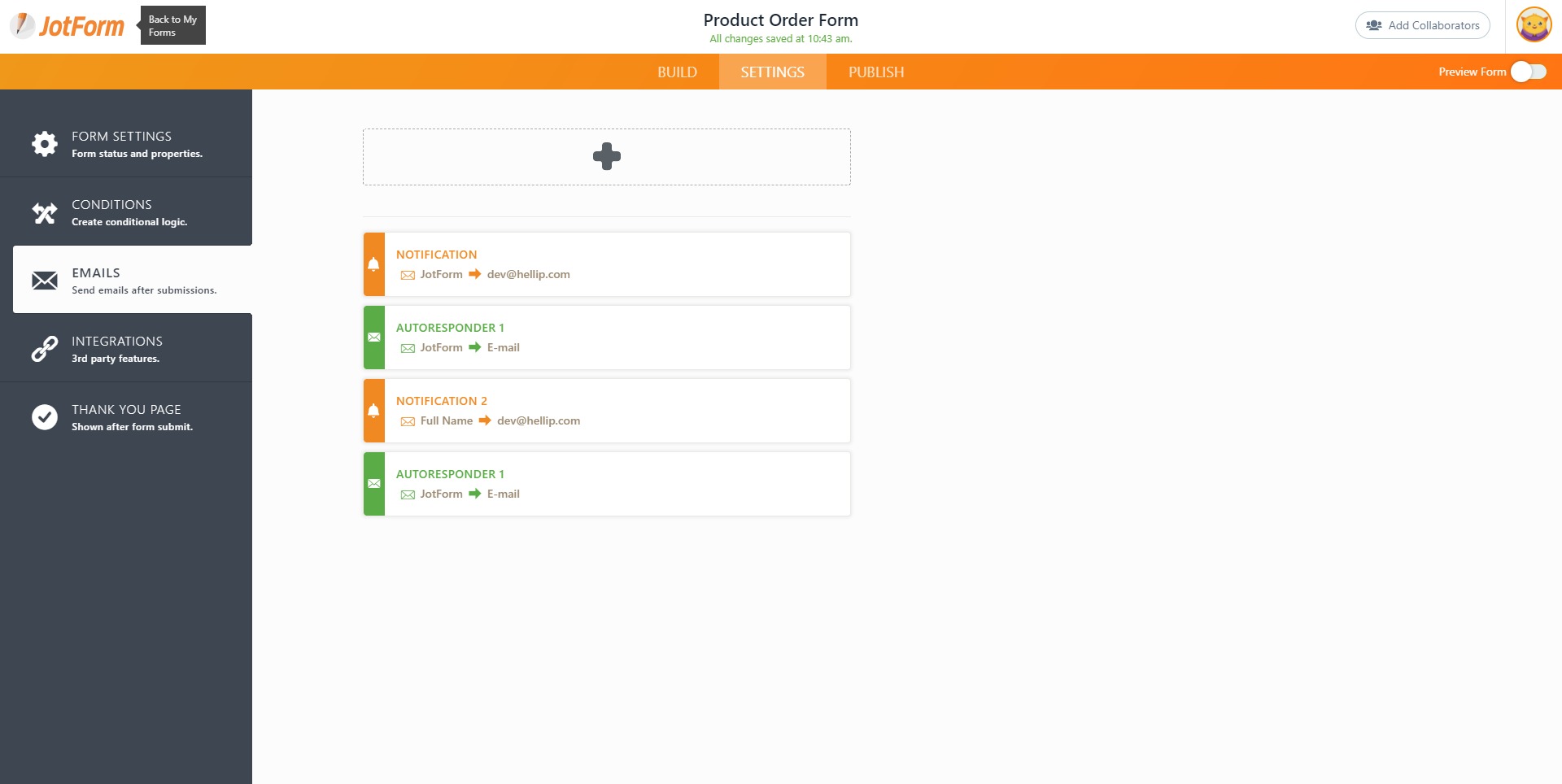
Automated notifications, approval routing, and status tracking eliminate manual handoffs. Teams can design structured processes for HR, finance, operations, and customer support. -
PDF Form Conversion and Document Generation
Existing PDF documents can be converted into fillable online forms. Submitted data can automatically generate formatted PDFs, contracts, or reports. -
Electronic Signature Tools
Built-in e-signature functionality enables legally binding digital document signing without external tools, supporting agreements, contracts, and internal approvals. -
App Integrations and Data Sync
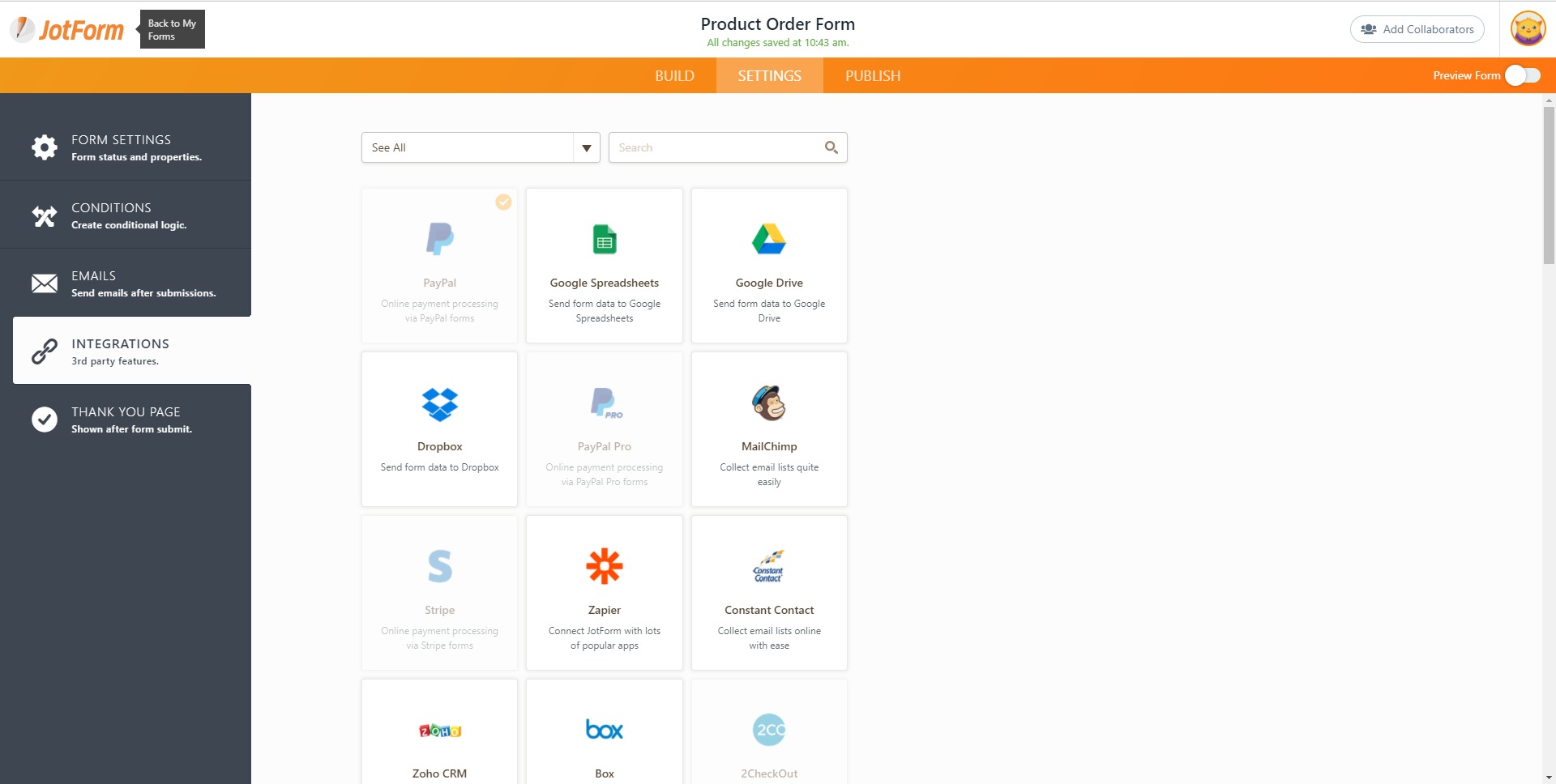
Integrations with CRM systems, spreadsheets, email platforms, and cloud storage solutions ensure that collected data flows automatically into operational systems. -
Security and Compliance Options
Role-based access control, encryption, and compliance-ready configurations support regulated industries such as healthcare and finance.
How can Jotform be used in real business scenarios?
-
Lead Generation and Marketing Funnels
Businesses can create lead capture forms that trigger automated follow-ups, CRM updates, and segmented email campaigns. Dynamic qualification questions improve conversion rates and reduce unqualified submissions. -
HR and Internal Operations
Leave requests, onboarding documents, reimbursement forms, and internal approvals can be automated with structured routing and tracking. This reduces administrative overhead and improves transparency. -
Event Management and Registration
Registration forms with integrated payments simplify attendee management. Automated confirmations and reminder notifications improve event coordination. -
Client Onboarding and Service Intake
Agencies and consultants can standardize client intake processes through detailed forms that gather structured information before engagement begins. -
Education and Course Enrollment
Schools and online educators can collect applications, assignments, feedback, and tuition payments while maintaining organized records. -
Nonprofit Donations and Fundraising
Donation forms with secure payment processing enable campaigns to collect funds efficiently while automatically issuing receipts.
What benefits does Jotform provide to organizations?
Jotform reduces time-to-deployment for digital processes. Instead of waiting for developers to build custom systems, operational teams can design and launch workflows independently. This accelerates experimentation and operational scaling.
The platform centralizes data collection and workflow automation into one environment, minimizing tool fragmentation. Automated routing, notifications, and integrations decrease manual errors and administrative workload.
Scalability allows organizations to start with simple forms and expand into complex automation systems as needs grow. Multi-user collaboration and permission management support structured team environments.
Cost efficiency is achieved by replacing paper processes, reducing development costs, and minimizing reliance on multiple SaaS tools for forms, documents, and approvals.
How easy is Jotform to use for non-technical users?
Jotform is built around usability. The drag-and-drop interface removes coding barriers and provides visual customization options that make form design intuitive. Field configuration panels guide users through validation rules, logic settings, and automation triggers without technical complexity.
Templates accelerate setup for common use cases, reducing the need to design workflows from scratch. Real-time previews allow users to test form behavior before publishing.
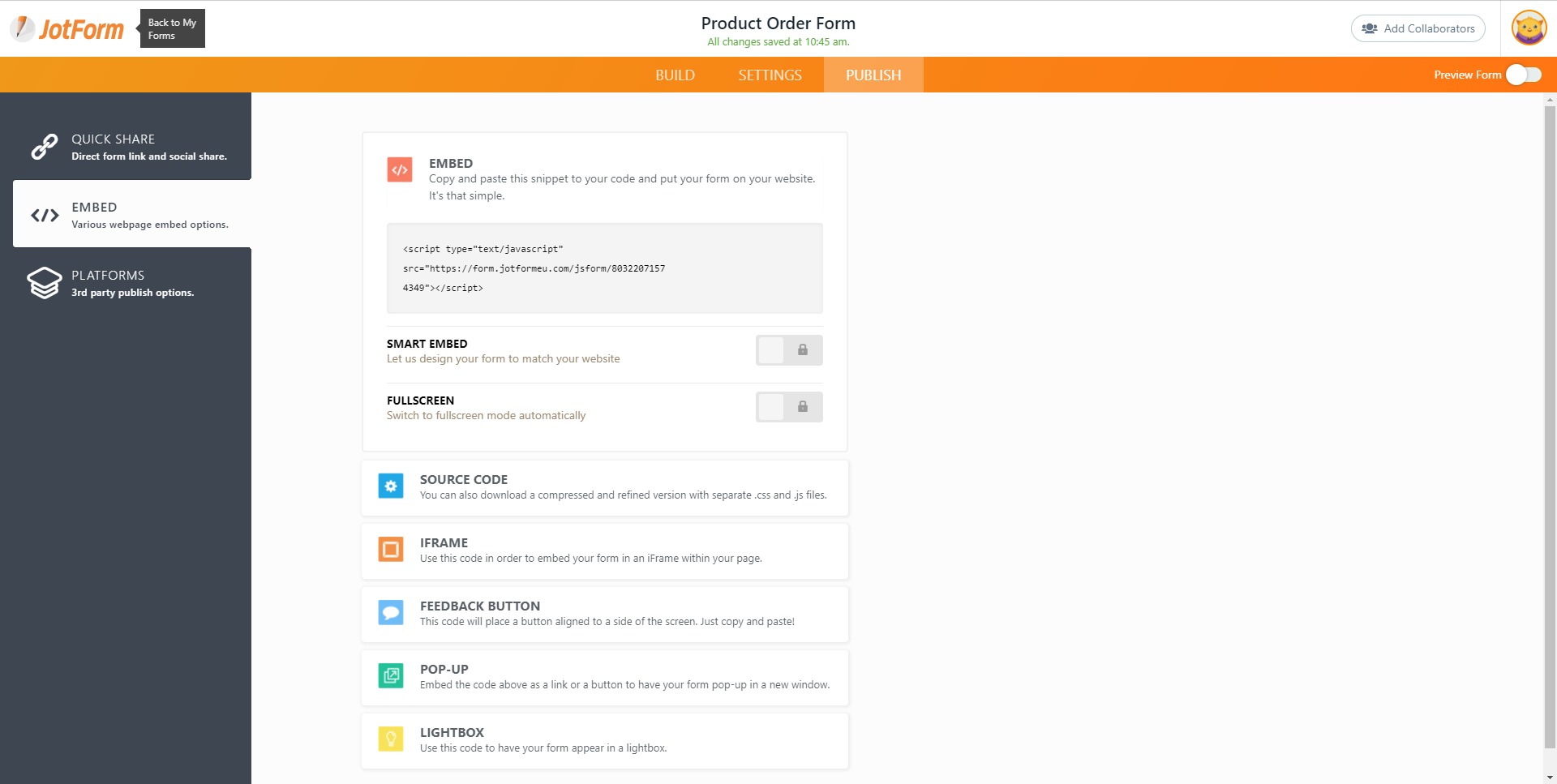
Form embedding options support websites, landing pages, and standalone shareable links. Mobile-responsive design ensures that forms function smoothly across devices without additional optimization.
For advanced users, deeper customization and integration capabilities remain accessible. This balance between simplicity and flexibility makes Jotform suitable for both small teams and enterprise environments.
Why choose Jotform — Smart Online Form Builder over traditional form tools?
Traditional form tools often focus solely on data capture. Jotform — Smart Online Form Builder expands this concept into a full workflow ecosystem. It combines form creation, document automation, payment processing, and approval routing within a single platform.
This unified structure allows businesses to transform static forms into operational engines. Instead of collecting data and manually transferring it into other systems, automation handles follow-ups, document generation, and integration tasks automatically.
For organizations seeking faster execution, reduced operational friction, and scalable workflow design without engineering overhead, Jotform offers a practical and adaptable solution.
2026-10-10 00:20:01: How to Create Tables with Gemini in Google Sheets ✨ #tutorial Youtube
2026-10-09 23:20:00: How to Add Search and Filters with AI Youtube
2026-10-09 22:20:31: How to Add a WhatsApp Button to Shopify Youtube
2026-10-09 00:20:39: How JotForm Workspaces Work? #tutorial Youtube
2026-10-08 23:20:18: How to Add a Payment Form to Wix Youtube
2026-10-08 22:20:27: How to Add a Before and After Slider in Webflow Youtube
2026-10-08 00:20:17: How to Create Claude Visuals from CSV Data? #tutorial Youtube
2026-10-07 23:20:24: How to Add a Facebook Feed on Your Website Youtube
2026-10-07 22:20:06: How to Sync Your Form Submissions to Wix Contacts Youtube
2026-10-07 21:40:04: UNBOUND Speech: 4 Live Stunts Powered by JotForm AI Youtube
2023-04-05 21:35:29: Are you interested in learning more about making your online forms accessible? ✨
Join us for a webinar tomorrow and discover how to create inclusive and user-friendly forms for all!
Register here👇
https://t.co/u7fqDrbQQkTwitter
2023-04-05 20:32:53: Use Jotform Sign to automate your workflows⚡ https://t.co/AzYwK9d6uATwitter
2023-04-04 19:04:02: We just hit 20 million users! 🎉
This milestone celebrates our customers, teams, and communities who support Jotform.
We appreciate you 🙏 🧡 https://t.co/vK9ihnfTeHTwitter
2023-03-31 16:53:12: In this month's Jotform Enterprise newsletter, we're exploring ways you can expand your learning! 🎓
Additionally, we'll cover important resources for field service managers and five favorite features of Jotform Enterprise users.
Check it out👇 https://t.co/yxHivlhs1MTwitter
2023-03-30 23:27:28: Get your copy of the book here👇
https://t.co/U9k28PppjNTwitter
2023-03-30 23:27:27: 6. Software Engineering 🙌 https://t.co/b659s7XMM7Twitter
2023-03-30 23:27:26: 5. Application Development 🚀 https://t.co/FzzOzsPsFdTwitter
2023-03-30 23:27:24: 4. Software Design, Testing & Engineering 📈 https://t.co/Mq2ozcqeR5Twitter
2023-03-30 23:27:22: 3. Computer Software 🧑💻 https://t.co/Bq3xbUiUygTwitter
2023-03-30 23:27:20: 2. Software Design Tools ⚒️ https://t.co/DwqVwHFePMTwitter
JotForm Alternatives




JotForm Integrations