What is Coggle and what does it do?
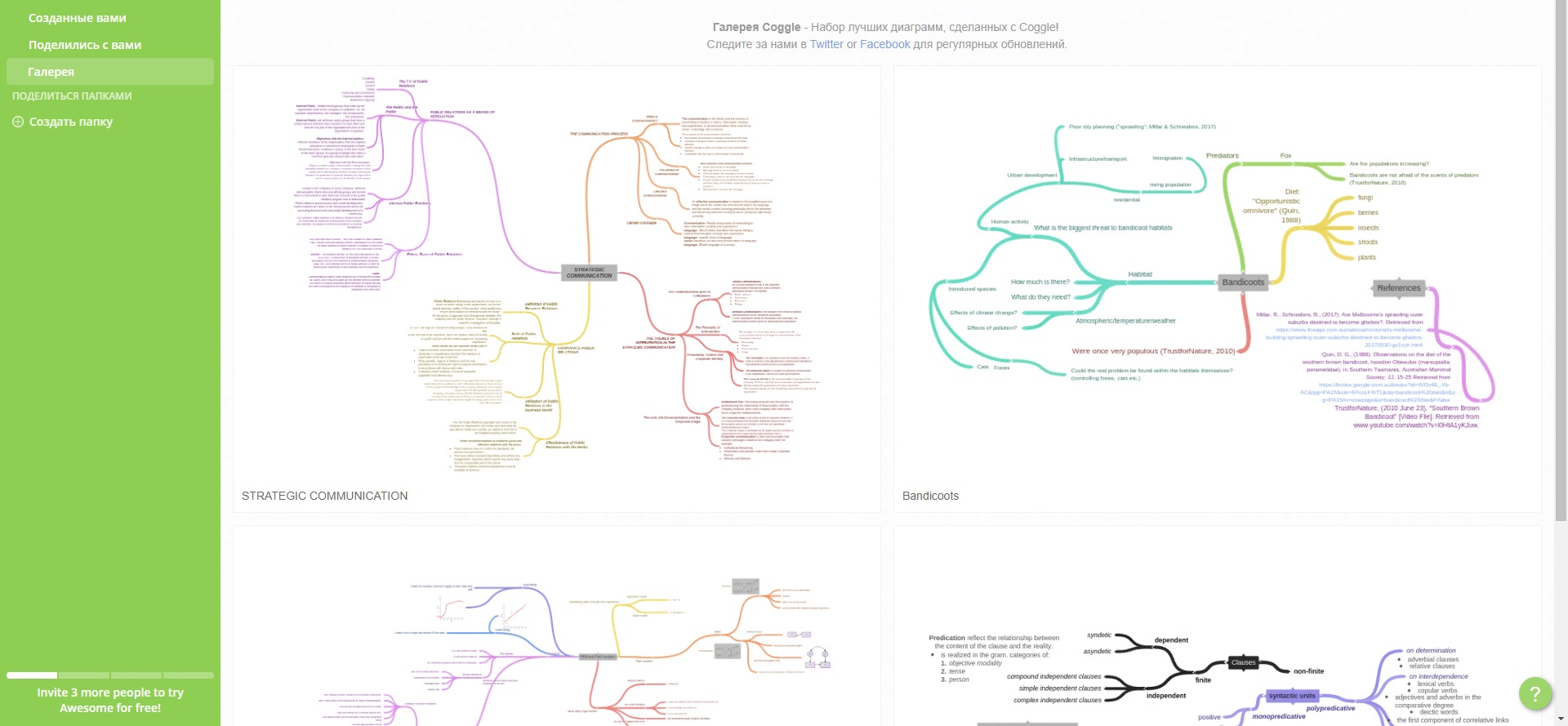
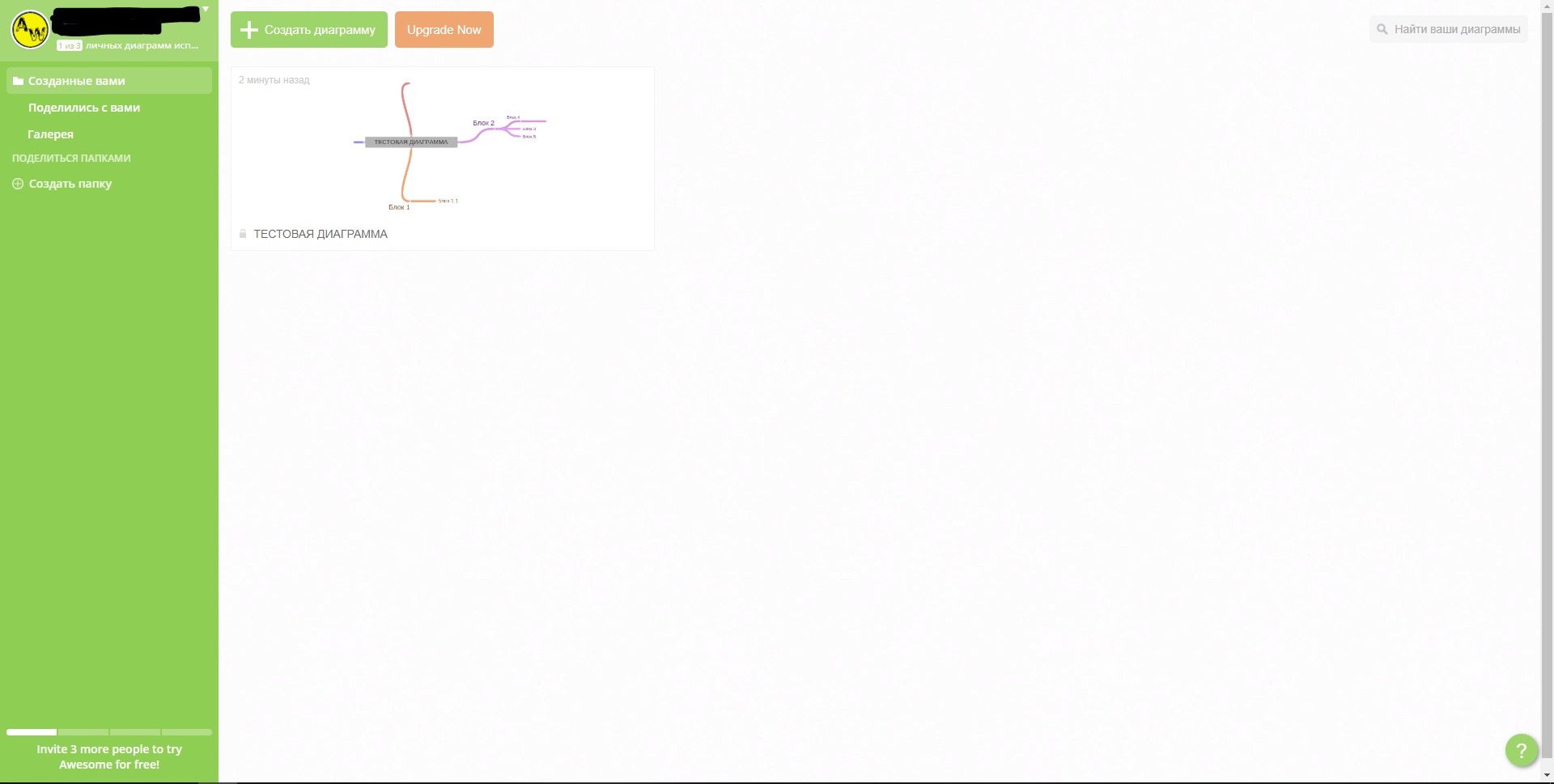
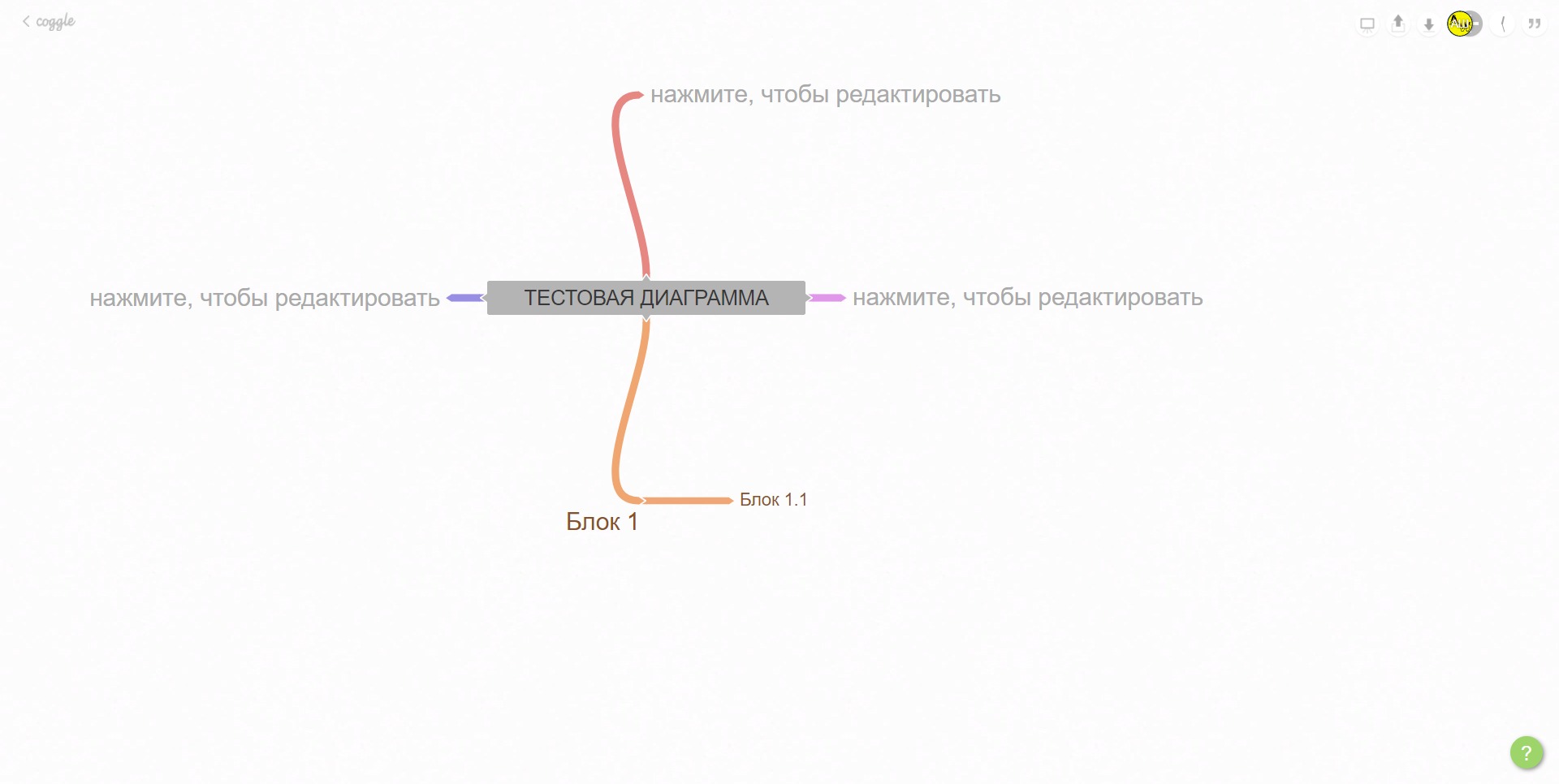
Coggle is a collaborative mind mapping platform designed to help individuals and teams organise ideas, processes, research, and complex information visually. It allows users to begin with a central topic and expand it through connected branches, creating a structured map of related concepts.
The platform works directly in a web browser, so no desktop installation is required. Diagrams are saved online and can be edited, shared, exported, or developed together with other users in real time.
Although Coggle is mainly known for mind maps, it can also be used to create concept maps, decision trees, process diagrams, simple flowcharts, project structures, and visual knowledge bases. Its flexible format makes it suitable for education, business planning, product development, writing, research, and team collaboration.
The Coggle collaborative mind mapping platform focuses on simplicity. Users can build useful diagrams quickly without learning complex design or modelling tools.
What are the key features of Coggle?
-
Visual mind map creation: Users can create diagrams around a central topic and add unlimited levels of branches. This makes it easier to break large subjects into smaller, understandable sections.
-
Real-time collaboration: Multiple people can edit the same diagram simultaneously. Changes appear quickly, allowing teams to brainstorm, plan, and review information during meetings or remote sessions.
-
Automatic saving: Coggle saves diagrams while users work. This reduces the risk of losing changes and removes the need to manage local document versions manually.
-
Change history: The platform records previous versions of a diagram. Users can review how ideas developed, identify changes, and return to earlier versions when necessary.
-
Images and attachments: Images can be added directly to branches, helping users explain ideas visually or include screenshots, examples, and supporting materials.
-
Formatting tools: Users can change branch colours, text styles, labels, icons, and item shapes. These options help separate categories and highlight important information.
-
Cross-links and loops: Different branches can be connected to show dependencies, relationships, recurring processes, or links between ideas that do not follow a simple hierarchy.
-
Multiple central topics: Diagrams can contain more than one starting point, which is useful for comparisons, connected systems, and workflows involving several independent components.
-
Flowchart functionality: Coggle can be used for lightweight flowcharts with directional connections, process steps, decisions, and outcomes.
-
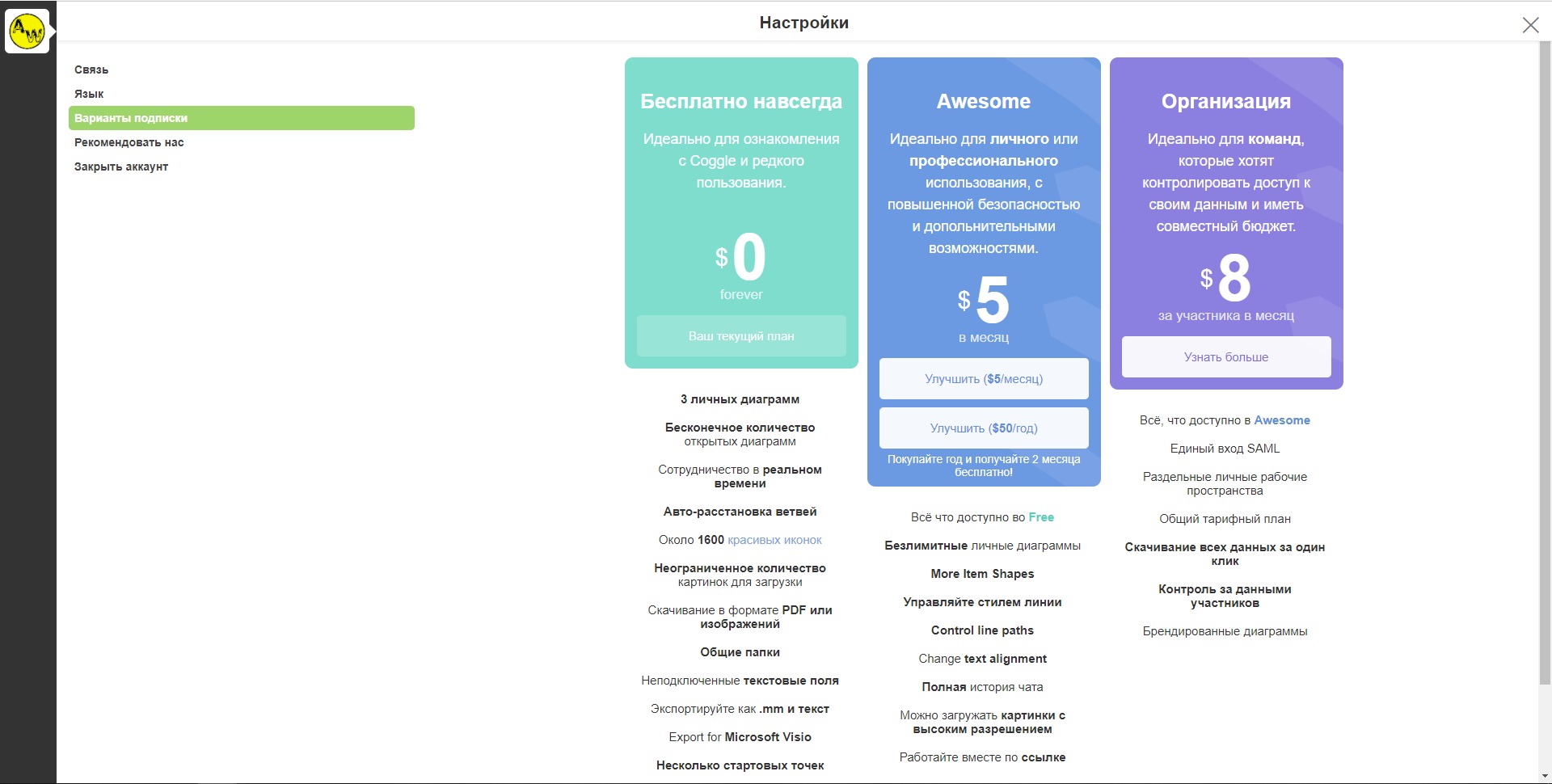
Sharing and permissions: Diagrams can be shared with selected collaborators or through accessible links. Privacy and collaboration options depend on the chosen plan.
-
Export options: Completed diagrams can be exported as images, PDF documents, text-based formats, or files compatible with selected diagramming and mind mapping tools.
-
Presentation mode: Large diagrams can be presented as a sequence of focused sections, turning a visual map into a simple presentation.
What are the main use cases for Coggle?
-
Brainstorming ideas: Teams can collect suggestions, group related concepts, and gradually turn an unstructured discussion into a practical plan.
-
Project planning: Managers can map objectives, milestones, responsibilities, dependencies, risks, and required resources before creating detailed project tasks.
-
Meeting documentation: A shared diagram can capture agenda items, decisions, open questions, action points, and follow-up responsibilities.
-
Study and learning: Students can summarise lessons, organise revision materials, compare theories, and visualise connections between subjects.
-
Research organisation: Researchers can structure sources, findings, hypotheses, themes, and unanswered questions within one expandable diagram.
-
Content planning: Writers, marketers, and creators can outline articles, videos, courses, newsletters, campaigns, and editorial calendars.
-
Product development: Product teams can map user needs, feature ideas, customer journeys, release priorities, and possible product improvements.
-
Software and system planning: Developers can visualise integrations, data flows, system components, API relationships, troubleshooting steps, and technical dependencies.
-
Decision making: Decision trees can be used to compare options, examine consequences, identify risks, and document the reasoning behind a final choice.
-
Knowledge management: Organisations can create visual directories of internal processes, teams, services, documentation, and frequently used resources.
What benefits does Coggle provide?
Coggle makes complex information easier to understand by presenting it as a visual structure instead of a long linear document. Users can see the main topic, supporting details, and relationships between ideas within the same workspace.
Its collaborative functionality is particularly useful for distributed teams. Participants can contribute during a live session without sending multiple document versions or combining separate notes afterward.
The platform also supports faster early-stage planning. Users can capture ideas immediately and reorganise them later, rather than trying to create a perfect structure before work begins.
Another benefit is accessibility. Because Coggle works in a browser and has a relatively simple interface, new users can usually start creating diagrams with minimal training.
Visual diagrams can also improve communication. A process, strategy, or technical system that requires several paragraphs to explain may become clearer when displayed through branches, labels, and connections.
What is the Coggle user experience like?
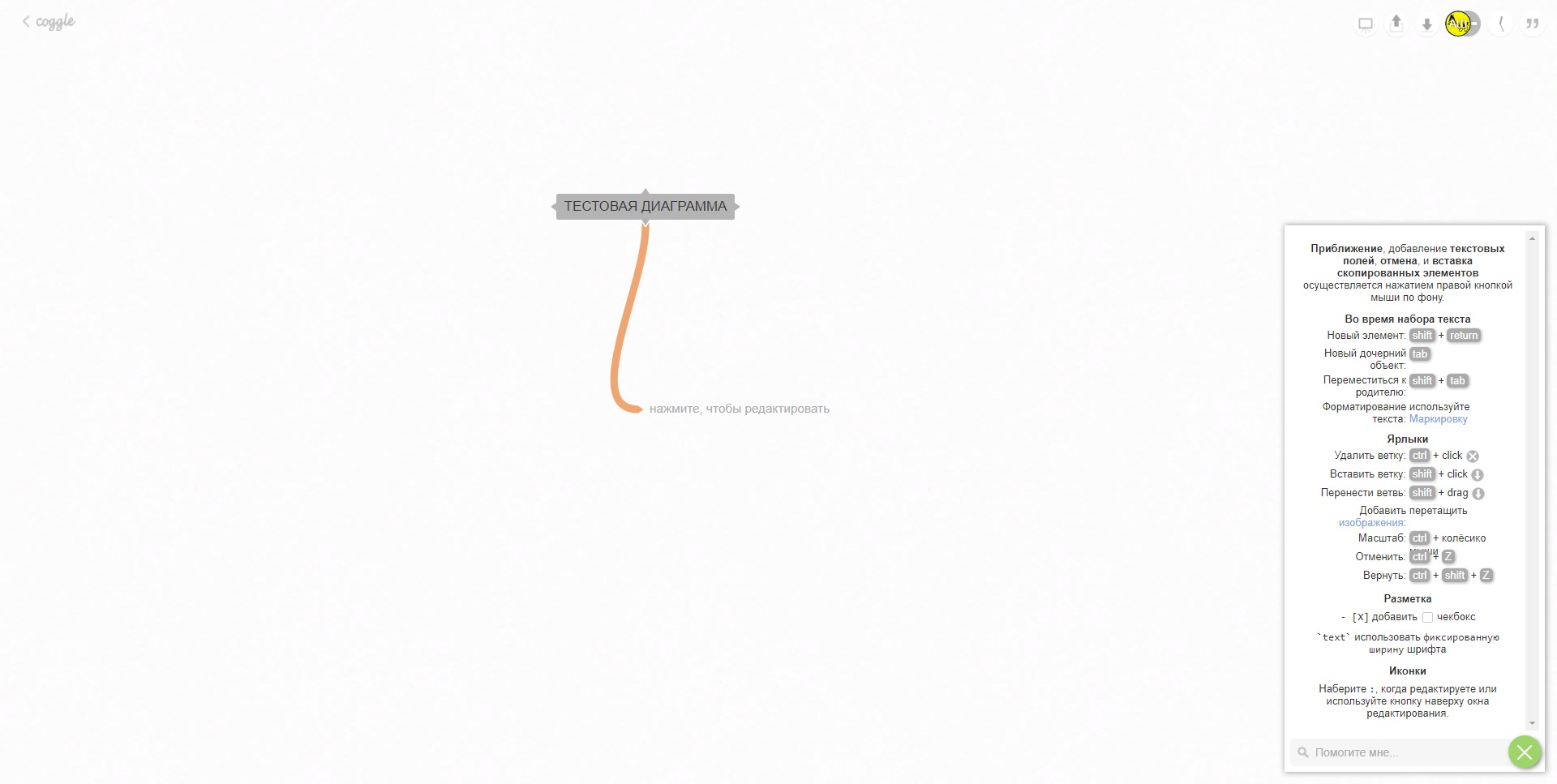
Coggle provides a clean and focused user experience built around the diagram canvas. New branches can be added quickly, while dragging and keyboard controls make it possible to restructure information without rebuilding the entire map.
The interface is intentionally lighter than advanced professional diagramming applications. This makes Coggle suitable for users who value speed and clarity more than detailed design control.
Collaboration feels natural because users work inside the same diagram rather than exchanging separate files. Automatic saving and version history also make experimentation less risky.
Large diagrams may require careful organisation because too many branches can become visually crowded. Colours, labels, branch grouping, and multiple starting points can help maintain clarity.
Overall, Coggle is best suited to users who need a straightforward visual workspace for brainstorming, planning, learning, and collaborative knowledge organisation. It offers enough flexibility for many business and educational tasks without turning diagram creation into a separate technical project.
2022-04-11 13:51:52: New! Now you can drag the + buttons to position new things exactly where you want them, with one less step. Or to move things around, just drag on the text instead. https://t.co/8EnA17o5MMTwitter
2022-01-17 09:23:00: We love this Coggle guide to BTS 😍 https://t.co/EaKkiDZtfJTwitter
2021-10-26 15:09:16: What's new recently? Have a read of the latest blog post to find out! https://t.co/uNLqBZbG54 https://t.co/Lu5h8yibZ4Twitter
2016-05-25 10:54:34: Coggle Introduction Youtube
2016-05-15 16:41:43: Coggle Keyboard Shortcuts Youtube
2013-05-22 01:40:58: Coggle Tutorial - Introduction Youtube
2013-03-15 20:57:09: Coggle Tutorial: Do more with Coggles Youtube
2013-03-15 02:50:25: Coggle Tutorial: Introduction Youtube
Coggle Alternatives