BlueFolder
Languages:
English
Localization:
World

BlueFolder Field Service Management Software
What is BlueFolder used for?
BlueFolder is a field service management software designed for companies that manage technicians, service requests, work orders, equipment, customer records, and recurring maintenance operations. It helps service businesses replace paper forms, spreadsheets, scattered emails, and manual scheduling with one centralized system for daily operations.
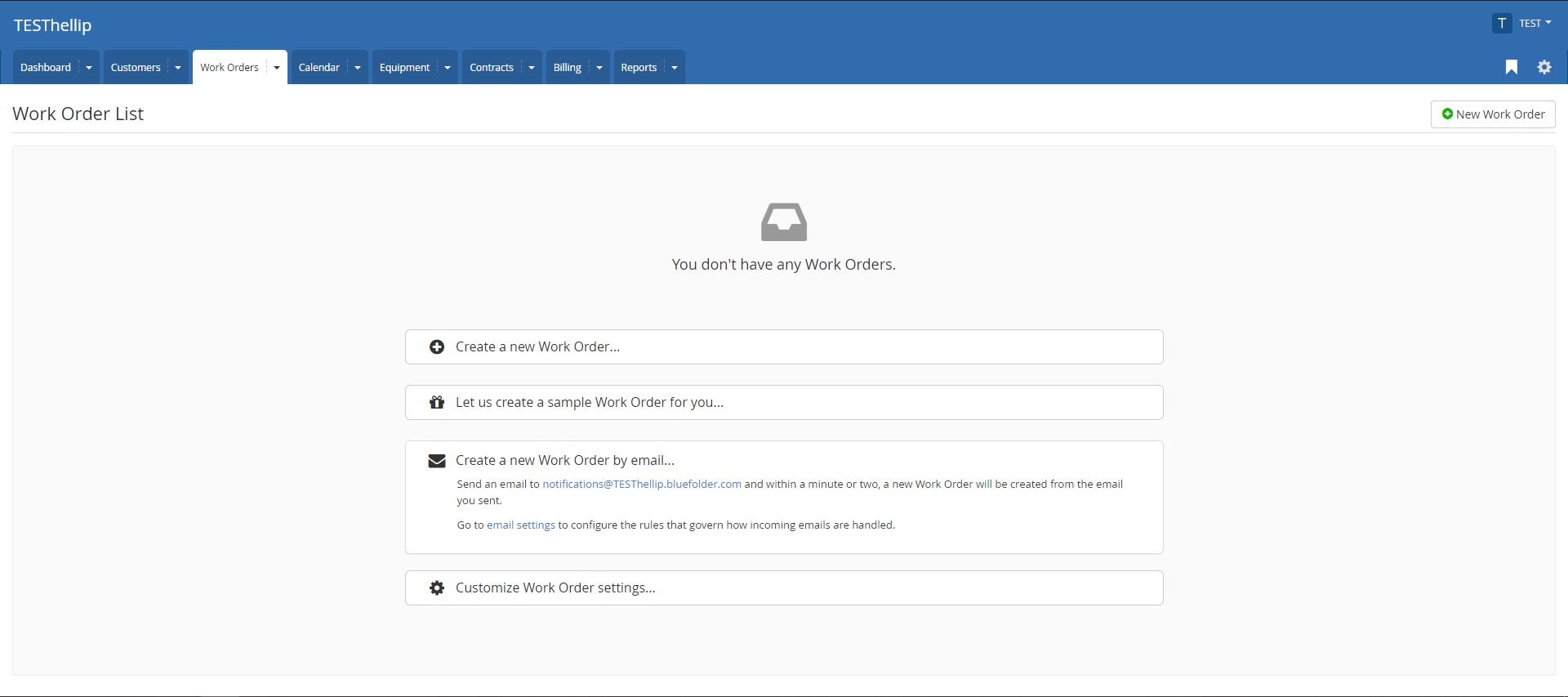
The platform is mainly built for teams that need to create work orders, assign jobs to technicians, track service progress, record labor and materials, manage customer history, and prepare service data for billing. It can be used by office managers, dispatchers, field technicians, service coordinators, and business owners who need better visibility into what is happening across their service workflow.
BlueFolder is especially useful for companies that provide repair, installation, inspection, maintenance, or technical support services. Its practical value is operational control: every customer request, technician visit, equipment record, and service update can be organized in one place instead of being buried in inboxes or disconnected tools.
What key features does BlueFolder provide?
- Work order management
BlueFolder allows teams to create, assign, update, and track work orders from start to finish. Each work order can include customer details, service notes, job status, technician assignments, labor, parts, expenses, and other important job information. - Scheduling and dispatching
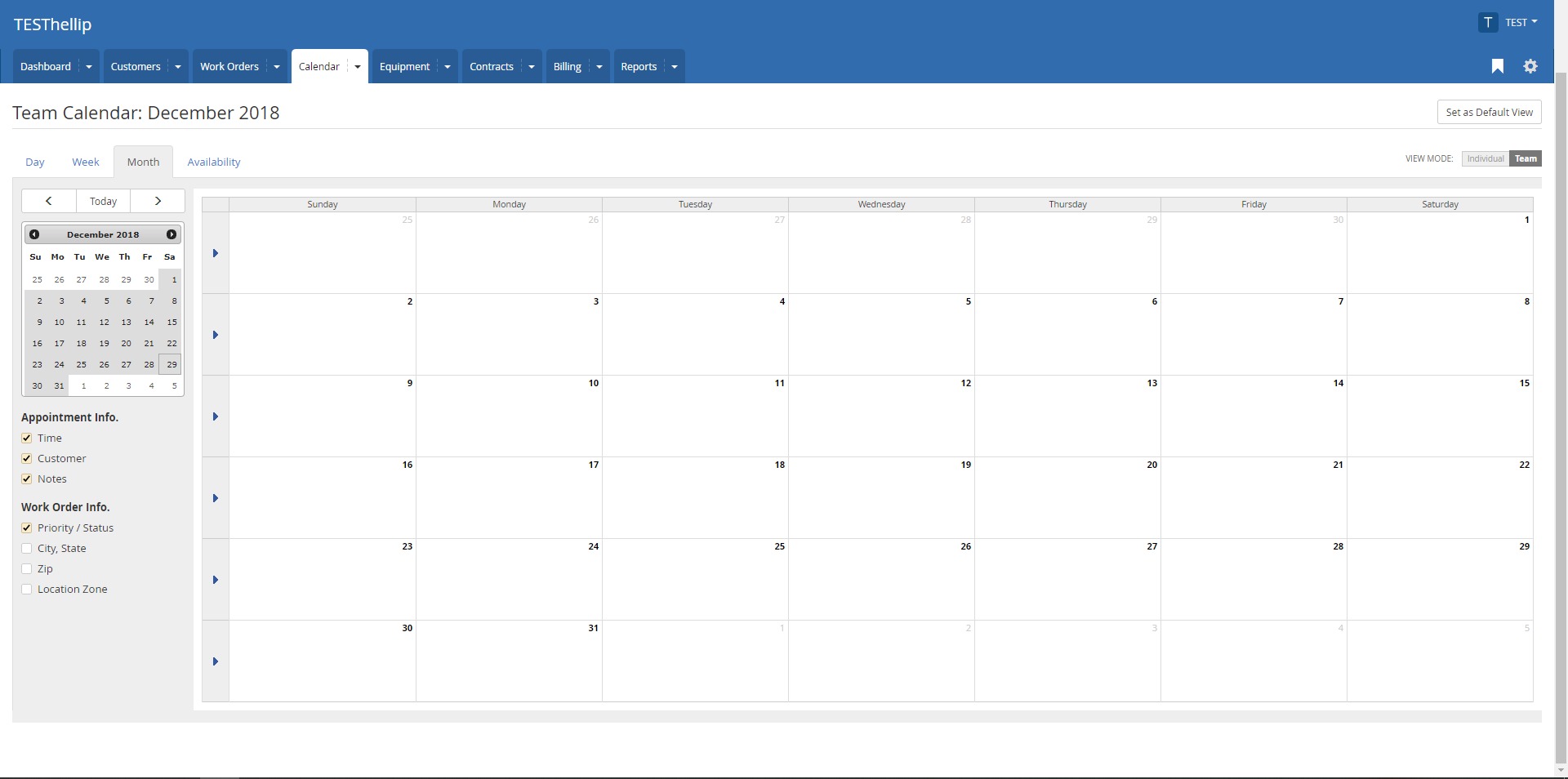
The platform helps service teams schedule appointments, assign technicians, and manage field activity through a centralized calendar. This reduces confusion when multiple jobs, technicians, locations, and customer requests need to be coordinated at the same time. - Mobile access for technicians
Field technicians can access work orders from mobile devices, update job status, add notes, upload photos, record time, and capture customer signatures. This helps reduce delays between office staff and field teams. - Customer and service history
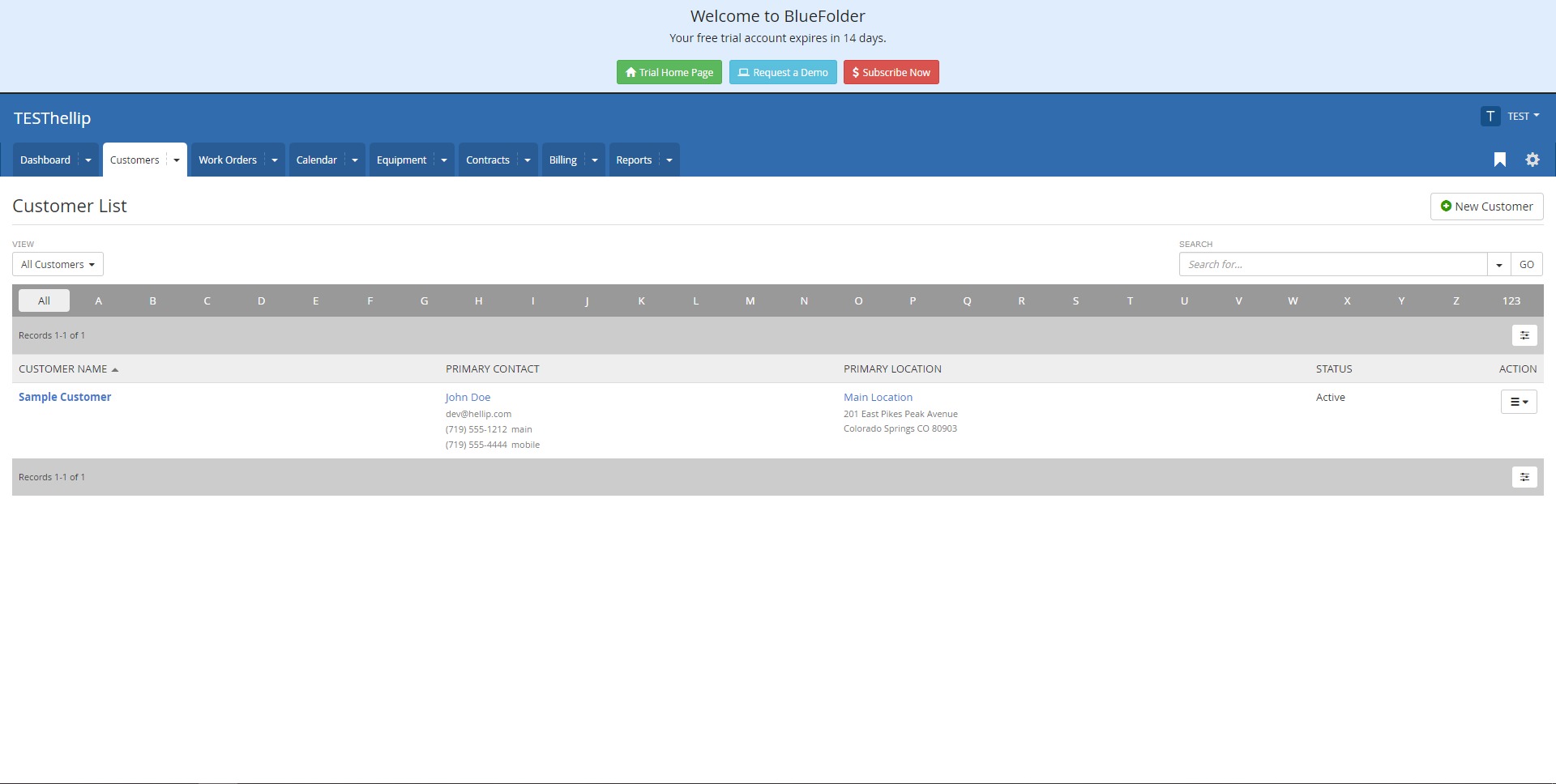
BlueFolder stores customer records, past work orders, service notes, equipment details, and communication history. This gives teams context before each visit and helps avoid repeated questions, missing information, or poor handoffs. - Equipment and asset tracking
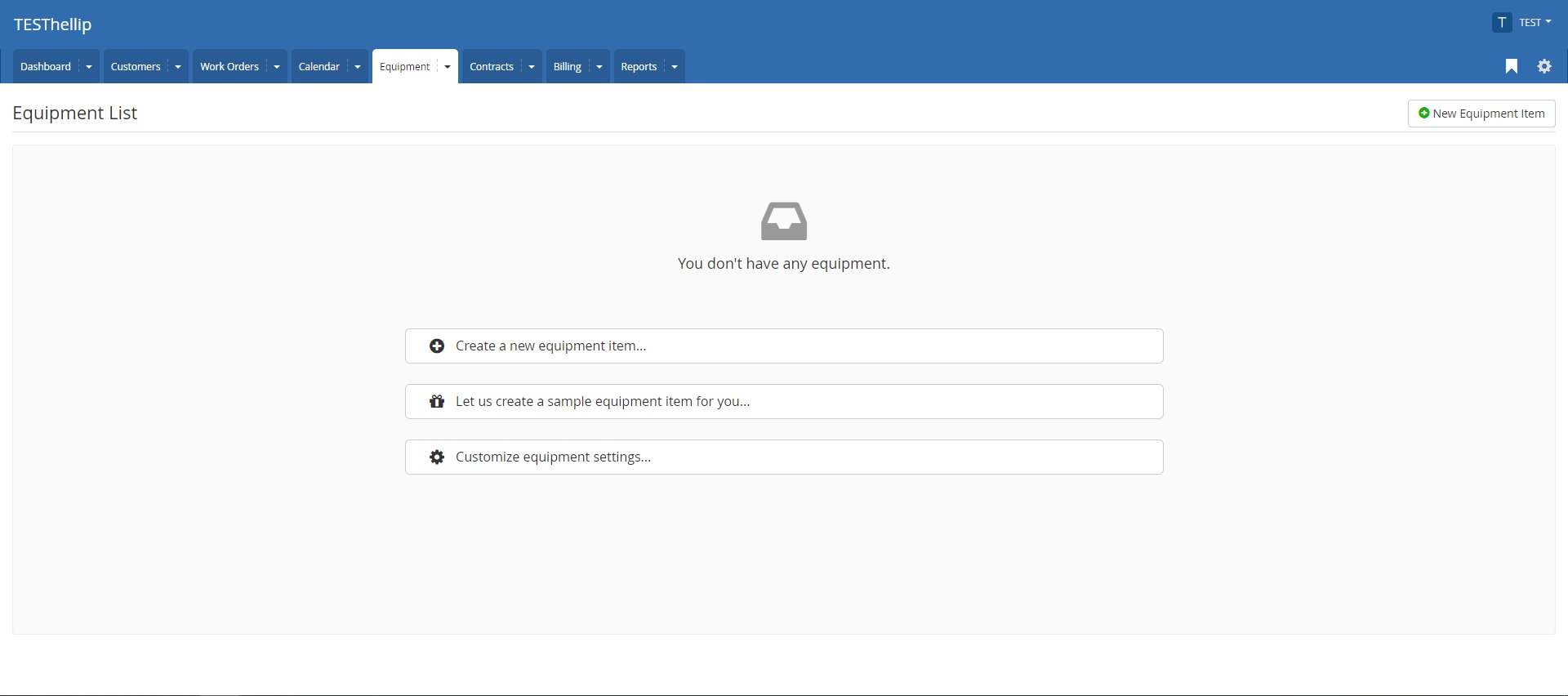
Businesses can track equipment, service history, maintenance records, and related customer assets. This is valuable for companies that maintain machines, systems, devices, or technical infrastructure over time. - Customer portal
Customers can submit service requests and view the status of their work orders through a portal. This can reduce manual follow-up and improve communication between the service company and its clients. - Email notifications and communication tools
BlueFolder supports automated notifications for customers, technicians, and internal teams. These updates can help everyone stay informed when work orders are created, changed, scheduled, or completed. - Reporting and dashboards
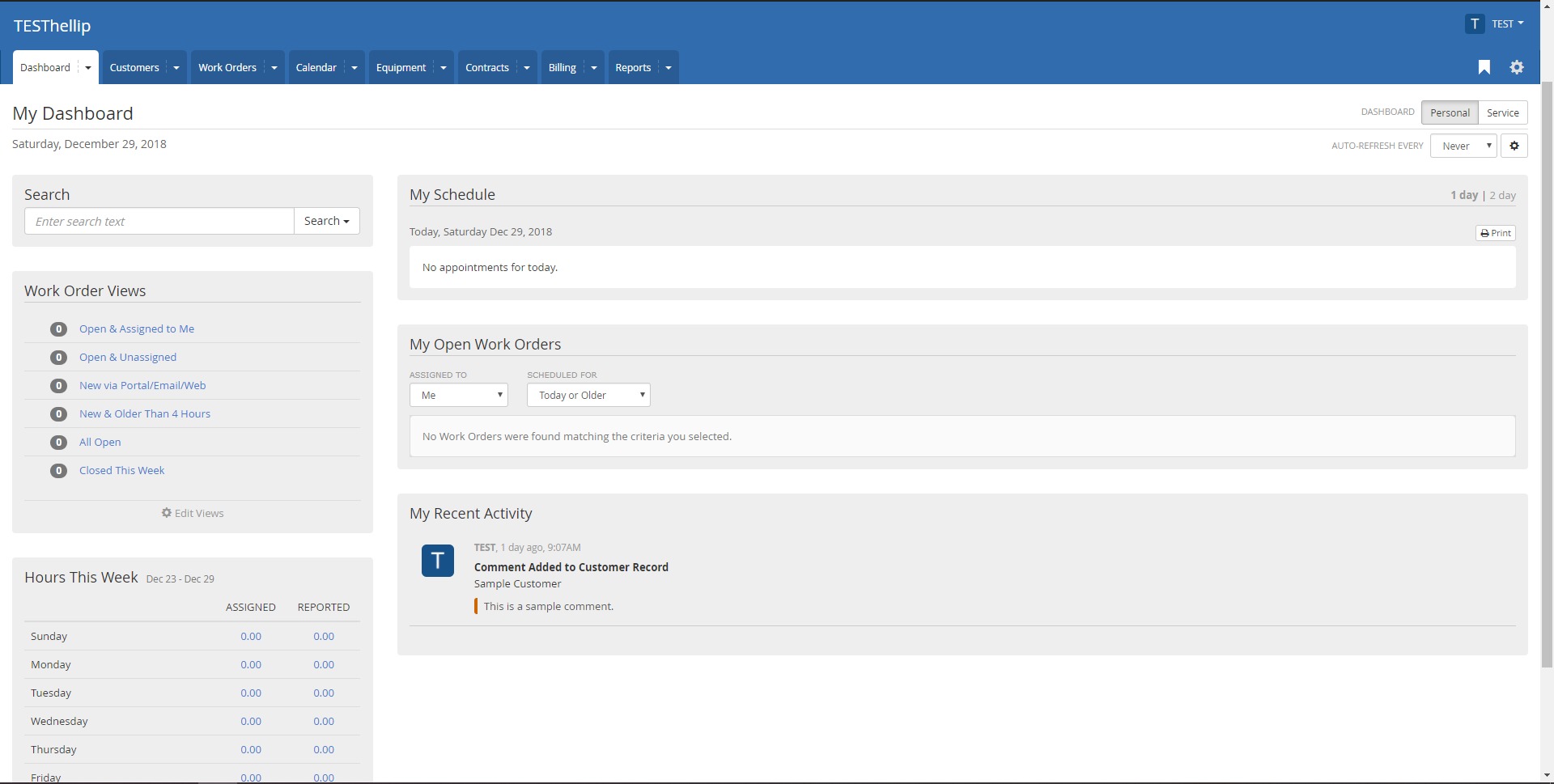
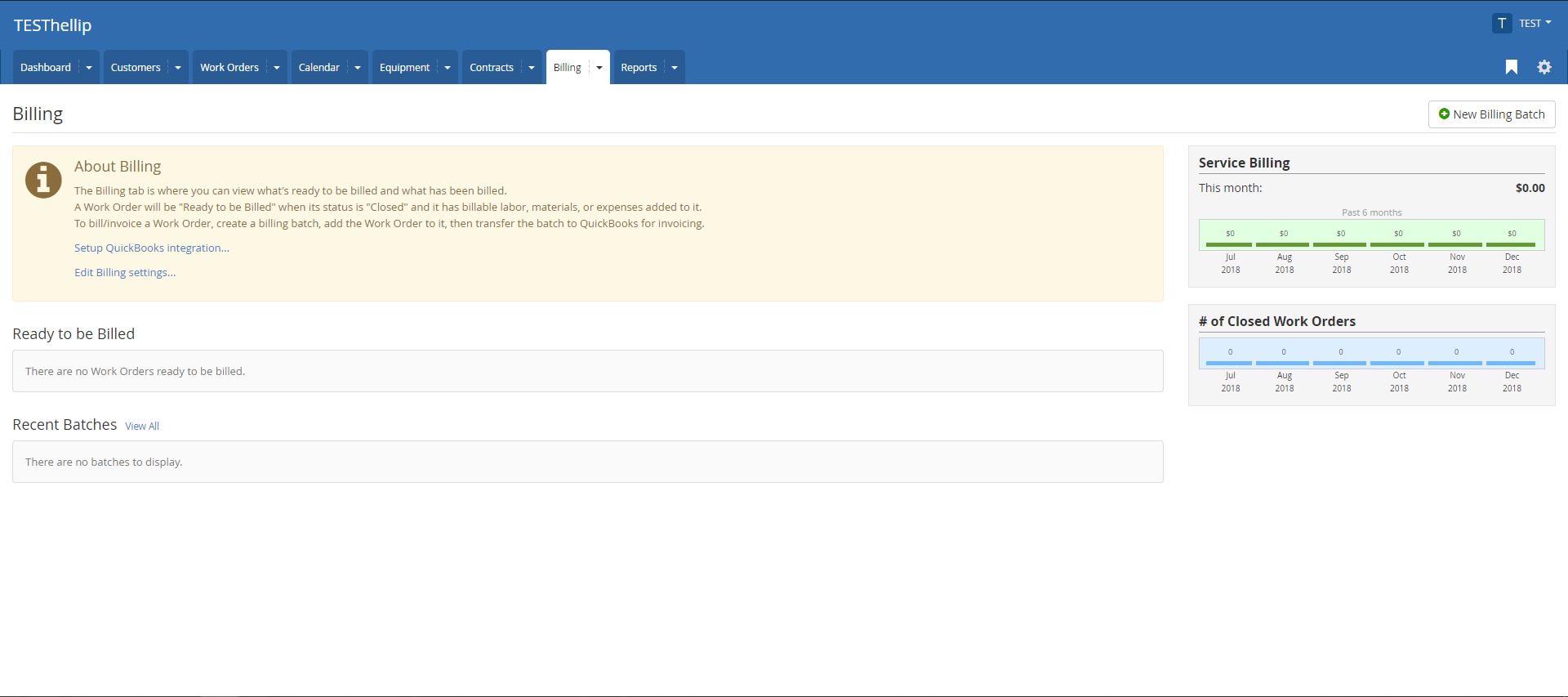
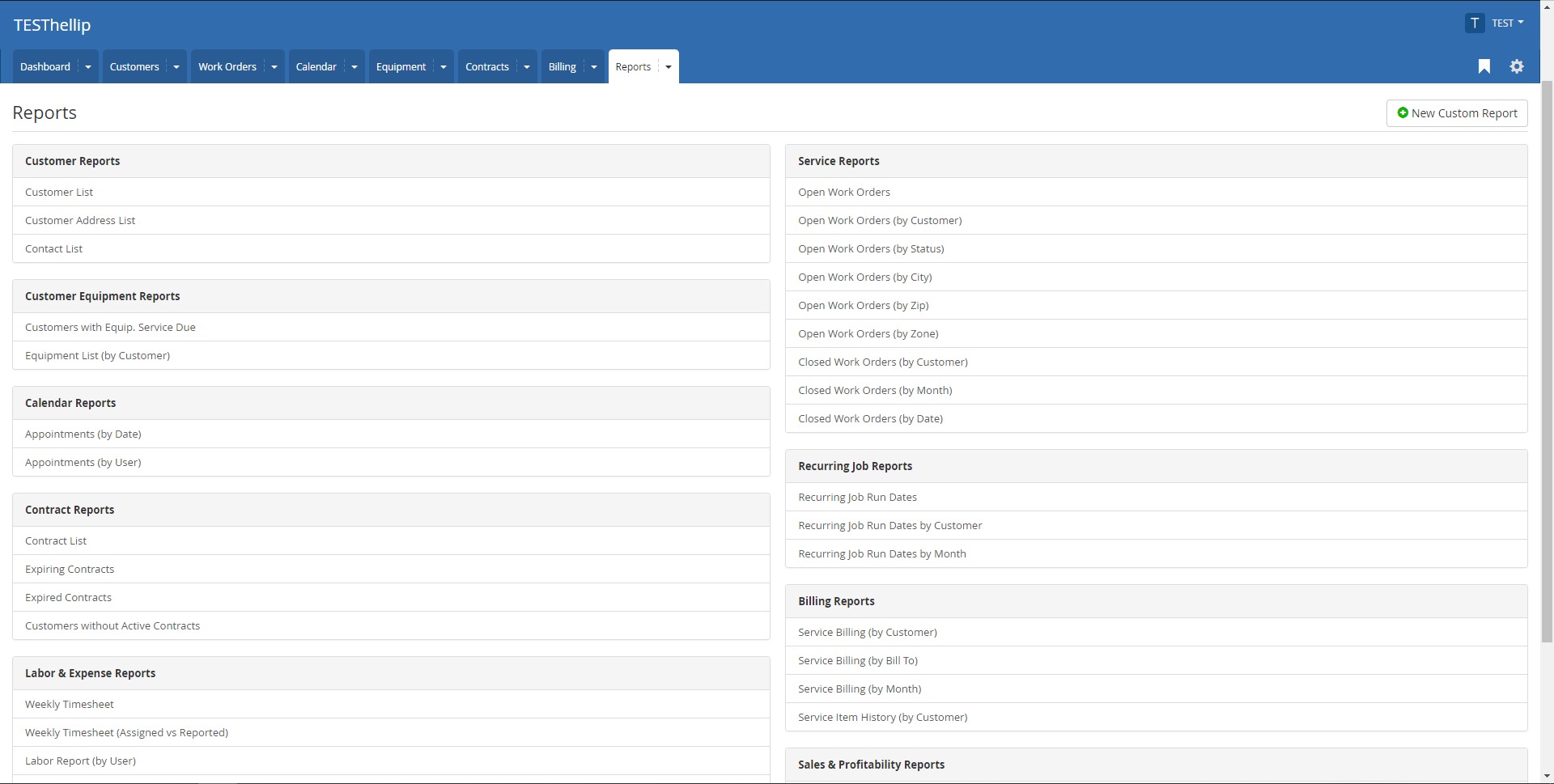
The software includes reporting tools for work orders, technician activity, billing, labor, expenses, open jobs, and operational performance. Managers can use this data to understand workload, productivity, and service profitability. - Billing and accounting support
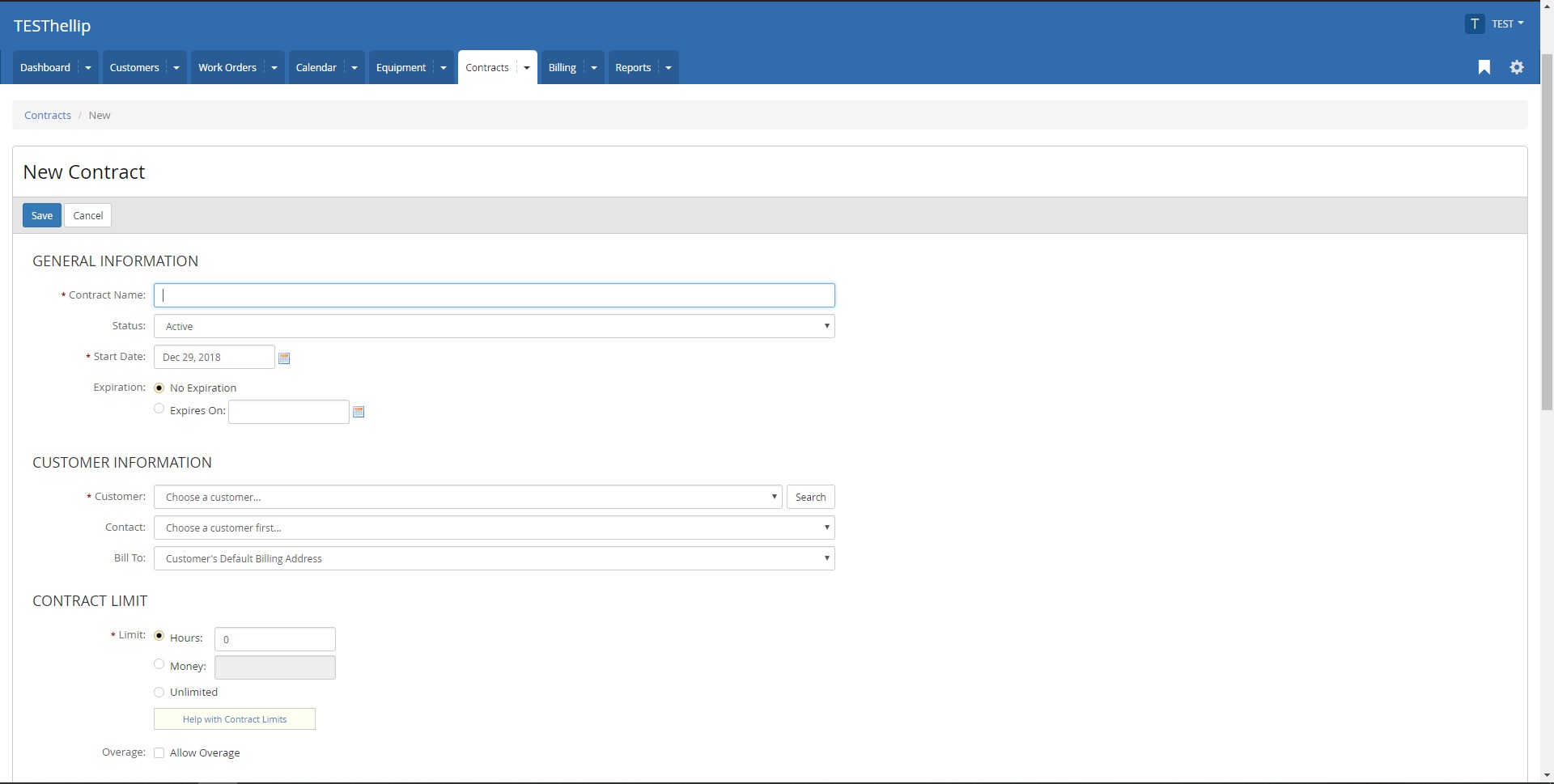
BlueFolder can help prepare service data for invoicing by tracking billable labor, materials, and expenses. It also supports integrations with accounting systems, making it easier to move completed service work into billing workflows. - Customization options
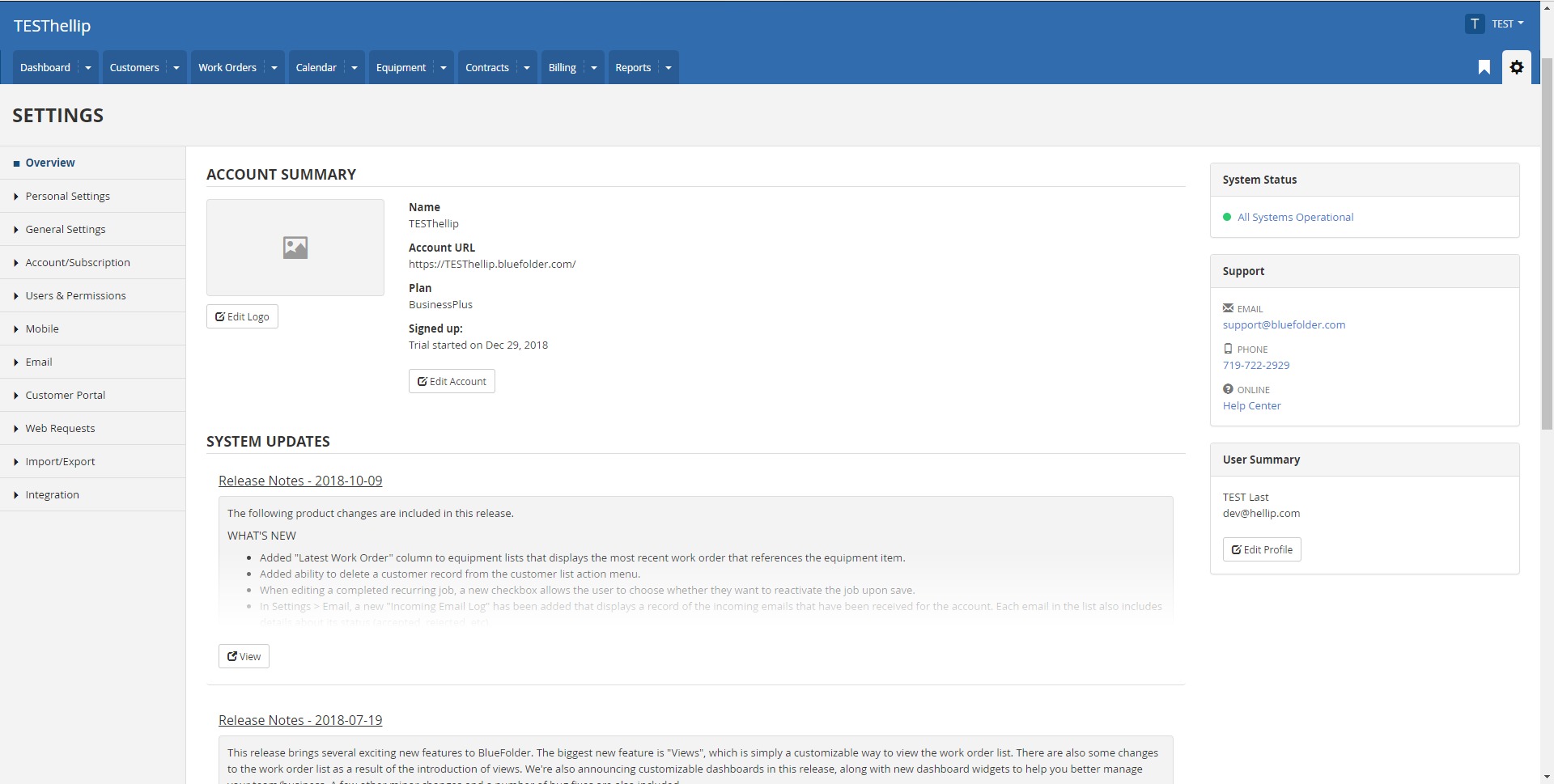
Companies can configure fields, statuses, permissions, workflows, and other settings to match their service process. This makes BlueFolder more adaptable than a fixed, one-size-fits-all tool.
When should a business use BlueFolder?
- Managing daily service jobs
BlueFolder is useful when a company needs to organize repair, maintenance, inspection, installation, or support jobs across multiple customers and technicians. - Replacing spreadsheets and paper forms
Businesses that still rely on printed work orders, shared spreadsheets, or email threads can use BlueFolder to centralize service information and reduce manual tracking. - Coordinating office and field teams
Dispatchers can assign jobs, office staff can monitor progress, and technicians can update work orders from the field. This creates a cleaner connection between planning and execution. - Tracking recurring maintenance
Companies that provide scheduled service for equipment, facilities, or customer assets can use BlueFolder to maintain service records and manage repeat work more reliably. - Improving customer communication
The customer portal and notification tools help customers understand job status without constantly contacting the office for updates. - Preparing better invoices
By recording labor, parts, expenses, and service details directly inside work orders, businesses can reduce missing billable items and prepare more accurate invoices. - Building service accountability
BlueFolder helps managers see who handled each job, when it was updated, what was completed, and what remains open. This is useful for quality control and internal process improvement.
What benefits does BlueFolder offer?
BlueFolder helps field service companies create a more organized and accountable service operation. Instead of managing jobs through disconnected tools, teams can keep work orders, customers, schedules, equipment, technician updates, and billing information in one system.
The main benefit is visibility. Managers can see active jobs, overdue work, technician activity, customer history, and service outcomes without chasing information manually. Dispatchers can plan work more clearly, technicians can access the details they need in the field, and customers can receive better updates.
Another important benefit is reduced administrative work. When technicians update jobs directly from mobile devices, office staff spend less time re-entering notes, checking status by phone, or reconstructing what happened after a service visit. This can improve billing accuracy, reduce delays, and make the company look more professional.
BlueFolder also supports better long-term customer service. With complete service history and equipment records, teams can understand previous issues, recurring problems, maintenance patterns, and customer-specific requirements.
What is the BlueFolder user experience like?
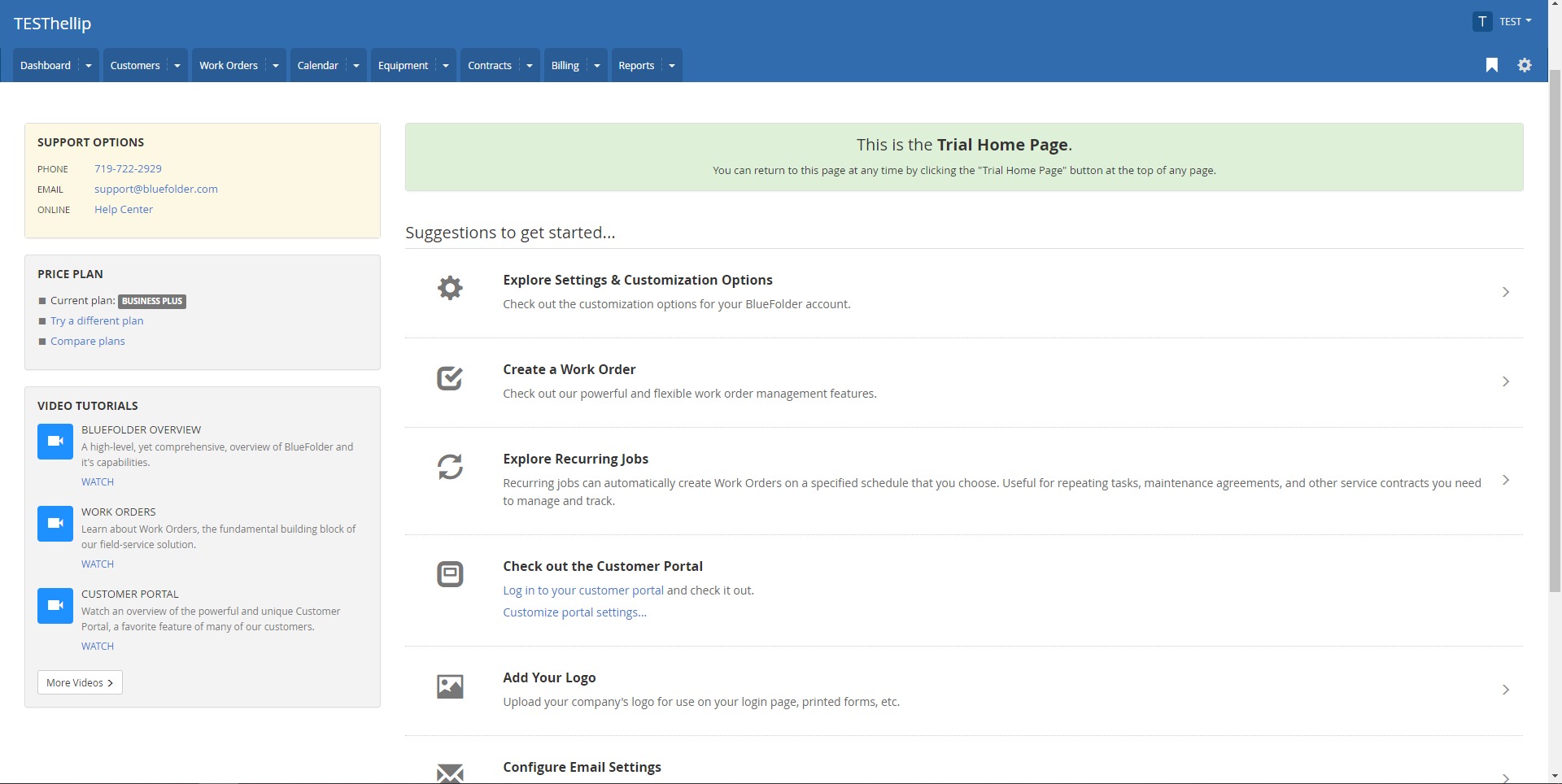
BlueFolder is built for practical field service operations rather than abstract project management. The user experience is centered around work orders, schedules, customers, technicians, and service records. This makes the system easier to understand for companies that think in terms of jobs, visits, assets, and completed service work.
Office users can create and manage work orders, assign technicians, check status, review reports, and prepare billing information. Field users can open assigned jobs, update progress, add notes, record work performed, attach photos, and capture proof of service from mobile devices.
For small and mid-sized service companies, BlueFolder can feel like an operational control panel: not overloaded with unnecessary enterprise features, but structured enough to replace messy manual processes. Its best fit is a business that needs reliable service coordination, clear job history, and better communication between the office, technicians, and customers.
2024-05-03 01:24:32: A quick journey through BlueFolder Youtube
2023-03-01 01:02:49: [status] Resolved: This incident has been resolved. https://t.co/UXzPVWQn20Twitter
2023-03-01 00:31:56: [status] Monitoring: A fix has been implemented and we are monitoring the results. https://t.co/JiKE4UH3o6Twitter
2023-03-01 00:28:46: [status] Identified: The issue has been identified and a fix is being implemented. https://t.co/uPOxYOj6rWTwitter
2023-02-28 23:48:05: [status] Investigating: We are currently investigating an issue that is causing users not to be able to enter or update their data. This issue also seems to be logging out users unexpectedly. https://t.co/P2DxNbqhPaTwitter
2022-08-31 16:15:00: We are always eager to exceed our clients' expectations. 👍 Learn more about how we can help you grow your company on our website: https://t.co/OMbLEQLIRA 🙋♀️📈 #fieldservice #fieldservicetechnicians https://t.co/5J2qRGQvC9Twitter
2022-08-30 21:00:14: BlueFolder Field Service Management Software Overview Youtube
2022-08-29 16:14:59: Are you investing in a field service management software? Take a look at this guide to learn what features you need to look for! 🙋♀️📈https://t.co/FbpFxSihqeTwitter
2022-08-24 16:15:00: For field services and hardware original equipment manufacturers (OEMs), the majority are just starting their journey into digital transformation... https://t.co/b70oBhHskBTwitter
2022-08-22 16:14:59: Ready to have your team operating smoothly? Read our blog to learn best practices in managing maintenance work orders 🙋♀️🙋♂️ https://t.co/IGk7sOhD4H #workorder #fieldserviceTwitter
2022-08-17 16:15:01: Do you need to gain control over your work orders? Learn how Tropic Air, an HVAC services company, relied on BlueFolder to cut overhead, manage work orders, and speed up cash flow! 💪📈 https://t.co/LzelvBuz8U #workorder #management https://t.co/J0w5DhxQzmTwitter
2022-08-15 16:15:00: We are always excited to exceed the expectations of our customers. 👍 Learn more about how we can help your business on our website: https://t.co/F18Bztn6M3 🙋♀️🙋♂️ #fieldservice #fieldservicetechnicians https://t.co/jiChVw5TCZTwitter
2022-06-17 18:46:52: Scheduling | BlueFolder Software de Gestión de Servicios en Campo Youtube
2019-08-02 21:43:43: BlueFolder Tour Youtube
2019-05-30 17:22:20: BlueFolder Smart Lists Youtube
2019-05-29 21:25:46: BlueFolder Bulk Actions Youtube
2019-05-29 21:23:07: BlueFolder Customizable Dashboards Youtube
2019-05-29 21:21:11: BlueFolder Customizable Status Value Colors Youtube
2019-05-29 21:15:12: BlueFolder Recurring Jobs Youtube
2017-06-15 15:32:17: BlueFolder Quick Work Order Overview Youtube
BlueFolder Alternatives




BlueFolder Integrations